Employee Work Form With Home
Description
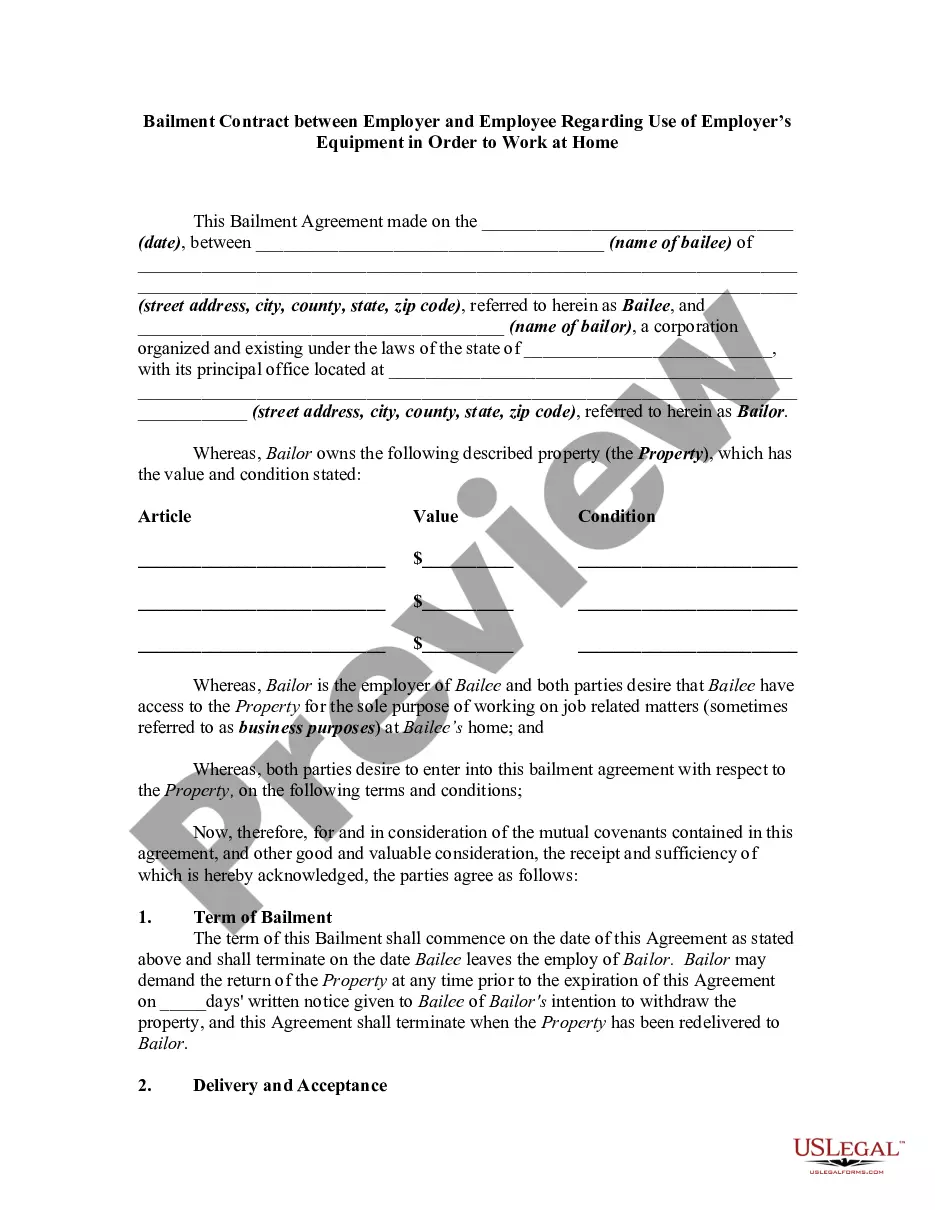
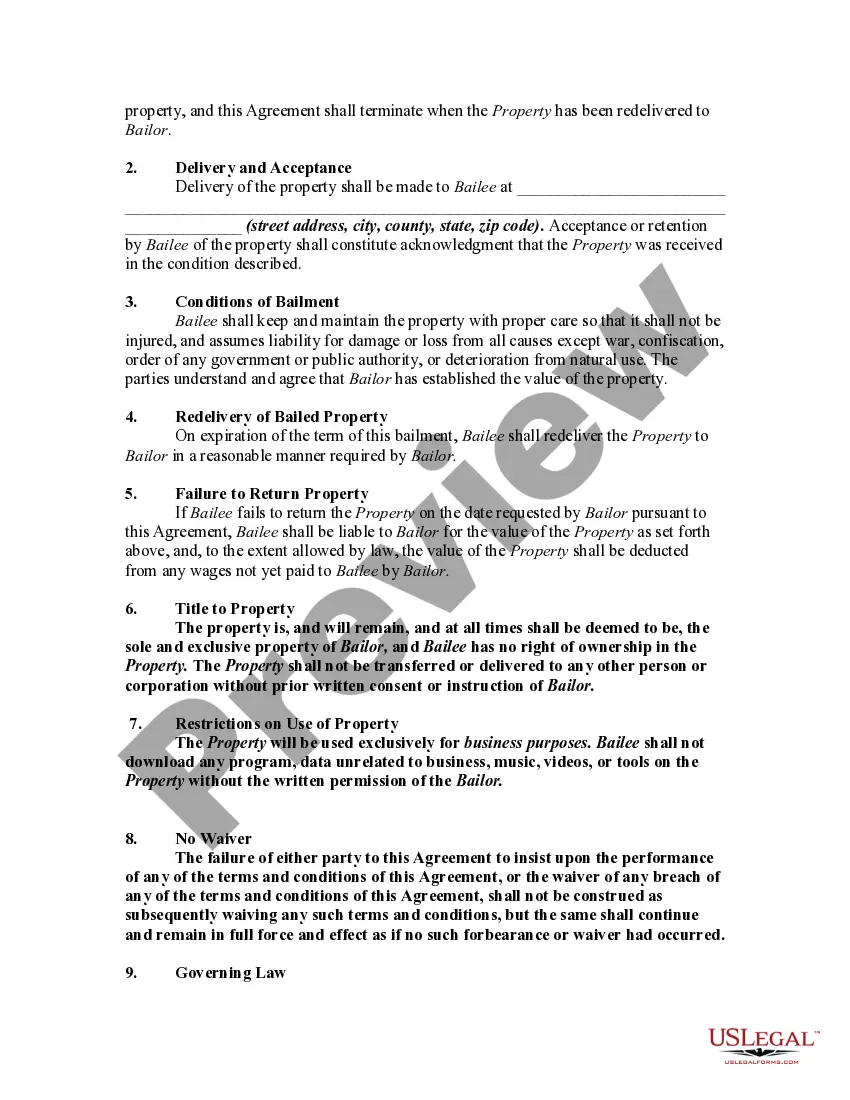
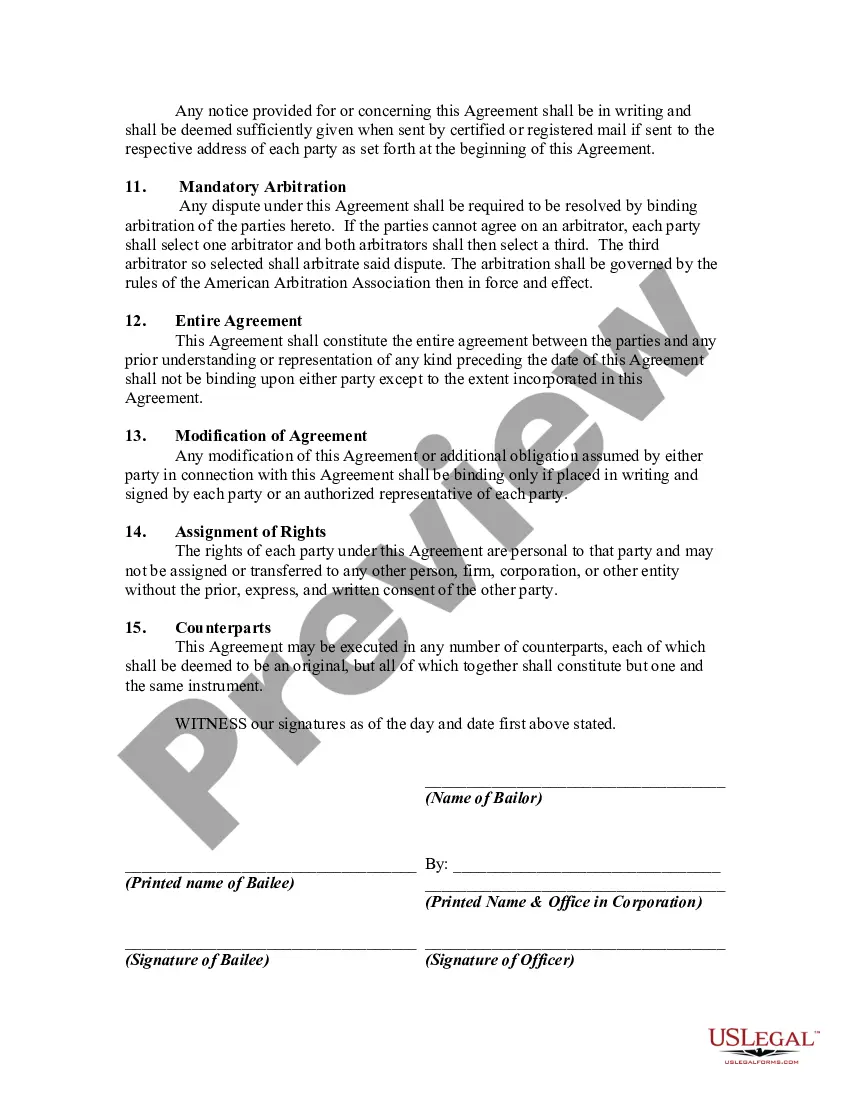

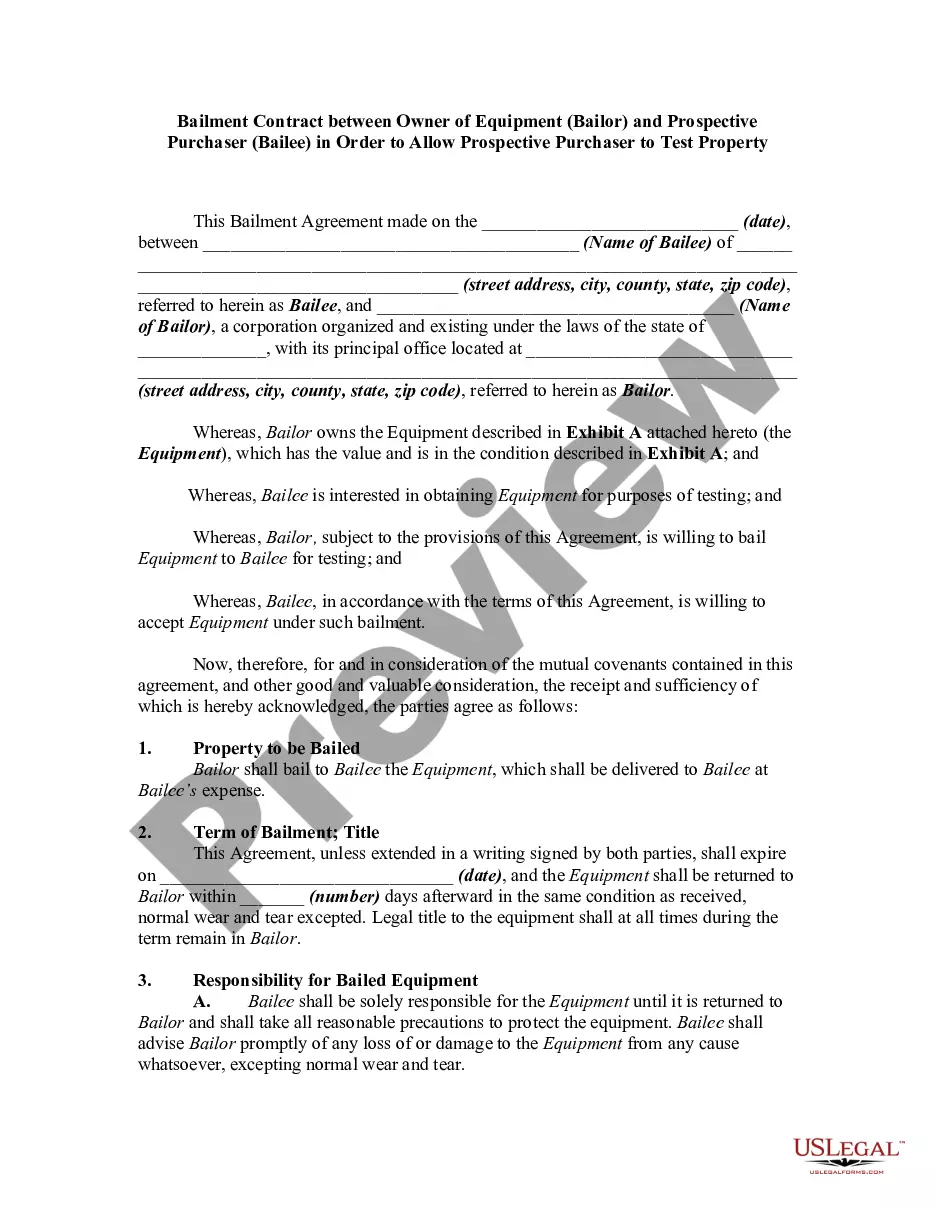
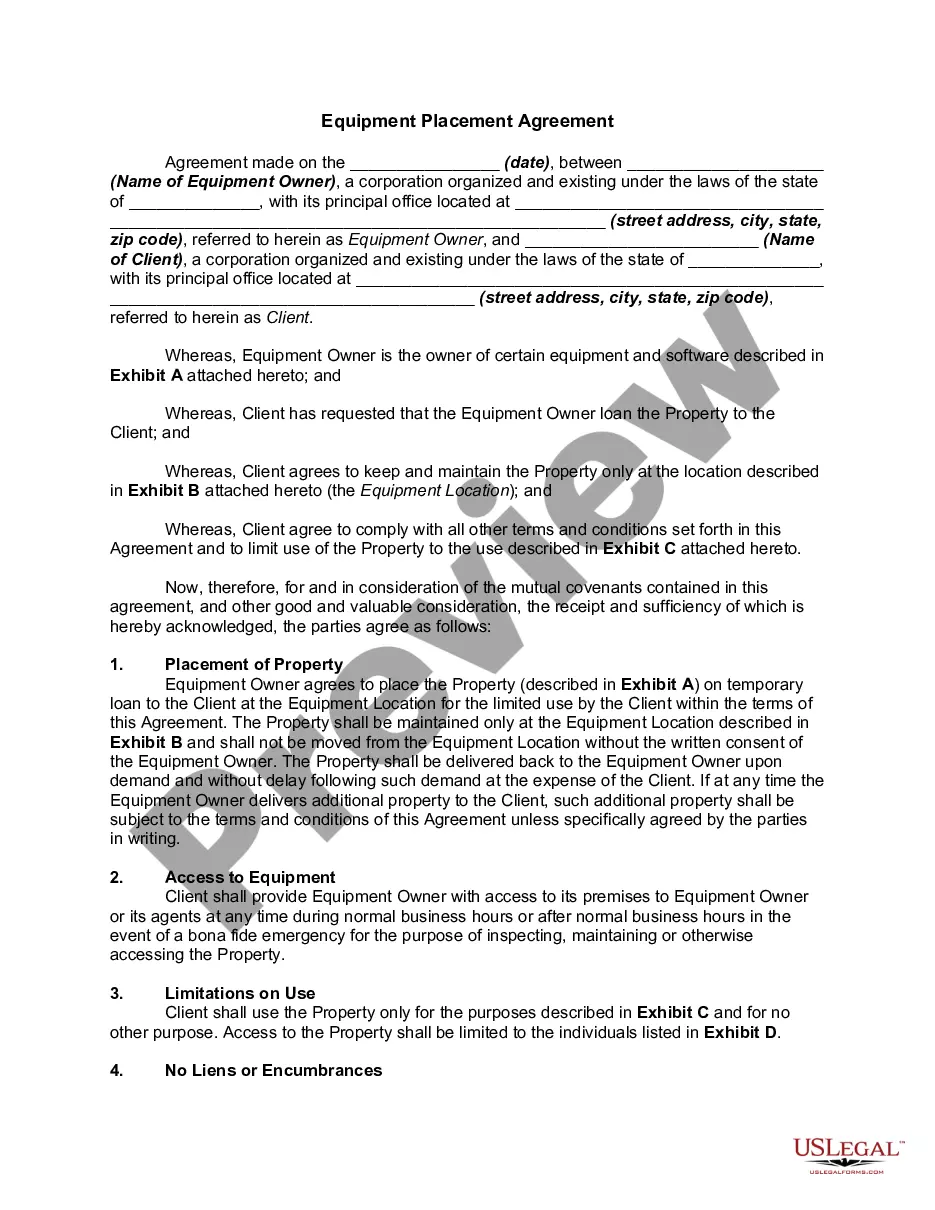


How to fill out Bailment Contract Between Employer And Employee Regarding Use Of Employer's Equipment In Order To Work At Home?
Whether for business purposes or for individual affairs, everybody has to manage legal situations at some point in their life. Filling out legal papers requires careful attention, starting with choosing the right form sample. For instance, if you choose a wrong edition of the Employee Work Form With Home, it will be rejected once you send it. It is therefore important to have a trustworthy source of legal documents like US Legal Forms.
If you have to get a Employee Work Form With Home sample, follow these easy steps:
- Get the sample you need by utilizing the search field or catalog navigation.
- Examine the form’s description to ensure it matches your situation, state, and region.
- Click on the form’s preview to view it.
- If it is the wrong document, go back to the search function to find the Employee Work Form With Home sample you need.
- Get the file if it matches your needs.
- If you already have a US Legal Forms account, simply click Log in to access previously saved templates in My Forms.
- If you don’t have an account yet, you can download the form by clicking Buy now.
- Select the appropriate pricing option.
- Complete the account registration form.
- Select your payment method: use a bank card or PayPal account.
- Select the file format you want and download the Employee Work Form With Home.
- Once it is saved, you are able to fill out the form with the help of editing applications or print it and finish it manually.
With a vast US Legal Forms catalog at hand, you never have to spend time looking for the right sample across the internet. Use the library’s straightforward navigation to find the right form for any situation.
Form popularity
FAQ
Thus, claiming "0" results in the smallest paycheck, but a larger tax refund at tax time. The larger the number (i.e. 1, 2, 3, etc...) will result in larger paychecks, but will reduce tax withholdings which may result in a smaller tax refund or owing at tax time.
How to fill out a 2023 W-4 form Step 1: Enter your personal information. Fill in your name, address, Social Security number and tax-filing status. ... Step 2: Account for multiple jobs. ... Step 3: Claim dependents, including children. ... Step 4: Refine your withholdings. ... Step 5: Sign and date your W-4.
To figure out how much you should add, first think about how much of a refund you'd like to see after doing your taxes. Once you know your desired amount: Divide that by the number of paychecks you get in a year. Take the result and add that number to what the calculator told you to put on line 4(c)
By placing a ?0? on line 5, you are indicating that you want the most amount of tax taken out of your pay each pay period. If you wish to claim 1 for yourself instead, then less tax is taken out of your pay each pay period. 2. You can choose to have no taxes taken out of your tax and claim Exemption (see Example 2).
Claiming 1 reduces the amount of taxes that are withheld from weekly paychecks, so you get more money now with a smaller refund. Claiming 0 allowances may be a better option if you'd rather receive a larger lump sum of money in the form of your tax refund.