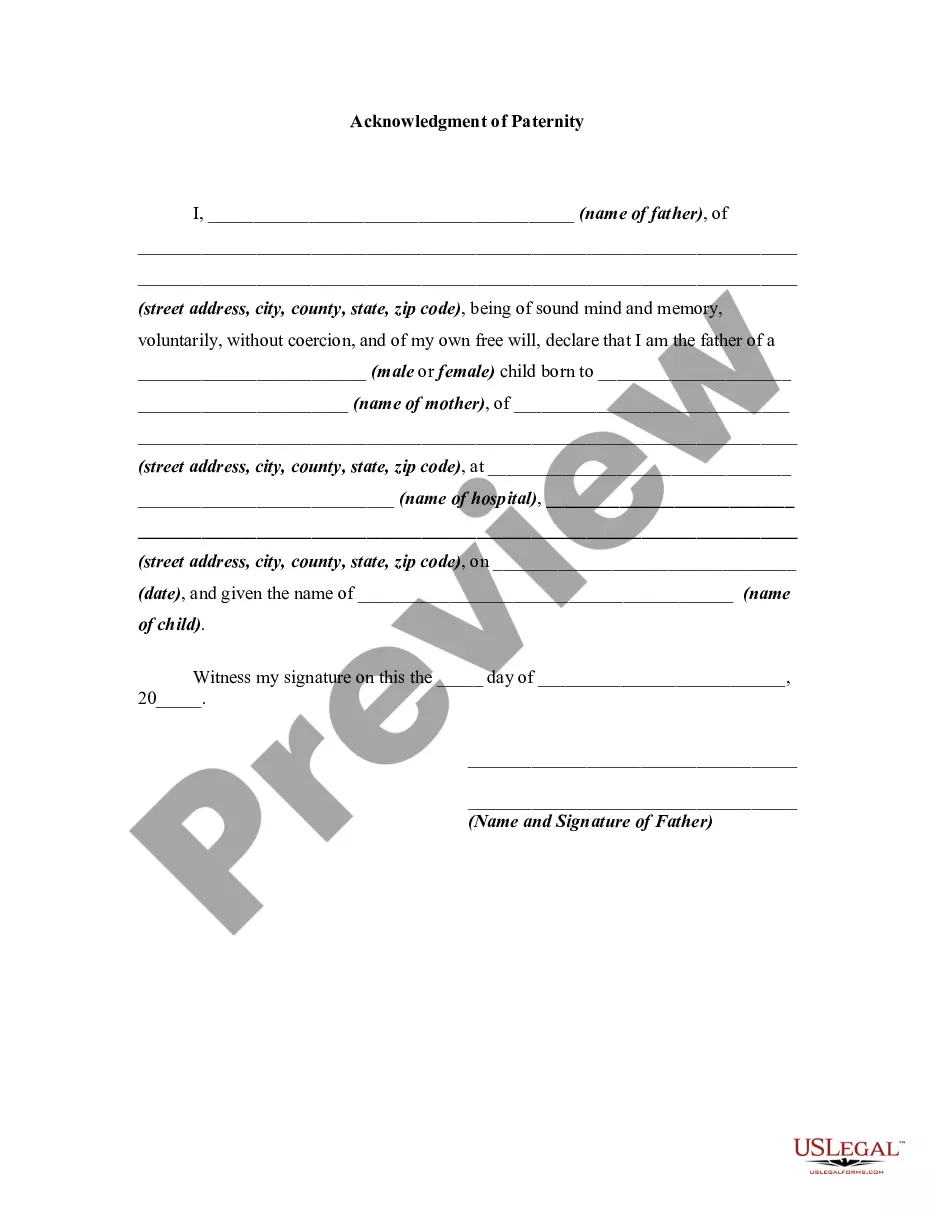
Acknowledgement Of Parentage Form Washington State
Description
Get your form ready online
Our built-in tools help you complete, sign, share, and store your documents in one place.
Make edits, fill in missing information, and update formatting in US Legal Forms—just like you would in MS Word.
Download a copy, print it, send it by email, or mail it via USPS—whatever works best for your next step.
Sign and collect signatures with our SignNow integration. Send to multiple recipients, set reminders, and more. Go Premium to unlock E-Sign.
If this form requires notarization, complete it online through a secure video call—no need to meet a notary in person or wait for an appointment.
We protect your documents and personal data by following strict security and privacy standards.

Make edits, fill in missing information, and update formatting in US Legal Forms—just like you would in MS Word.

Download a copy, print it, send it by email, or mail it via USPS—whatever works best for your next step.

Sign and collect signatures with our SignNow integration. Send to multiple recipients, set reminders, and more. Go Premium to unlock E-Sign.

If this form requires notarization, complete it online through a secure video call—no need to meet a notary in person or wait for an appointment.

We protect your documents and personal data by following strict security and privacy standards.
Looking for another form?




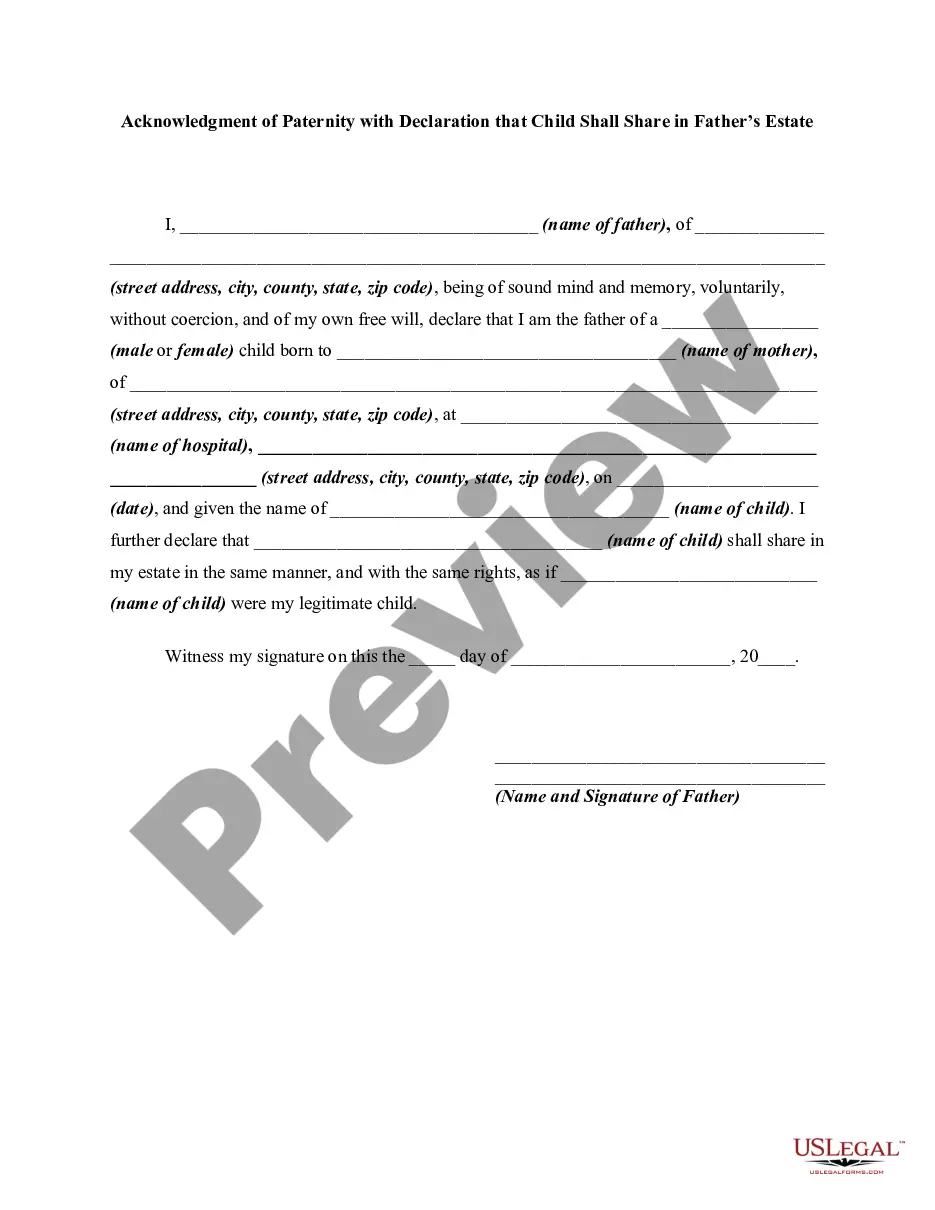
How to fill out Acknowledgment Of Paternity With Declaration That Child Shall Share In Father's Estate?
It’s clear that you cannot become a legal expert instantaneously, nor can you swiftly master how to prepare the Acknowledgement Of Parentage Form Washington State without possessing a specialized skill set.
Drafting legal documents is an exhaustive endeavor that necessitates specific training and expertise. Therefore, why not entrust the preparation of the Acknowledgement Of Parentage Form Washington State to the professionals.
With US Legal Forms, which boasts one of the most extensive libraries of legal templates, you can discover everything from court filings to templates for internal business communication.
You can regain access to your forms from the My documents tab at any moment. If you’re a current client, you can simply Log In and find and download the template from the same tab.
Regardless of the intent behind your documents—be it financial, legal, or personal—our platform has everything you need. Give US Legal Forms a try today!
- Recognize the document you require using the search bar located at the top of the page.
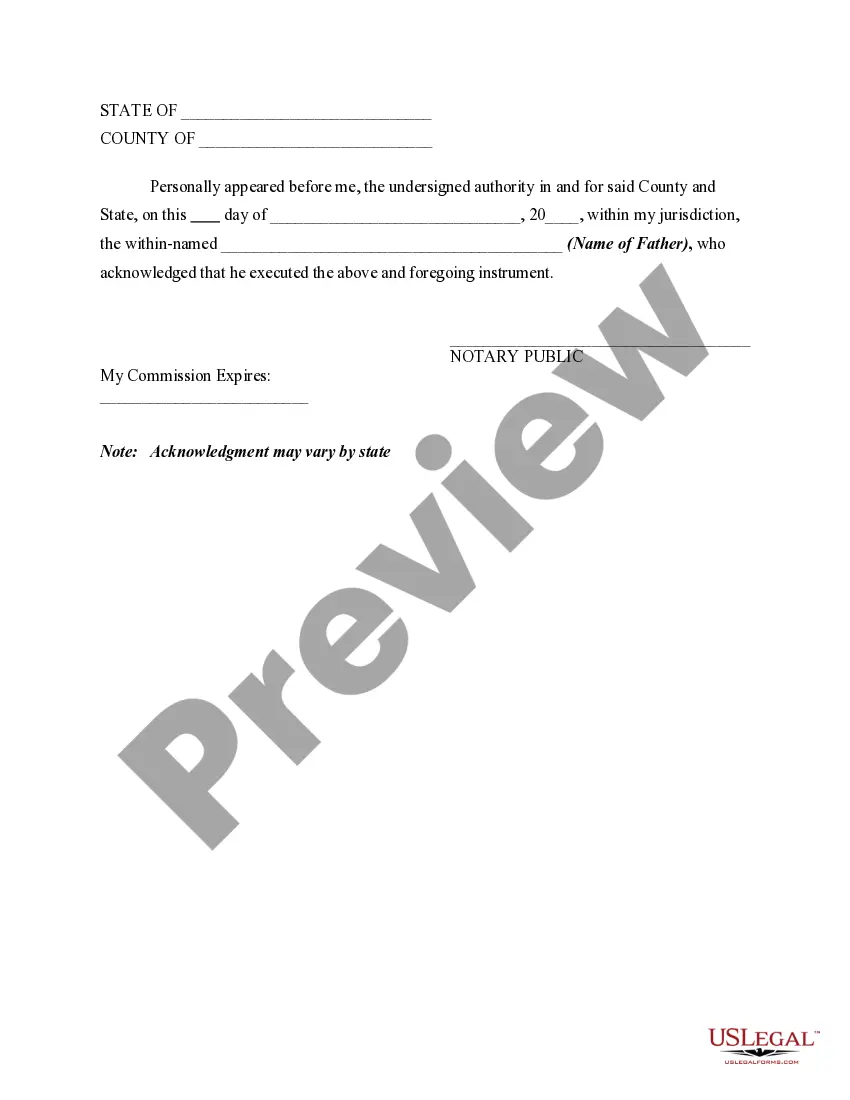
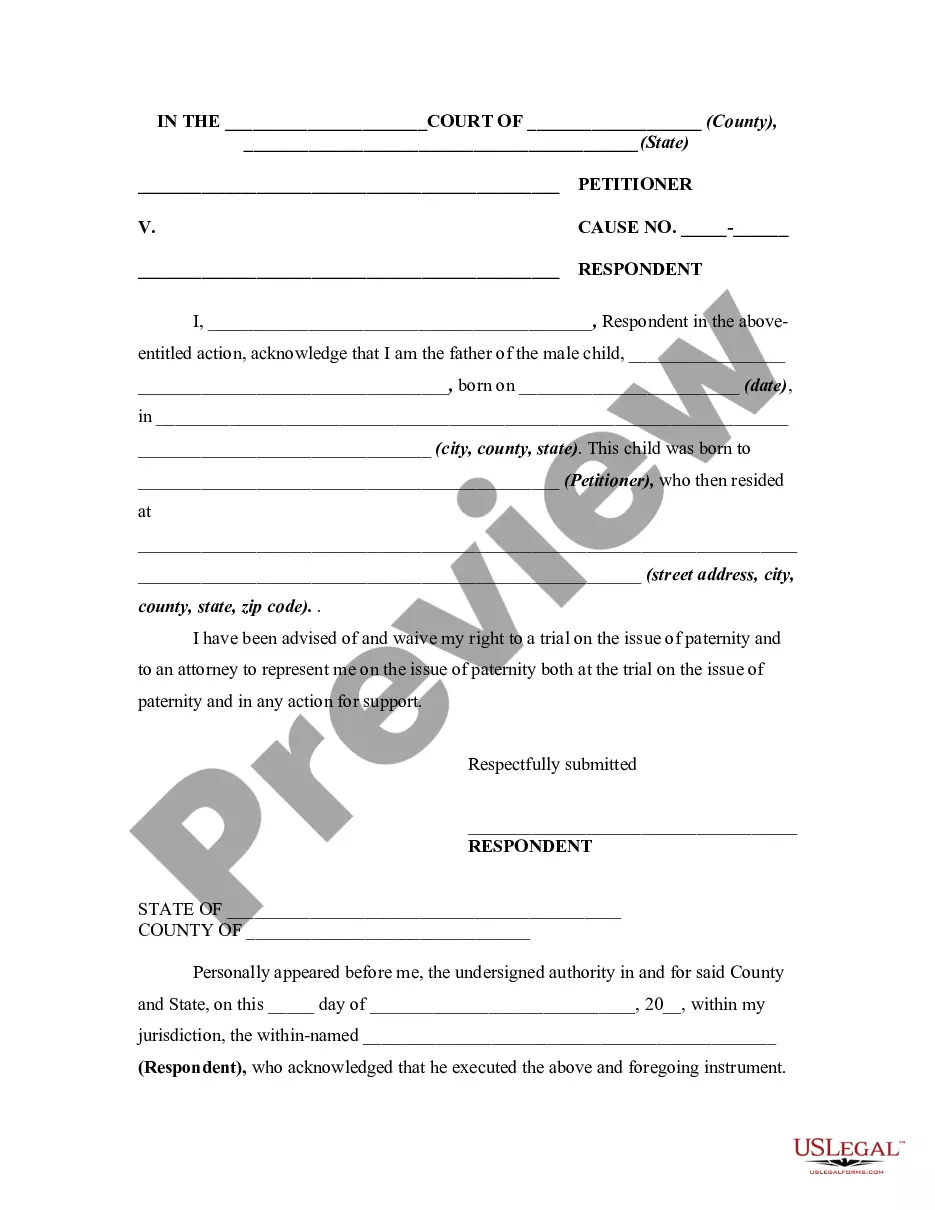
- Preview it (if available) and review the associated description to ascertain if the Acknowledgement Of Parentage Form Washington State is what you seek.
- Initiate your search again if you require another template.
- Establish a free account and select a subscription plan to purchase the template.
- Click Buy now. Upon completion of the transaction, you can download the Acknowledgement Of Parentage Form Washington State, complete it, print it, and send or mail it to the relevant individuals or institutions.
Form popularity
FAQ
Most parents sign the acknowledgment form at a birthing hospital, a birthing clinic, or at home under the care of a midwife shortly after the child is born. A hospital, midwife, or birthing clinic staff person will help you complete the form if necessary, answer questions, and submit the paperwork to DOH.
The father may file a parentage action, seeking the court to establish legal paternity. The court may need to order genetic testing to confirm the unmarried father's paternity. If the court issues a parentage order, the man seeking to establish paternity becomes the adjudicated legal father.
An Assertion is required if an individual gets married after the child was born to the person that gave birth. Once the Assertion is filed with the Department of Health, the spouse qualifies to sign an Acknowledgment of Parentage (AOP) form.
Call (360) 236-4300. At least one parent must sign the Affidavit for Correction with one (1) proof document. If parent is correcting their last name on subject's certificate and the subject's last name is also miss-spelled, the Affidavit for Correction must list all correction requests on separate lines.
There are only 2 ways to add or change who is listed as a parent on a birth certificate: Acknowledgment of Parentage. Court order.