Policy For Employee Transfer
Description

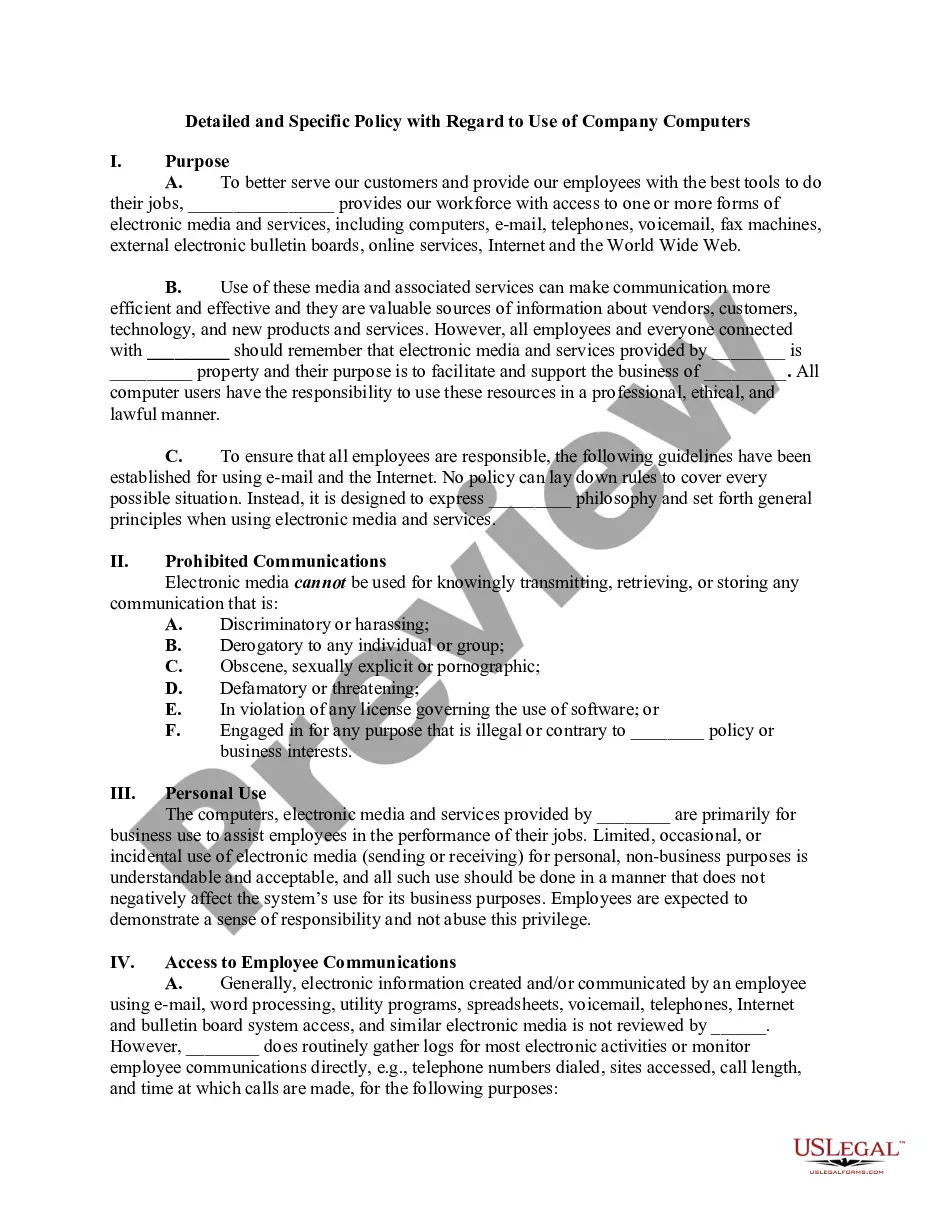
Get your form ready online
Our built-in tools help you complete, sign, share, and store your documents in one place.
Make edits, fill in missing information, and update formatting in US Legal Forms—just like you would in MS Word.
Download a copy, print it, send it by email, or mail it via USPS—whatever works best for your next step.
Sign and collect signatures with our SignNow integration. Send to multiple recipients, set reminders, and more. Go Premium to unlock E-Sign.
If this form requires notarization, complete it online through a secure video call—no need to meet a notary in person or wait for an appointment.
We protect your documents and personal data by following strict security and privacy standards.

Make edits, fill in missing information, and update formatting in US Legal Forms—just like you would in MS Word.

Download a copy, print it, send it by email, or mail it via USPS—whatever works best for your next step.

Sign and collect signatures with our SignNow integration. Send to multiple recipients, set reminders, and more. Go Premium to unlock E-Sign.

If this form requires notarization, complete it online through a secure video call—no need to meet a notary in person or wait for an appointment.

We protect your documents and personal data by following strict security and privacy standards.
Looking for another form?



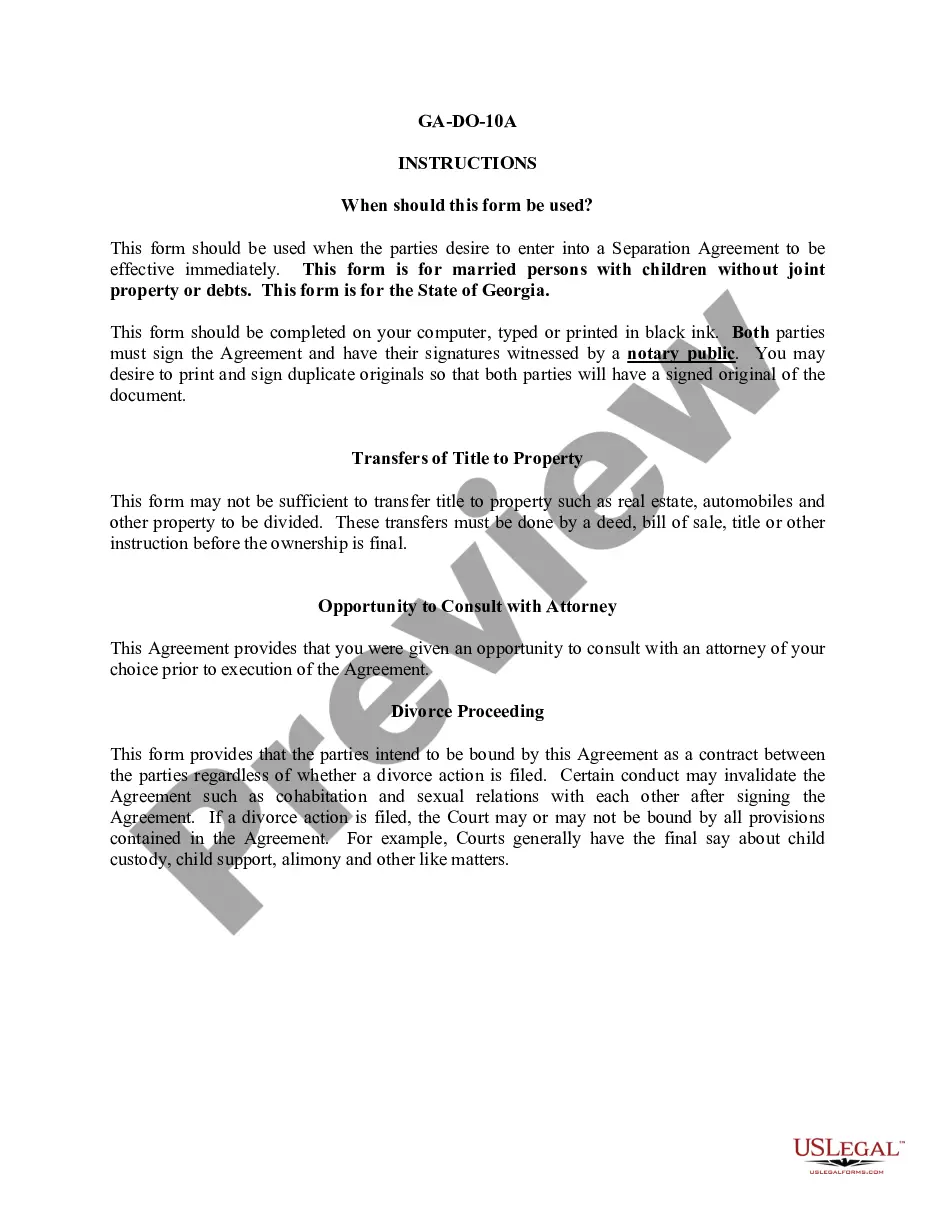






How to fill out Computer Use And Internet Policy For Employees Of Business?
Creating legal documents from the ground up can often be overwhelming.
Some situations may require extensive research and considerable financial investment.
If you’re looking for a simpler and cost-effective method of drafting Policy For Employee Transfer or other documents without unnecessary obstacles, US Legal Forms is readily accessible.
Our online collection of more than 85,000 current legal forms covers nearly every facet of your financial, legal, and personal matters. With just a few clicks, you can swiftly obtain state- and county-compliant forms meticulously prepared by our legal professionals.
US Legal Forms boasts a strong reputation and over 25 years of expertise. Join us today and make document execution a hassle-free and efficient process!
- Utilize our website whenever you require dependable and trustworthy services to quickly locate and download the Policy For Employee Transfer.
- If you’re a returning user and have created an account with us before, simply Log In to your account, choose the form, and download it or re-download it anytime from the My documents section.
- Not registered yet? No worries. It takes minimal time to register and browse the library.
- However, before diving straight into downloading the Policy For Employee Transfer, consider these recommendations.
Form popularity
FAQ
Unfortunately, the remote online notarization law does not apply to estate planning documents, including wills. Under current law, the self-proving affidavit to your will must be notarized in person for it to be valid in Wisconsin.
To be valid, your will must be in writing, and you must date and sign it. At least two witnesses also must sign the will. They can do this after they watch you sign it.
Grounds for Contesting a Will in Wisconsin The Will does not comply with the state's legal requirements by, for example, not having enough witnesses or having a witness that was also a beneficiary. Ambiguous provisions exist. The Will was revoked. A new Will exists.
No. The state of Wisconsin does not recognize handwritten wills?also known as ?holographic? wills. Your will must be typed and signed by yourself and two witnesses. Nuncupative oral wills are also invalid.
However, there are several ways to avoid probate in Wisconsin, including joint ownership, beneficiary designations, revocable living trusts, and payable on death (POD) accounts. By taking these steps, you can ensure that your assets are distributed ing to your wishes, without the need for probate.
Steps to Create a Will in Wisconsin Decide what property to include in your will. Decide who will inherit your property. Choose an executor to handle your estate. Choose a guardian for your children. Choose someone to manage children's property. Make your will. Sign your will in front of witnesses.
You can make your own will in Wisconsin. The state does not require you to use an attorney to draft a will. If you have a simple estate and know your wishes, you can make their own will. Many people use FindLaw Legal Forms and Services to draft their will.
No, you do not need to notarize your will in Wisconsin to make it legal. You may, however, make your will "self-proving" in Wisconsin, but you'll need to go to a notary to do so. The court will consider a self-proving will without contacting the witnesses who signed it, which speeds up probate.
