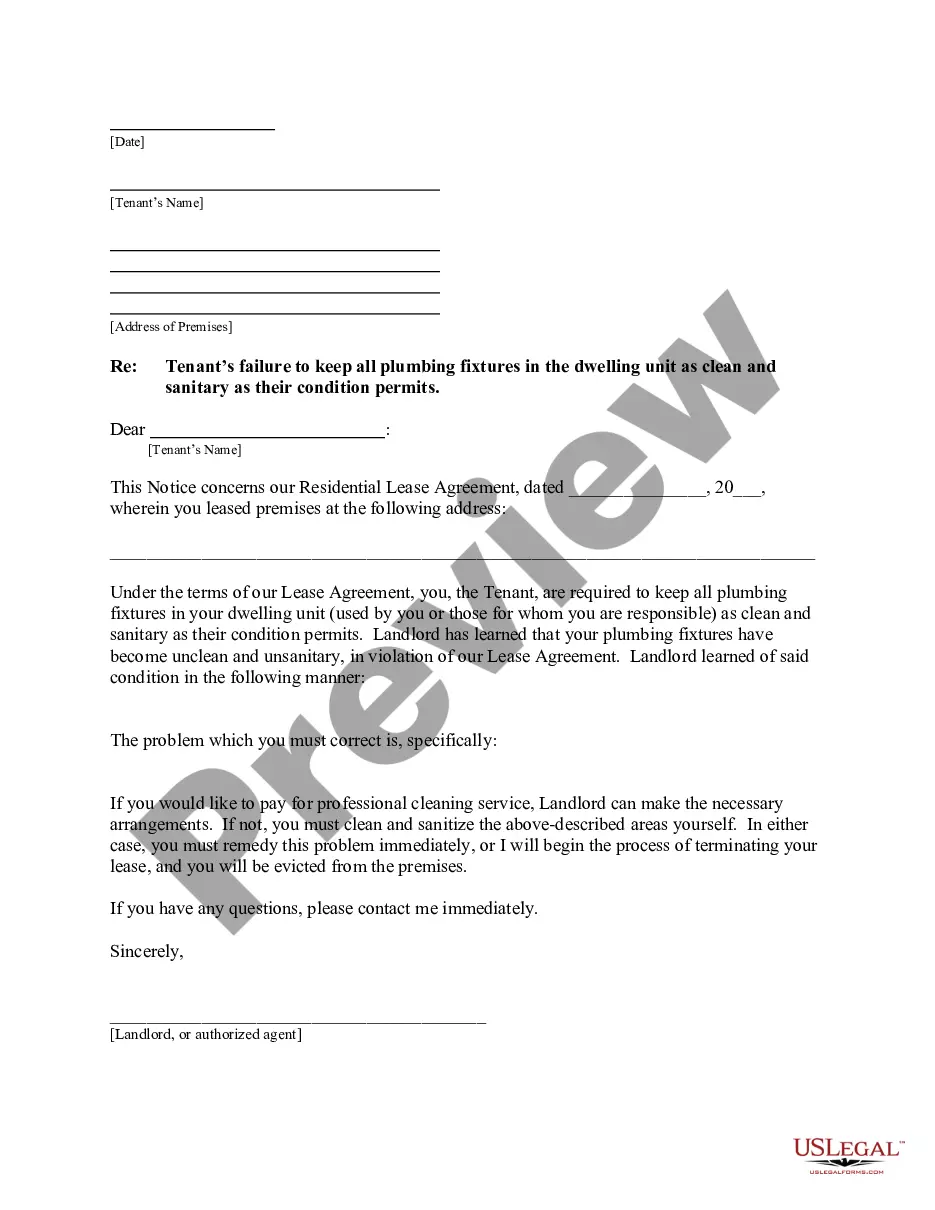
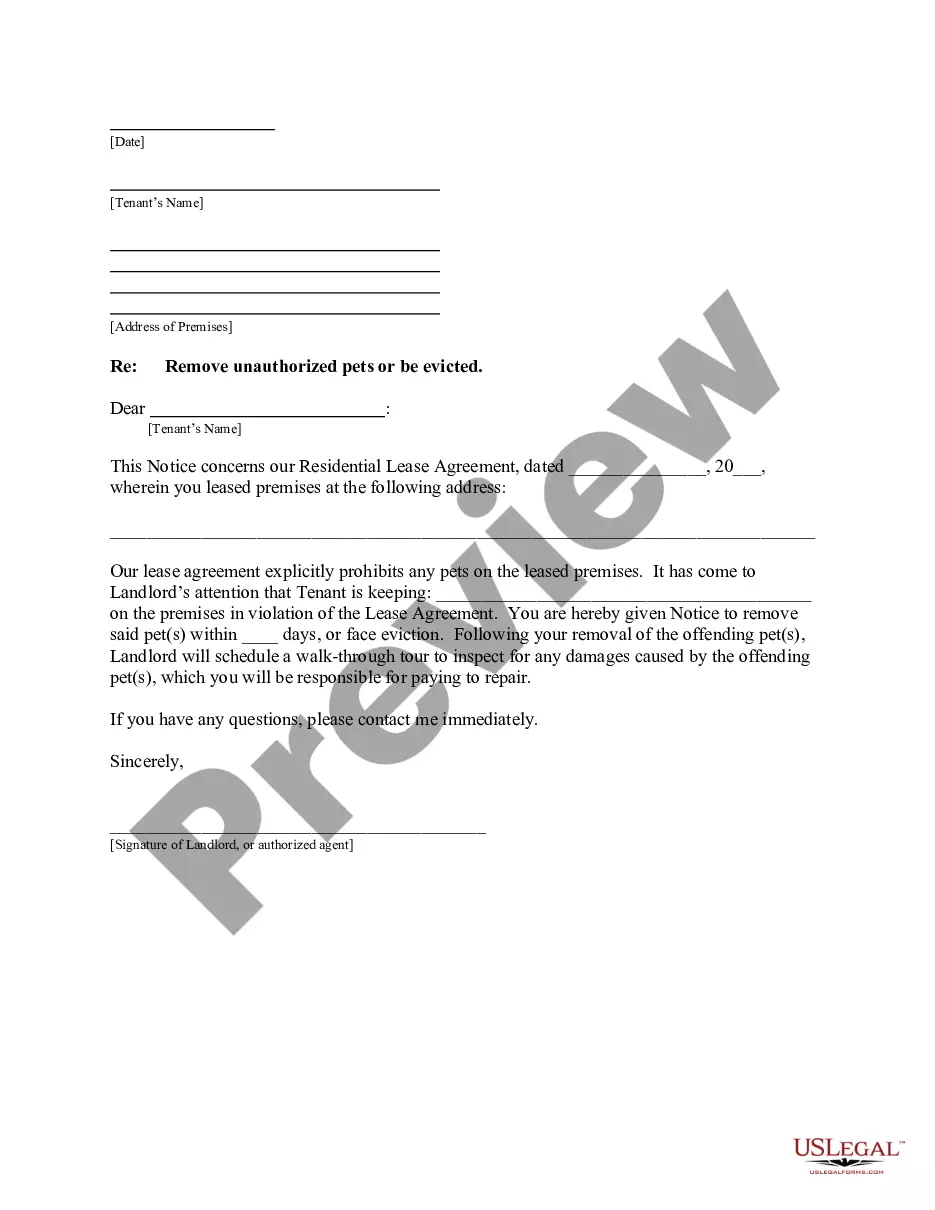
Video Release Form For Employees
Description

Get your form ready online
Our built-in tools help you complete, sign, share, and store your documents in one place.
Make edits, fill in missing information, and update formatting in US Legal Forms—just like you would in MS Word.
Download a copy, print it, send it by email, or mail it via USPS—whatever works best for your next step.
Sign and collect signatures with our SignNow integration. Send to multiple recipients, set reminders, and more. Go Premium to unlock E-Sign.
If this form requires notarization, complete it online through a secure video call—no need to meet a notary in person or wait for an appointment.
We protect your documents and personal data by following strict security and privacy standards.

Make edits, fill in missing information, and update formatting in US Legal Forms—just like you would in MS Word.

Download a copy, print it, send it by email, or mail it via USPS—whatever works best for your next step.

Sign and collect signatures with our SignNow integration. Send to multiple recipients, set reminders, and more. Go Premium to unlock E-Sign.

If this form requires notarization, complete it online through a secure video call—no need to meet a notary in person or wait for an appointment.

We protect your documents and personal data by following strict security and privacy standards.
Looking for another form?







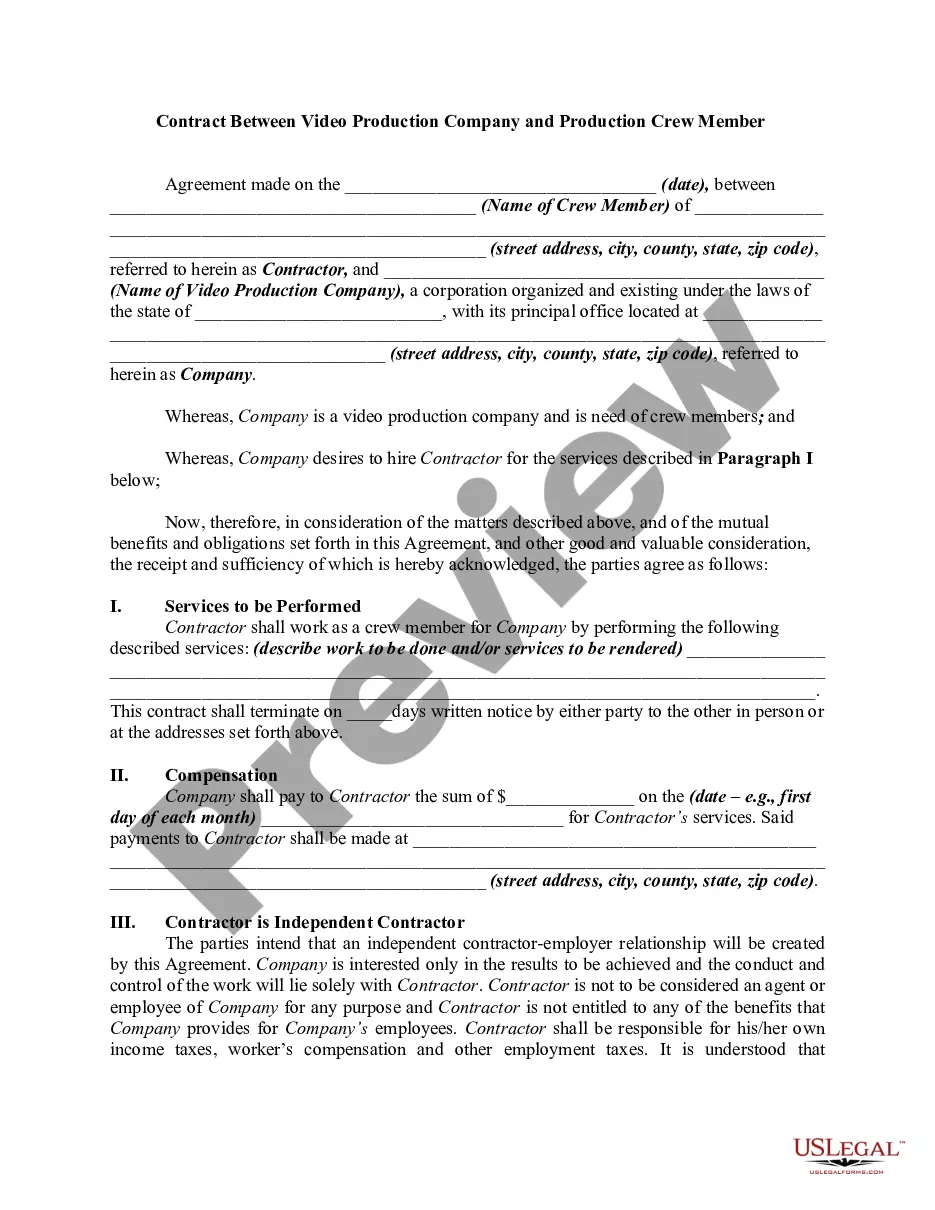
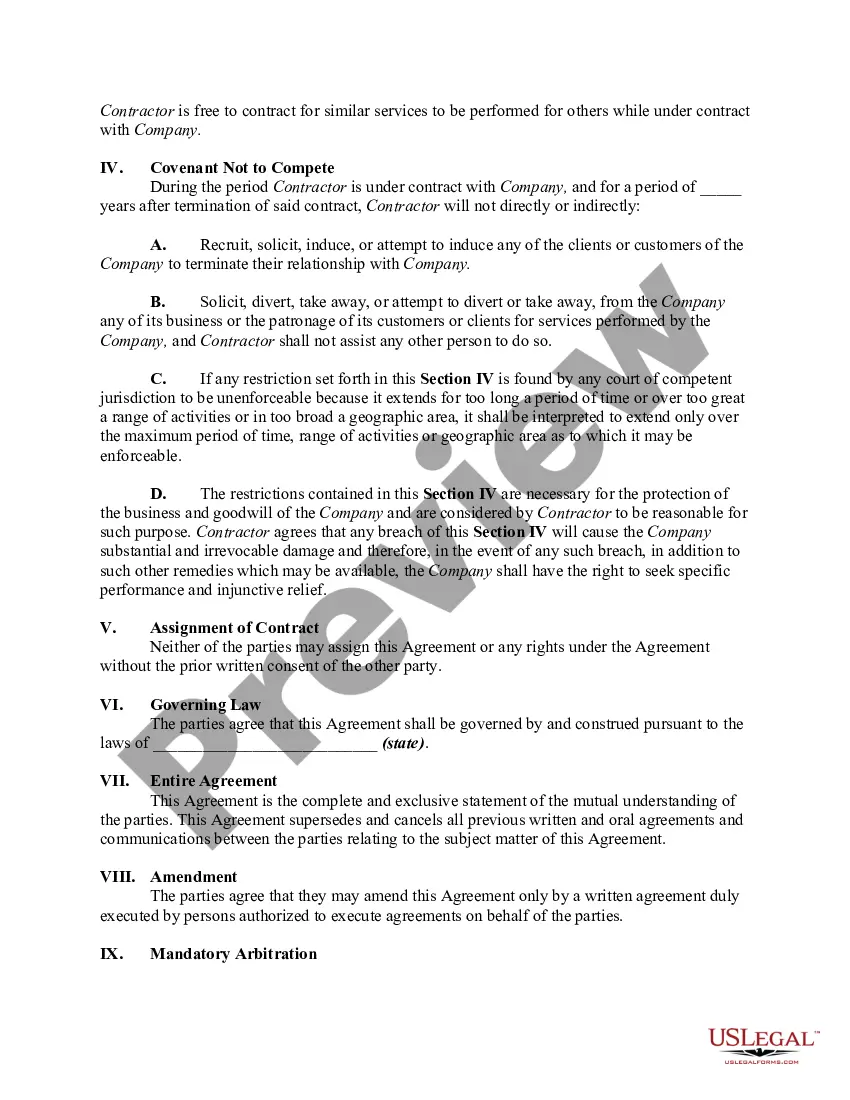
How to fill out Contract Between Video Production Company And Production Crew Member?
When you have to complete the Video Release Form For Employees in line with your local state's requirements, there can be multiple alternatives to select from.
You don't have to examine every form to ensure it fulfills all the legal criteria if you are a US Legal Forms subscriber.
It is a reliable resource that can assist you in obtaining a reusable and current template on any topic.
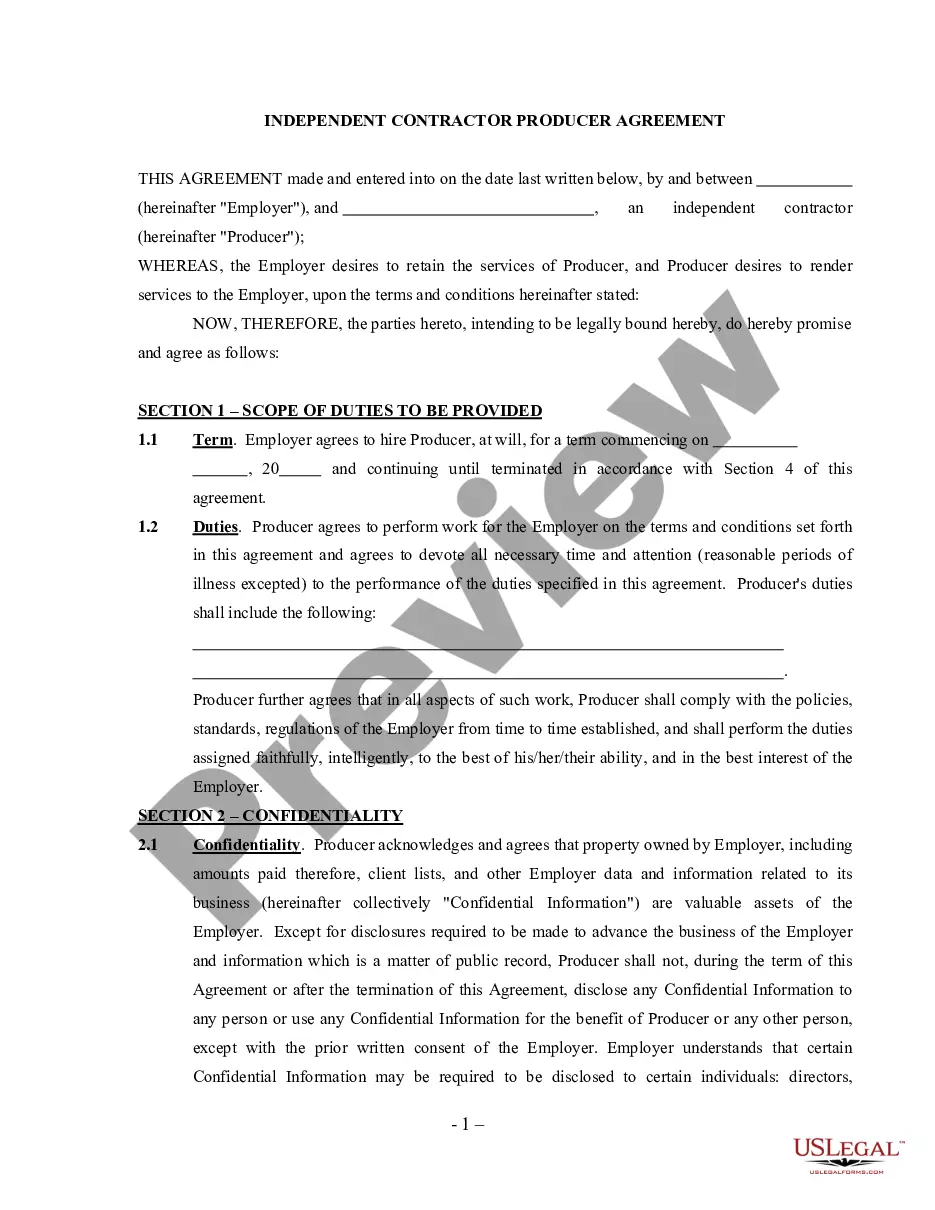
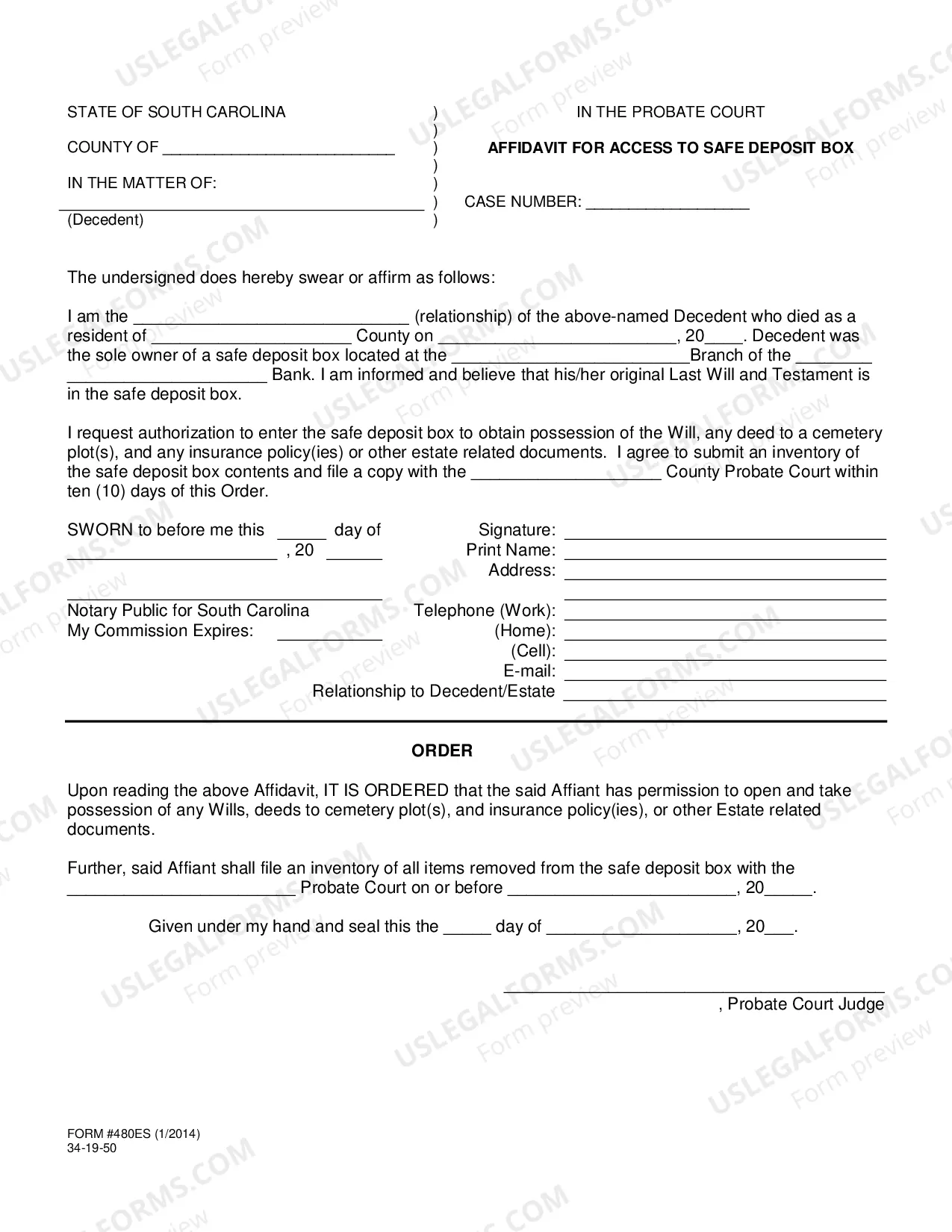
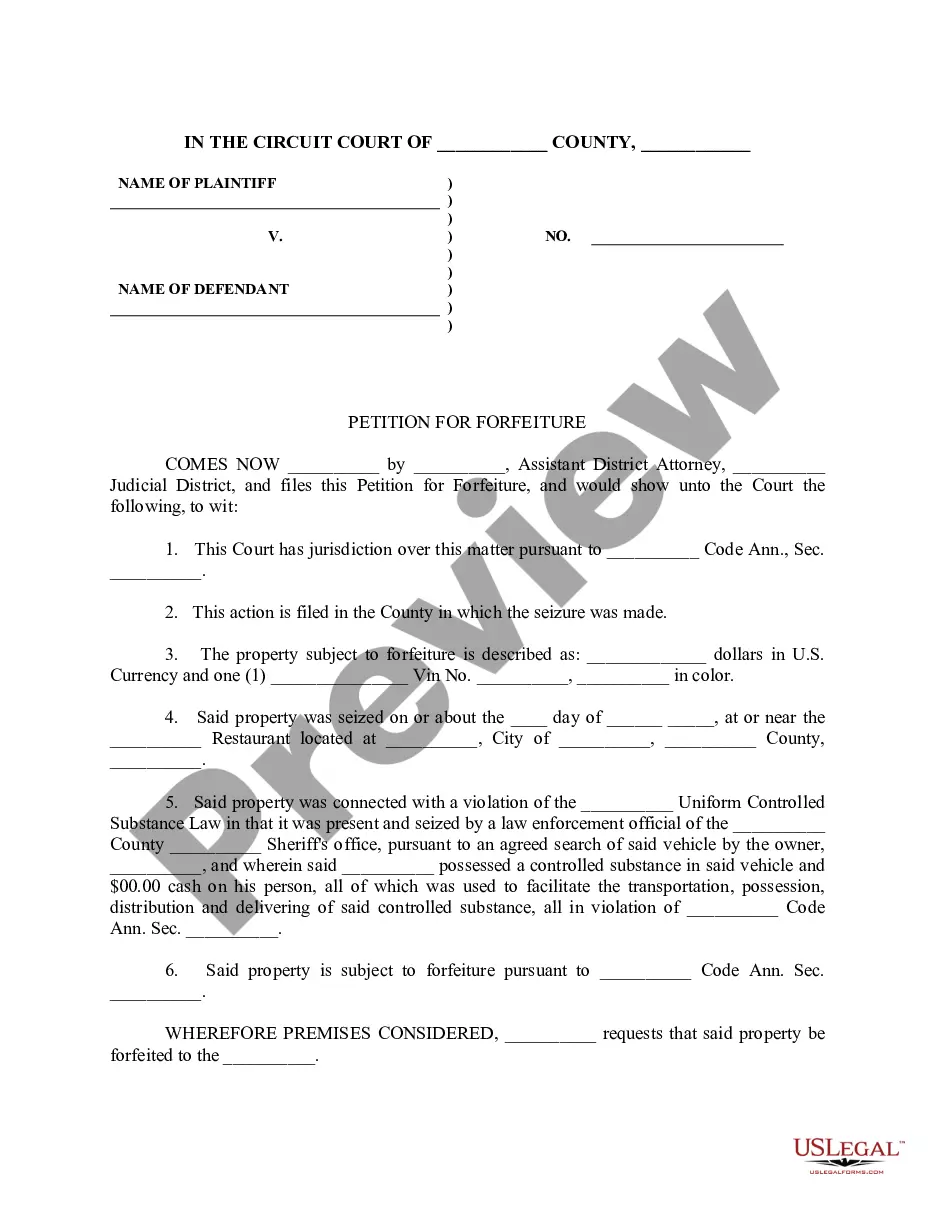
Utilize the Preview mode and review the form description if available.
- US Legal Forms is the most extensive online library featuring an archive of over 85k ready-to-utilize documents for business and personal legal matters.
- All templates are confirmed to comply with each state's regulations.
- Therefore, when downloading the Video Release Form For Employees from our platform, you can be confident that you are retaining a valid and up-to-date document.
- Obtaining the necessary template from our site is remarkably straightforward.
- If you already possess an account, just Log In to the system, ensure your subscription is valid, and save the selected file.
- In the future, you can access the My documents section in your profile and find the Video Release Form For Employees at any time.
- If it’s your first interaction with our library, please follow the instructions below.
- Navigate through the proposed page and verify it for alignment with your needs.
Form popularity
FAQ
Build your formIdentify required information. You will need to identify the required information for your consent form.Create a digital form.Set field validation rules.Identify required fields.Save and publish.Pick your tool.Distribute your form.Set completion date, enable reminders, track status.More items...?
A Media Release Form may include the following information:Printed Name.Address.Email and Phone Number.Signature.Names of the parties waiving rights for listed use.Names of the parties receiving rights of the listed media.Acknowledgement of Age.Identification and consent of Legal Guardian.
What do I include in a Video Release Form?Forms of Media. When creating your video and interview release consent form, list out any related media assets you could use going forward.Third-Party Usage.Commercial and Non-Commercial Rights.Time Limit.Future Uses.Payment.VIDEO AND INTERVIEW CONSENT AND RELEASE FORM.
How to Write a Photo Release Form:Identify the releasor.Describe the photo, image, likeness, or video.Address any payment the model receives for the release.Address royalties.Address whether the model has the ability to revoke their authorization.The parties sign and date the release.
A video consent form is written permission given by an individual to an entity/organization for the use of their name, image, and/or interview statements for publication. This consent comes without compensation, regardless of the amount of revenue the content generates.