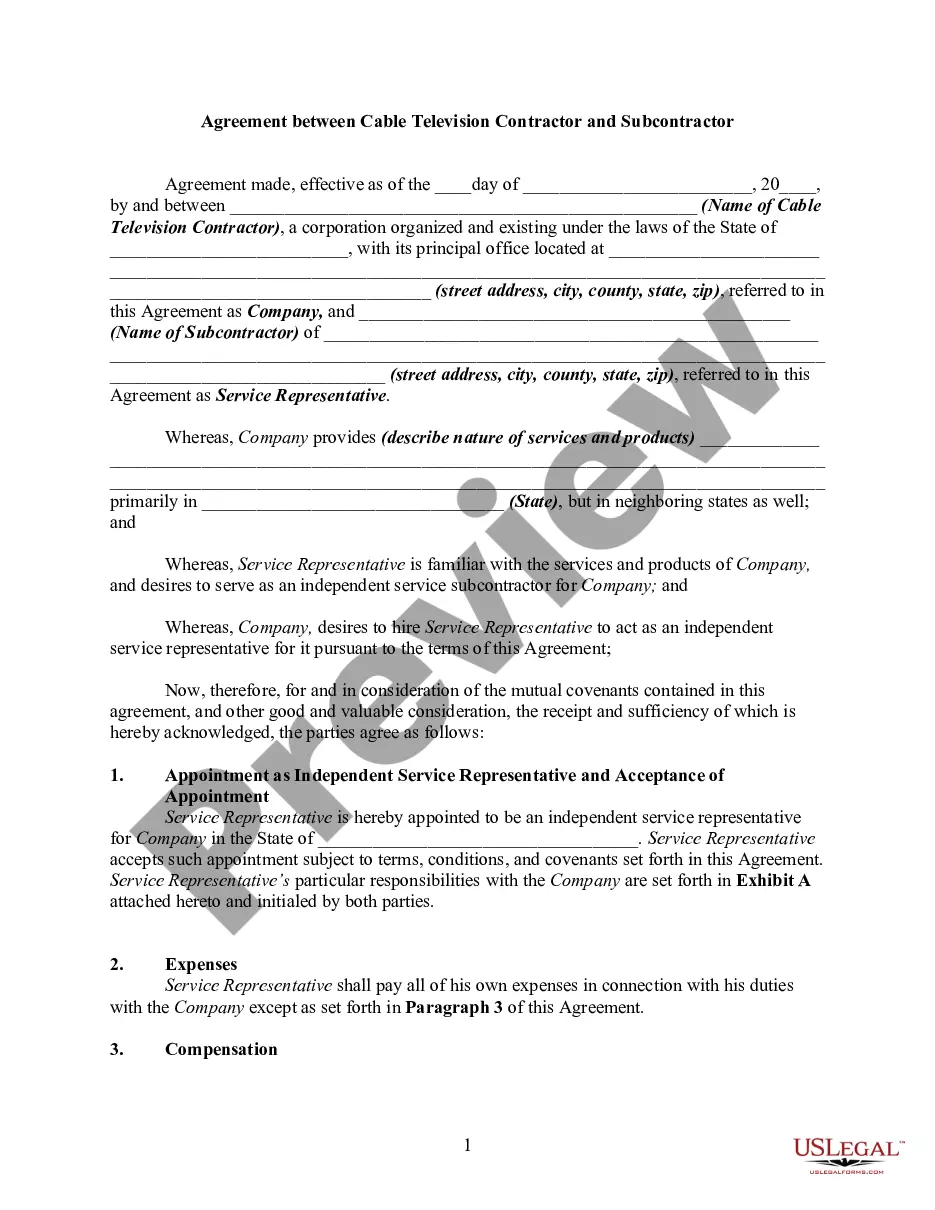
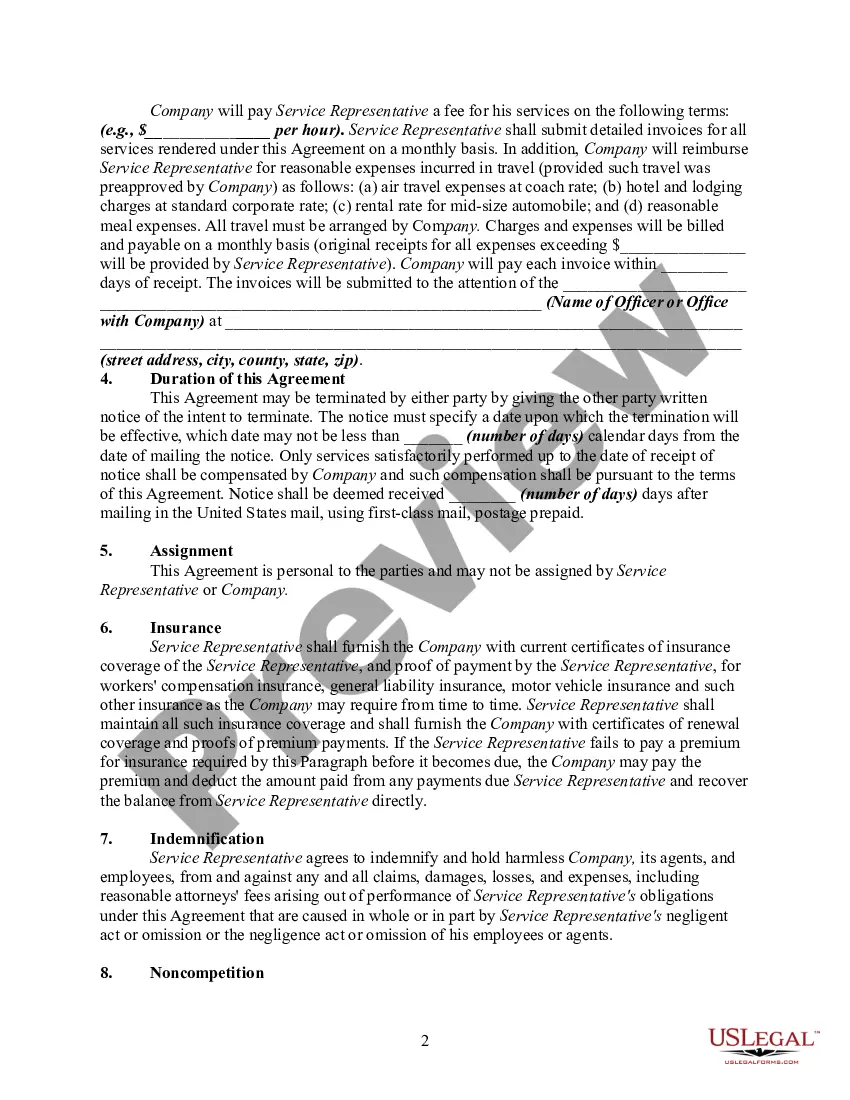
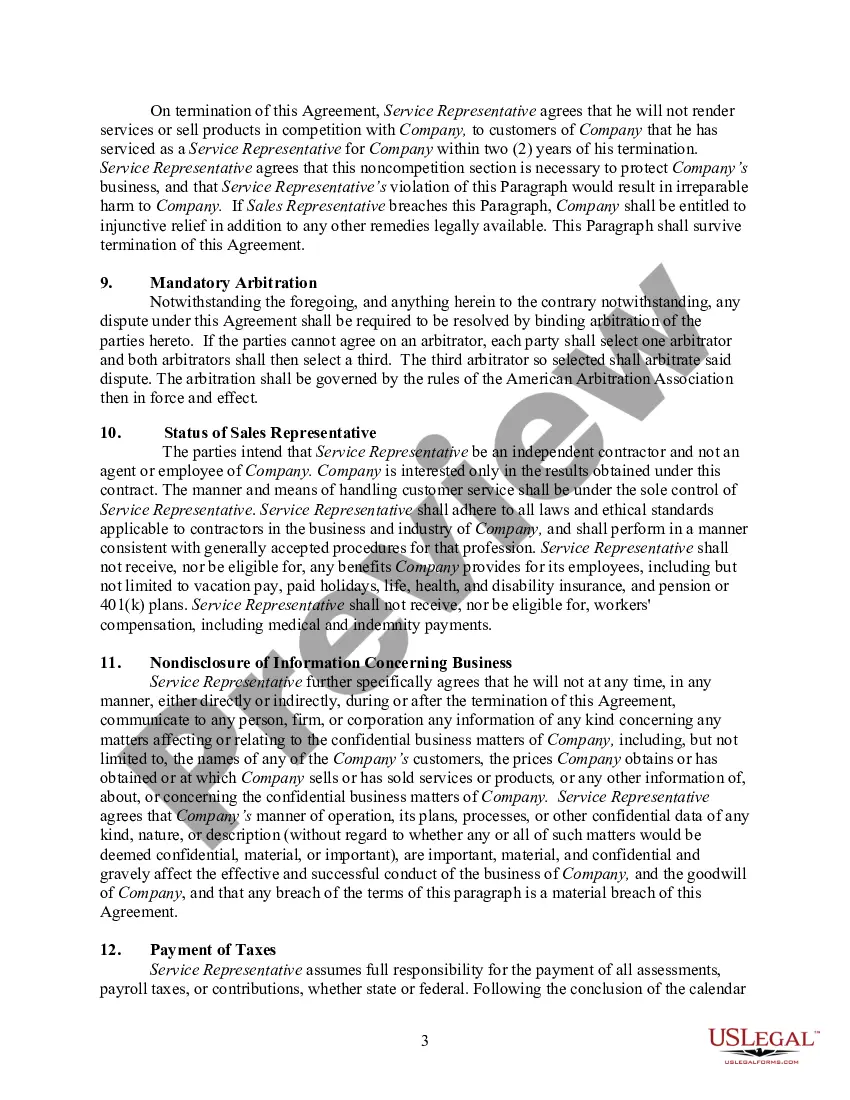
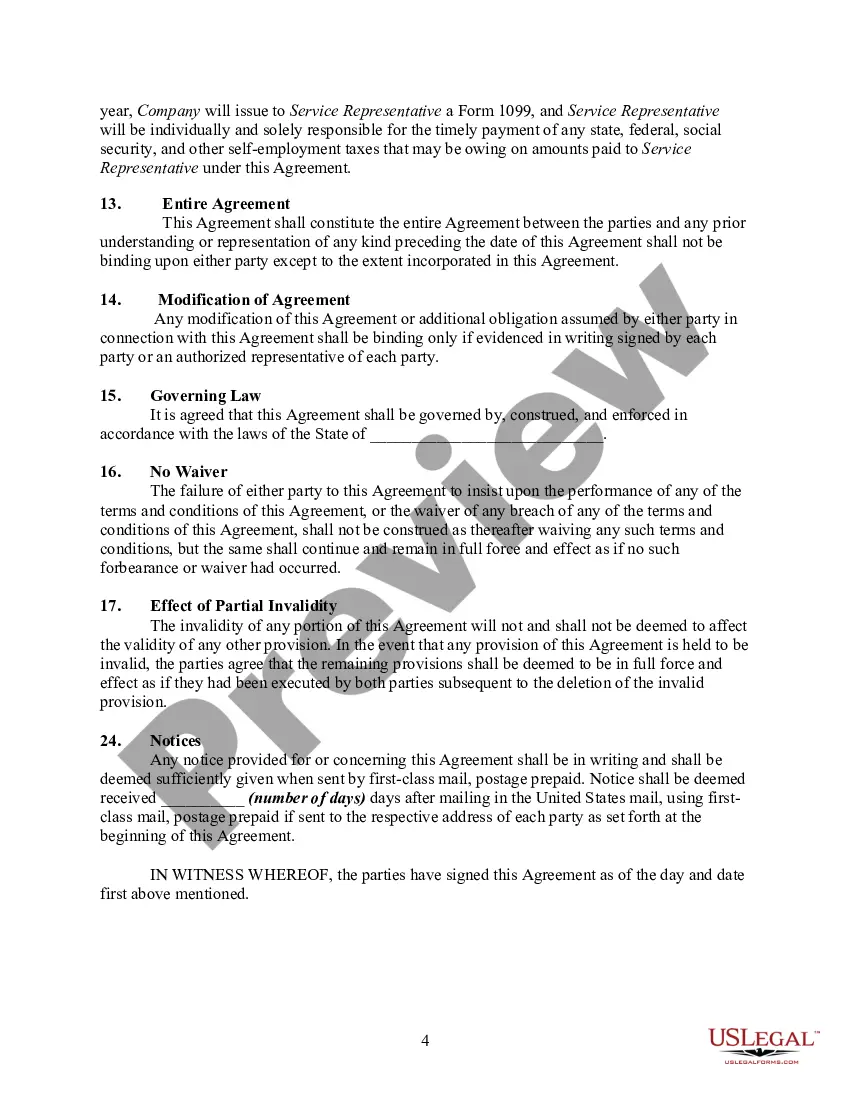
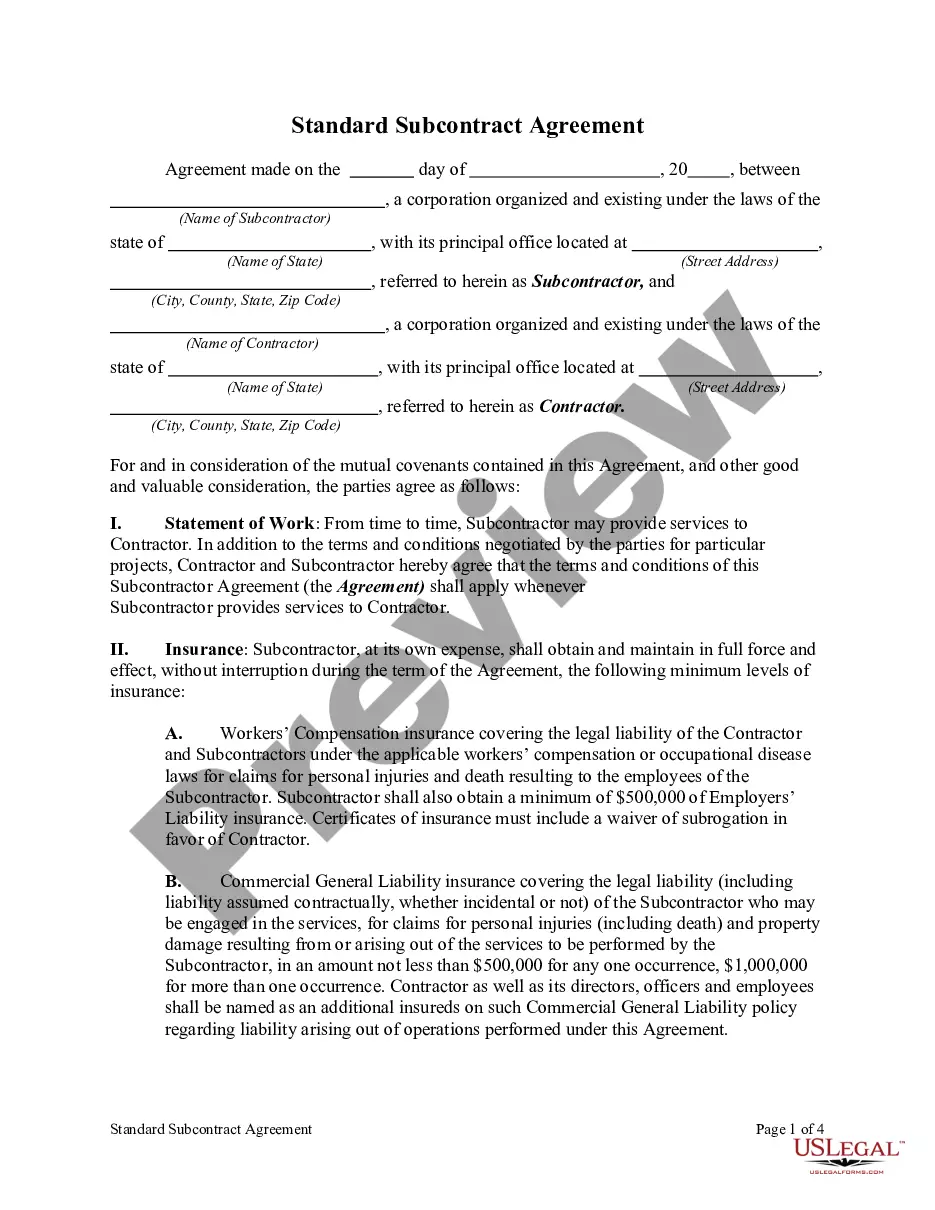
Subcontractor Agreement With General Contractor
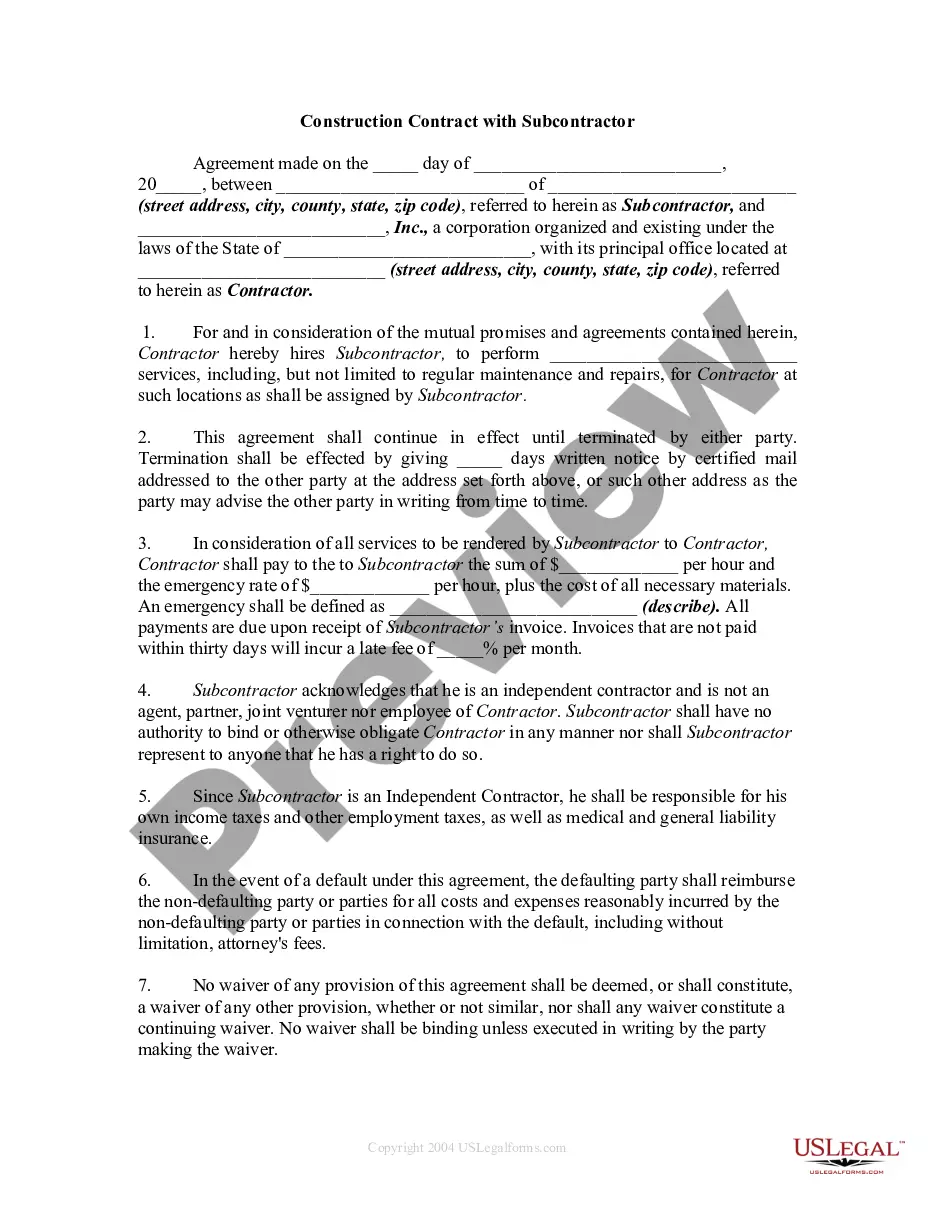
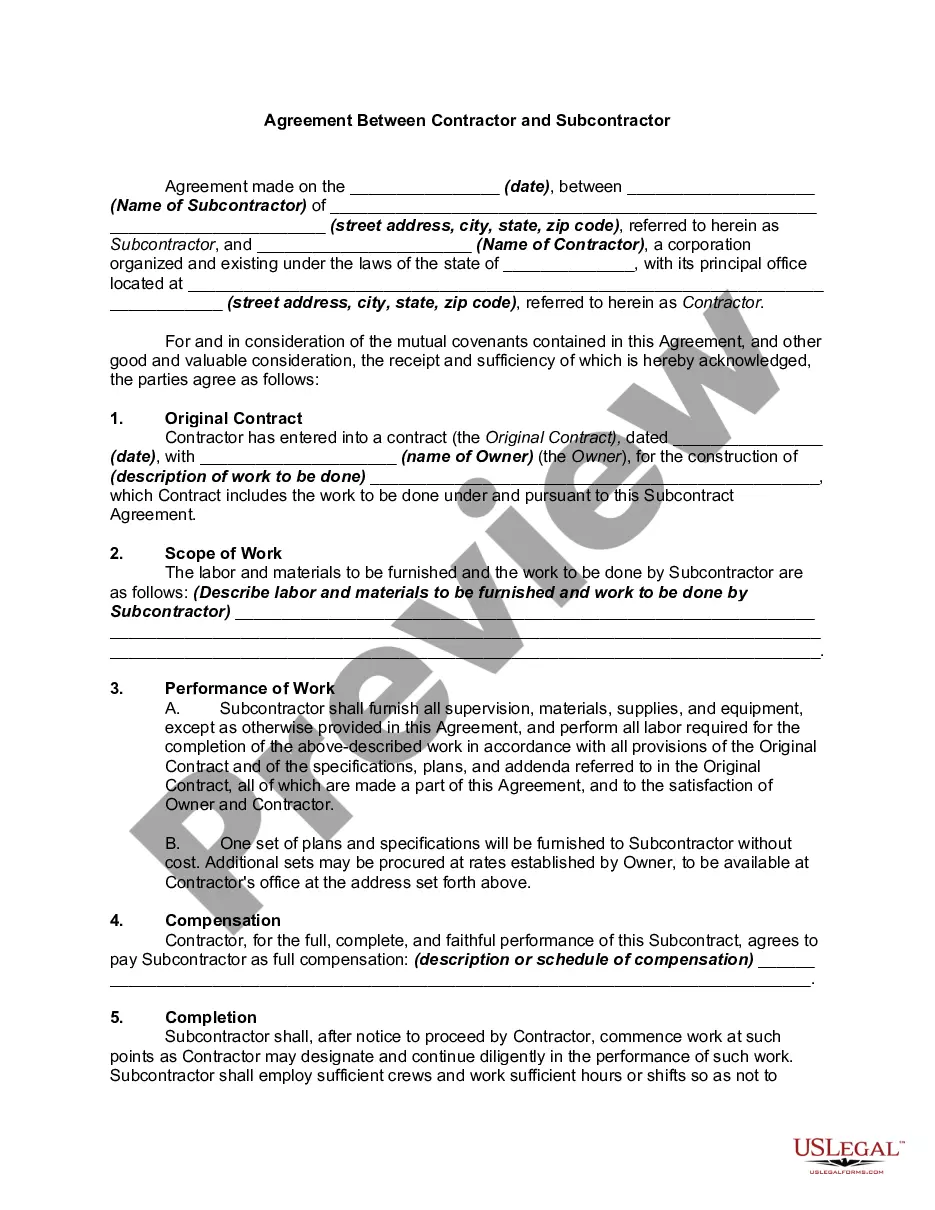
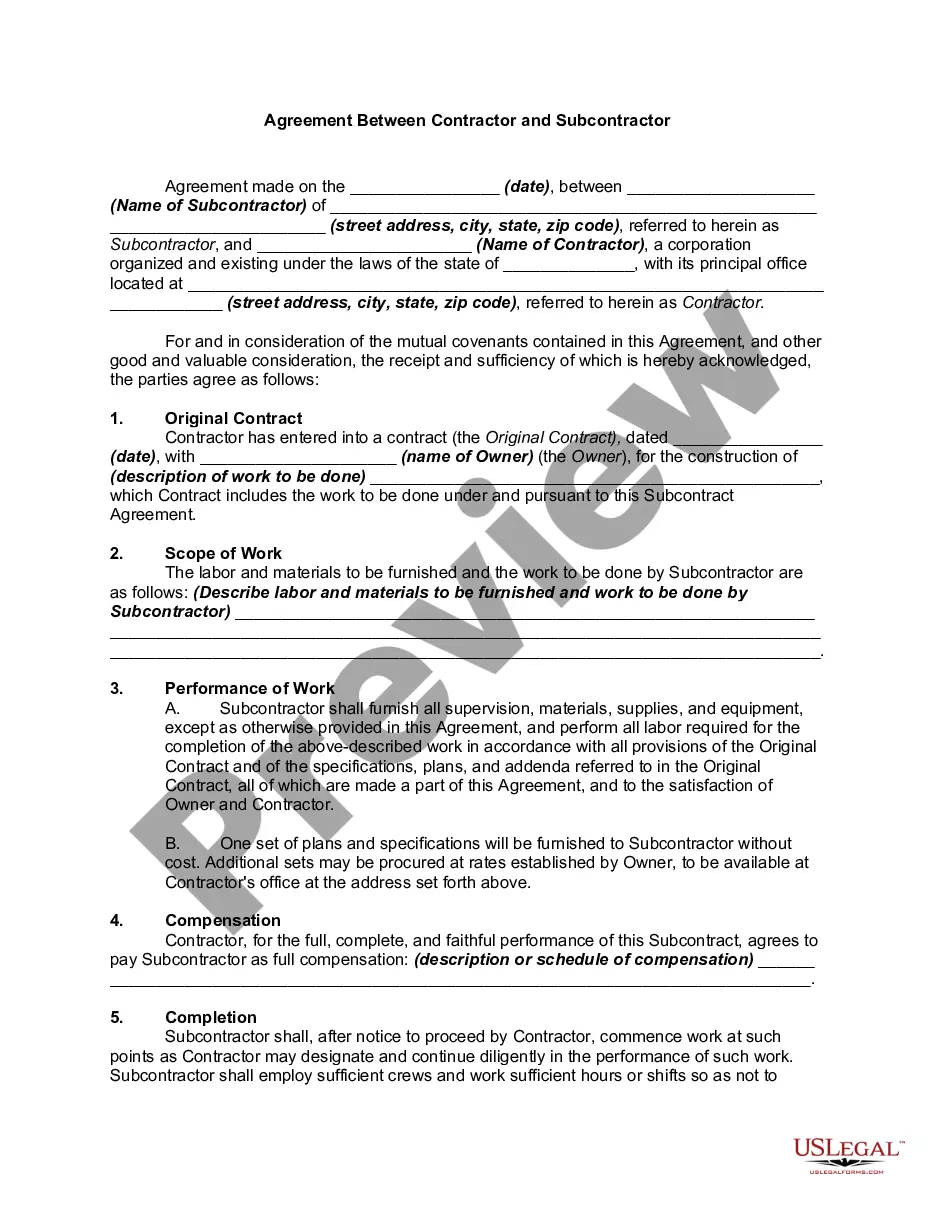
Description
Get your form ready online
Our built-in tools help you complete, sign, share, and store your documents in one place.
Make edits, fill in missing information, and update formatting in US Legal Forms—just like you would in MS Word.
Download a copy, print it, send it by email, or mail it via USPS—whatever works best for your next step.
Sign and collect signatures with our SignNow integration. Send to multiple recipients, set reminders, and more. Go Premium to unlock E-Sign.
If this form requires notarization, complete it online through a secure video call—no need to meet a notary in person or wait for an appointment.
We protect your documents and personal data by following strict security and privacy standards.

Make edits, fill in missing information, and update formatting in US Legal Forms—just like you would in MS Word.

Download a copy, print it, send it by email, or mail it via USPS—whatever works best for your next step.

Sign and collect signatures with our SignNow integration. Send to multiple recipients, set reminders, and more. Go Premium to unlock E-Sign.

If this form requires notarization, complete it online through a secure video call—no need to meet a notary in person or wait for an appointment.

We protect your documents and personal data by following strict security and privacy standards.
Looking for another form?







How to fill out Agreement Between Cable Television Contractor And Subcontractor?
Handling legal documentation and processes may prove to be an exhausting addition to your daily activities.
Subcontractor Agreement With General Contractor and similar forms generally require you to seek them out and comprehend the best way to properly finalize them.
Thus, whether you are managing financial, legal, or personal issues, having a comprehensive and accessible online directory of forms at your fingertips will be immensely helpful.
US Legal Forms is the premier online platform for legal templates, providing over 85,000 state-specific documents and various resources to help you complete your paperwork swiftly.
Simply Log In to your account, search for Subcontractor Agreement With General Contractor, and download it right away from the My documents section. You can also access previously saved documents.
- Explore the collection of suitable documents available to you with a single click.
- US Legal Forms supplies you with state- and county-specific forms that are ready for download at any time.
- Safeguard your document management practices utilizing a high-quality service that enables you to create any form in minutes without additional or unforeseen fees.
Form popularity
FAQ
You can contact the court by phone, in writing, in person, or by sending an email to JUD.VJB@vermont.gov. A motion is a request in writing asking the court to consider doing something specific in your case. All motions must identify the request and give specific reasons for the request.
The Public Portal is a web-based platform that offers court users and members of the general public customized role-based access to court records, hearing calendars and other data.
You may file your will for safekeeping with the probate court in the county in which you reside. You may also file any amendments to the original will (codicils). There is a fee to file your will with the court.
To avoid an impending suspension, please contact the Judicial Bureau directly at 802-295-8869 or 802-652-1900.
To request copies of case records, fill out the Request for Access to Court Record form and send it to the court where the case was filed. You can find the form in the Forms section at the bottom of this page. Email, mail, or hand deliver the completed form to the court where the case was filed.
To request copies of case records, fill out the Request for Access to Court Record form and send it to the court where the case was filed. You can find the form in the Forms section at the bottom of this page. Email, mail, or hand deliver the completed form to the court where the case was filed.
If you're a party to a case in the NSW Local, District or Supreme Court, you can use the NSW Online Registry website to: search for cases. view case information. download case documents (such as judgements and court orders)