Cable Subcontractor Form
Description
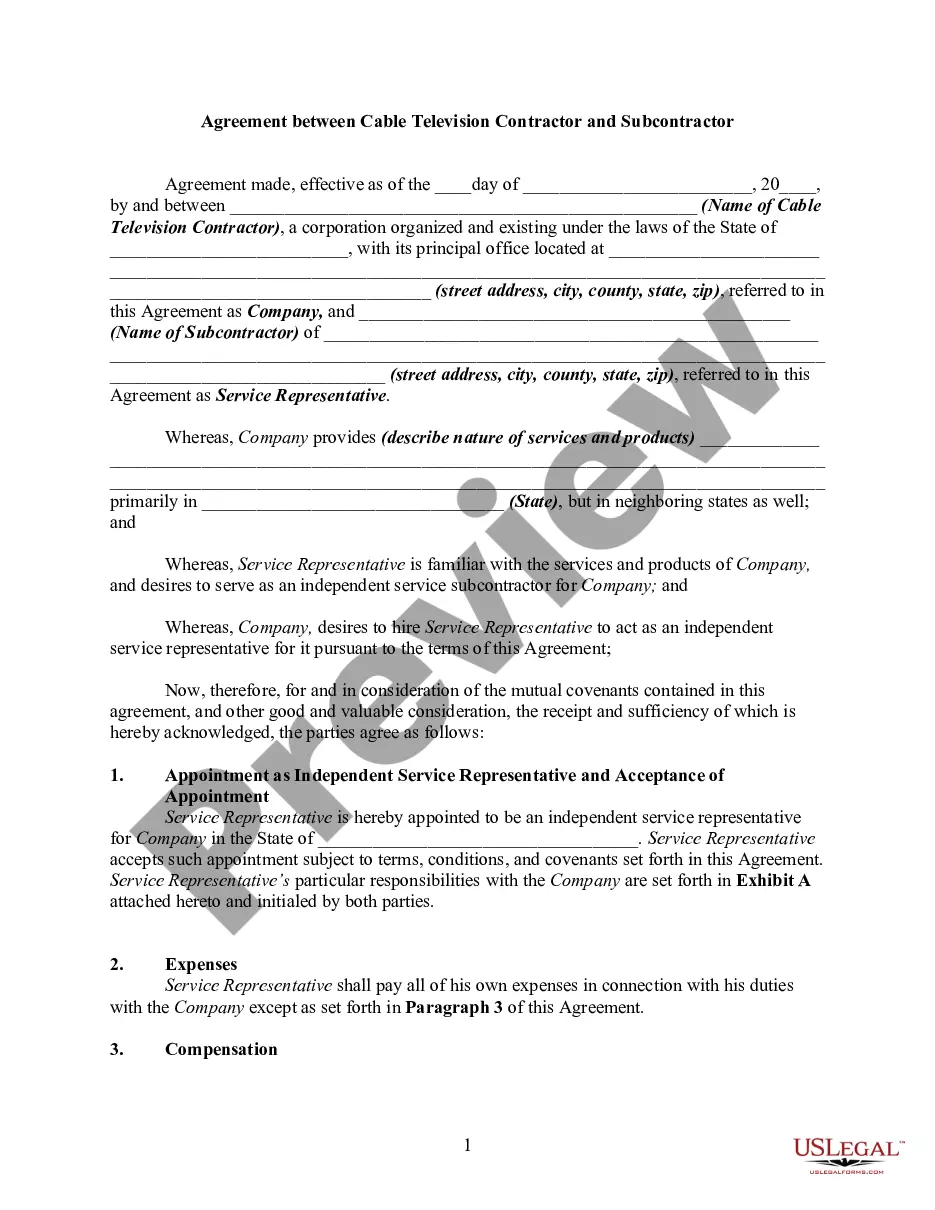
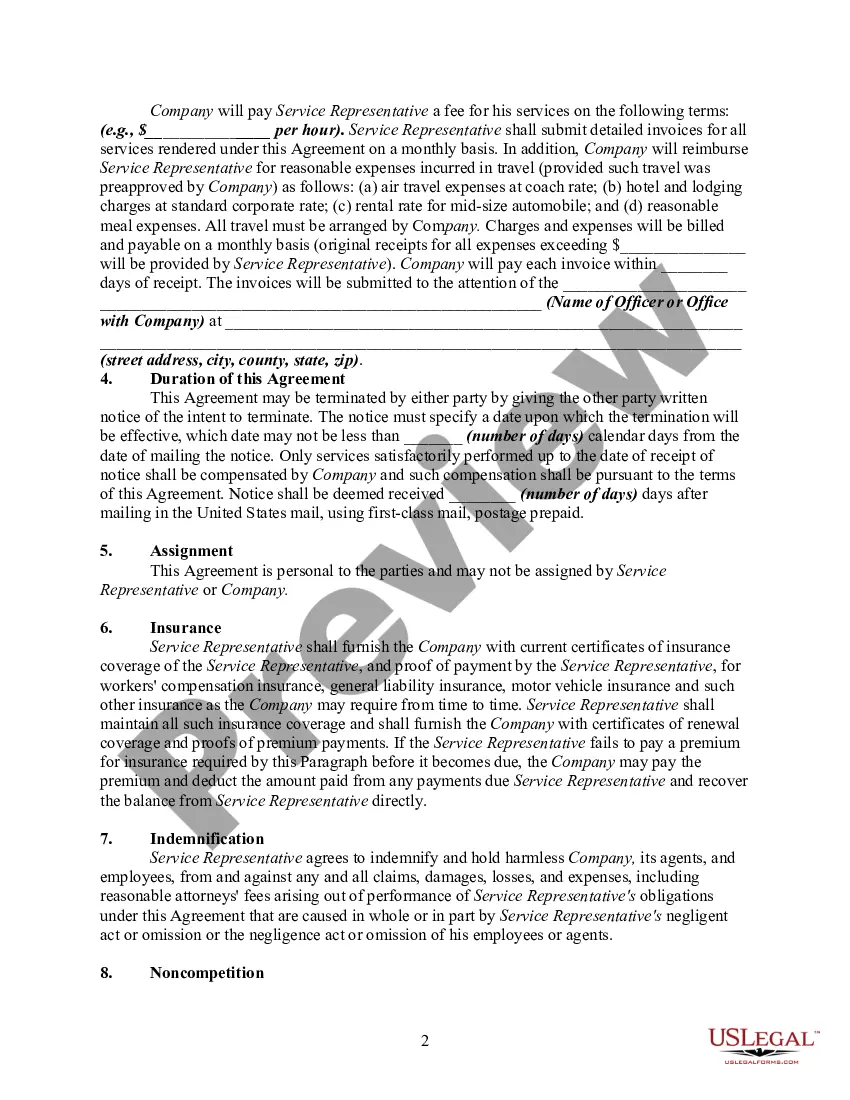
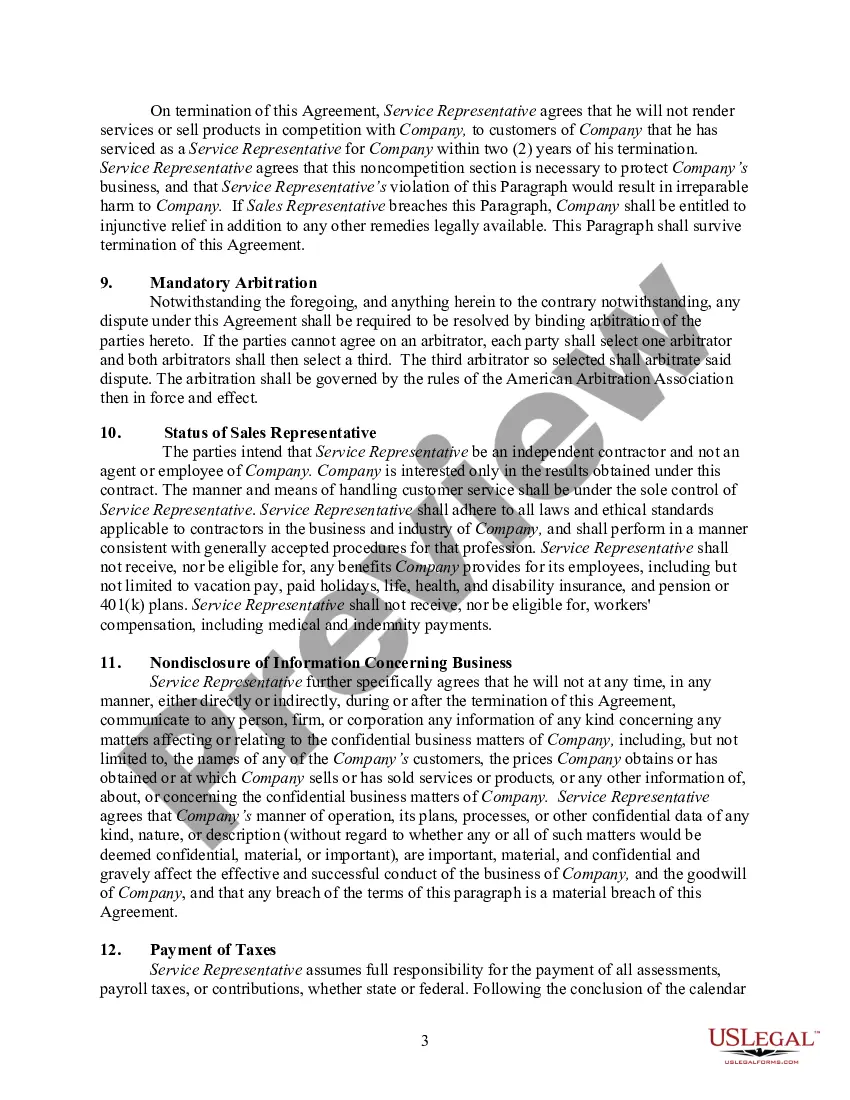
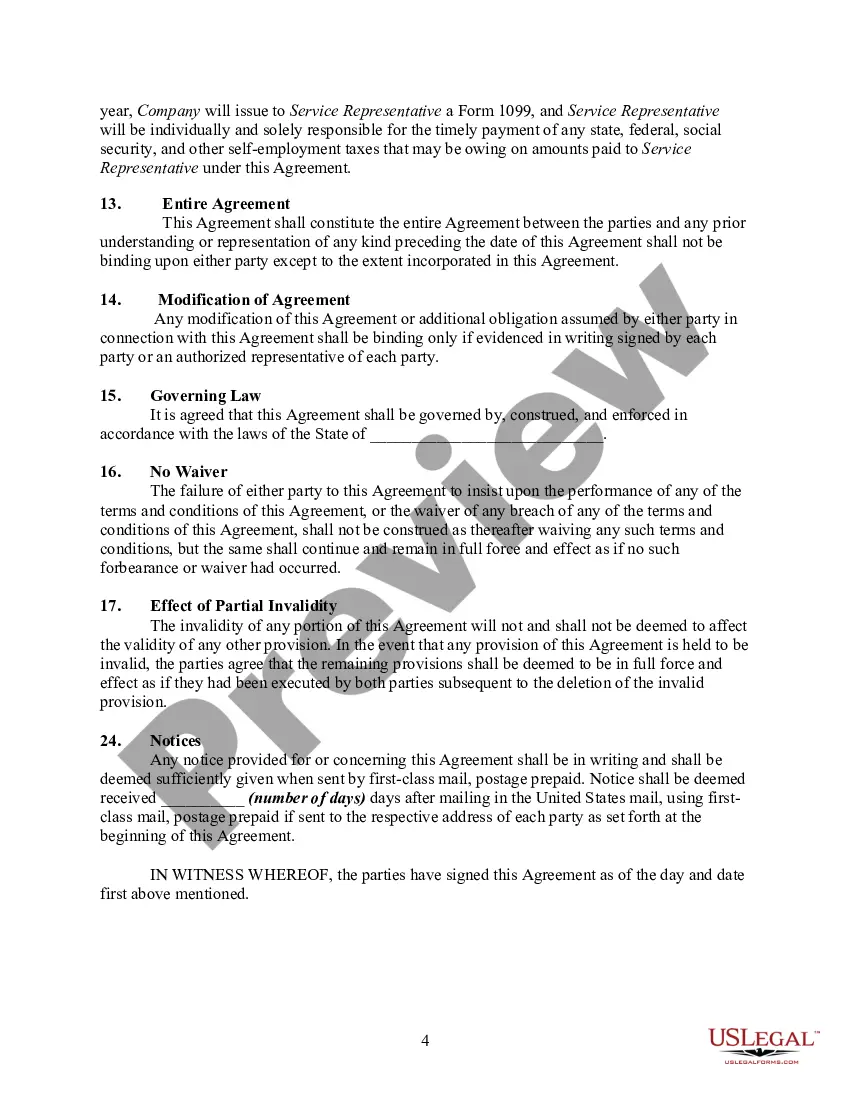

Get your form ready online
Our built-in tools help you complete, sign, share, and store your documents in one place.
Make edits, fill in missing information, and update formatting in US Legal Forms—just like you would in MS Word.
Download a copy, print it, send it by email, or mail it via USPS—whatever works best for your next step.
Sign and collect signatures with our SignNow integration. Send to multiple recipients, set reminders, and more. Go Premium to unlock E-Sign.
If this form requires notarization, complete it online through a secure video call—no need to meet a notary in person or wait for an appointment.
We protect your documents and personal data by following strict security and privacy standards.

Make edits, fill in missing information, and update formatting in US Legal Forms—just like you would in MS Word.

Download a copy, print it, send it by email, or mail it via USPS—whatever works best for your next step.

Sign and collect signatures with our SignNow integration. Send to multiple recipients, set reminders, and more. Go Premium to unlock E-Sign.

If this form requires notarization, complete it online through a secure video call—no need to meet a notary in person or wait for an appointment.

We protect your documents and personal data by following strict security and privacy standards.
Looking for another form?

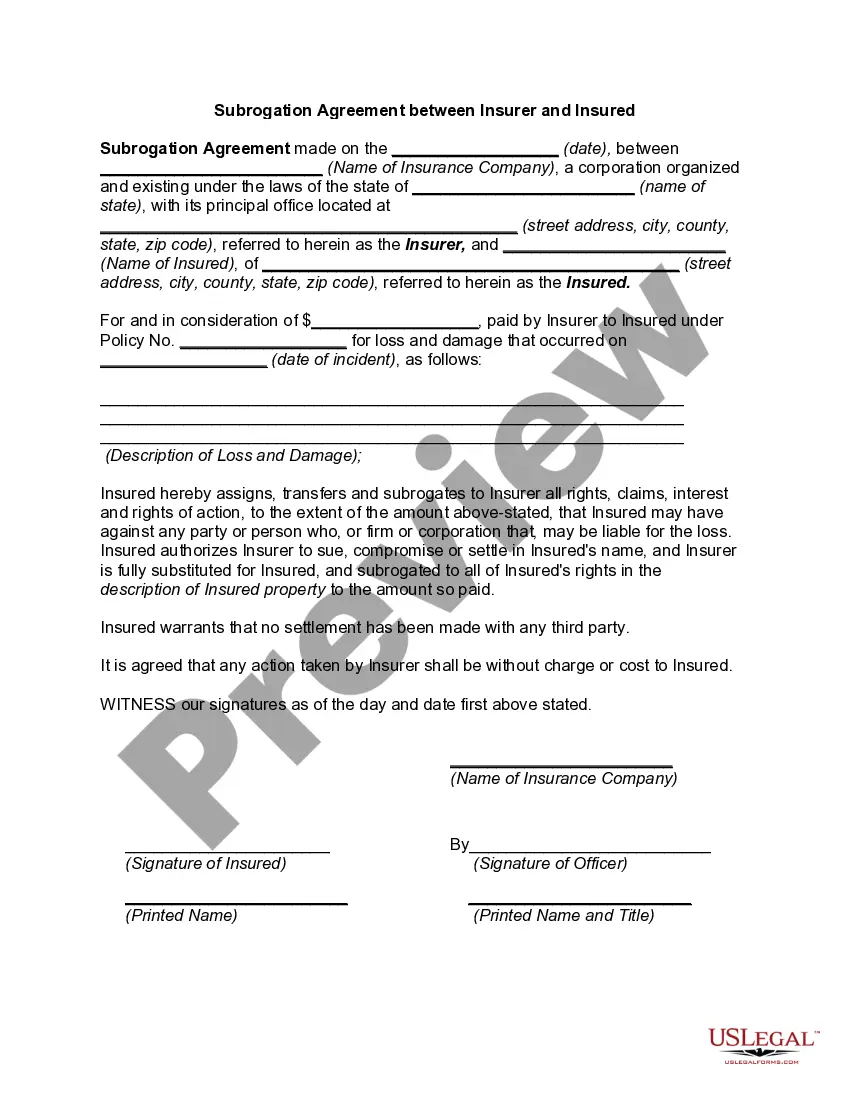
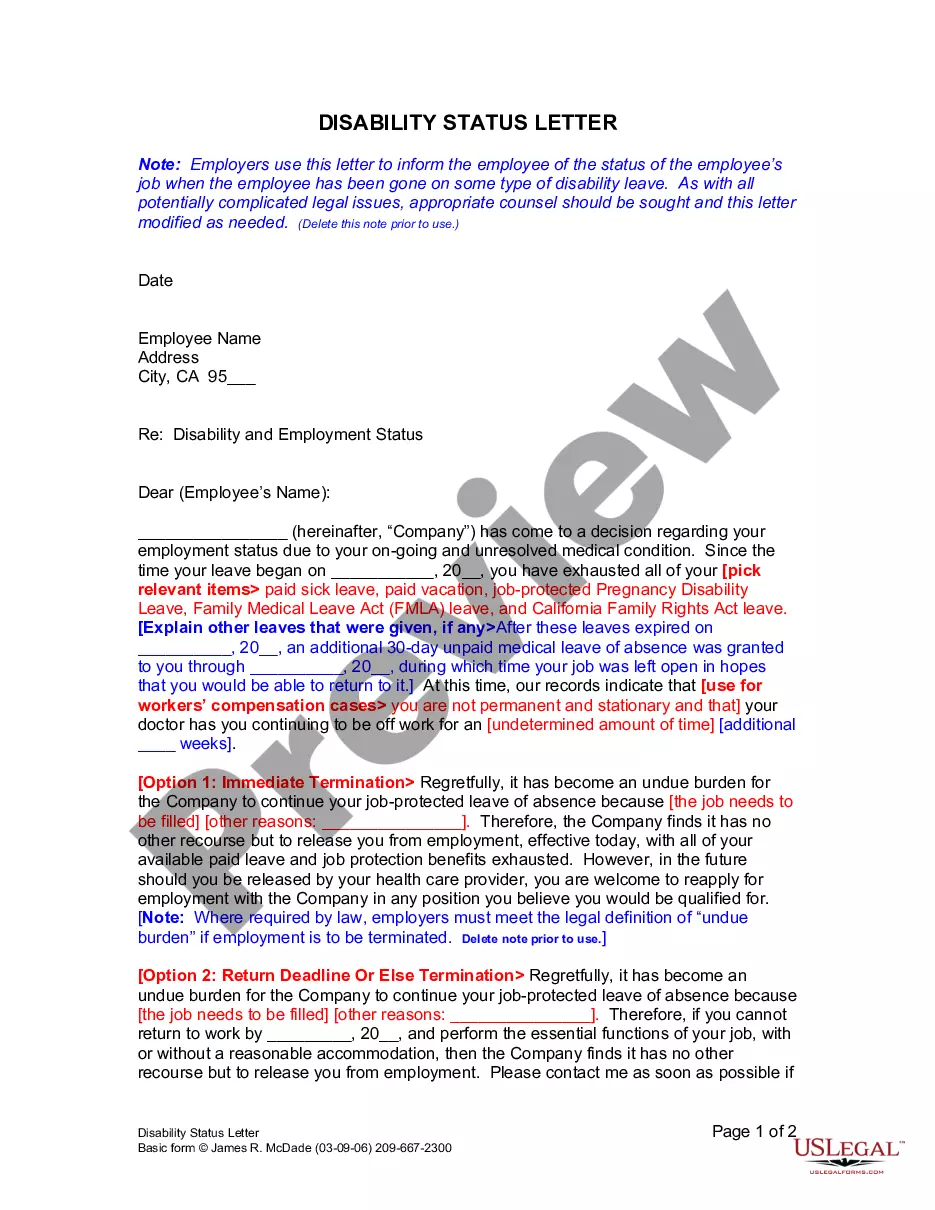
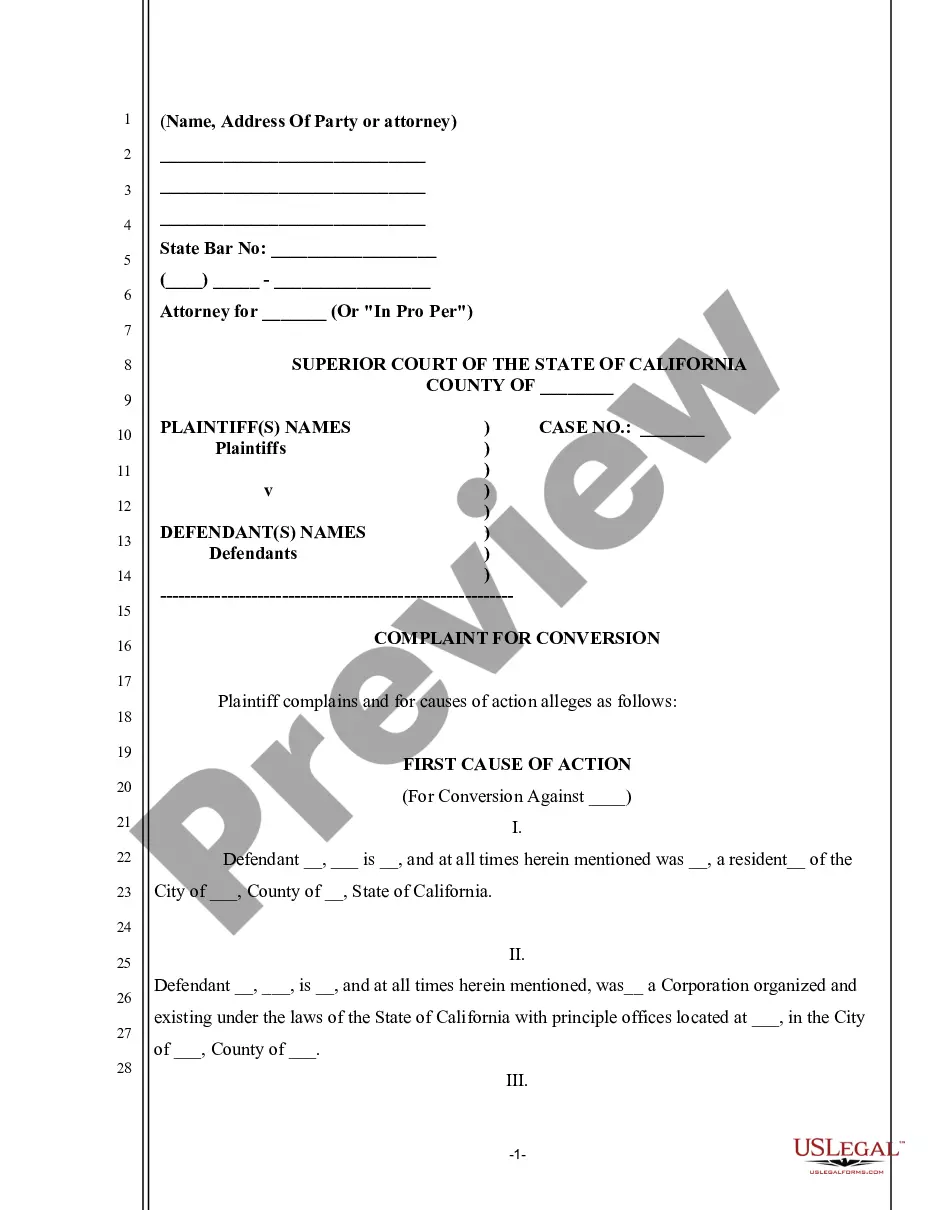



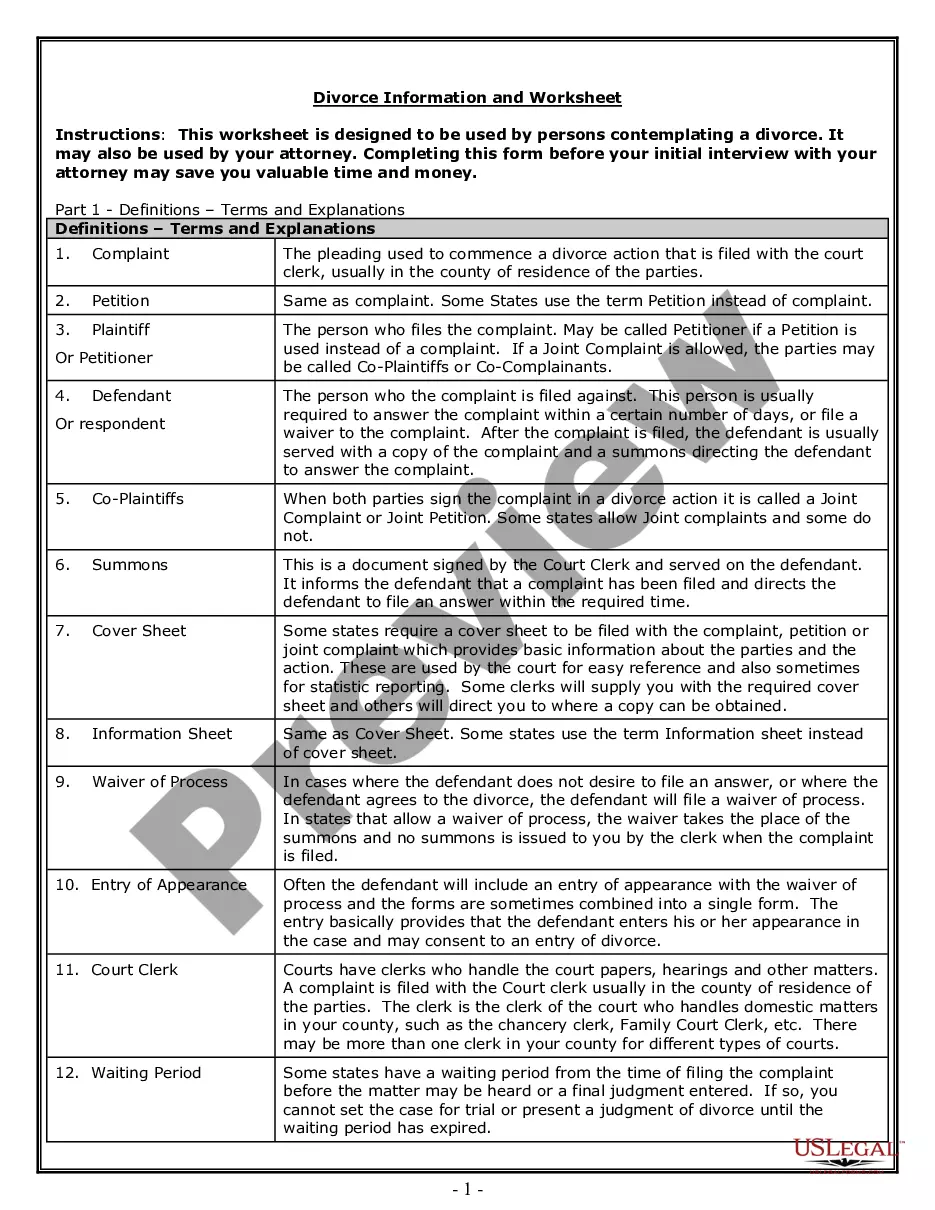

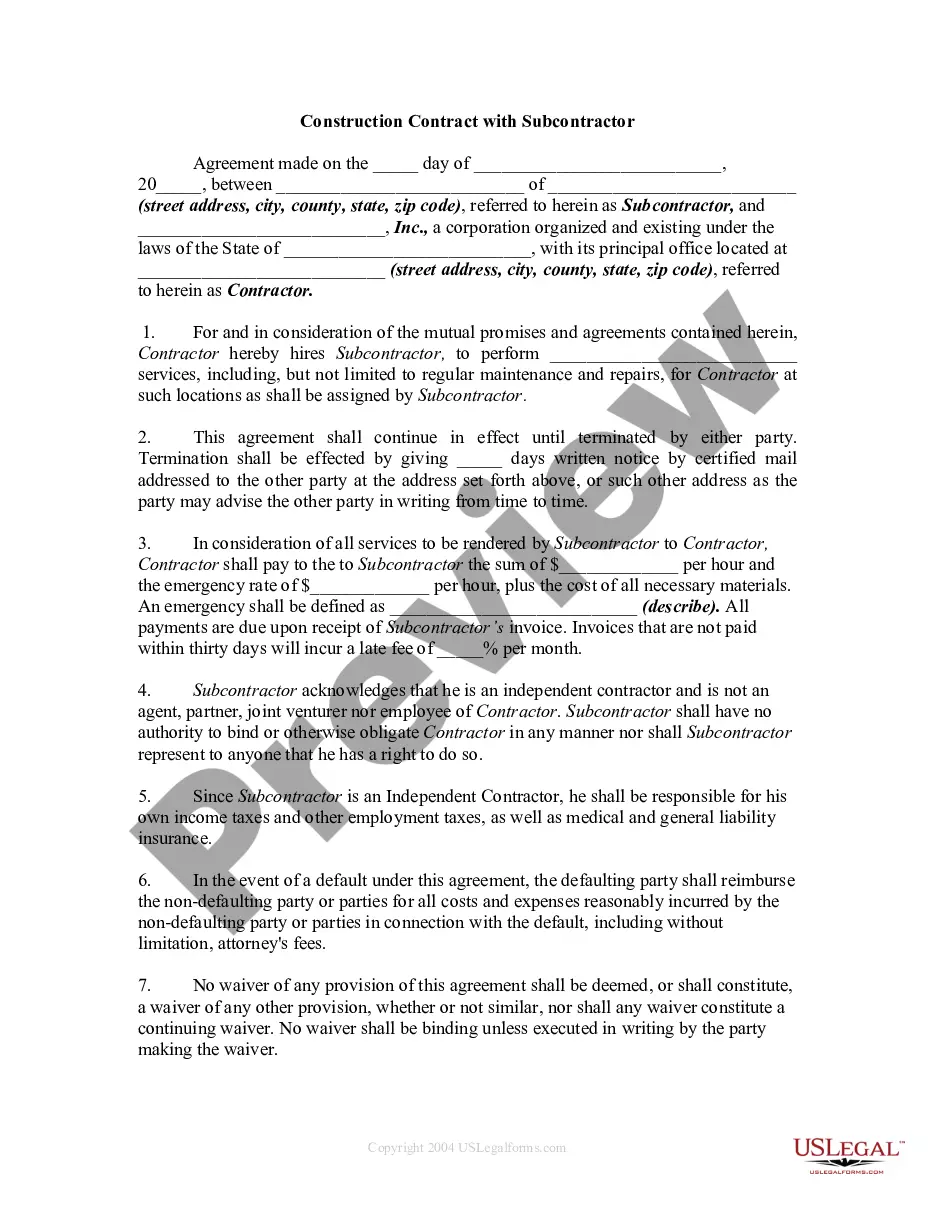
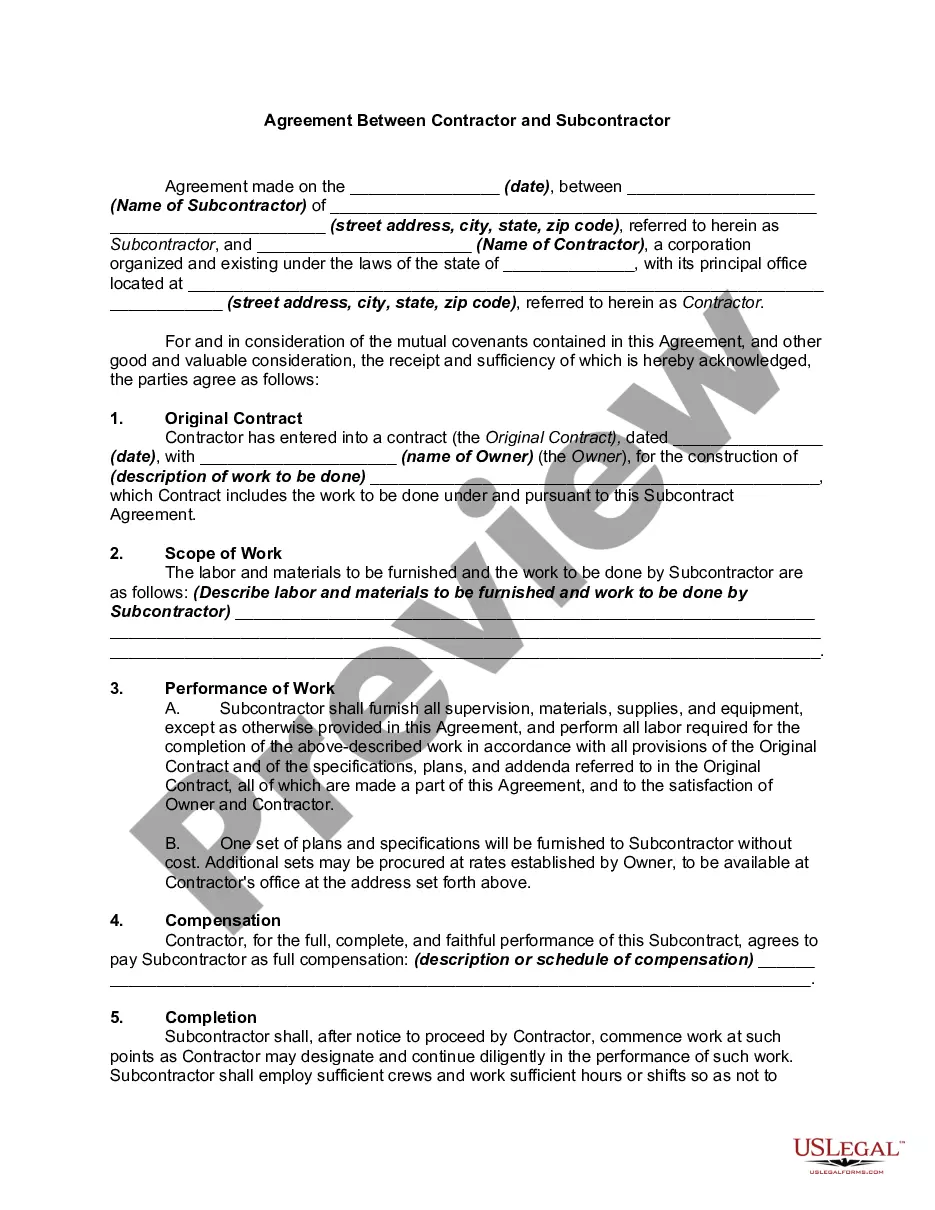
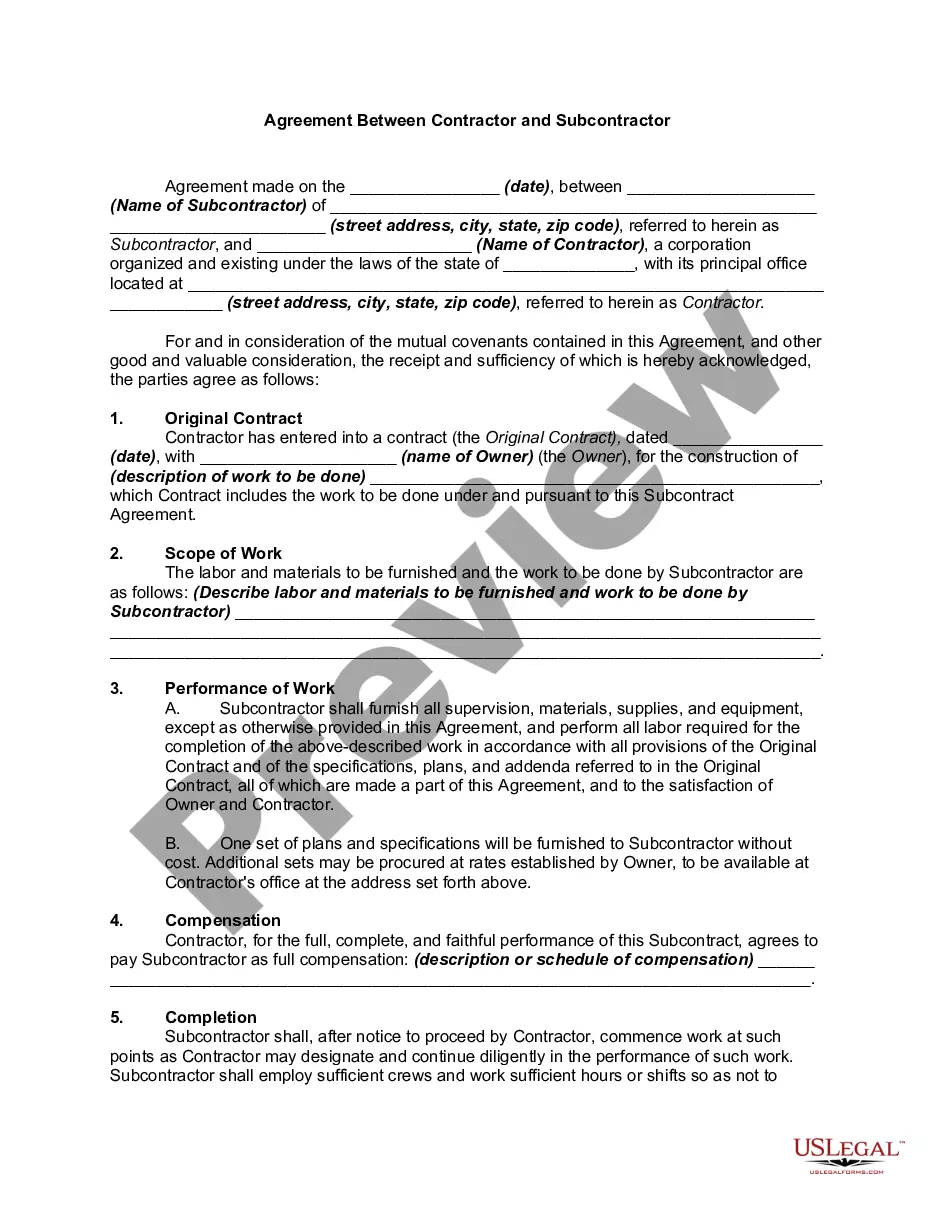
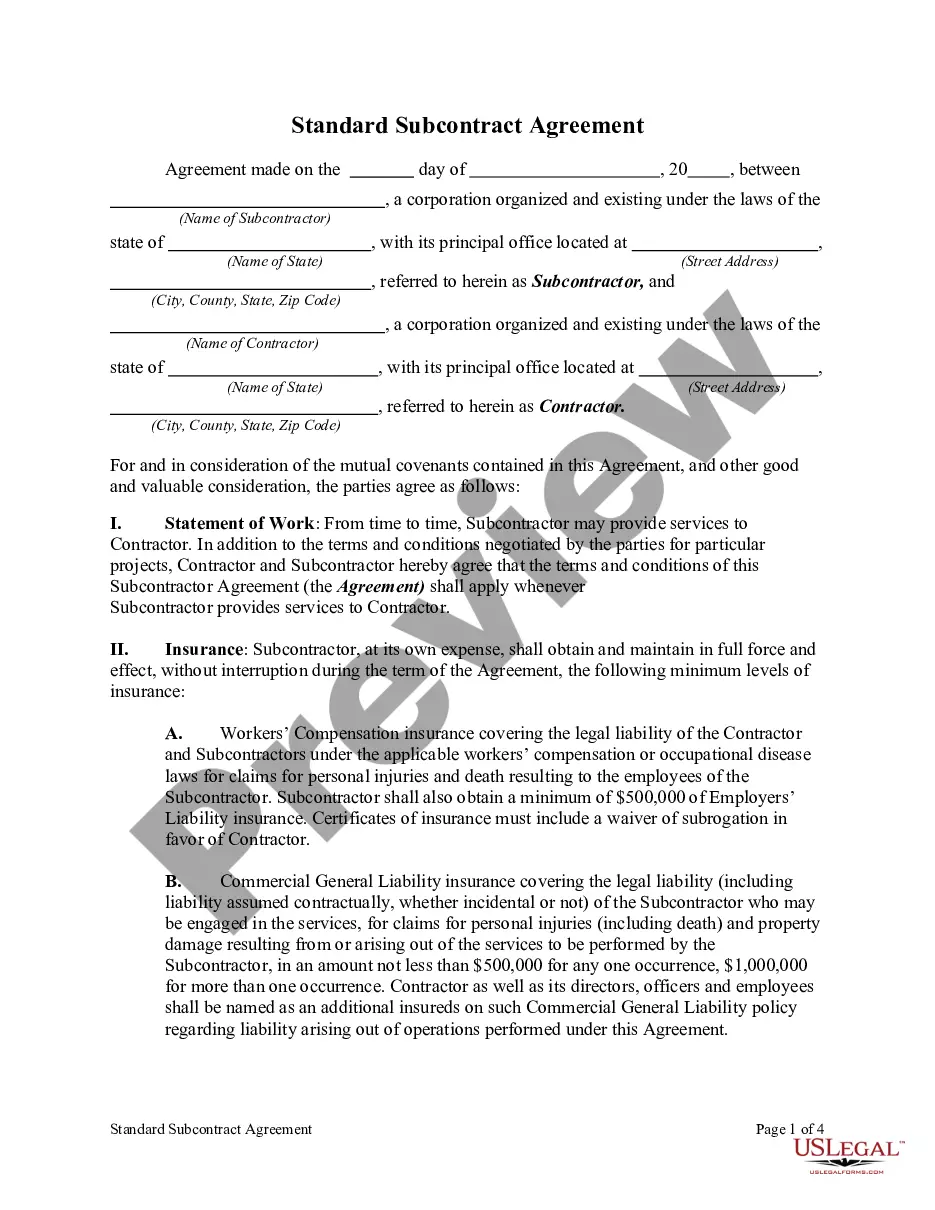
How to fill out Agreement Between Cable Television Contractor And Subcontractor?
Properly prepared official documentation is one of the essential assurances for preventing complications and legal disputes, though securing it without an attorney's assistance may require time.
Whether you need to swiftly locate a current Cable Subcontractor Form or any other documents for employment, family, or business purposes, US Legal Forms is always available to assist.
The procedure is even more straightforward for current users of the US Legal Forms library. If your subscription is active, you only need to Log In to your account and click the Download button next to the desired document. Moreover, you can retrieve the Cable Subcontractor Form at any time later, as all documents ever acquired on the platform can be found within the My documents section of your profile. Save time and resources on preparing official documents. Try US Legal Forms today!
- Confirm that the form is appropriate for your needs and locality by reviewing the description and preview.
- Search for another template (if necessary) using the Search bar in the header of the page.
- Hit Buy Now once you find the relevant template.
- Select the pricing option, Log In to your account or create a new one.
- Choose your preferred payment method to purchase the subscription plan (via credit card or PayPal).
- Select either PDF or DOCX file format for your Cable Subcontractor Form.
- Click Download, then print the document to complete it or upload it to an online editing tool.
Form popularity
FAQ
How to Write Tight SubcontractsStart with procurement standards.Execute all subcontracts prior to starting your projects.Help those who help you.Award the job to the lowest fully qualified bidder.Use contract scope checklists.Make sure you have tight clauses.Meet to review the proposed subcontract.
To add a subcontractorGo to Get paid & pay and select Suppliers (Take me there).Select New supplier.Type in the supplier's details in the Supplier information window.Select the Is a CIS subcontractor checkbox.Enter their UTR (Unique Taxpayer Reference) number.Enter their NI (National Insurance) number.More items...?
Form 1099-MISC is an information return, providing both the contractor or subcontractor and the IRS with taxable income information. Complete Form 1099-MISC with the name, address and tax identification number copied from the IRS Form W-9 for accuracy.
To make sure you choose a reputable subcontractor, check their referrals, online reputation, previous experience, financial status, and safety records. Once you choose a subcontractor, double-check their license and proof of insurance to make sure you're protected in case anything goes wrong.
Typically, if you are paid as a freelancer, independent contractor or not as an employee of a third party business, you will receive a 1099-NEC form. You would not receive Form 1099-NEC if you provided services to someone not in a trade or business.