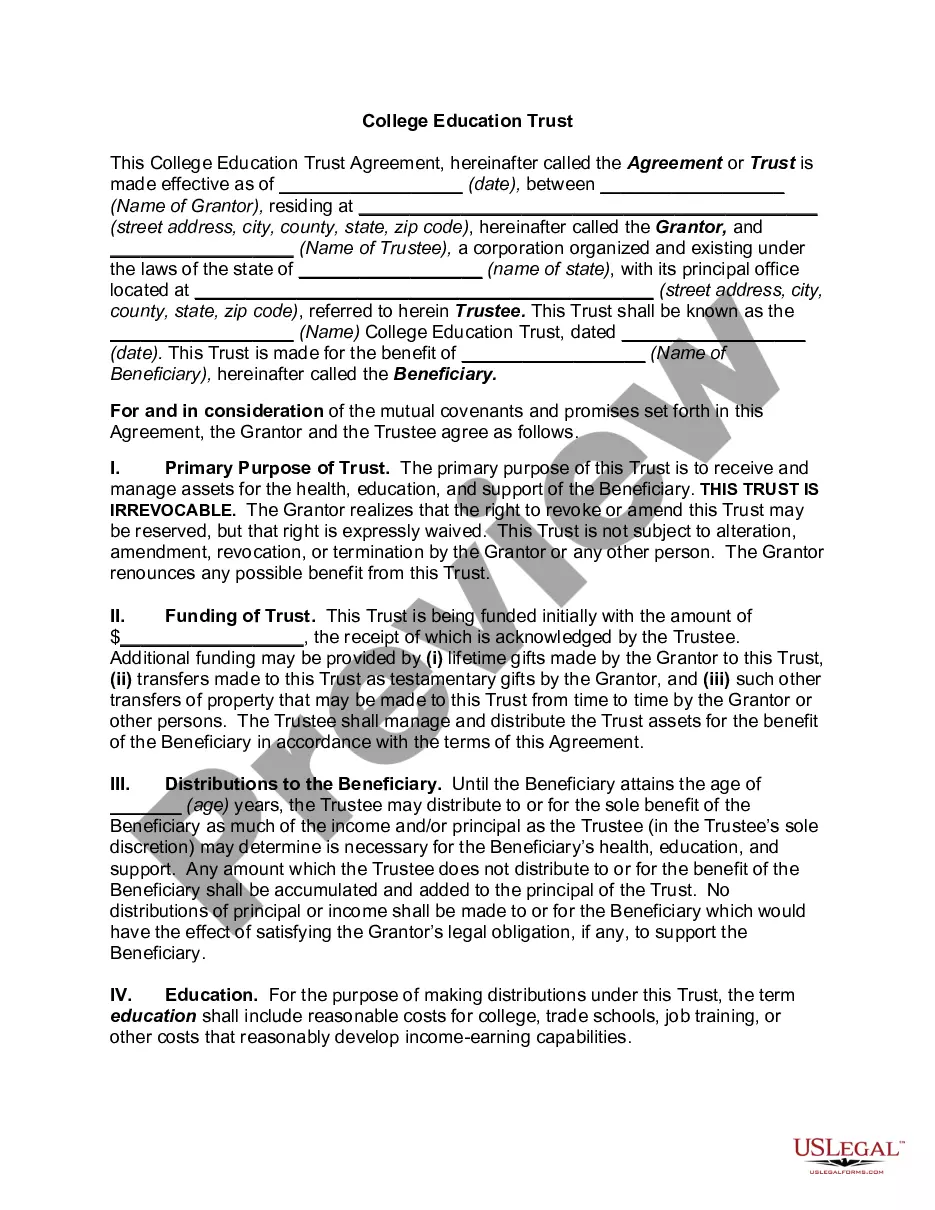
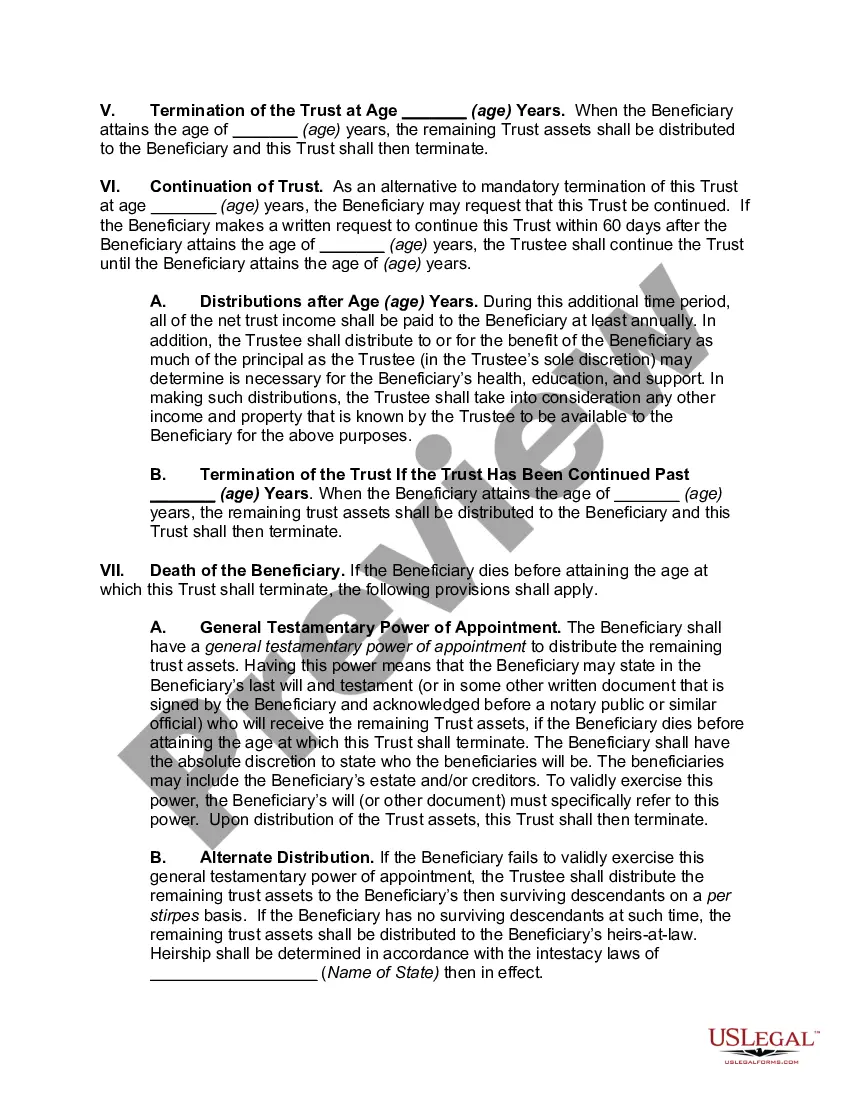
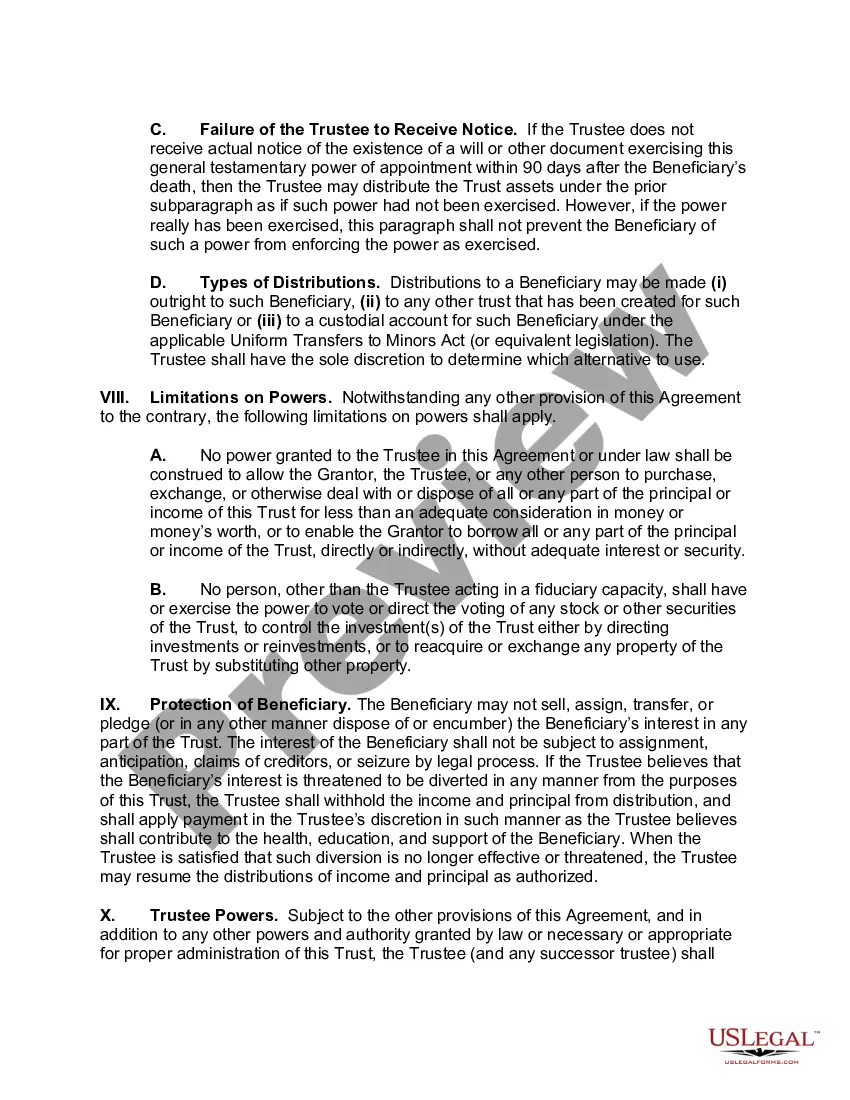
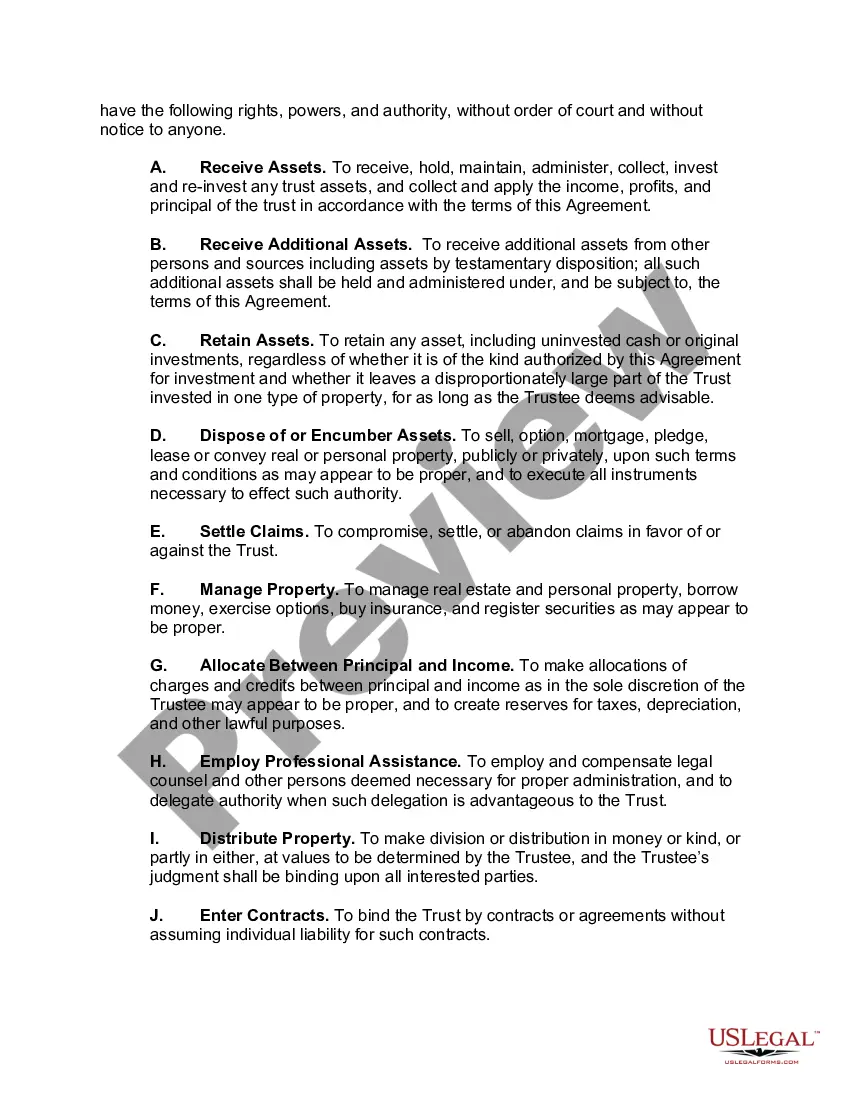
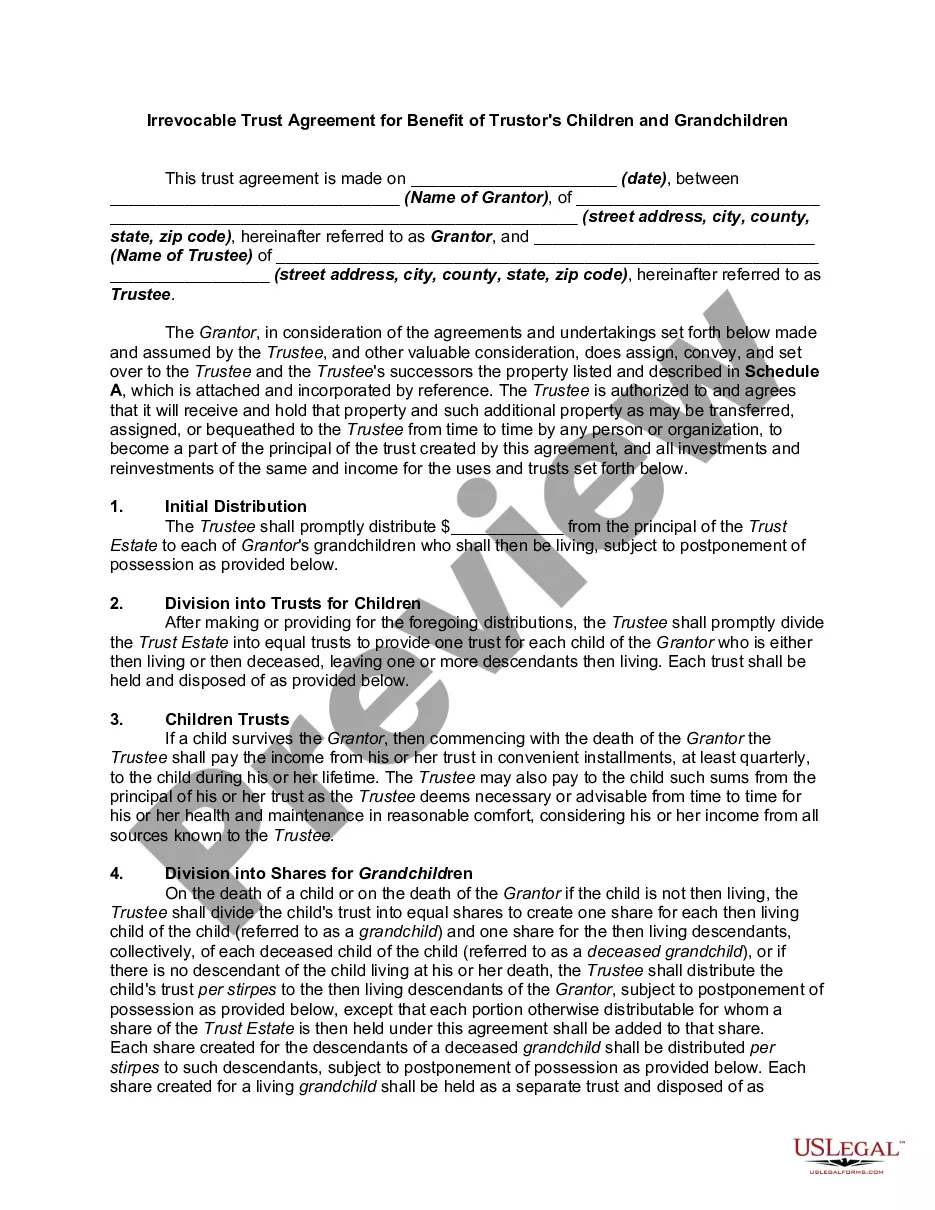
Educational Trust Accounts For Grandchildren
Description
Get your form ready online
Our built-in tools help you complete, sign, share, and store your documents in one place.
Make edits, fill in missing information, and update formatting in US Legal Forms—just like you would in MS Word.
Download a copy, print it, send it by email, or mail it via USPS—whatever works best for your next step.
Sign and collect signatures with our SignNow integration. Send to multiple recipients, set reminders, and more. Go Premium to unlock E-Sign.
If this form requires notarization, complete it online through a secure video call—no need to meet a notary in person or wait for an appointment.
We protect your documents and personal data by following strict security and privacy standards.

Make edits, fill in missing information, and update formatting in US Legal Forms—just like you would in MS Word.

Download a copy, print it, send it by email, or mail it via USPS—whatever works best for your next step.

Sign and collect signatures with our SignNow integration. Send to multiple recipients, set reminders, and more. Go Premium to unlock E-Sign.

If this form requires notarization, complete it online through a secure video call—no need to meet a notary in person or wait for an appointment.

We protect your documents and personal data by following strict security and privacy standards.
Looking for another form?








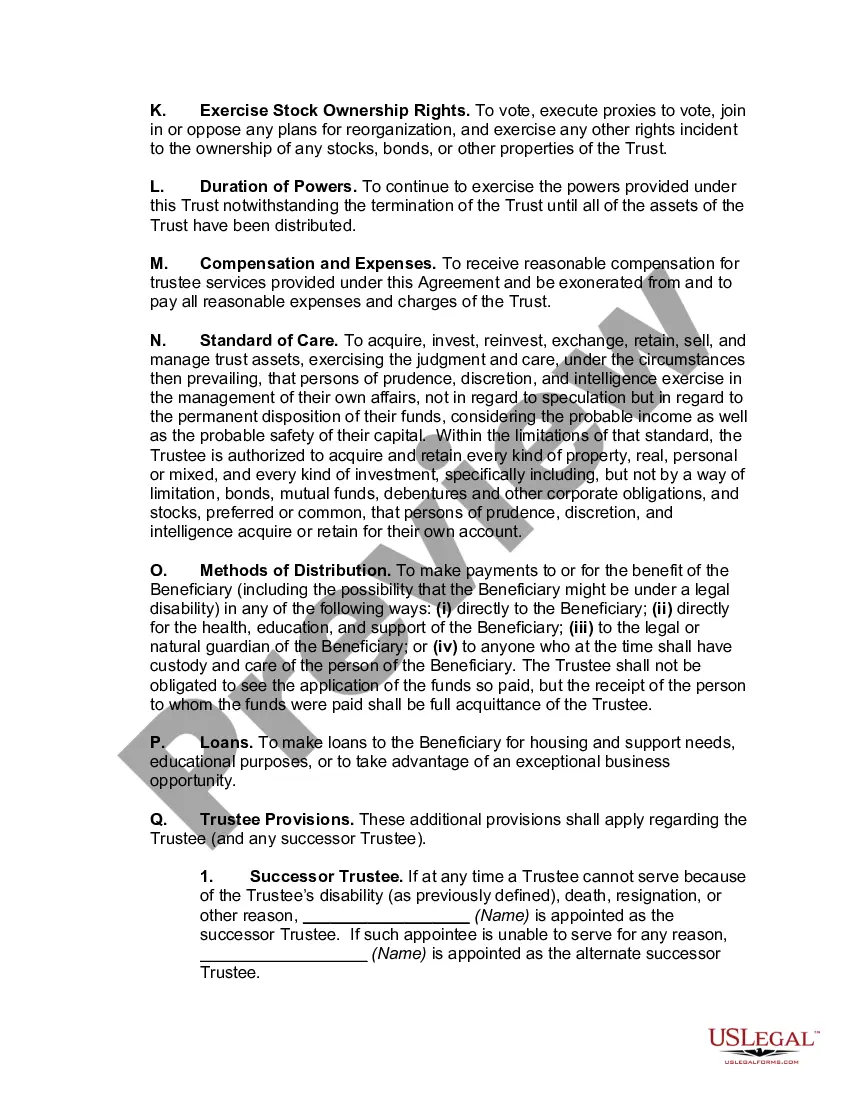
How to fill out College Education Trust Agreement?
It’s widely understood that becoming a legal authority cannot happen instantly, nor can you swiftly master how to formulate Educational Trust Accounts For Grandchildren without having a unique set of expertise.
Assembling legal paperwork is a lengthy endeavor that demands a certain level of education and abilities. So why not entrust the creation of the Educational Trust Accounts For Grandchildren to the professionals.
With US Legal Forms, one of the most extensive legal template repositories, you can discover everything from court documents to templates for internal business correspondence. We recognize how crucial compliance and following federal and state regulations are.
Create a complimentary account and select a subscription plan to buy the template.
Click Buy now. Once the transaction is completed, you can retrieve the Educational Trust Accounts For Grandchildren, complete it, print it, and deliver or mail it to the required parties or organizations.
- That’s why, on our platform, all templates are location-specific and current.
- Here’s how to get started with our platform and acquire the document you require in just a few minutes.
- Find the document you need by utilizing the search bar at the top of the page.
- Preview it (if this option is available) and review the supporting description to determine if Educational Trust Accounts For Grandchildren is what you are looking for.
- If you need a different form, restart your search.
Form popularity
FAQ
There is also no version history which makes it very difficult to reset the questions that have been overwritten.
Currently , there is no feature to see who has access to the forms. however, at the top of the form that you've shared, you'll see icons of the initials for each person making edits to the form.
Restore a previous version in SharePoint Right click on the space between the item or document name and date, and from the menu, select Version History. To see Version History, you may need to scroll the menu. If you don't see Version History, in the dialog, select the ... (ellipses), and then select Version History.
Re: Restoring a prior version of your Form that has been edited and autosaved. @MarciAngela there's no way to restore a previous version of a form.
Recover a deleted form Go to the Deleted forms tab. This tab serves as your recycle bin. ... On the form you want to delete, select More options in the lower right corner of the form tile, and then click Restore. ... To see your recovered form, go to your All forms tab.
If you make a change you later regret, there's no way to find the version before this change. The only way to revert these changes is by doing so manually or simply clicking the Undo button a few times.
Microsoft Forms is available in the following plans: Microsoft 365 business basic, standard, and premium; Microsoft 365 A3/A5 and E3/E5; Office 365 A1/A3/A5 and E1/E3/E5; and Microsoft 365/Office 365 F3.