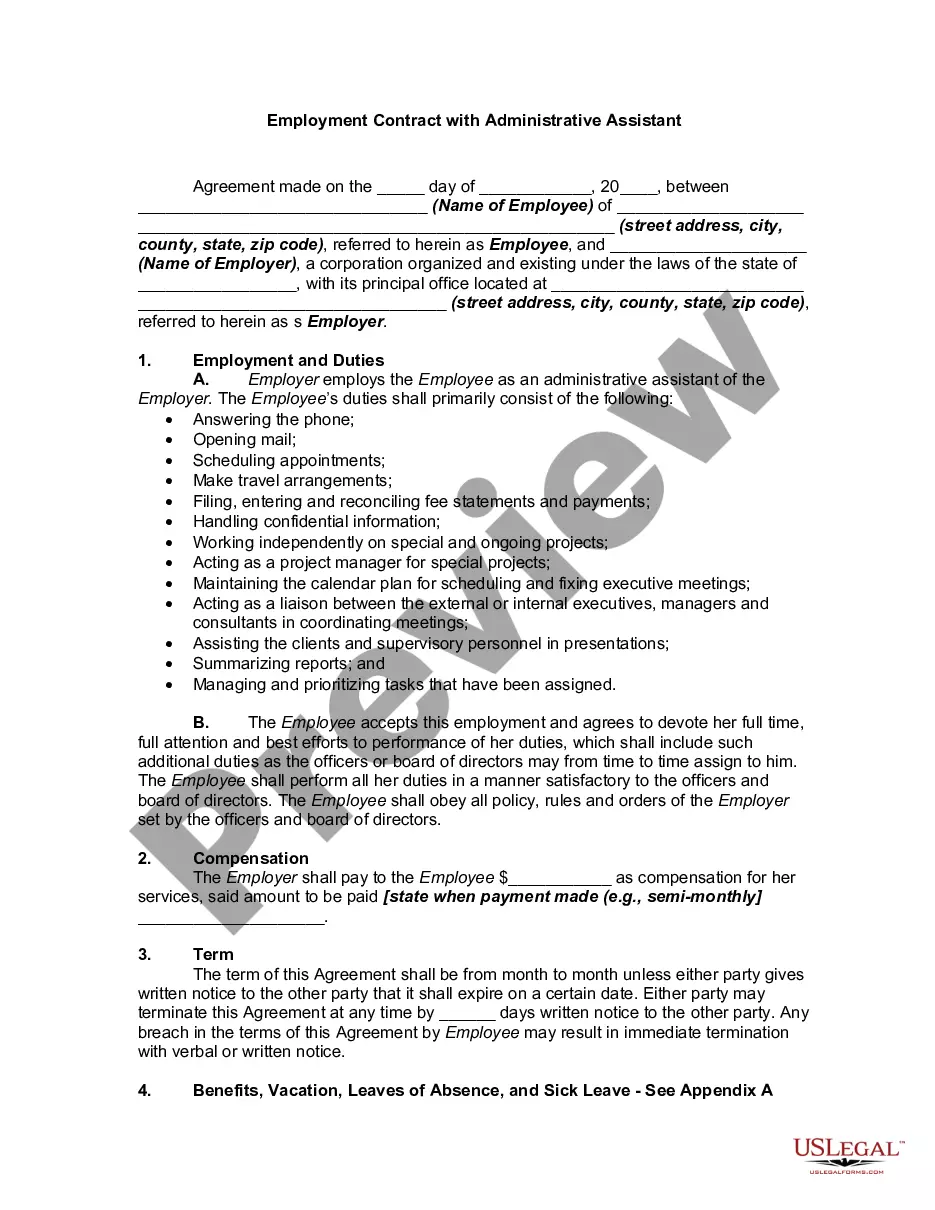
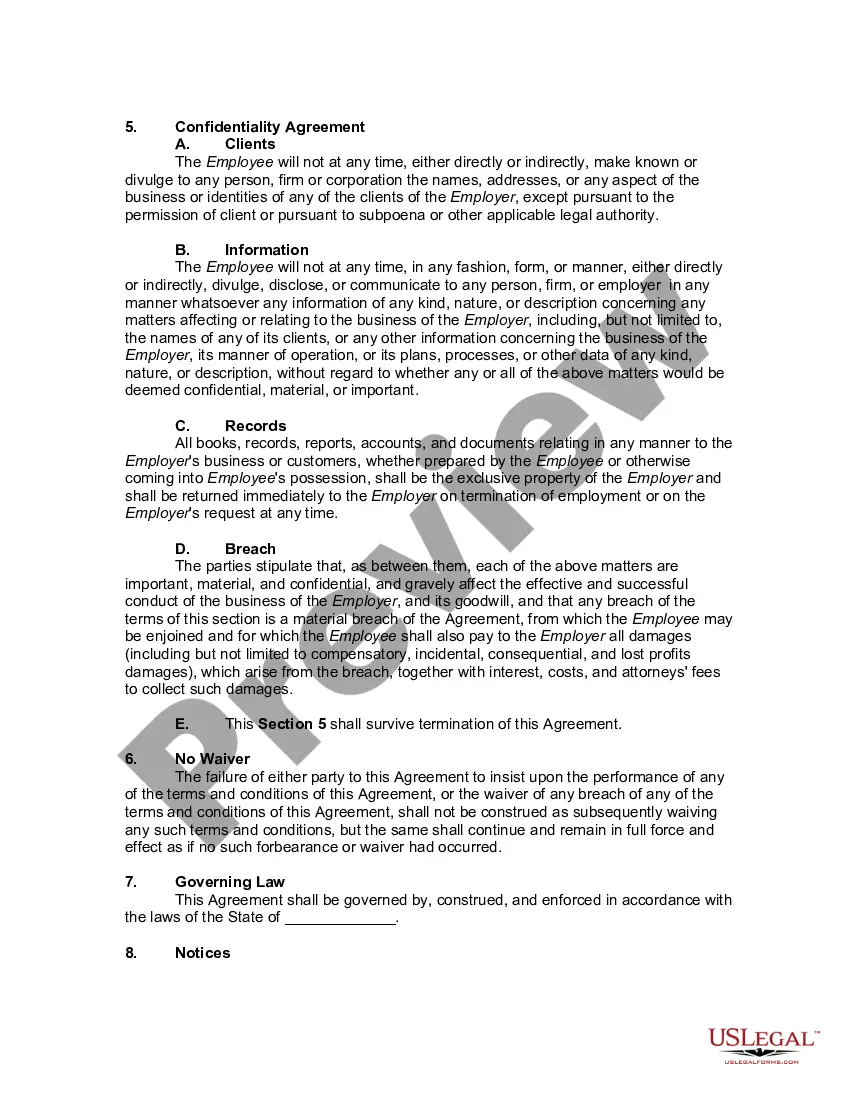
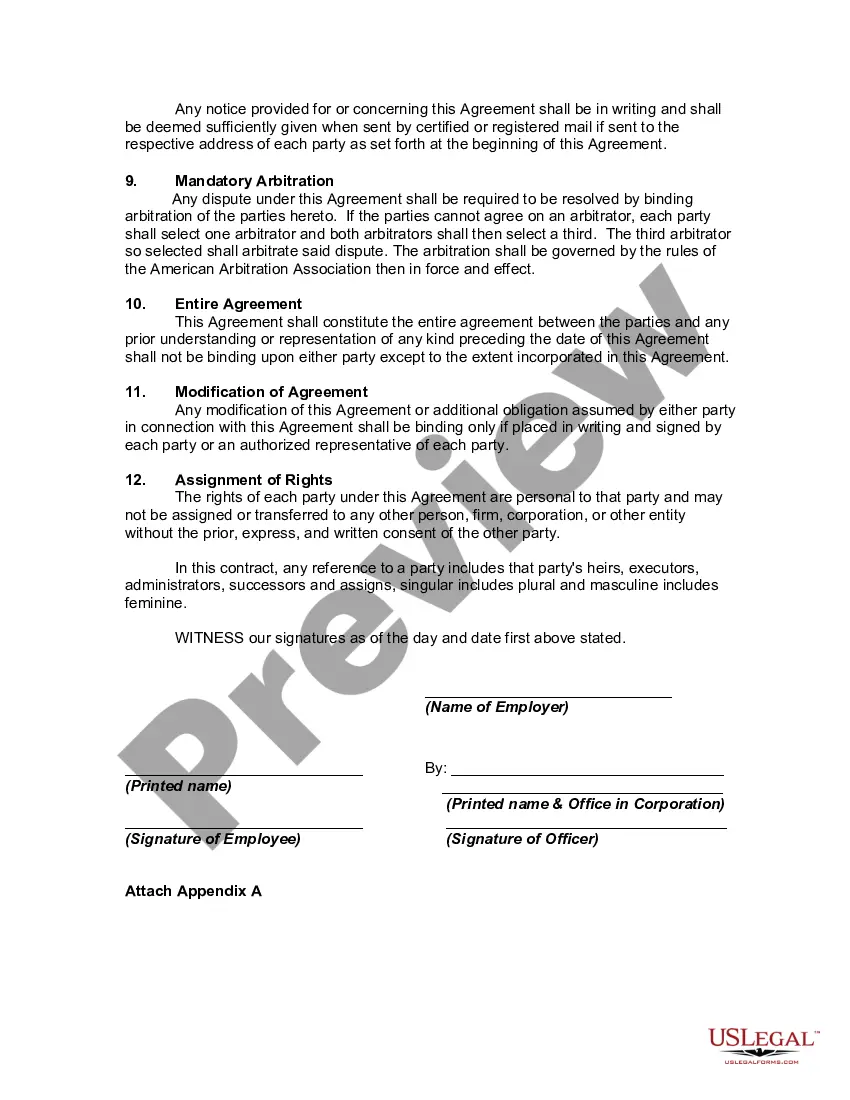
Employment Contract For Administrative Assistant For Construction Company
Description
Get your form ready online
Our built-in tools help you complete, sign, share, and store your documents in one place.
Make edits, fill in missing information, and update formatting in US Legal Forms—just like you would in MS Word.
Download a copy, print it, send it by email, or mail it via USPS—whatever works best for your next step.
Sign and collect signatures with our SignNow integration. Send to multiple recipients, set reminders, and more. Go Premium to unlock E-Sign.
If this form requires notarization, complete it online through a secure video call—no need to meet a notary in person or wait for an appointment.
We protect your documents and personal data by following strict security and privacy standards.

Make edits, fill in missing information, and update formatting in US Legal Forms—just like you would in MS Word.

Download a copy, print it, send it by email, or mail it via USPS—whatever works best for your next step.

Sign and collect signatures with our SignNow integration. Send to multiple recipients, set reminders, and more. Go Premium to unlock E-Sign.

If this form requires notarization, complete it online through a secure video call—no need to meet a notary in person or wait for an appointment.

We protect your documents and personal data by following strict security and privacy standards.
Looking for another form?
How to fill out Employment Contract With Administrative Assistant?
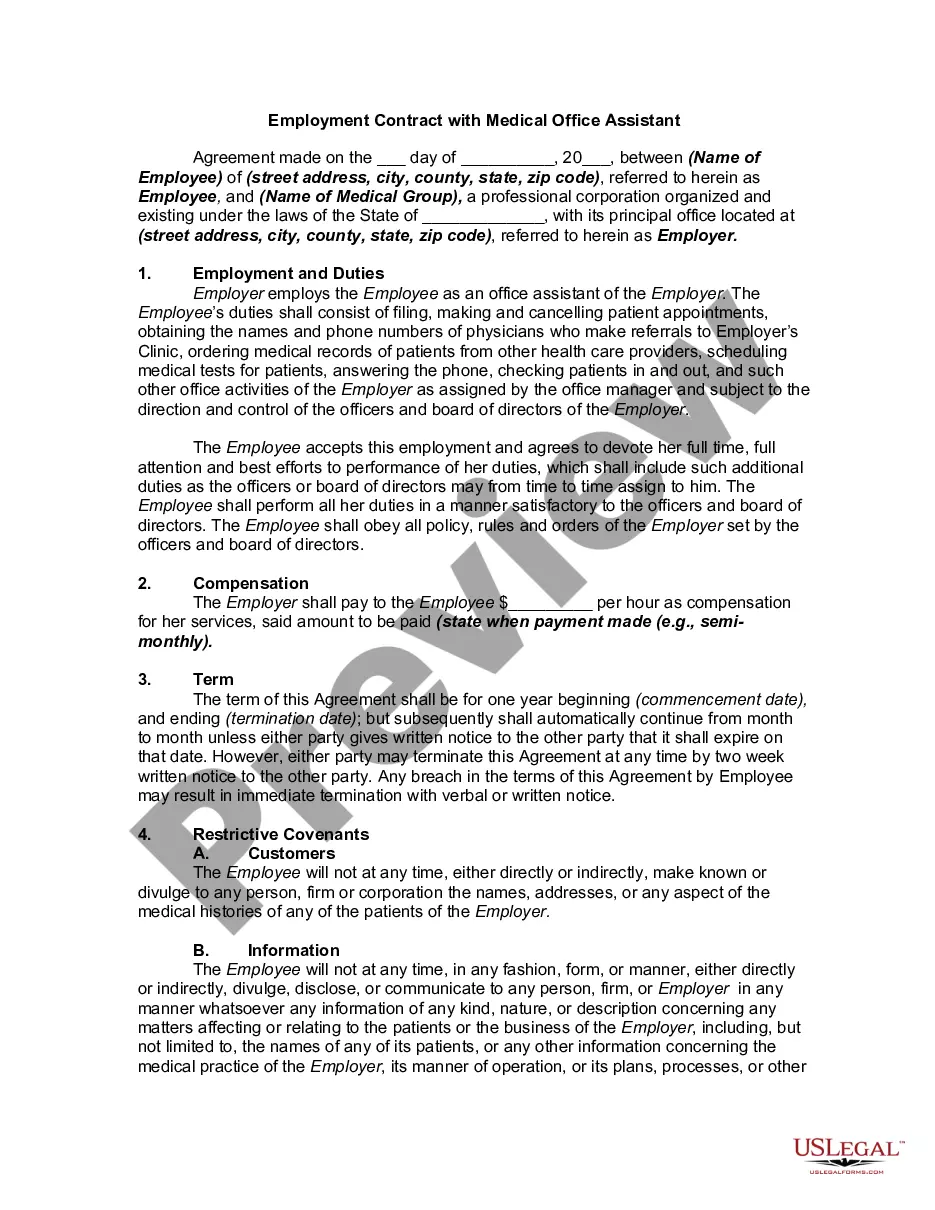
The Employment Agreement for Administrative Assistant for Construction Firm you find on this page is a reusable legal model created by expert attorneys in accordance with national and local laws.
For over 25 years, US Legal Forms has supplied individuals, companies, and lawyers with over 85,000 validated, state-specific documents for any business and personal situation. It’s the fastest, easiest, and most reliable method to acquire the forms you require, as the service ensures bank-grade data security and anti-virus protection.
Choose the format you prefer for your Employment Agreement for Administrative Assistant for Construction Firm (PDF, DOCX, RTF) and download the document onto your device. Fill out and sign the paperwork. Print the template to complete it manually. Alternatively, use an online multifunctional PDF editor to swiftly and accurately fill in and sign your form with an electronic signature. Download your documents again whenever necessary. Access the My documents tab in your profile to redownload any previously saved forms. Subscribe to US Legal Forms to have verified legal templates for all of life’s situations at your fingertips.
- Search for the document you require and review it.
- Browse through the sample you searched and preview it or examine the form description to confirm it meets your requirements. If it does not, utilize the search function to find the correct one. Click Buy Now once you have found the template you need.
- Register and Log In.
- Select the pricing option that fits you and create an account. Use PayPal or a credit card for a quick payment. If you already possess an account, Log In and check your subscription to proceed.
- Obtain the editable template.
Form popularity
FAQ
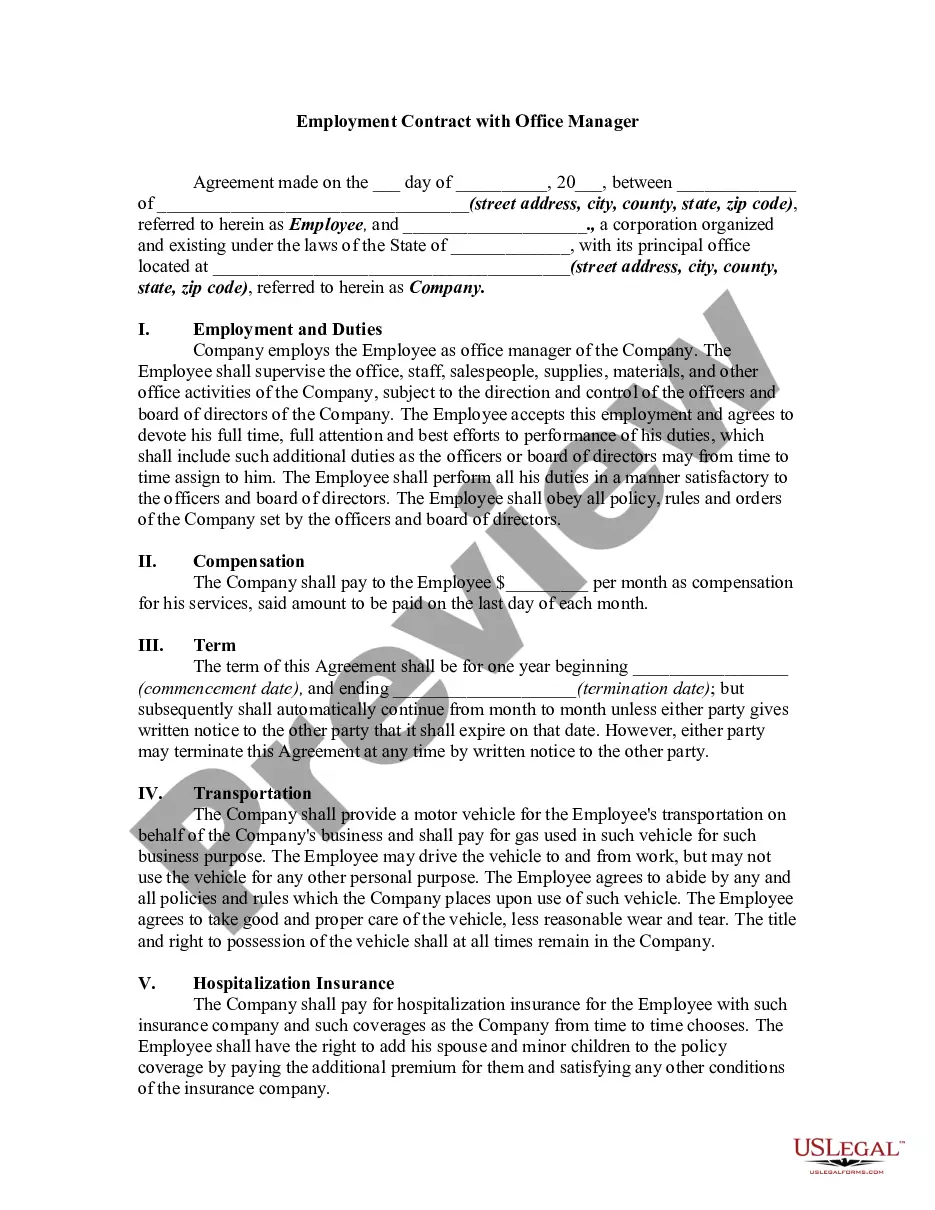
The contract typically includes basic information, such as the employee's job title, start date, and work schedule. It also outlines the employee's compensation?including salary, bonuses, and leave?and employee benefits like health insurance and retirement.
An employment contract typically includes the following elements: Duration of employment, if applicable. Salary or wages. General job responsibilities. Work schedule. Benefits. Confidentiality. Non-compete agreement. Severance pay, if applicable.
When creating an Employment Contract, you can include the following terms: The type and rate of compensation. The frequency of payment. Vacation time. Specified work hours. Specified work location. Employee responsibilities. Length of a probationary period. Confidentiality, non-solicitation, or non-competition clauses.
How to draft a contract agreement Check out the parties. Come to an agreement on the terms. Specify the length of the contract. Spell out the consequences. Determine how you would resolve any disputes. Think about confidentiality. Check the contract's legality. Open it up to negotiation.
A contractor agreement should describe the scope of work, contract terms, contract duration, and the confidentiality agreement. It should also include a section for the two parties to sign and make the agreement official. If the contract doesn't meet these requirements, it may be inadmissible in a court of law.