Authentication With Card
Description
Get your form ready online
Our built-in tools help you complete, sign, share, and store your documents in one place.
Make edits, fill in missing information, and update formatting in US Legal Forms—just like you would in MS Word.
Download a copy, print it, send it by email, or mail it via USPS—whatever works best for your next step.
Sign and collect signatures with our SignNow integration. Send to multiple recipients, set reminders, and more. Go Premium to unlock E-Sign.
If this form requires notarization, complete it online through a secure video call—no need to meet a notary in person or wait for an appointment.
We protect your documents and personal data by following strict security and privacy standards.

Make edits, fill in missing information, and update formatting in US Legal Forms—just like you would in MS Word.

Download a copy, print it, send it by email, or mail it via USPS—whatever works best for your next step.

Sign and collect signatures with our SignNow integration. Send to multiple recipients, set reminders, and more. Go Premium to unlock E-Sign.

If this form requires notarization, complete it online through a secure video call—no need to meet a notary in person or wait for an appointment.

We protect your documents and personal data by following strict security and privacy standards.
Looking for another form?
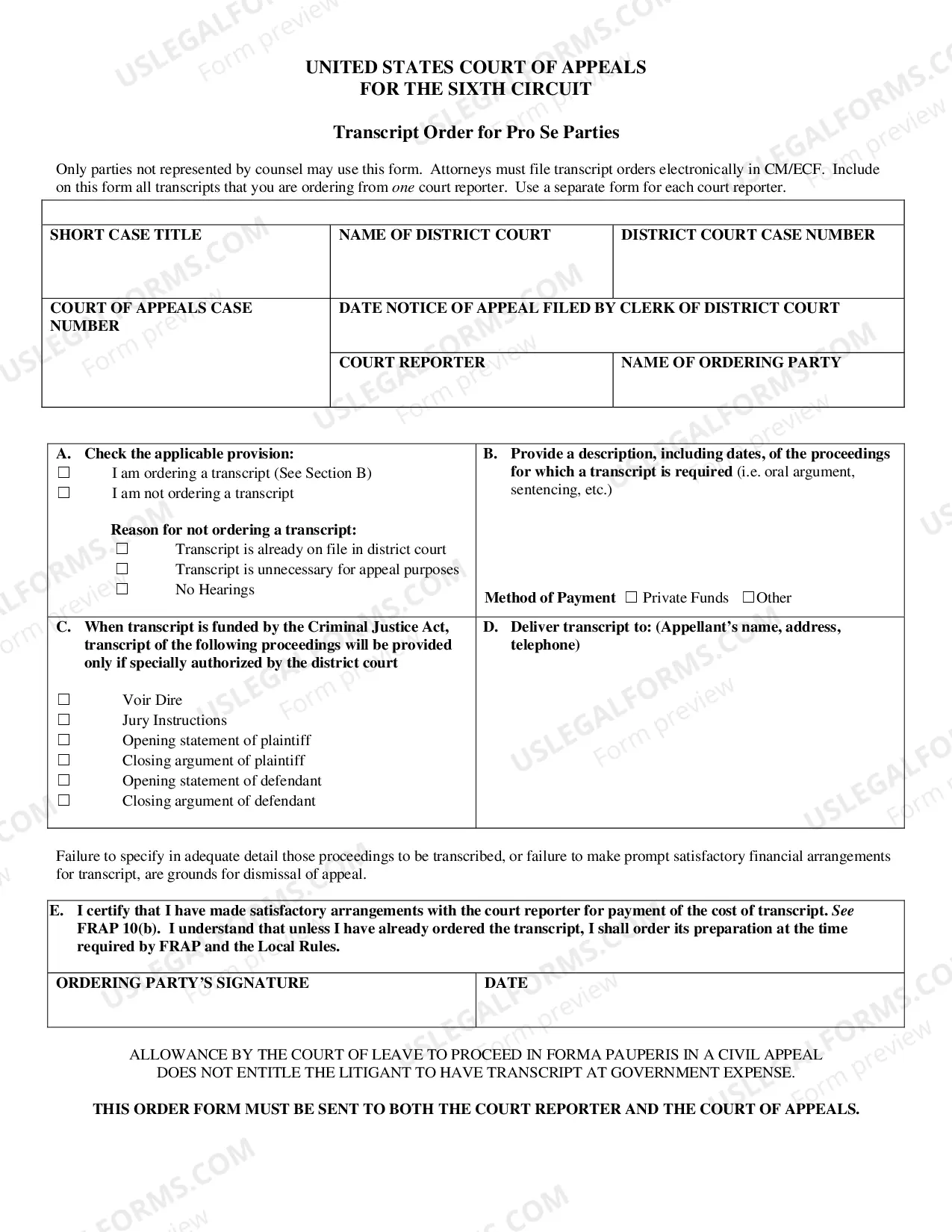




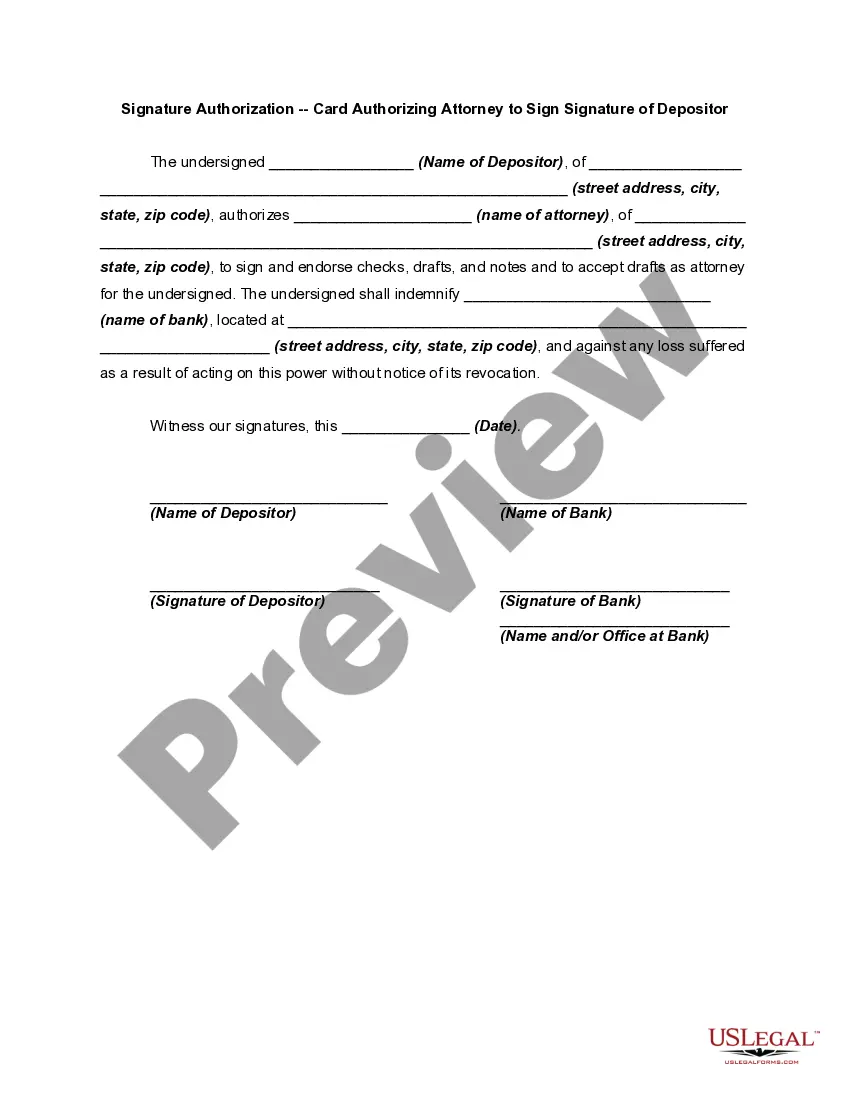
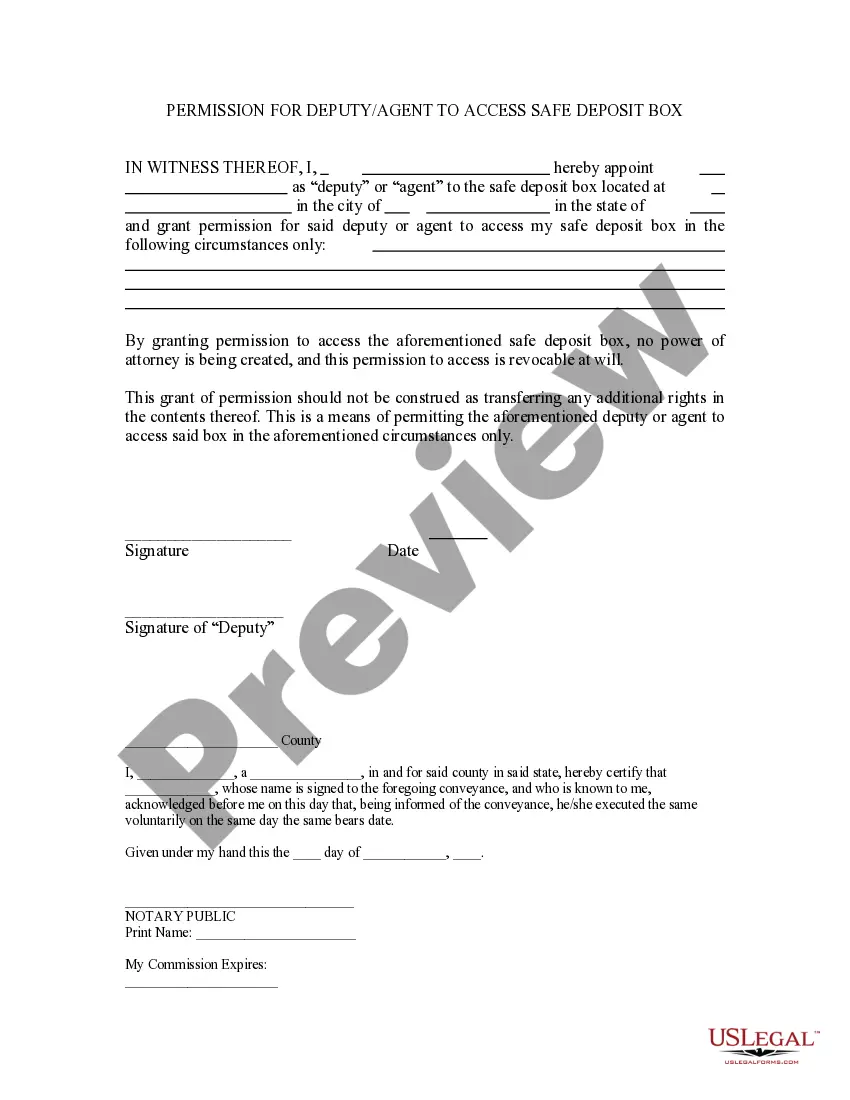
How to fill out Signature Authorization - Card Authorizing Attorney To Sign Signature Of Depositor?
Dealing with legal papers and processes can be a lengthy addition to your whole day.
Verification With Card and similar forms frequently require you to search for them and find the most efficient way to fulfill them successfully.
Thus, whether you are managing financial, legal, or personal issues, having a comprehensive and user-friendly online repository of forms accessible to you will be extremely beneficial.
US Legal Forms is the top online platform for legal templates, featuring over 85,000 state-specific forms and various resources to help you complete your documents with ease.
Is this your first experience with US Legal Forms? Sign up and create an account in a matter of minutes, and you will gain access to the form library and Verification With Card. Then, follow the steps outlined below to complete your form: Ensure you have located the correct form using the Preview feature and reviewing the form details. Select Buy Now when ready, and choose the subscription plan that fits you. Click Download then fill out, sign, and print the form. US Legal Forms has twenty-five years of experience helping clients manage their legal paperwork. Acquire the form you need today and simplify any process effortlessly.
- Browse the collection of relevant documents available to you with just one click.
- US Legal Forms offers you state- and county-specific forms available for download at any time.
- Protect your document management processes with a high-quality service that allows you to prepare any form in just a few minutes without additional or hidden fees.
- Simply Log In to your account, locate Verification With Card, and obtain it immediately from the My documents section.
- You can also retrieve previously saved forms.
Form popularity
FAQ
Users that authenticate with smart cards must have a smart card or USB smart card , and each smart card must contain a user certificate. Before issuing a certificate, you must create the certificate template. You must select either Key Storage Provider or Legacy Cryptographic Service Provider.
This means that the cardholder hasn't entered their details correctly. A 3D secure authentication error could be due to everything from a mistyped card number to an incorrect expiration date. If the error continues, the cardholder will need to contact their credit card issuer for assistance.
Payment authentication is the process of confirming a customer's identity through at least one of the following authentication factors: knowledge, inherence, ownership, and user location. Knowledge is the most common category used for transaction authentication.
Methods of Credit Card Authentication Card Verification Value (CVV) The card verification value (CVV), also sometimes called a card security code (CSC), is typically comprised of three or four digits. ... Challenge-Handshake Authentication Protocol (CHAP) ... 3D Secure 2 (3DS2) ... Address Verification System (AVS)
Set up smart card authentication Log-in to the Identity Administration portal. Click Settings > Authentication > Certificate Authorities. Provide a unique name for the trusted certificate authority. Specify the field to use for extracting the user login name from the certificate.