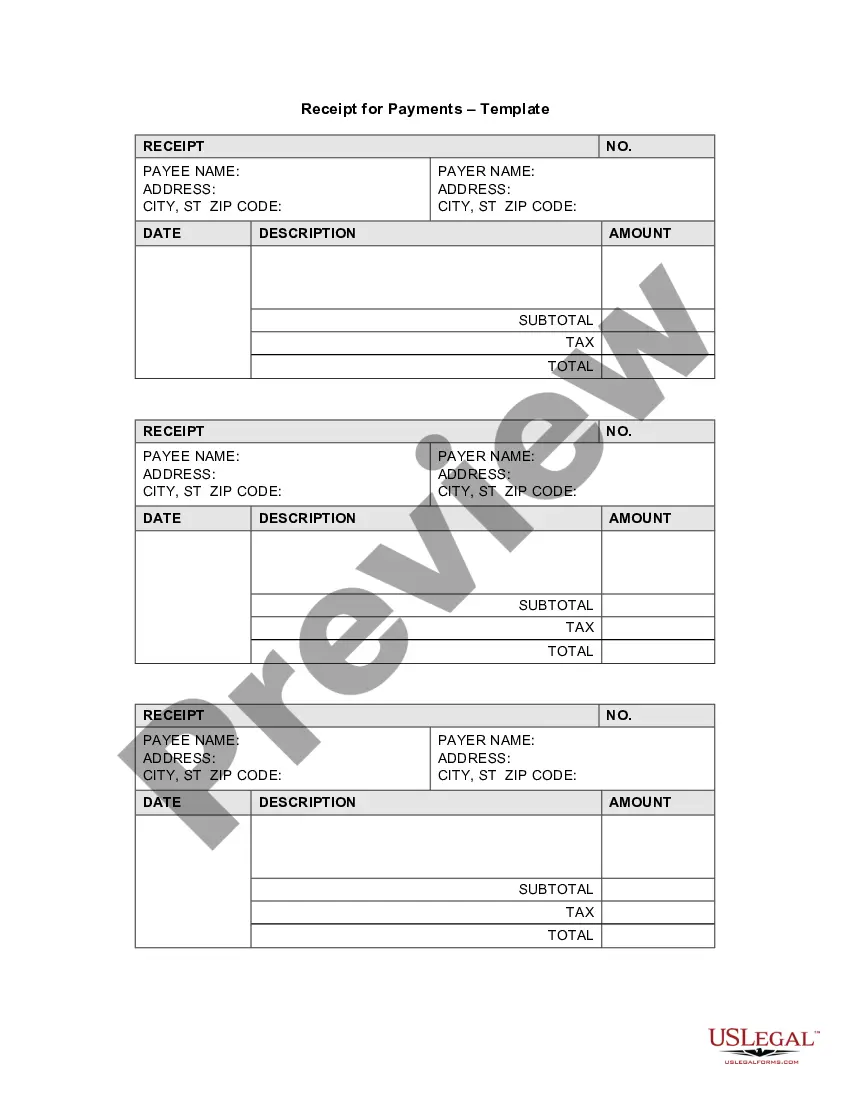
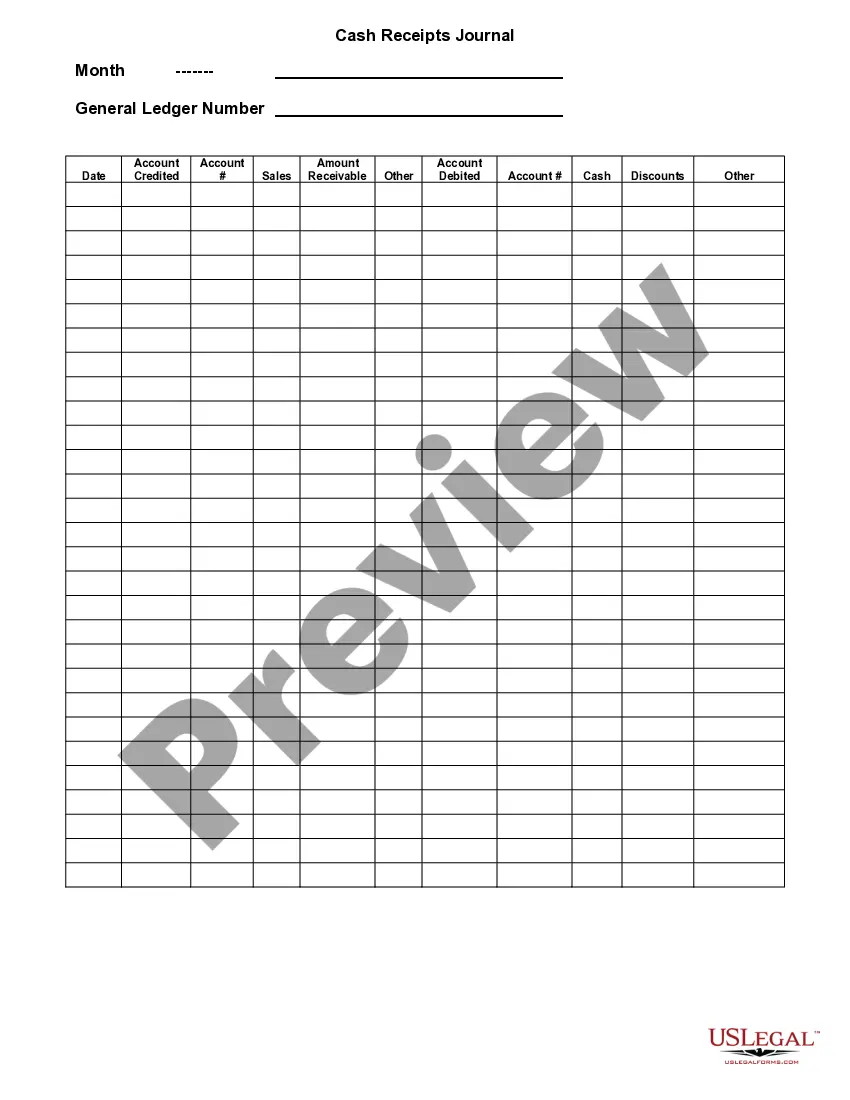
Receipt Business Form For Cash Payment
Description
Get your form ready online
Our built-in tools help you complete, sign, share, and store your documents in one place.
Make edits, fill in missing information, and update formatting in US Legal Forms—just like you would in MS Word.
Download a copy, print it, send it by email, or mail it via USPS—whatever works best for your next step.
Sign and collect signatures with our SignNow integration. Send to multiple recipients, set reminders, and more. Go Premium to unlock E-Sign.
If this form requires notarization, complete it online through a secure video call—no need to meet a notary in person or wait for an appointment.
We protect your documents and personal data by following strict security and privacy standards.

Make edits, fill in missing information, and update formatting in US Legal Forms—just like you would in MS Word.

Download a copy, print it, send it by email, or mail it via USPS—whatever works best for your next step.

Sign and collect signatures with our SignNow integration. Send to multiple recipients, set reminders, and more. Go Premium to unlock E-Sign.

If this form requires notarization, complete it online through a secure video call—no need to meet a notary in person or wait for an appointment.

We protect your documents and personal data by following strict security and privacy standards.
Looking for another form?




How to fill out Receipt For Payments - Template?
Managing legal paperwork and processes can be a lengthy supplement to your full day.
Receipt Business Form For Cash Payment and similar forms usually require you to search for them and comprehend the optimal way to complete them accurately.
Thus, if you are dealing with fiscal, legal, or personal affairs, having a comprehensive and accessible online collection of forms at your disposal will be very beneficial.
US Legal Forms is the leading online platform for legal templates, featuring over 85,000 state-specific forms and various tools to help you fill out your documents effortlessly.
Is this your first experience with US Legal Forms? Sign up and establish a complimentary account in a few minutes to gain access to the form library and Receipt Business Form For Cash Payment. Then, follow the instructions outlined below to finalize your form.
- Explore the collection of relevant documents available to you with a single click.
- US Legal Forms offers state- and county-specific forms that can be downloaded anytime.
- Protect your document management processes with premium services that enable you to create any form within minutes without additional or hidden charges.
- Simply Log In to your account, locate Receipt Business Form For Cash Payment, and obtain it instantly from the My documents tab.
- You can also retrieve previously downloaded forms.
Form popularity
FAQ
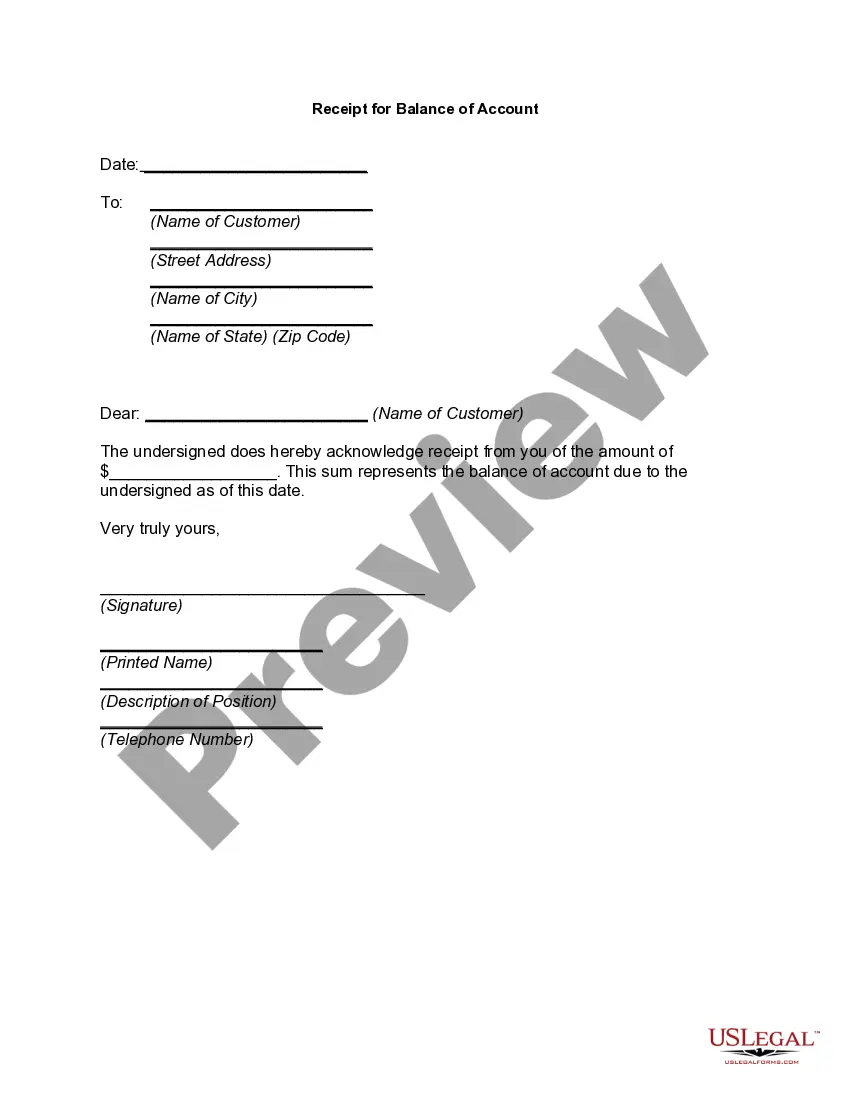
How to write a receipt for tenants - YouTube YouTube Start of suggested clip End of suggested clip So first of all. There you write down today's date this is the date when you received the rent. ButMoreSo first of all. There you write down today's date this is the date when you received the rent. But today let's say you received it today is December 20th 2018. So you write down here.
Important Details Included on a Receipt Business name and business address. Company phone number or email. Payment date and time. Transaction number. Additional fees or sales tax. Brief description of the product/s or service description. Payment method (cash, cheque, or credit/debit card)
Typically it will show: the date and time of the purchase. the number of items purchased and price totals. the name and location of the business the items have been bought from. Any VAT charged. method of payment. returns policy.
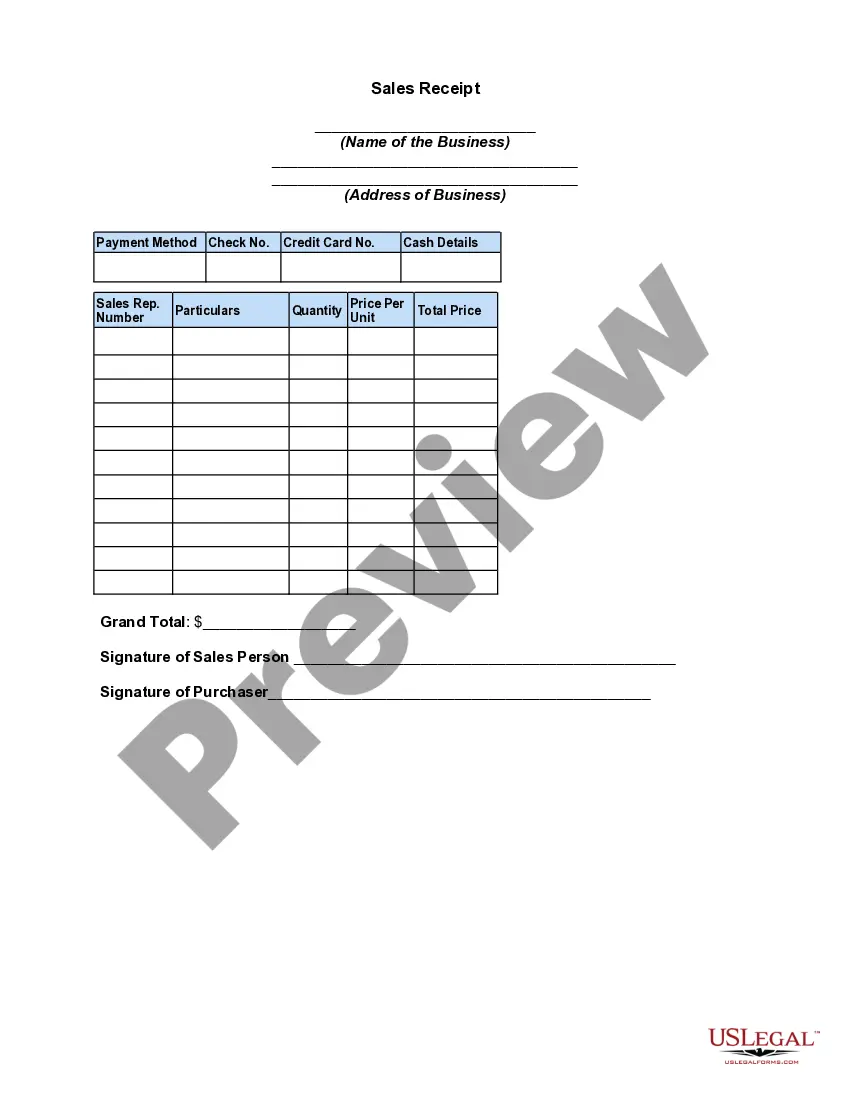
Recording Cash Receipts Receipts can be in manual or electronic format and should contain the amount received, the name of the payer, purpose of the payment, and its form (cash/ check/credit card). Provide a receipt. Ideally receipts should be pre-numbered and two-part.
The cash receipt book holder will complete the information at the top of the cash receipt: LOCATION, DATE, RECEIVED FROM, AND AMOUNT. Indicate in the appropriate box on the cash receipt the form of payment: coin or currency, check, or money order.