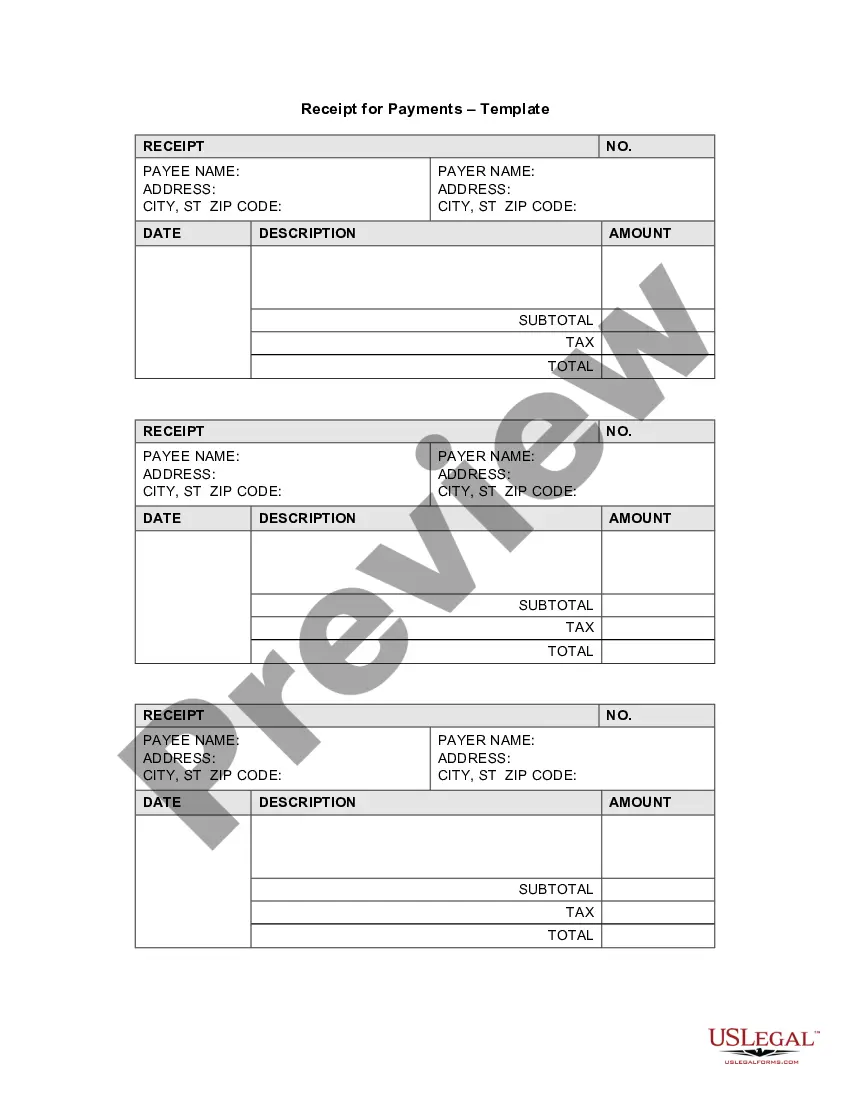
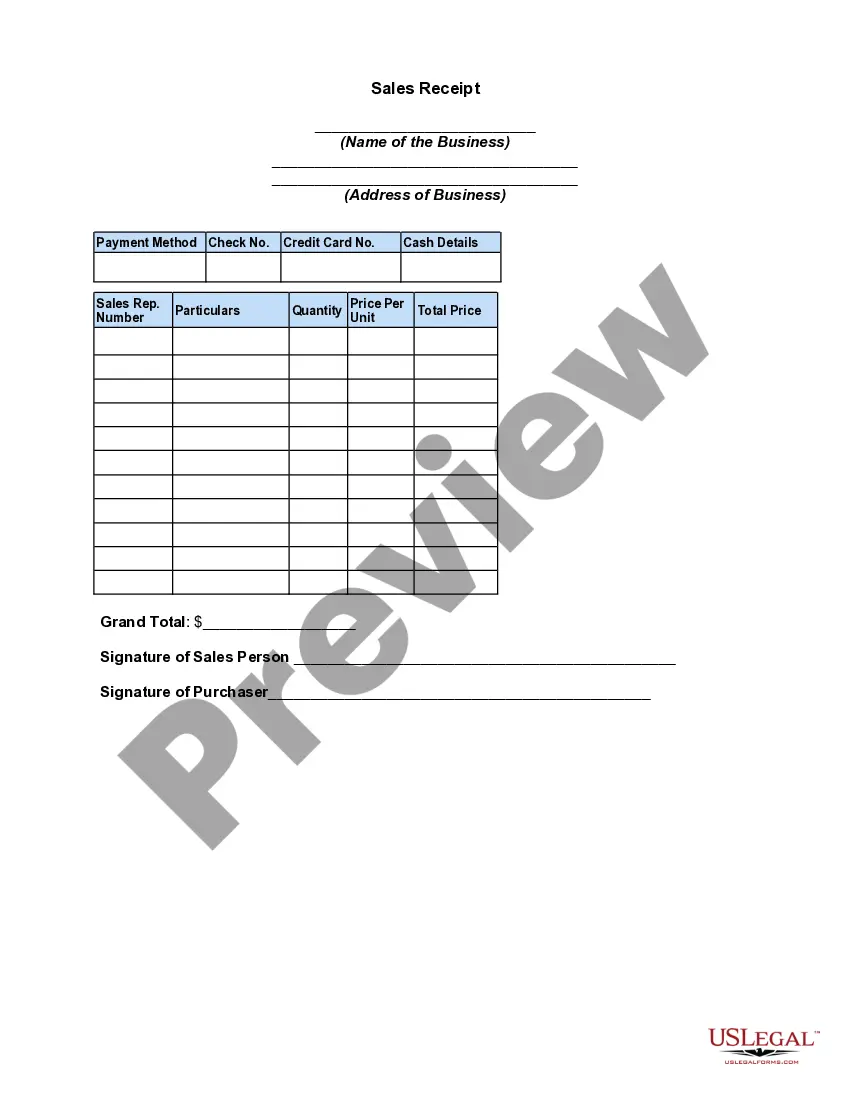
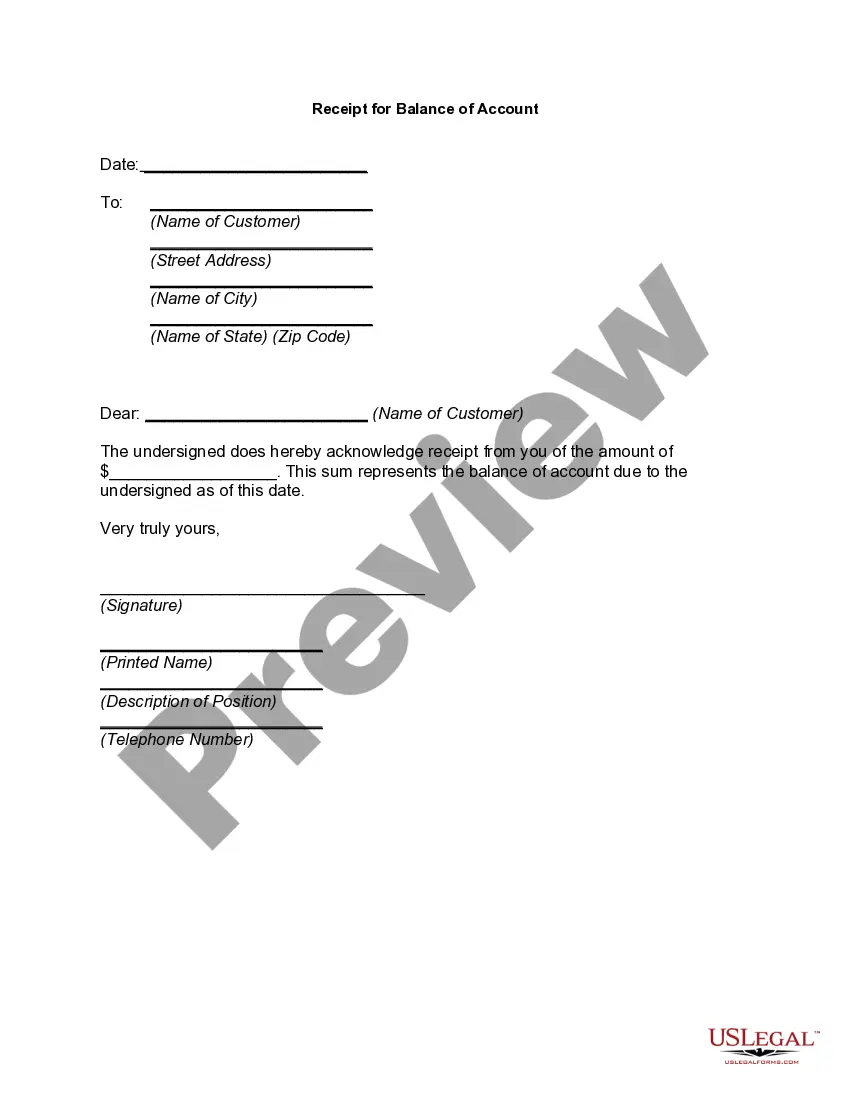
Receipt Business Form For Business
Description
Get your form ready online
Our built-in tools help you complete, sign, share, and store your documents in one place.
Make edits, fill in missing information, and update formatting in US Legal Forms—just like you would in MS Word.
Download a copy, print it, send it by email, or mail it via USPS—whatever works best for your next step.
Sign and collect signatures with our SignNow integration. Send to multiple recipients, set reminders, and more. Go Premium to unlock E-Sign.
If this form requires notarization, complete it online through a secure video call—no need to meet a notary in person or wait for an appointment.
We protect your documents and personal data by following strict security and privacy standards.

Make edits, fill in missing information, and update formatting in US Legal Forms—just like you would in MS Word.

Download a copy, print it, send it by email, or mail it via USPS—whatever works best for your next step.

Sign and collect signatures with our SignNow integration. Send to multiple recipients, set reminders, and more. Go Premium to unlock E-Sign.

If this form requires notarization, complete it online through a secure video call—no need to meet a notary in person or wait for an appointment.

We protect your documents and personal data by following strict security and privacy standards.
Looking for another form?


How to fill out Receipt For Payments - Template?
It’s widely known that you can’t become an authority in law instantly, nor can you quickly learn how to prepare a Receipt Business Form For Business without possessing a specialized skill set.
Compiling legal documents is a lengthy process that necessitates specific training and expertise. So why not entrust the creation of the Receipt Business Form For Business to the professionals.
With US Legal Forms, which boasts one of the most comprehensive libraries of legal documents, you can find everything from court papers to templates for internal communication. We understand how vital it is to comply with federal and local statutes and regulations. That’s why, on our platform, all templates are geographically tailored and current.
Hit Buy now. Once the payment goes through, you can download the Receipt Business Form For Business, complete it, print it, and send or mail it to the appropriate individuals or organizations.
You can access your forms again from the My documents tab anytime. If you’re an existing client, you can simply Log In, and find and download the template from the same tab.
- Begin with our platform and obtain the form you need in just a few minutes.
- Find the document you seek using the search bar at the top of the page.
- Preview it (if this option is available) and review the accompanying description to see if Receipt Business Form For Business is what you are looking for.
- If you require another form, restart your search.
- Create a free account and choose a subscription plan to buy the form.
Form popularity
FAQ
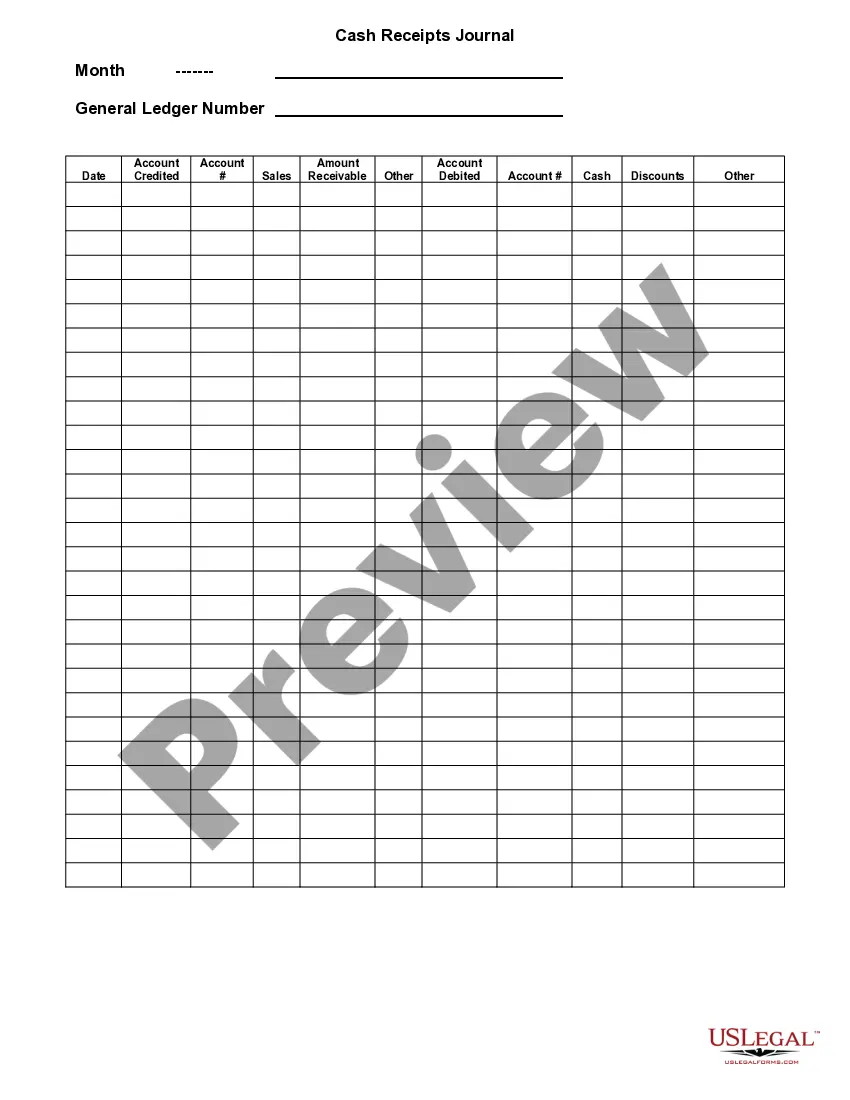
No matter how you're making your receipt, every receipt you issue should include: The number, date, and time of the purchase. Invoice number or receipt number. The number of items purchased and price totals. The name and location of the business the items have been bought from. Any tax charged. The method of payment.
What information must I put on a receipt? your company's details including name, address, phone number and/or email address. the date of transaction showing date, month and year. a list of products or services showing a brief description of the product and quantity sold.
A receipt should include the date of the transaction, the name of the business, a description of the goods or services provided, and the amount paid. It may also include the payment method used, taxes, discounts, and the business contact information.
What to include on a receipt. Your business name, address, and phone number. Sale date and time. Transaction number. Product or service description. Cost. Tax, if required.
Fill out the date and your business's contact information on the top lines. Write down the items or services the person purchased along with descriptions and prices. Add the prices together and calculate the total after taxes, fees, or discounts. Sign the bottom of the receipt on the signature line.