Birth Child Social Security Formula
Description


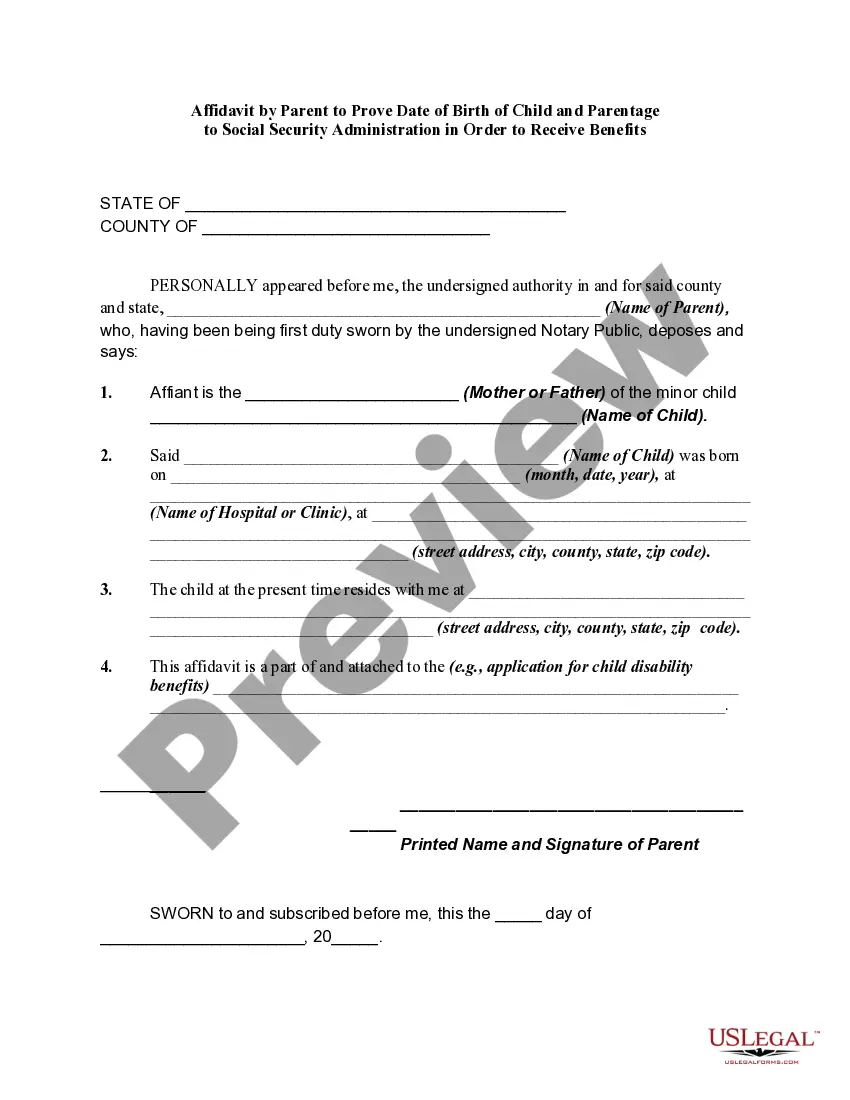
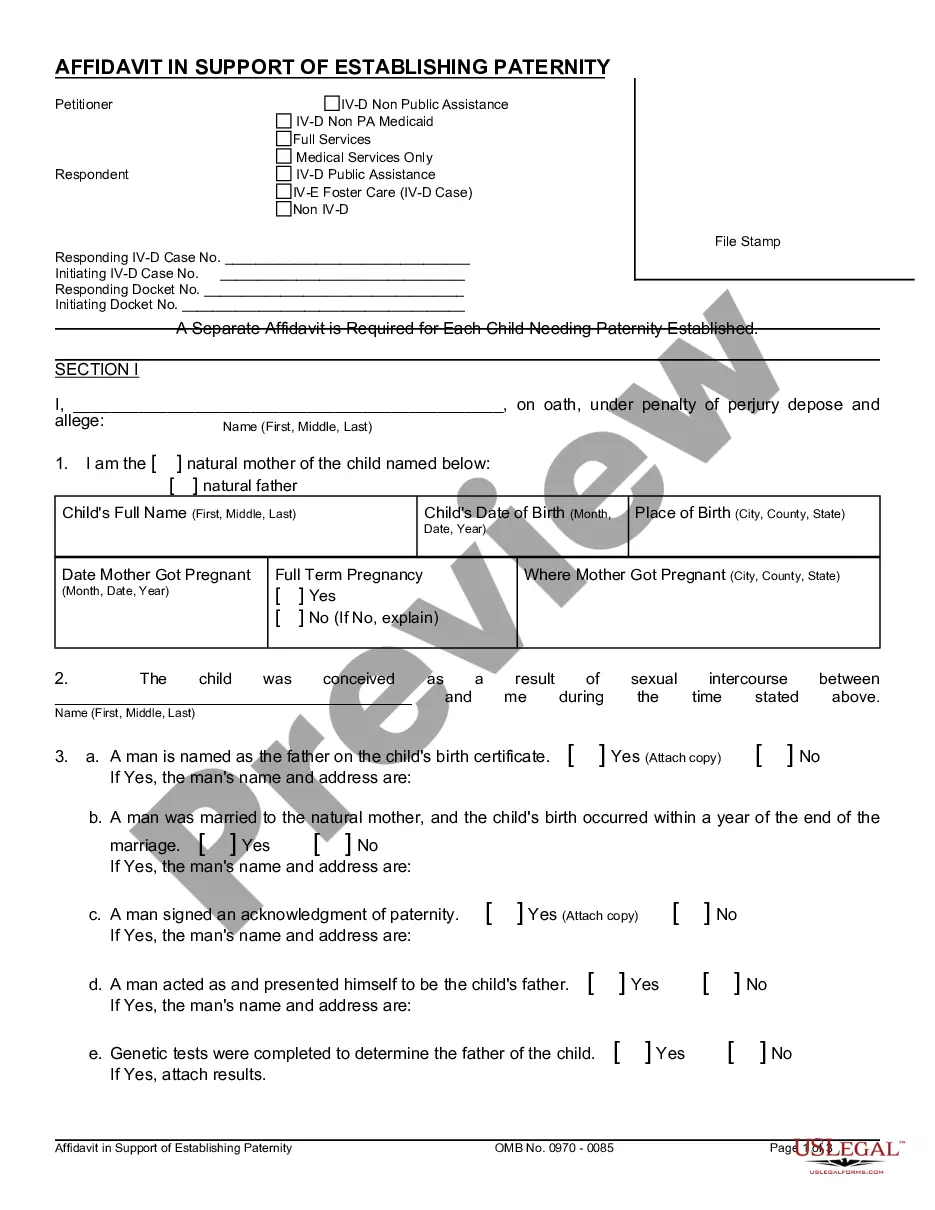









How to fill out Affidavit By Non-Parent To Prove Date Of Birth Of Child And Parentage To Social Security Administration In Order To Receive Benefits?
Drafting legal documents from scratch can sometimes be intimidating. Certain scenarios might involve hours of research and hundreds of dollars invested. If you’re looking for a a more straightforward and more affordable way of creating Birth Child Social Security Formula or any other documents without jumping through hoops, US Legal Forms is always at your fingertips.
Our virtual library of more than 85,000 up-to-date legal documents covers almost every element of your financial, legal, and personal matters. With just a few clicks, you can quickly access state- and county-compliant templates diligently put together for you by our legal specialists.
Use our website whenever you need a trusted and reliable services through which you can quickly find and download the Birth Child Social Security Formula. If you’re not new to our services and have previously created an account with us, simply log in to your account, locate the template and download it away or re-download it anytime later in the My Forms tab.
Don’t have an account? No problem. It takes minutes to register it and explore the library. But before jumping straight to downloading Birth Child Social Security Formula, follow these tips:
- Review the document preview and descriptions to ensure that you have found the form you are looking for.
- Make sure the form you choose conforms with the requirements of your state and county.
- Pick the best-suited subscription option to get the Birth Child Social Security Formula.
- Download the file. Then complete, sign, and print it out.
US Legal Forms has a spotless reputation and over 25 years of expertise. Join us today and turn document completion into something simple and streamlined!
Form popularity
FAQ
There's really no ?bonus? that retirees can collect. The Social Security Administration (SSA) uses a specific formula based on your lifetime earnings to determine your benefit amount.
This is 66 or 67 for most people, depending on when you were born. But there's a third option: Delay benefits until age 70. In doing so, you can get a Social Security bonus in the form of a higher benefit amount. The bonus is worth roughly 8% more for each year you delay benefits past full retirement age.
The nine-digit SSN is composed of three parts: The first set of three digits is called the Area Number. The second set of two digits is called the Group Number. The final set of four digits is the Serial Number.
These amounts start being reduced when the adjusted family net income (AFNI) is over $34,863. The reduction is calculated as follows: For families with one eligible child: the reduction is 7% of the amount of AFNI greater than $34,863 up to $75,537.
Your Canada child benefit is based on your family income from the previous year, the number of children in your care, and the age of your children. Canada child benefit payments change every July, based on your family income from the previous year, indexed to inflation.