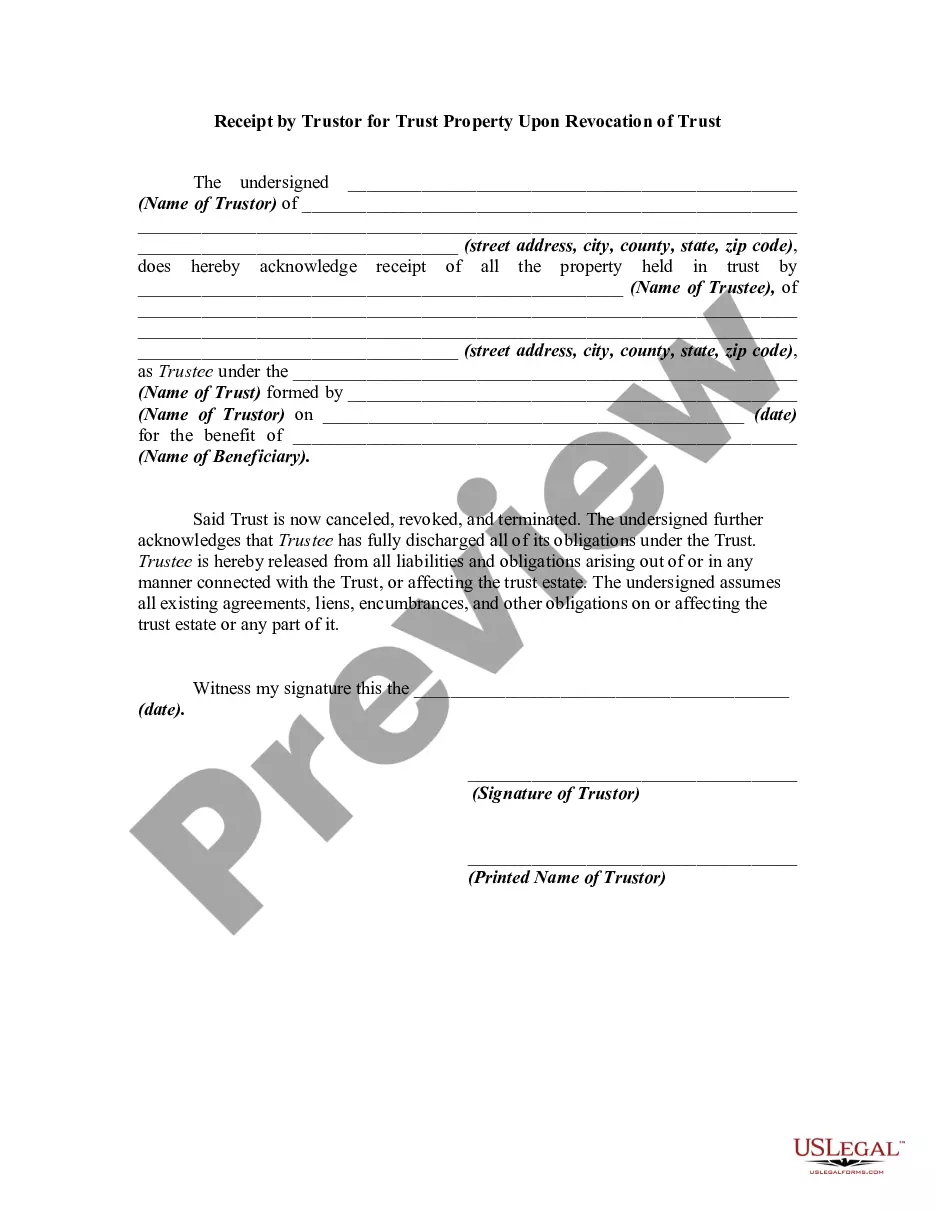
Revocation Trust Acknowledgment Without A Certificate
Description
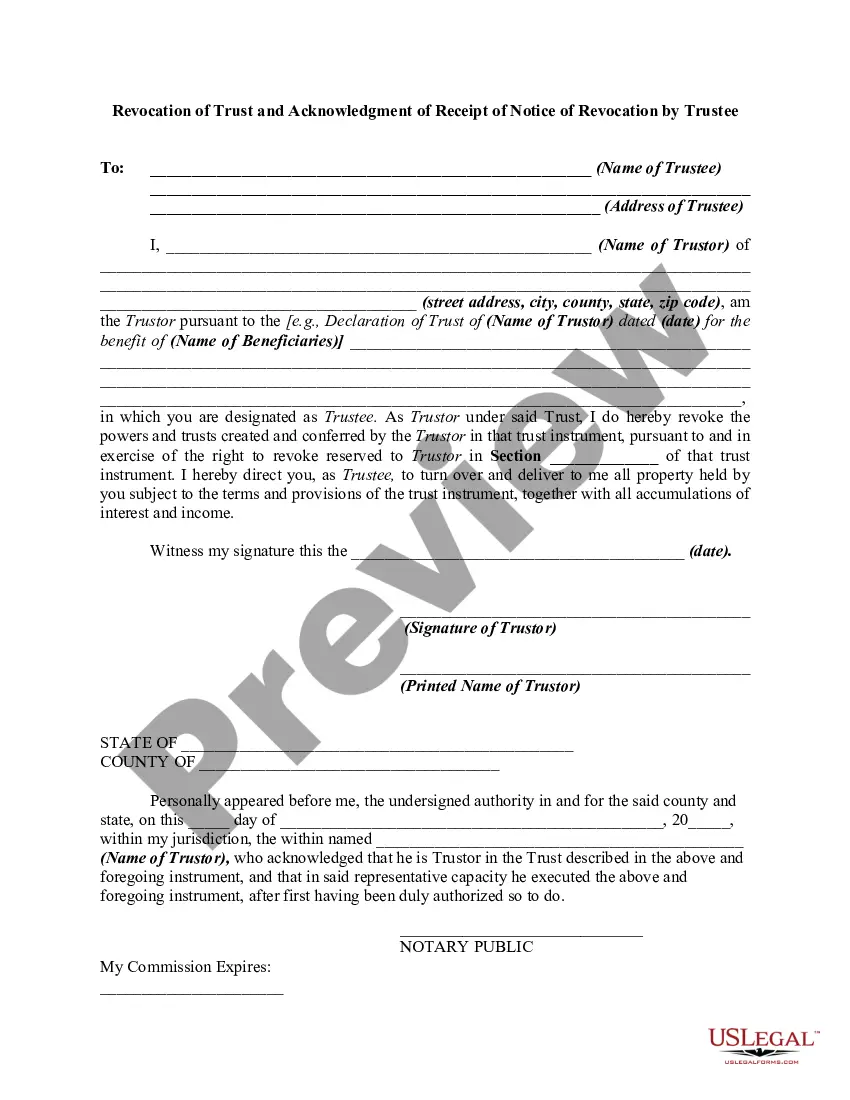
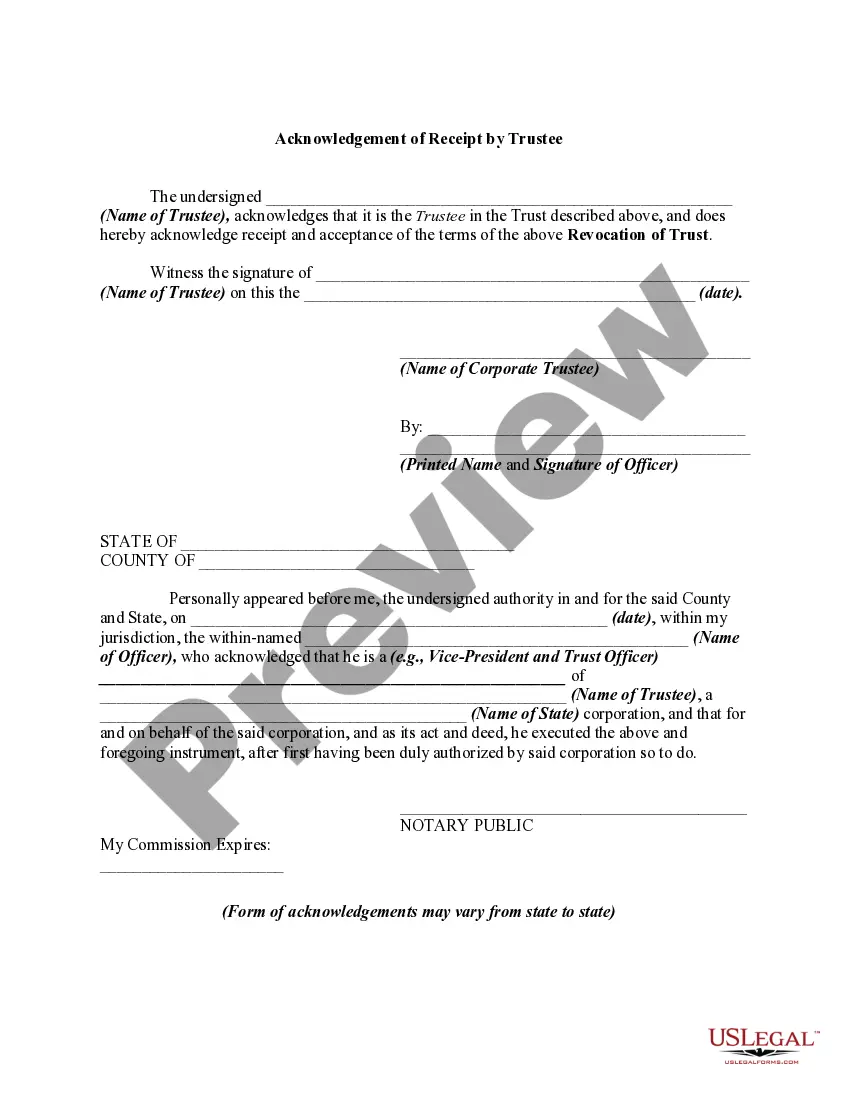
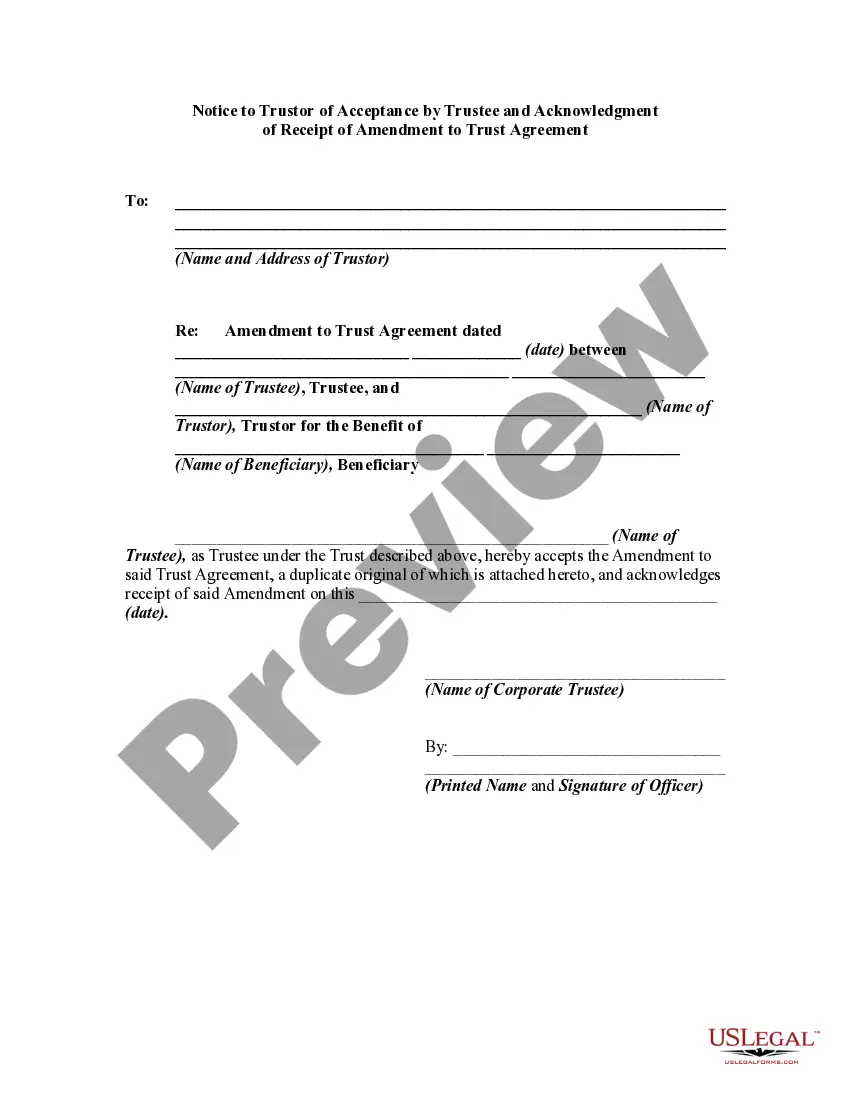
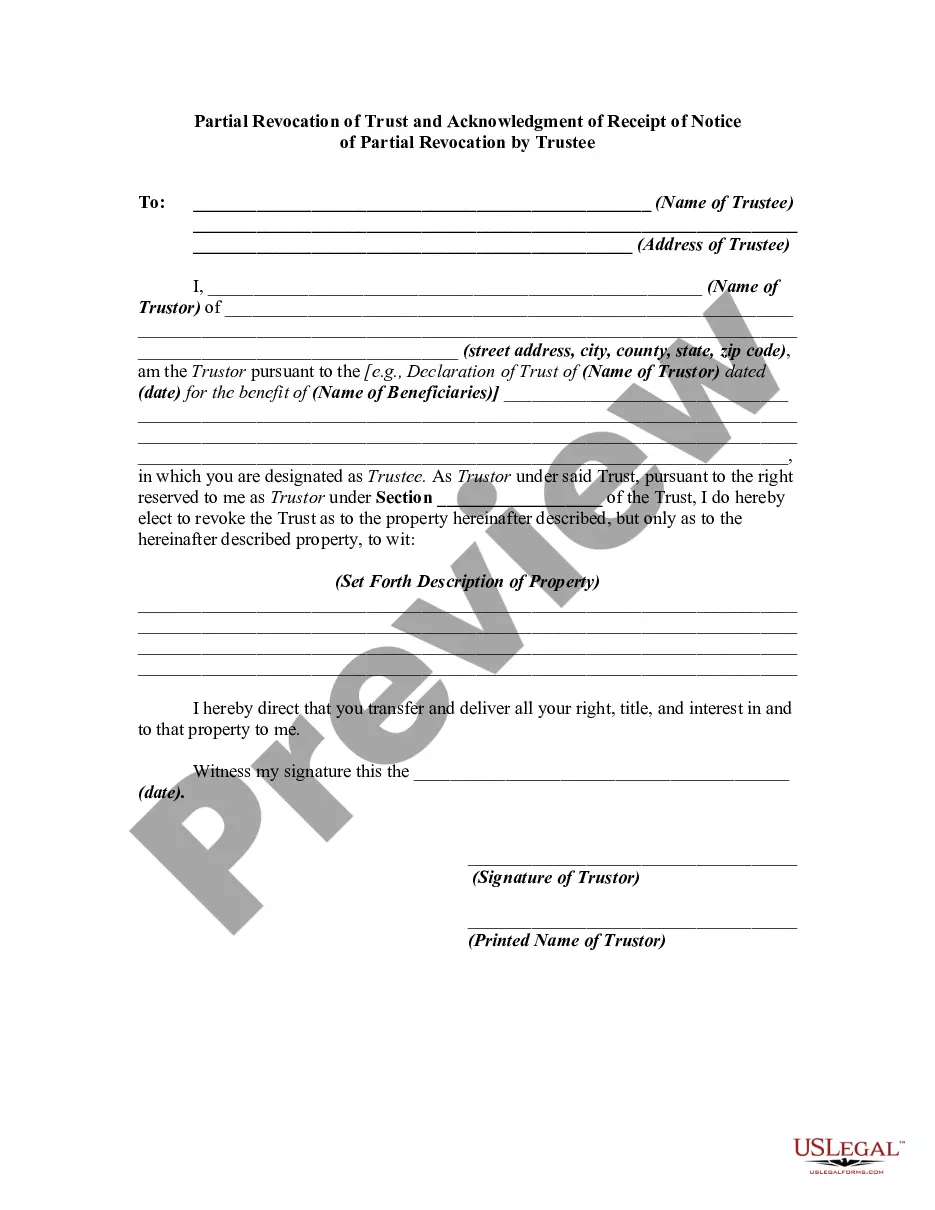
Get your form ready online
Our built-in tools help you complete, sign, share, and store your documents in one place.
Make edits, fill in missing information, and update formatting in US Legal Forms—just like you would in MS Word.
Download a copy, print it, send it by email, or mail it via USPS—whatever works best for your next step.
Sign and collect signatures with our SignNow integration. Send to multiple recipients, set reminders, and more. Go Premium to unlock E-Sign.
If this form requires notarization, complete it online through a secure video call—no need to meet a notary in person or wait for an appointment.
We protect your documents and personal data by following strict security and privacy standards.

Make edits, fill in missing information, and update formatting in US Legal Forms—just like you would in MS Word.

Download a copy, print it, send it by email, or mail it via USPS—whatever works best for your next step.

Sign and collect signatures with our SignNow integration. Send to multiple recipients, set reminders, and more. Go Premium to unlock E-Sign.

If this form requires notarization, complete it online through a secure video call—no need to meet a notary in person or wait for an appointment.

We protect your documents and personal data by following strict security and privacy standards.
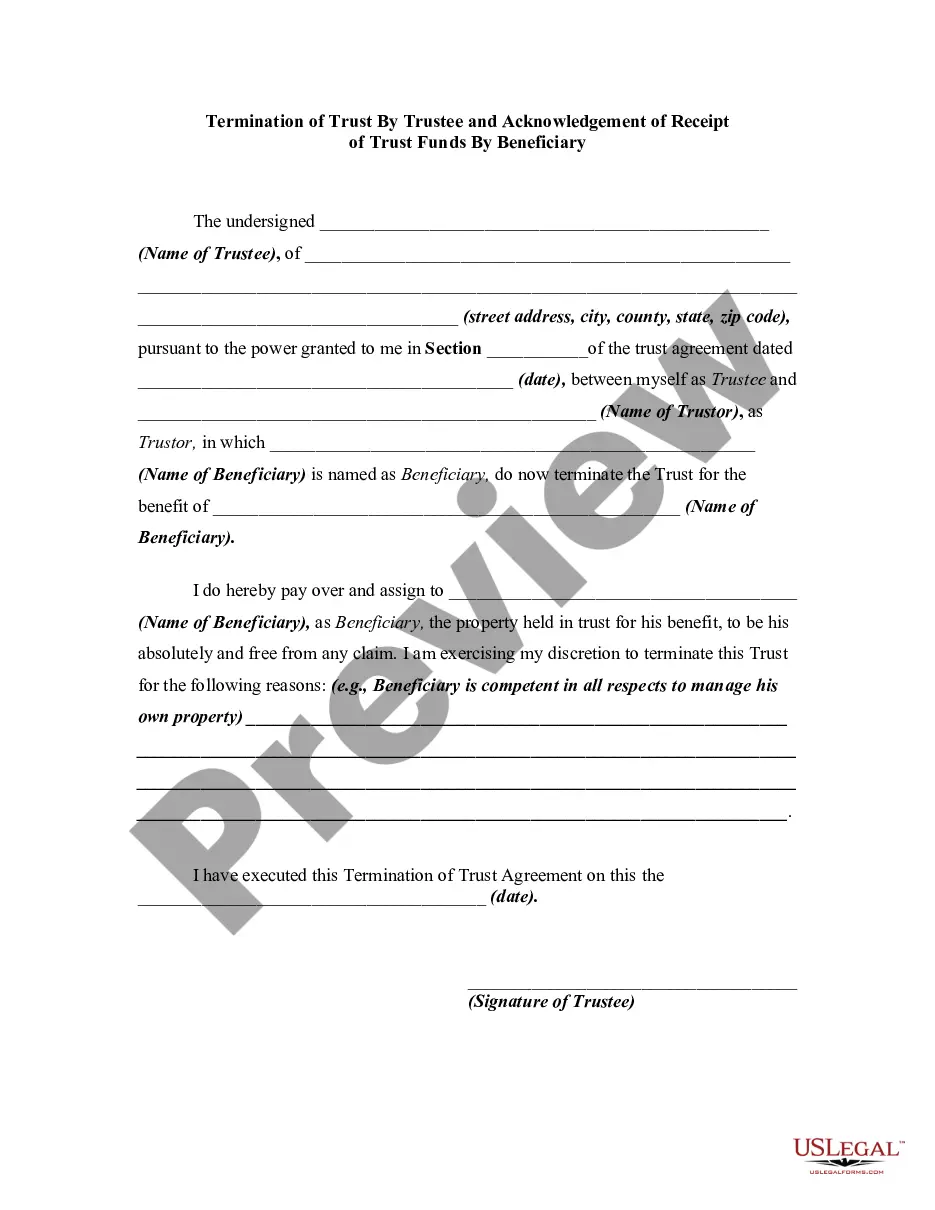
Looking for another form?




How to fill out Revocation Of Trust And Acknowledgment Of Receipt Of Notice Of Revocation By Trustee?
Legal oversight can be daunting, even for the most proficient professionals.
When you are looking for a Revocation Trust Acknowledgment Without A Certificate and lack the time to devote to finding the correct and current version, the processes can be taxing.
Access a repository of articles, guidelines, manuals, and resources pertinent to your situation and requirements.
Save time and energy searching for the documents you need, utilizing US Legal Forms’ sophisticated search and Preview feature to locate Revocation Trust Acknowledgment Without A Certificate and download it.
Ensure that the template is authorized in your state or county.
- If you have a subscription, Log In to your US Legal Forms account, search for the form, and download it.
- Check the My documents tab to explore the documents you previously downloaded and to manage your folders as desired.
- If it’s your first time with US Legal Forms, create a free account and gain unlimited access to all the benefits of the library.
- Here are the steps to follow after accessing the form you need.
- Ensure this is the correct form by previewing it and reviewing its description.
- Access local or state-specific legal and organizational documents.
- US Legal Forms accommodates any needs you may have, ranging from personal to business paperwork, all in a single location.
- Employ advanced tools to complete and oversee your Revocation Trust Acknowledgment Without A Certificate.
Form popularity
FAQ
How to Fill Out Revocable Living Trust Form Online | PDFRun - YouTube YouTube Start of suggested clip End of suggested clip Click on the fill. Online. Button this will redirect you to pdf runs online editor first enter theMoreClick on the fill. Online. Button this will redirect you to pdf runs online editor first enter the title of your revocable living trust then enter the current date. Next enter both the grantors.
The certificate of the trust should also include a description of how the assets should be distributed to the beneficiaries of the trusts. The trust grantor and the trustee will have to sign and date the document and it will have to be notarized and signed by a notary public.
The idea here is that you present a formal document that irrevocably states your wish to dissolve the trust. From there, you should have the document signed by the grantor, notarized, and potentially filed in court.
A Certificate of Trust may need to be recorded in the county that any real property is in. That said, if there's no real property owned by the Trust, there may not be any need to record it.
As long as you are confident that your trust is validly formed in ance with state law, recording is not required nor necessary. However, for extra peace of mind, you may choose to record your Certificate of Trust with the county clerk's office in order to protect it from unauthorized changes or access.