Trust Revocation Document For The Security Certificate
Description

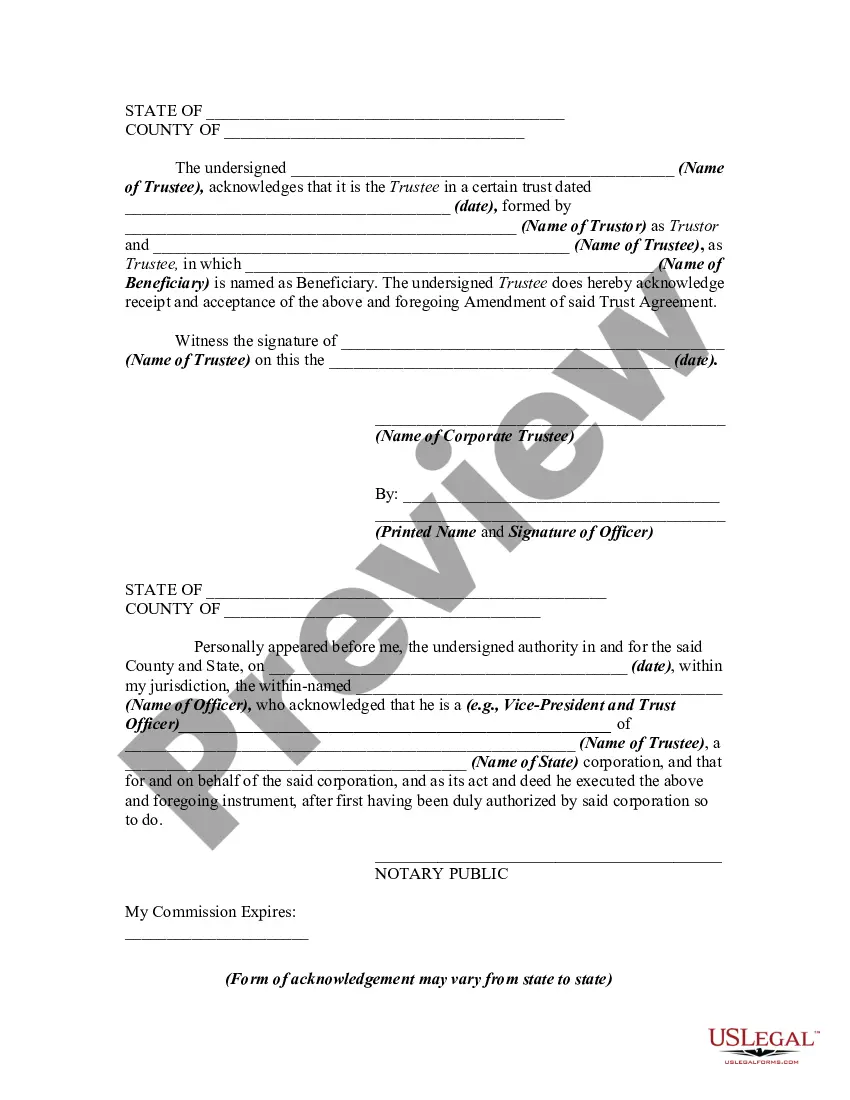


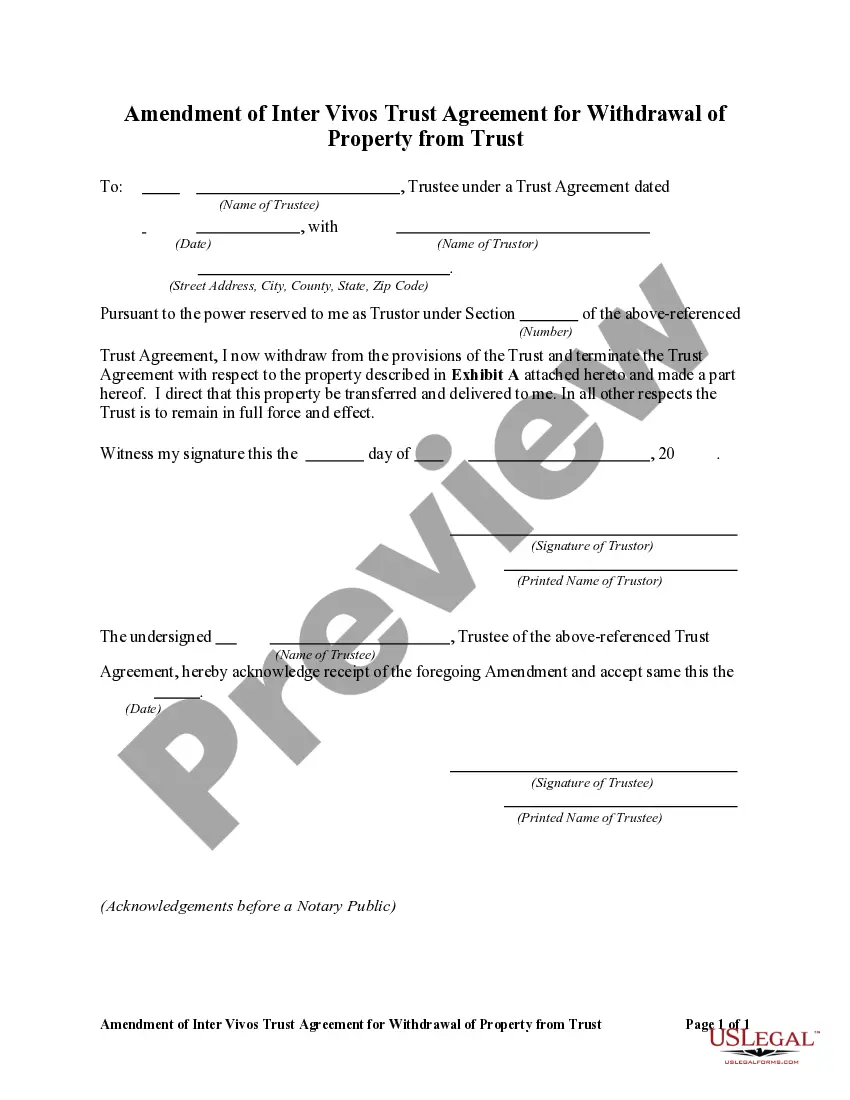
Get your form ready online
Our built-in tools help you complete, sign, share, and store your documents in one place.
Make edits, fill in missing information, and update formatting in US Legal Forms—just like you would in MS Word.
Download a copy, print it, send it by email, or mail it via USPS—whatever works best for your next step.
Sign and collect signatures with our SignNow integration. Send to multiple recipients, set reminders, and more. Go Premium to unlock E-Sign.
If this form requires notarization, complete it online through a secure video call—no need to meet a notary in person or wait for an appointment.
We protect your documents and personal data by following strict security and privacy standards.

Make edits, fill in missing information, and update formatting in US Legal Forms—just like you would in MS Word.

Download a copy, print it, send it by email, or mail it via USPS—whatever works best for your next step.

Sign and collect signatures with our SignNow integration. Send to multiple recipients, set reminders, and more. Go Premium to unlock E-Sign.

If this form requires notarization, complete it online through a secure video call—no need to meet a notary in person or wait for an appointment.

We protect your documents and personal data by following strict security and privacy standards.
Looking for another form?

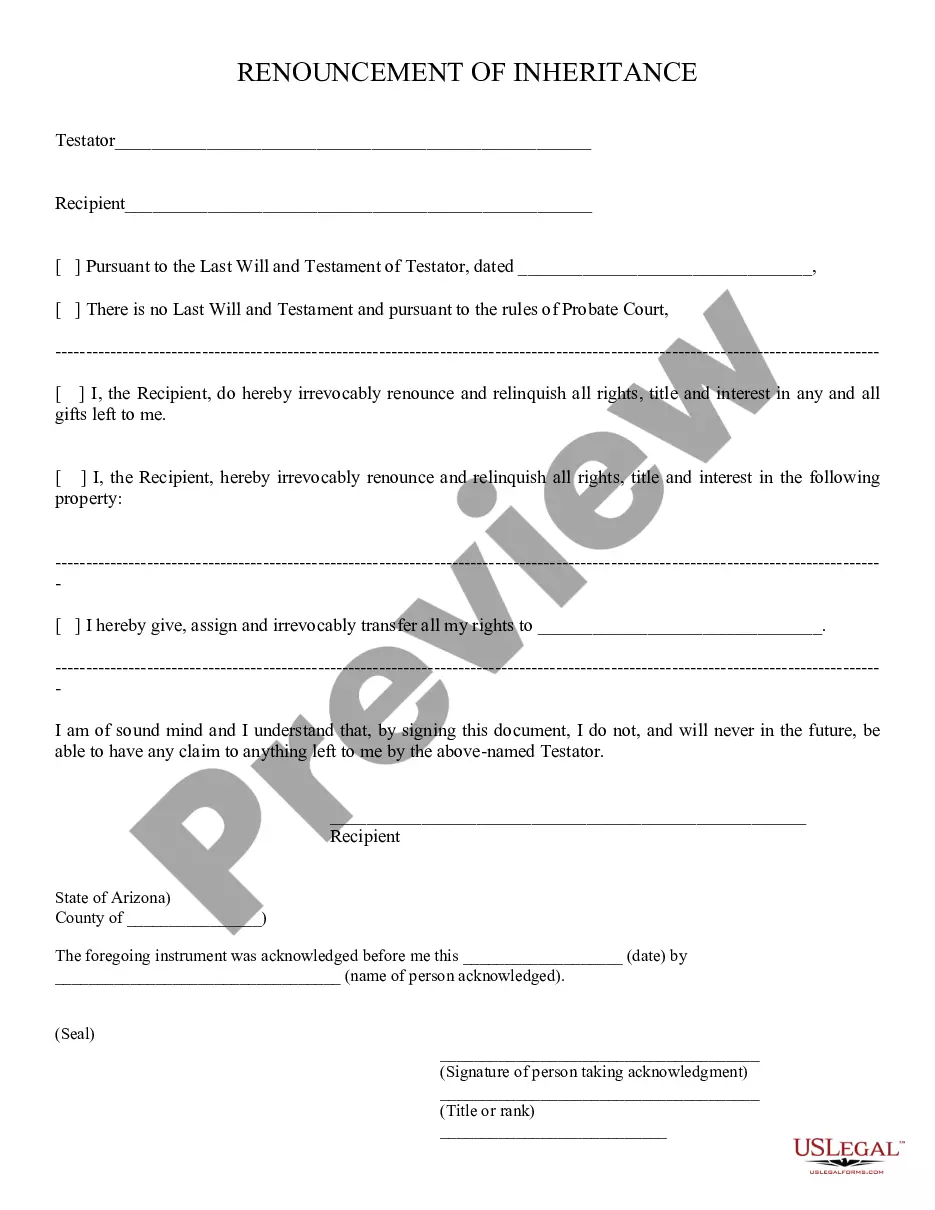


How to fill out Amendment Of Trust Agreement And Revocation Of Particular Provision?
- If you are a returning user, start by logging in to your account. Review your subscription status to ensure it is active; if it has lapsed, renew it based on your payment plan.
- For first-time users, begin by browsing the library. Use the Preview mode to view form descriptions and confirm it fits your requirements and local jurisdiction.
- Should you need an alternative, utilize the Search tab to refine your results. Ensure consistency and relevance before proceeding.
- Once you find the appropriate form, click on the Buy Now button and select a subscription plan that meets your needs. You'll need to create an account for full access to the resources available.
- Complete your purchase by entering your credit card or PayPal information to finalize your subscription.
- After payment completion, download the form and save it on your device for easy access in the My Forms section of your profile.
In conclusion, obtaining a trust revocation document for the security certificate through US Legal Forms is a streamlined process that ensures you have access to a comprehensive range of legal resources. Their user-friendly platform and access to expert assistance enable you to create precise documents effortlessly.
Don’t hesitate to start your journey toward legal empowerment—access US Legal Forms today and take control of your legal needs!
Form popularity
FAQ
Fixing revocation information involves verifying the certificate's current status and checking for any error messages. If you manage the site, consider generating a Trust revocation document for the security certificate to address any discrepancies. It's also important to reach out to your certificate authority for detailed instructions. They can assist you in updating the certificate and ensure your website maintains a secure connection.
To resolve the issue of a revoked security certificate, first, check the certificate's status through your browser's security settings. If you own the site, you can create a Trust revocation document for the security certificate, which may help clarify the certificate's legitimacy. Alternatively, contact your hosting provider or certificate authority for assistance in re-issuing a new certificate. They can guide you through the process and ensure your site is secure again.
A certificate revocation list includes several critical details: the serial numbers of all revoked certificates, the issuing authority's identifier, the date when each certificate was revoked, and the reasons for revocation. These details work together to inform users and systems about invalid certificates, making it an indispensable part of any trust revocation document for the security certificate.
The primary difference between an Authority Revocation List (ARL) and a Certificate Revocation List (CRL) is their focus. An ARL lists entire certificate authorities that have been revoked, while a CRL specifically lists individual certificates. Understanding these distinctions can help you navigate trust revocation documents for security certificates more effectively.
A certificate revocation list includes essential details such as the serial number of each revoked certificate, the reason for revocation, and the date of revocation. Additionally, it may provide information about the certificate authority that issued the revocation. Accessing this information can help you understand the components of a trustworthy trust revocation document for the security certificate.
A certificate of revocation is an official document that declares a specific certificate is no longer valid. It outlines the reasons for revocation and serves to notify users that the certificate is no longer trustworthy. When preparing a trust revocation document for the security certificate, this certificate of revocation plays a crucial role in ensuring compliance and security.
A certificate revocation list (CRL) contains essential information, including the serial numbers of revoked certificates, the issuing authority's name, and the date of revocation. Additionally, the CRL may include the next update time and any extensions that apply. These elements are critical for creating an effective trust revocation document for the security certificate.
The format of a certificate revocation list typically adheres to the X.509 standard. This format ensures that the list contains relevant information such as the issuer, the revocation dates, and the serial numbers of the revoked certificates. By following the appropriate format, you improve the usability of the trust revocation document for the security certificate.
Creating a certificate revocation list (CRL) involves compiling a list of certificates that have been revoked before their expiration date. You can do this using certificate management software, which allows you to input revoked certificate details. Once compiled, remember to publish the CRL so it remains accessible for users checking the trust revocation document for the security certificate.
To fix the revocation information for the security certificate, first check your system's settings to ensure that the revocation information is enabled. Next, you may need to update your network or firewall settings to ensure that your device can access the certificate authority's revocation server. If the issue persists, consider generating a trust revocation document for the security certificate using a reliable platform like uslegalforms, which can streamline the process.