Gun Trust Amendment Form With Two Points
Description

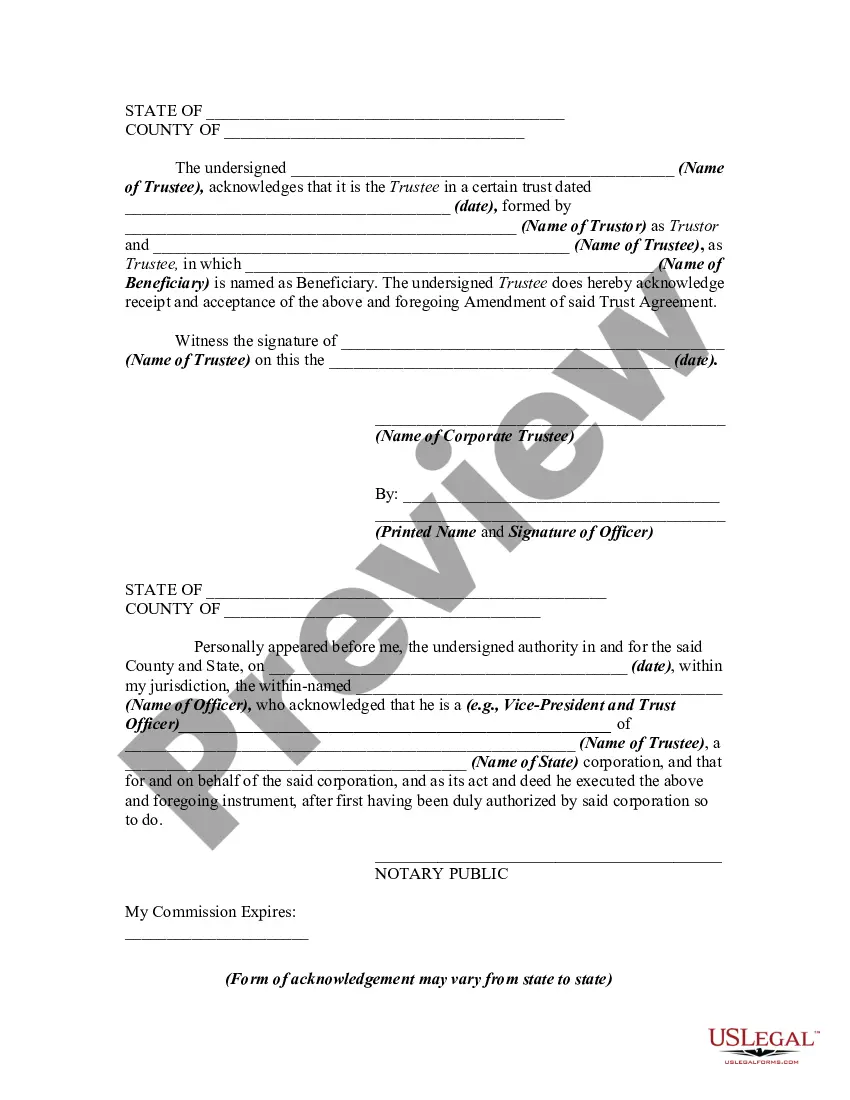


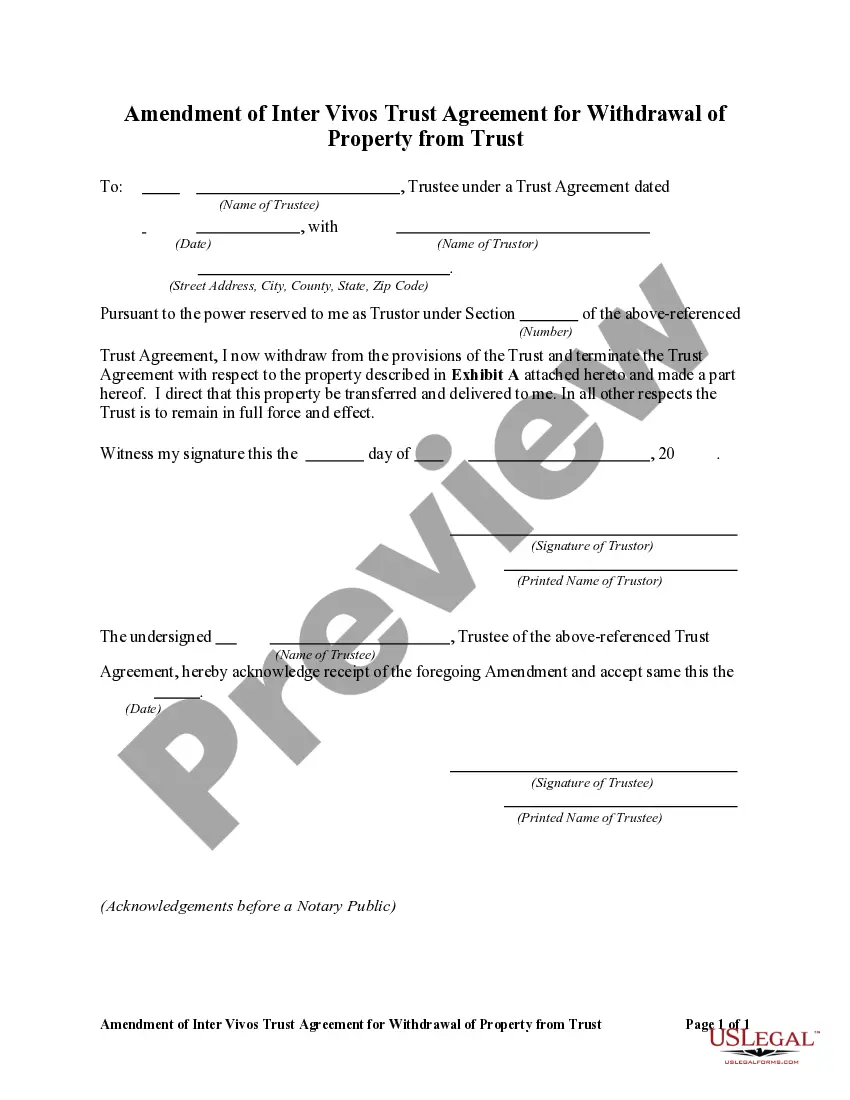
Get your form ready online
Our built-in tools help you complete, sign, share, and store your documents in one place.
Make edits, fill in missing information, and update formatting in US Legal Forms—just like you would in MS Word.
Download a copy, print it, send it by email, or mail it via USPS—whatever works best for your next step.
Sign and collect signatures with our SignNow integration. Send to multiple recipients, set reminders, and more. Go Premium to unlock E-Sign.
If this form requires notarization, complete it online through a secure video call—no need to meet a notary in person or wait for an appointment.
We protect your documents and personal data by following strict security and privacy standards.

Make edits, fill in missing information, and update formatting in US Legal Forms—just like you would in MS Word.

Download a copy, print it, send it by email, or mail it via USPS—whatever works best for your next step.

Sign and collect signatures with our SignNow integration. Send to multiple recipients, set reminders, and more. Go Premium to unlock E-Sign.

If this form requires notarization, complete it online through a secure video call—no need to meet a notary in person or wait for an appointment.

We protect your documents and personal data by following strict security and privacy standards.
Looking for another form?

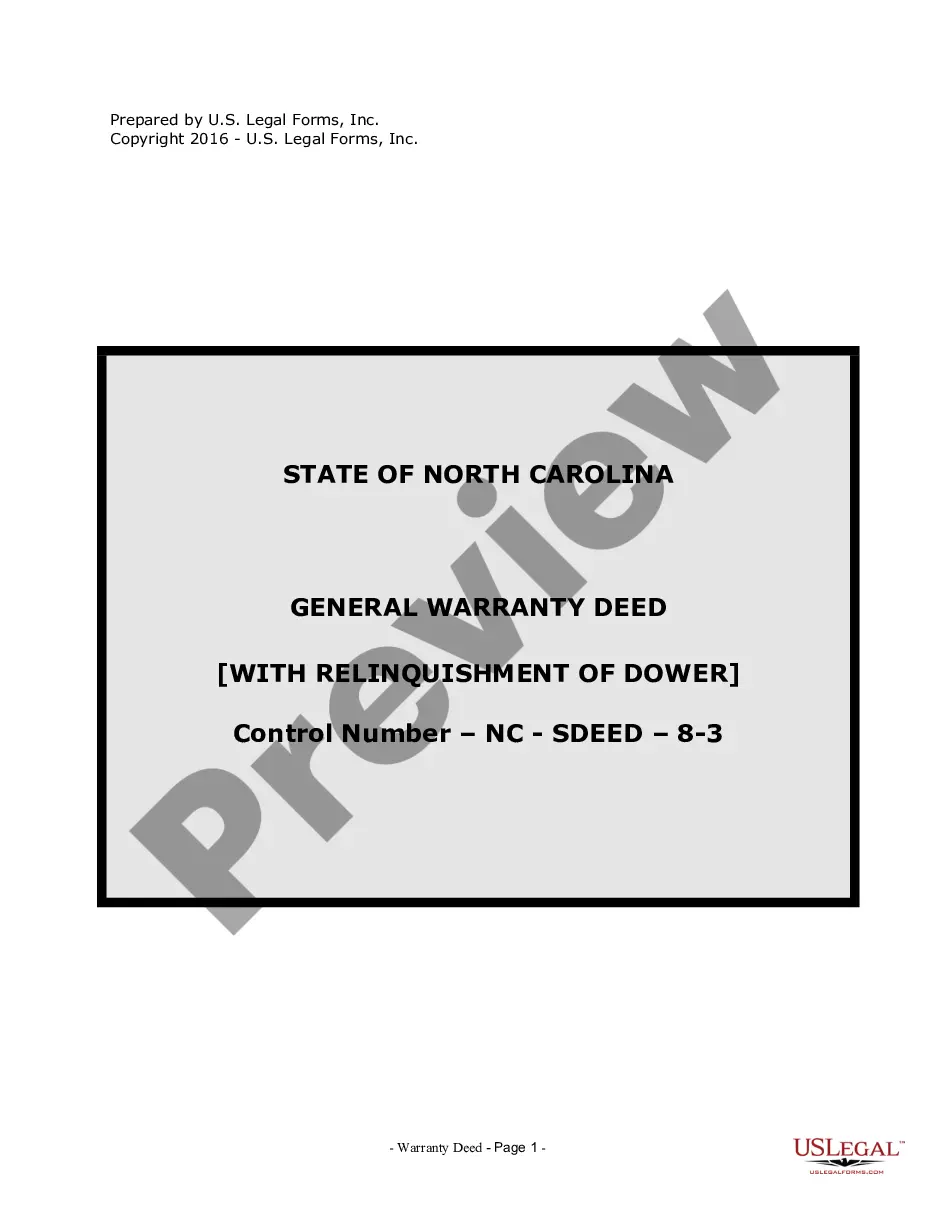



How to fill out Amendment Of Trust Agreement And Revocation Of Particular Provision?
Managing legal documents and processes can be a lengthy addition to the day.
Gun Trust Amendment Form With Two Points and similar forms often necessitate that you search for them and understand how to fill them out properly.
Therefore, whether you are handling financial, legal, or personal matters, utilizing a comprehensive and efficient online repository of forms at your disposal will be beneficial.
US Legal Forms is the premier online source of legal templates, providing over 85,000 state-specific forms along with various resources to help you complete your documents swiftly.
US Legal Forms has 25 years of experience assisting users in managing their legal documents. Locate the form you need today and simplify any task effortlessly.
- Browse the collection of relevant documents accessible to you with just a single click.
- US Legal Forms gives you state- and county-specific forms ready for download at any time.
- Protect your document management workflows with a top-notch service that enables you to prepare any form in a matter of minutes without additional or concealed fees.
- Simply Log In to your account, find Gun Trust Amendment Form With Two Points and download it right away in the My documents section.
- You can also retrieve previously saved forms.
Form popularity
FAQ
If there is no amendment clause in the Trust Deed, any amendment has to be done with the permission of a Civil Court. Once the Civil Court has allowed permission for amendment, it is not open on the part of the Income Tax Officer or any other person to challenge such amendment.
Your Gun Trust is a specialized type of revocable Living Trust. That means you can Amend your Gun Trust as many times as you want. But, in order for the Amendment to be valid, it must include the language from your trust that says the Gun Trust can be amended.
For example, you might use a trust amendment form to: Update your trustee or successor trustee: If your chosen trustee is no longer willing or able to manage the trust, or you'd like to designate someone else, you can use an amendment form to name another person or organization to manage your trust.
A gun trust allows others to take the gun out and use it without the owner because the trust is the official legal owner of the gun. For example, if the owner of a hunting rifle does not have a gun trust, he may only allow family members to use the rifle if he is present.
Revising the terms of a trust is known as ?amending? the trust. An amendment is generally appropriate when there are only a few minor changes to make, like rewording a certain paragraph, changing the successor trustee, or modifying beneficiaries.