Resignation Trustee California Withdrawal
Description
Get your form ready online
Our built-in tools help you complete, sign, share, and store your documents in one place.
Make edits, fill in missing information, and update formatting in US Legal Forms—just like you would in MS Word.
Download a copy, print it, send it by email, or mail it via USPS—whatever works best for your next step.
Sign and collect signatures with our SignNow integration. Send to multiple recipients, set reminders, and more. Go Premium to unlock E-Sign.
If this form requires notarization, complete it online through a secure video call—no need to meet a notary in person or wait for an appointment.
We protect your documents and personal data by following strict security and privacy standards.

Make edits, fill in missing information, and update formatting in US Legal Forms—just like you would in MS Word.

Download a copy, print it, send it by email, or mail it via USPS—whatever works best for your next step.

Sign and collect signatures with our SignNow integration. Send to multiple recipients, set reminders, and more. Go Premium to unlock E-Sign.

If this form requires notarization, complete it online through a secure video call—no need to meet a notary in person or wait for an appointment.

We protect your documents and personal data by following strict security and privacy standards.
Looking for another form?
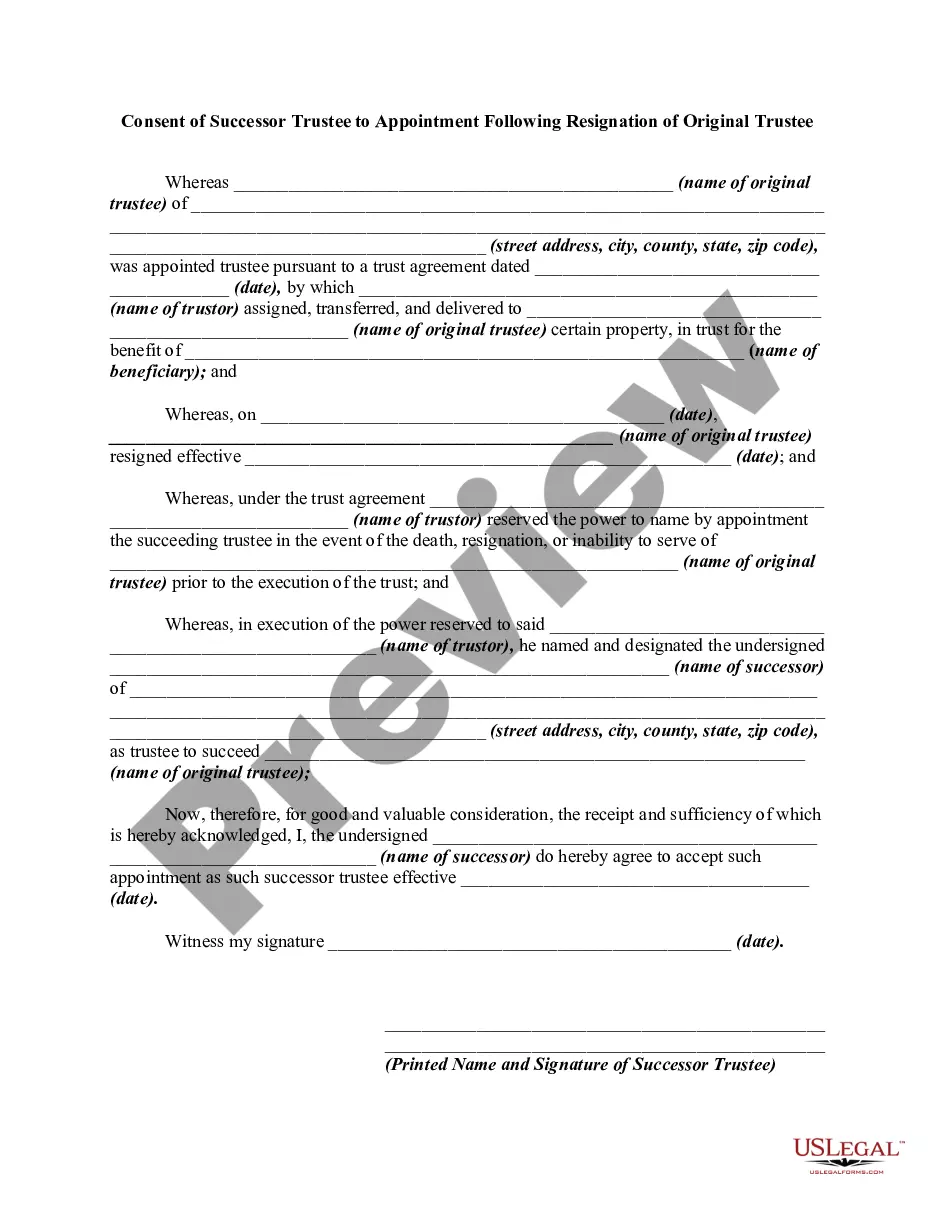
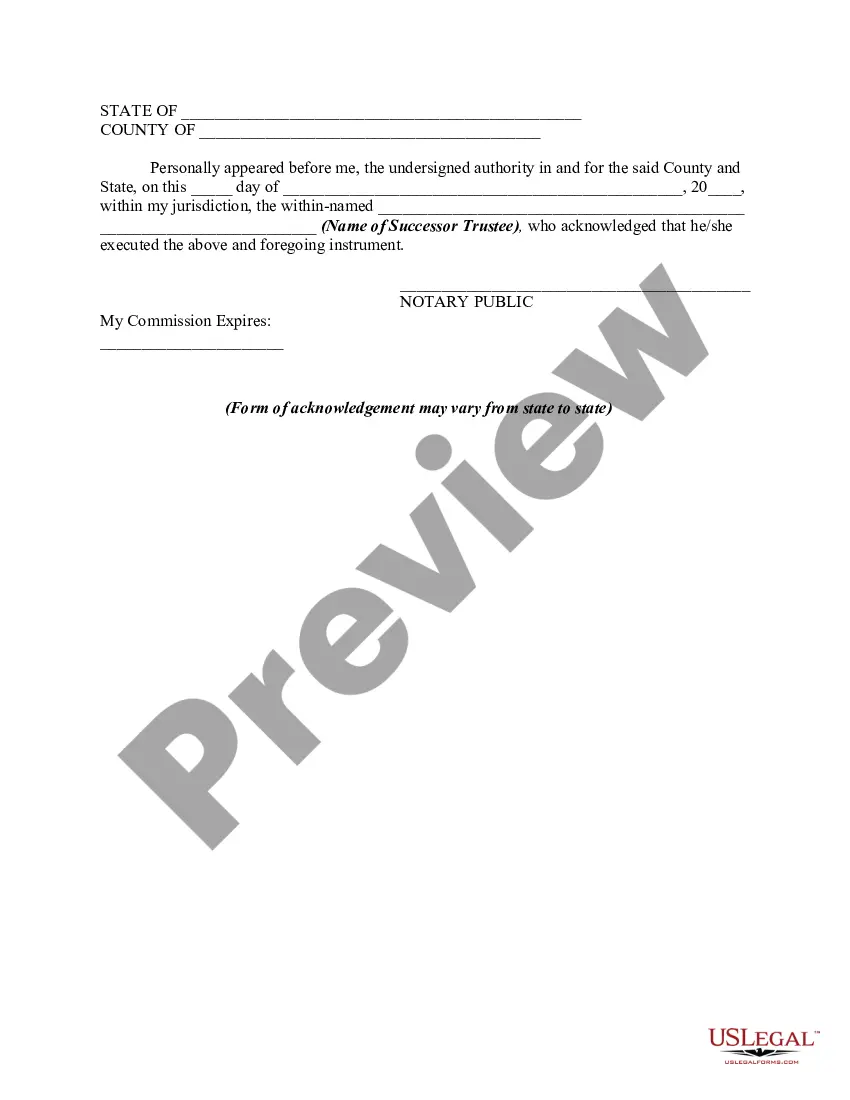
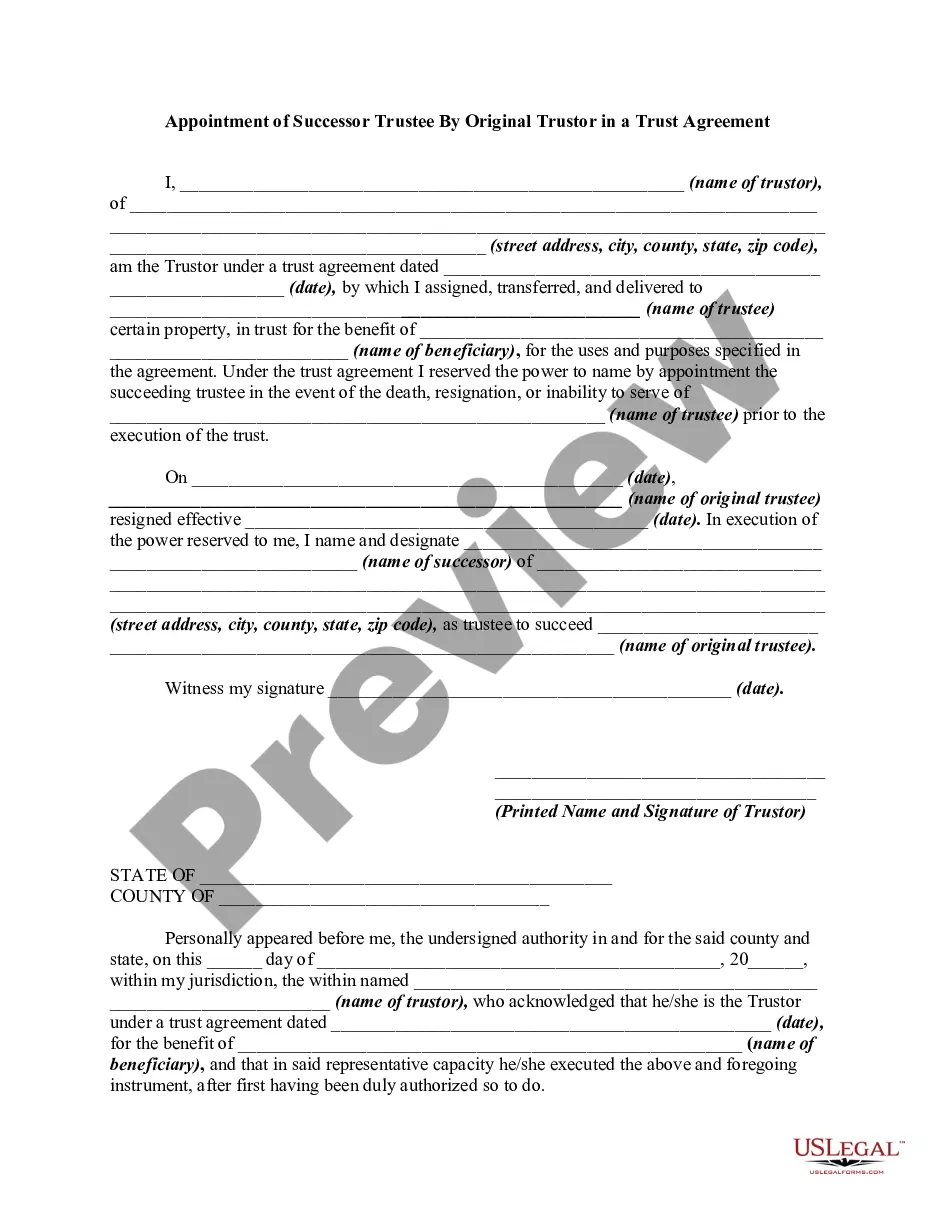
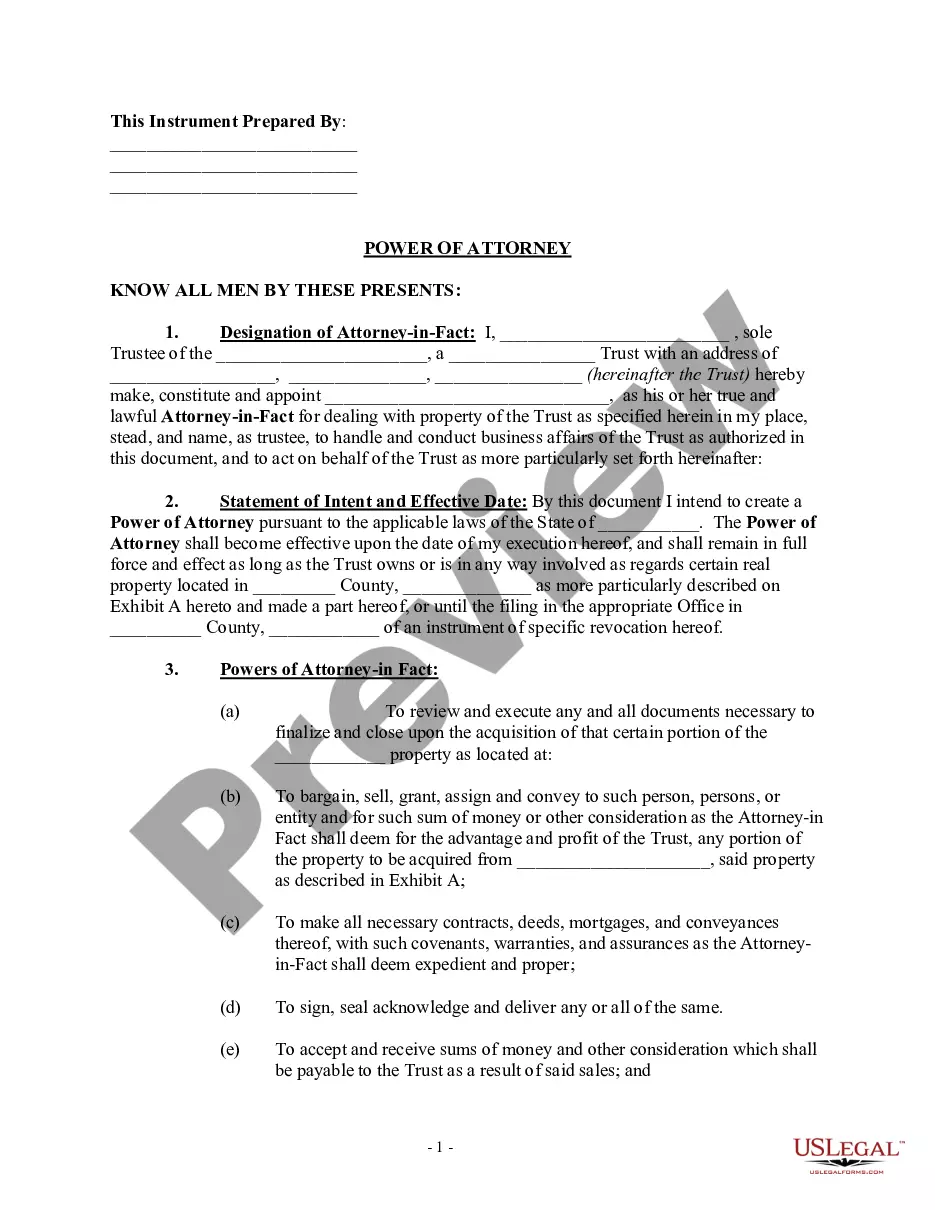
How to fill out Consent Of Successor Trustee To Appointment Following Resignation Of Original Trustee?
Getting a go-to place to take the most current and appropriate legal samples is half the struggle of working with bureaucracy. Finding the right legal documents calls for accuracy and attention to detail, which is the reason it is very important to take samples of Resignation Trustee California Withdrawal only from reliable sources, like US Legal Forms. A wrong template will waste your time and delay the situation you are in. With US Legal Forms, you have very little to be concerned about. You can access and check all the information regarding the document’s use and relevance for your situation and in your state or county.
Consider the listed steps to complete your Resignation Trustee California Withdrawal:
- Use the catalog navigation or search field to find your template.
- Open the form’s information to ascertain if it fits the requirements of your state and area.
- Open the form preview, if there is one, to ensure the template is definitely the one you are interested in.
- Get back to the search and locate the appropriate template if the Resignation Trustee California Withdrawal does not match your needs.
- If you are positive regarding the form’s relevance, download it.
- If you are a registered user, click Log in to authenticate and gain access to your selected templates in My Forms.
- If you do not have a profile yet, click Buy now to obtain the template.
- Pick the pricing plan that fits your requirements.
- Proceed to the registration to finalize your purchase.
- Finalize your purchase by choosing a payment method (bank card or PayPal).
- Pick the file format for downloading Resignation Trustee California Withdrawal.
- When you have the form on your device, you can alter it using the editor or print it and finish it manually.
Get rid of the headache that accompanies your legal paperwork. Explore the comprehensive US Legal Forms catalog to find legal samples, check their relevance to your situation, and download them immediately.
Form popularity
FAQ
If the trust document names you as the successor trustee and you don't want to serve, you need to formally resign, in writing. Notify each of the trust beneficiaries that you have done so. It might seem odd to resign from something that you've never agreed to do, but that's the way it works.
Genuine resignation relinquish ALL formal roles and control in respect of the entity, AND. if applicable, relinquish their shares and directorships, AND. relinquish all beneficial interest i.e. they cannot be income or asset beneficiaries of the entity.
A trust instrument will typically require the resignation to be written, signed, and delivered to a trustor (if living), or to a successor trustee if the trustor(s) is/are no longer living.
If a trustee wants to resign, s/he can do so: As explained in the trust document; If the trust is revocable, by getting the person who has the power to revoke the trust to consent; If the trust is irrevocable, by consulting with all adult beneficiaries; or.
I, __________________, Trustee of __________________________________ do. hereby resign on _______________ (Date) all of my Trustee responsibilities, rights, title, and any other interest whatsoever I may have or had in this trust or trusts.