Employment Application For Independent Contractor
Description
Get your form ready online
Our built-in tools help you complete, sign, share, and store your documents in one place.
Make edits, fill in missing information, and update formatting in US Legal Forms—just like you would in MS Word.
Download a copy, print it, send it by email, or mail it via USPS—whatever works best for your next step.
Sign and collect signatures with our SignNow integration. Send to multiple recipients, set reminders, and more. Go Premium to unlock E-Sign.
If this form requires notarization, complete it online through a secure video call—no need to meet a notary in person or wait for an appointment.
We protect your documents and personal data by following strict security and privacy standards.

Make edits, fill in missing information, and update formatting in US Legal Forms—just like you would in MS Word.

Download a copy, print it, send it by email, or mail it via USPS—whatever works best for your next step.

Sign and collect signatures with our SignNow integration. Send to multiple recipients, set reminders, and more. Go Premium to unlock E-Sign.

If this form requires notarization, complete it online through a secure video call—no need to meet a notary in person or wait for an appointment.

We protect your documents and personal data by following strict security and privacy standards.
Looking for another form?


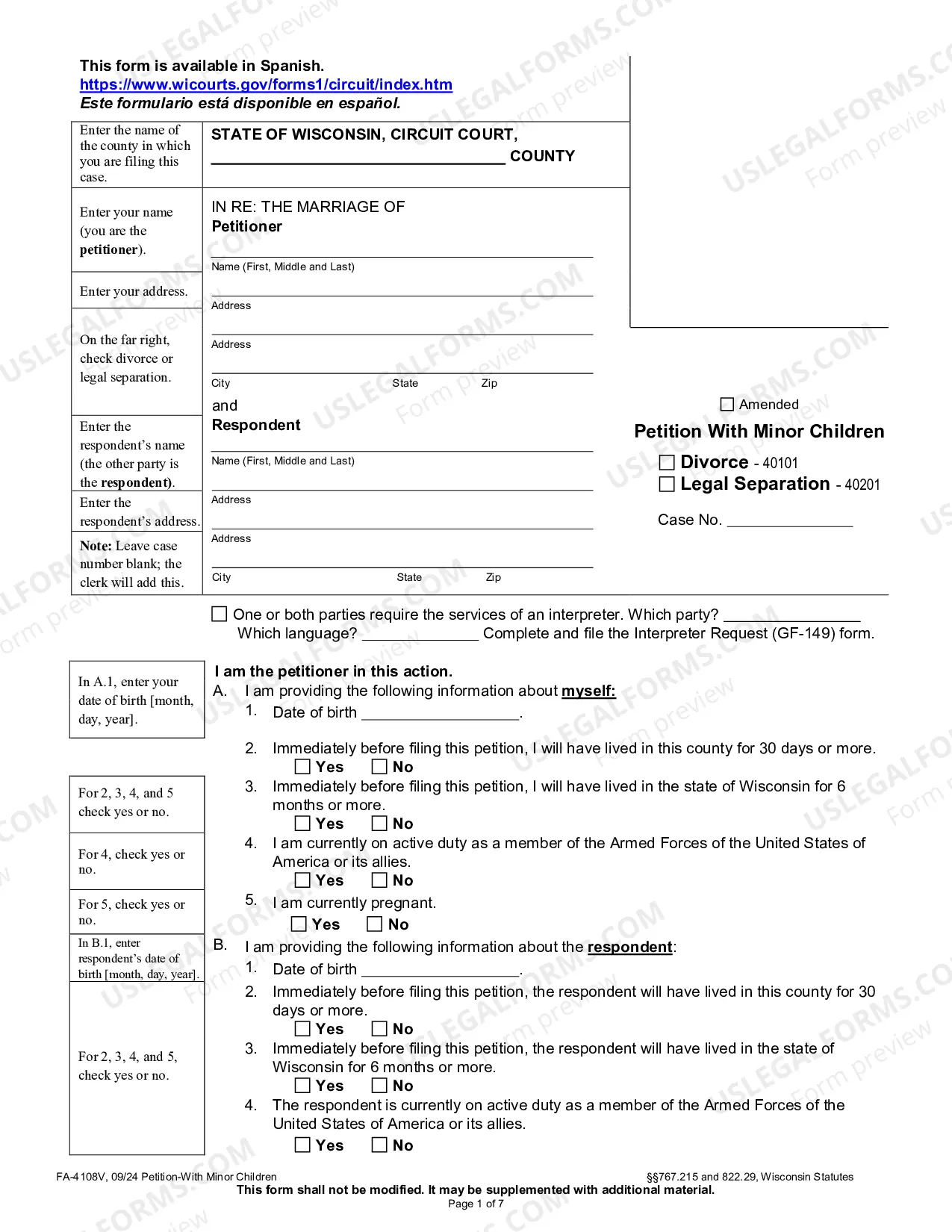

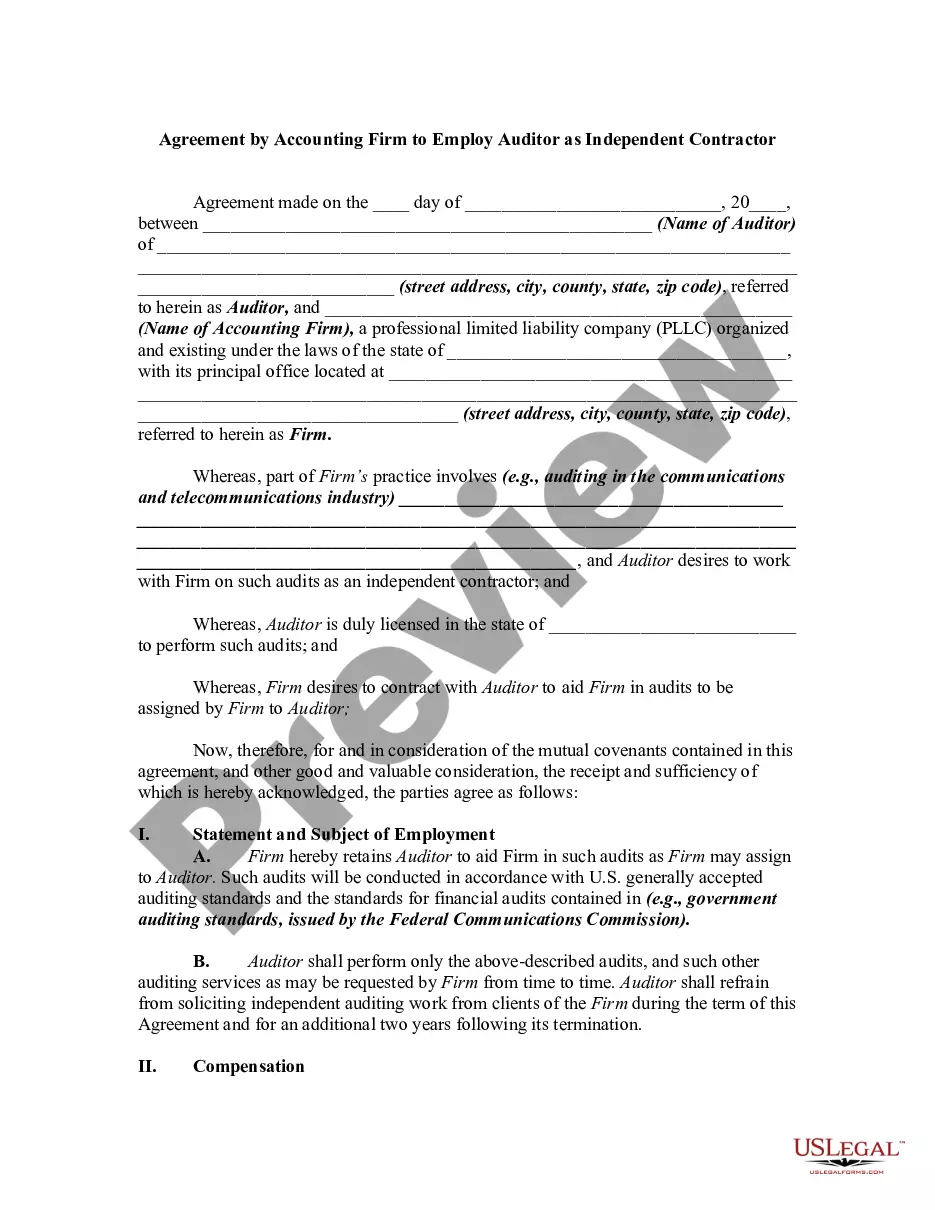
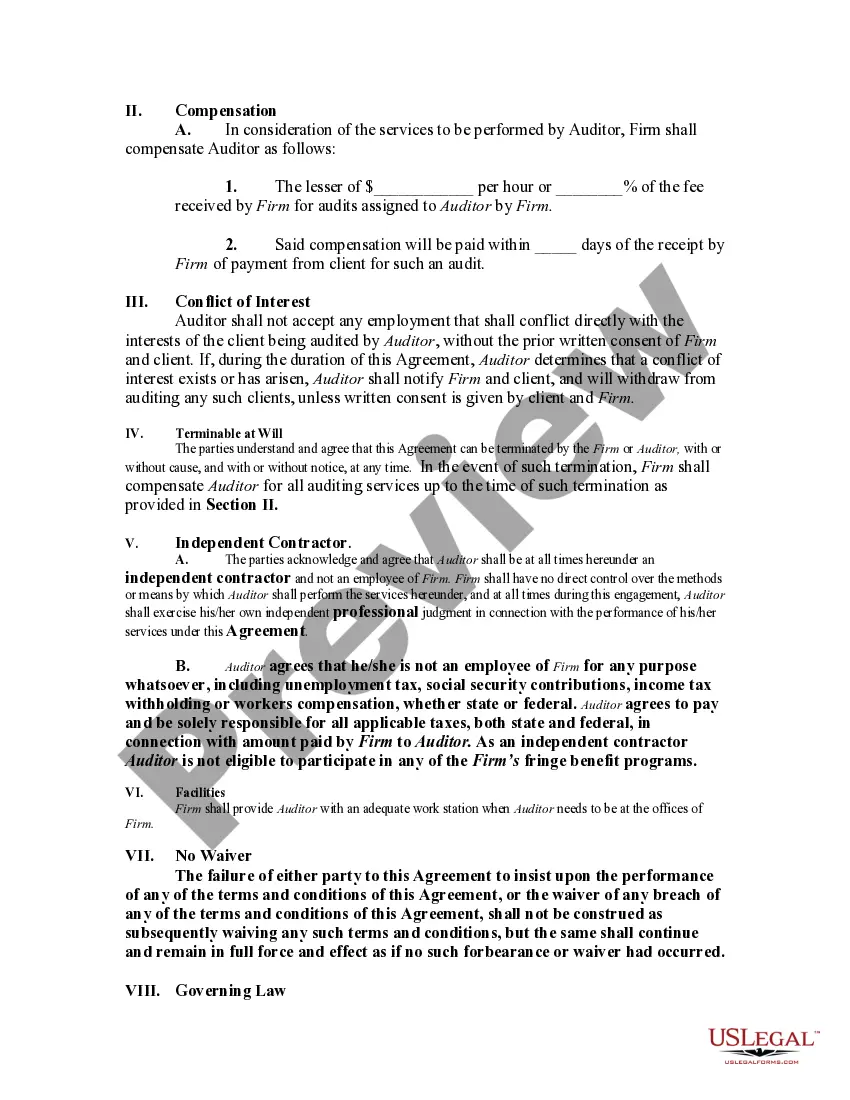
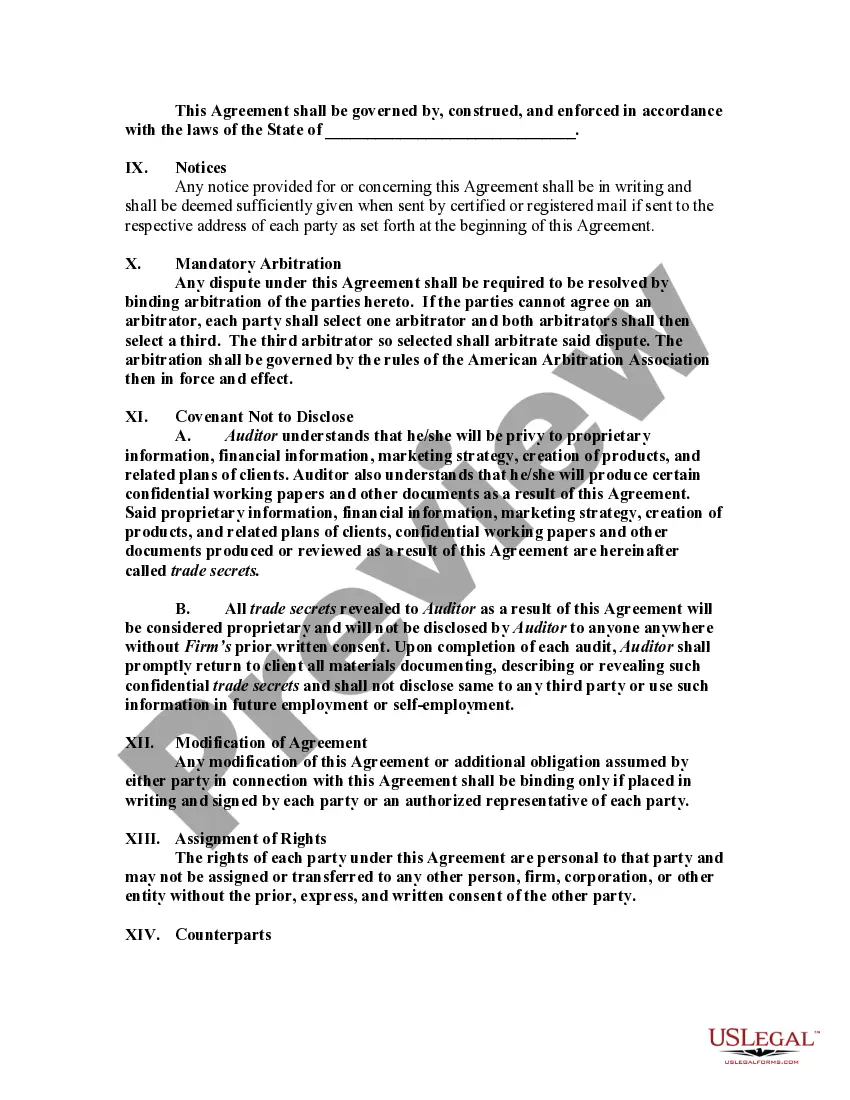
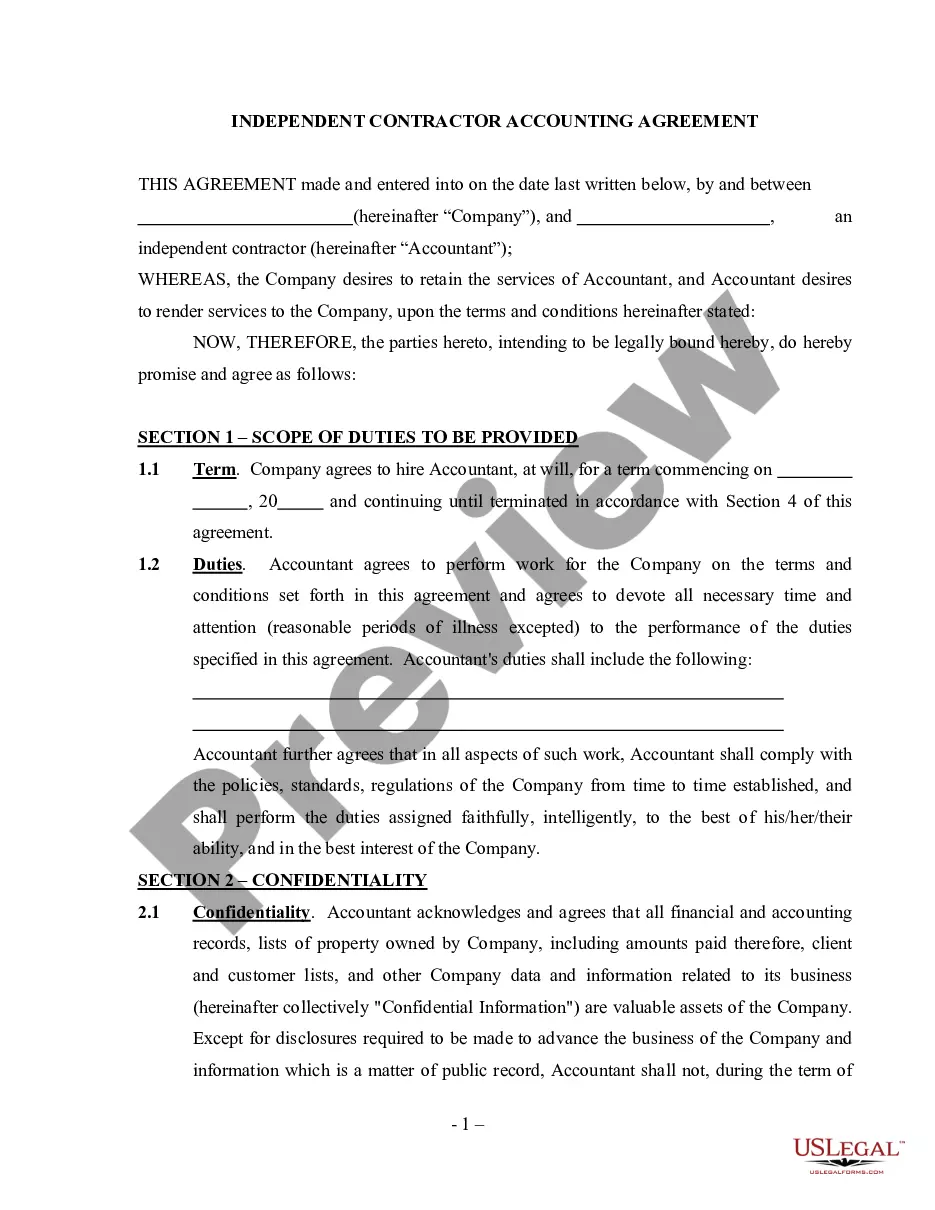
How to fill out Agreement By Accounting Firm To Employ Auditor As Self-Employed Independent Contractor?
Properly composed formal documentation is one of the crucial assurances for preventing issues and legal disputes, but acquiring it without assistance from an attorney may require time.
Whether you need to swiftly locate a current Employment Application for Independent Contractor or any other forms for employment, family, or business circumstances, US Legal Forms is always available to assist.
The procedure is even simpler for existing users of the US Legal Forms library. If your subscription is active, you merely need to Log In to your account and click the Download button next to the selected file. Additionally, you can retrieve the Employment Application for Independent Contractor at any time, as all documents ever obtained on the platform remain accessible within the My documents section of your profile. Save time and resources on preparing formal documents. Experience US Legal Forms today!
- Ensure that the document is appropriate for your circumstance and location by reviewing the description and preview.
- Search for another example (if necessary) using the Search bar at the top of the page.
- Press Buy Now when you find the suitable template.
- Select the pricing plan, Log In to your account or create a new account.
- Choose your preferred method of payment to acquire the subscription plan (using a credit card or PayPal).
- Select either PDF or DOCX file format for your Employment Application for Independent Contractor.
- Click Download, then print the form to complete it or upload it to an online editor.
Form popularity
FAQ
How to include independent contracting on your resumeGive yourself a title.Link your portfolio.Highlight your experience in a summary statement.Choose which projects to include.Group smaller projects together.List your skills.
Generally, if you're an independent contractor you're considered self-employed and should report your income (nonemployee compensation) on Schedule C (Form 1040), Profit or Loss From Business (Sole Proprietorship).
To set yourself up as a self-employed taxpayer with the IRS, you simply start paying estimated taxes (on Form 1040-ES, Estimated Tax for Individuals) and file Schedule C, Profit or Loss From Business, and Schedule SE, Self-Employment Tax, with your Form 1040 tax return each April.
Here are six steps you can follow to include independent contracting work on your resume:Give yourself a title.Link your portfolio.Highlight your experience in a summary statement.Choose which projects to include.Group smaller projects together.List your skills.
Here are some important independent contractor forms that businesses should have on file:Form W-9. Form W-9, the Request for Taxpayer Identification Number and Certification, is required to be completed by all contractors.A Written Contract.Invoices.Form 1099-MISC.Form SS-8?