Agreement Third Party With Account Access
Description
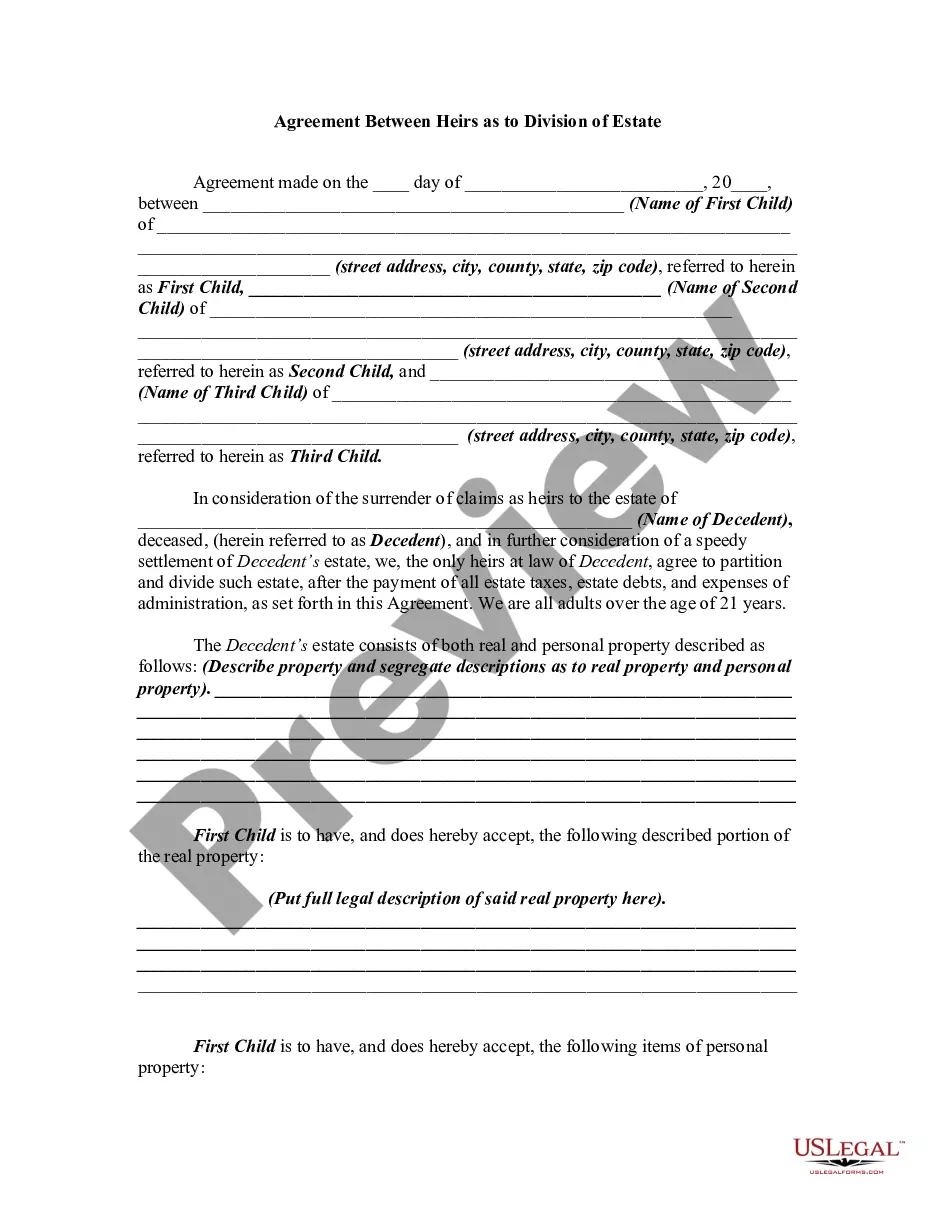
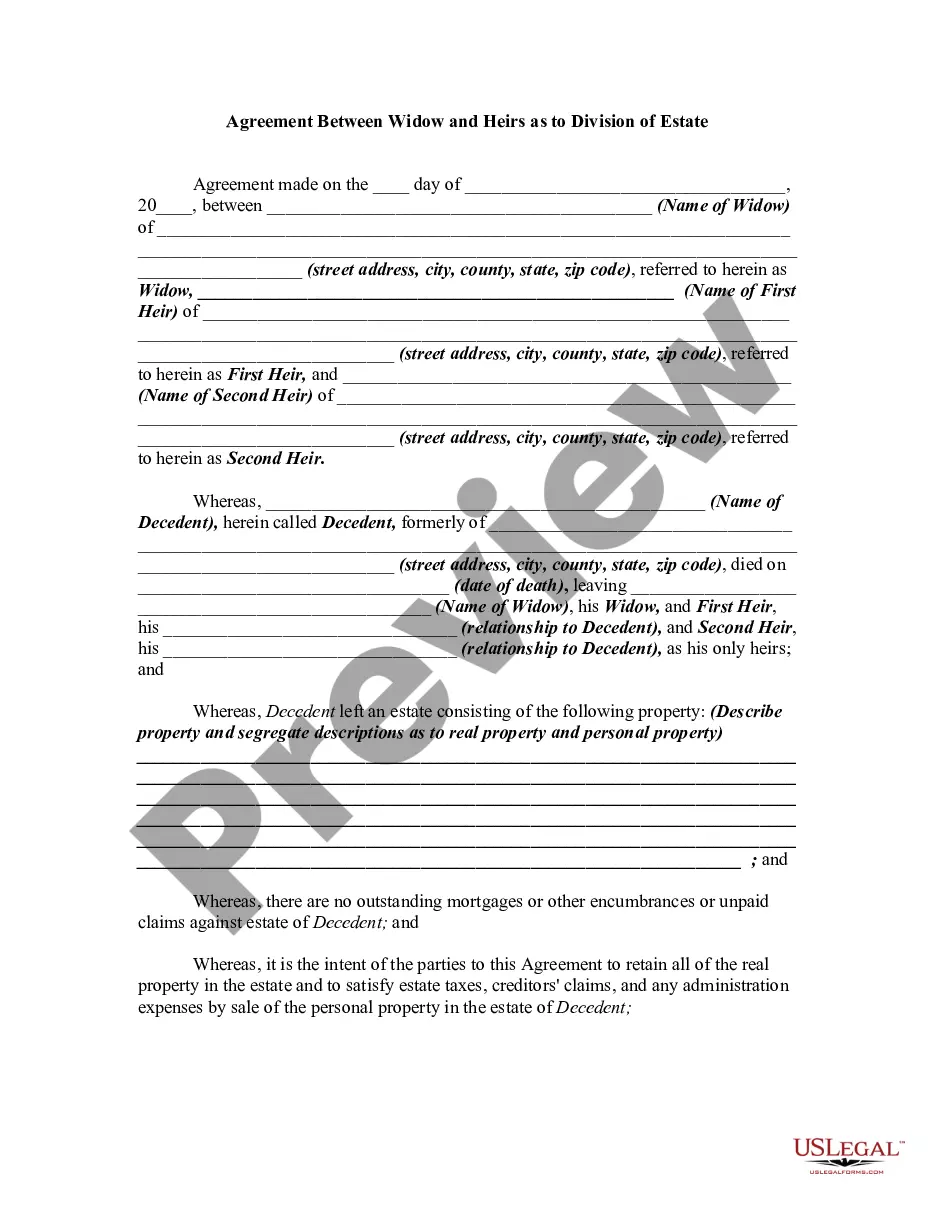
Get your form ready online
Our built-in tools help you complete, sign, share, and store your documents in one place.
Make edits, fill in missing information, and update formatting in US Legal Forms—just like you would in MS Word.
Download a copy, print it, send it by email, or mail it via USPS—whatever works best for your next step.
Sign and collect signatures with our SignNow integration. Send to multiple recipients, set reminders, and more. Go Premium to unlock E-Sign.
If this form requires notarization, complete it online through a secure video call—no need to meet a notary in person or wait for an appointment.
We protect your documents and personal data by following strict security and privacy standards.

Make edits, fill in missing information, and update formatting in US Legal Forms—just like you would in MS Word.

Download a copy, print it, send it by email, or mail it via USPS—whatever works best for your next step.

Sign and collect signatures with our SignNow integration. Send to multiple recipients, set reminders, and more. Go Premium to unlock E-Sign.

If this form requires notarization, complete it online through a secure video call—no need to meet a notary in person or wait for an appointment.

We protect your documents and personal data by following strict security and privacy standards.
Looking for another form?
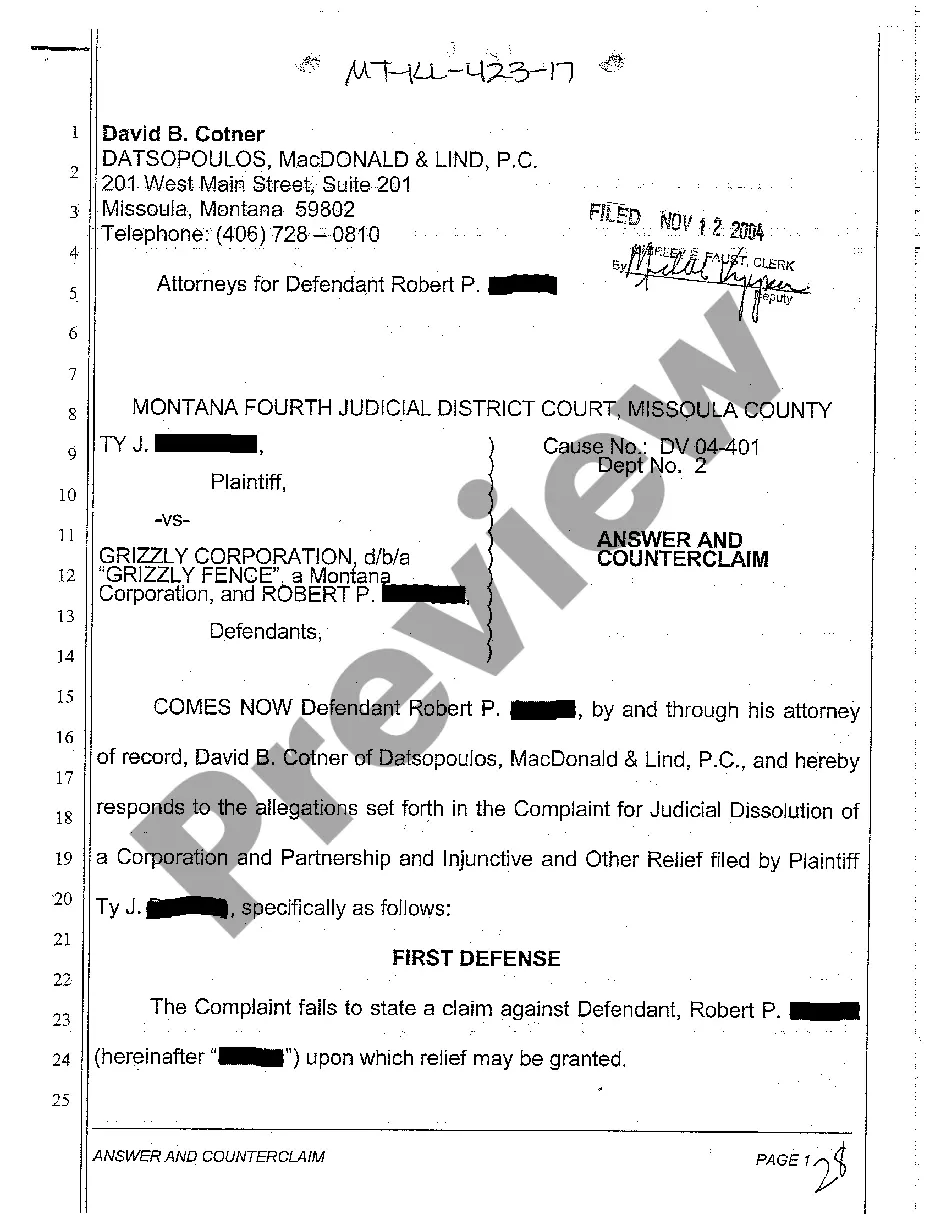
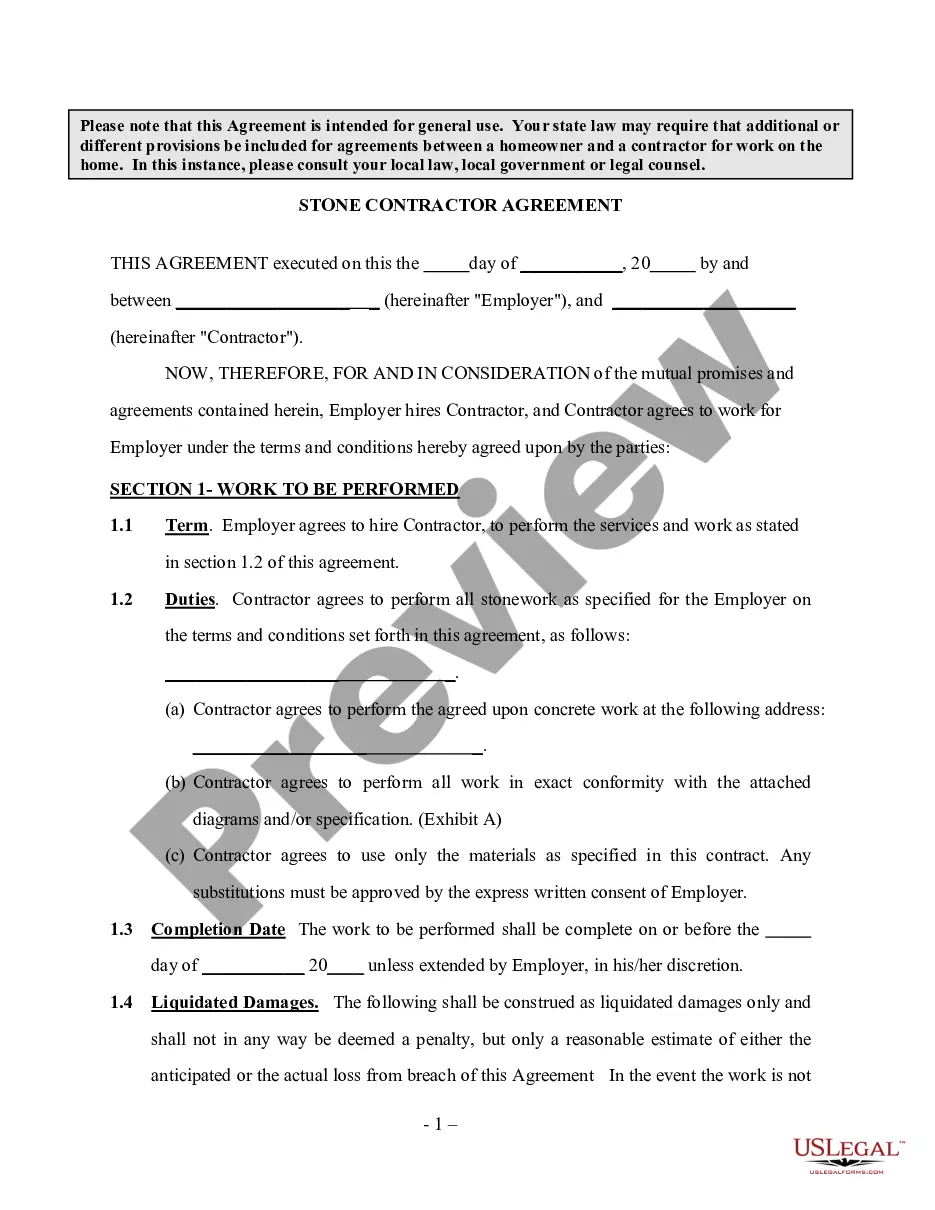
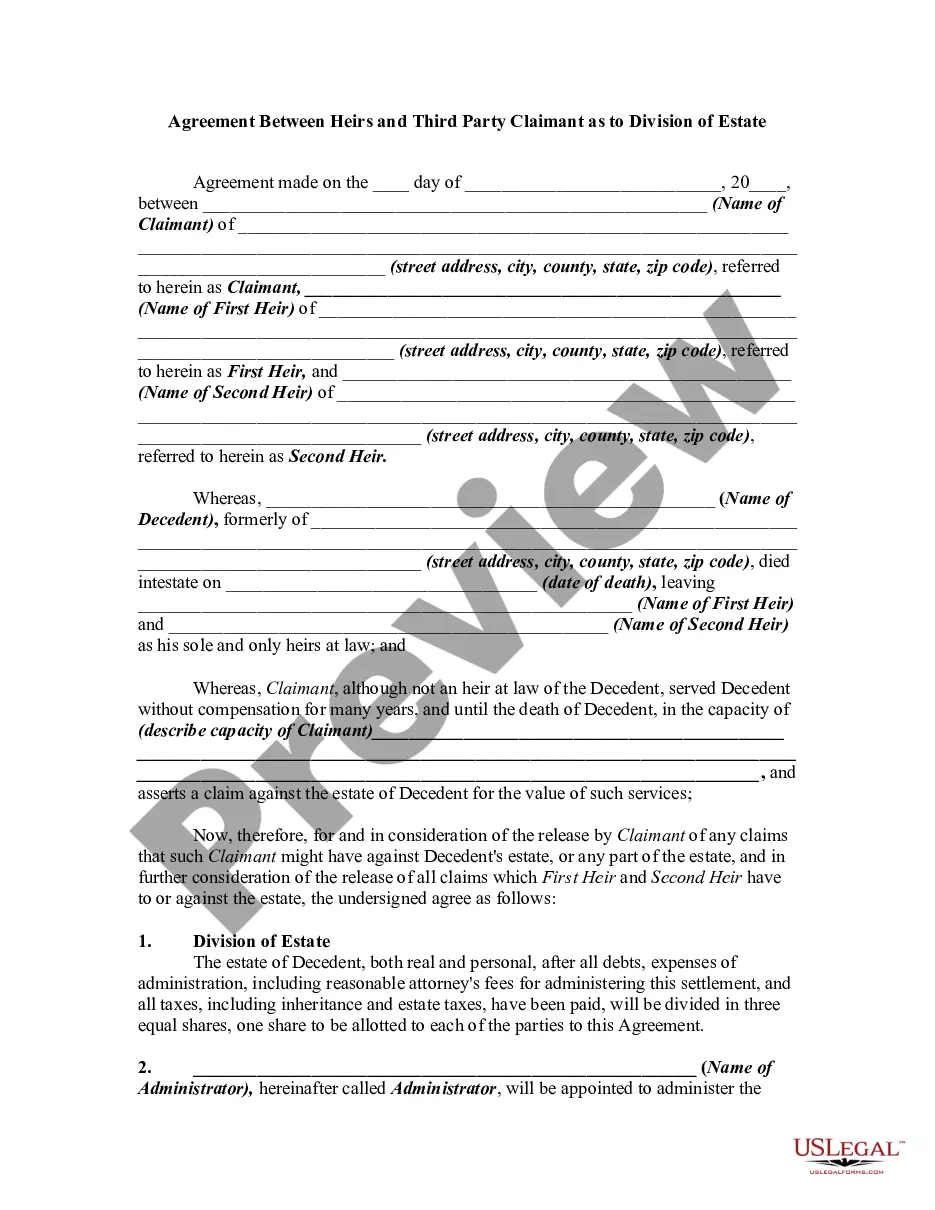
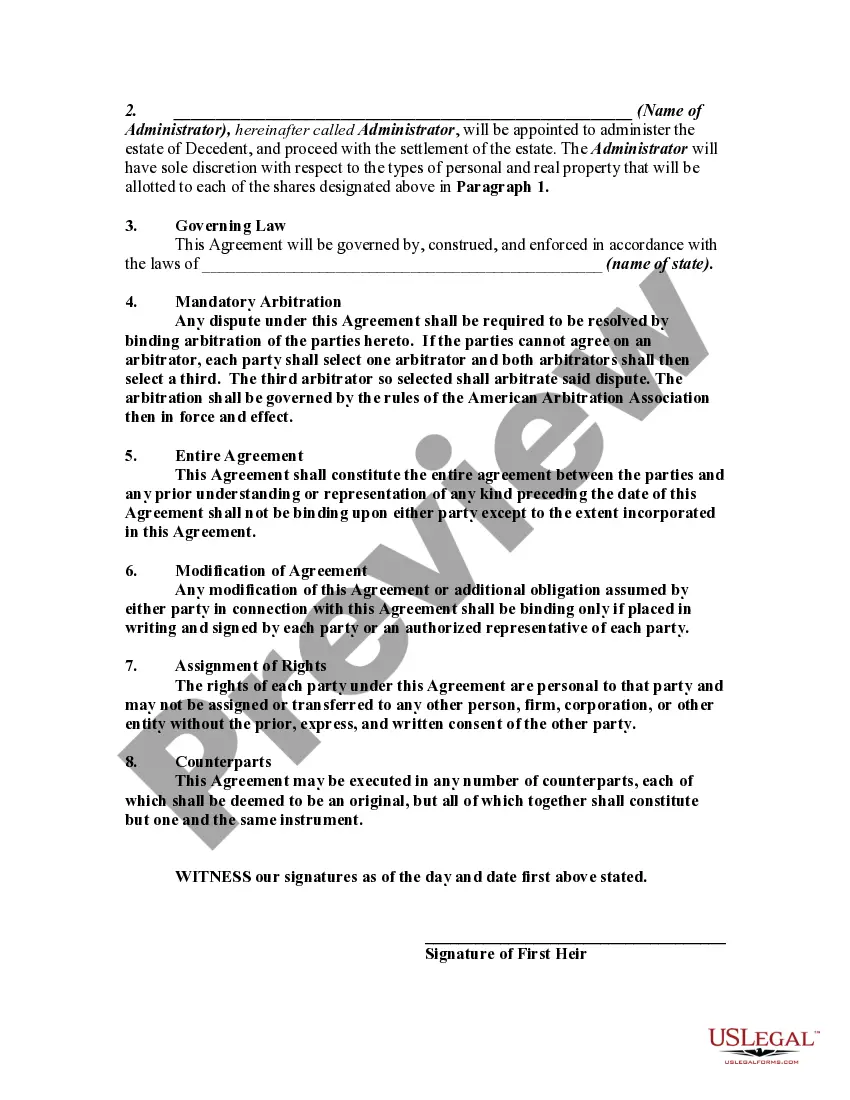
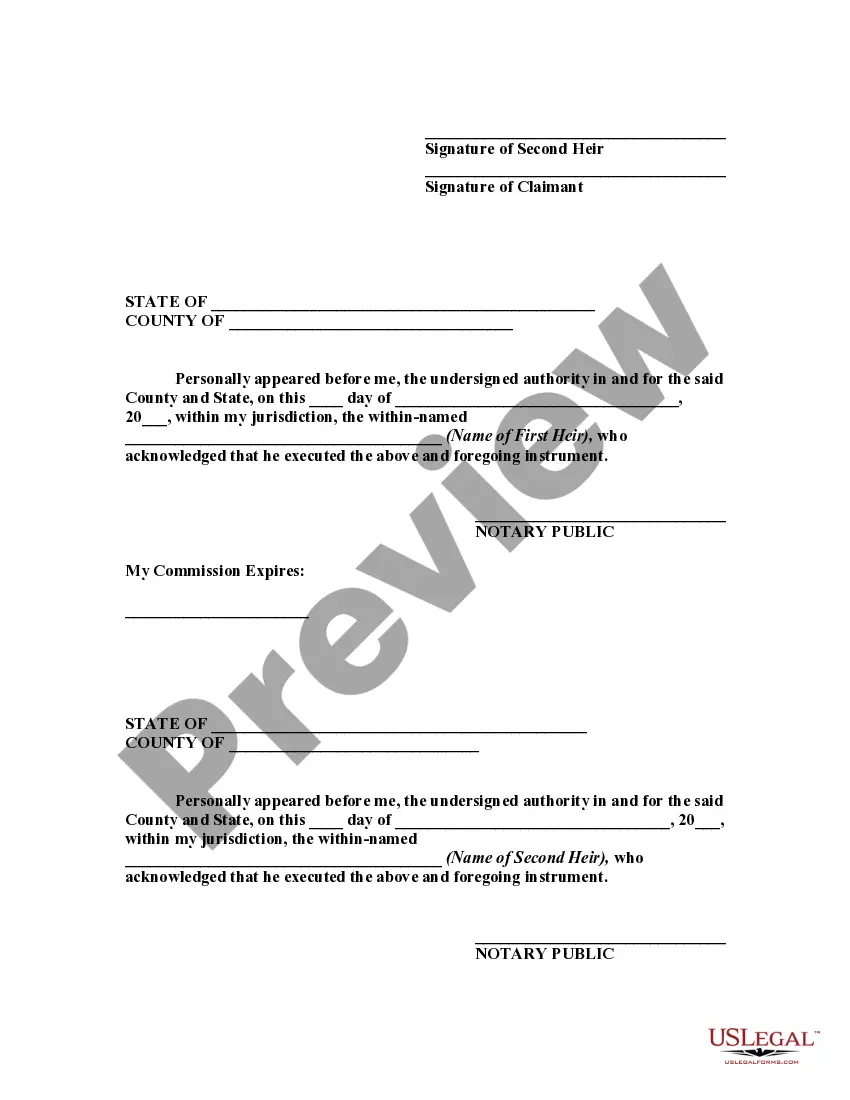
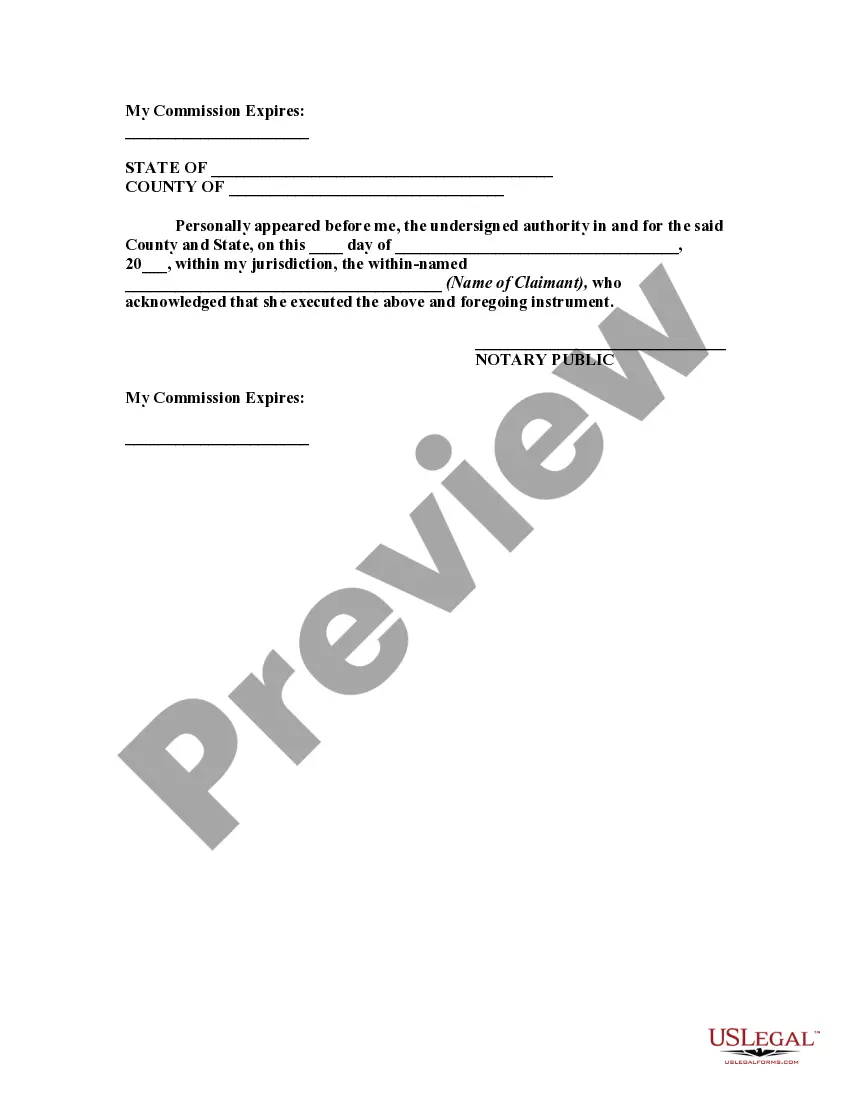
How to fill out Agreement Between Heirs And Third Party Claimant As To Division Of Estate?
It’s well-known that you cannot become a legal expert instantly, nor can you understand how to swiftly create Agreement Third Party With Account Access without having a specialized foundation.
Assembling legal documents is a labor-intensive task that demands particular training and expertise. So why not entrust the development of the Agreement Third Party With Account Access to the specialists.
With US Legal Forms, one of the most comprehensive legal template repositories, you can obtain anything from judicial documents to templates for internal business communication.
If you need any other template, start your search again.
Create a free account and choose a subscription plan to purchase the template. Click Buy now. Once the payment is finalized, you can acquire the Agreement Third Party With Account Access, complete it, print it, and send or mail it to the specified individuals or entities.
- We recognize how vital compliance and adherence to federal and state statutes and regulations are.
- That’s why, on our site, all templates are region-specific and current.
- Here’s how to get started with our platform and obtain the form you need in just minutes.
- Search for the form you need using the search bar at the top of the page.
- Preview it (if this option is available) and review the supporting description to determine if Agreement Third Party With Account Access is what you require.
Form popularity
FAQ
You may need to provide access to your information to a third party vendor when you engage their services and require them to perform tasks on your behalf. This often happens in scenarios like account management, customer support, or data analysis. Always ensure that any agreement third party with account access clearly defines the scope and limits of their access to protect your sensitive information.
A third party agreement refers to a contract that involves three parties, usually between you, a service provider, and an external entity. This agreement outlines the responsibilities and rights of each party concerning access to your information. Understanding the terms of any agreement third party with account access is vital for maintaining your privacy and security.
Yes, a third party can make a subject access request, but this usually requires your consent. This request allows them to obtain personal data that you control. If you enter into an agreement third party with account access, it is essential to clarify what data they can access and how they may use it.
A third party access agreement is a formal document that outlines the terms under which an external party can access your information. This agreement specifies what data they can view, how it can be used, and any limitations on their access. It's important to thoroughly review any agreement third party with account access to ensure your information remains secure.
To stop third party access on your phone, you should review the permissions granted to each app. Navigate to your phone's settings and modify the access settings for apps that you no longer trust. By controlling these permissions, you can better manage your security and protect your information from unwanted third party access.
Third party access refers to the ability of an external entity to view or manage your information. This typically occurs when you grant permission for someone, such as a service provider, to access your account. Understanding the implications of third party access is crucial, especially when entering into an agreement third party with account access.
To fill an agreement form, begin by carefully reading the instructions to understand what information is required. Fill in your personal details accurately, including names, addresses, and any relevant account numbers. Clearly outline the terms of the agreement, ensuring you cover all necessary conditions and permissions. After completing the form, review it for completeness and clarity, and then sign it to finalize the agreement, especially if it involves a third party with account access.
An example of a third party contract is a service agreement where one party hires another to perform specific tasks on their behalf. For instance, if you authorize a financial advisor to manage your account, you would create an agreement that outlines their responsibilities and your expectations. This agreement third party with account access ensures both parties understand their roles, protecting your interests while allowing the advisor to act on your behalf. Such contracts are critical for establishing clear communication and trust.
To fill out a third party authorization form, start by gathering the necessary information about both you and the third party. You will need to provide your details, such as your name and account number, along with the third party's name and contact information. Next, clearly state the permissions you are granting them, ensuring that you specify the extent of their access. Finally, review the form for accuracy before signing and submitting it, allowing the third party account access as intended.
To add third party apps with account access, begin by selecting the app you wish to integrate with your account. During the setup process, you will encounter an agreement third party with account access, which outlines the permissions the app will receive. By carefully reviewing and accepting the terms, you can successfully link the application, enhancing your account's capabilities while ensuring a secure connection.