Amendment To Add Buyer To Contract
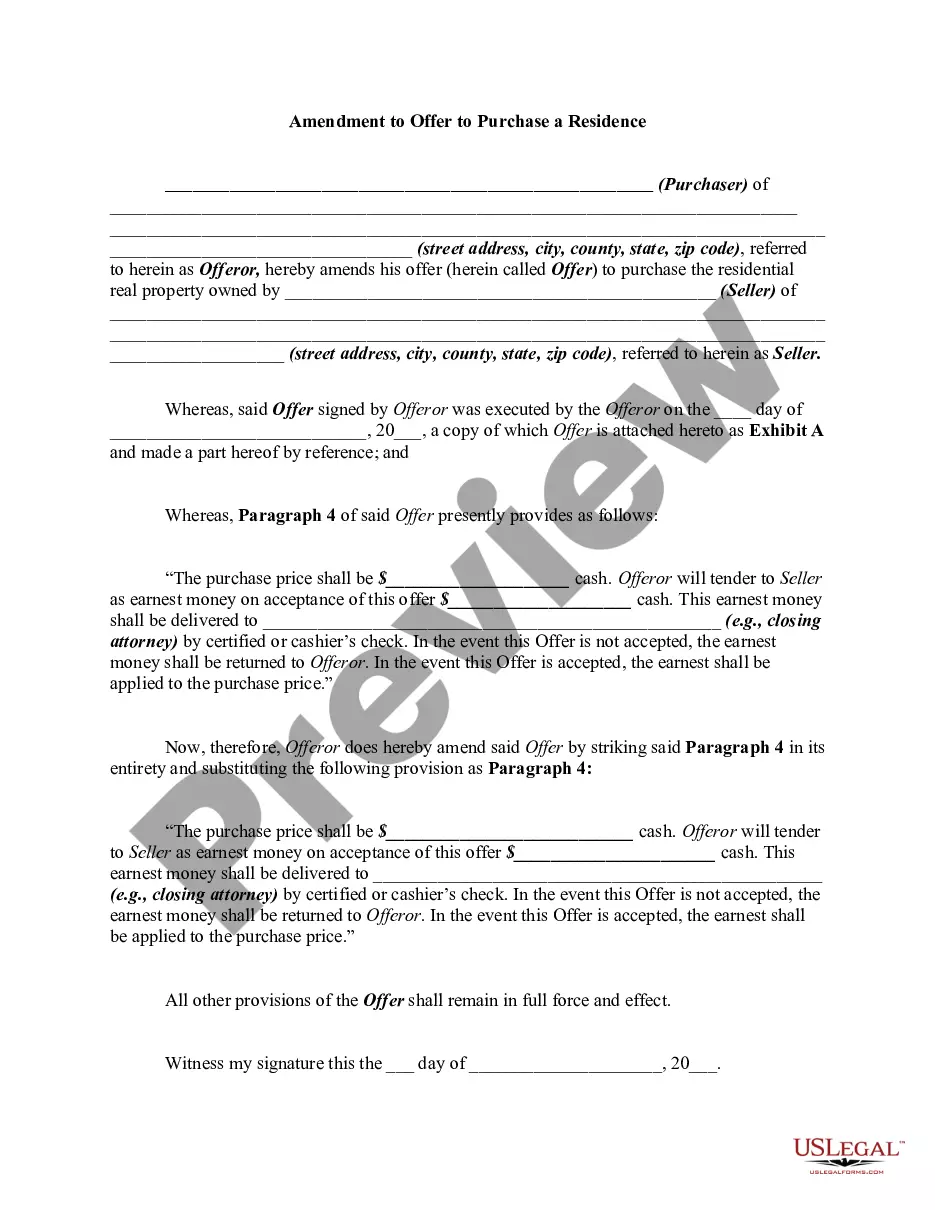
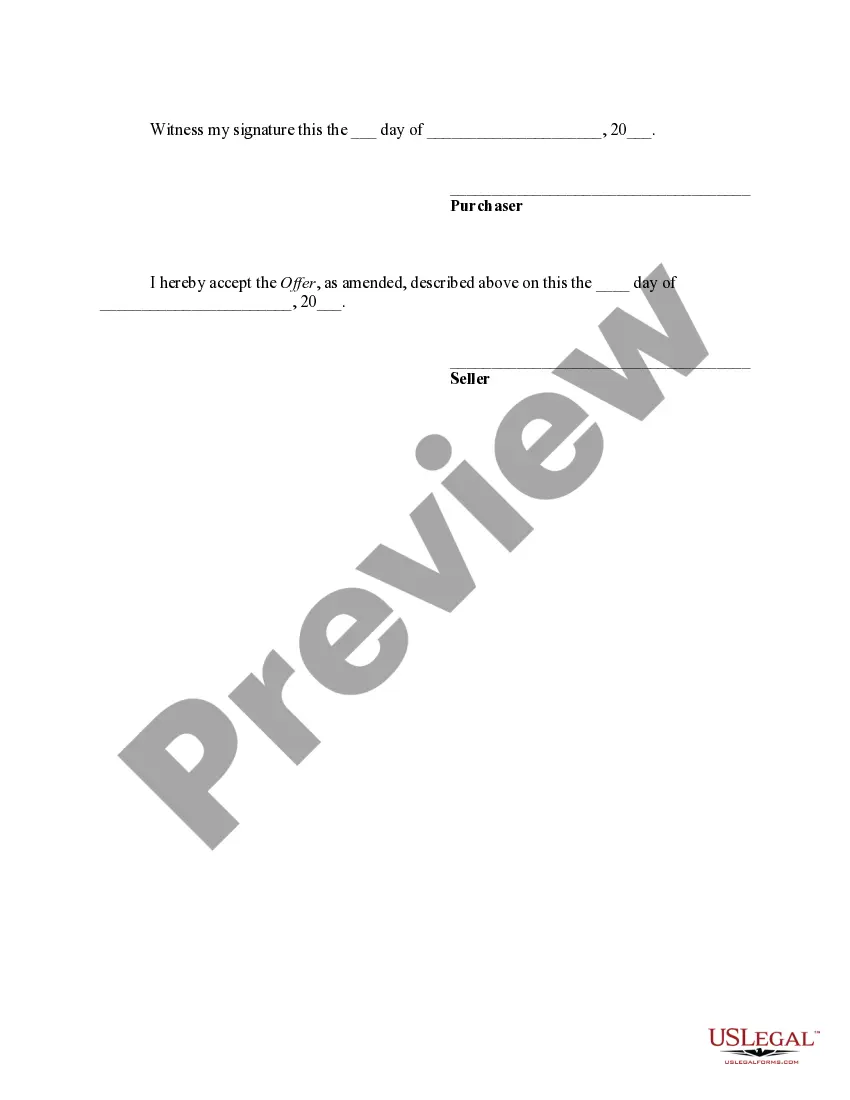
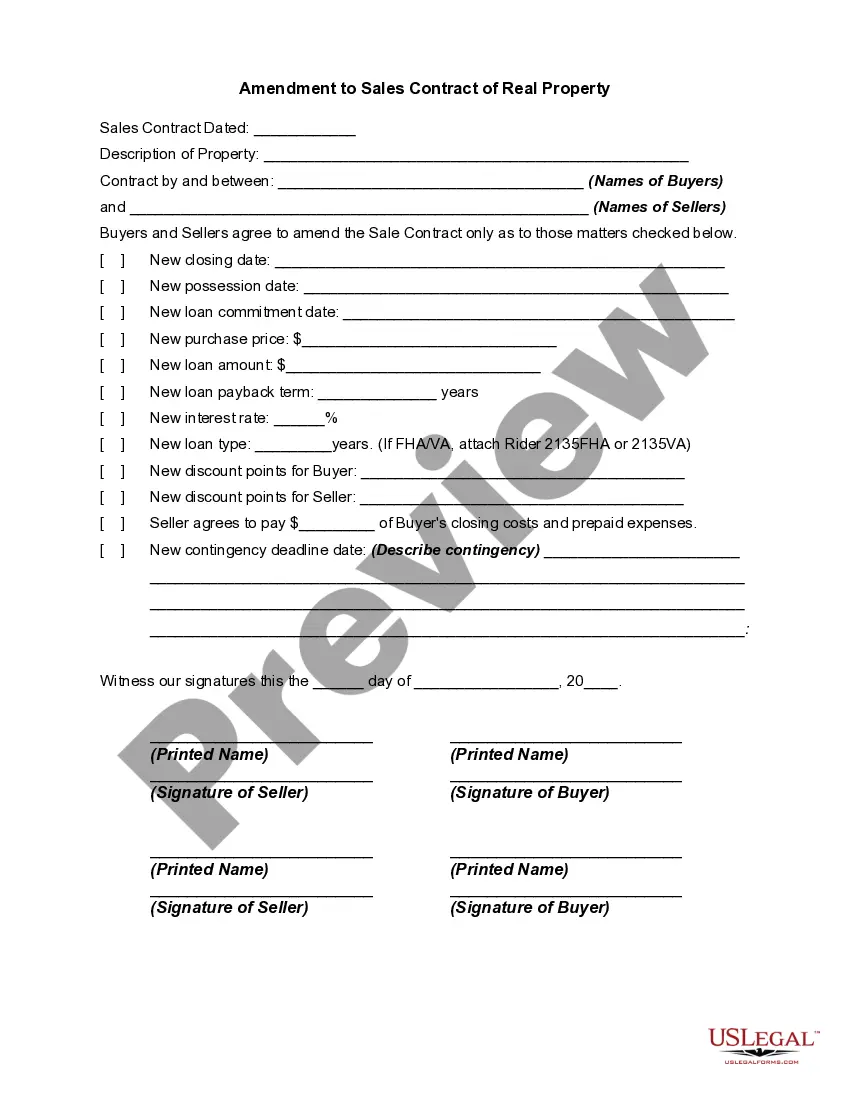
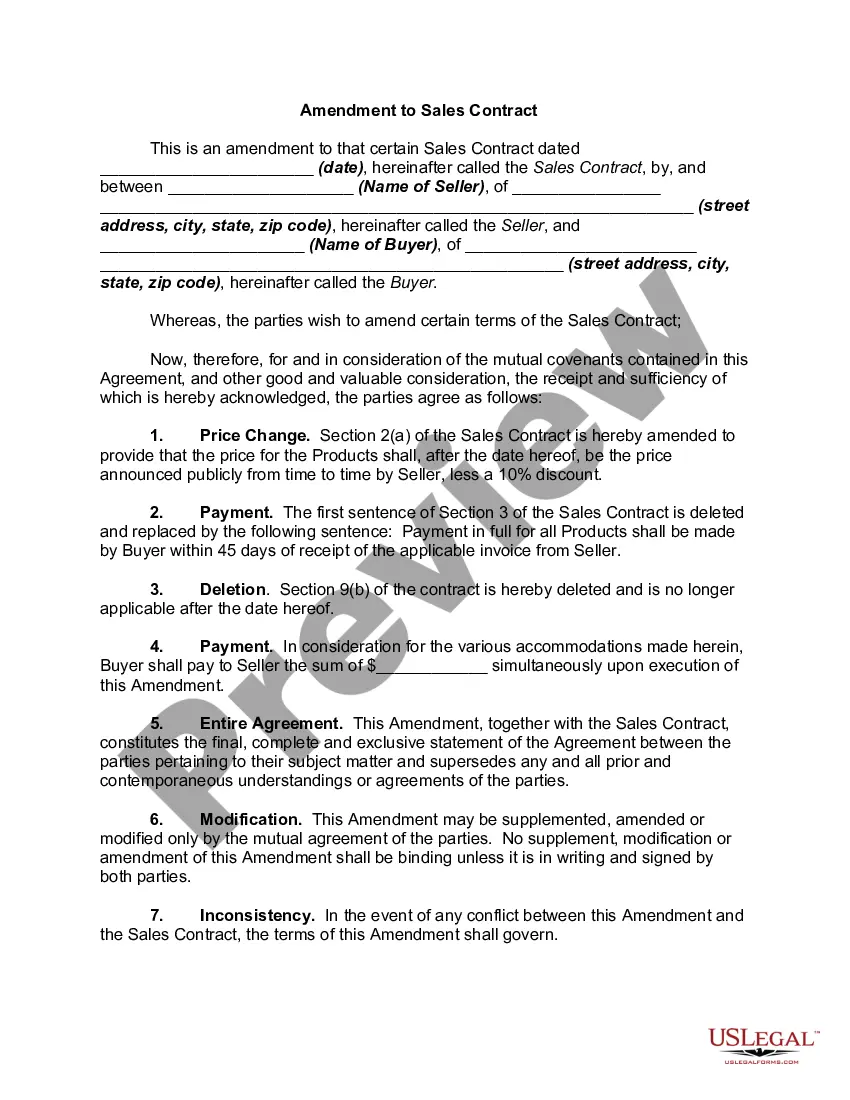
Description
Get your form ready online
Our built-in tools help you complete, sign, share, and store your documents in one place.
Make edits, fill in missing information, and update formatting in US Legal Forms—just like you would in MS Word.
Download a copy, print it, send it by email, or mail it via USPS—whatever works best for your next step.
Sign and collect signatures with our SignNow integration. Send to multiple recipients, set reminders, and more. Go Premium to unlock E-Sign.
If this form requires notarization, complete it online through a secure video call—no need to meet a notary in person or wait for an appointment.
We protect your documents and personal data by following strict security and privacy standards.

Make edits, fill in missing information, and update formatting in US Legal Forms—just like you would in MS Word.

Download a copy, print it, send it by email, or mail it via USPS—whatever works best for your next step.

Sign and collect signatures with our SignNow integration. Send to multiple recipients, set reminders, and more. Go Premium to unlock E-Sign.

If this form requires notarization, complete it online through a secure video call—no need to meet a notary in person or wait for an appointment.

We protect your documents and personal data by following strict security and privacy standards.
Looking for another form?
How to fill out Amendment To Offer To Purchase A Residence?
Managing legal documents and processes can be a lengthy addition to your daily agenda.
Modification To Include Buyer In Agreement and similar forms usually require you to look for them and comprehend how to fill them out accurately.
Therefore, if you are dealing with financial, legal, or personal issues, having an extensive and functional online resource of forms readily available will significantly benefit you.
US Legal Forms is the top online platform for legal templates, providing over 85,000 state-specific documents and various tools to assist you in completing your paperwork promptly.
Is this your first time using US Legal Forms? Sign up and create your account in just a few minutes to gain access to the forms library and Modification To Include Buyer In Agreement. Then, follow the steps outlined below to fill out your form.
- Explore the collection of relevant documents available with just one click.
- US Legal Forms provides you with state- and county-specific documents accessible for download anytime.
- Streamline your document management processes with a premium service that lets you prepare any form in minutes without additional or hidden fees.
- Simply Log In to your account, search for Modification To Include Buyer In Agreement and obtain it instantly from the My documents section.
- You can also access previously saved documents.
Form popularity
FAQ
A proper addendum should include: A clear identification of the original contract and parties. ... An introduction stating that the purpose of the addendum is to amend or modify the original contract. ... Clear and specific language outlining the changes, clarifications or additions being made.
How To Write an Amendment to a Real Estate Purchase Agreement Determine the Amendment's Effective Date. ... Identify Parties and Property. ... Incorporate with the Original Purchase Agreement. ... Outline the Terms of the Amendment. ... Preserve Language of the Original Real Estate Purchase Agreement. ... Collect Necessary Signatures.
How to create a contract amendment Pinpoint what you want to change or add. Look at your contract and write down the parts you need to change. ... Date and title the new amendment. Next, add the current date and the title and date of the original agreement to the document. ... Draft and describe the changes. ... Finalize the changes.
Writing a Contract Addendum Name the parties to the contract. Indicate the addendum's effective date, using the same date format used in the original contract. Indicate the elements of the original contract that the addendum intends to change. Concisely but clearly describe the desired changes.
Name the parties to the contract. Indicate the addendum's effective date, using the same date format used in the original contract. Indicate the elements of the original contract that the addendum intends to change. Concisely but clearly describe the desired changes.