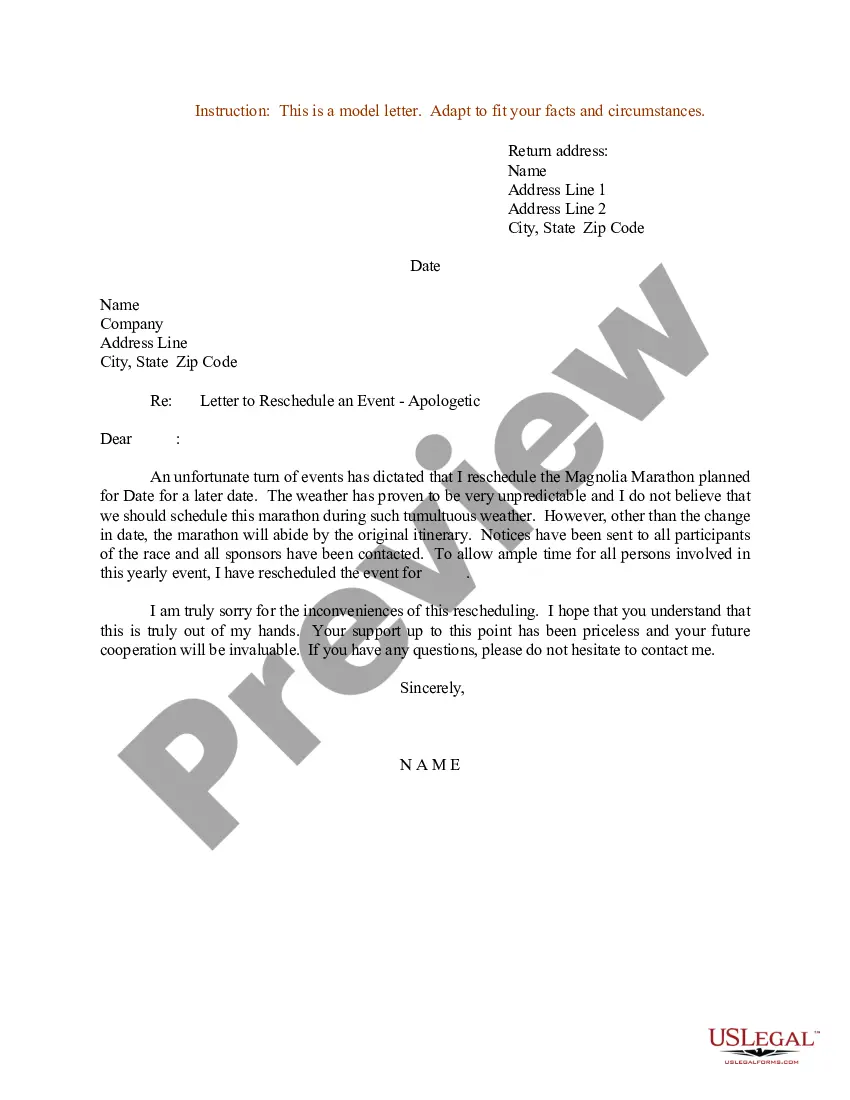
Sample Email Of Postponement Of Event
Description

Get your form ready online
Our built-in tools help you complete, sign, share, and store your documents in one place.
Make edits, fill in missing information, and update formatting in US Legal Forms—just like you would in MS Word.
Download a copy, print it, send it by email, or mail it via USPS—whatever works best for your next step.
Sign and collect signatures with our SignNow integration. Send to multiple recipients, set reminders, and more. Go Premium to unlock E-Sign.
If this form requires notarization, complete it online through a secure video call—no need to meet a notary in person or wait for an appointment.
We protect your documents and personal data by following strict security and privacy standards.

Make edits, fill in missing information, and update formatting in US Legal Forms—just like you would in MS Word.

Download a copy, print it, send it by email, or mail it via USPS—whatever works best for your next step.

Sign and collect signatures with our SignNow integration. Send to multiple recipients, set reminders, and more. Go Premium to unlock E-Sign.

If this form requires notarization, complete it online through a secure video call—no need to meet a notary in person or wait for an appointment.

We protect your documents and personal data by following strict security and privacy standards.
Looking for another form?
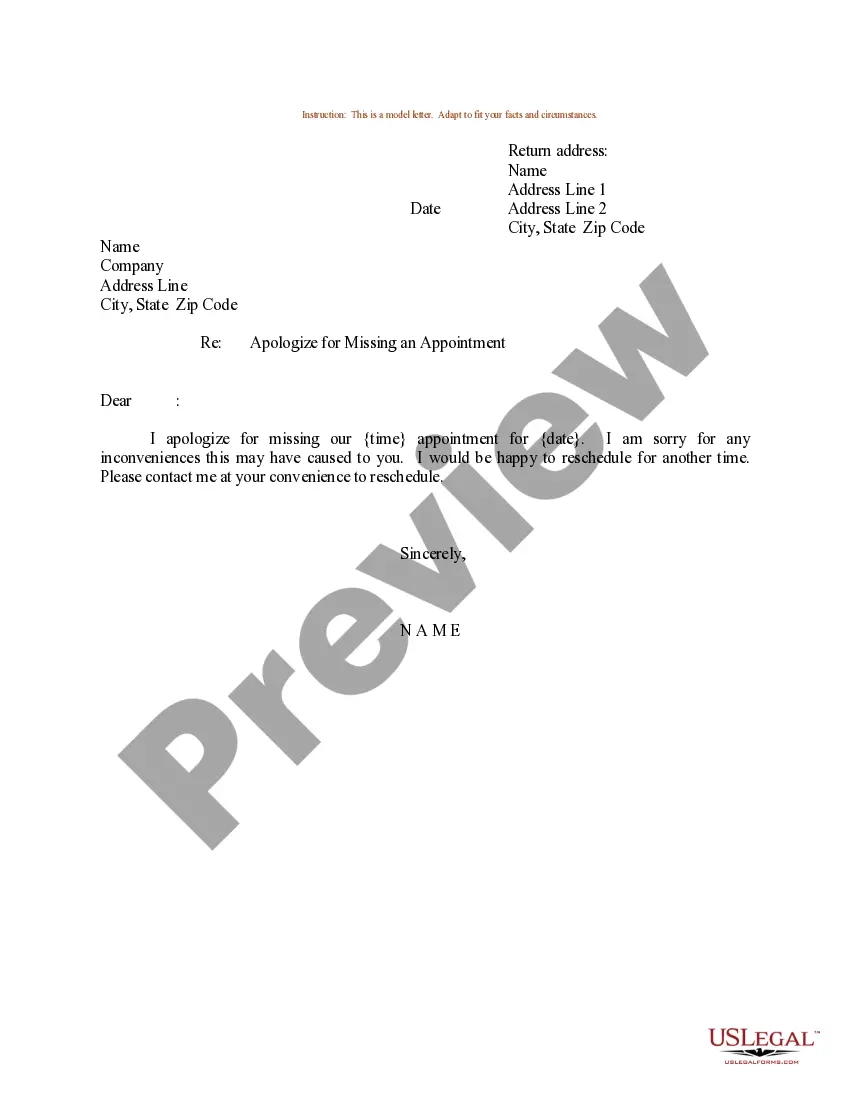
How to fill out Sample Letter For Letter To Reschedule An Event - Apologetic?
The Example Email For Postponement Of Event displayed on this page is a reusable formal template created by expert attorneys adhering to federal and state regulations.
For over 25 years, US Legal Forms has offered individuals, businesses, and legal experts access to more than 85,000 authenticated, state-specific documents for any business or personal need. It’s the quickest, simplest, and most reliable method to obtain the forms you require, as the service ensures the utmost level of data safety and anti-malware defense.
Sign up for US Legal Forms to have validated legal templates for every life situation at your fingertips.
- Search for the document you require and evaluate it.
- Navigate through the file you searched and preview it or examine the form description to confirm it meets your needs. If it doesn’t, utilize the search feature to find the suitable one. Click Buy Now when you have identified the template you want.
- Register and Log In.
- Select the pricing option that fits you and create an account. Use PayPal or a credit card for a swift payment. If you already possess an account, Log In and check your subscription to proceed.
- Obtain the editable template.
- Select the format you desire for your Example Email For Postponement Of Event (PDF, Word, RTF) and download the document to your device.
- Fill out and sign the document.
- Print the template to complete it manually. Alternatively, use an online multifunctional PDF editor to swiftly and accurately fill out and sign your form with a legally-valid electronic signature.
- Download your documents again.
- Reutilize the same document whenever necessary. Access the My documents tab in your profile to redownload any previously saved forms.
Form popularity
FAQ
Some ways to avoid probate proceedings in Arkansas include: Using a living trust, Qualify for Arkansas small estate laws, or. Transfer on death designations.
While most estates in Arkansas do have to go through the probate process, an estate planning attorney can file an affidavit to skip probate if the following conditions exist: The estate has no debts. The estate is worth less than $100,000. No one is contesting the will.
Living Wills Arkansas law says that any person of sound mind and who is 18 years of age or older can make a declaration or statement that will tell a physician and the person's family what he wants done in his medical treatment if he becomes terminally ill or permanently unconscious.
A will does not have to be recorded or filed in court, but it can be deposited with a probate court for safekeeping.
In Arkansas, an heir must submit a will to their circuit's probate court within five years of the person's death.
To successfully pursue a will contest you must have legal standing, which generally means you have a personal interest in the outcome of the case as an heir at law or as a named beneficiary of an estate planning device.
In order to create a valid will in Arkansas, you should declare to two or more witnesses that the document is indeed your will. You should then sign the will in their presence. They should in turn sign the will to verify that they witnessed its execution and can attest to its validity.
While Arkansas does not technically require you to get your POA notarized, notarization is very strongly recommended. Under Arkansas law, when you sign your POA in the presence of a notary public, your signature is presumed to be genuine?meaning your POA is more ironclad.