Sample Brief Form For Inventory
Description

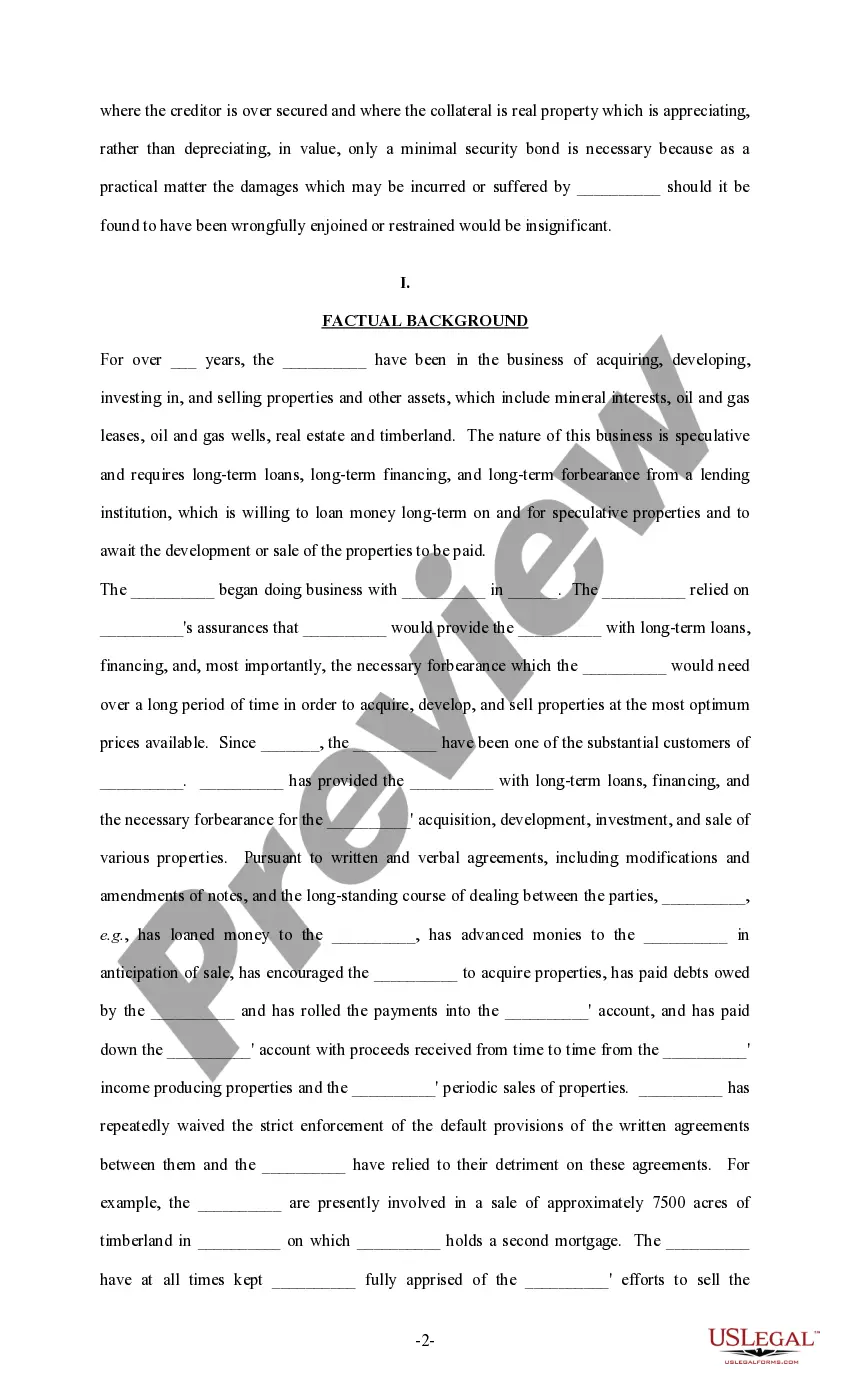
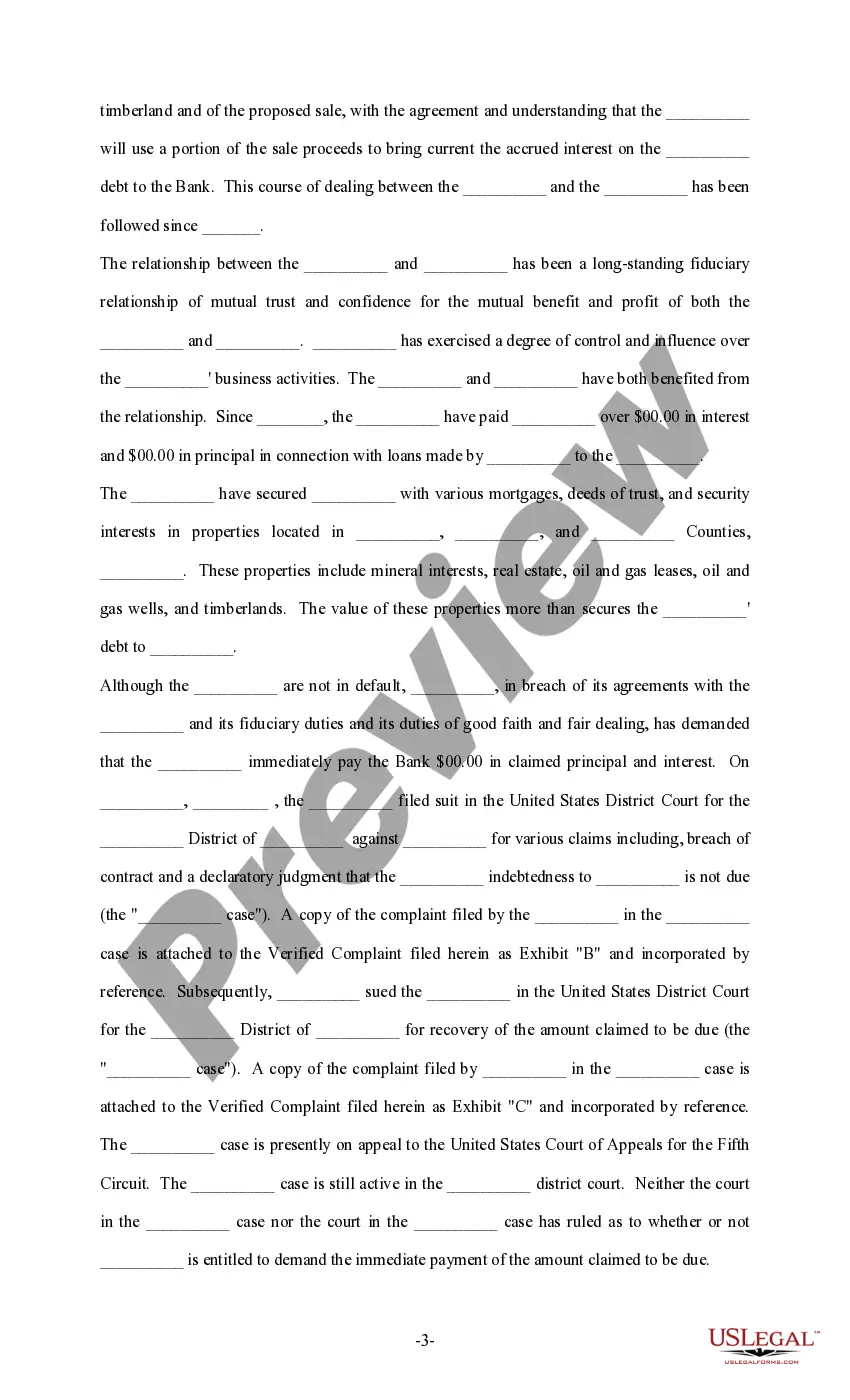
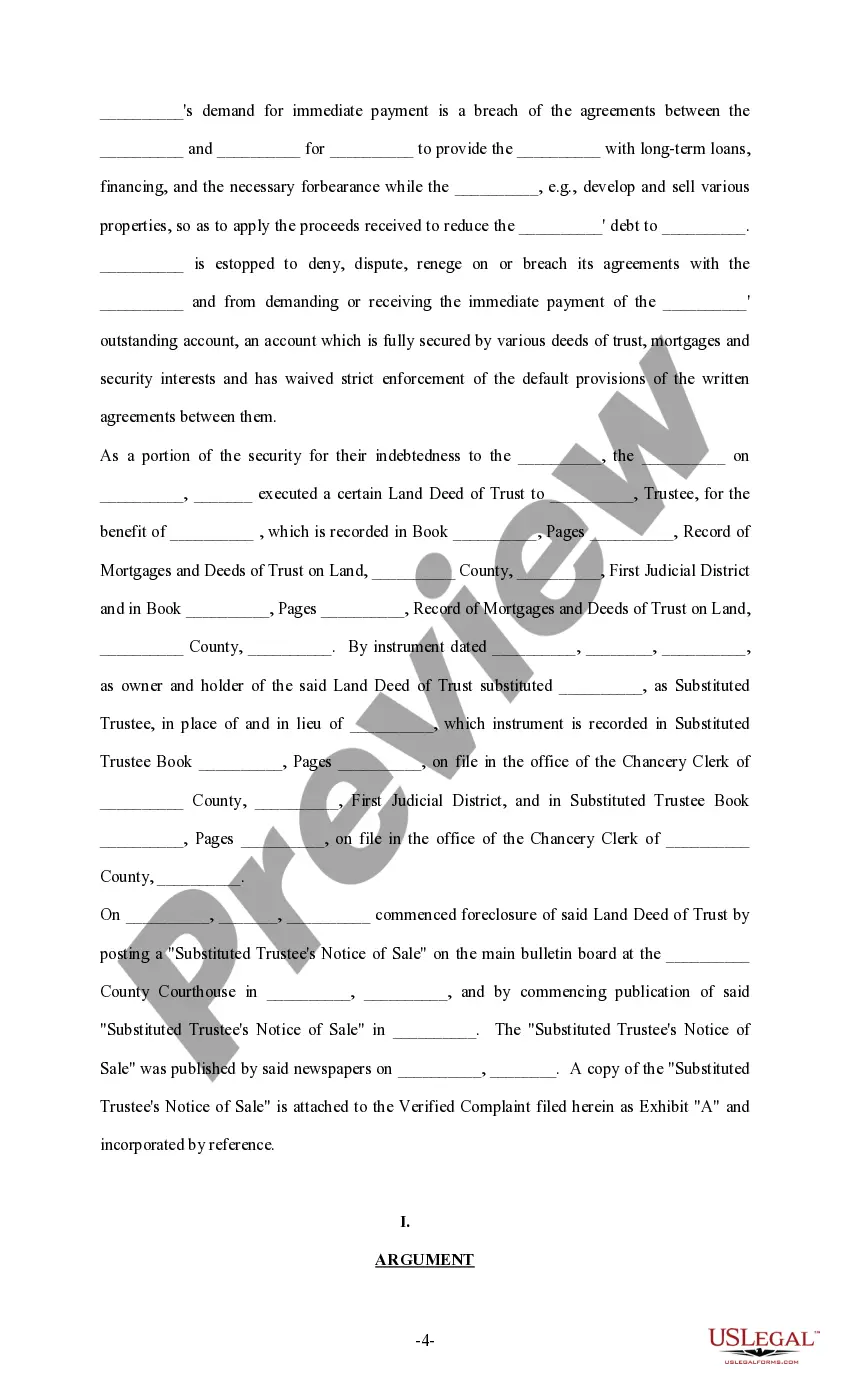
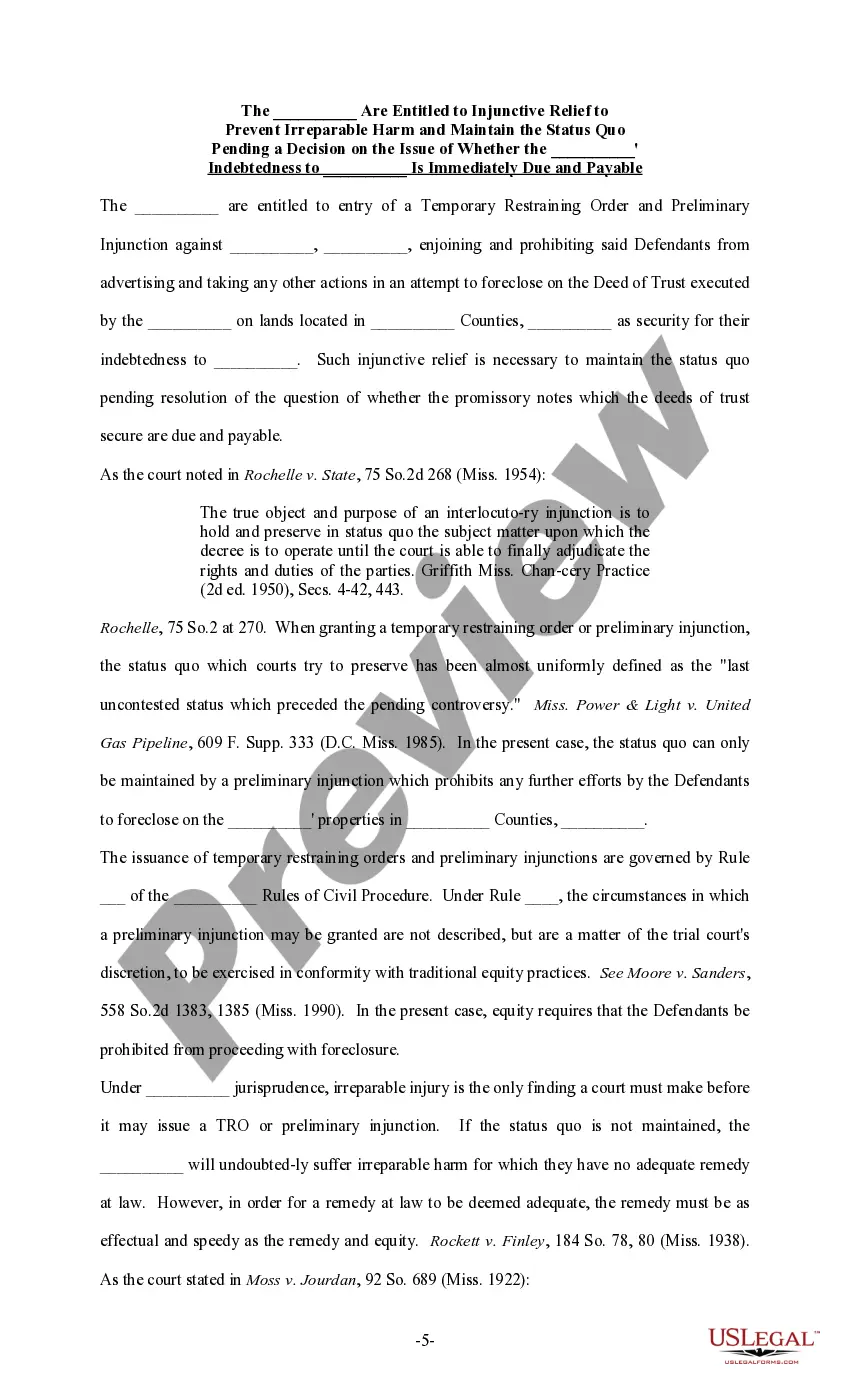
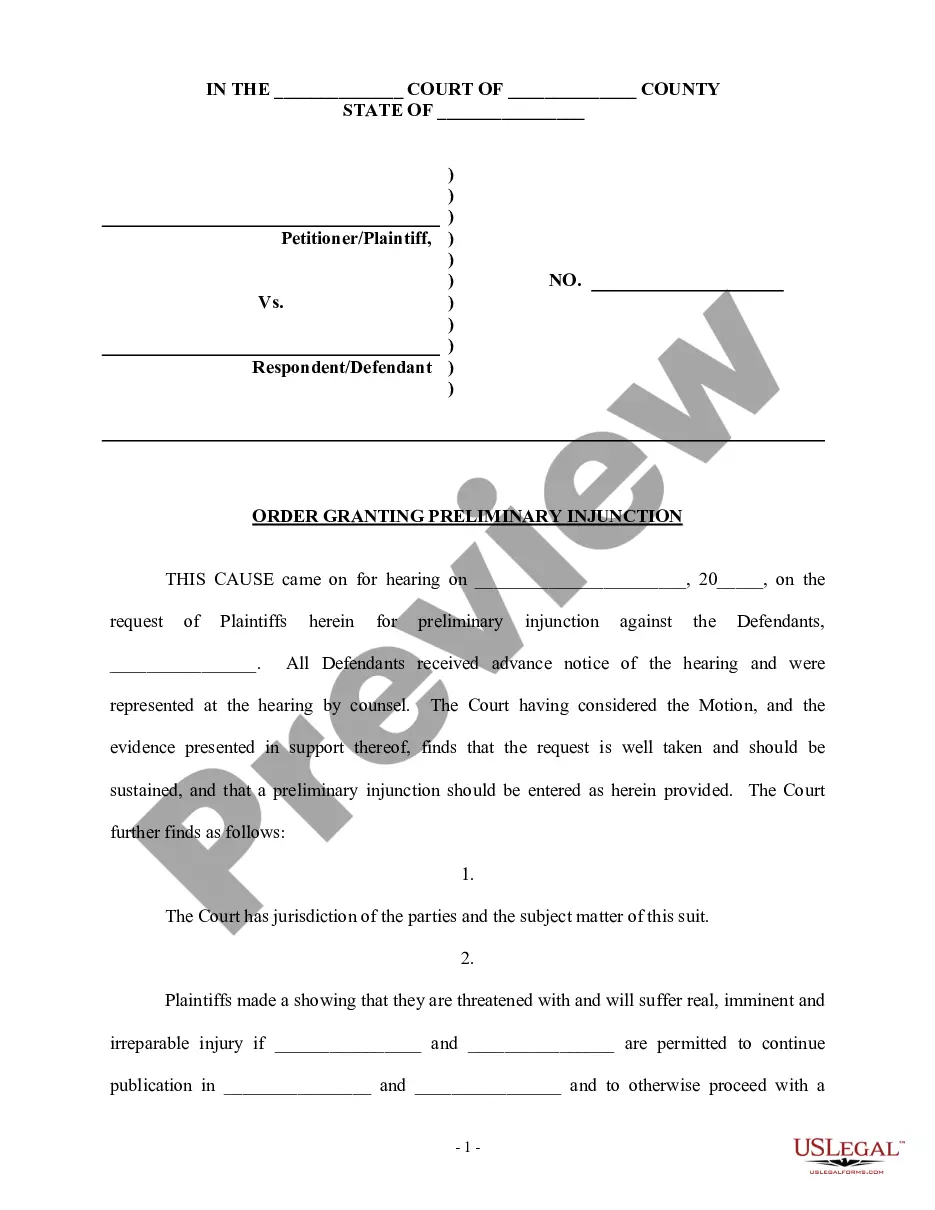
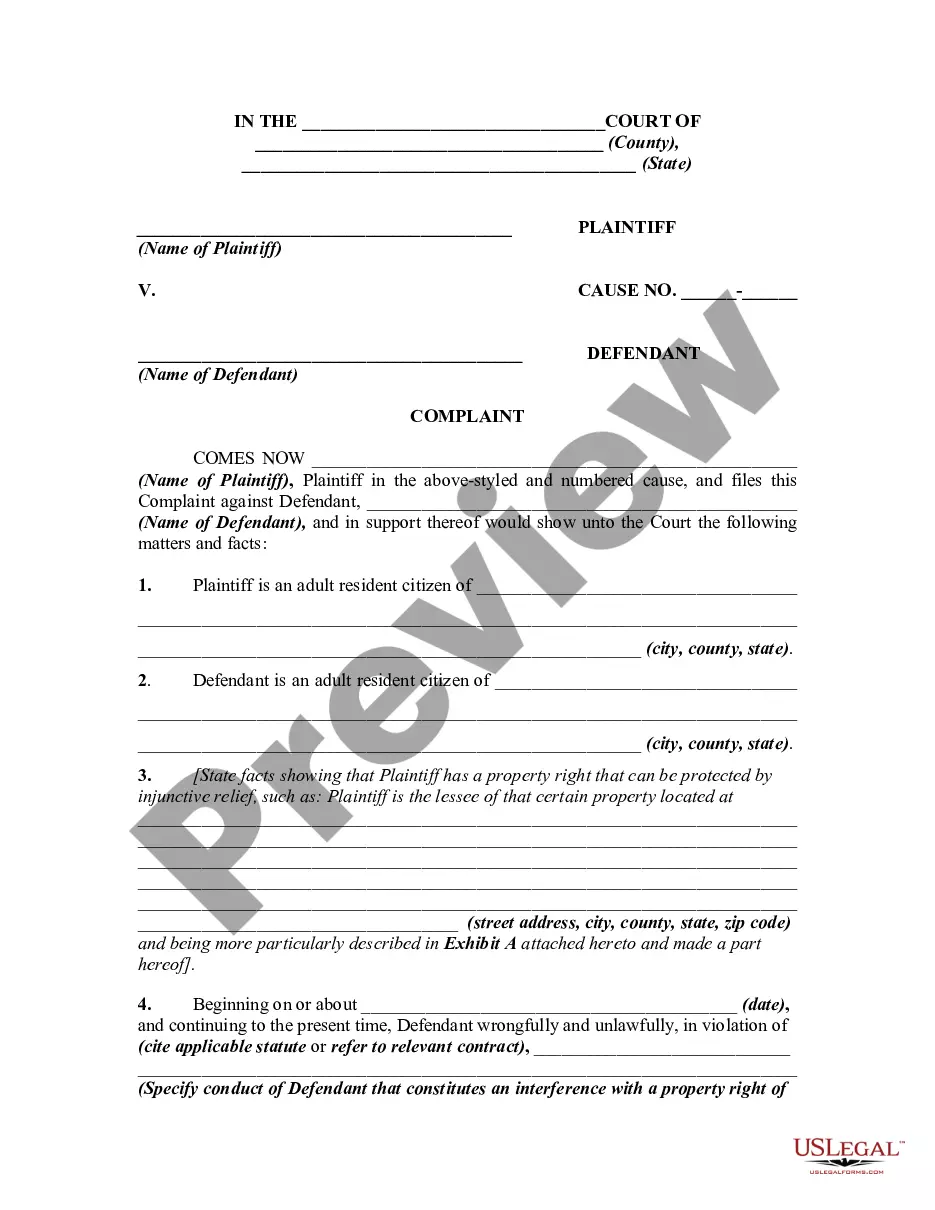
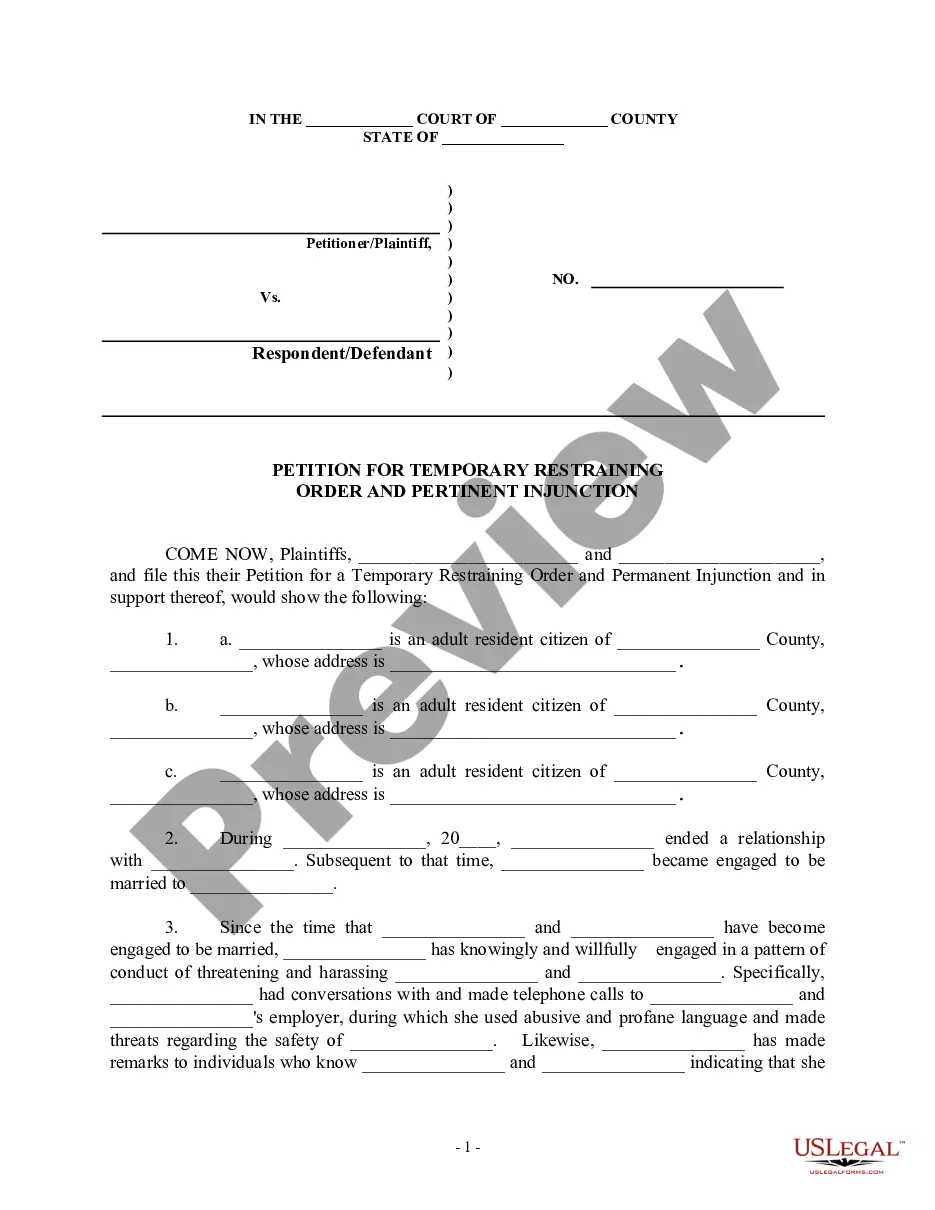

Get your form ready online
Our built-in tools help you complete, sign, share, and store your documents in one place.
Make edits, fill in missing information, and update formatting in US Legal Forms—just like you would in MS Word.
Download a copy, print it, send it by email, or mail it via USPS—whatever works best for your next step.
Sign and collect signatures with our SignNow integration. Send to multiple recipients, set reminders, and more. Go Premium to unlock E-Sign.
If this form requires notarization, complete it online through a secure video call—no need to meet a notary in person or wait for an appointment.
We protect your documents and personal data by following strict security and privacy standards.

Make edits, fill in missing information, and update formatting in US Legal Forms—just like you would in MS Word.

Download a copy, print it, send it by email, or mail it via USPS—whatever works best for your next step.

Sign and collect signatures with our SignNow integration. Send to multiple recipients, set reminders, and more. Go Premium to unlock E-Sign.

If this form requires notarization, complete it online through a secure video call—no need to meet a notary in person or wait for an appointment.

We protect your documents and personal data by following strict security and privacy standards.
Looking for another form?
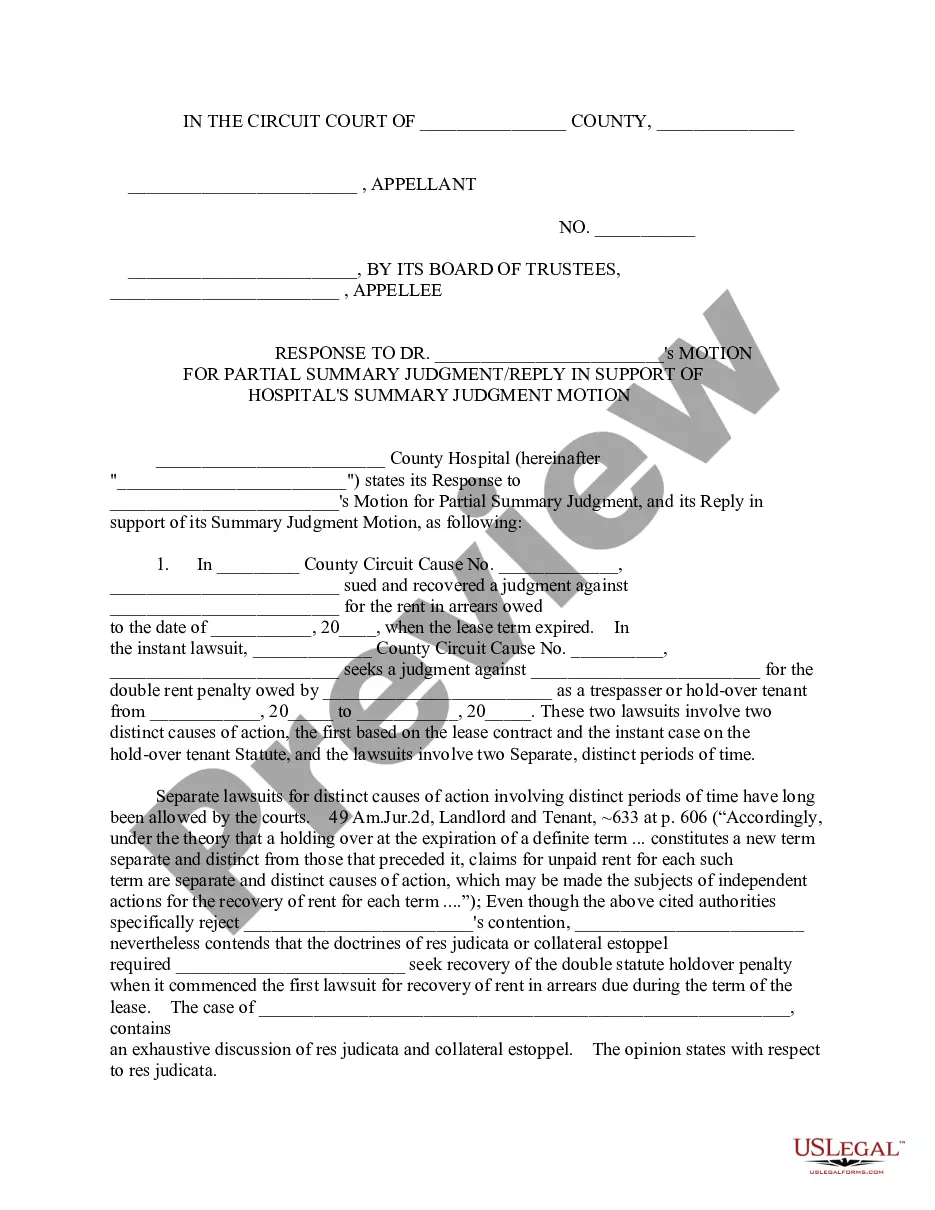



How to fill out Sample Brief - Injunction?
Creating legal documents from the ground up can frequently be overwhelming.
Certain situations may require extensive research and substantial financial investment.
If you’re looking for a simpler and more budget-friendly method to generate Sample Brief Form For Inventory or any other documentation without unnecessary complications, US Legal Forms is always available to assist you.
Our online repository of over 85,000 current legal documents covers nearly every aspect of your financial, legal, and personal matters. With just a few clicks, you can effortlessly access forms specific to your state and county, expertly constructed for you by our legal professionals.
Verify the form preview and descriptions to ensure you're accessing the correct document. Confirm that the template you select meets your state and county regulations. Choose the appropriate subscription option to obtain the Sample Brief Form For Inventory. Download the form, then fill it out, validate, and print it.
- Access our platform whenever you need a dependable service to easily locate and download the Sample Brief Form For Inventory.
- If you're familiar with our website and have set up an account, just Log In, choose the form, and download it or re-download it anytime from the My documents section.
- Don’t have an account? No issue. Setting one up takes just minutes, allowing you to explore the catalog.
- However, before you download the Sample Brief Form For Inventory, please remember these guidelines.
Form popularity
FAQ
An inventory list is a comprehensive, itemized list that details every product your company has in stock, including raw materials, work-in-progress items, and finished goods. In general, an inventory list should include the product's name, SKU number, description, pricing, and quantity.
An inventory form helps you track critical elements of your business inventory, ensuring that in-stock and reorder information is up to date and accurate. An inventory form can also help you monitor discrepancies and capture inventory transfer and write-off details.
What to Include on Inventory Lists Name of the item. SKU (stock-keeping unit), serial number and/or barcode that identifies an item. Category and/or brief item description. Name of manufacturer or supplier. Unit cost. Sale price. Quantity in stock. Total value.
How to write an inventory report Create a column for inventory items. Similar to an inventory sheet template, create a list of items in your inventory using a vertical column. ... Create a column for descriptions. ... Assign a price to each item. ... Create a column for remaining stock. ... Select a time frame.
Inventory refers to all the items, goods, merchandise, and materials held by a business for selling in the market to earn a profit. Example: If a newspaper vendor uses a vehicle to deliver newspapers to the customers, only the newspaper will be considered inventory. The vehicle will be treated as an asset.