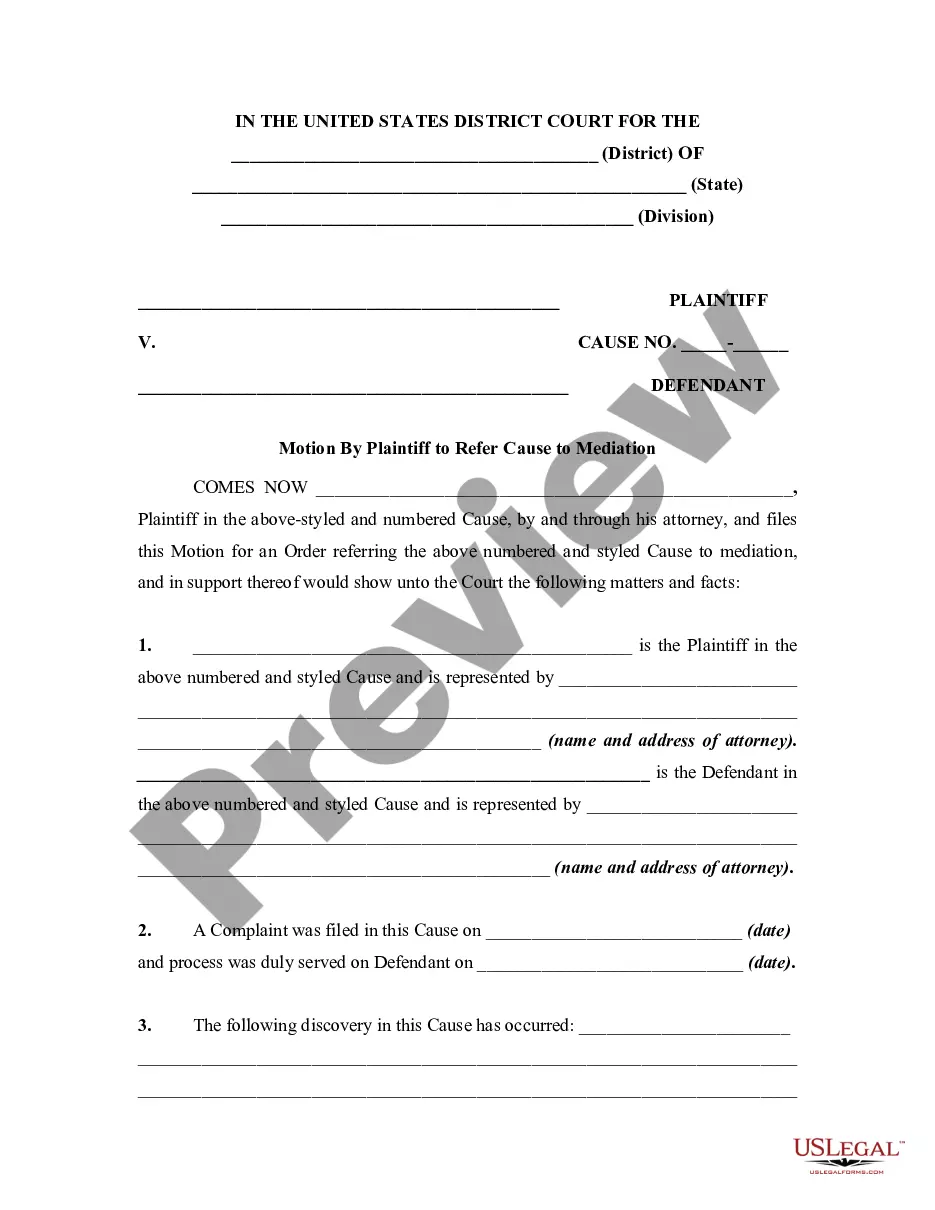
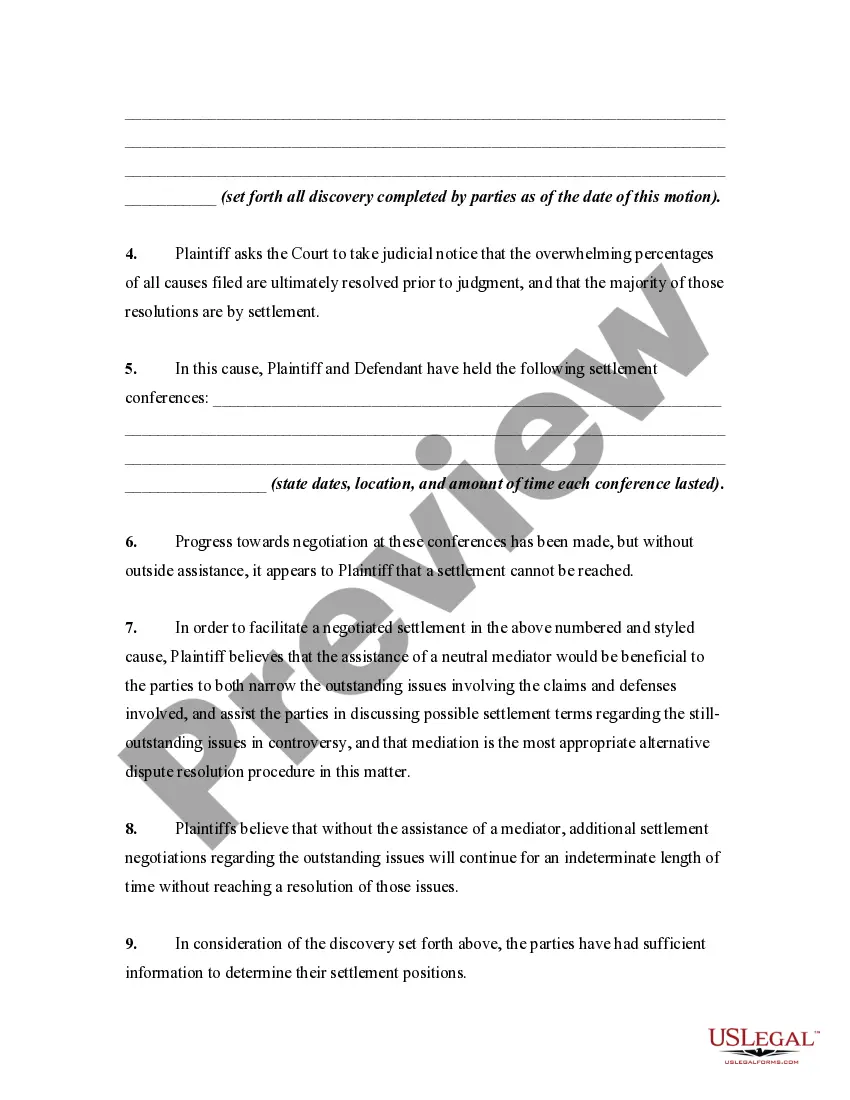
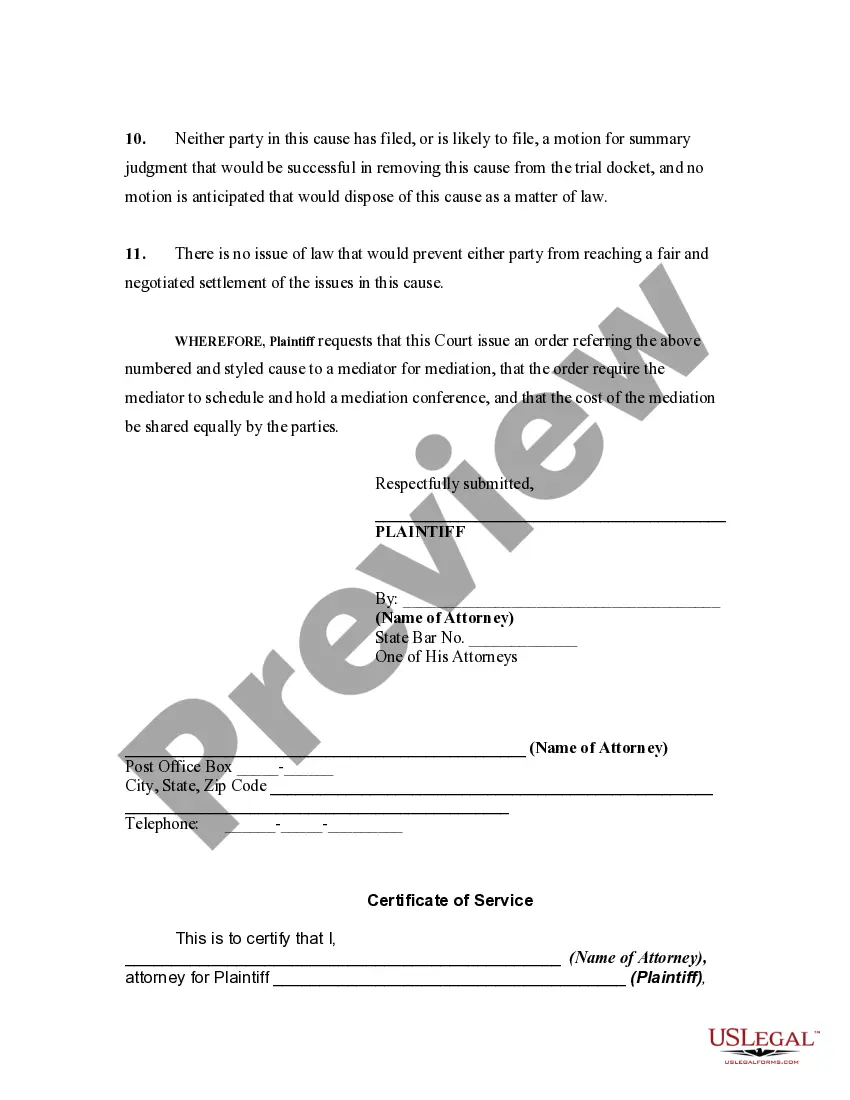
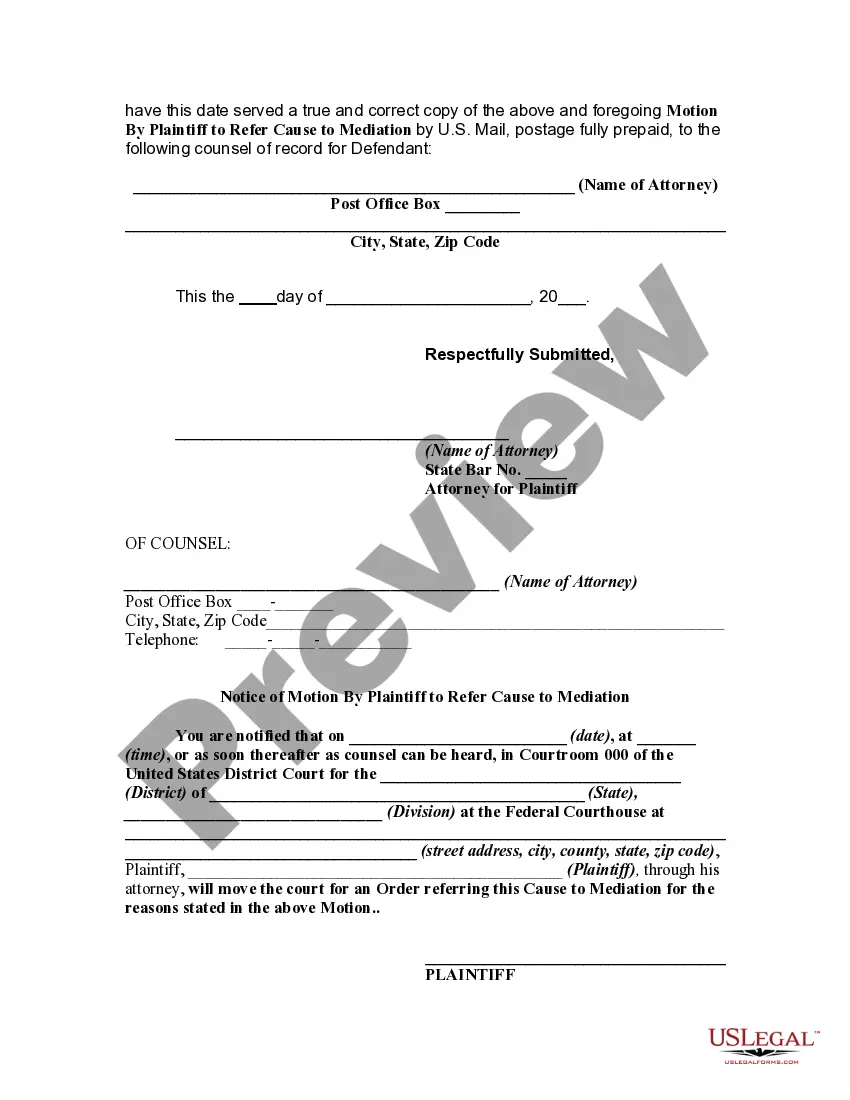
Mediation Motion Court Without Attorney
Description
Get your form ready online
Our built-in tools help you complete, sign, share, and store your documents in one place.
Make edits, fill in missing information, and update formatting in US Legal Forms—just like you would in MS Word.
Download a copy, print it, send it by email, or mail it via USPS—whatever works best for your next step.
Sign and collect signatures with our SignNow integration. Send to multiple recipients, set reminders, and more. Go Premium to unlock E-Sign.
If this form requires notarization, complete it online through a secure video call—no need to meet a notary in person or wait for an appointment.
We protect your documents and personal data by following strict security and privacy standards.

Make edits, fill in missing information, and update formatting in US Legal Forms—just like you would in MS Word.

Download a copy, print it, send it by email, or mail it via USPS—whatever works best for your next step.

Sign and collect signatures with our SignNow integration. Send to multiple recipients, set reminders, and more. Go Premium to unlock E-Sign.

If this form requires notarization, complete it online through a secure video call—no need to meet a notary in person or wait for an appointment.

We protect your documents and personal data by following strict security and privacy standards.
Looking for another form?










How to fill out Motion By Plaintiff To Refer Cause To Mediation?
It’s well known that you cannot instantly become a legal expert, nor can you easily learn how to swiftly prepare Mediation Motion Court Without Attorney without possessing a specific skill set.
Compiling legal documents is a lengthy task that necessitates particular training and expertise.
So why not entrust the preparation of the Mediation Motion Court Without Attorney to the professionals.
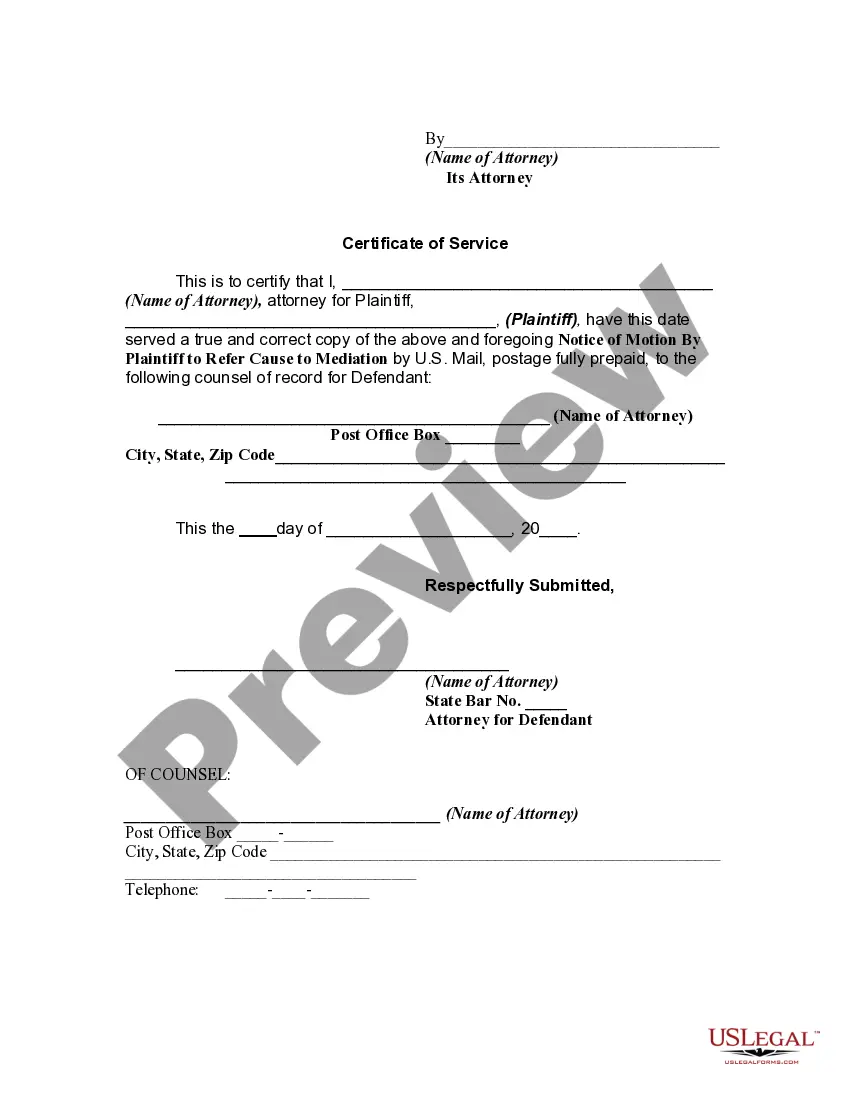
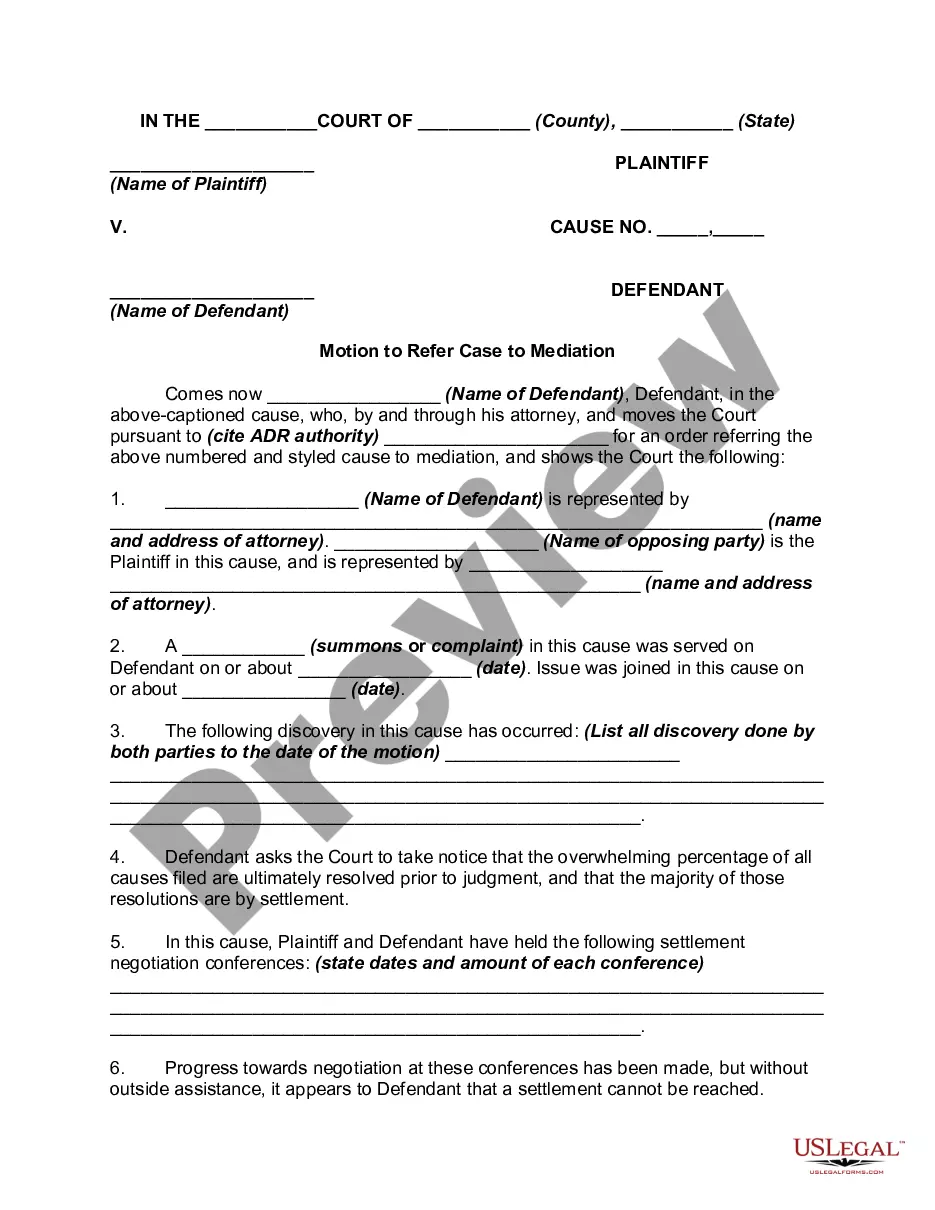
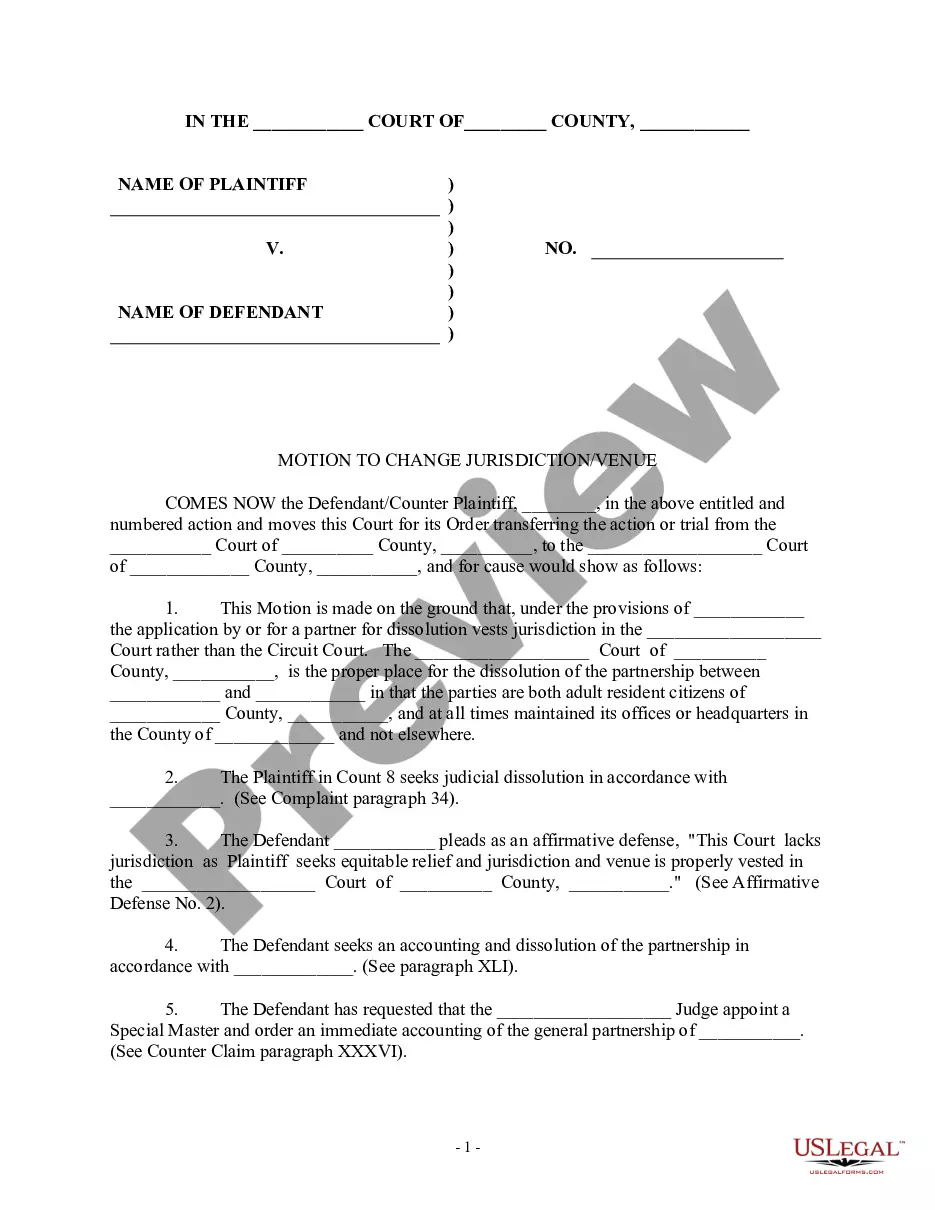
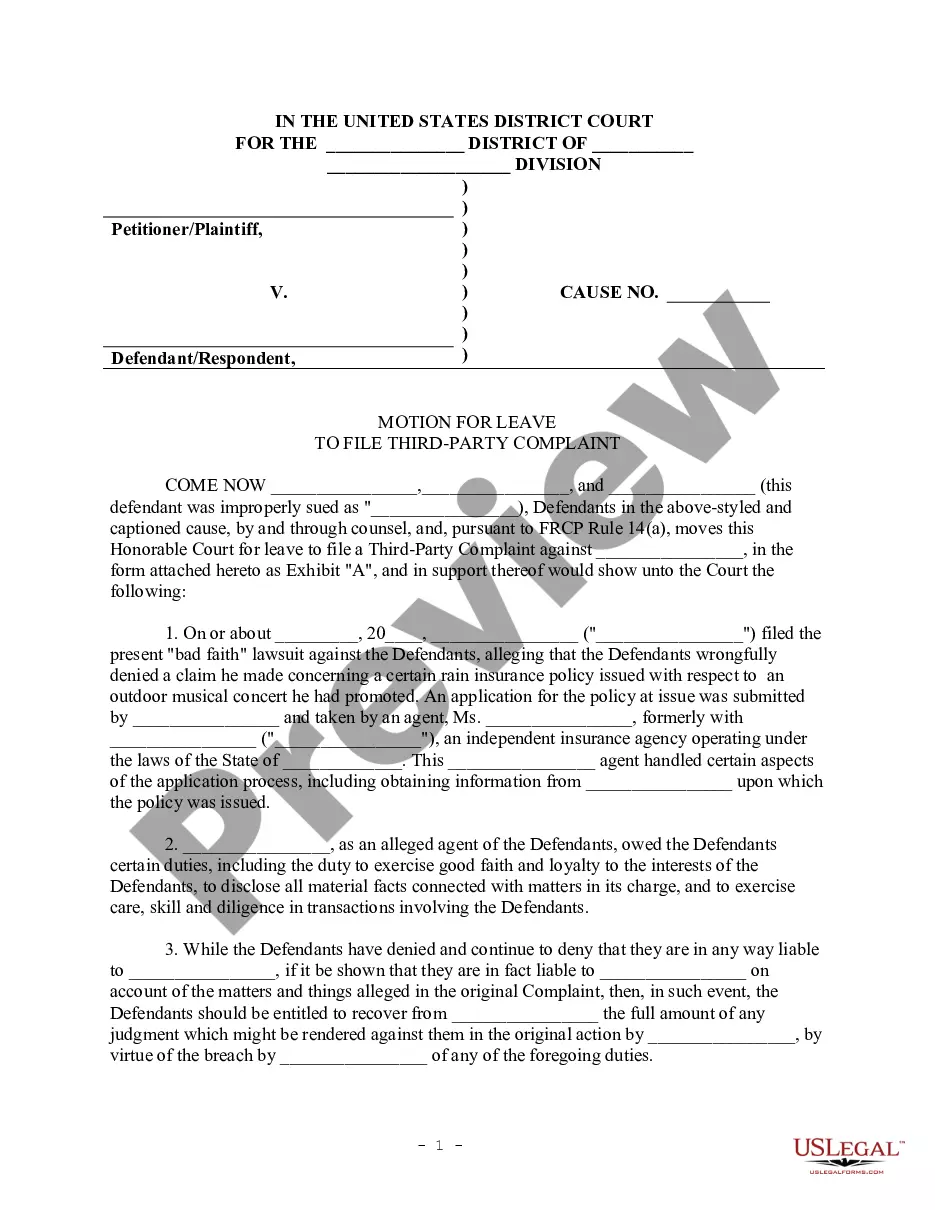
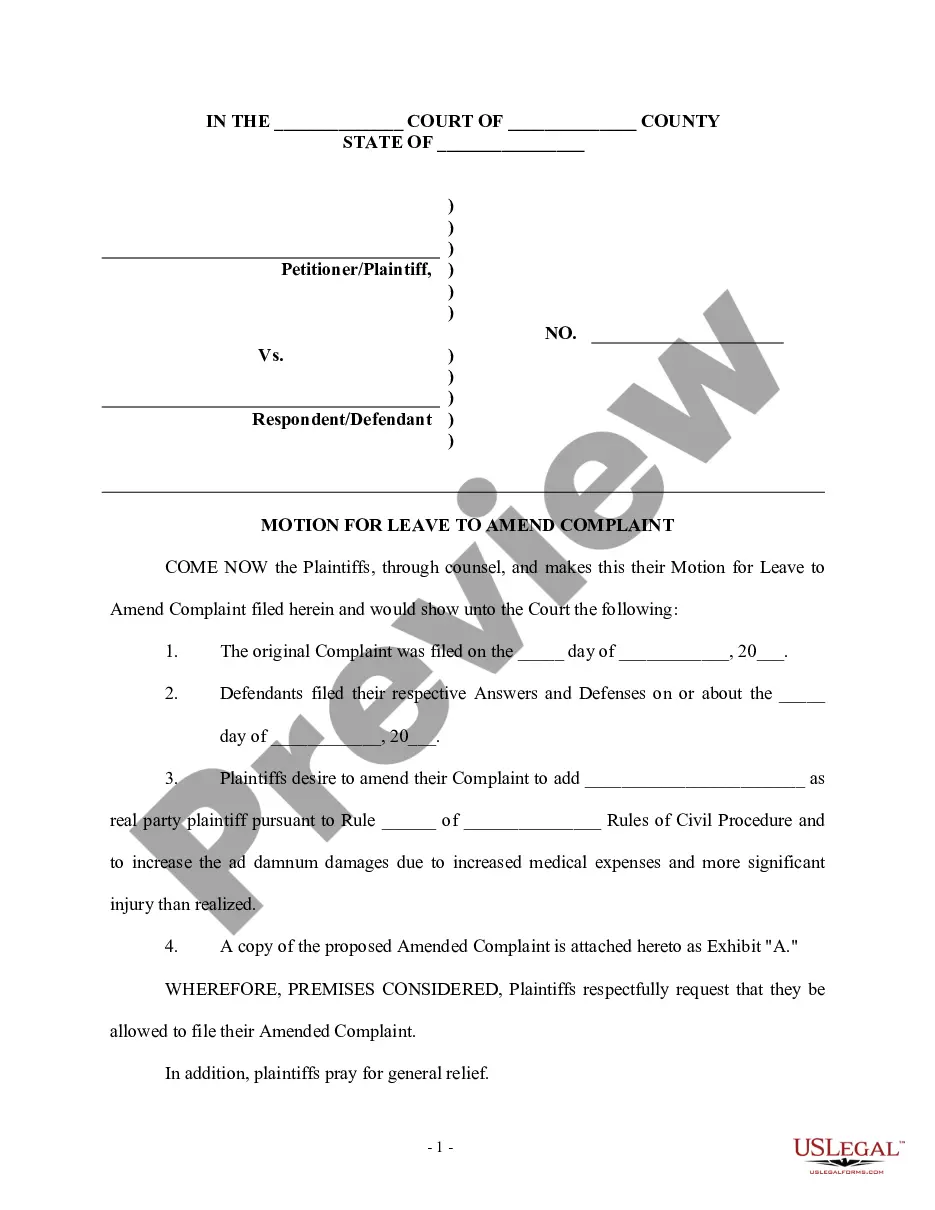
Preview it (if this option is available) and read the accompanying description to determine whether Mediation Motion Court Without Attorney is what you seek.
Create a free account and choose a subscription plan to buy the template. Click Buy now. Once the transaction is completed, you can acquire the Mediation Motion Court Without Attorney, fill it out, print it, and send or mail it to the required individuals or organizations.
- With US Legal Forms, one of the most extensive legal document repositories, you can locate anything from court papers to templates for internal business communication.
- We recognize the significance of compliance and adherence to federal and state regulations.
- That’s why, on our site, all forms are region-specific and current.
- Here’s how to begin with our website and obtain the document you require in just a few minutes.
- Find the document you need by utilizing the search bar at the top of the page.
Form popularity
FAQ
If child custody is part of a court order, the parent seeking modification needs to file a motion to modify the custody order with the court. The parents can, of course, agree on a modification and submit it to the judge for approval. This is commonly referred to as a consent order and is often the best approach.
4. There is a not a filing fee to file a motion for modification. 5. Take your completed forms and 2 copies to the Civil Filing Department (Clerk's Office) in Suite 3725.
There are several different types of post-judgment motions, but the most common are motions for new trial, motions to vacate, and motions to set-aside. Motions for new trial, motions to vacate, and motions to set-aside are the three most common post-judgment motions.
Unless made orally during a hearing or trial, motions should be in writing, should state the action sought, and should set forth the facts. Motions are the primary way for litigants to ask the Court to take action in a case. They must be filed with the Clerk, and copies must be mailed to all opposing parties (L.R.
As per the North Carolina child custody modification law the parent should file a motion through the court to modify the plan.