Arbitrator Describe Arbitration For A Lawsuit
Description
Get your form ready online
Our built-in tools help you complete, sign, share, and store your documents in one place.
Make edits, fill in missing information, and update formatting in US Legal Forms—just like you would in MS Word.
Download a copy, print it, send it by email, or mail it via USPS—whatever works best for your next step.
Sign and collect signatures with our SignNow integration. Send to multiple recipients, set reminders, and more. Go Premium to unlock E-Sign.
If this form requires notarization, complete it online through a secure video call—no need to meet a notary in person or wait for an appointment.
We protect your documents and personal data by following strict security and privacy standards.

Make edits, fill in missing information, and update formatting in US Legal Forms—just like you would in MS Word.

Download a copy, print it, send it by email, or mail it via USPS—whatever works best for your next step.

Sign and collect signatures with our SignNow integration. Send to multiple recipients, set reminders, and more. Go Premium to unlock E-Sign.

If this form requires notarization, complete it online through a secure video call—no need to meet a notary in person or wait for an appointment.

We protect your documents and personal data by following strict security and privacy standards.
Looking for another form?



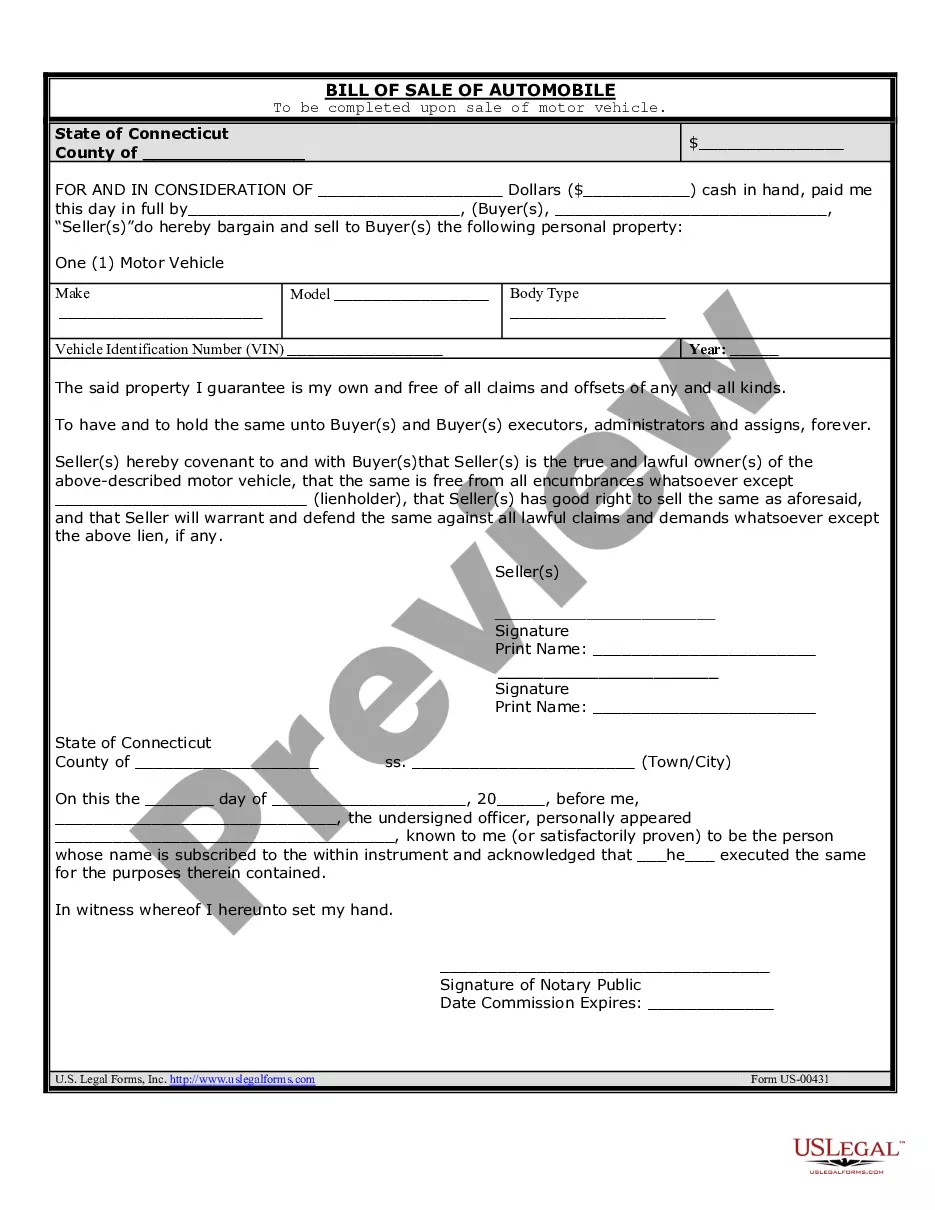
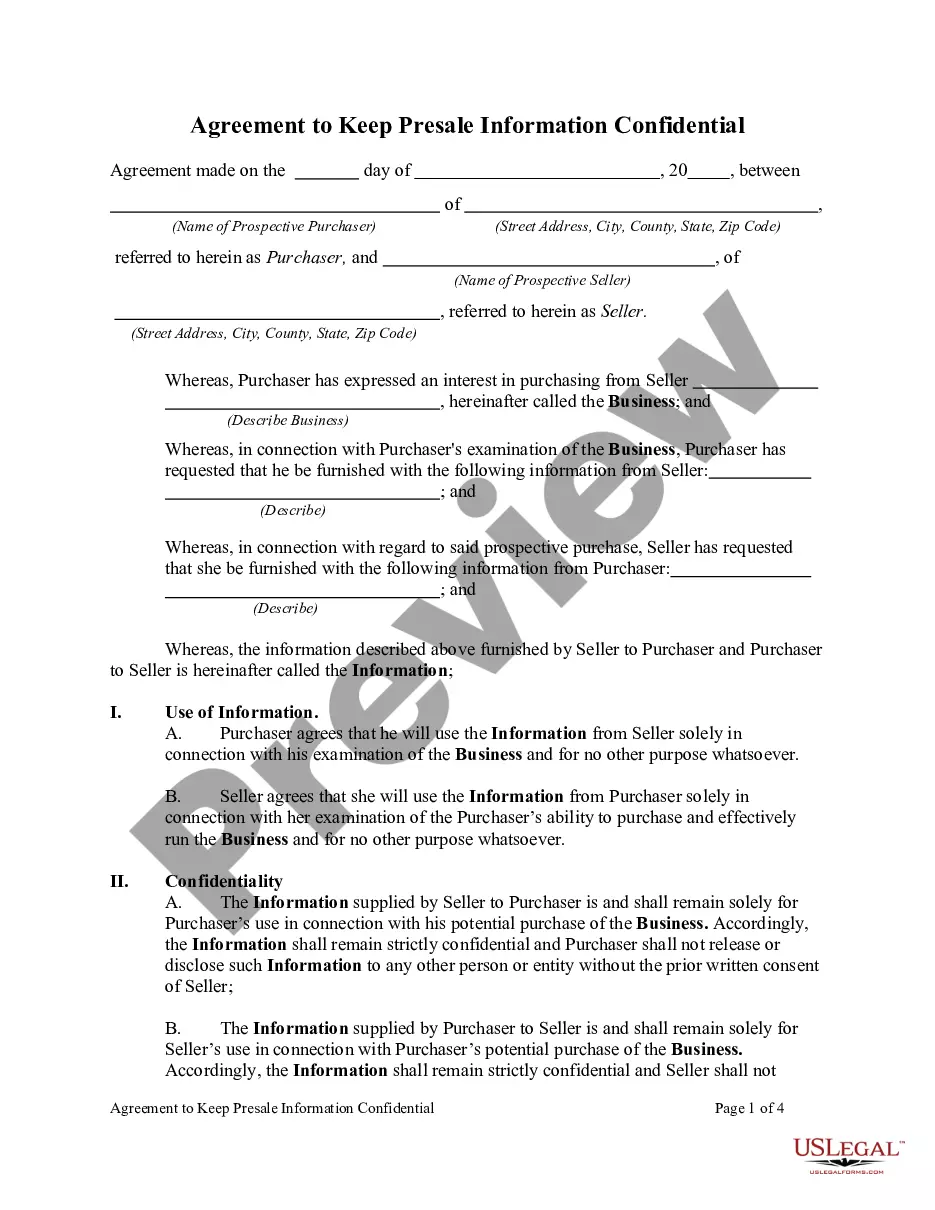
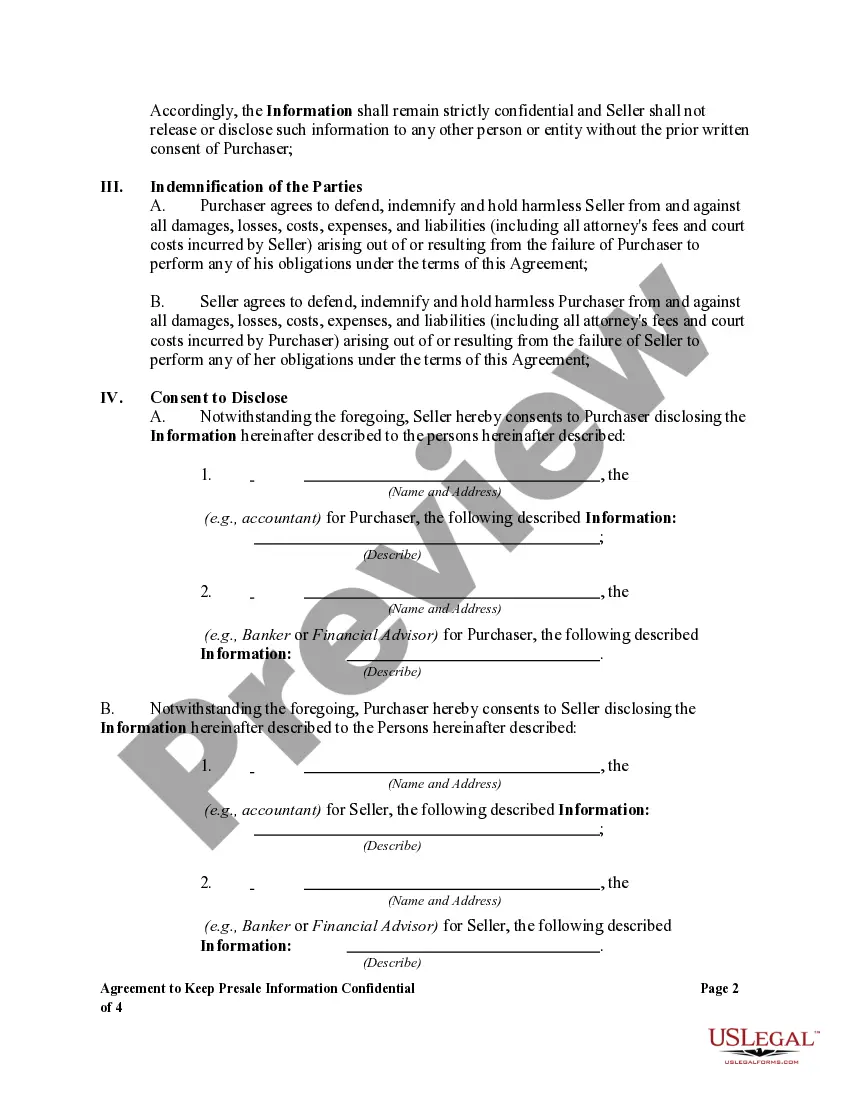
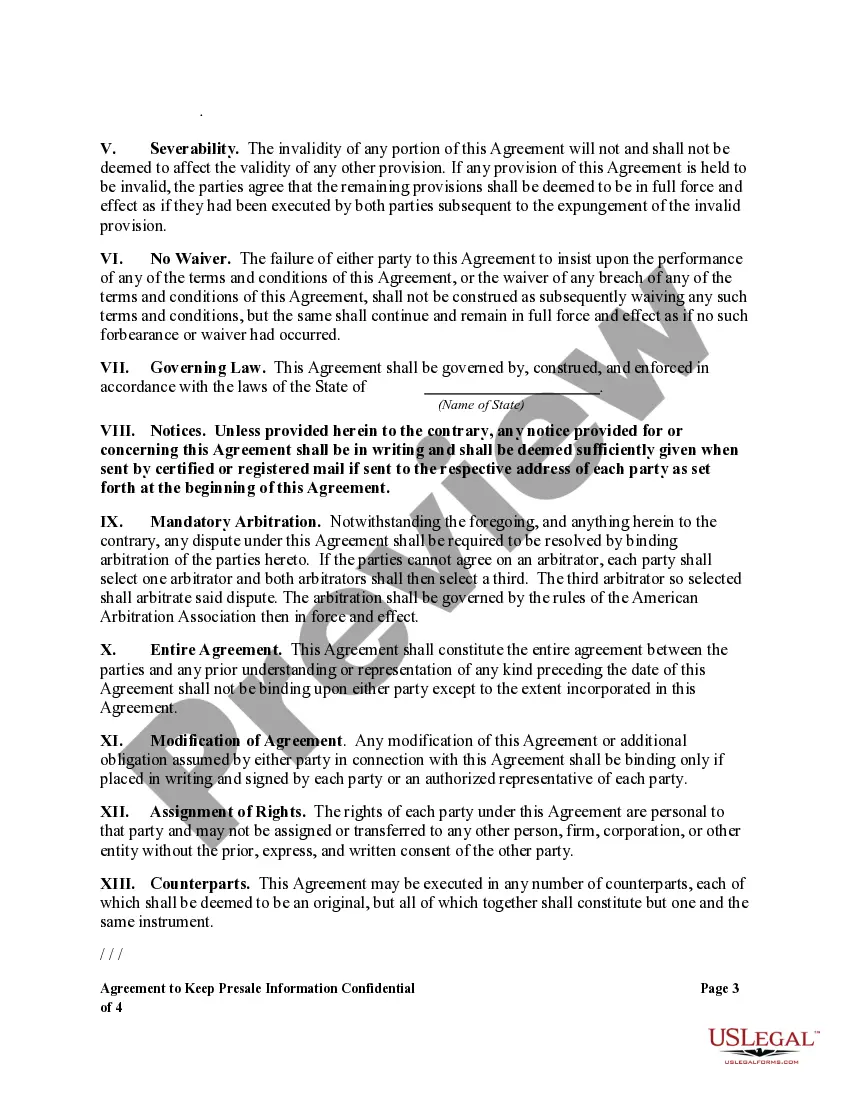
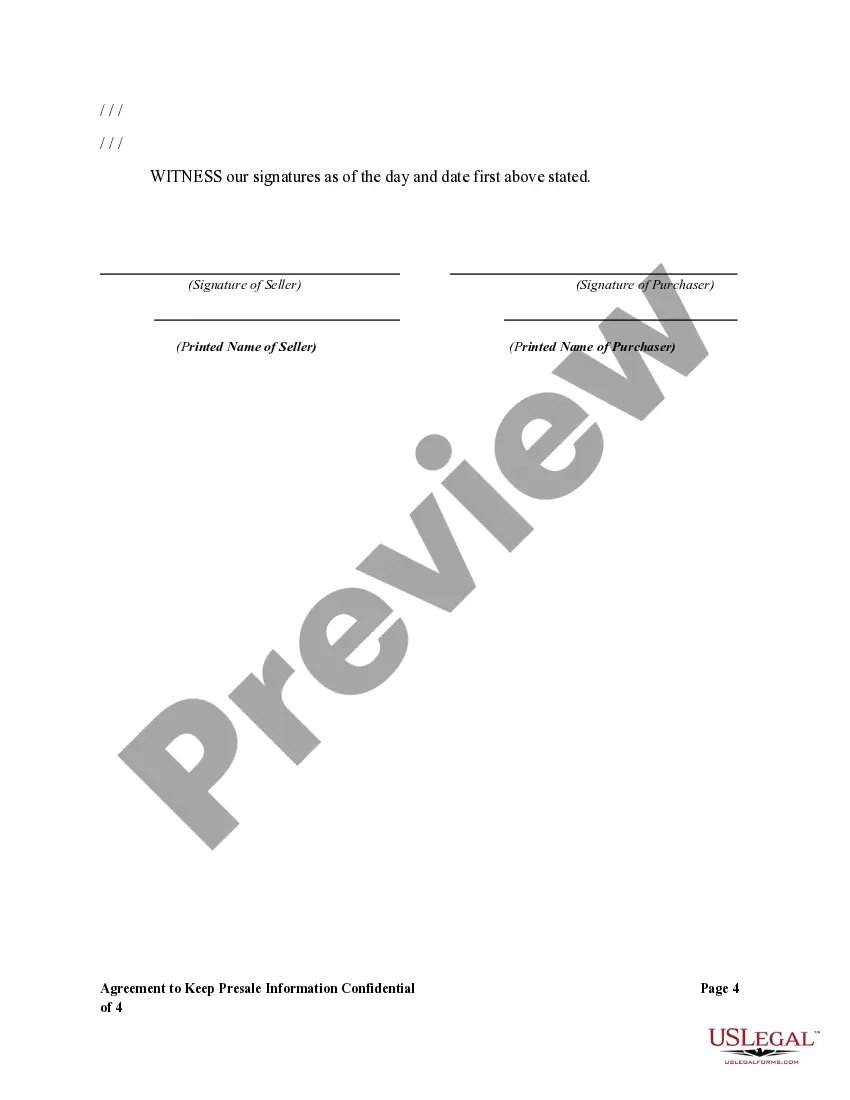
How to fill out Agreement To Keep Presale Information Confidential?
Creating legal documents from the beginning can occasionally feel a bit daunting.
Some situations may require extensive research and considerable financial investment.
If you’re seeking a simpler and more economical method for preparing Arbitrator Describe Arbitration For A Lawsuit or other forms without the hassle, US Legal Forms is always available to assist you.
Our online repository of over 85,000 current legal forms covers nearly every facet of your financial, legal, and personal matters. With just a few clicks, you can swiftly access state- and county-compliant forms meticulously crafted by our legal specialists.
US Legal Forms boasts a strong reputation with over 25 years of expertise. Join us today and make document completion a straightforward and efficient process!
- Utilize our platform whenever you require reliable services through which you can conveniently find and download the Arbitrator Describe Arbitration For A Lawsuit.
- If you’re familiar with our services and have previously established an account, just Log In to your account, choose the form, and download it or re-download it anytime from the My documents section.
- Not signed up yet? No problem. It only takes a few minutes to create your account and navigate the catalog.
- Before diving into the download of Arbitrator Describe Arbitration For A Lawsuit, consider these guidelines.
- Examine the document preview and details to ensure you have the correct document.
Form popularity
FAQ
Under Tools on the top toolbar, choose the Redact tool. At the top of the screen under Mark for Redaction, choose Text & Images. Select the specific text and images you want to white out. Under the redaction tool properties, change the Redacted Area Fill Color to white.
How to remove texts of a PDF online : To start, drop your PDF file or upload it from your device or your cloud storage service. Choose your settings and click on the Remove text button. Download the PDF file to your computer or save it directly to your cloud storage service.
You can use the software for free if you are OK with some limitations. If you need to edit PDF files for commercial purposes with no watermarks, it is better to buy the Pro version for $29.95.
This free tool allows you to remove unwanted text and images from your PDF document.
Parties will need to provide material evidence during the arbitration process. Some arbitrators may require that some types of evidence (such as invoices, pictures, and party correspondence) be presented in a specific format, such as in a binder and labeled in a certain order.
Arbitration is a procedure in which a dispute is submitted, by agreement of the parties, to one or more arbitrators who make a binding decision on the dispute. In choosing arbitration, the parties opt for a private dispute resolution procedure instead of going to court.
Under most arbitration rules, an Answer or Response to a Request for Arbitration must include the respondent's name and contact details, the name and contact details of its representative, its preliminary comments on the dispute, its response to the relief sought by the claimant, its observations and proposals ...
Outline a concise factual background and then move on to a discussion of the issues at the heart of the case. Your arguments should flow easily from the relevant facts and applicable law. And, by all means, avoid exaggeration of the strengths of your case as well as disparagement of the opposing side.