Sample Submit Symantec
Description

Get your form ready online
Our built-in tools help you complete, sign, share, and store your documents in one place.
Make edits, fill in missing information, and update formatting in US Legal Forms—just like you would in MS Word.
Download a copy, print it, send it by email, or mail it via USPS—whatever works best for your next step.
Sign and collect signatures with our SignNow integration. Send to multiple recipients, set reminders, and more. Go Premium to unlock E-Sign.
If this form requires notarization, complete it online through a secure video call—no need to meet a notary in person or wait for an appointment.
We protect your documents and personal data by following strict security and privacy standards.

Make edits, fill in missing information, and update formatting in US Legal Forms—just like you would in MS Word.

Download a copy, print it, send it by email, or mail it via USPS—whatever works best for your next step.

Sign and collect signatures with our SignNow integration. Send to multiple recipients, set reminders, and more. Go Premium to unlock E-Sign.

If this form requires notarization, complete it online through a secure video call—no need to meet a notary in person or wait for an appointment.

We protect your documents and personal data by following strict security and privacy standards.
Looking for another form?

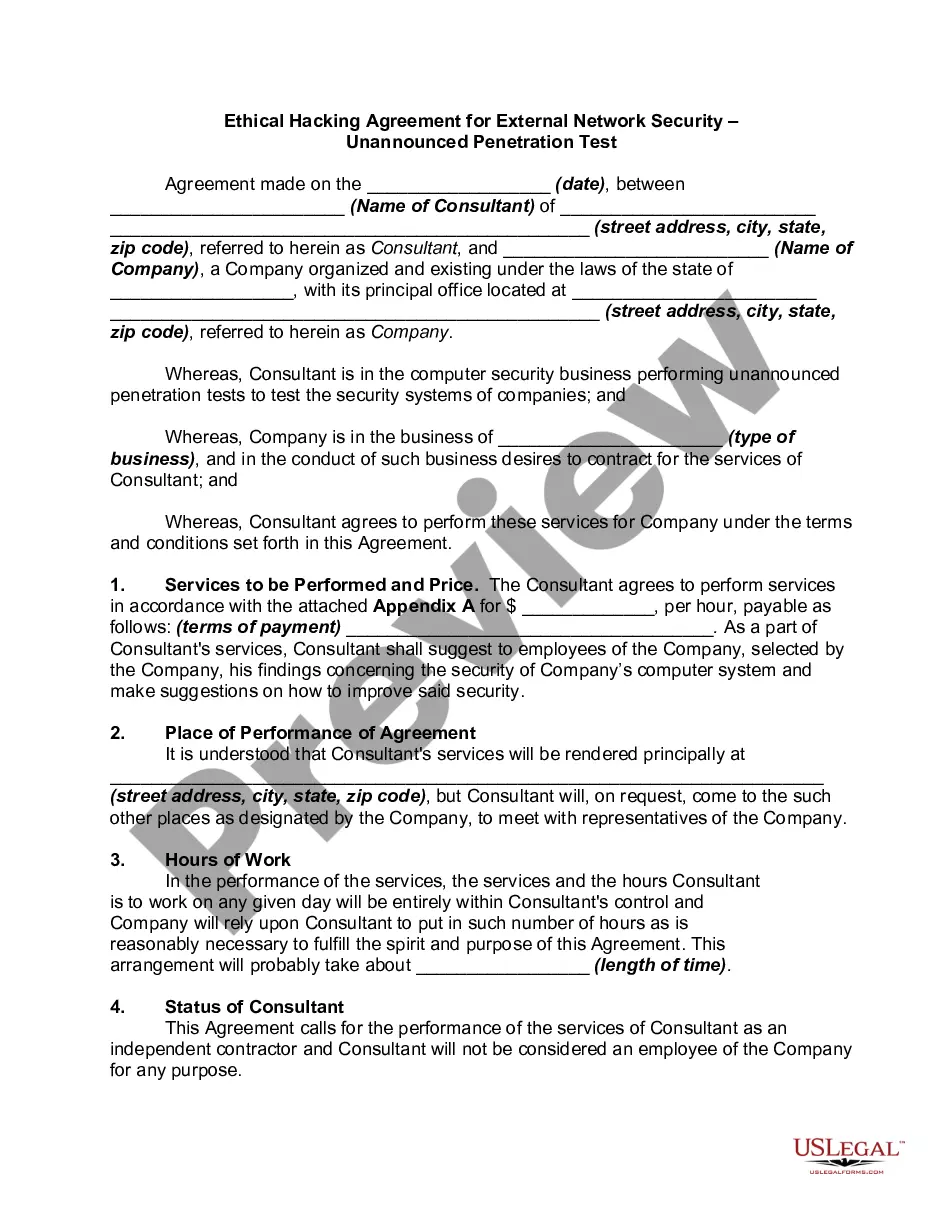


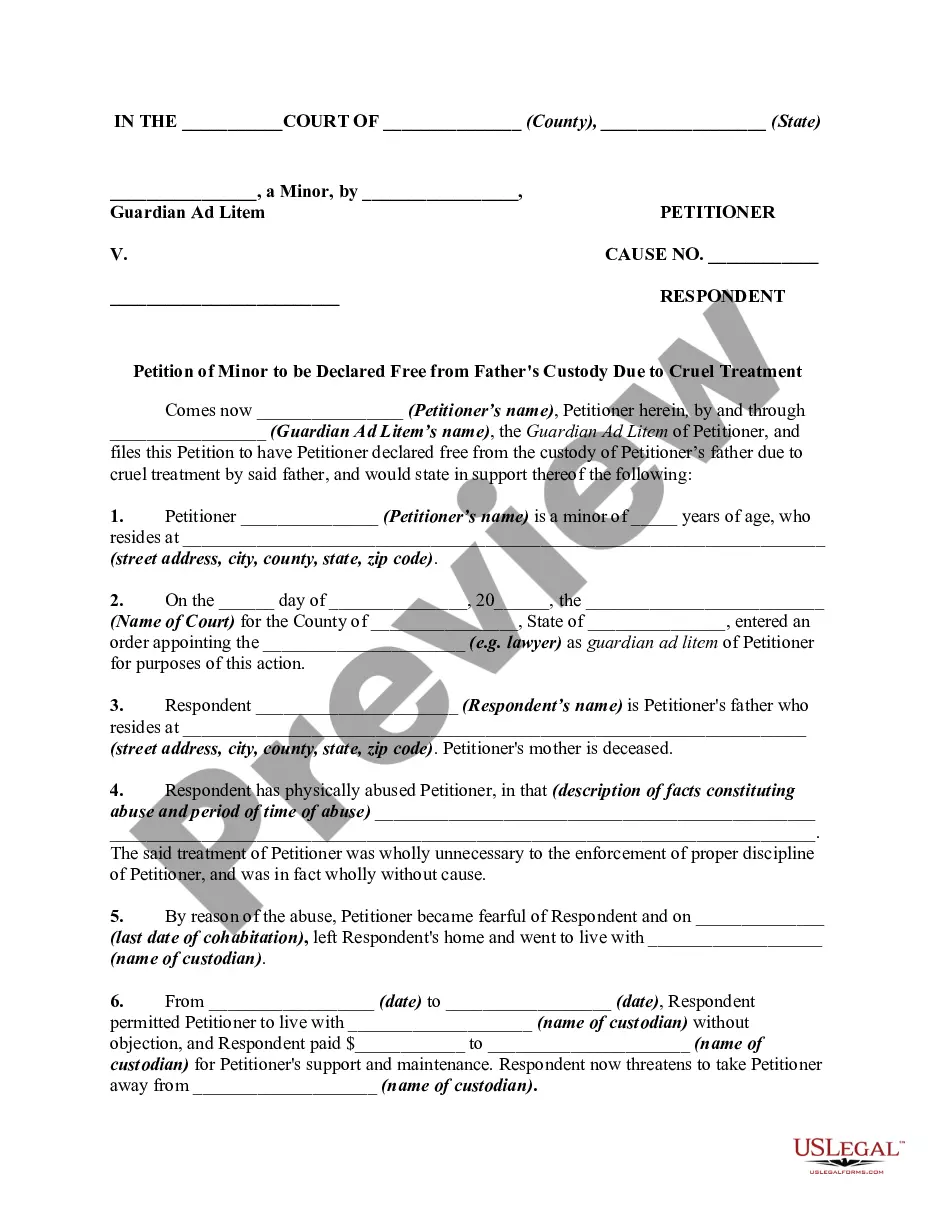
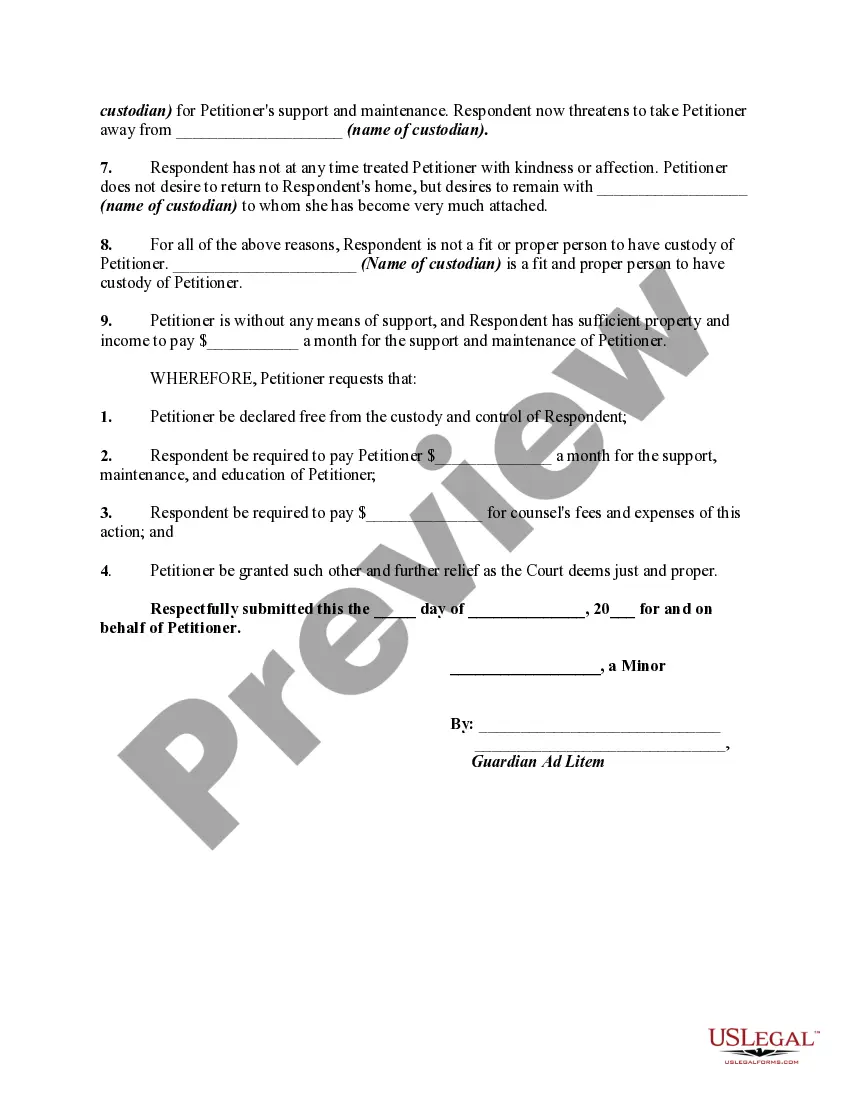
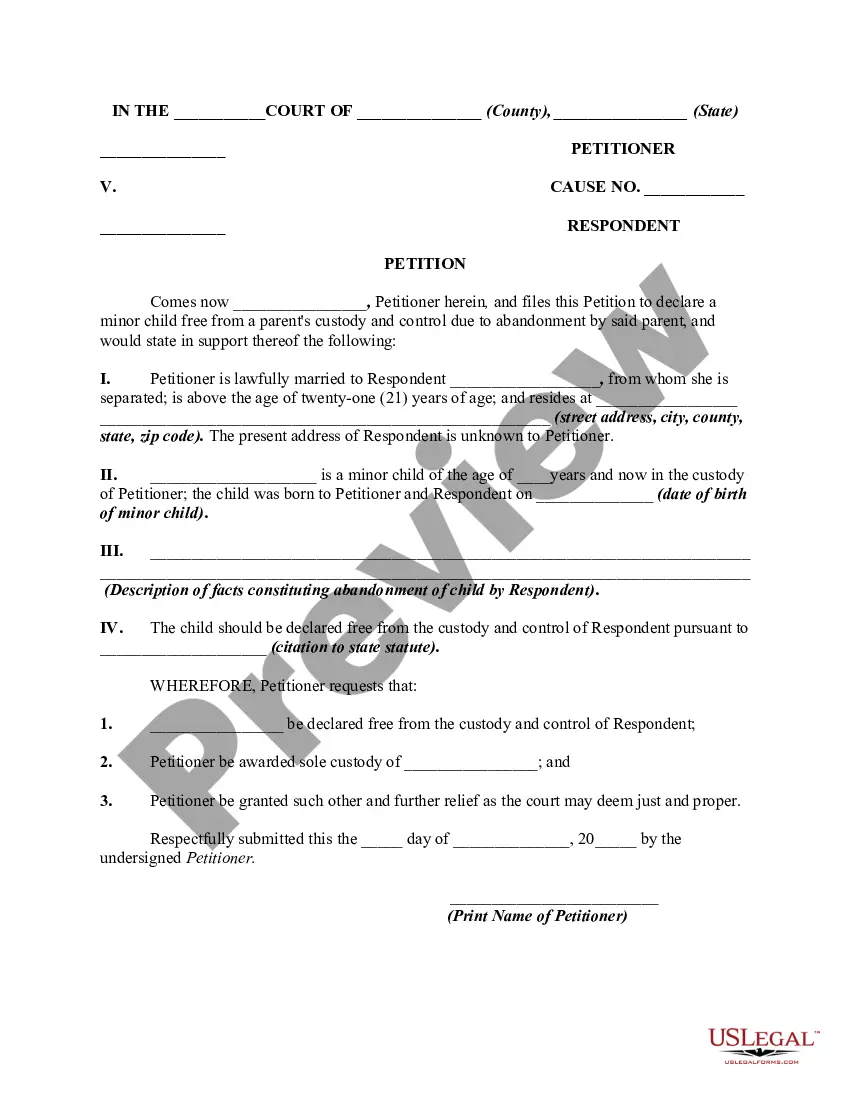
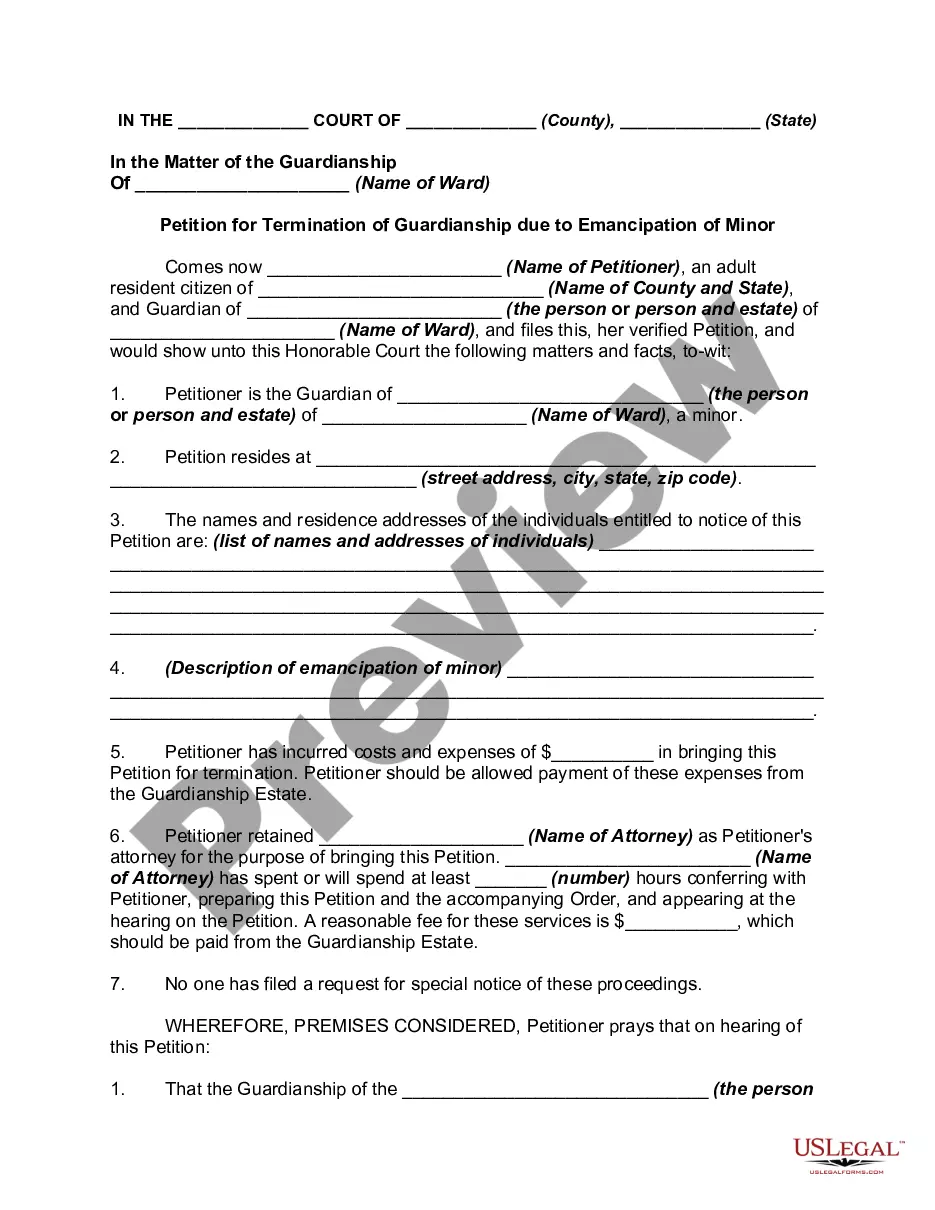
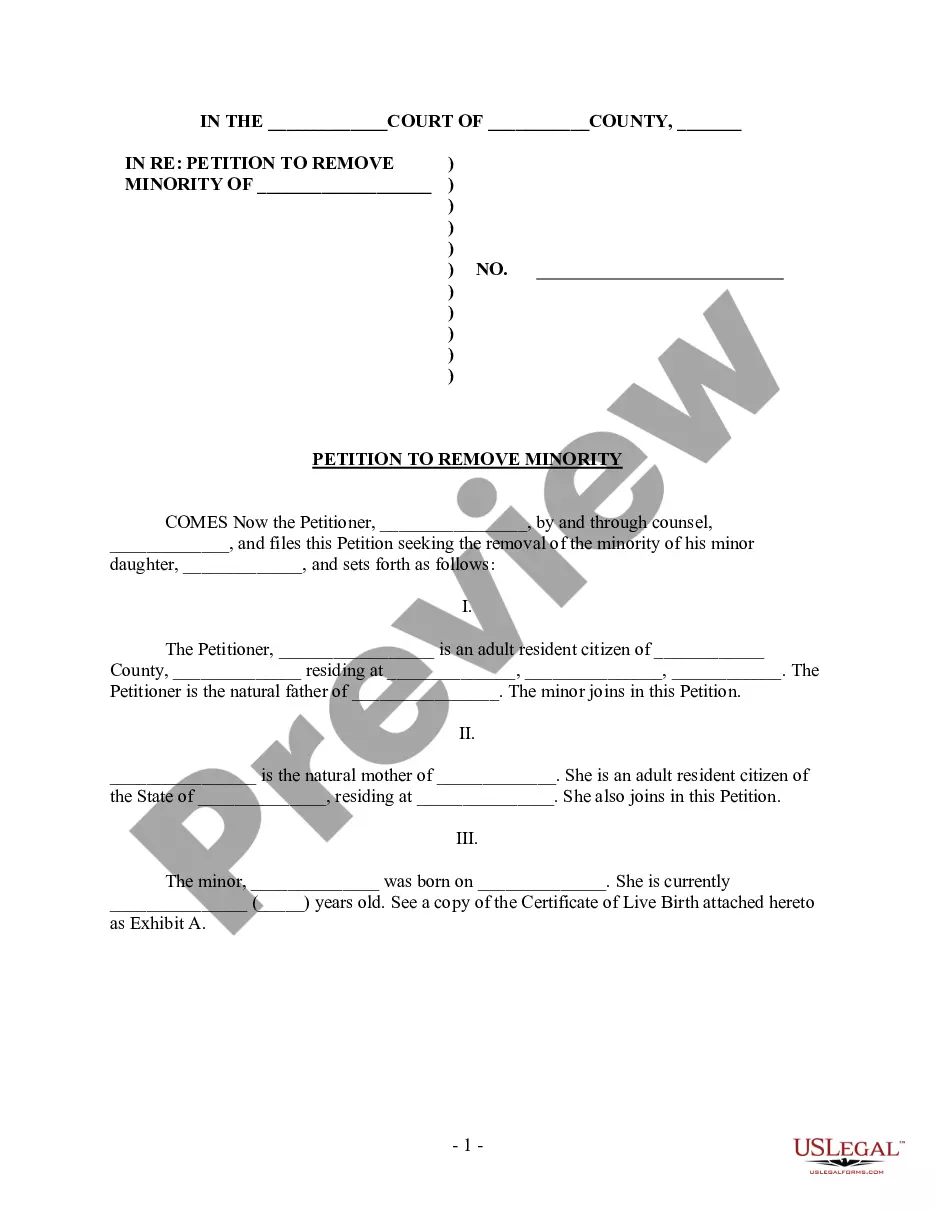
How to fill out Petition Of Minor By Guardian Ad Litem To Be Declared Free From Father's Custody Due To Cruel Treatment - Release Of Parental Rights?
- If you are a returning user, simply log into your account and locate your desired form template. Ensure that your subscription is active, and if it has expired, renew it following your payment plan.
- For first-time users, begin by entering the Preview mode to inspect the form description. This helps confirm you have selected the appropriate document that aligns with your legal requirements.
- In case you find any discrepancies or need a different template, utilize the Search tab above to locate the correct form. If everything is in order, proceed to the next step.
- Purchase the document by clicking the Buy Now button. Choose your preferred subscription plan and create an account to access the extensive library.
- Complete your transaction by entering your payment details, whether using a credit card or PayPal.
- Finally, download your legal form and save it to your device. You can revisit this form anytime via the My Forms section in your profile.
US Legal Forms provides individuals and legal professionals the tools to create valid legal documents effortlessly. With over 85,000 forms available, this service is unmatched in offering options for diverse legal needs.
Take advantage of US Legal Forms today and streamline your document submission process! Start your journey now to ensure optimal legal compliance.
Form popularity
FAQ
Yes, Symantec antivirus solutions are still available but primarily for business use under the broader Symantec enterprise brand. The consumer antivirus line operates largely through the Norton brand. For individuals seeking reliable protection, Norton offers solid security backed by Symantec’s technology. Utilizing resources like Sample submit symantec can guide your antivirus selection process.
Symantec has rebranded many of its consumer products under the Norton name but retains its identity in enterprise cybersecurity. Today, Norton serves as the consumer-facing brand, providing antivirus and security solutions. Businesses can still access Symantec’s robust technology and enterprise-level solutions. The relationship highlights a seamless integration of features like Sample submit symantec for better user experience.
Symantec and Norton are connected, but they are not the same entity. Norton is a brand under Symantec that specifically focuses on consumer antivirus and security solutions. As customers, you can choose between various products under the Norton name while benefiting from Symantec's extensive technology and infrastructure. For tailored cybersecurity needs, many users rely on the Sample submit symantec services.
The Symantec controversy revolved around various legal and business disputes over software practices and privacy concerns in its products. Users raised questions about data management and transparency in how information was handled. This scrutiny led to discussions about the nature of cybersecurity and trust in software solutions. Customers looking for reliable security measures should consider the lessons learned from the Sample submit symantec discussions.
To disable Symantec Endpoint Protection temporarily when an application is blocked, right-click the Symantec icon in the taskbar. Select 'Disable Symantec Endpoint Protection,' and provide a duration for this action. Once you finish using the application, remember to re-enable protection to keep your system secure. Using Sample submit symantec can also help find ways to manage such issues effectively.
To add exceptions in Symantec Endpoint Protection, open the client interface and navigate to the 'Settings' section. From there, access the 'Exception' tab where you can add files, folders, or websites to the exception list. This allows trusted items to bypass scans, which can be essential when you are using the Sample submit symantec feature. Make sure to choose wisely to maintain security while optimizing performance.
Symantec focused on cybersecurity solutions, serving to protect data and devices from threats online. They developed various products, including antivirus software and advanced threat protection. Their services aimed to secure individual and business networks, ultimately enhancing security against cyber risks. The rich history of Symantec makes it significant in the realm of digital security.
To decrypt a USB drive using Symantec Endpoint Encryption, first, insert the encrypted USB drive into your computer. Then, open the Symantec Encryption Desktop application and navigate to the 'Removable Storage' section. Select the USB drive you want to decrypt, enter your decryption password, and follow the on-screen prompts to complete the process. This procedure ensures that your data is safely accessible while providing you with a straightforward method to manage encryption with sample submit symantec.
Symantec is primarily used for endpoint protection, providing users with security solutions against malware, phishing, and other online threats. Its tools help in managing security settings, conducting regular scans, and reporting potential vulnerabilities. Users can benefit immensely from its features, especially in today’s digital landscape. For resources on cybersecurity laws and compliance, visit US Legal Forms.
Importing a Sylink file into Symantec is a straightforward process that involves locating the 'Import' option within the product interface. Once you select the appropriate Sylink file, the software will update the communication settings for your client. By efficiently managing these settings, you enhance system performance and security. If you're looking for detailed instructions tailored to your needs, US Legal Forms has helpful resources.