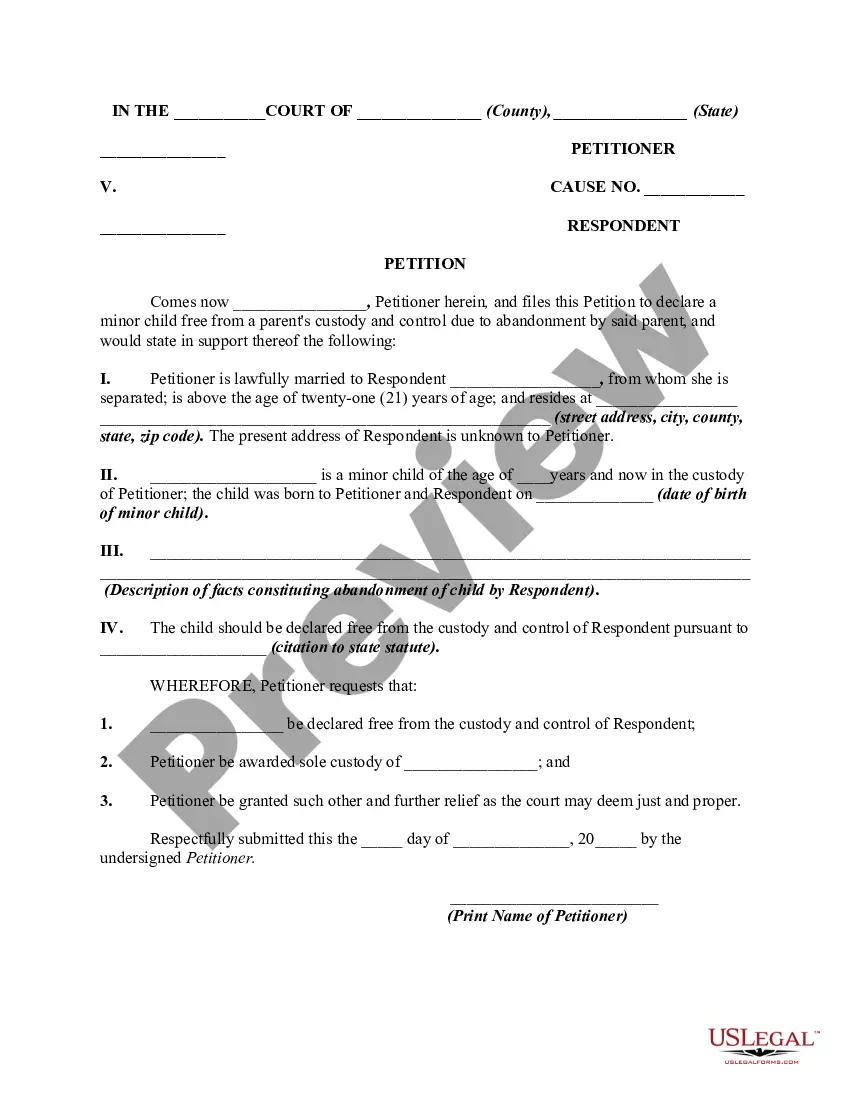
Release Of Parental Rights Form For Parents
Description
Get your form ready online
Our built-in tools help you complete, sign, share, and store your documents in one place.
Make edits, fill in missing information, and update formatting in US Legal Forms—just like you would in MS Word.
Download a copy, print it, send it by email, or mail it via USPS—whatever works best for your next step.
Sign and collect signatures with our SignNow integration. Send to multiple recipients, set reminders, and more. Go Premium to unlock E-Sign.
If this form requires notarization, complete it online through a secure video call—no need to meet a notary in person or wait for an appointment.
We protect your documents and personal data by following strict security and privacy standards.

Make edits, fill in missing information, and update formatting in US Legal Forms—just like you would in MS Word.

Download a copy, print it, send it by email, or mail it via USPS—whatever works best for your next step.

Sign and collect signatures with our SignNow integration. Send to multiple recipients, set reminders, and more. Go Premium to unlock E-Sign.

If this form requires notarization, complete it online through a secure video call—no need to meet a notary in person or wait for an appointment.

We protect your documents and personal data by following strict security and privacy standards.
Looking for another form?

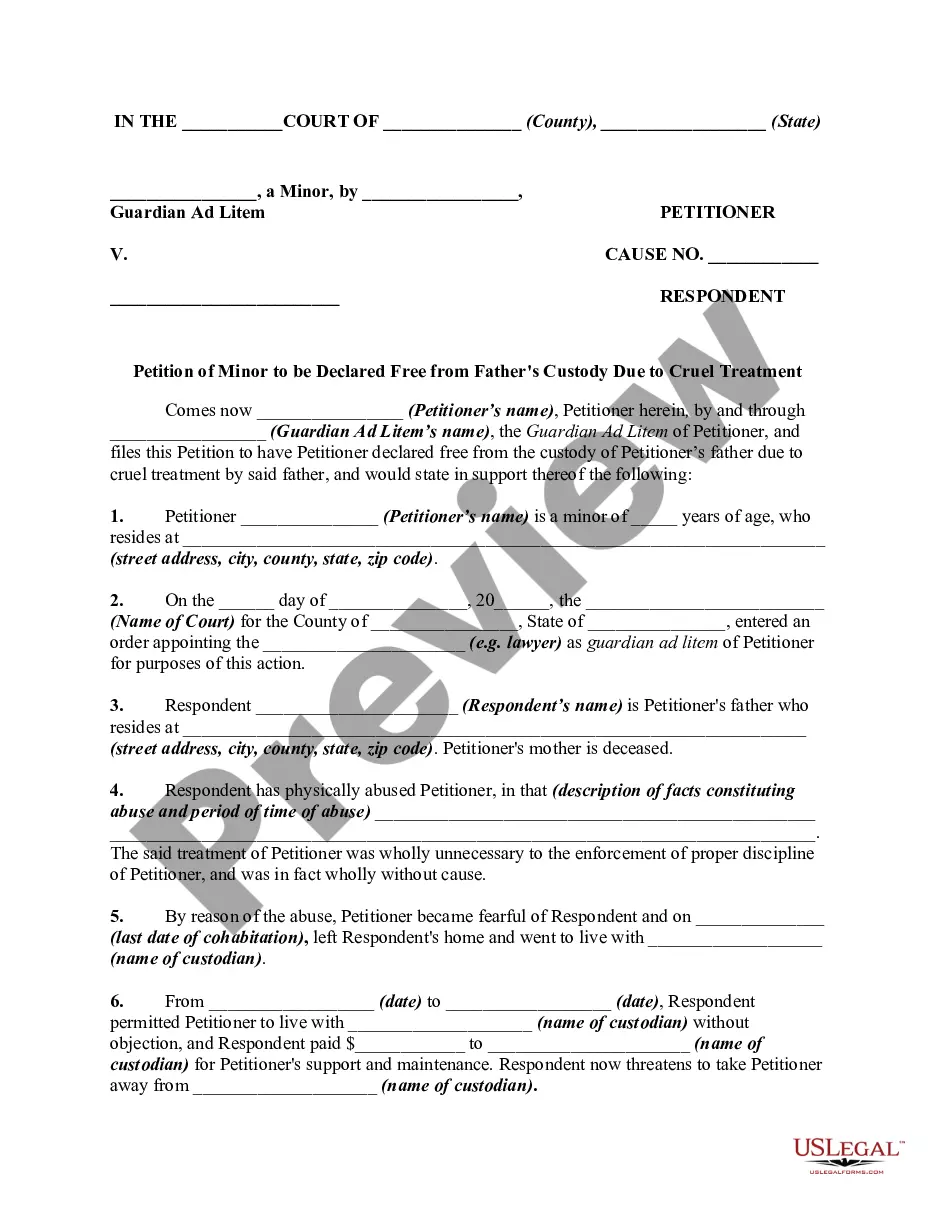
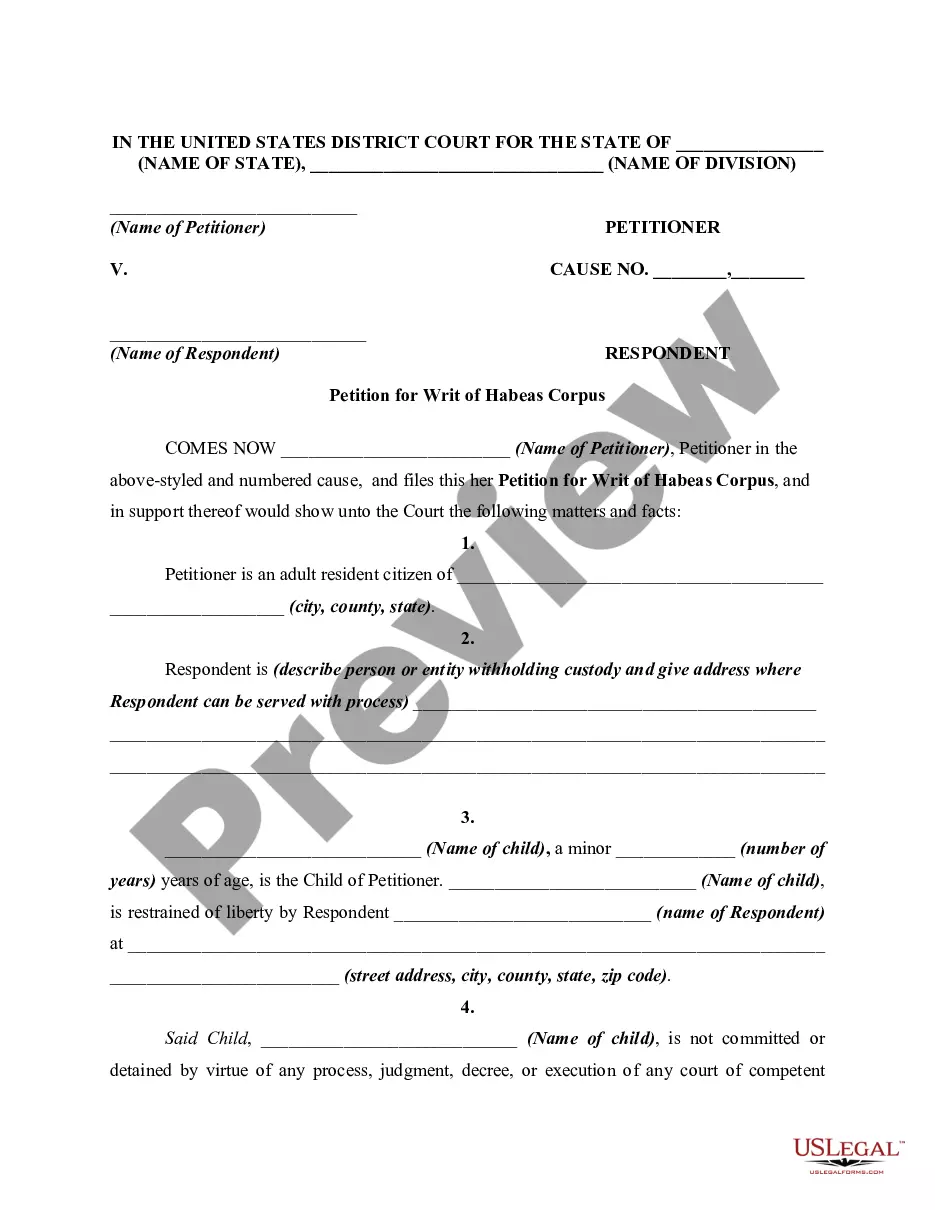
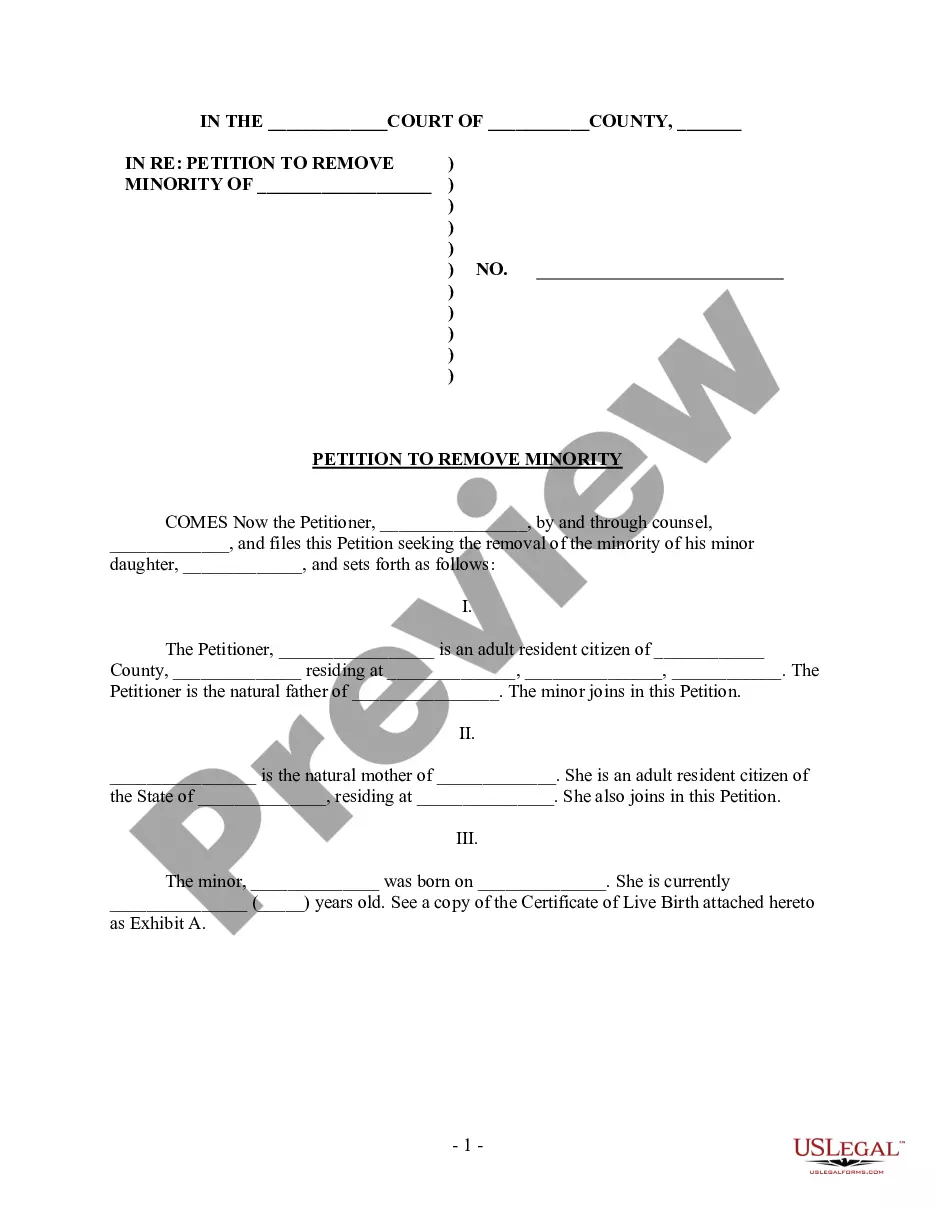
How to fill out Petition To Declare Child Free From Parent's Custody And Control For Abandonment - Release Of Parental Rights?
Handling legal documents and processes can be a lengthy addition to your schedule.
Release Of Parental Rights Form For Parents and similar documents usually require you to locate them and determine the best method to fill them out accurately.
As a result, if you are managing financial, legal, or personal issues, having a thorough and straightforward online directory of forms at your disposal will be immensely beneficial.
US Legal Forms is the leading online platform for legal templates, offering over 85,000 state-specific forms and a variety of resources to assist you in completing your documentation effortlessly.
Is this your first time using US Legal Forms? Register and create an account in a matter of minutes to access the forms database and Release Of Parental Rights Form For Parents. Afterwards, follow the instructions below to complete your form: Ensure you select the correct form by using the Preview feature and reviewing the form details. Click Buy Now when ready, and choose the monthly subscription plan that suits you best. Select Download then fill out, eSign, and print the form. US Legal Forms has twenty-five years of experience assisting users in managing their legal documentation. Acquire the form you need today and streamline any process effortlessly.
- Browse the collection of pertinent documents accessible to you with a single click.
- US Legal Forms provides state- and county-specific forms available for download at any time.
- Safeguard your document management processes with a high-quality service that allows you to prepare any form in a few minutes without additional or concealed fees.
- Simply Log In to your account, search for Release Of Parental Rights Form For Parents, and obtain it instantly from the My documents tab.
- You can also retrieve previously downloaded forms.
Form popularity
FAQ
What is the fee to file a UCC-1 financing statement? There is a $10.00 filing fee for UCC-1 financing statements consisting of no more than two pages. The filing fee for UCC-1 financing statements over two pages is $20.00.
There is a $10.00 filing fee for UCC-1 financing statements consisting of no more than two pages. The filing fee for UCC-1 financing statements over two pages is $20.00.
Uniform Commercial Code - Secretary of State.
?The Uniform Commercial Code (UCC) division of the Secretary of State's office serves as the state repository for financing statements regarding security interests under Kentucky Revised Statutes Chapter 355, Revised Article 9.
Ask the lender to terminate the lien upon payoff. When you pay off a loan, a good rule of thumb is to immediately submit a request with the lender to file a UCC-3 form with your secretary of state. ... Visit your secretary of state's office. ... Dispute inaccurate information on your business credit reports.
Fixture & Other UCC Filing Continuation The continuation statement lasts for up to five years from the original file date.
What does UCC stand for? UCC stands for Uniform Commercial Code. The UCC is a set of laws concerning commercial transactions, such as the sale of goods. It also covers secured transactions, where a lender gains the right to foreclose on a borrower's collateral should the borrower default on the loan.
3 is used as a way to amend that original lien filing and do things like terminate the UCC, edit any of the details of the lien, or assign your interests to another secured party for the lien.