Trial New Jury For Civil Cases
Description
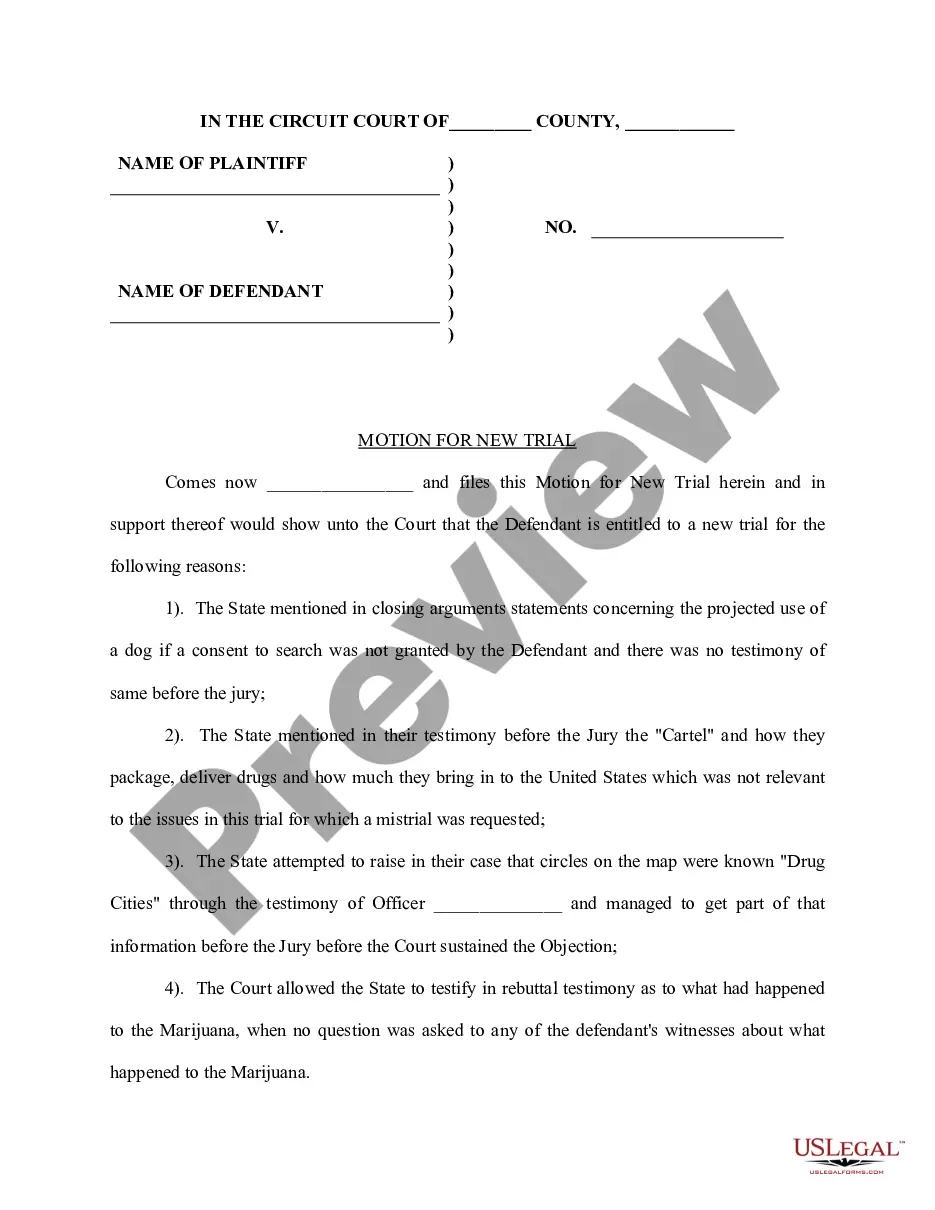
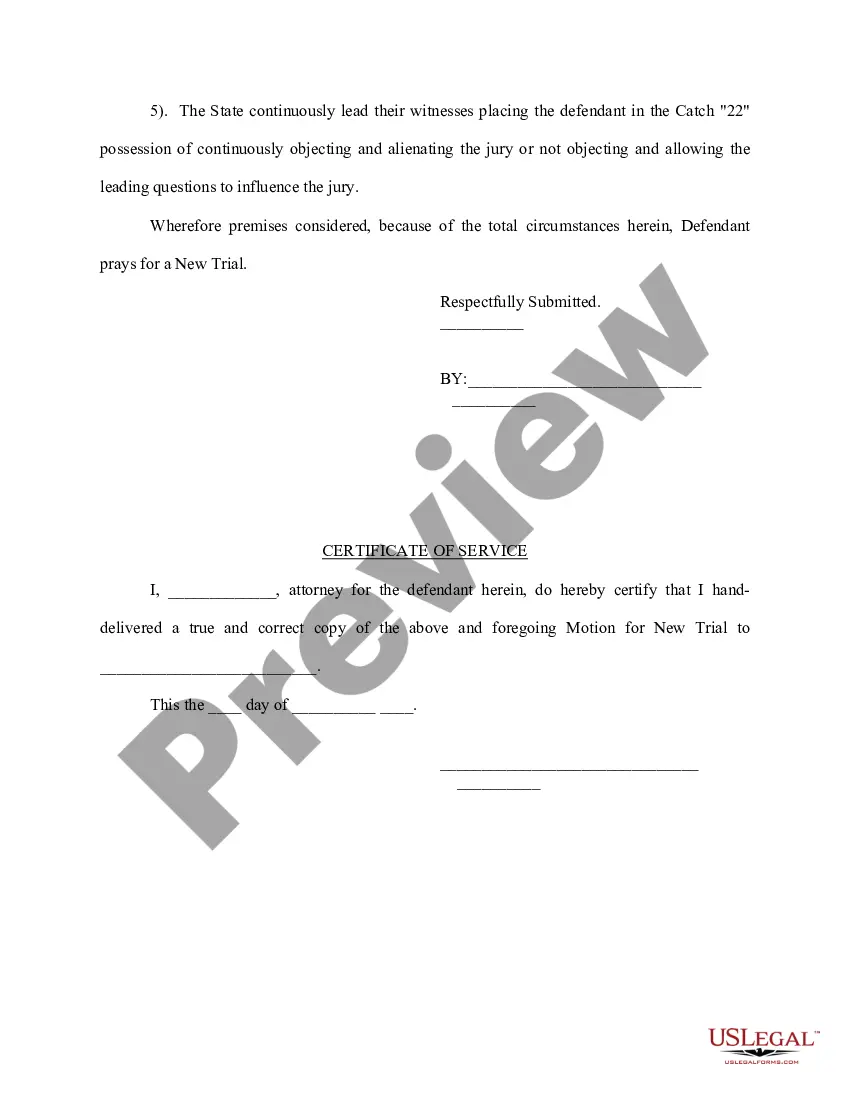
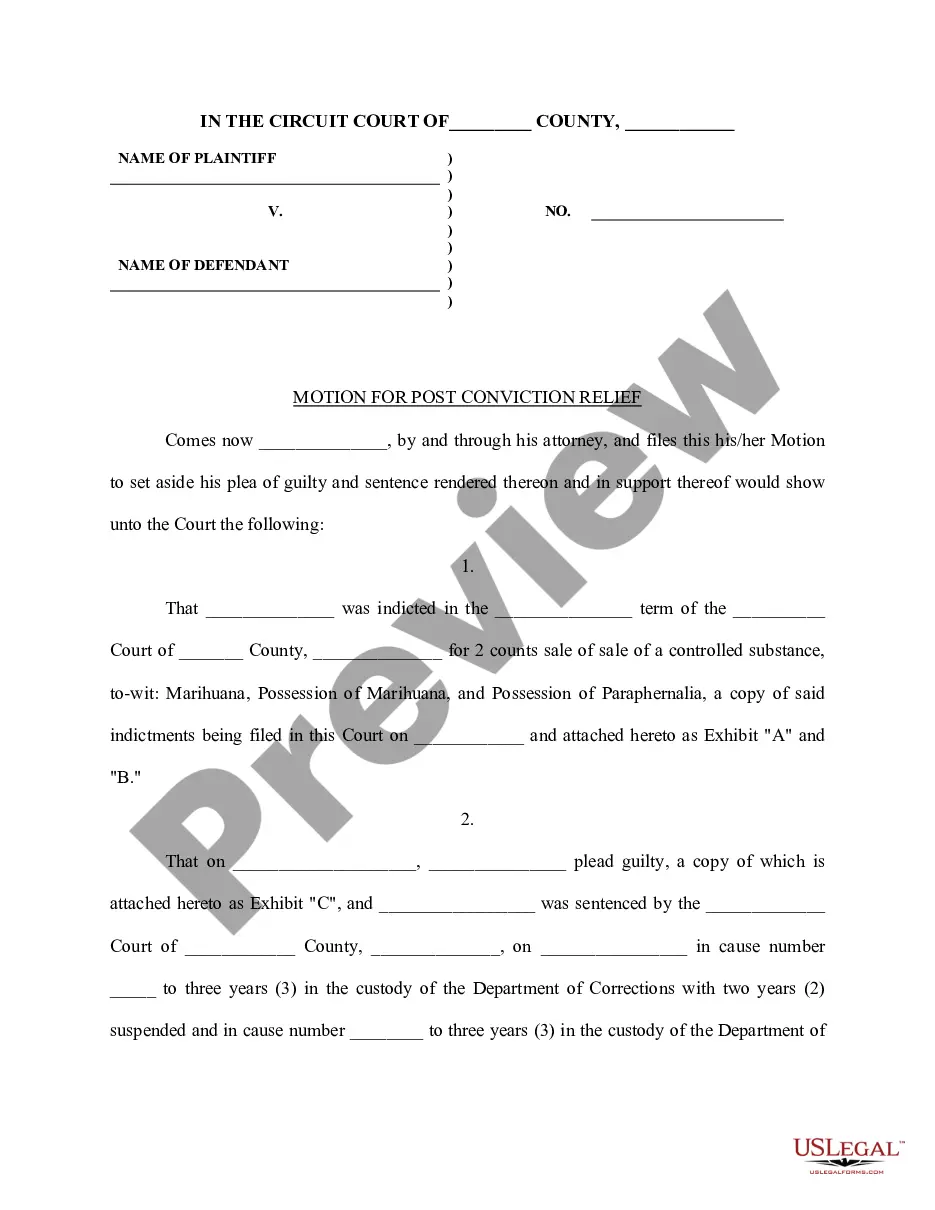
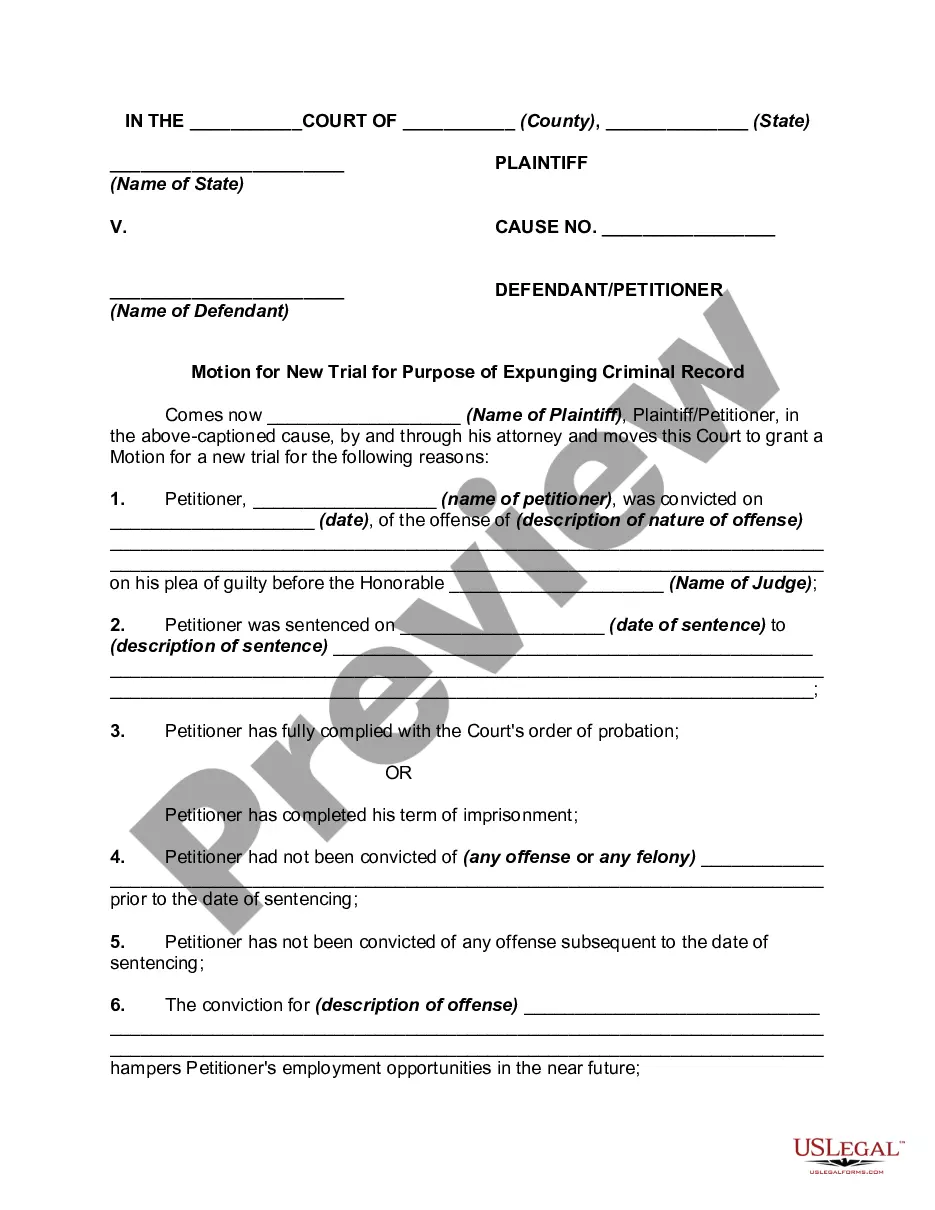
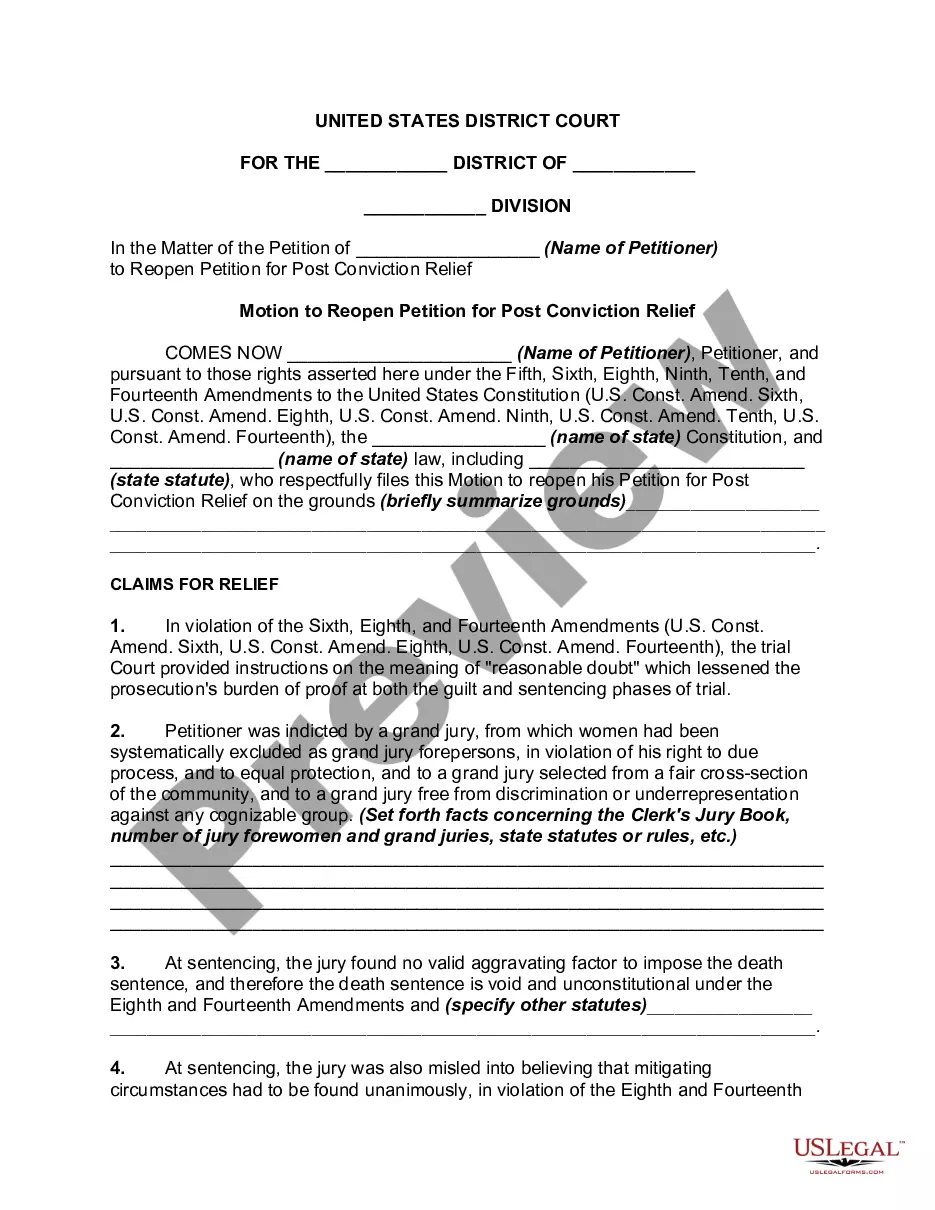
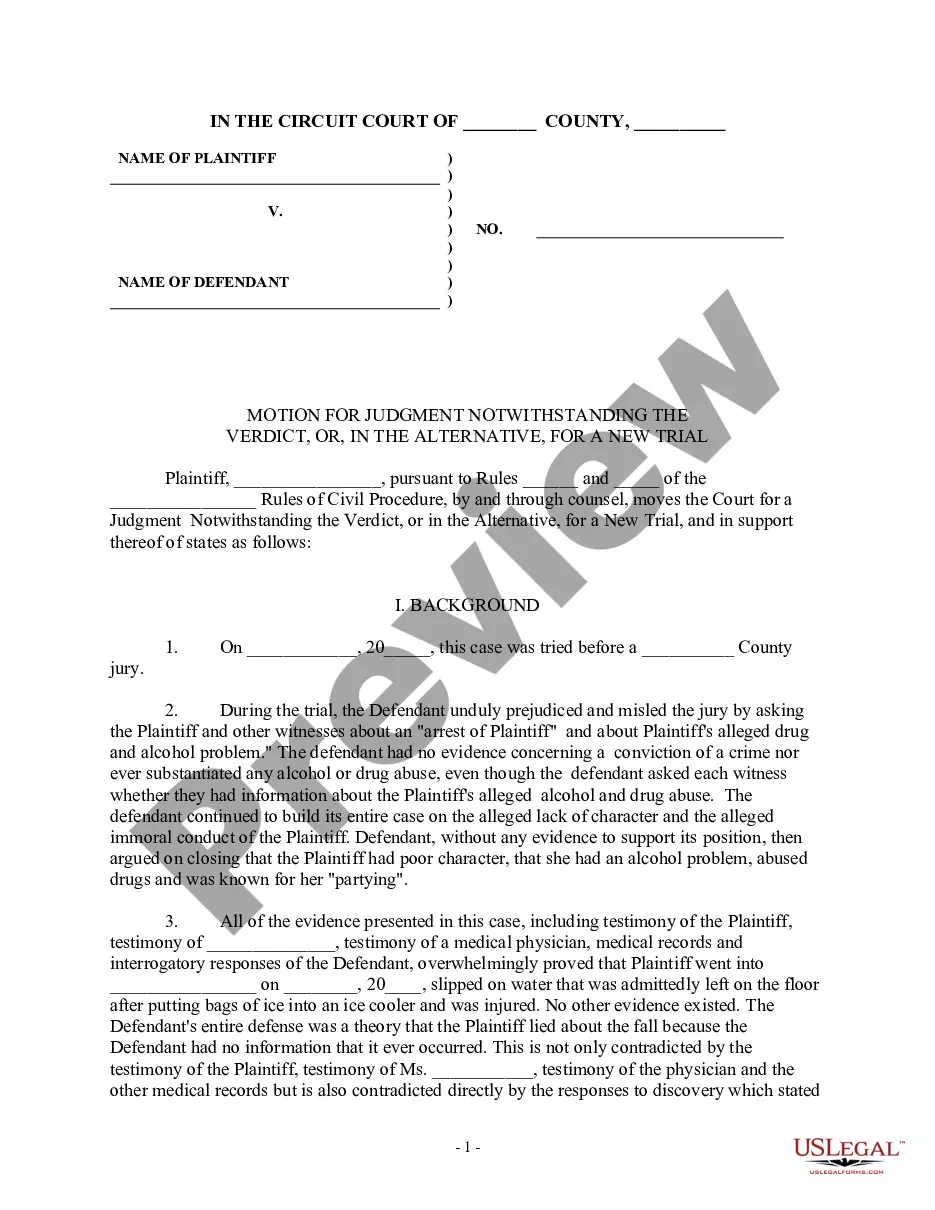
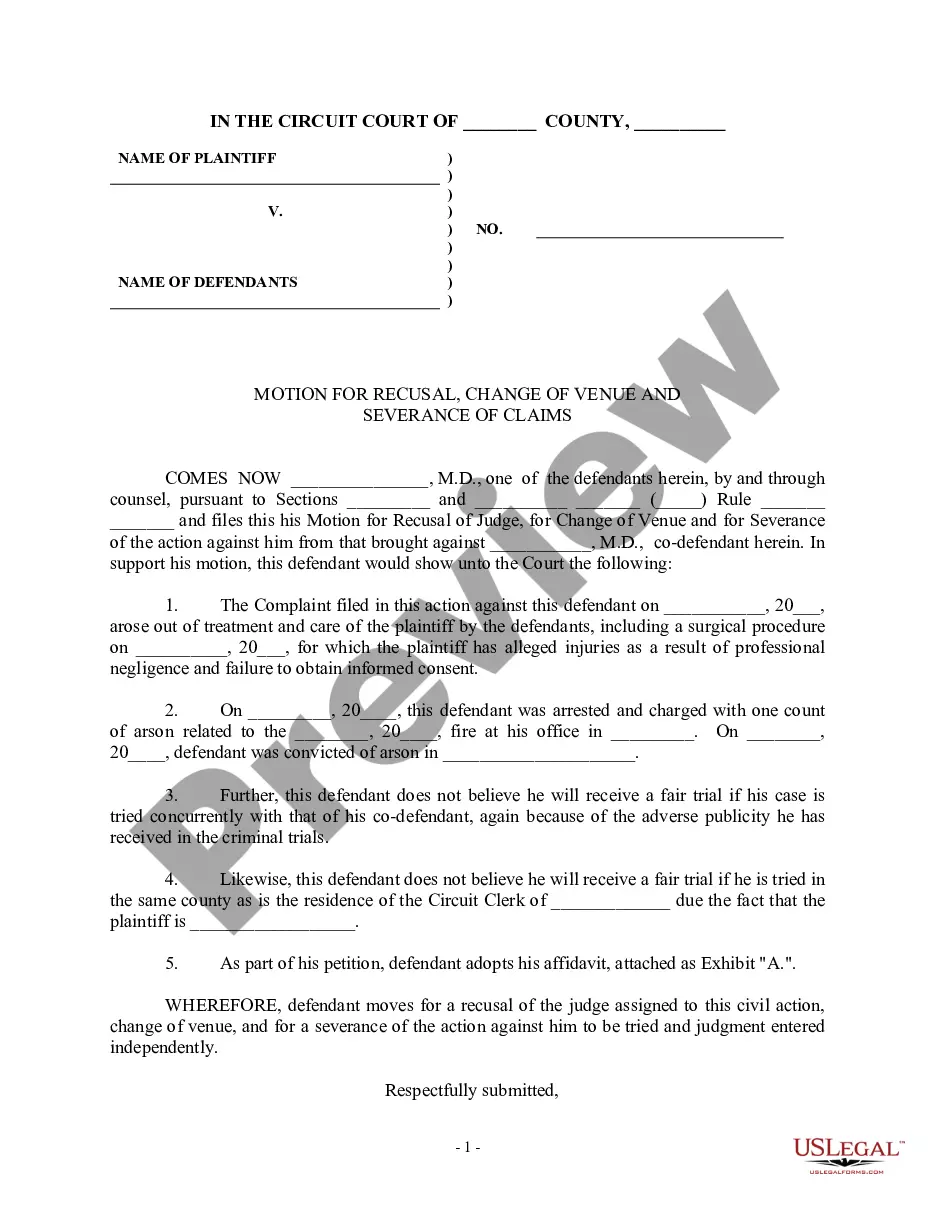
Get your form ready online
Our built-in tools help you complete, sign, share, and store your documents in one place.
Make edits, fill in missing information, and update formatting in US Legal Forms—just like you would in MS Word.
Download a copy, print it, send it by email, or mail it via USPS—whatever works best for your next step.
Sign and collect signatures with our SignNow integration. Send to multiple recipients, set reminders, and more. Go Premium to unlock E-Sign.
If this form requires notarization, complete it online through a secure video call—no need to meet a notary in person or wait for an appointment.
We protect your documents and personal data by following strict security and privacy standards.

Make edits, fill in missing information, and update formatting in US Legal Forms—just like you would in MS Word.

Download a copy, print it, send it by email, or mail it via USPS—whatever works best for your next step.

Sign and collect signatures with our SignNow integration. Send to multiple recipients, set reminders, and more. Go Premium to unlock E-Sign.

If this form requires notarization, complete it online through a secure video call—no need to meet a notary in person or wait for an appointment.

We protect your documents and personal data by following strict security and privacy standards.
Looking for another form?




How to fill out Motion For New Trial?
It’s clear that you cannot transform into a legal expert instantly, nor can you learn to swiftly prepare Trial New Jury For Civil Cases without possessing a specific set of abilities.
Drafting legal documents is a lengthy process that demands particular training and expertise. So why not assign the preparation of the Trial New Jury For Civil Cases to the experts.
With US Legal Forms, one of the most extensive libraries of legal templates, you can discover everything from court documents to templates for internal corporate communications.
You can access your documents again from the My documents tab at any time. If you’re a returning customer, you can simply Log In, and locate and download the template from the same tab.
Regardless of whether your paperwork is for financial, legal, or personal reasons, our platform has you covered. Try US Legal Forms today!
- Locate the form you require by utilizing the search bar at the top of the page.
- View it (if this option is available) and review the accompanying description to determine if Trial New Jury For Civil Cases is what you’re looking for.
- Initiate your search again if you need a different template.
- Create a free account and select a subscription plan to acquire the template.
- Click Buy now. Once the payment is finalized, you can obtain the Trial New Jury For Civil Cases, fill it out, print it, and send or mail it to the relevant individuals or organizations.
Form popularity
FAQ
How do I check the status of my state refund? If you filed your return electronically, you can likely check the status of your refund online or by phone. If you sent your return through the mail, you may have to wait longer for a status check. You may also call or email your state's department of taxation.
The North Dakota fiduciary income tax return is due on April 15. If an extension of time to file the federal Form 1041 is received, the same extension of time to file the state Form 38 is automatically applied. At times, a fiduciary for an estate or trust must pay estimated North Dakota income tax.
North Dakota court rules require that spouses pay $80 of a filing fee to start a divorce. Additional costs may include the service of process by the sheriff's department of divorce papers to the defendant. If a plaintiff cannot afford the court fees, they can request a fee waiver.
To check the status of your North Dakota refund online, go to . Filing status (married, single, etc.)
The anticipated time for refund processing is 30 days. You can check your refund status at Where's My Refund?
Refund requests must be received by the Tax Department within three years after the purchase date. This form is available on the Tax Department's web site at: .nd.gov/tax/salesanduse/forms/. The form is listed under the ?Special Refund Forms? heading. Residents.
Step 1: Go to the e-Filing portal homepage. Step 2: Enter the user ID and password. Step 3: Go to e-File tab > Income Tax Returns > View Filed Returns. Step 4: Now you can check the refund status for the desired Assessment year. Status 1: When refund is issued: Status 2: When refund is partially adjusted:
Use Where's My Refund to check the status of your North Dakota Individual Income Tax refund. Information you will need: Tax Year. Social Security Number (SSN) ?