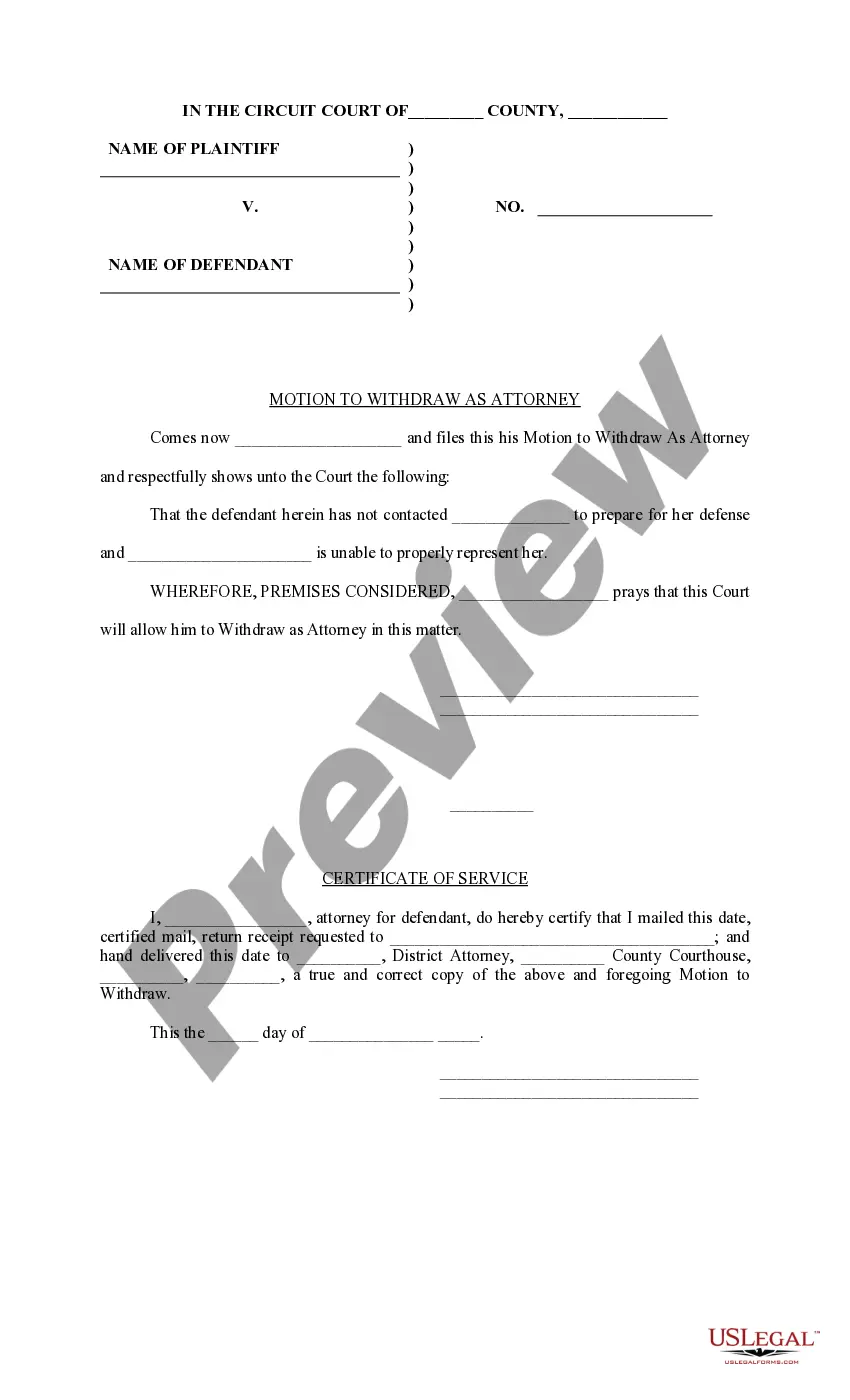
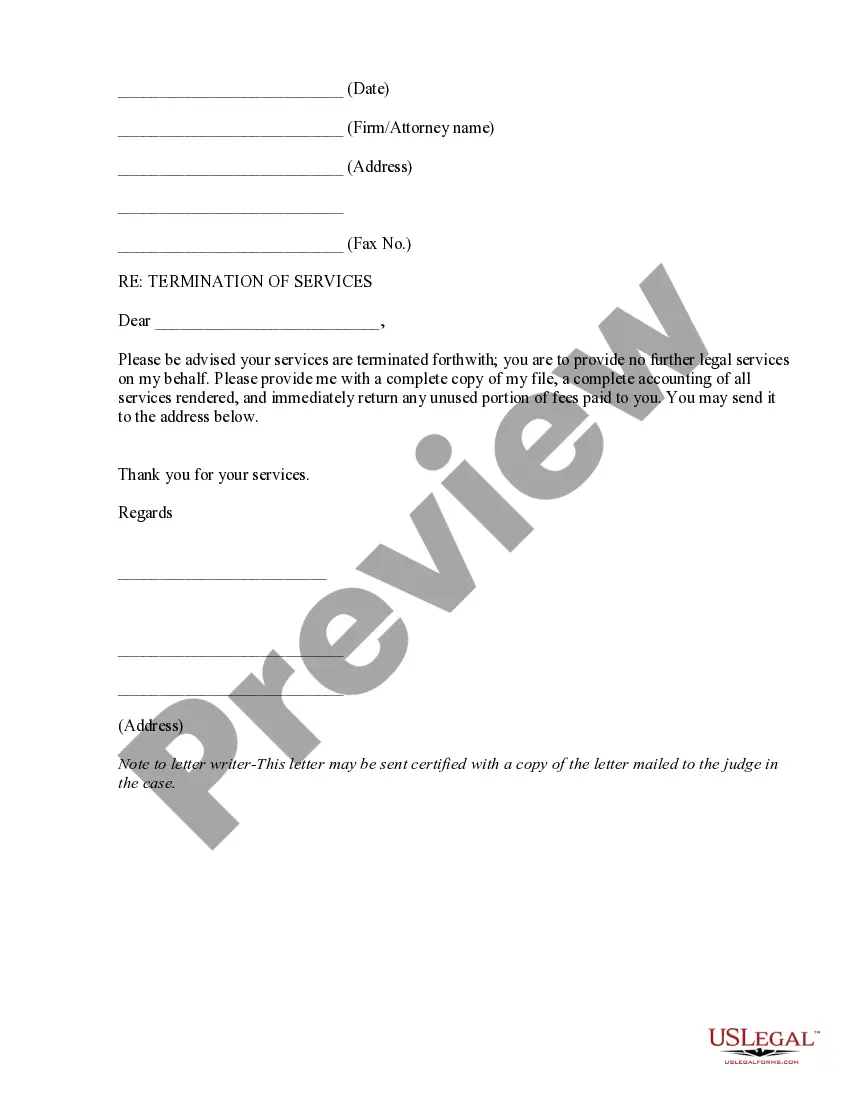
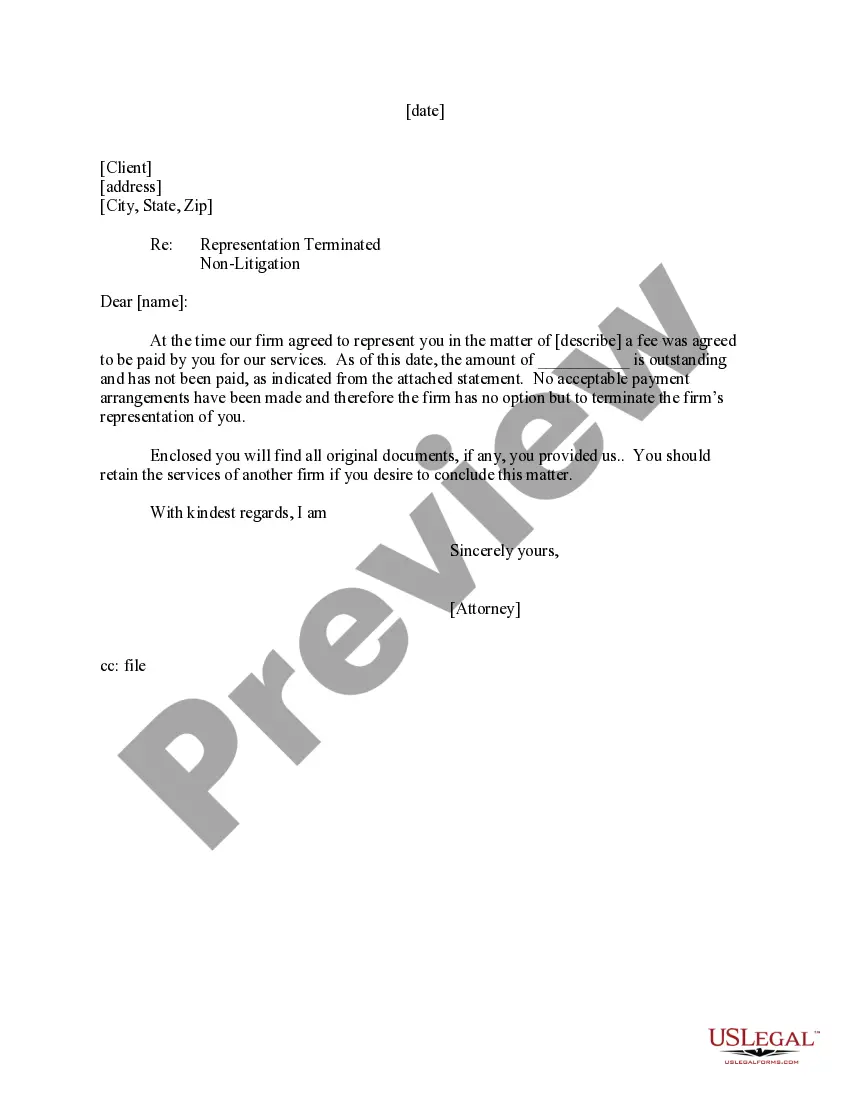
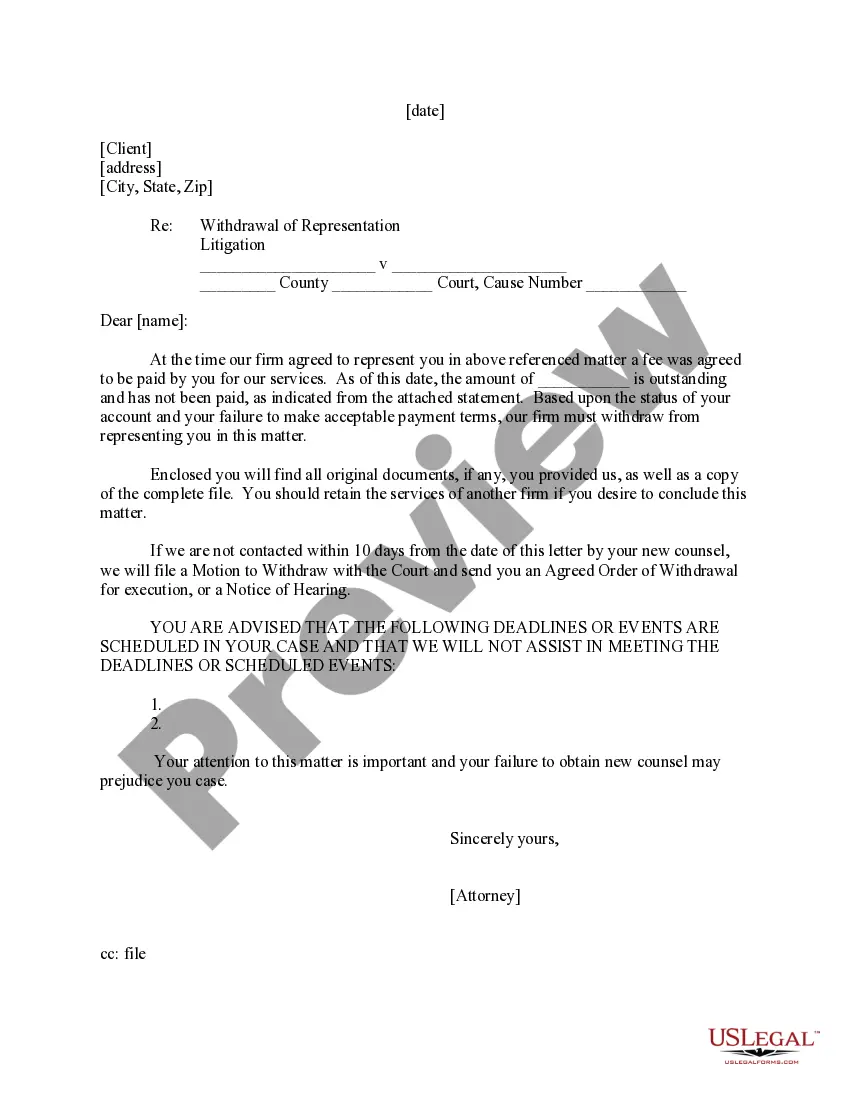
Motion To Withdraw As Counsel Florida
Description
Get your form ready online
Our built-in tools help you complete, sign, share, and store your documents in one place.
Make edits, fill in missing information, and update formatting in US Legal Forms—just like you would in MS Word.
Download a copy, print it, send it by email, or mail it via USPS—whatever works best for your next step.
Sign and collect signatures with our SignNow integration. Send to multiple recipients, set reminders, and more. Go Premium to unlock E-Sign.
If this form requires notarization, complete it online through a secure video call—no need to meet a notary in person or wait for an appointment.
We protect your documents and personal data by following strict security and privacy standards.

Make edits, fill in missing information, and update formatting in US Legal Forms—just like you would in MS Word.

Download a copy, print it, send it by email, or mail it via USPS—whatever works best for your next step.

Sign and collect signatures with our SignNow integration. Send to multiple recipients, set reminders, and more. Go Premium to unlock E-Sign.

If this form requires notarization, complete it online through a secure video call—no need to meet a notary in person or wait for an appointment.

We protect your documents and personal data by following strict security and privacy standards.
Looking for another form?





How to fill out Motion To Withdraw As Attorney?
The Motion To Withdraw As Counsel Florida displayed here is a reusable legal document crafted by experienced attorneys in accordance with federal and state statutes and regulations.
For over 25 years, US Legal Forms has supplied individuals, organizations, and lawyers with more than 85,000 validated, state-specific templates for any business and personal matters. It’s the fastest, simplest, and most reliable method to acquire the documents you require, as the service ensures bank-level data security and anti-malware safeguards.
Obtain the editable template. Choose the format you prefer for your Motion To Withdraw As Counsel Florida (PDF, DOCX, RTF) and save the document on your device. Fill out and sign the documentation. Print the template to complete it manually. Alternatively, employ an online multifunctional PDF editor to swiftly and accurately fill out and sign your form with a legally binding electronic signature. Download your documents again. Reuse the same document at any time as needed. Access the My documents section in your profile to redownload any forms you previously acquired.
- Search for the document you require and examine it.
- Go through the example you located and preview it or review the form description to confirm it meets your needs. If it doesn’t, utilize the search function to find the suitable one.
- Click Buy Now once you’ve pinpointed the template you seek.
- Select a subscription plan that matches your requirements and sign up for an account. Make a quick payment using PayPal or a credit card.
- If you already possess an account, Log In and verify your subscription to proceed.
Form popularity
FAQ
Optional withdrawal The lawyer has the option to withdraw if it can be accomplished without material adverse effect on the client's interests. The lawyer also may withdraw where the client insists on taking action that the lawyer considers repugnant, imprudent, or with which the lawyer has a fundamental disagreement. R. Regul. FL. Bar 4-1.16 - Casetext casetext.com ? rule-4-1-client-lawyer-relationship casetext.com ? rule-4-1-client-lawyer-relationship
Ing to subsection (j) of Rule 2.060, an attorney must file a motion setting out the reasons for withdrawing and the name and address of the client. The motion must be set for hearing, and the notice and the motion must be served on the client and opposing counsel. A Primer on Motions to Withdraw and Attorney Liens The Florida Bar ? the-florida-bar-journal The Florida Bar ? the-florida-bar-journal
Florida law provides for two different types of motions to withdraw a plea depending on when the motion is filed. For example, Rule 3.170(f) authorizes a plea withdrawal ?at any time before a sentence.? Rule 3.170(l) authorizes a motion to withdraw a plea ?within thirty days after rendition of the sentence.?
Since all changes in representation must be approved by the Court, a Motion to Withdraw as Attorney or Motion to Substitute Attorney needs to be submitted. Once you log in to CM/ECF, you can select the appropriate event under ?Motions and Related Filings?. How do I remove an attorney on a given case? uscourts.gov ? content ? how-do-i-remo... uscourts.gov ? content ? how-do-i-remo...