Massachusetts Nominee Trust Form Withholding
Description
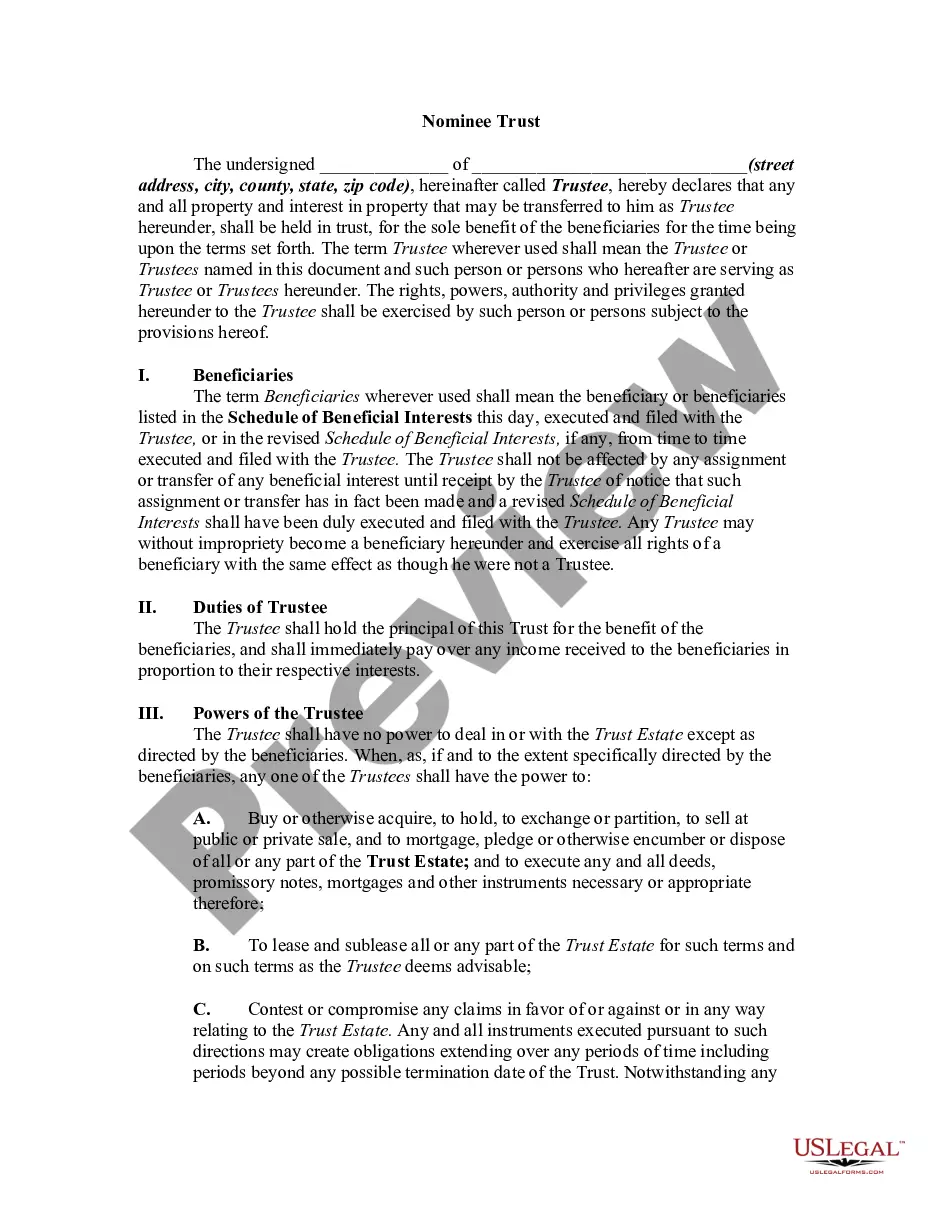
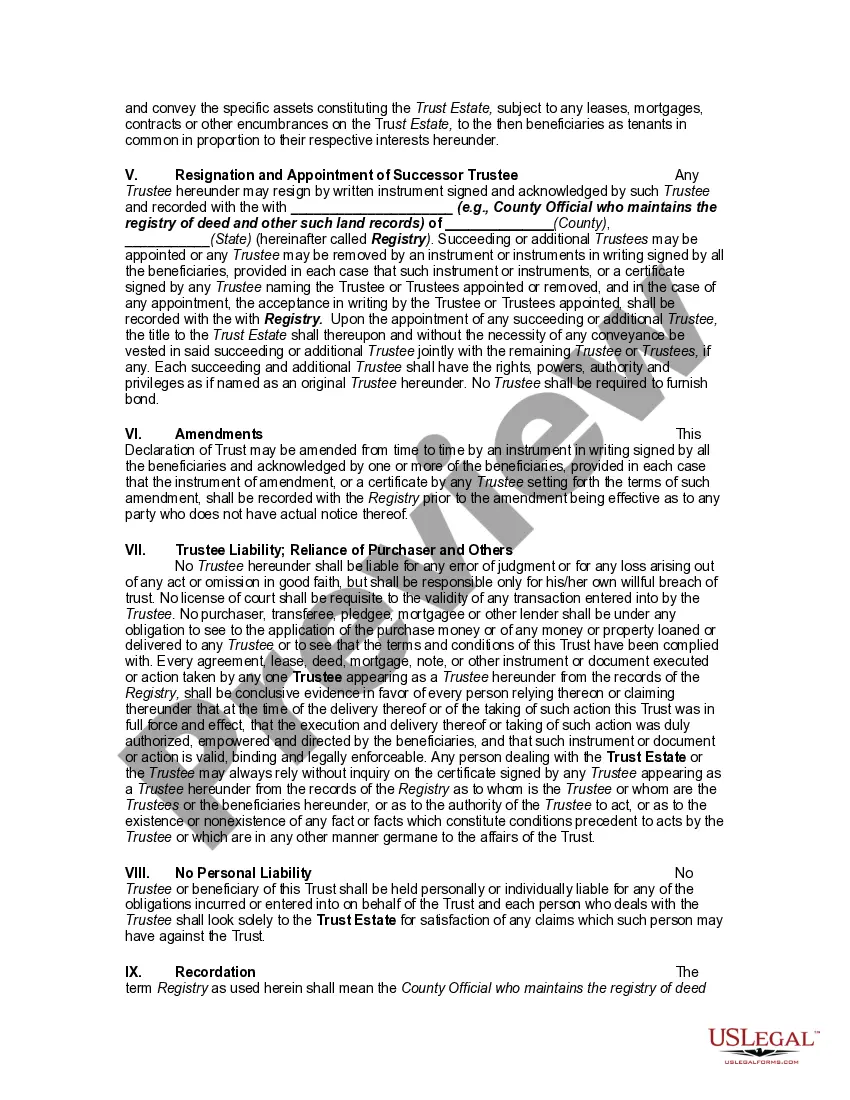
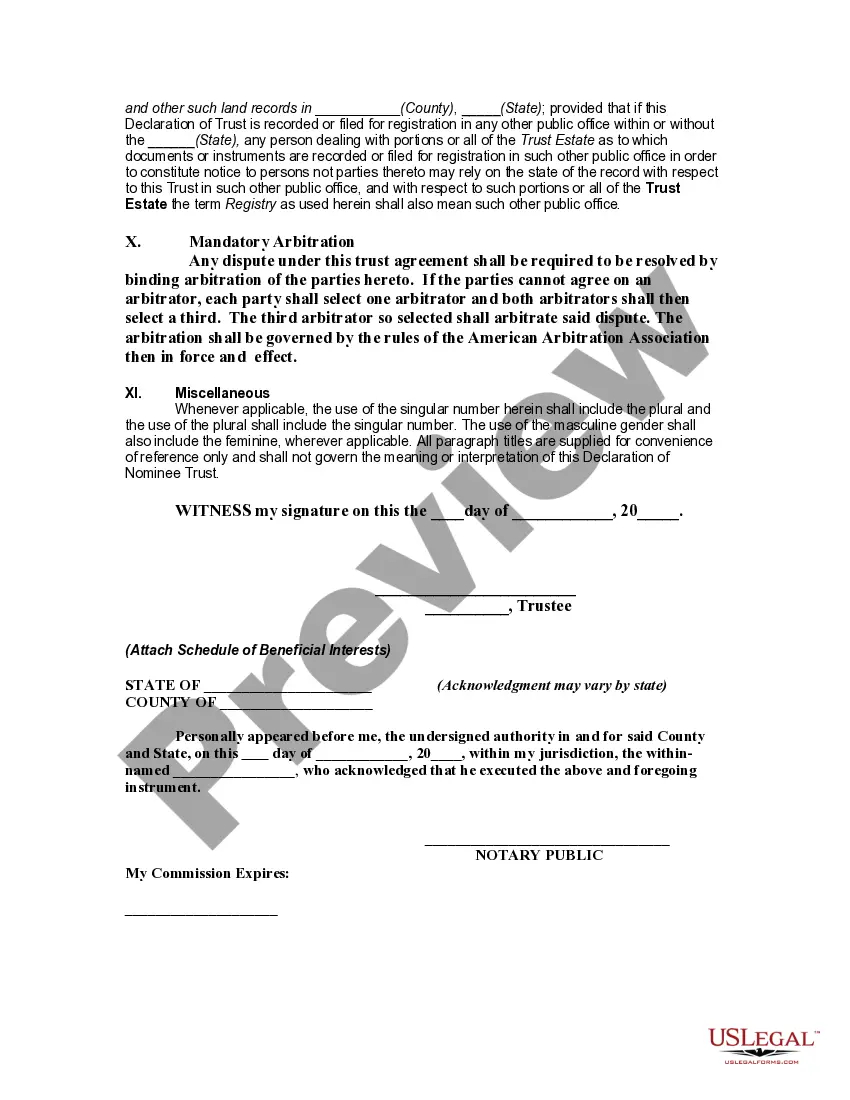
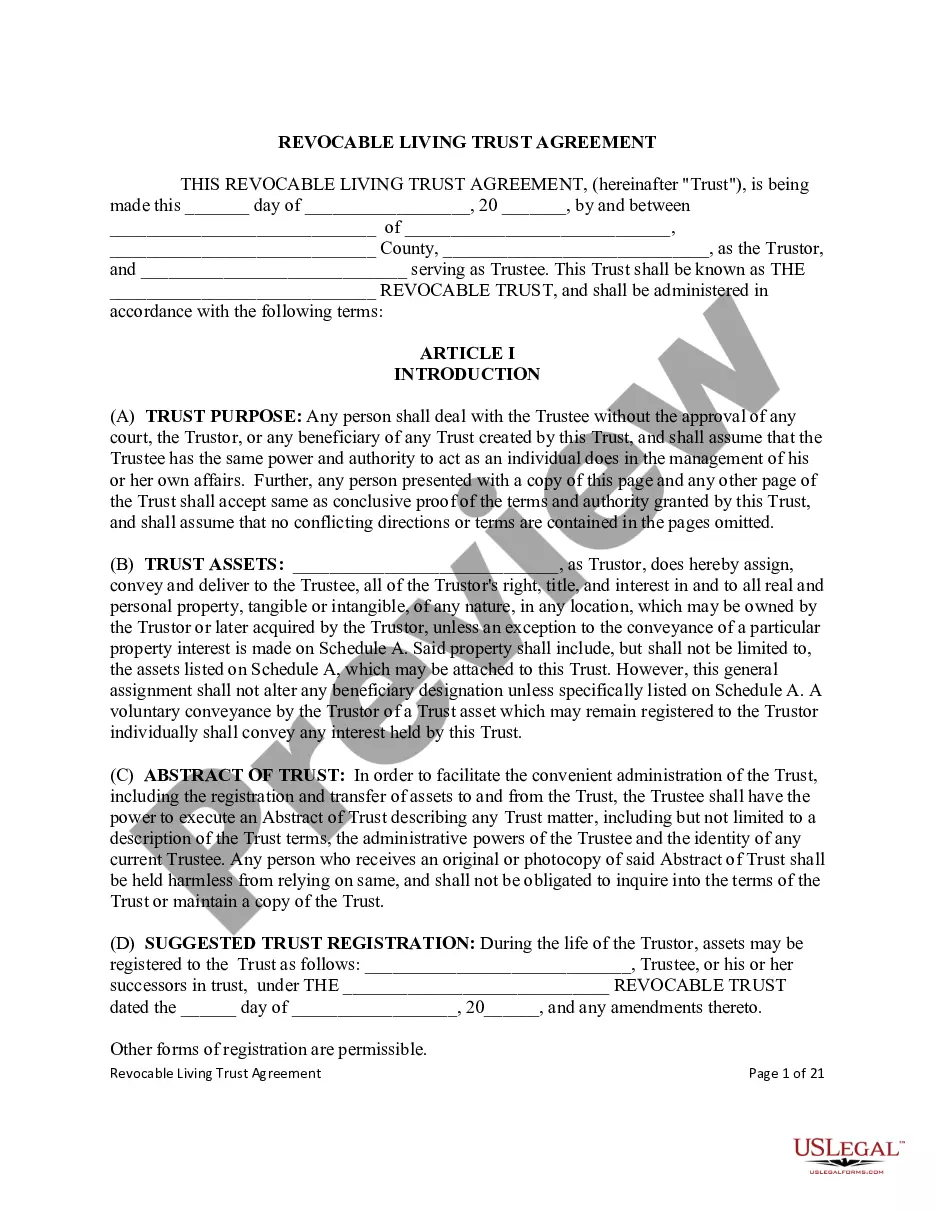
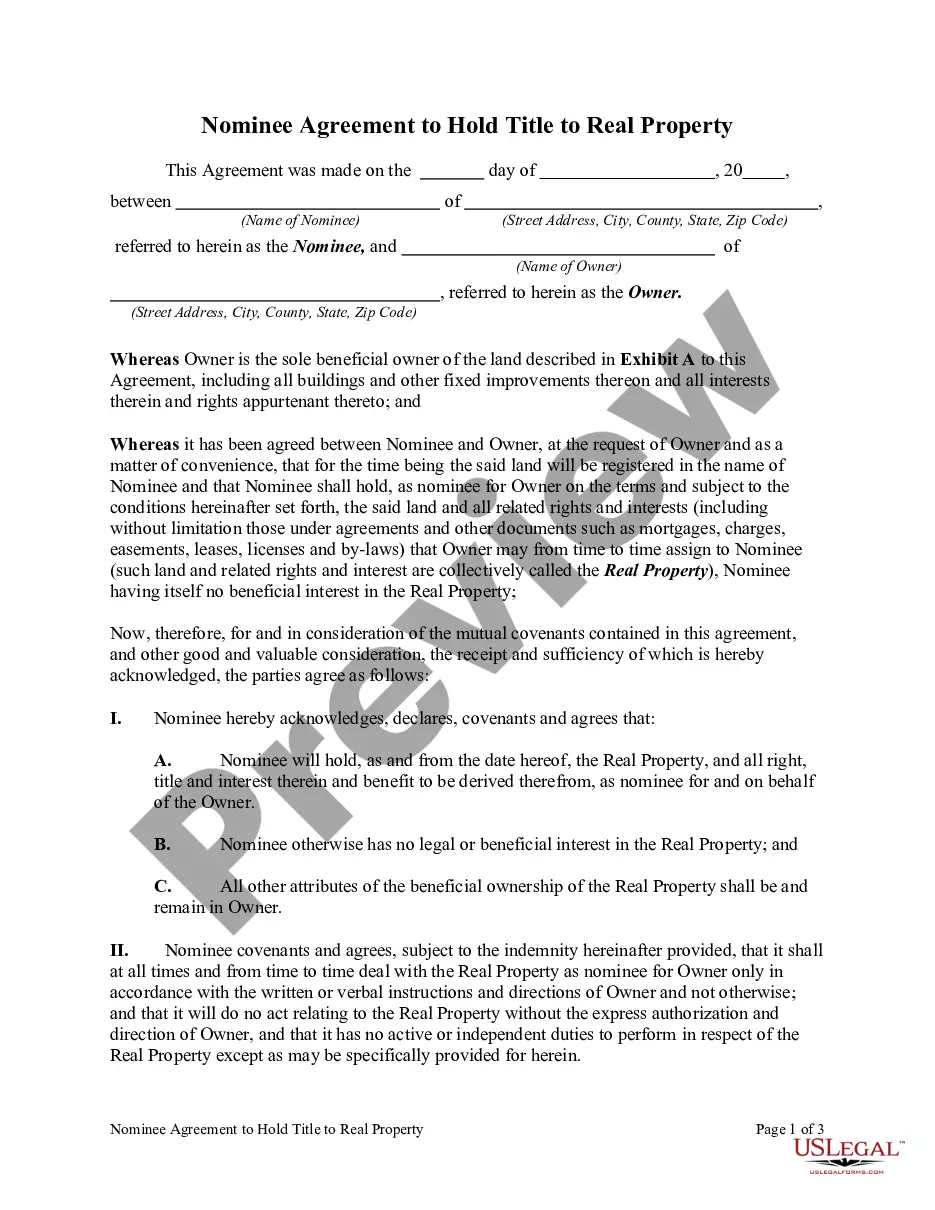
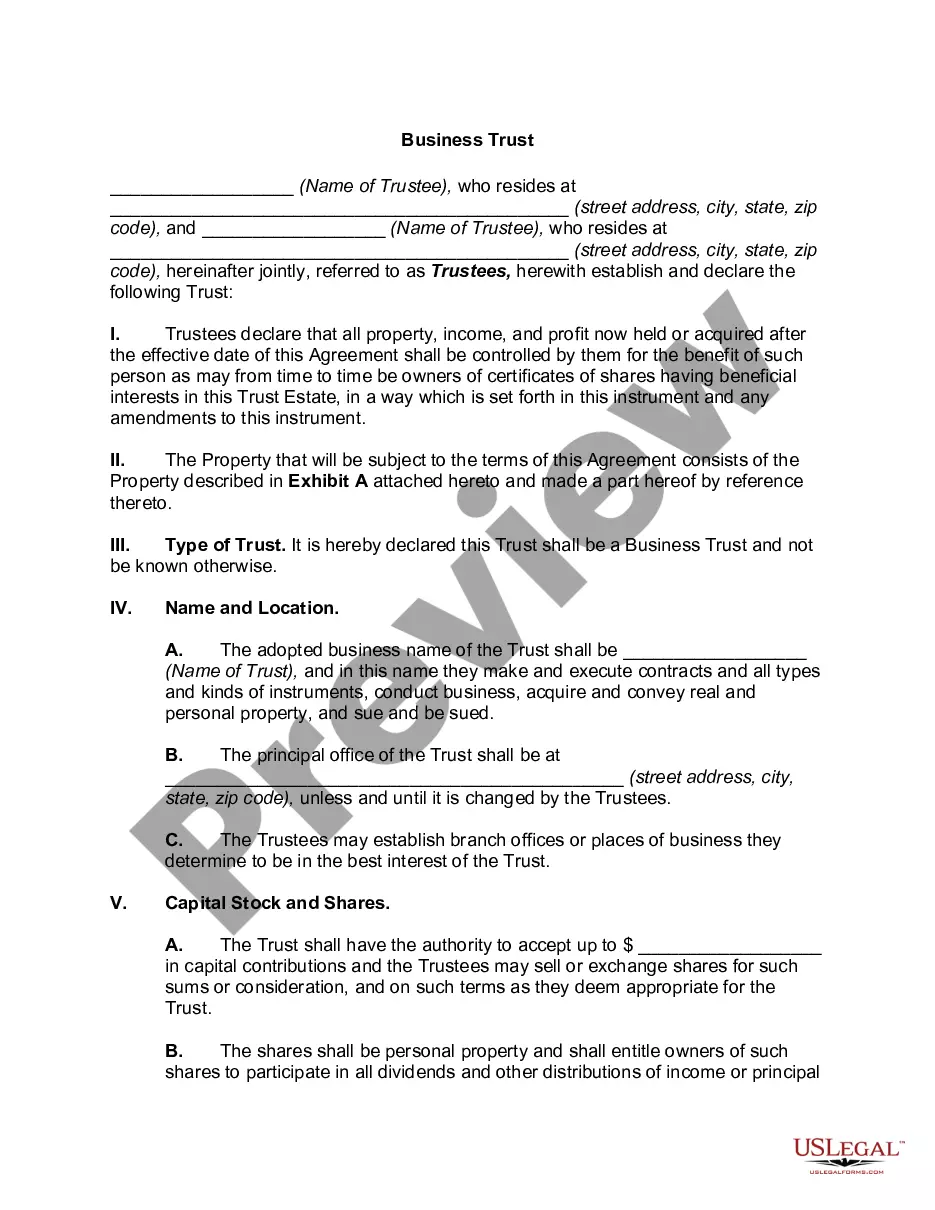
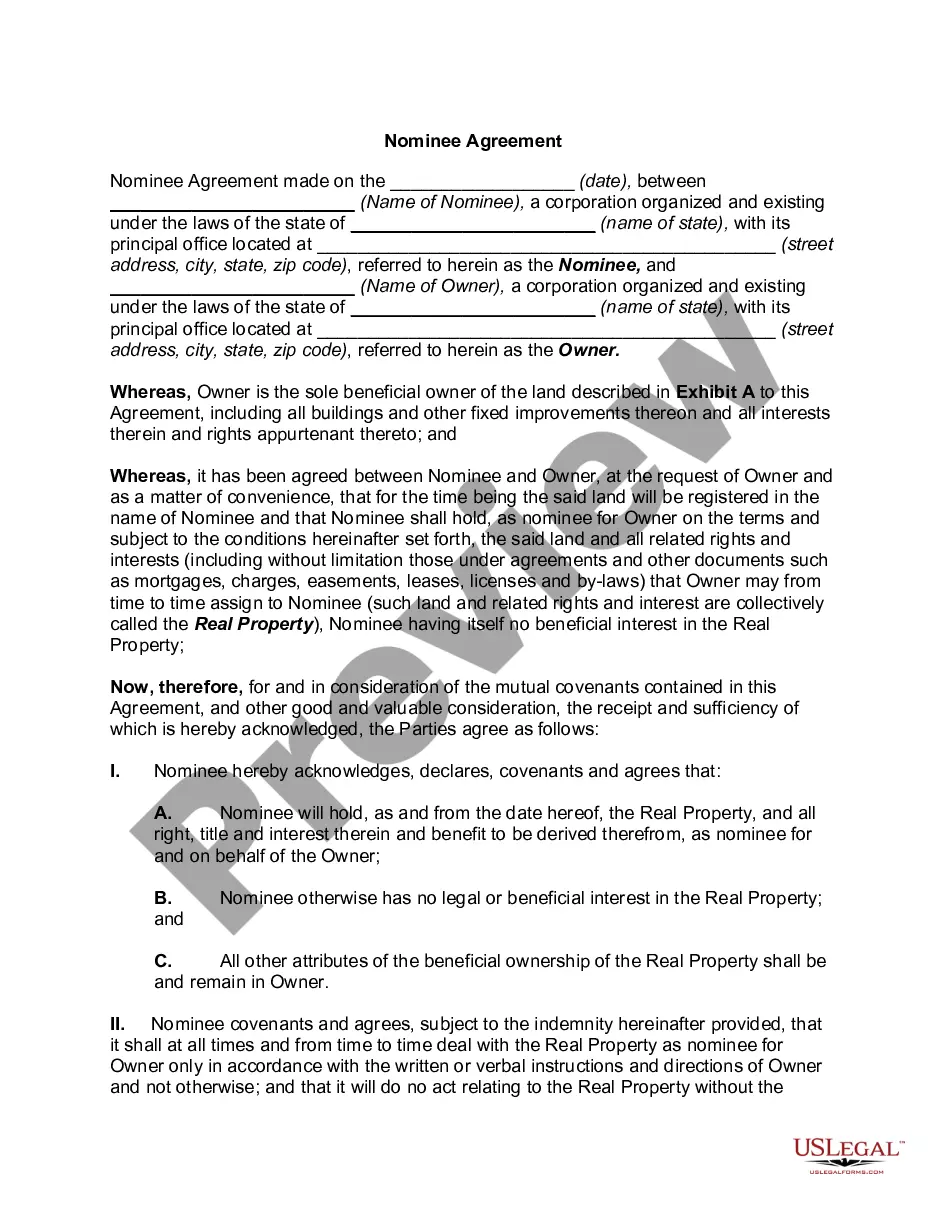

Get your form ready online
Our built-in tools help you complete, sign, share, and store your documents in one place.
Make edits, fill in missing information, and update formatting in US Legal Forms—just like you would in MS Word.
Download a copy, print it, send it by email, or mail it via USPS—whatever works best for your next step.
Sign and collect signatures with our SignNow integration. Send to multiple recipients, set reminders, and more. Go Premium to unlock E-Sign.
If this form requires notarization, complete it online through a secure video call—no need to meet a notary in person or wait for an appointment.
We protect your documents and personal data by following strict security and privacy standards.

Make edits, fill in missing information, and update formatting in US Legal Forms—just like you would in MS Word.

Download a copy, print it, send it by email, or mail it via USPS—whatever works best for your next step.

Sign and collect signatures with our SignNow integration. Send to multiple recipients, set reminders, and more. Go Premium to unlock E-Sign.

If this form requires notarization, complete it online through a secure video call—no need to meet a notary in person or wait for an appointment.

We protect your documents and personal data by following strict security and privacy standards.
Looking for another form?



How to fill out Nominee Trust?
Managing legal documents can be overwhelming, even for seasoned experts.
If you require a Massachusetts Nominee Trust Form Withholding and lack the time to search for the correct and current version, the process can be anxiety-inducing.
Draw on a database of articles, guides, and resources pertinent to your situation and requirements.
Save time and energy in seeking the forms you require, and leverage US Legal Forms’ advanced search and Preview option to find Massachusetts Nominee Trust Form Withholding and acquire it.
Experience the US Legal Forms online library, supported by 25 years of expertise and trustworthiness. Transform your routine document management into a straightforward and user-friendly procedure today.
- If you have a subscription, Log In to your US Legal Forms account, search for the document, and download it.
- Navigate to the My documents section to view the documents you've previously obtained and manage your files as needed.
- If this is your initial experience with US Legal Forms, create an account and gain unlimited access to all the platform's features.
- Once you have located the desired form, ensure it is the right one by reviewing it and checking its details.
- Confirm that the sample is valid in your state or county.
- Select Buy Now when you are ready.
- Choose a monthly subscription option.
- Select the file format you prefer, and Download, fill it out, eSign, print, and forward your documents.
- Access state- or county-specific legal and business templates.
- US Legal Forms caters to all requests you may have, from personal to business records, all in one location.
- Utilize sophisticated tools to complete and manage your Massachusetts Nominee Trust Form Withholding.
Form popularity
FAQ
Restore Previous Versions (PC) ? In Windows, if you right-click on a file, and go to ?Properties,? you will see an option titled ?Previous Versions.? This option can help you revert to a version of your file before the overwrite occurred, allowing you to get your data back.
As mentioned earlier, the error ?there are no previous versions available? usually appears when you have not turned on File History. To fix that error, you need to enable File History to make a backup of your files using File History first.
If you don't find the missing file in these locations, open Word, and select File > Info > Manage Document > Recover Unsaved Documents.
Select a version to open it in a separate window. Open the file you want to view. Click the title of your file and select Version history. Select a version to open it. If you want to restore the previous version you've opened, select Restore.
In Wisconsin, there are two main types of powers of attorney: the power of attorney for finances and property (also called a financial power of attorney) and the power of attorney for health care.
If you initialed "real property," giving your agent the power to conduct transactions with real estate, you should also file a copy of your POA in the land records office in the county where you own real estate or expect to deal with real estate in the future. In Wisconsin, this office is called the register of deeds.
As mentioned earlier, the error ?there are no previous versions available? usually appears when you have not turned on File History. To fix that error, you need to enable File History to make a backup of your files using File History first.