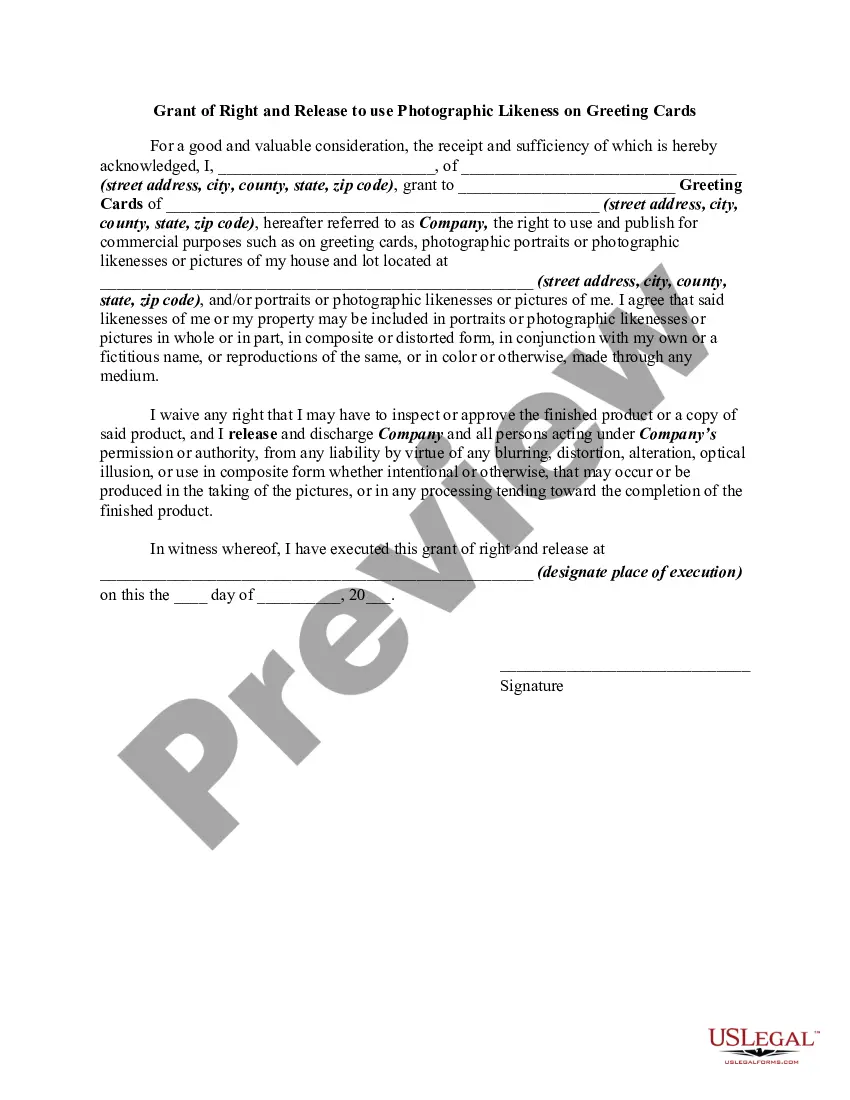
Release Use Likeness With Ai
Description
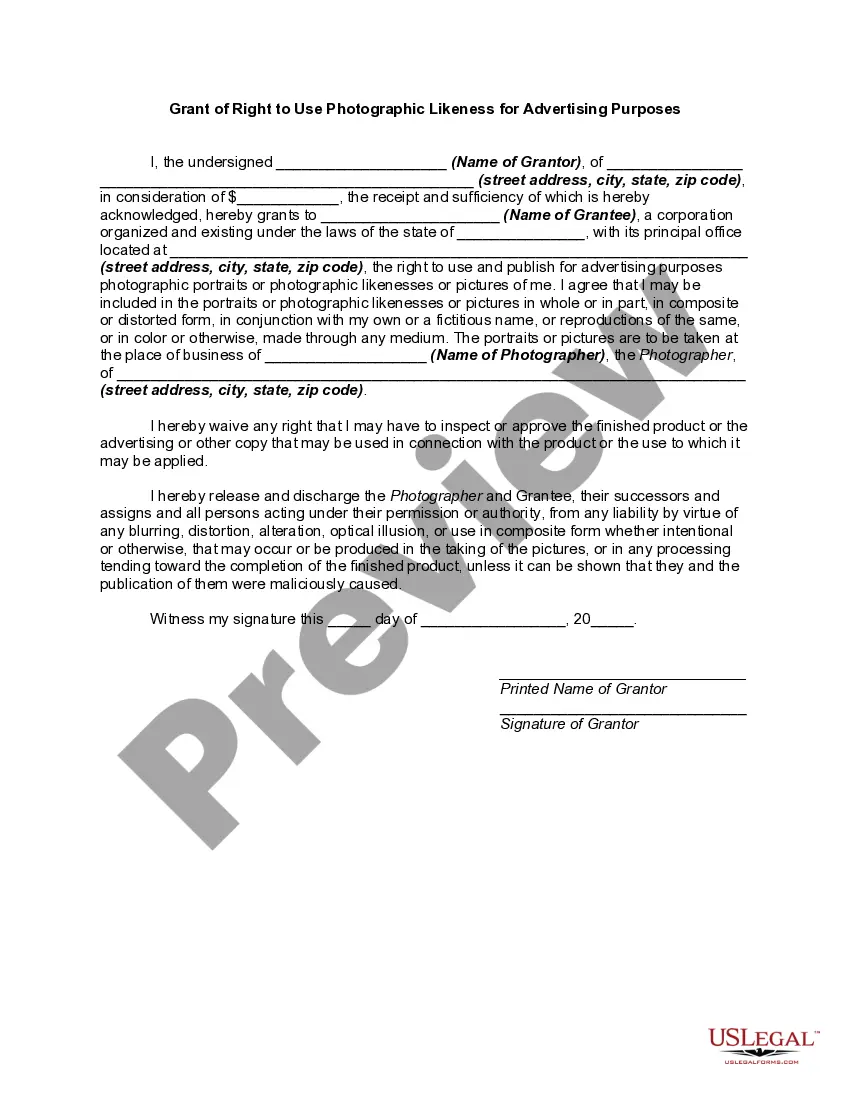
Get your form ready online
Our built-in tools help you complete, sign, share, and store your documents in one place.
Make edits, fill in missing information, and update formatting in US Legal Forms—just like you would in MS Word.
Download a copy, print it, send it by email, or mail it via USPS—whatever works best for your next step.
Sign and collect signatures with our SignNow integration. Send to multiple recipients, set reminders, and more. Go Premium to unlock E-Sign.
If this form requires notarization, complete it online through a secure video call—no need to meet a notary in person or wait for an appointment.
We protect your documents and personal data by following strict security and privacy standards.

Make edits, fill in missing information, and update formatting in US Legal Forms—just like you would in MS Word.

Download a copy, print it, send it by email, or mail it via USPS—whatever works best for your next step.

Sign and collect signatures with our SignNow integration. Send to multiple recipients, set reminders, and more. Go Premium to unlock E-Sign.

If this form requires notarization, complete it online through a secure video call—no need to meet a notary in person or wait for an appointment.

We protect your documents and personal data by following strict security and privacy standards.
Looking for another form?







How to fill out Grant Of Right To Photography And Release To Use Photographic Likeness On Greeting Cards?
Dealing with legal papers and operations could be a time-consuming addition to your entire day. Release Use Likeness With Ai and forms like it typically need you to search for them and understand the best way to complete them effectively. For that reason, if you are taking care of financial, legal, or personal matters, using a thorough and hassle-free online catalogue of forms at your fingertips will go a long way.
US Legal Forms is the number one online platform of legal templates, offering over 85,000 state-specific forms and a number of tools to assist you complete your papers easily. Check out the catalogue of appropriate documents open to you with just one click.
US Legal Forms provides you with state- and county-specific forms available at any time for downloading. Shield your document management operations with a top-notch services that allows you to put together any form within a few minutes without having extra or hidden charges. Just log in in your profile, identify Release Use Likeness With Ai and download it immediately in the My Forms tab. You may also access formerly downloaded forms.
Is it your first time utilizing US Legal Forms? Sign up and set up a free account in a few minutes and you will gain access to the form catalogue and Release Use Likeness With Ai. Then, stick to the steps listed below to complete your form:
- Make sure you have the correct form using the Preview feature and reading the form information.
- Choose Buy Now once all set, and select the subscription plan that is right for you.
- Choose Download then complete, sign, and print out the form.
US Legal Forms has 25 years of expertise supporting users control their legal papers. Discover the form you need today and enhance any process without breaking a sweat.
Form popularity
FAQ
How to generate AI pictures: Download an AI image generator like YouCam Makeup, YouCam AI Pro, Wombo DREAM or Wonder. Open the app to find its AI Selfie or AI Avatar tool. Upload your photo and choose the AI style you want for your AI pictures. Let the app do it's magic and then save your AI pictures!
?How to Make AI Photos of Yourself with Fotor? Open Fotor AI Portrait Generator and then tap Generate a Portrait. Go to From Image. Tap +Open Image to import the photo of yourself. Pick a style, confirm the output quantity and then tap Generate.
Use the same input data for your AI image generator If you use different input data, you'll get different results. So if you want to generate consistent results, use the same text prompts, photo, or set of photos each time. Save your favorite prompts in a spreadsheet to reuse!
Use the name of the human as the creator (if known) and include information that the work was generated using AI - we recommend adding this information in the medium field. If the human creator of the image is unknown, use text such as Artwork created using (the AI tool) in place of the creator's name.
How To Make AI Photos of Yourself Step 1: Download YouCam Makeup. Step 2: Open the app's "AI Avatar" tool. Step 3: Choose a gender and up to 10 AI avatar styles. Step 4: Upload 10 - 20 photos of yourself. Step 5: Wait for your AI photos to be generated and then save them to your phone.