Assessing Website Traffic For Google Ads
Description

Get your form ready online
Our built-in tools help you complete, sign, share, and store your documents in one place.
Make edits, fill in missing information, and update formatting in US Legal Forms—just like you would in MS Word.
Download a copy, print it, send it by email, or mail it via USPS—whatever works best for your next step.
Sign and collect signatures with our SignNow integration. Send to multiple recipients, set reminders, and more. Go Premium to unlock E-Sign.
If this form requires notarization, complete it online through a secure video call—no need to meet a notary in person or wait for an appointment.
We protect your documents and personal data by following strict security and privacy standards.

Make edits, fill in missing information, and update formatting in US Legal Forms—just like you would in MS Word.

Download a copy, print it, send it by email, or mail it via USPS—whatever works best for your next step.

Sign and collect signatures with our SignNow integration. Send to multiple recipients, set reminders, and more. Go Premium to unlock E-Sign.

If this form requires notarization, complete it online through a secure video call—no need to meet a notary in person or wait for an appointment.

We protect your documents and personal data by following strict security and privacy standards.
Looking for another form?
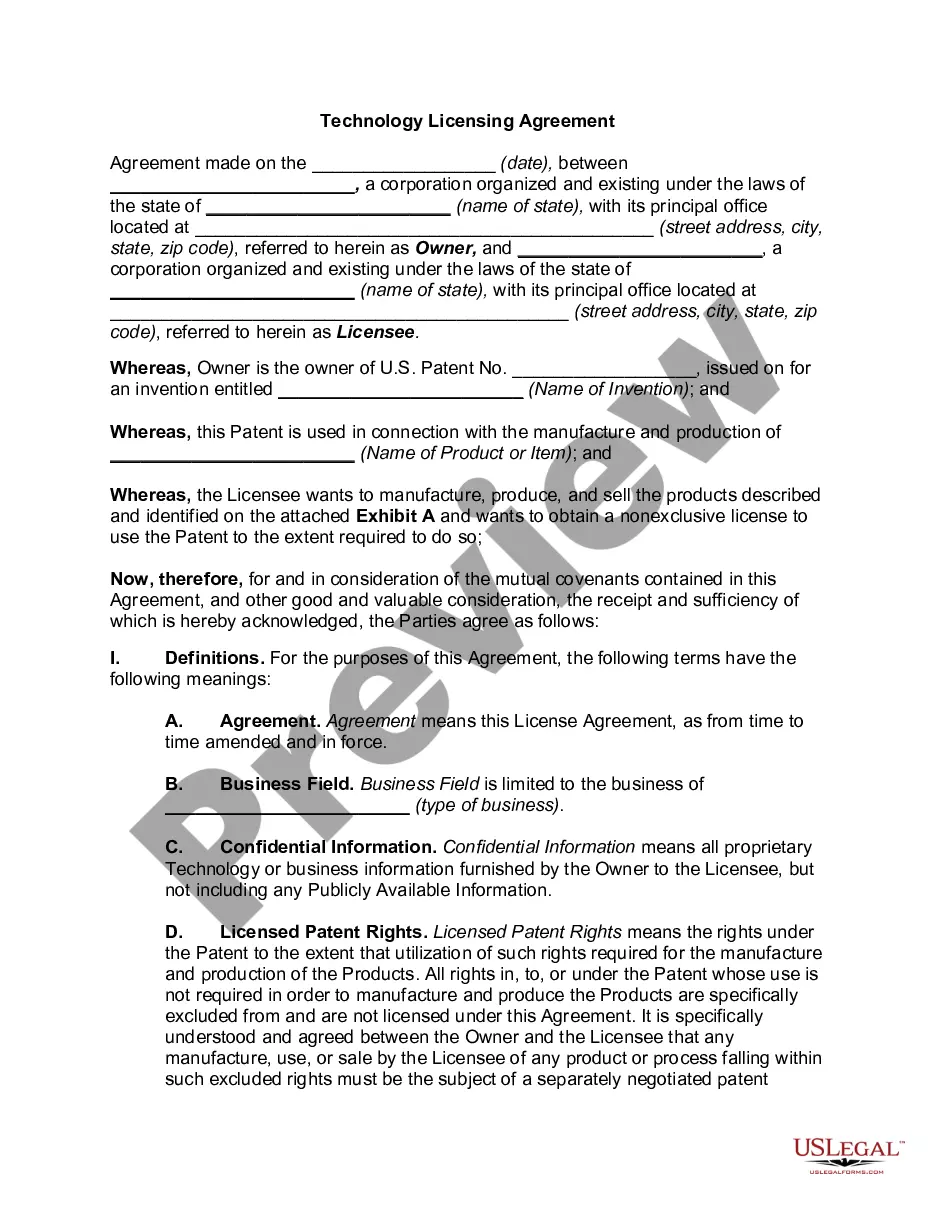



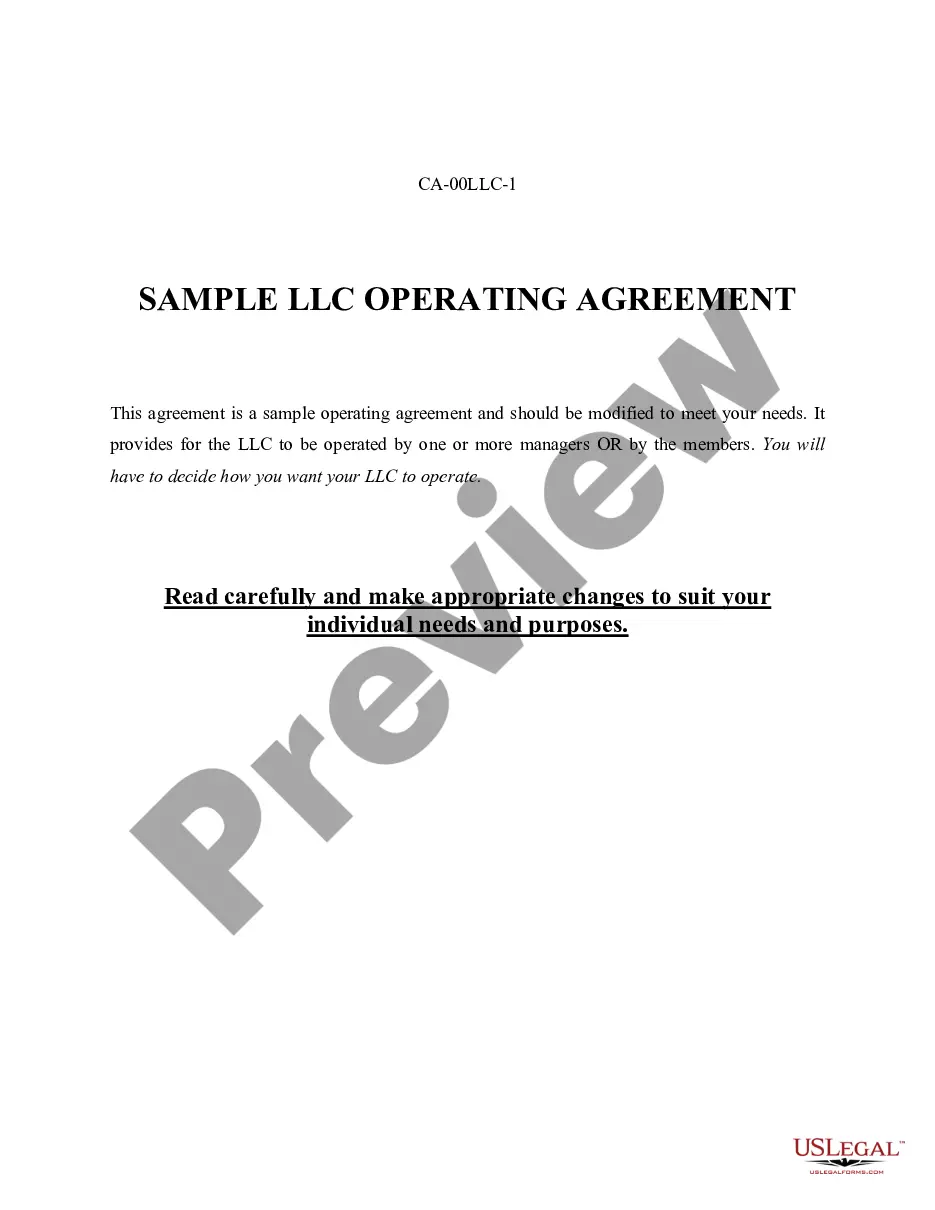





How to fill out Privacy Statement Of Owner Of Website?
The Evaluating Website Traffic For Google Ads you observe on this page is a reusable legal template crafted by expert lawyers in compliance with federal and local laws and regulations.
For over 25 years, US Legal Forms has supplied individuals, enterprises, and legal professionals with more than 85,000 authenticated, state-specific forms for any business and personal situation. It’s the fastest, easiest, and most reliable method to obtain the documents you require, as the service guarantees the utmost level of data protection and anti-malware security.
Select the format you desire for your Evaluating Website Traffic For Google Ads (PDF, Word, RTF) and download the sample onto your device. Complete and sign the documents. Print out the template to finish it manually. Alternatively, employ an online multifunctional PDF editor to swiftly and accurately fill out and sign your form with an electronic signature. Download your documents again whenever necessary. Access the My documents tab in your profile to redownload any previously saved forms. Subscribe to US Legal Forms to have verified legal templates for all of life’s situations at your fingertips.
- Explore the document you require and inspect it.
- Survey the file you searched and view it or review the form description to ensure it meets your requirements. If it doesn't, utilize the search bar to find the correct one. Click Buy Now once you have identified the template you need.
- Register and Log In.
- Choose the pricing plan that fits you and set up an account. Use PayPal or a credit card to make an immediate payment. If you already possess an account, Log In and verify your subscription to continue.
- Obtain the fillable template.
Form popularity
FAQ
Google Analytics enables users to track up to 200 different metrics to measure how their websites are performing. While some metrics may be more valuable to certain businesses than others, these are some of the most popular metrics: Users. A user is a unique or new visitor to the website.
Website traffic refers to the number of users visiting your site, while leads are potential customers who have shown interest in your product or service by providing contact information.
In Google Ads, you can also create a campaign using the Website traffic goal, which recommends settings and features to help you drive interested customers to your website. Using this campaign goal, you can build a list of site visitors you can reconnect with later.
Google Analytics is a free tool that tracks data associated with your website traffic and can help you make sense of that information.
To see a list of searches that have triggered your ad, use the Search terms report. You can use this report to identify relevant terms that are driving traffic to your website, and then add them as new keywords.