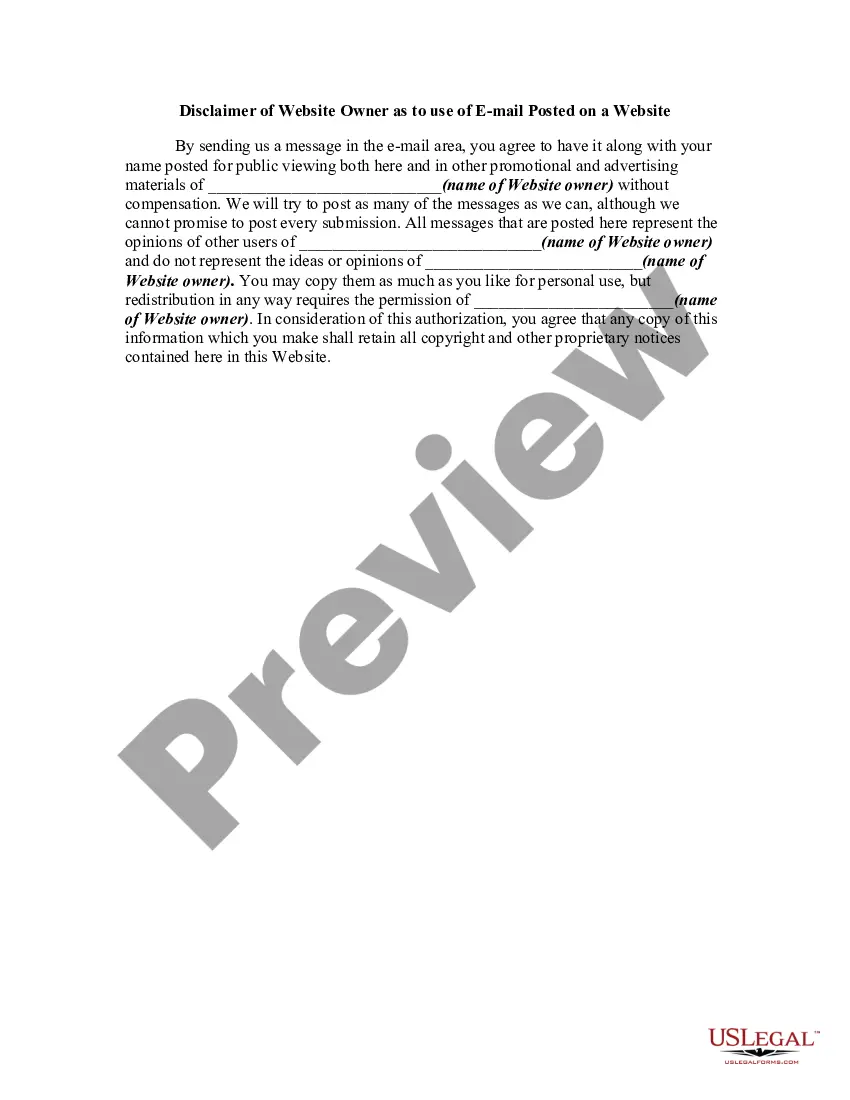
Website Use On Foreign Countries
Description
Get your form ready online
Our built-in tools help you complete, sign, share, and store your documents in one place.
Make edits, fill in missing information, and update formatting in US Legal Forms—just like you would in MS Word.
Download a copy, print it, send it by email, or mail it via USPS—whatever works best for your next step.
Sign and collect signatures with our SignNow integration. Send to multiple recipients, set reminders, and more. Go Premium to unlock E-Sign.
If this form requires notarization, complete it online through a secure video call—no need to meet a notary in person or wait for an appointment.
We protect your documents and personal data by following strict security and privacy standards.

Make edits, fill in missing information, and update formatting in US Legal Forms—just like you would in MS Word.

Download a copy, print it, send it by email, or mail it via USPS—whatever works best for your next step.

Sign and collect signatures with our SignNow integration. Send to multiple recipients, set reminders, and more. Go Premium to unlock E-Sign.

If this form requires notarization, complete it online through a secure video call—no need to meet a notary in person or wait for an appointment.

We protect your documents and personal data by following strict security and privacy standards.
Looking for another form?






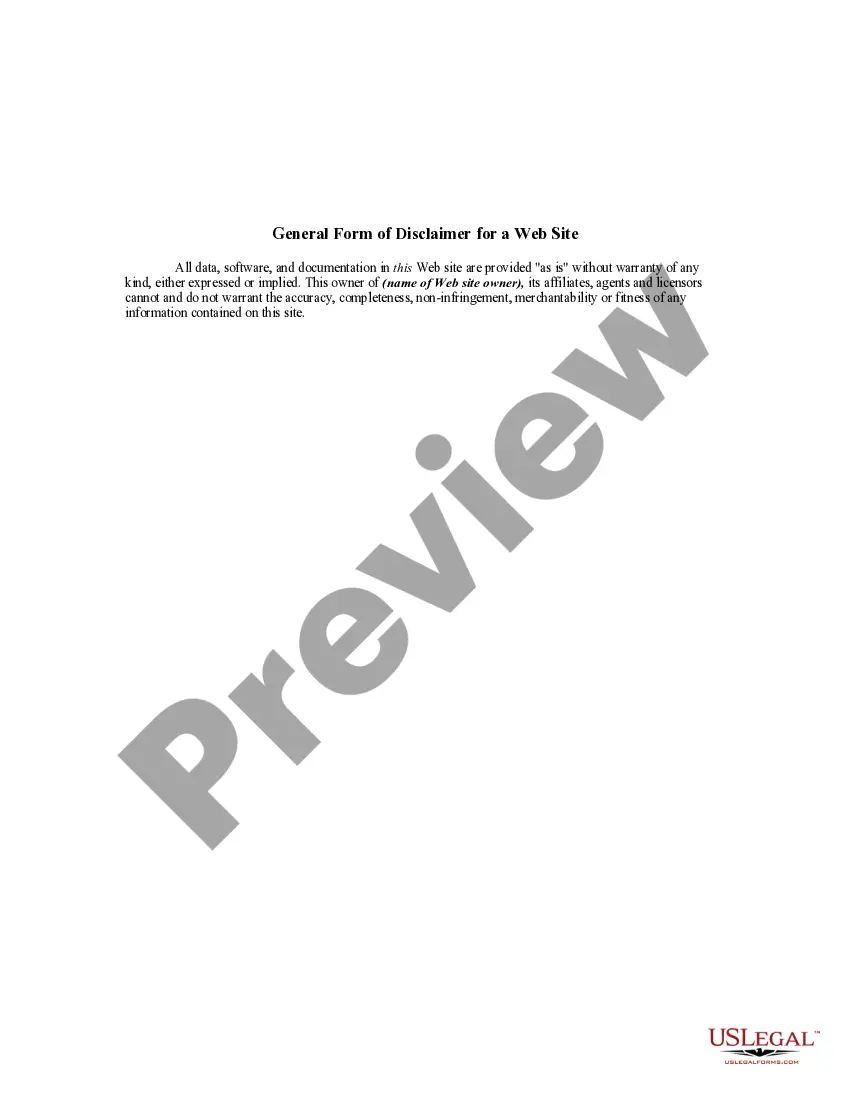
How to fill out Disclaimer Of Website Owner As To Use Of EMail Posted On A Website?
Utilizing legal document examples that adhere to national and local regulations is essential, and the web provides numerous choices to choose from.
However, what's the benefit of spending time searching for the suitable Website Use On Foreign Countries template online if the US Legal Forms digital library already compiles such forms in one location.
US Legal Forms is the largest virtual legal library featuring over 85,000 editable templates crafted by attorneys for any business and personal scenario.
Review the template using the Preview option or through the text outline to confirm it fulfills your needs. If needed, search for an alternative sample using the search function at the top of the page. Click Buy Now once you've located the correct form and select a subscription plan. Create an account or Log In and complete your payment via PayPal or credit card. Choose the optimal format for your Website Use On Foreign Countries and download it. All templates you find through US Legal Forms are reusable. To re-download and complete previously saved forms, access the My documents section in your profile. Take advantage of the most comprehensive and user-friendly legal documentation service!
- They are easy to navigate with all documents categorized by state and intended use.
- Our experts keep up with legislative changes, ensuring your form is current and compliant when obtaining a Website Use On Foreign Countries from our platform.
- Acquiring a Website Use On Foreign Countries is quick and straightforward for both existing and new users.
- If you possess an account with an active subscription, Log In and save the document template you require in the appropriate format.
- If you are new to our site, follow the steps below.
Form popularity
FAQ
Hear this out loud Pause1. Use a VPN A VPN (Virtual Private Network) is a secure and encrypted connection that can bypass restrictions and allow you to access blocked sites. You can use a free or paid VPN service to access blocked websites.
How do I make all websites stay in English language? Click the Tools icon in the top right corner of Internet Explorer. Click Internet Options. On the General tab, click the Languages button. In the Languages Preference window, click Set Language Preferences. In the Language window, click Advanced settings.
Hear this out loud PauseUse a VPN So connecting to a VPN server in a different country will allow you to use the internet as if you were physically there. For example, If you're from the US and are on vacation in Europe, you can connect to a US-based VPN server and enjoy all of your favorite shows as if you were home.
Hear this out loud PauseGeo Browse is a tool designed to capture screenshots of your website from different countries. It works by rendering your website using a proxy located in the selected country of your choice so you can see how your website looks from that country.
Chrome. Open the browser settings, and in the advanced section scroll down to find Languages . Open Language and Input Settings and add the language or language+region choice you want from the list available. Order the resulting list so that it is in descending order of preference.