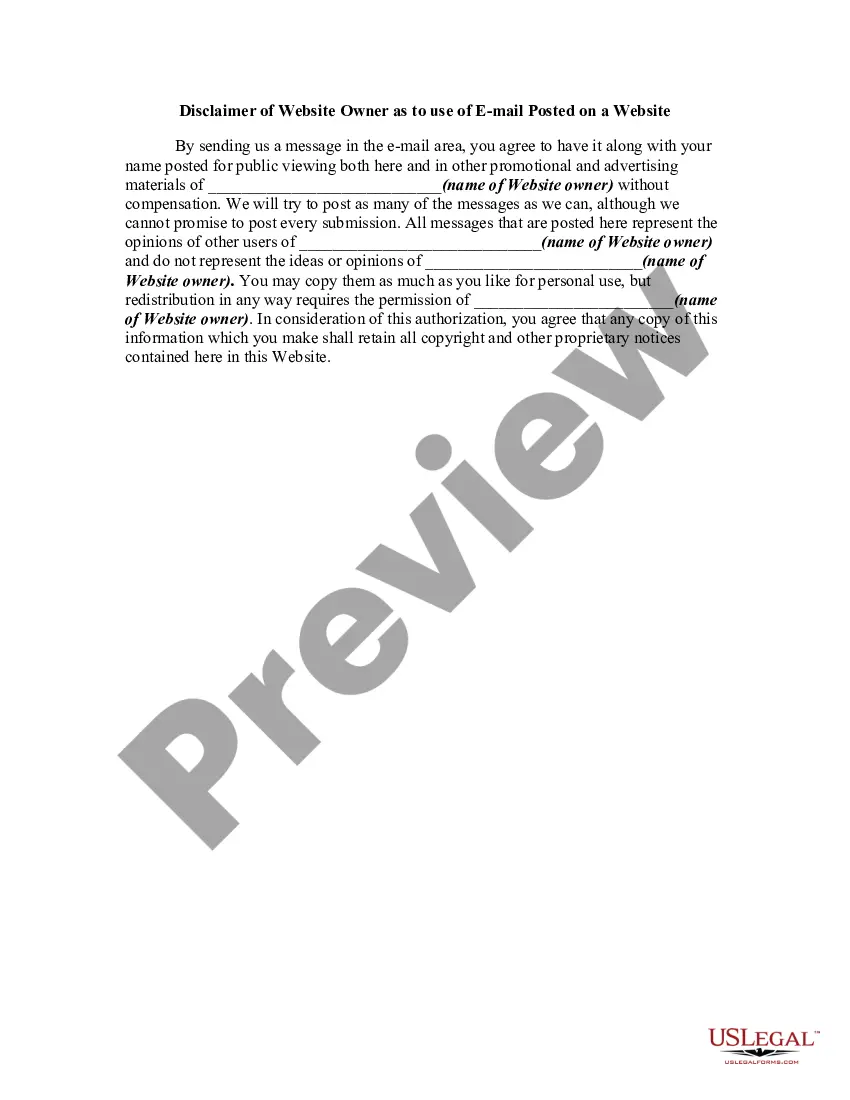
Email Disclaimer For Lawyers
Description
Get your form ready online
Our built-in tools help you complete, sign, share, and store your documents in one place.
Make edits, fill in missing information, and update formatting in US Legal Forms—just like you would in MS Word.
Download a copy, print it, send it by email, or mail it via USPS—whatever works best for your next step.
Sign and collect signatures with our SignNow integration. Send to multiple recipients, set reminders, and more. Go Premium to unlock E-Sign.
If this form requires notarization, complete it online through a secure video call—no need to meet a notary in person or wait for an appointment.
We protect your documents and personal data by following strict security and privacy standards.

Make edits, fill in missing information, and update formatting in US Legal Forms—just like you would in MS Word.

Download a copy, print it, send it by email, or mail it via USPS—whatever works best for your next step.

Sign and collect signatures with our SignNow integration. Send to multiple recipients, set reminders, and more. Go Premium to unlock E-Sign.

If this form requires notarization, complete it online through a secure video call—no need to meet a notary in person or wait for an appointment.

We protect your documents and personal data by following strict security and privacy standards.
Looking for another form?








How to fill out Disclaimer Of Website Owner As To Use Of EMail Posted On A Website?
Creating legal documents from the ground up can occasionally be daunting.
Certain situations may require extensive research and significant financial investment.
If you desire a simpler and more budget-friendly method for preparing Email Disclaimer For Lawyers or other paperwork without unnecessary complications, US Legal Forms is always available to assist you.
Our digital repository of over 85,000 current legal documents encompasses nearly every aspect of your financial, legal, and personal matters.
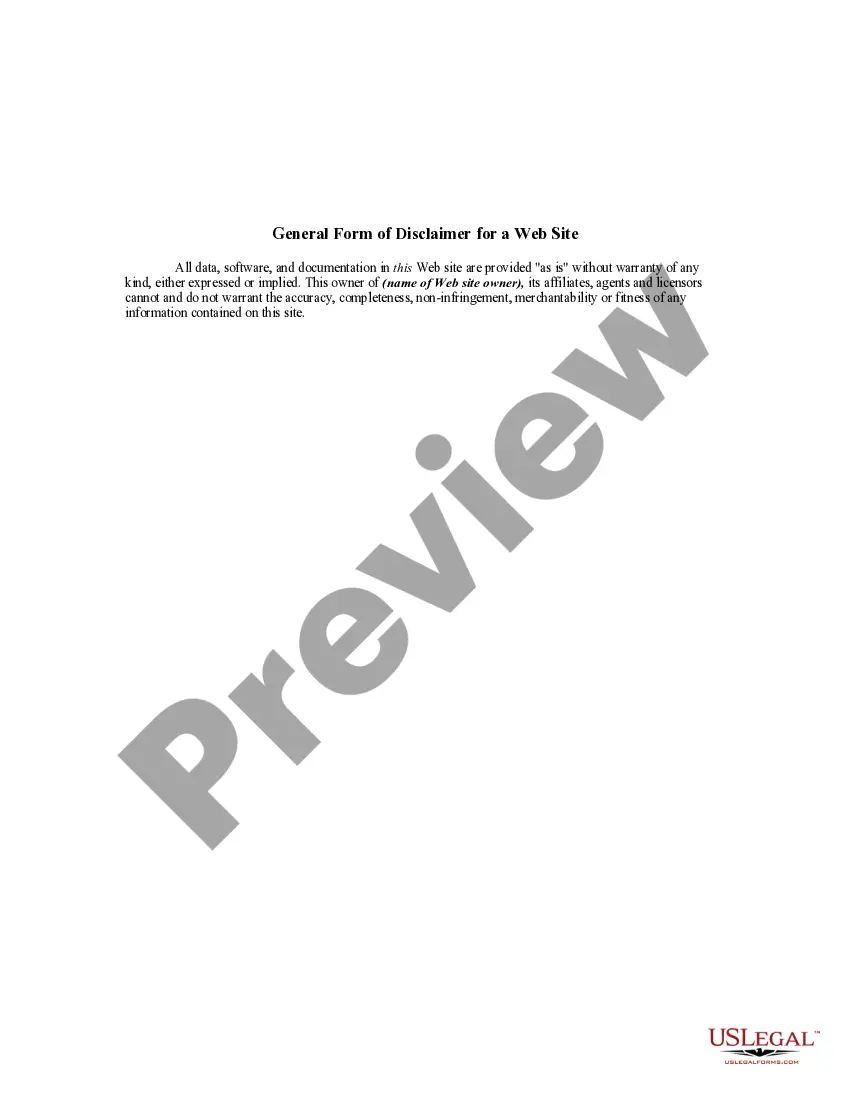
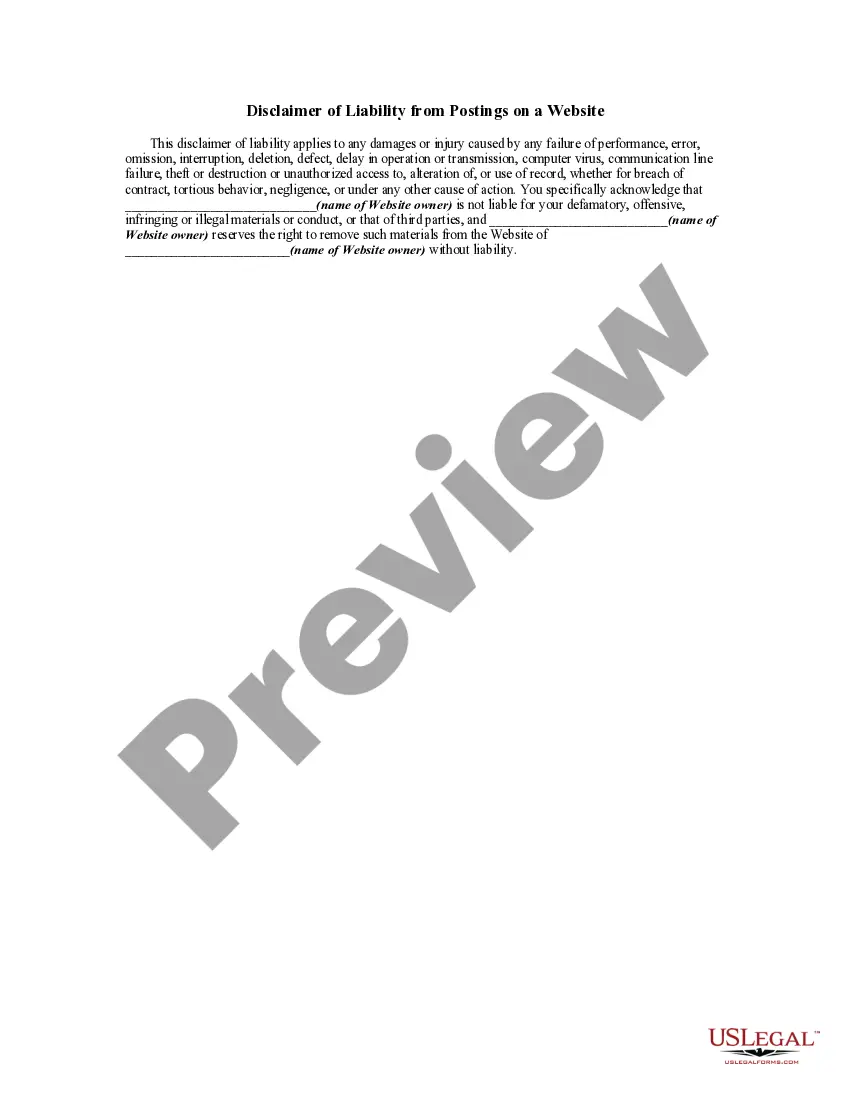
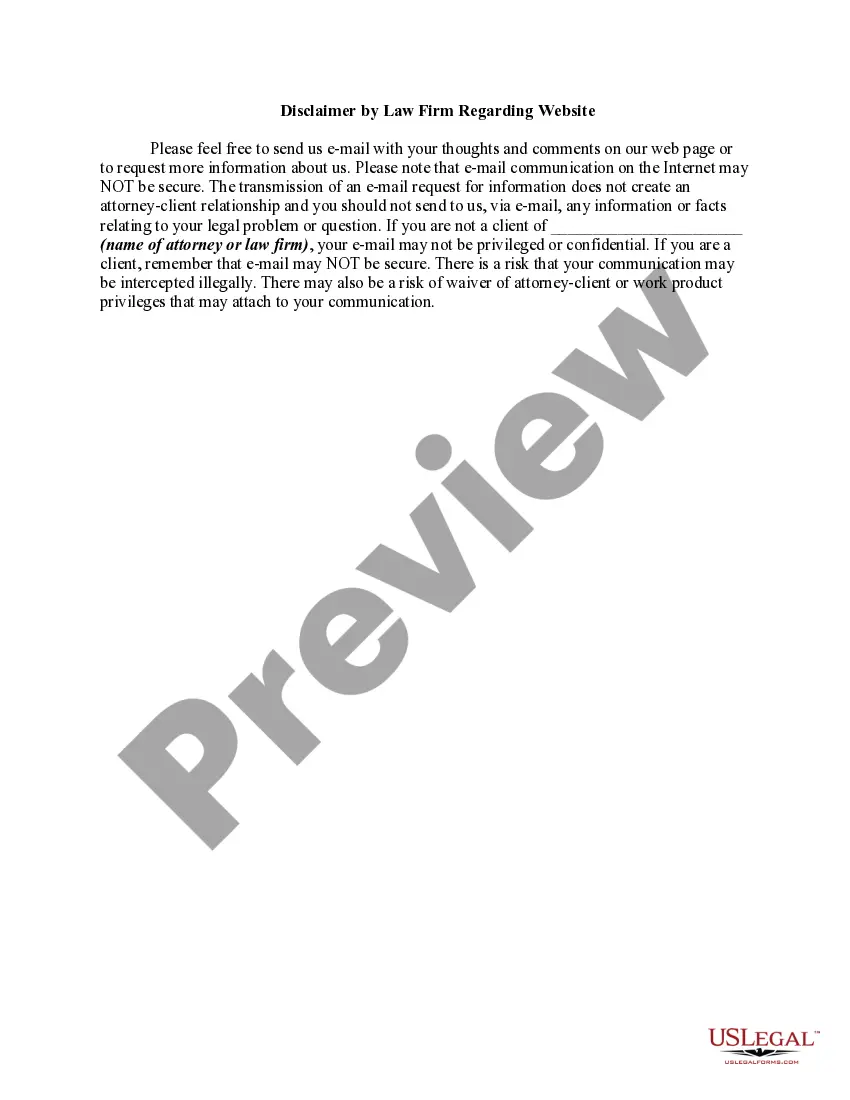
Examine the document preview and descriptions to confirm that you have found the correct document. Verify that the form you select adheres to the regulations and laws of your state and county. Choose the most suitable subscription plan to acquire the Email Disclaimer For Lawyers. Download the form, then complete, sign, and print it. US Legal Forms has an impeccable reputation and over 25 years of experience. Join us today and make document completion a straightforward and efficient process!
- With just a few clicks, you can swiftly obtain state- and county-compliant forms meticulously crafted by our legal experts.
- Utilize our platform whenever you require dependable and trustworthy services to quickly locate and download the Email Disclaimer For Lawyers.
- If you're familiar with our services and have previously established an account, simply Log In to your account, choose the template, and download it or re-download it anytime in the My documents section.
- Don't have an account? No worries. It only takes a few minutes to register and explore the library.
- But before diving straight into downloading Email Disclaimer For Lawyers, consider these suggestions.
Form popularity
FAQ
Make sure always to use correct grammar and punctuation. Try not to use slang or abbreviations when sending an email. Excellent legal writing is one of a lawyer's most important skills; thus, if you send email correspondence laden with text slang and emoticons, you could lose credibility.
Click the Gear icon in your Gmail's top-right corner > Click Settings from the menu that opens. Scroll down to the section labeled ?Signature? Pick the signature you want to give a disclaimer (or click ?Create new? to make a new signature)
?In most circumstances, they would not be legally binding. What the disclaimers are trying to do is establish an agreement between the sender and its recipient that gives rise to a duty of nondisclosure. That's just like any other contract. Both parties have to agree to the terms of agreement.
In order to form contract, there must be an offer, acceptance, and consideration ? simply put, both parties must agree to the terms of an agreement. Pursuant to the contract formation, an email disclaimer would generally not be legally binding.
This message contains confidential information and is intended only for the individual named. If you are not the named addressee you should not disseminate, distribute or copy this e-mail. Please notify the sender immediately by e-mail if you have received this e-mail by mistake and delete this e-mail from your system.