Printable Parent Consent Forms For Minors
Description
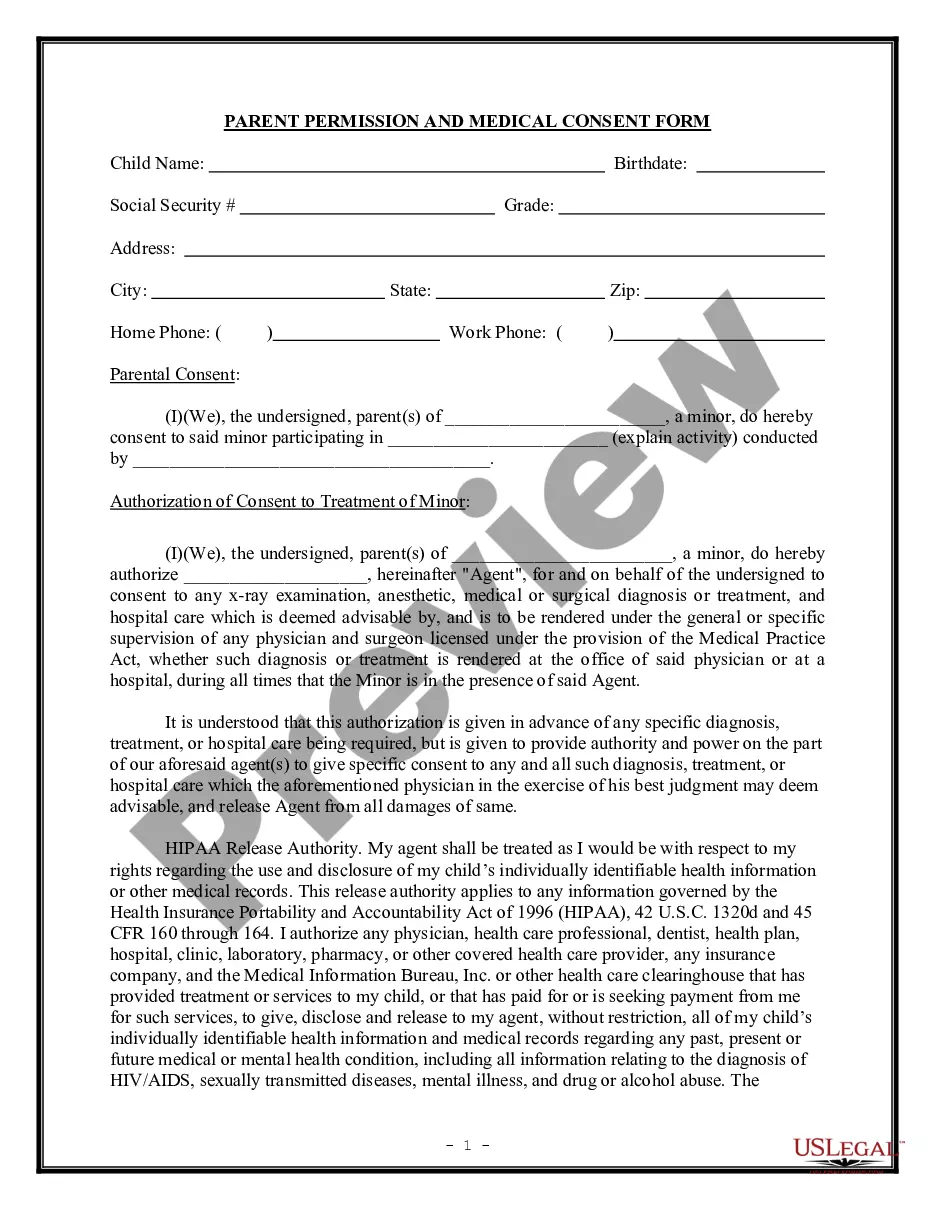
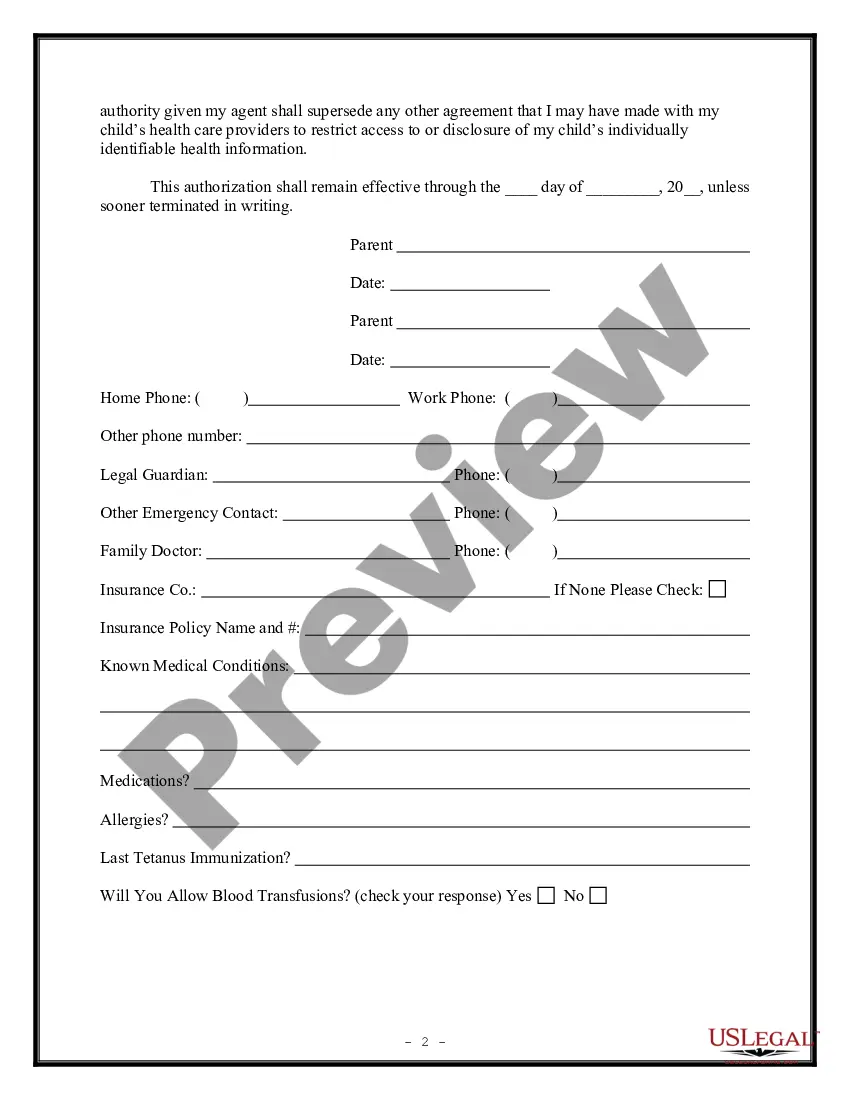
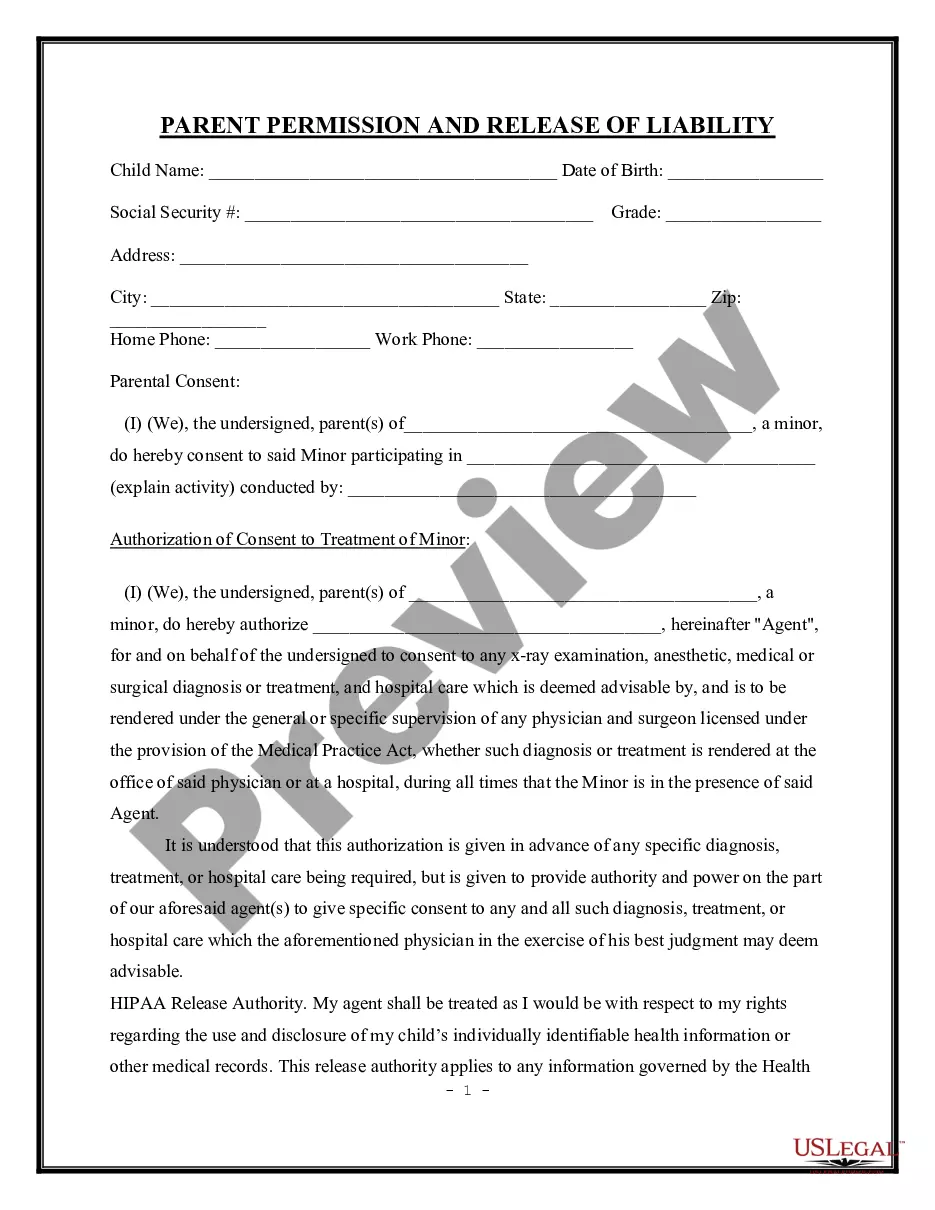
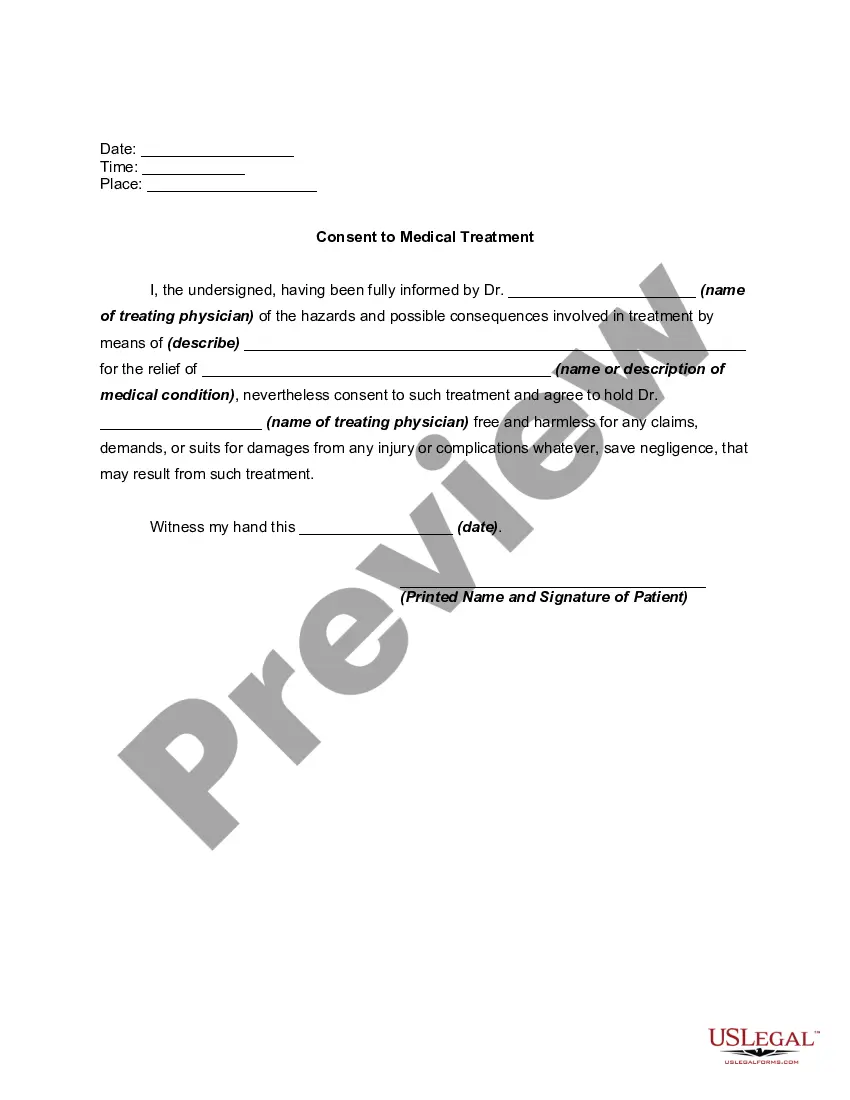
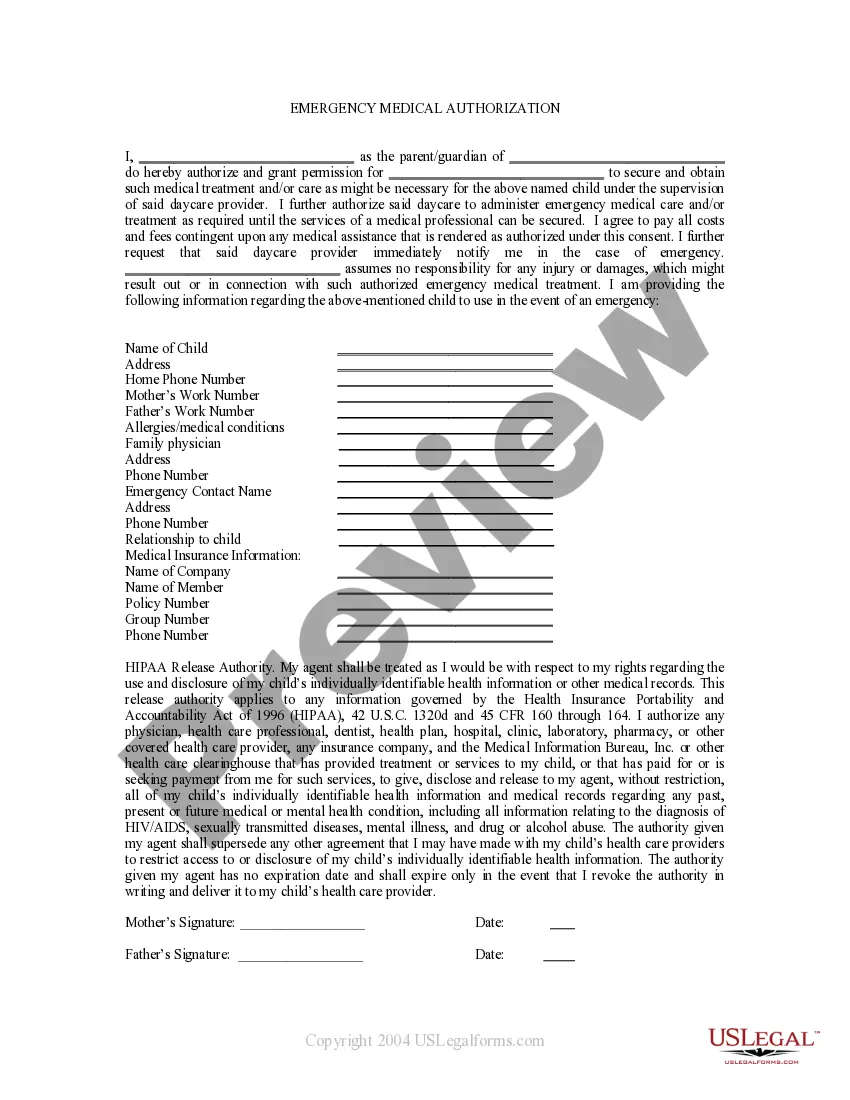
Get your form ready online
Our built-in tools help you complete, sign, share, and store your documents in one place.
Make edits, fill in missing information, and update formatting in US Legal Forms—just like you would in MS Word.
Download a copy, print it, send it by email, or mail it via USPS—whatever works best for your next step.
Sign and collect signatures with our SignNow integration. Send to multiple recipients, set reminders, and more. Go Premium to unlock E-Sign.
If this form requires notarization, complete it online through a secure video call—no need to meet a notary in person or wait for an appointment.
We protect your documents and personal data by following strict security and privacy standards.

Make edits, fill in missing information, and update formatting in US Legal Forms—just like you would in MS Word.

Download a copy, print it, send it by email, or mail it via USPS—whatever works best for your next step.

Sign and collect signatures with our SignNow integration. Send to multiple recipients, set reminders, and more. Go Premium to unlock E-Sign.

If this form requires notarization, complete it online through a secure video call—no need to meet a notary in person or wait for an appointment.

We protect your documents and personal data by following strict security and privacy standards.
Looking for another form?
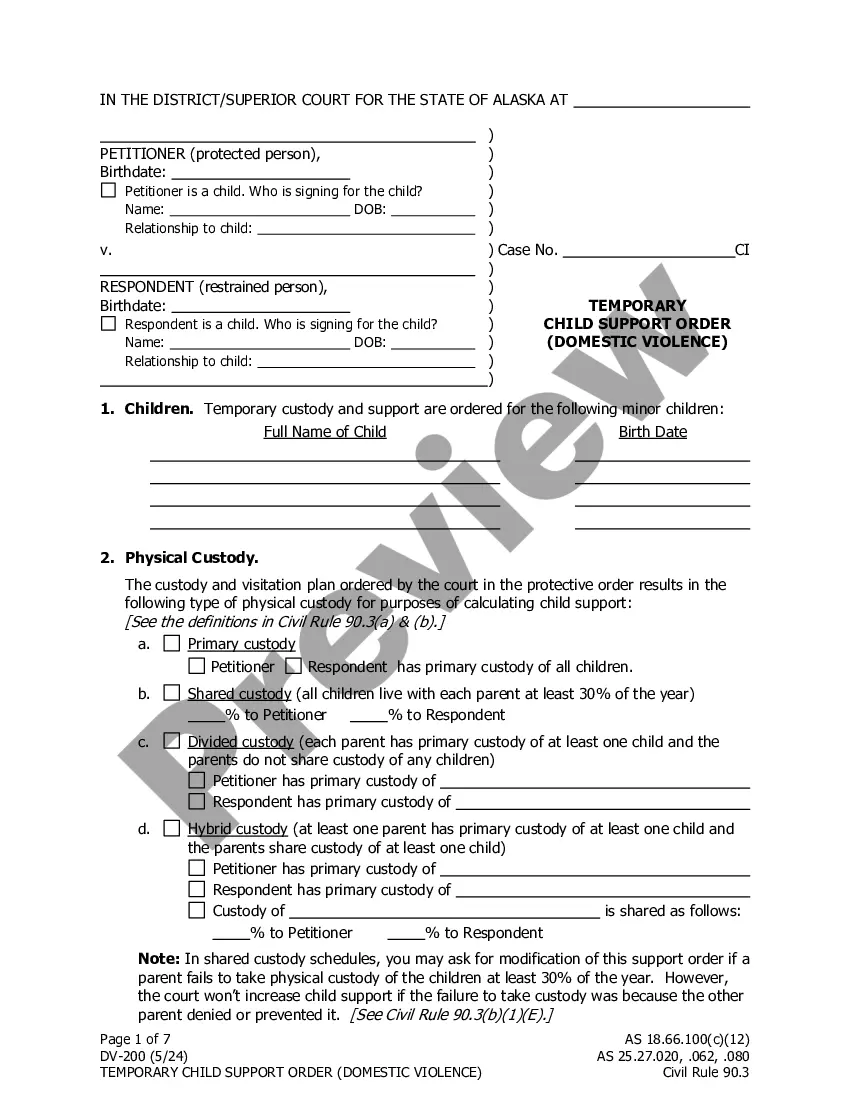
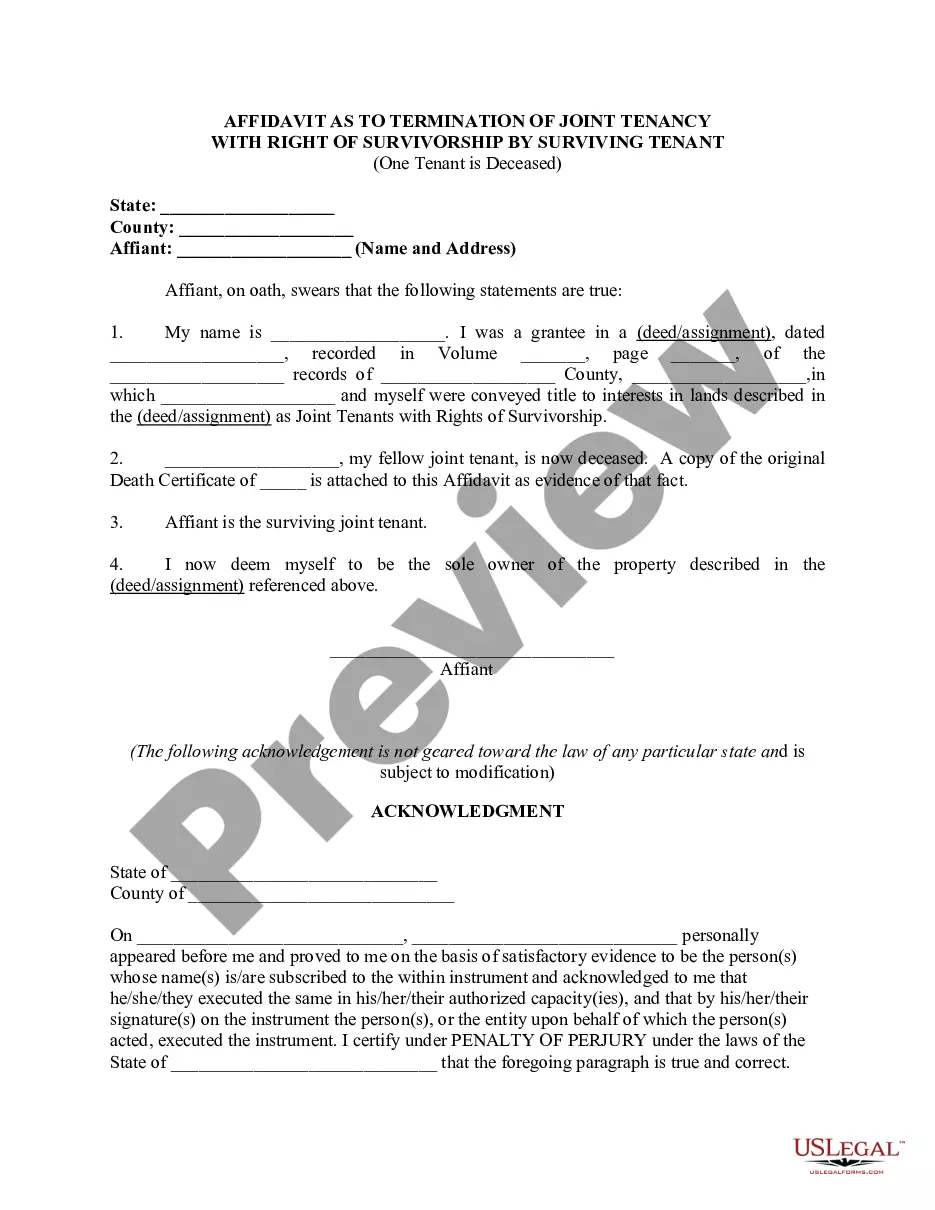
How to fill out Parental Permission And Medical Consent Form?
The Printable Parent Consent Documents For Minors presented on this page is a versatile official template crafted by expert attorneys in alignment with national and local laws and regulations.
For over 25 years, US Legal Forms has supplied individuals, companies, and legal experts with more than 85,000 validated, state-specific documents for any business and personal situation. It’s the fastest, simplest, and most trustworthy method to acquire the papers you require, as the service guarantees the utmost level of data security and anti-malware safeguards.
Choose the format you wish for your Printable Parent Consent Documents For Minors (PDF, DOCX, RTF) and download the example onto your device. Complete the document and sign it. Produce the template to fill it out manually. Alternatively, use an online multifunctional PDF editor to swiftly and accurately complete and sign your form with an eSignature. Re-download your paperwork whenever required. Access the My documents tab in your profile to retrieve any previously downloaded documents.
- Search for the document you require and verify it.
- Browse the file you searched and preview it or examine the form description to confirm it meets your needs. If it does not, utilize the search feature to locate the correct one. Click Buy Now when you have found the template you desire.
- Subscribe and Log In.
- Select the pricing option that fits you and create an account. Use PayPal or a credit card to make a quick payment. If you already have an account, Log In and check your subscription to move forward.
- Obtain the editable template.
Form popularity
FAQ
Customize the downloaded template or new letter with your child's information, including their full name, date of birth, or any relevant identification details. Provide specific details about the consent, such as the event or activity your child is participating in and any related dates or duration.
The consent form should describe if/when identifiable data will be destroyed and how such data will be protected and how it will be used or shared. Language - Consent forms should be written in the 2nd person (i.e., "you are") and in a language that is clear, concise, and understandable to the subject population.
How do I write a consent letter for my child to travel? List your child's name, birth date/place, and passport details. If needed, you can add details for an emergency contact. Sign the consent letter in front of a witness to validate it (the witness should also sign).
Explain the purpose or reason for which you are providing consent. Do not forget to mention all the necessary and relevant details, including date, event, place, name, etc.
Personal information: Fill in your personal details such as your name, date of birth, address, and contact information. 3. Signature and date: Sign and date the form to indicate your consent. Some forms may require a witness signature as well.