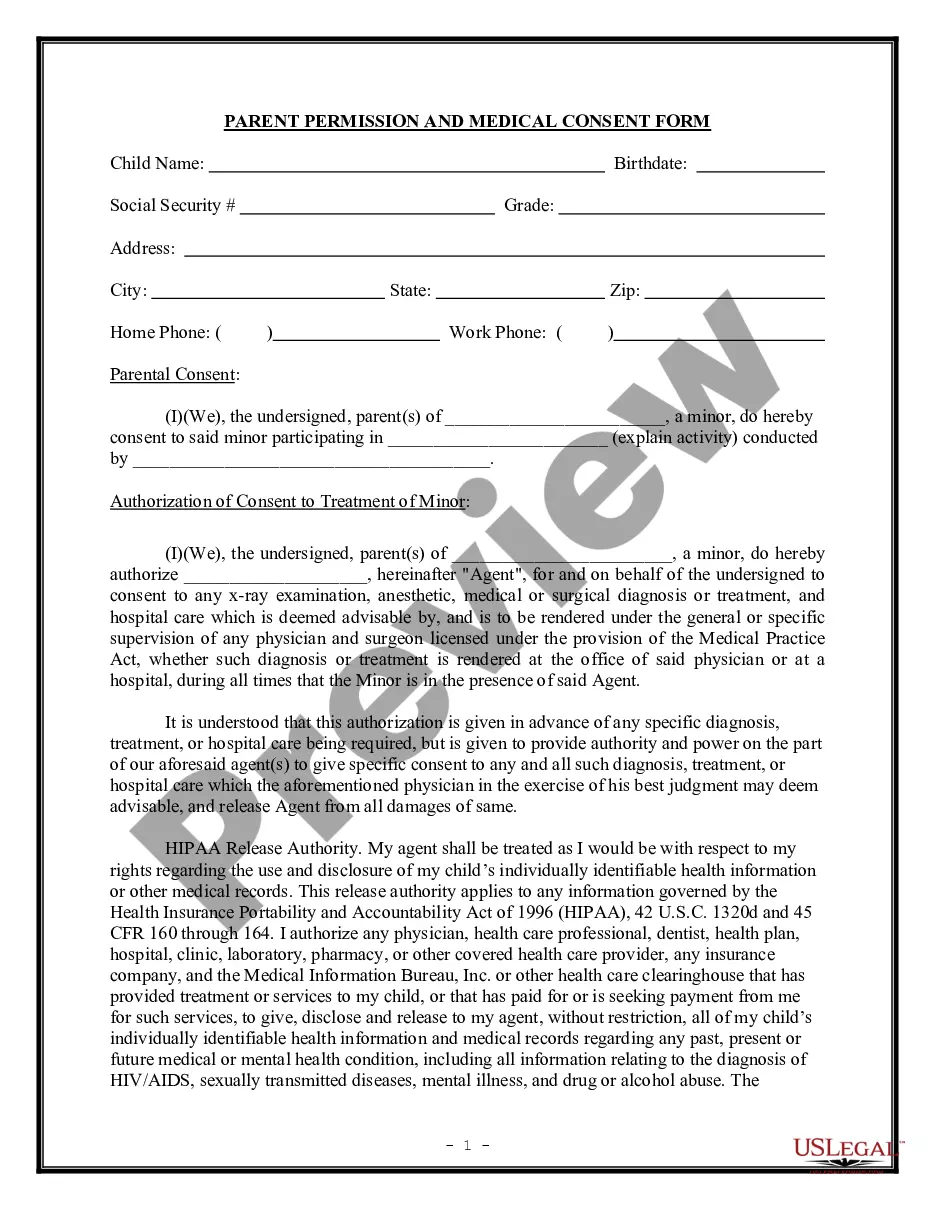
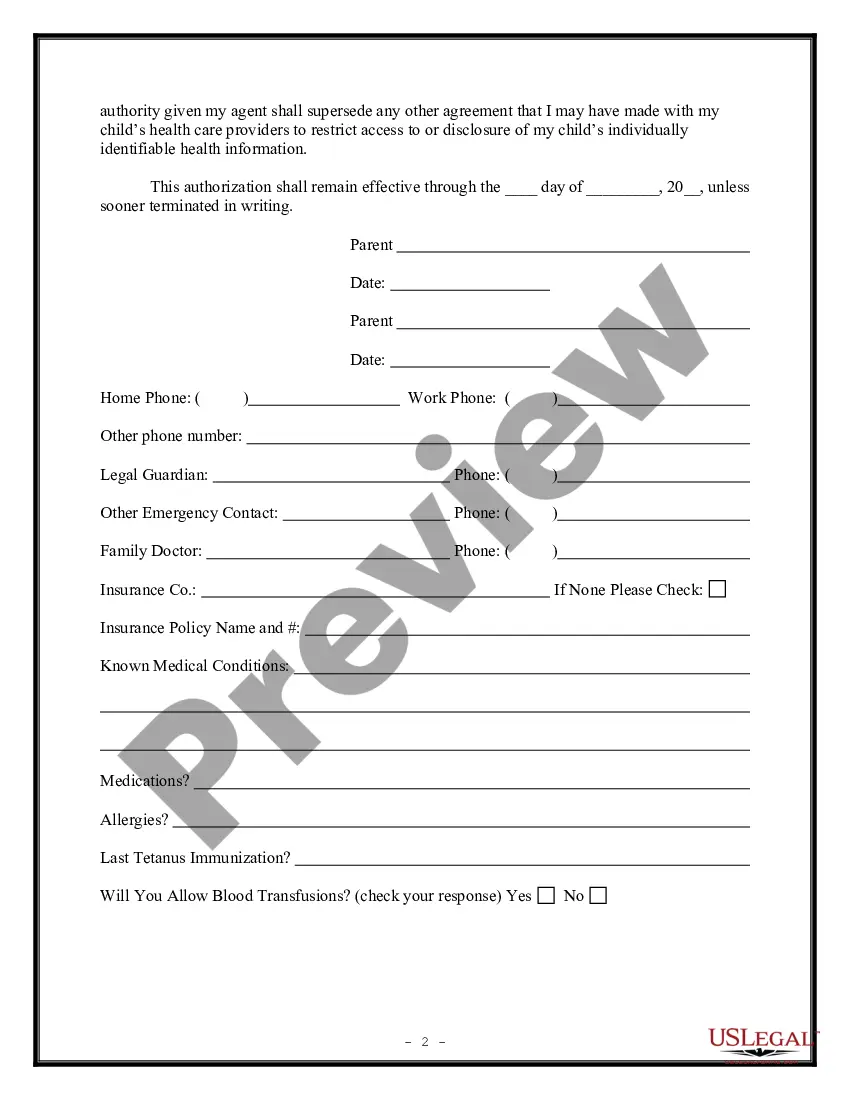
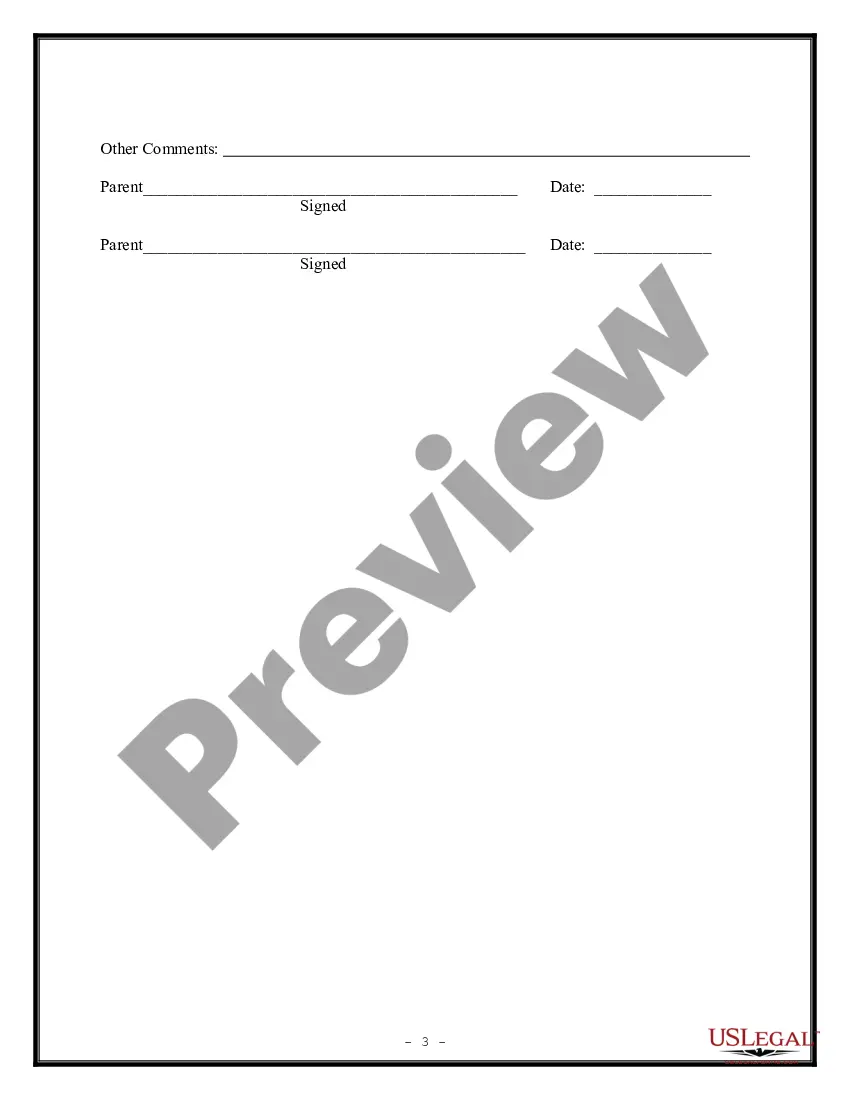
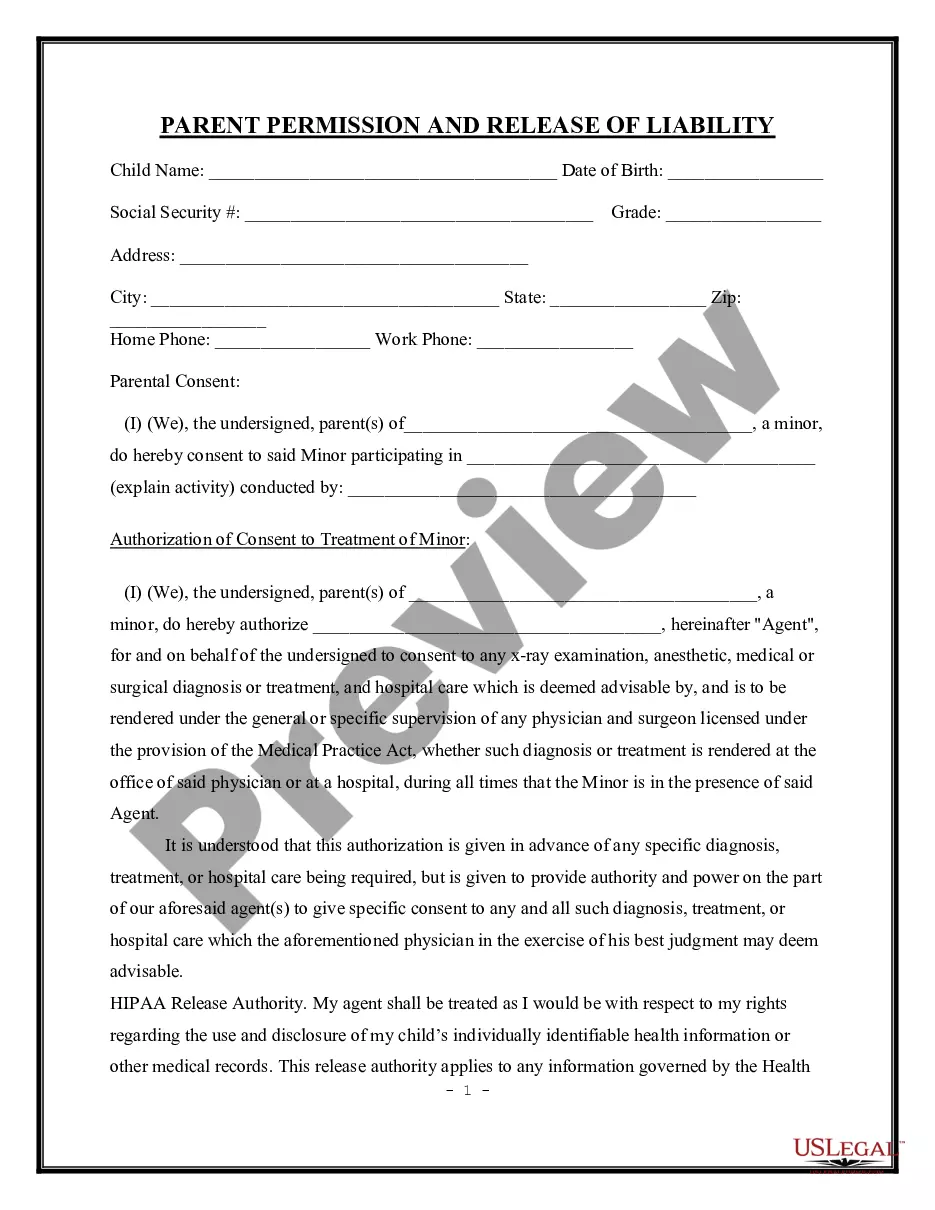
Child Medical Consent Form Indiana
Description
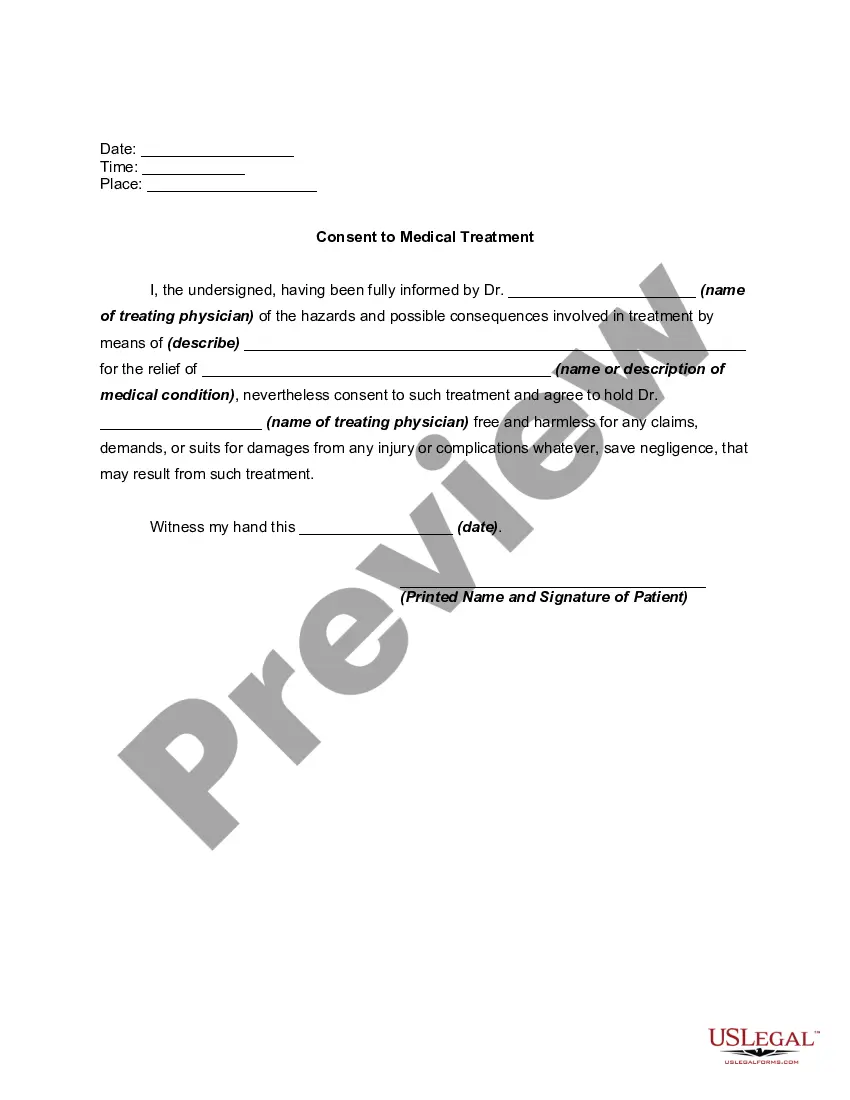
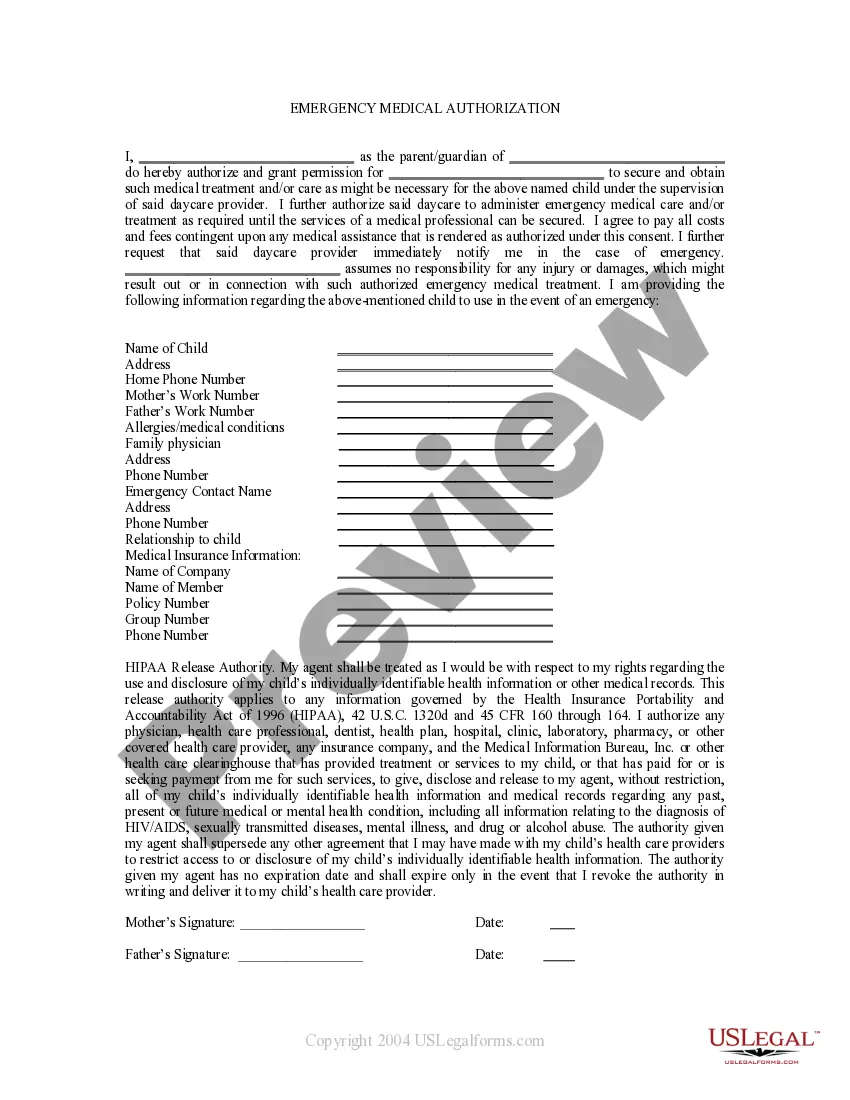
Get your form ready online
Our built-in tools help you complete, sign, share, and store your documents in one place.
Make edits, fill in missing information, and update formatting in US Legal Forms—just like you would in MS Word.
Download a copy, print it, send it by email, or mail it via USPS—whatever works best for your next step.
Sign and collect signatures with our SignNow integration. Send to multiple recipients, set reminders, and more. Go Premium to unlock E-Sign.
If this form requires notarization, complete it online through a secure video call—no need to meet a notary in person or wait for an appointment.
We protect your documents and personal data by following strict security and privacy standards.

Make edits, fill in missing information, and update formatting in US Legal Forms—just like you would in MS Word.

Download a copy, print it, send it by email, or mail it via USPS—whatever works best for your next step.

Sign and collect signatures with our SignNow integration. Send to multiple recipients, set reminders, and more. Go Premium to unlock E-Sign.

If this form requires notarization, complete it online through a secure video call—no need to meet a notary in person or wait for an appointment.

We protect your documents and personal data by following strict security and privacy standards.
Looking for another form?
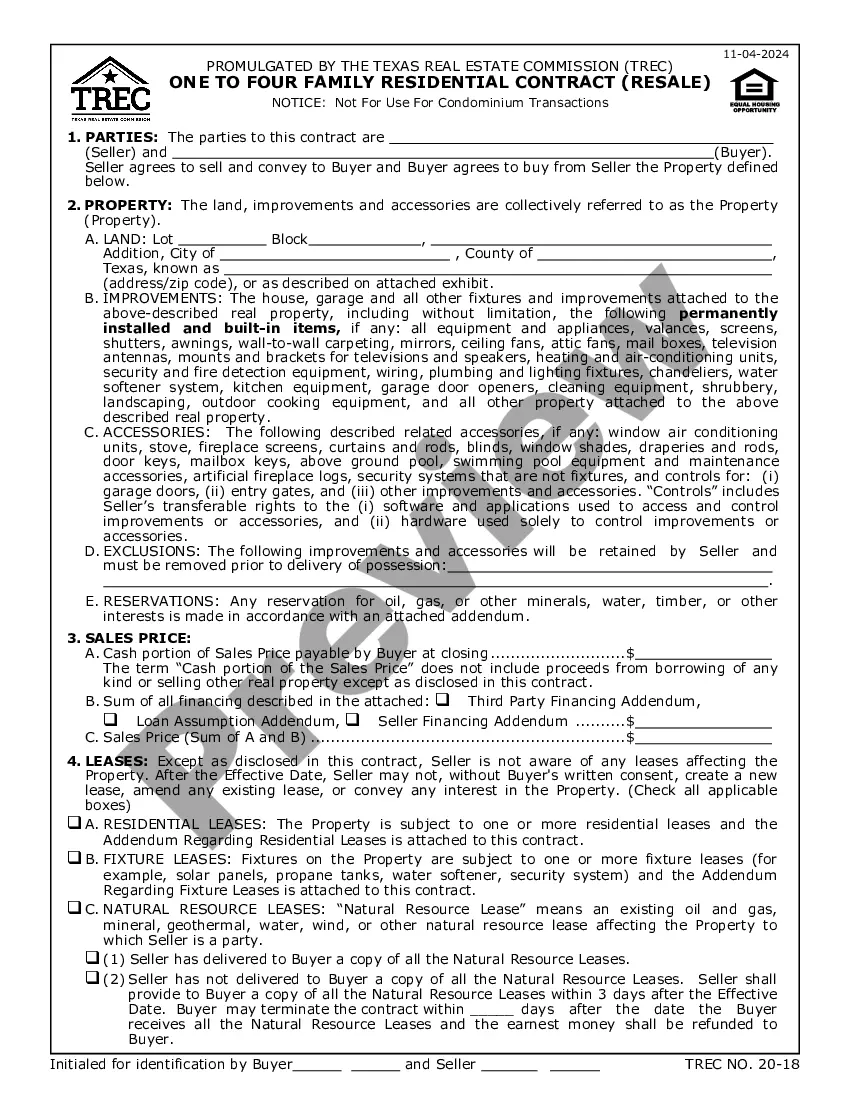

How to fill out Parental Permission And Medical Consent Form?
Handling legal documents can be daunting, even for experienced professionals.
If you need a Child Medical Consent Form Indiana and don’t have time to search for the correct and updated version, the process can be overwhelming.
With US Legal Forms, you can.
Utilize cutting-edge tools to complete and organize your Child Medical Consent Form Indiana.
Here are the steps to follow after locating the form you need.
- Access a variety of articles, guides, and resources tailored to your needs and circumstances.
- Save time and energy in finding the necessary documents and use US Legal Forms’ sophisticated search and Preview feature to find and obtain the Child Medical Consent Form Indiana.
- If you have a monthly subscription, Log In to your US Legal Forms account, look for the form, and retrieve it.
- Check the My documents tab to view the documents you’ve previously downloaded and manage your folders as needed.
- If it’s your first experience with US Legal Forms, create an account to enjoy unlimited access to all the platform's features.
- A comprehensive online form library could be transformative for anyone aiming to manage these situations effectively.
- US Legal Forms is a frontrunner in digital legal forms, boasting over 85,000 state-specific legal forms available whenever needed.
- They offer solutions for both personal and business documentation in one convenient place.
Form popularity
FAQ
Re: Restoring a prior version of your Form that has been edited and autosaved. @MarciAngela there's no way to restore a previous version of a form.
If you make a change you later regret, there's no way to find the version before this change. The only way to revert these changes is by doing so manually or simply clicking the Undo button a few times.
Restore an earlier version On your computer, open a document, spreadsheet, or presentation. Choose an option: At the top, click File Version history See version history. At the top right, click Last edit . In the right panel, choose an earlier version. At the top, click Restore this version Restore.
There is also no version history which makes it very difficult to reset the questions that have been overwritten.
2 ways to delete Google Forms responses (2023) - YouTube YouTube Start of suggested clip End of suggested clip So you can see all of them here. And then if I wanted to. I could actually just go through. And thenMoreSo you can see all of them here. And then if I wanted to. I could actually just go through. And then just delete them like that. I think actually the sheets.
Tip: If you don't see form tiles, you might be in "list view" instead of "tile view." To restore a form within "list view," hover to the right of the form, select More options, and then select Restore.