Employee Agreement For Company Vehicle
Description
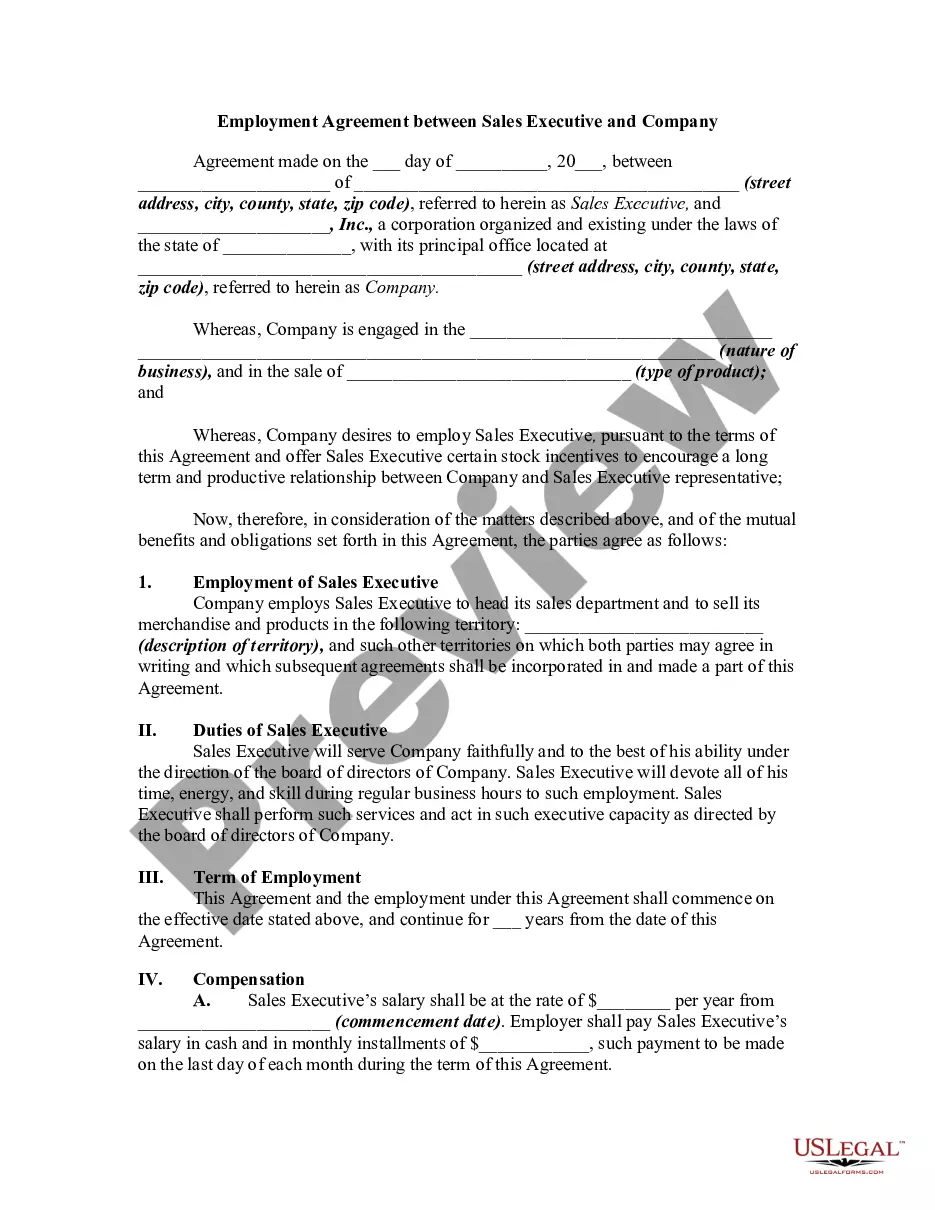
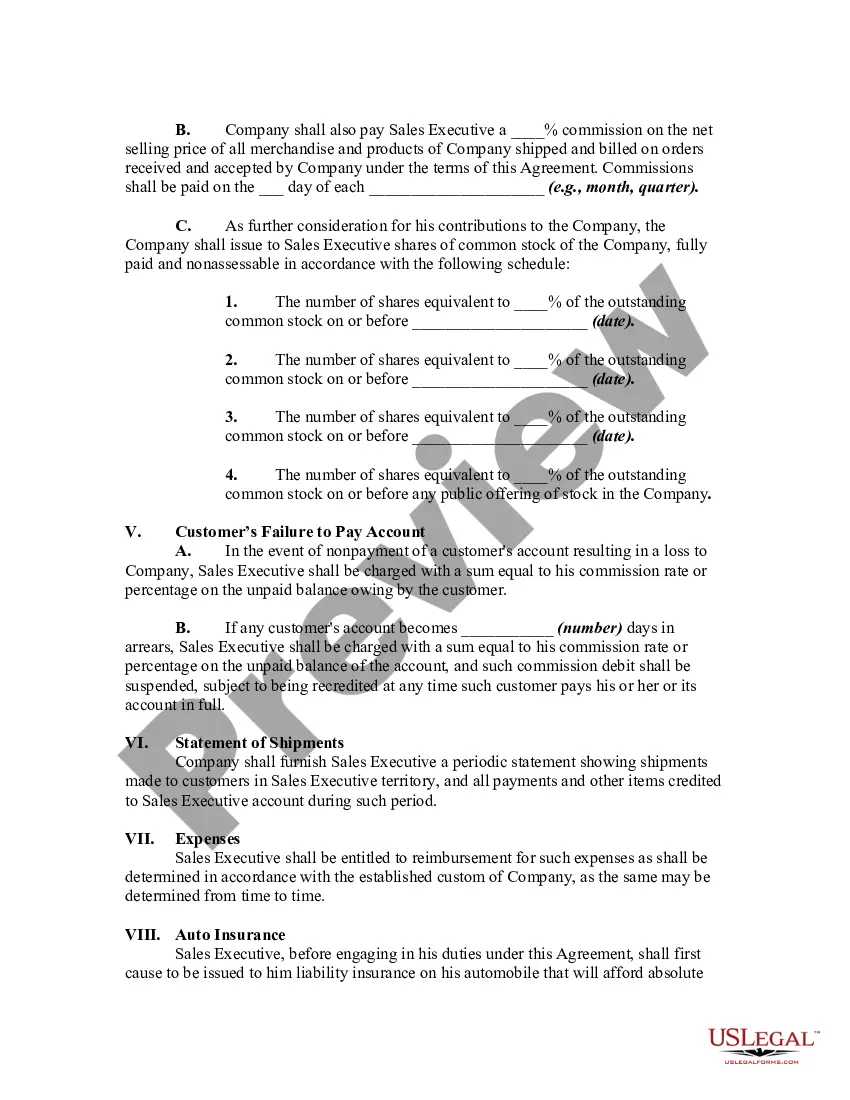
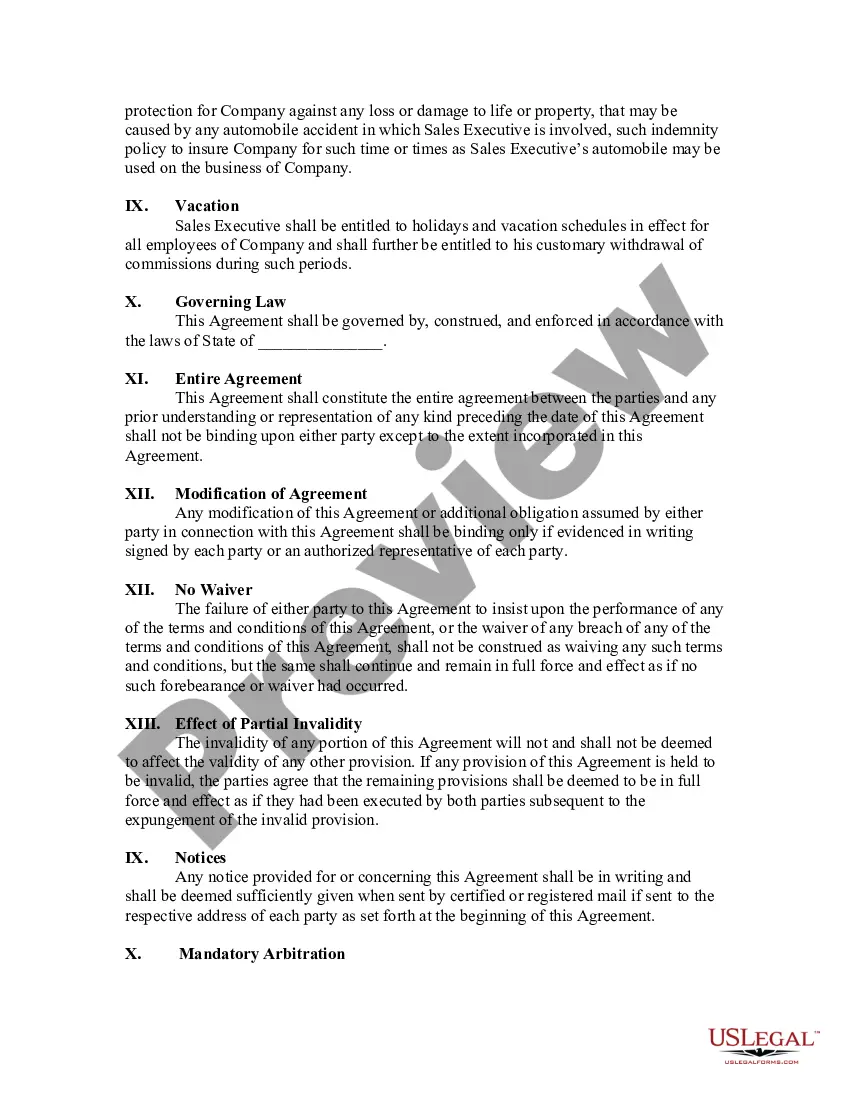
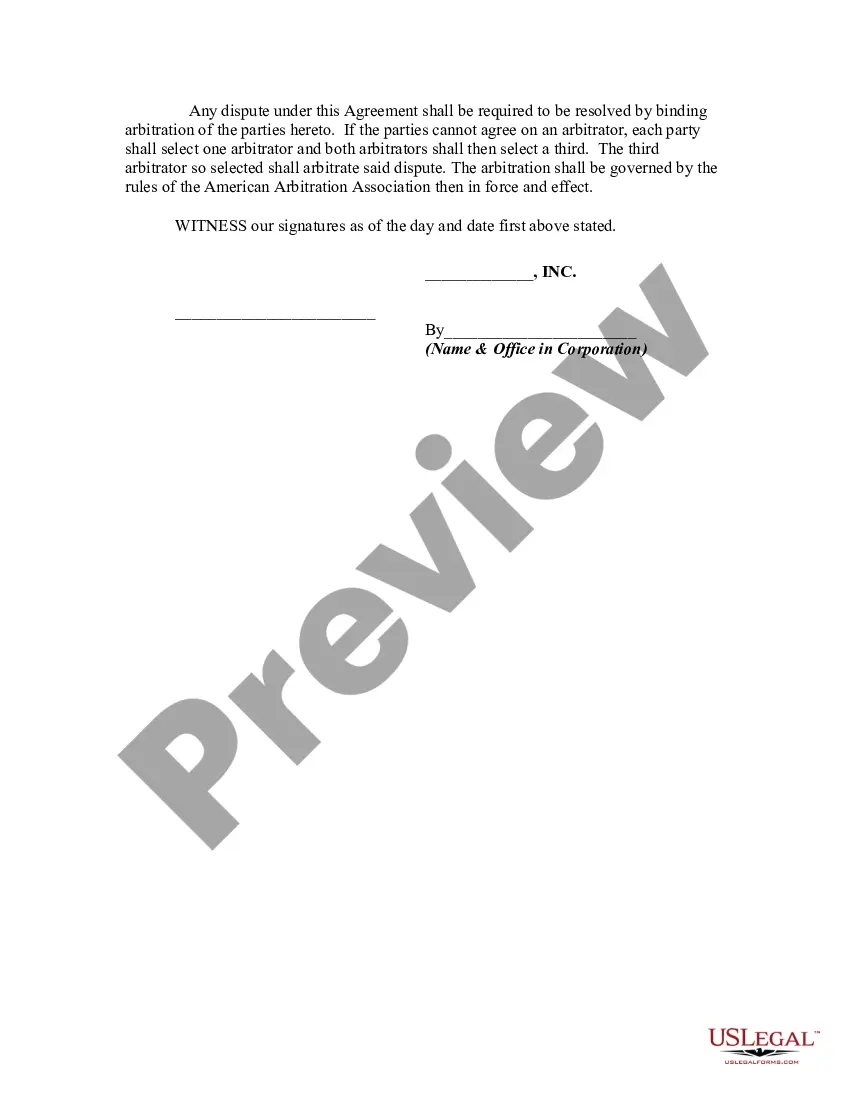
Get your form ready online
Our built-in tools help you complete, sign, share, and store your documents in one place.
Make edits, fill in missing information, and update formatting in US Legal Forms—just like you would in MS Word.
Download a copy, print it, send it by email, or mail it via USPS—whatever works best for your next step.
Sign and collect signatures with our SignNow integration. Send to multiple recipients, set reminders, and more. Go Premium to unlock E-Sign.
If this form requires notarization, complete it online through a secure video call—no need to meet a notary in person or wait for an appointment.
We protect your documents and personal data by following strict security and privacy standards.

Make edits, fill in missing information, and update formatting in US Legal Forms—just like you would in MS Word.

Download a copy, print it, send it by email, or mail it via USPS—whatever works best for your next step.

Sign and collect signatures with our SignNow integration. Send to multiple recipients, set reminders, and more. Go Premium to unlock E-Sign.

If this form requires notarization, complete it online through a secure video call—no need to meet a notary in person or wait for an appointment.

We protect your documents and personal data by following strict security and privacy standards.
Looking for another form?
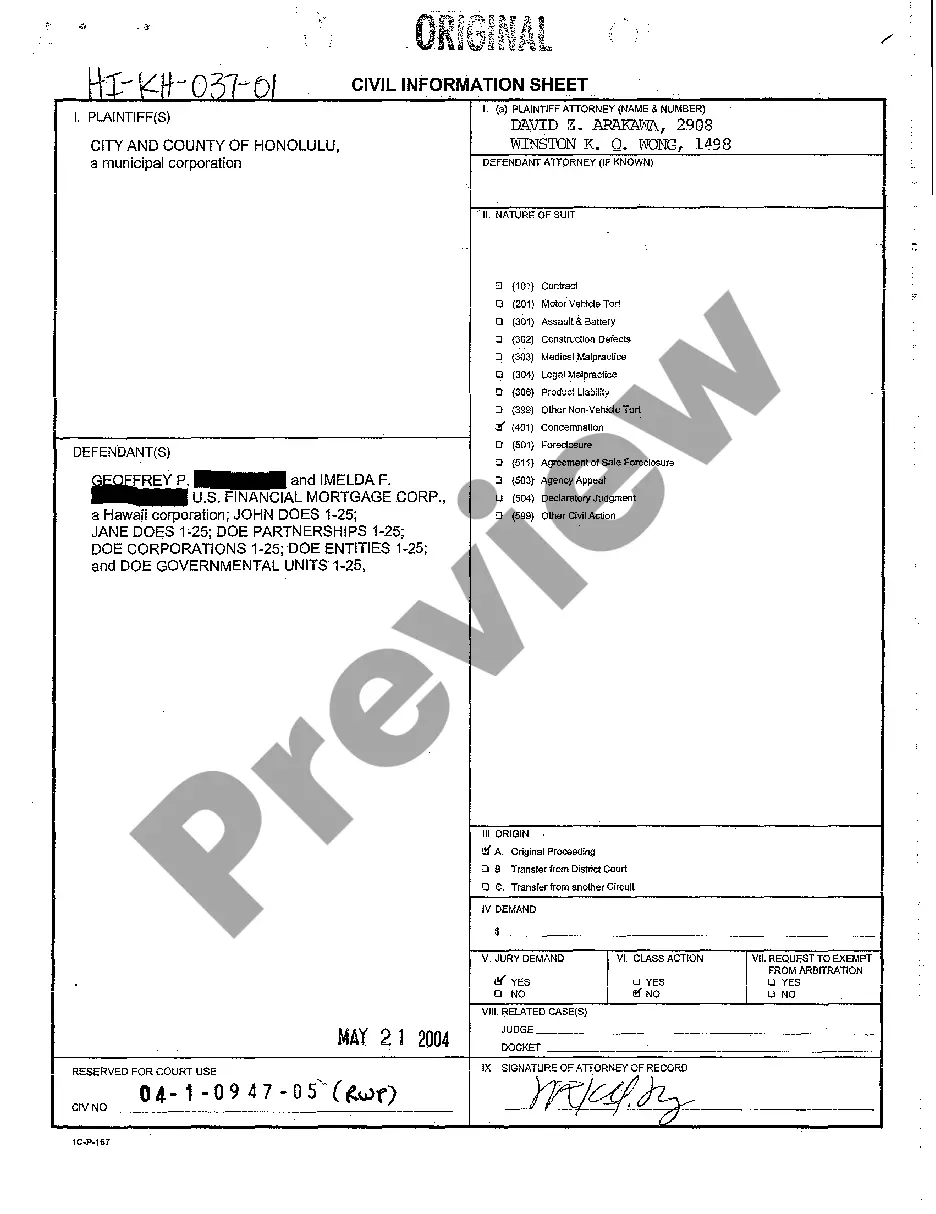
How to fill out Employment Agreement Between Sales Executive And Company?
Individuals frequently connect official documentation with something complex that only an expert can handle.
In a sense, this is accurate, as preparing Employee Agreement For Company Vehicle demands considerable expertise in subject requirements, such as state and local statutes.
Nonetheless, with US Legal Forms, the process has become simpler: a collection of ready-to-use legal templates for every life and business occasion tailored to state regulations is available in one online library for all.
All templates in our collection are reusable: once purchased, they remain stored in your profile. You can access them whenever needed via the My documents tab. Explore all the benefits of using the US Legal Forms platform. Subscribe today!
- Review the page content thoroughly to confirm it meets your requirements.
- Examine the form description or view it through the Preview option.
- If the previous sample doesn't meet your needs, find another one using the Search field above.
- Once you locate the correct Employee Agreement For Company Vehicle, click Buy Now.
- Select a pricing plan that fits your needs and budget.
- Proceed to register for an account or Log In to access the payment page.
- Complete payment for your subscription using PayPal or a credit card.
- Choose the file format and click Download.
- Print your document or upload it to an online editor for a faster fill-out.
Form popularity
FAQ
The tax office considers a company car a perk with an associated financial gain. This is an in-kind benefit that an employee receives from the employer. A financial gain is always subject to income tax and social security.
The scheme works something like this: The car is in the company's name, but the employee is free to use the vehicle for both official and as well as personal work. Some companies even reimburse the fuel expenses incurred (as per law, it is permitted only for official purpose) up to a pre-set limit.
Car owned by the employer Value of car used only for personal purposes. If the car provided by the employer is solely used for personal reasons and if the expenditure is borne by the employer completely, the entire amount will be taxable. No benefit can be availed by the employee in this regard.
For many years, offering usage of a company car to employees has been a significant non-cash benefit. Company cars increase personal mobility, make it easy for staff to access your workplace and offer serious value to employees.
The actual business kilometres of 12,000 may be annualised to 28,800 kilometres:- 12,000. kilometres x 12 / 5 = 28,800 The benefit-in-kind calculation is: Benefit-in-kind is equal to the cash equivalent of the benefit of the car less 20ac750 (amounts made good).