Special Needs Trust Information For California
Description


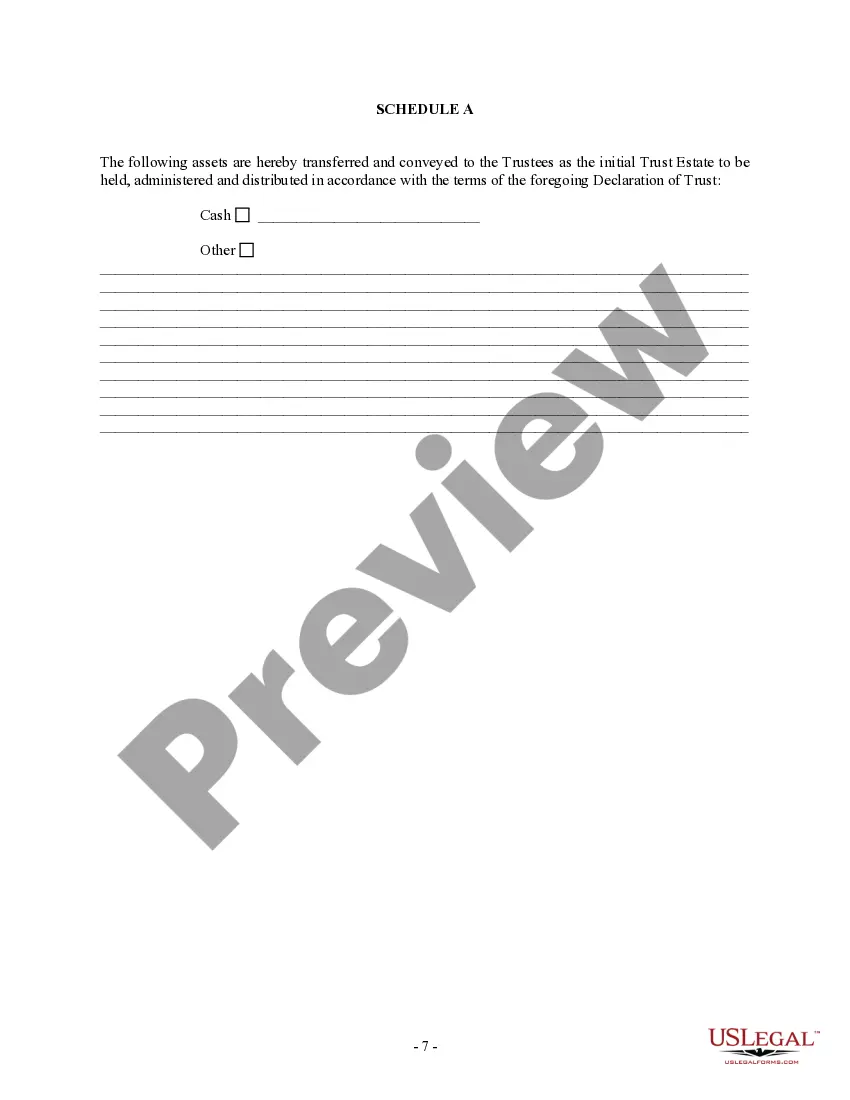
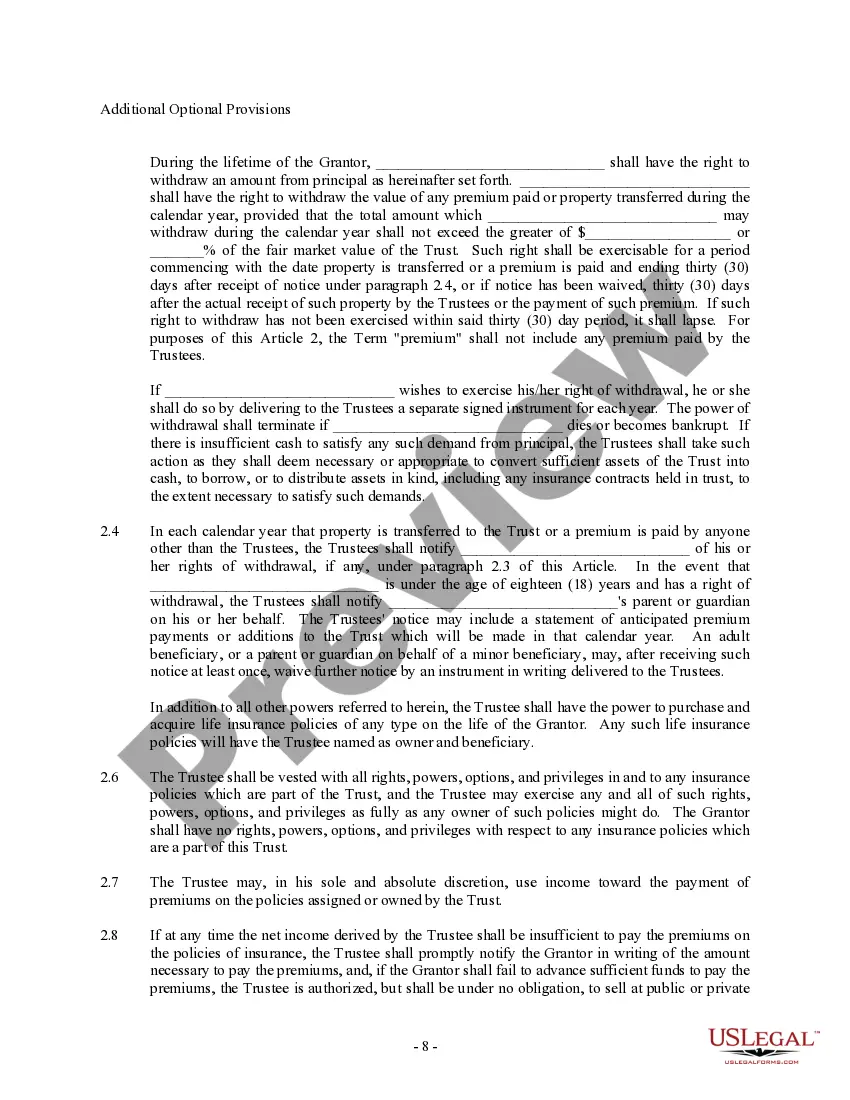
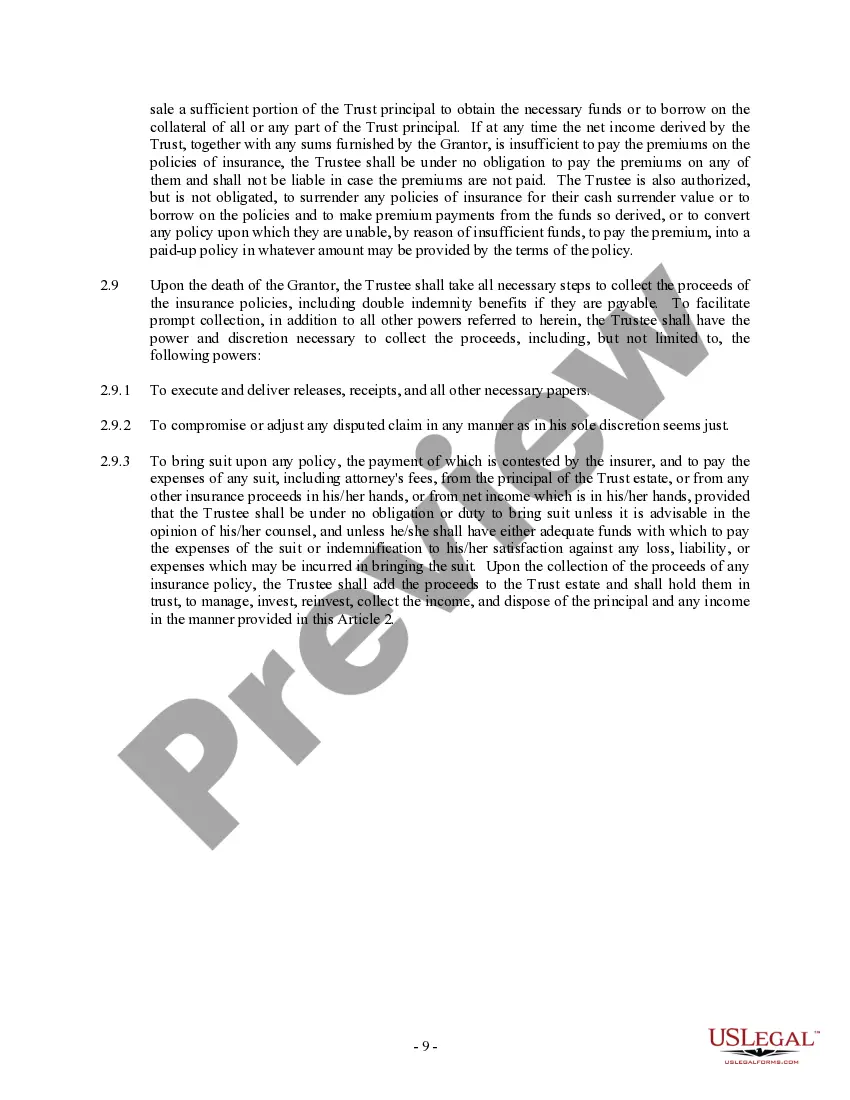
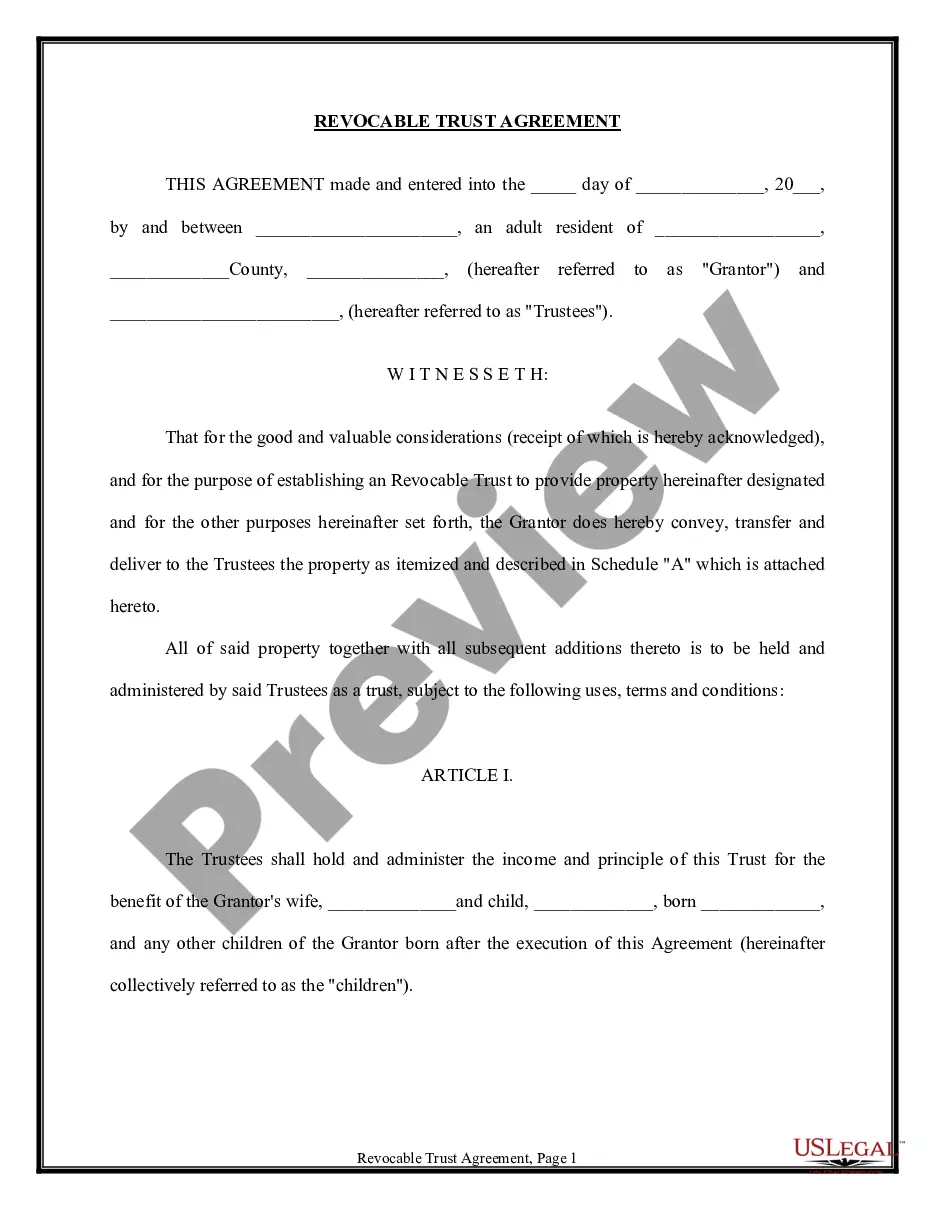


Get your form ready online
Our built-in tools help you complete, sign, share, and store your documents in one place.
Make edits, fill in missing information, and update formatting in US Legal Forms—just like you would in MS Word.
Download a copy, print it, send it by email, or mail it via USPS—whatever works best for your next step.
Sign and collect signatures with our SignNow integration. Send to multiple recipients, set reminders, and more. Go Premium to unlock E-Sign.
If this form requires notarization, complete it online through a secure video call—no need to meet a notary in person or wait for an appointment.
We protect your documents and personal data by following strict security and privacy standards.

Make edits, fill in missing information, and update formatting in US Legal Forms—just like you would in MS Word.

Download a copy, print it, send it by email, or mail it via USPS—whatever works best for your next step.

Sign and collect signatures with our SignNow integration. Send to multiple recipients, set reminders, and more. Go Premium to unlock E-Sign.

If this form requires notarization, complete it online through a secure video call—no need to meet a notary in person or wait for an appointment.

We protect your documents and personal data by following strict security and privacy standards.
Looking for another form?




How to fill out Trust Agreement - Family Special Needs?
Whether for corporate reasons or personal matters, everyone eventually encounters legal situations in their lives.
Filling out legal paperwork requires meticulous attention, starting from choosing the correct form version.
With an extensive US Legal Forms collection available, you won't need to waste time searching for the correct template across the web. Utilize the library’s user-friendly navigation to find the right document for any occasion.
- Locate the document you require by using the search feature or catalog navigation.
- Review the form’s description to ensure it aligns with your circumstances, state, and county.
- Click on the form’s preview to inspect it.
- If it is the wrong document, return to the search option to find the Special Needs Trust Information For California form you seek.
- Obtain the file when it meets your specifications.
- If you already possess a US Legal Forms account, click Log in to access previously saved documents in My documents.
- If you have yet to create an account, you can download the form by clicking Buy now.
- Select the appropriate pricing choice.
- Complete the profile registration form.
- Choose your payment method: either a credit card or PayPal account.
- Select the desired file format and download the Special Needs Trust Information For California.
- Once downloaded, you can fill out the form using editing software or print it and complete it by hand.
Form popularity
FAQ
Special needs trusts are typically created in conjunction with a special needs attorney, which can cost anywhere from $2,000?$5,000 (you may consider asking the attorney you choose if they will consider setting up a payment plan).
Commonly, family members will create a SNT and leave money and property to that trust through their estate plan (their will, trust, life insurance, or other beneficiary designation). The trustee of that trust then uses trust funds to support the person with special needs.
How to create a living trust in California Take stock of your assets. ... Choose a trustee. ... Choose your beneficiaries. ... Draw up your Declaration of Trust. ... Consider signing your trust document in front of a notary public. ... Transfer your property to the trust.
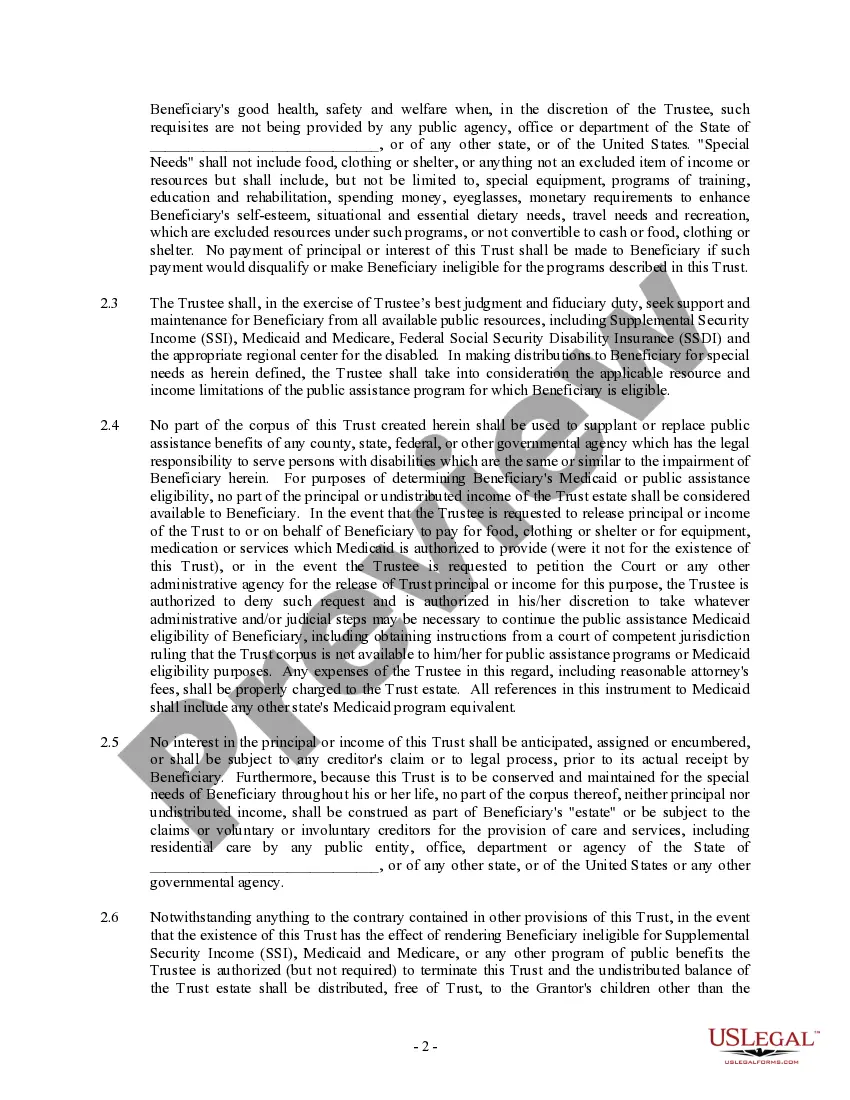
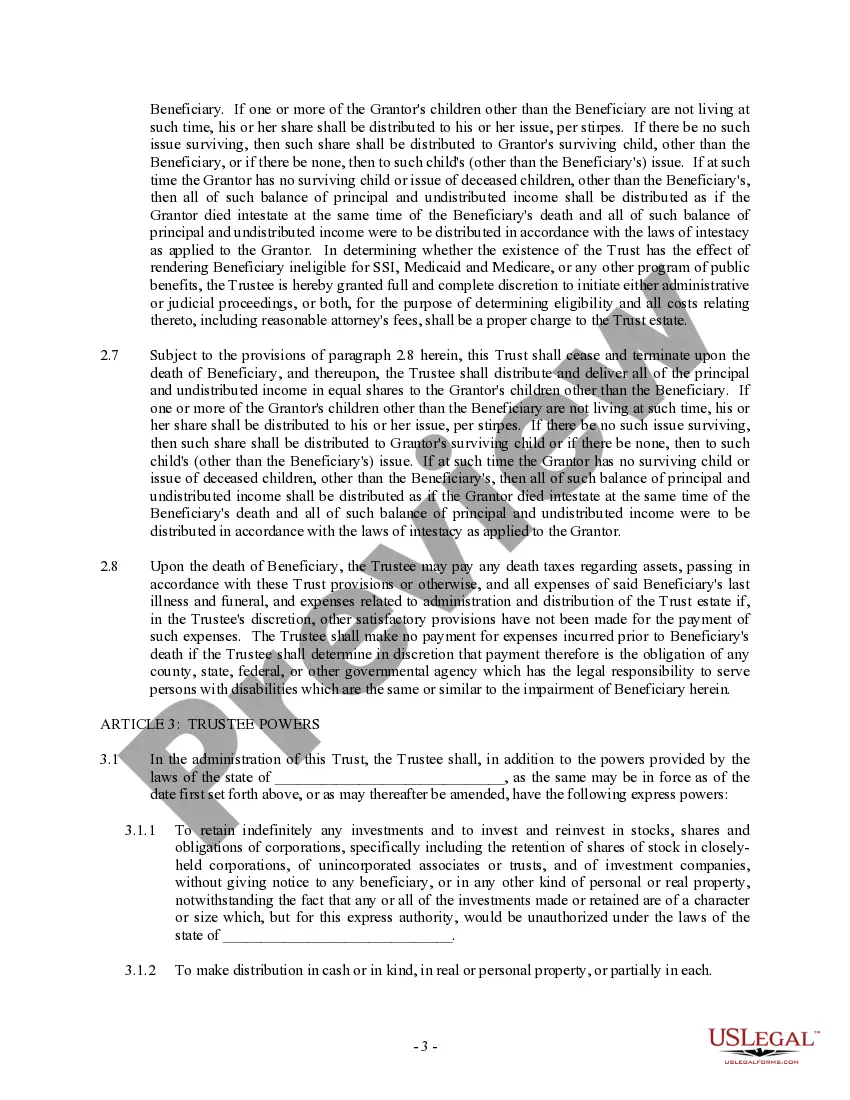
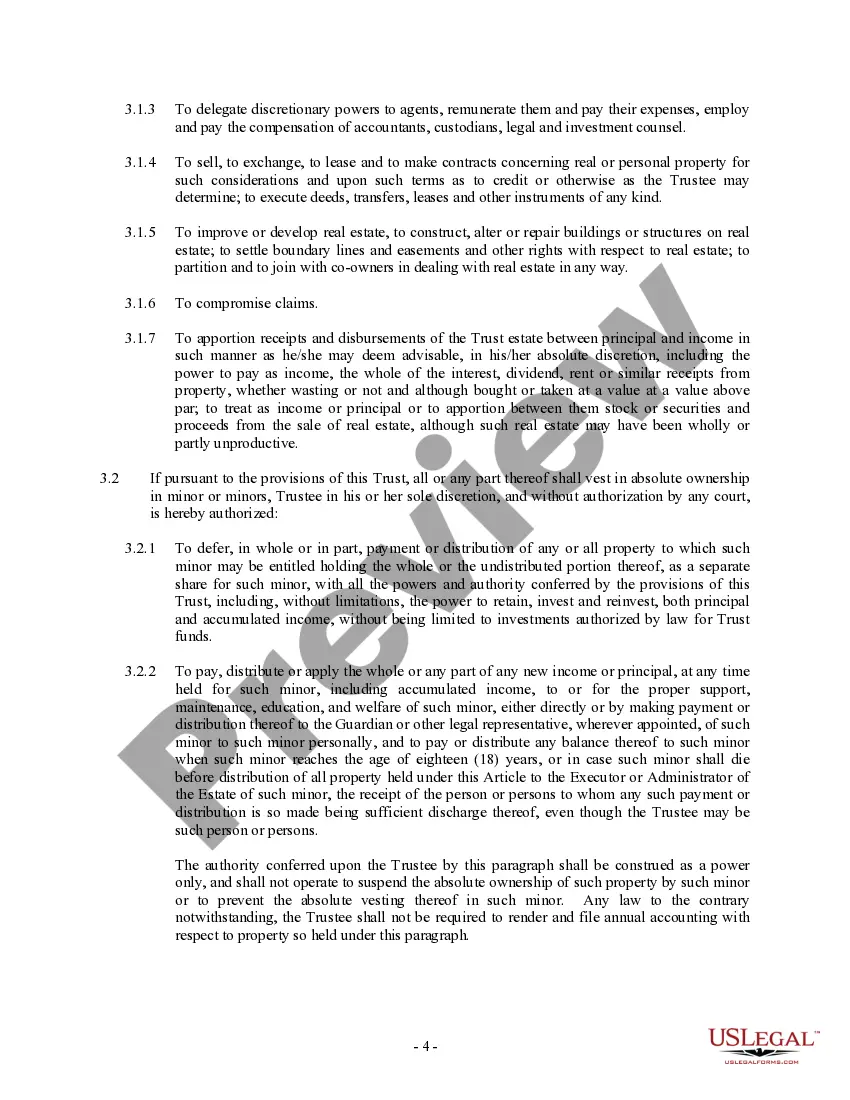
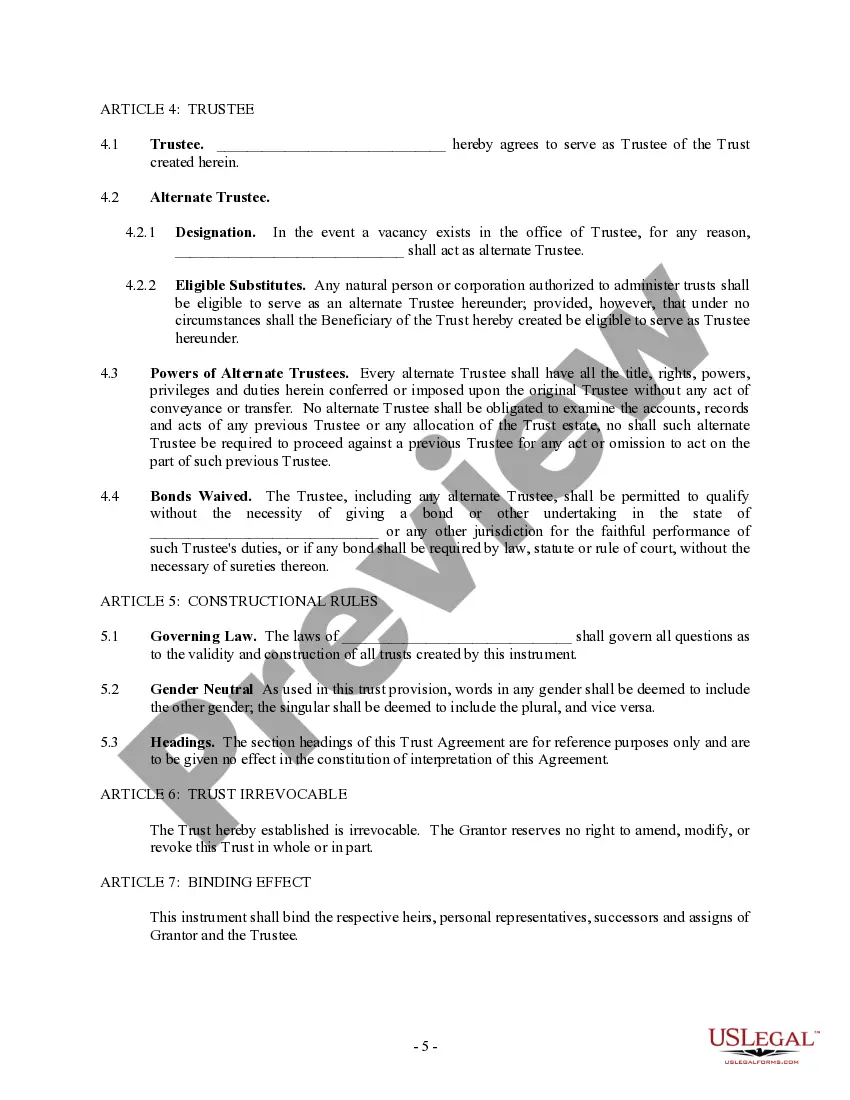
The Special Needs Trust can be used to provide for the needs of a person with a disability and supplement benefits received from various governmental assistance programs, including SSI and Medi-Cal. A trust can hold cash, real property, personal property and can be the beneficiary of life insurance policies.
Third-Party Special Needs Trusts Commonly, family members will create a SNT and leave money and property to that trust through their estate plan (their will, trust, life insurance, or other beneficiary designation). The trustee of that trust then uses trust funds to support the person with special needs.