Contract Real Estate Law Without A License
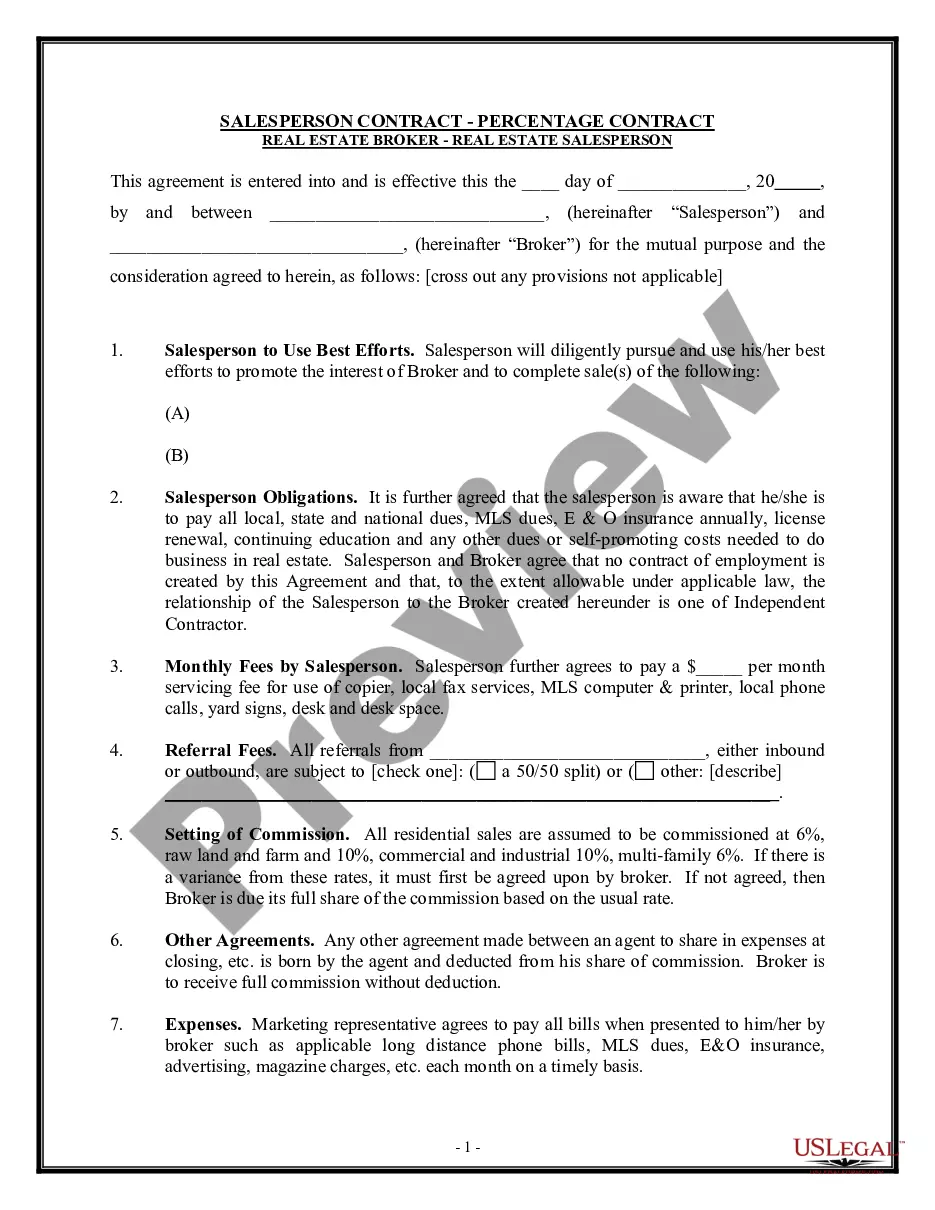
Description

Get your form ready online
Our built-in tools help you complete, sign, share, and store your documents in one place.
Make edits, fill in missing information, and update formatting in US Legal Forms—just like you would in MS Word.
Download a copy, print it, send it by email, or mail it via USPS—whatever works best for your next step.
Sign and collect signatures with our SignNow integration. Send to multiple recipients, set reminders, and more. Go Premium to unlock E-Sign.
If this form requires notarization, complete it online through a secure video call—no need to meet a notary in person or wait for an appointment.
We protect your documents and personal data by following strict security and privacy standards.

Make edits, fill in missing information, and update formatting in US Legal Forms—just like you would in MS Word.

Download a copy, print it, send it by email, or mail it via USPS—whatever works best for your next step.

Sign and collect signatures with our SignNow integration. Send to multiple recipients, set reminders, and more. Go Premium to unlock E-Sign.

If this form requires notarization, complete it online through a secure video call—no need to meet a notary in person or wait for an appointment.

We protect your documents and personal data by following strict security and privacy standards.
Looking for another form?
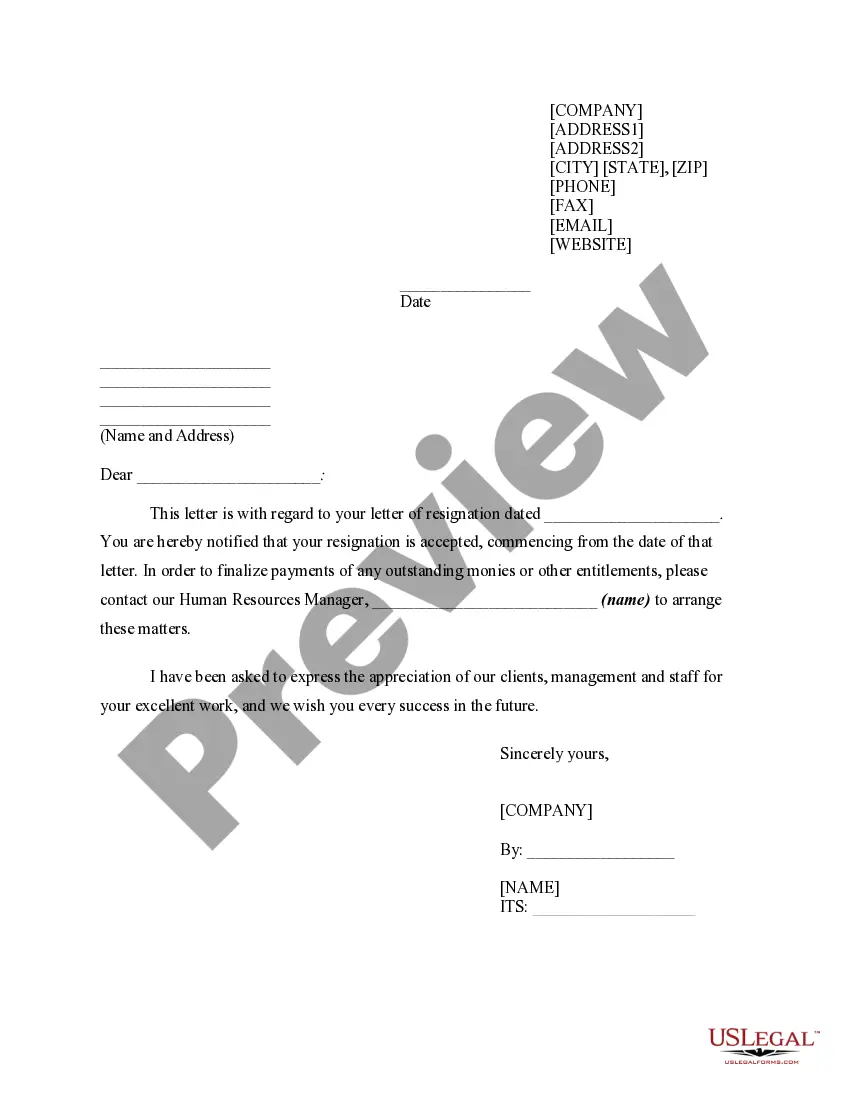
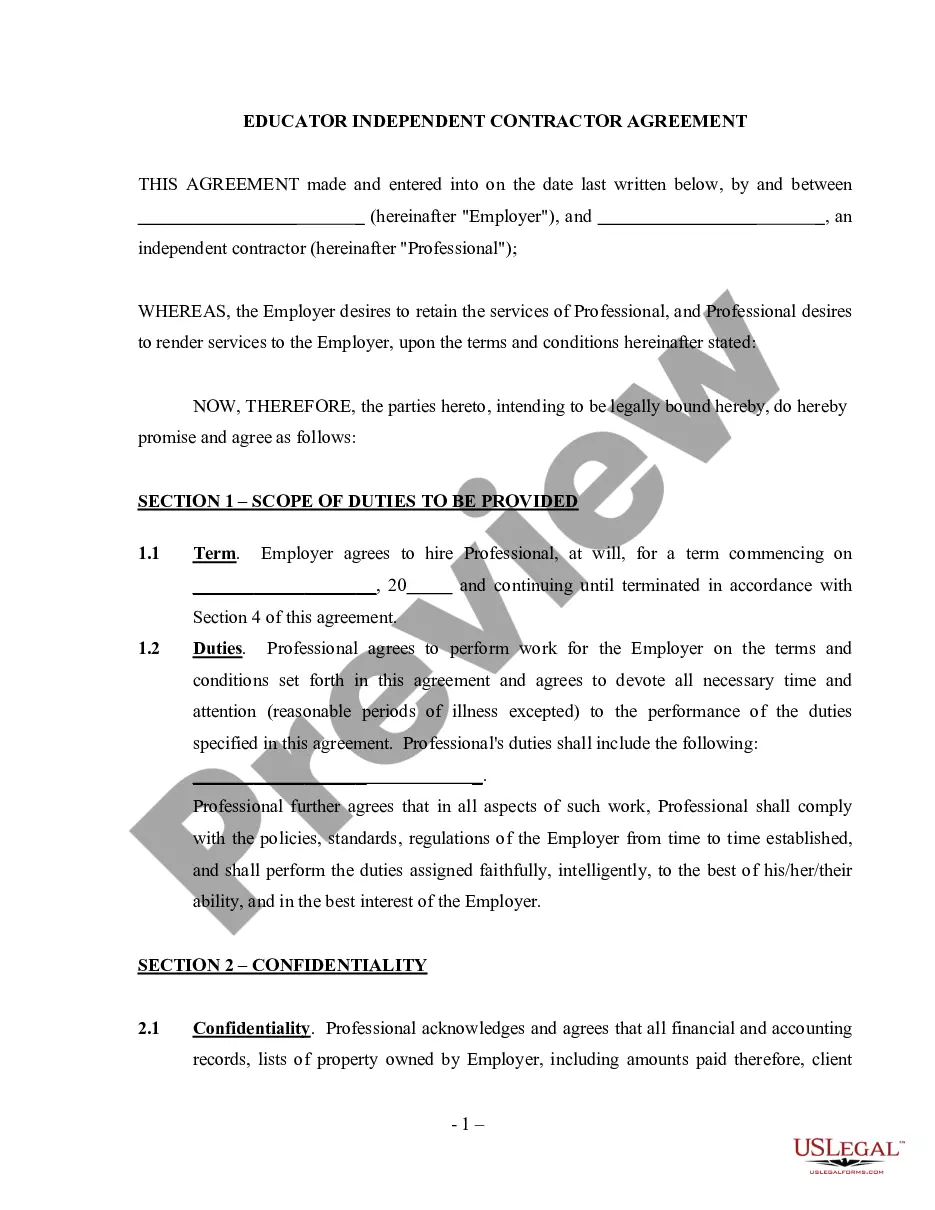
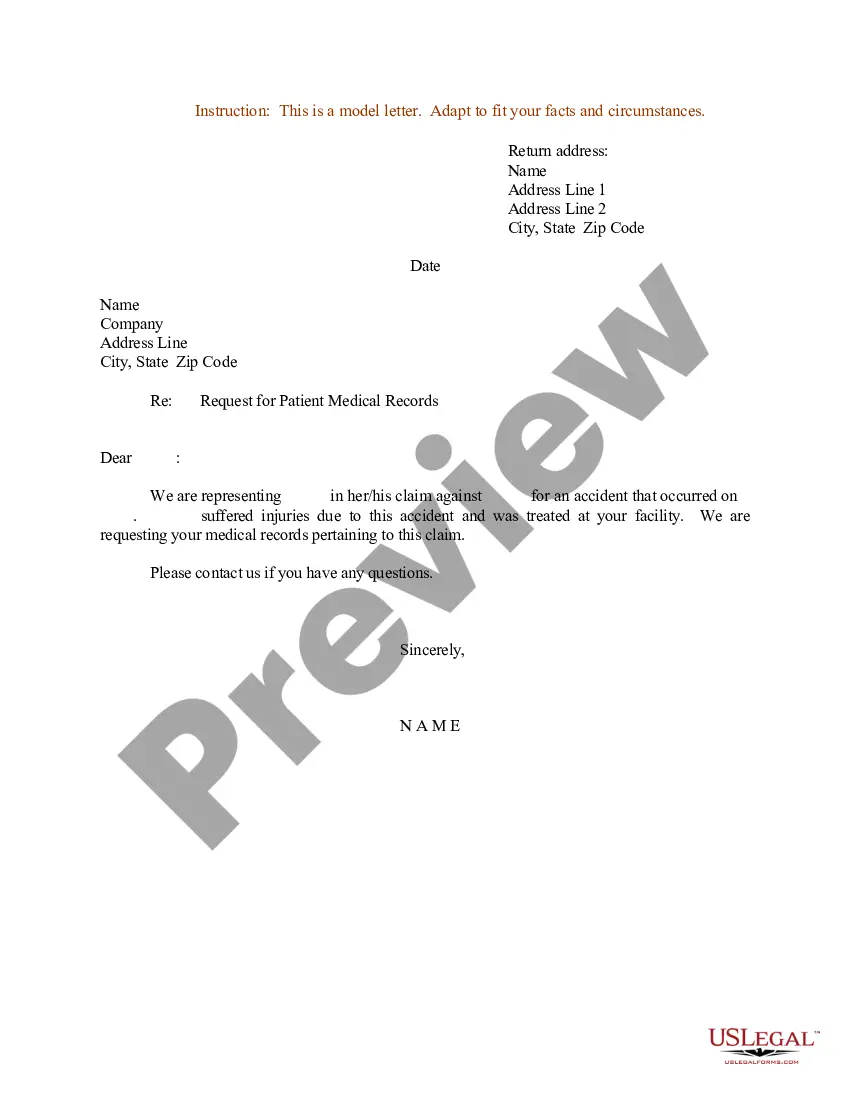
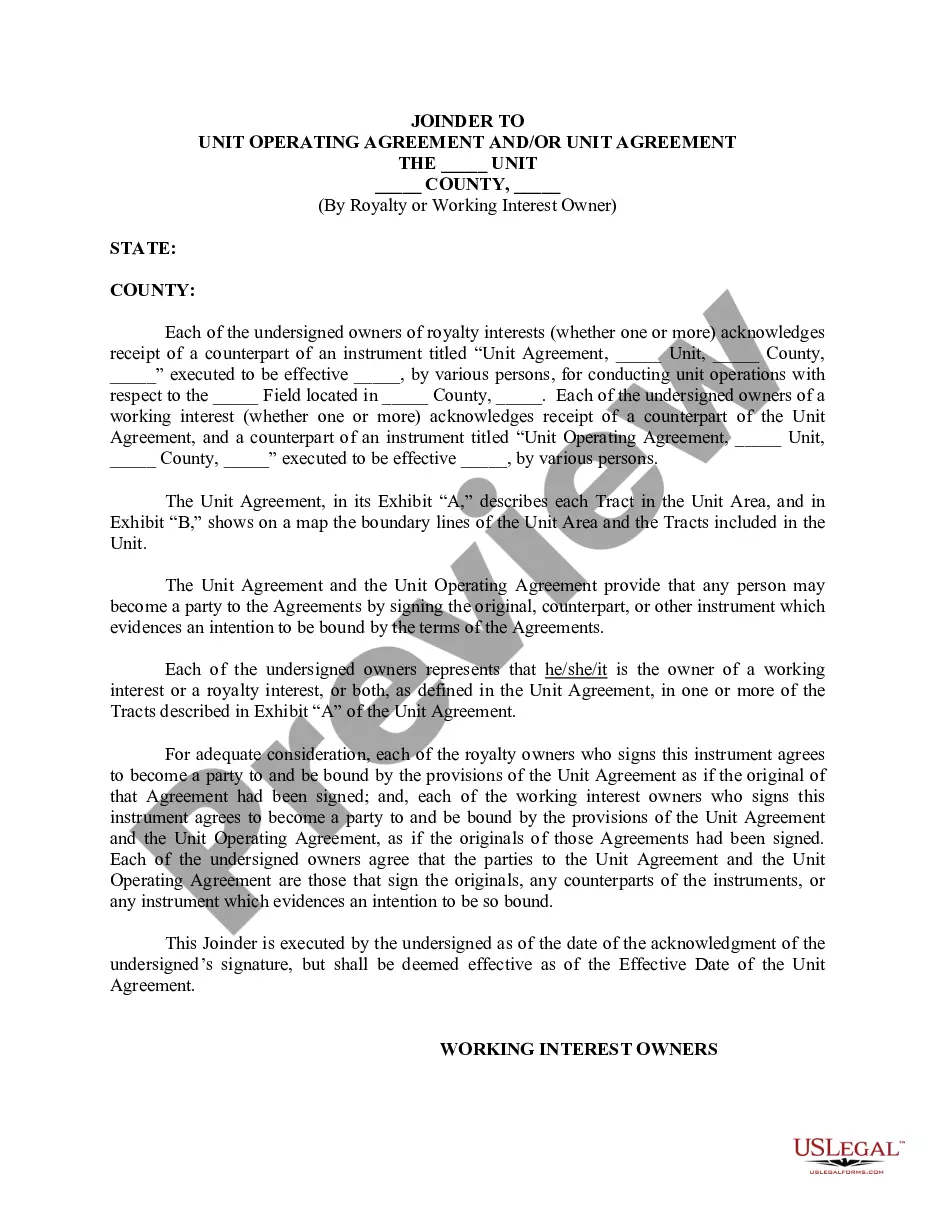




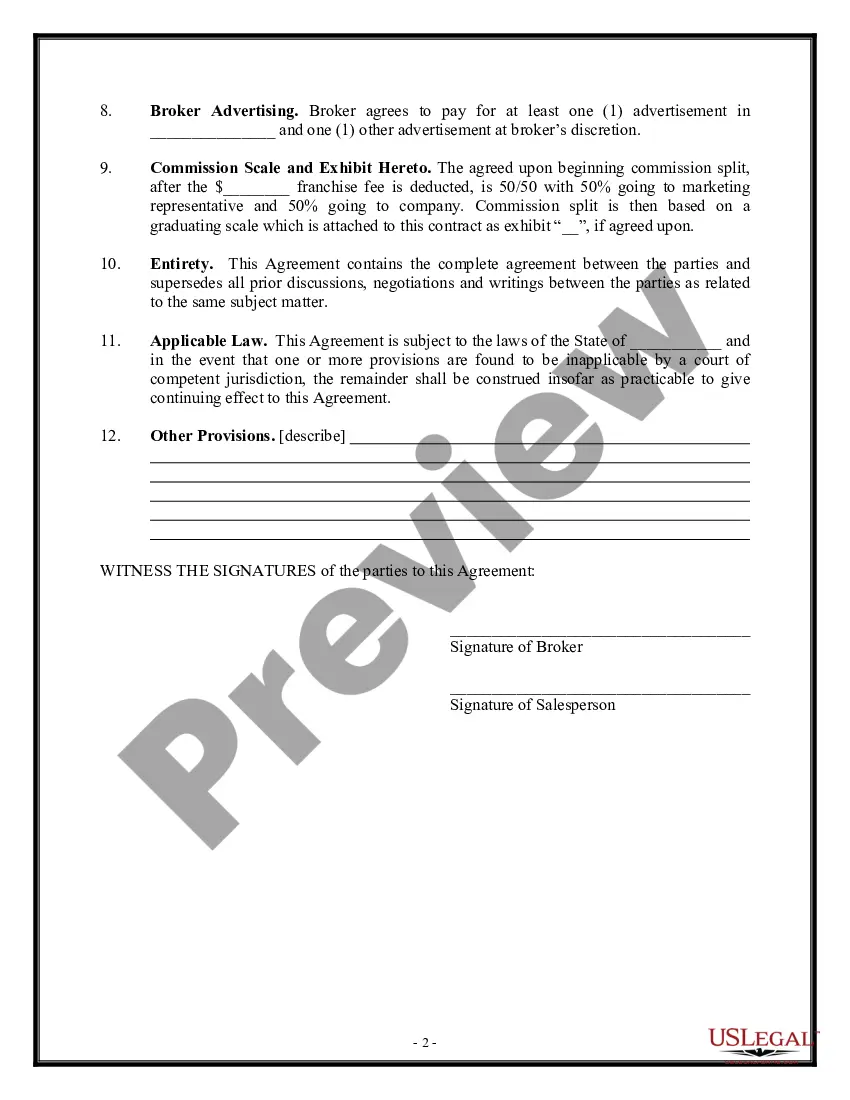
How to fill out Salesperson Contract - Percentage Contract - Asset Purchase Transaction?
Regardless of whether it’s for corporate reasons or personal matters, everyone must confront legal issues at some stage in their existence.
Completing legal documentation requires meticulous focus, starting with choosing the appropriate form template. For example, if you select the incorrect version of the Contract Real Estate Law Without A License, it will be rejected upon submission. Thus, it is vital to have a trustworthy resource for legal documents like US Legal Forms.
With an extensive US Legal Forms catalog available, you will never have to waste time searching for the right template online. Utilize the library’s user-friendly navigation to find the suitable form for any circumstance.
- Locate the template you require by utilizing the search bar or browsing the catalog.
- Review the form's description to confirm it aligns with your circumstances, state, and locality.
- Click on the form's preview to inspect it.
- If it is the wrong document, return to the search feature to find the Contract Real Estate Law Without A License template you need.
- Obtain the template when it suits your requirements.
- If you already possess a US Legal Forms account, simply click Log in to access previously saved documents in My documents.
- If you do not have an account yet, you can acquire the form by clicking Buy now.
- Select the appropriate pricing option.
- Complete the account registration form.
- Choose your payment method: either a credit card or PayPal account.
- Select the document format you desire and download the Contract Real Estate Law Without A License.
- Once downloaded, you can fill out the form using editing software or print it and complete it manually.
Form popularity
FAQ
Consequences for backing out of a sale vary depending on the stage of the sale, the conditions of the agreement and whether it's been signed, how the seller or buyer chooses to pursue legal action and other factors. If you've already put in an offer on a home, you'll likely lose the deposit you put down.
At its most basic, a purchase agreement should include the following: Name and contact information for buyer and seller. The address of the property being sold. The price to be paid for the property. The date of transfer. Disclosures. Contingencies. Signatures.
If you want to add or remove a buyer after you've already signed a purchase contract, you may be able to do so by executing an addendum or assignment of the contract. You should discuss any changes to the buyers and/or the type of ownership with your lender if you've already arranged for financing.
A buyer can pull out of a house sale after contracts have been exchanged, but there are legal and financial consequences to this. If a buyer pulls out of a house sale after contracts have been exchanged, they will forfeit their deposit and may be liable for other costs incurred by the seller.
How to Fill Out OREA Form 100? Step 1: On the first page, you need to write down the name of a buyer and a seller. Step 2: Complete the details on the property, including address and frontage. Step 3: Name the purchase price and the deposit you are ready to pay as a buyer.