Sworn Statement Affidavit In India
Description

Get your form ready online
Our built-in tools help you complete, sign, share, and store your documents in one place.
Make edits, fill in missing information, and update formatting in US Legal Forms—just like you would in MS Word.
Download a copy, print it, send it by email, or mail it via USPS—whatever works best for your next step.
Sign and collect signatures with our SignNow integration. Send to multiple recipients, set reminders, and more. Go Premium to unlock E-Sign.
If this form requires notarization, complete it online through a secure video call—no need to meet a notary in person or wait for an appointment.
We protect your documents and personal data by following strict security and privacy standards.

Make edits, fill in missing information, and update formatting in US Legal Forms—just like you would in MS Word.

Download a copy, print it, send it by email, or mail it via USPS—whatever works best for your next step.

Sign and collect signatures with our SignNow integration. Send to multiple recipients, set reminders, and more. Go Premium to unlock E-Sign.

If this form requires notarization, complete it online through a secure video call—no need to meet a notary in person or wait for an appointment.

We protect your documents and personal data by following strict security and privacy standards.
Looking for another form?










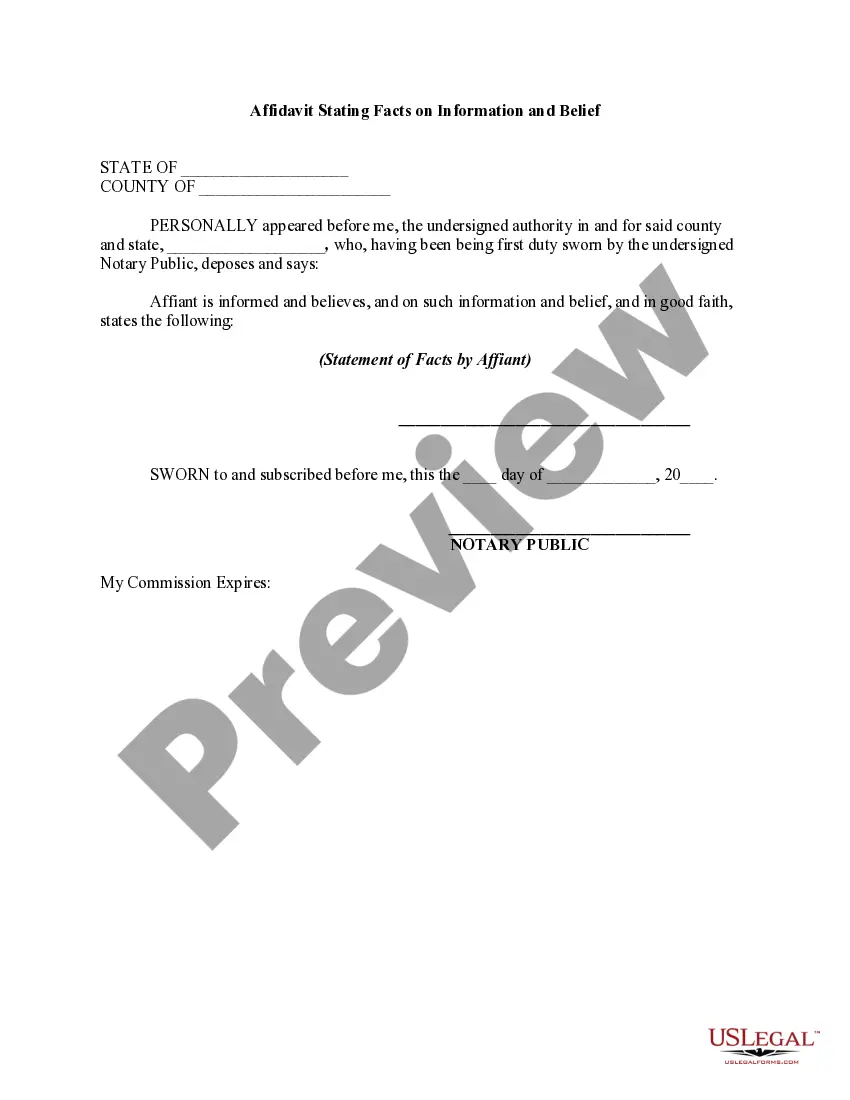
How to fill out Affidavit Stating Facts On Information And Belief?
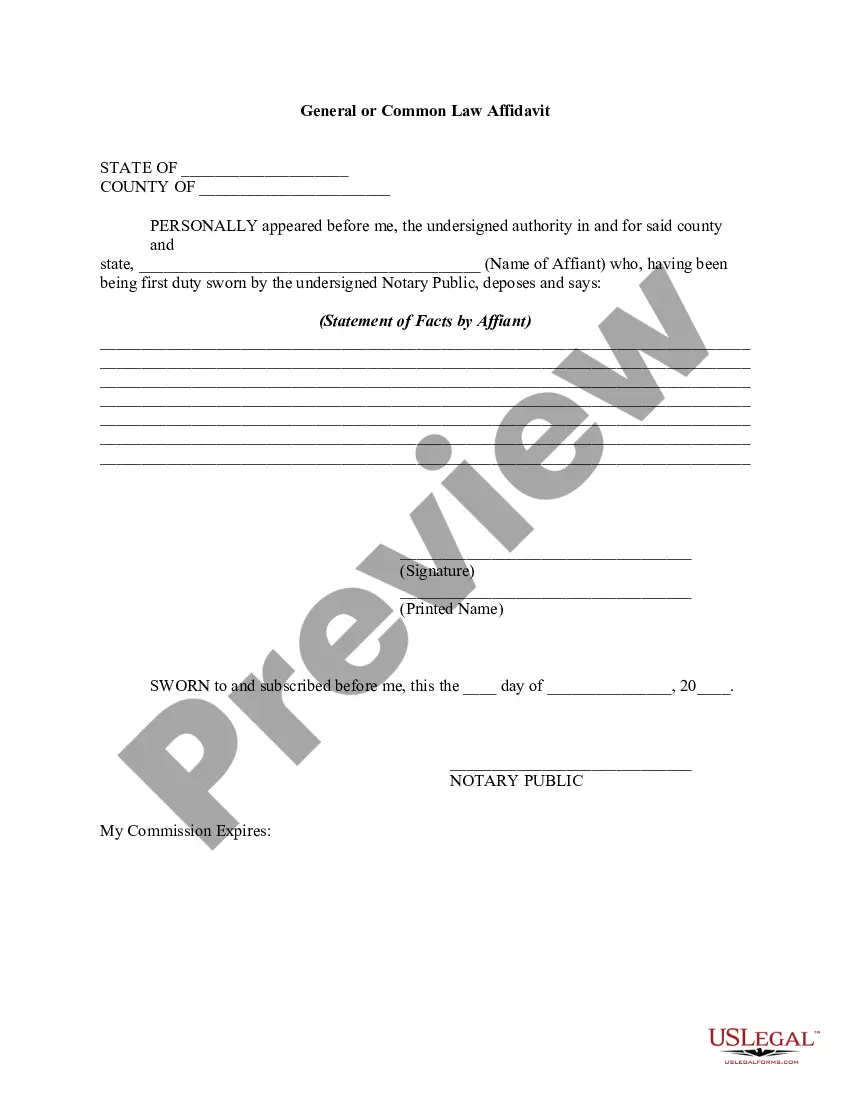
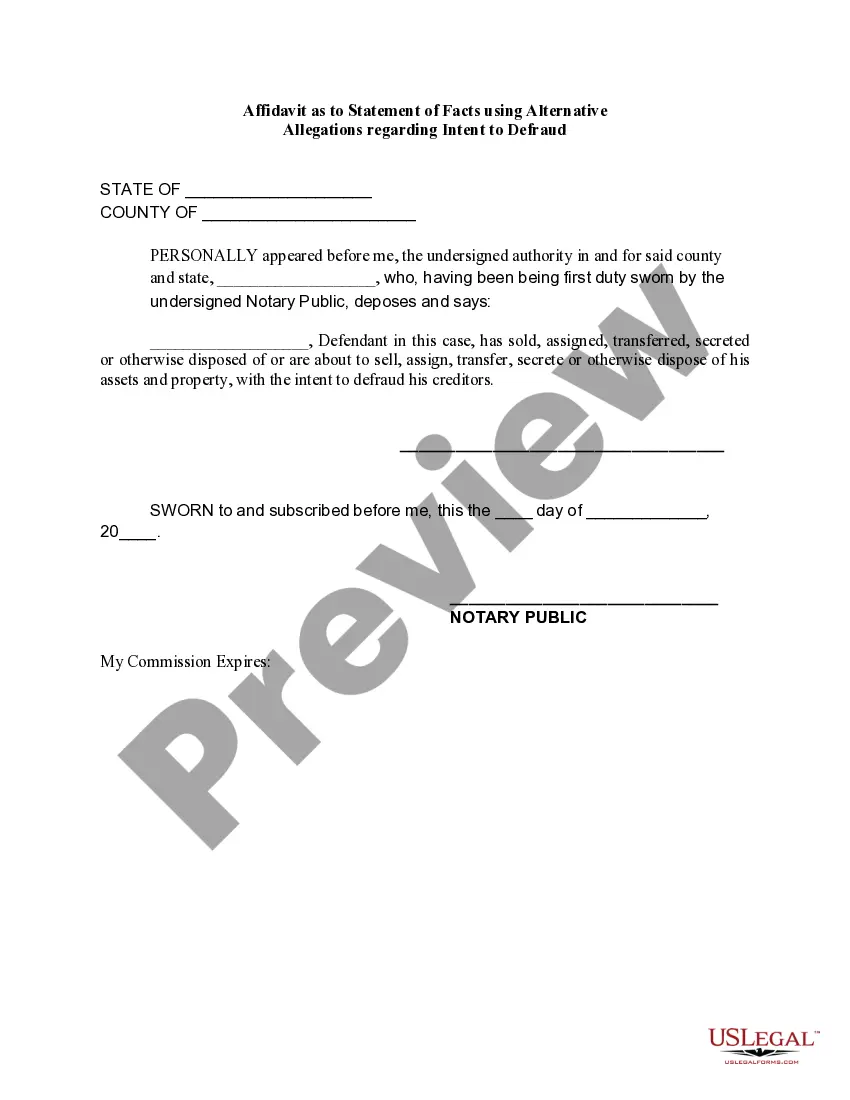
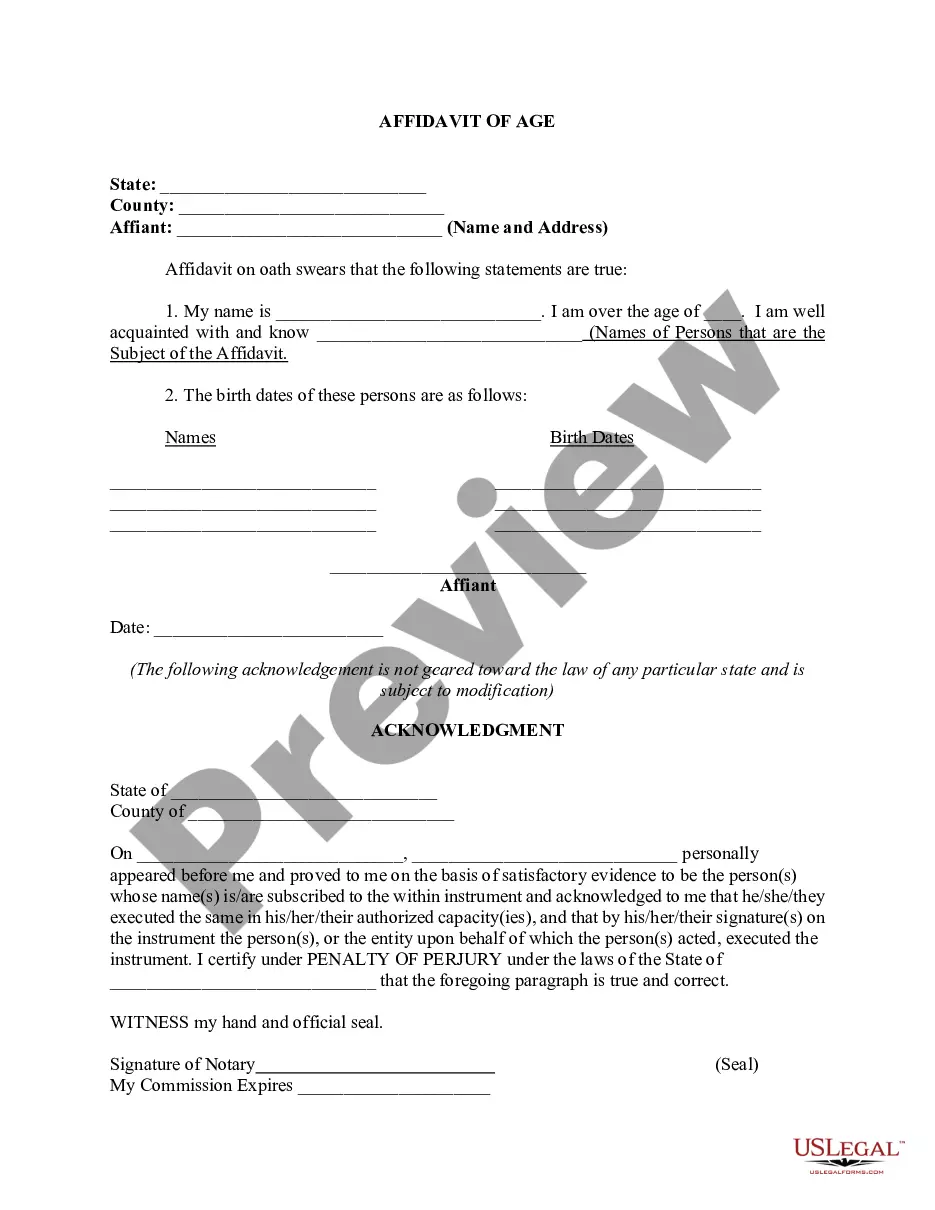
The Affidavit of Sworn Statement available in India displayed on this webpage is a reusable legal document crafted by experienced attorneys in accordance with federal and state regulations.
For over 25 years, US Legal Forms has offered individuals, organizations, and lawyers more than 85,000 validated, state-specific documents for any business or personal event.
- Search for the document you require and review it.
- Browse through the sample you found and view it or assess the form description to ensure it meets your needs. If it doesn’t, utilize the search function to find the right one. Click Buy Now once you have located the template you require.
- Choose and Log In to your subscription.
- Select the pricing option that best fits you and create an account. Make an immediate payment using PayPal or a credit card. If you possess an existing account, Log In and verify your subscription to continue.
- Acquire the editable template.
- Choose the format you desire for your Affidavit of Sworn Statement in India (PDF, Word, RTF) and save the document to your device.
- Complete and sign the document.
- Print the template to finish it manually. Alternatively, use an online versatile PDF editor to quickly and accurately fill out and sign your form electronically.
Form popularity
FAQ
In India, an affidavit can be sworn or affirmed before: Any Judge or any Judicial or Executive Magistrate; Any Commissioner of Oaths appointed by a High Court or Court of Sessions; Any Notary appointed under the Notaries Act, 1952;
How to write a general affidavit? Title your affidavit. Don't forget to list any relevant contact or identification information that you may need to include in the heading. Write your statement. ... Verify that your information is true. ... Finalize and notarize.
Step 1: Decide what the title of your affidavit will be. Step 2: Put the name and personal background information of the person giving the information in the first paragraph. Step 3: Write an opening sentence in the first person tense. Step 4: Make an outline of the information given or state the facts of the case.
How to Fill Out General Affidavit | PDFRun - YouTube YouTube Start of suggested clip End of suggested clip Online. Button this will redirect you to pdf runs online editor first enter your state and countyMoreOnline. Button this will redirect you to pdf runs online editor first enter your state and county under statement of the affiliate. Provide the following information your state date of signing.
I, (full name ___________________________________________________) on solemn affirmation and oath state that all the facts stated in paragraphs 1 to 5 are correct to the best of my knowledge and belief and nothing is false or concealed. The contents being true I swear this affidavit. Name of the Deponent Before me.