Partnership Meeting Minutes Template For Mac Pages
Description
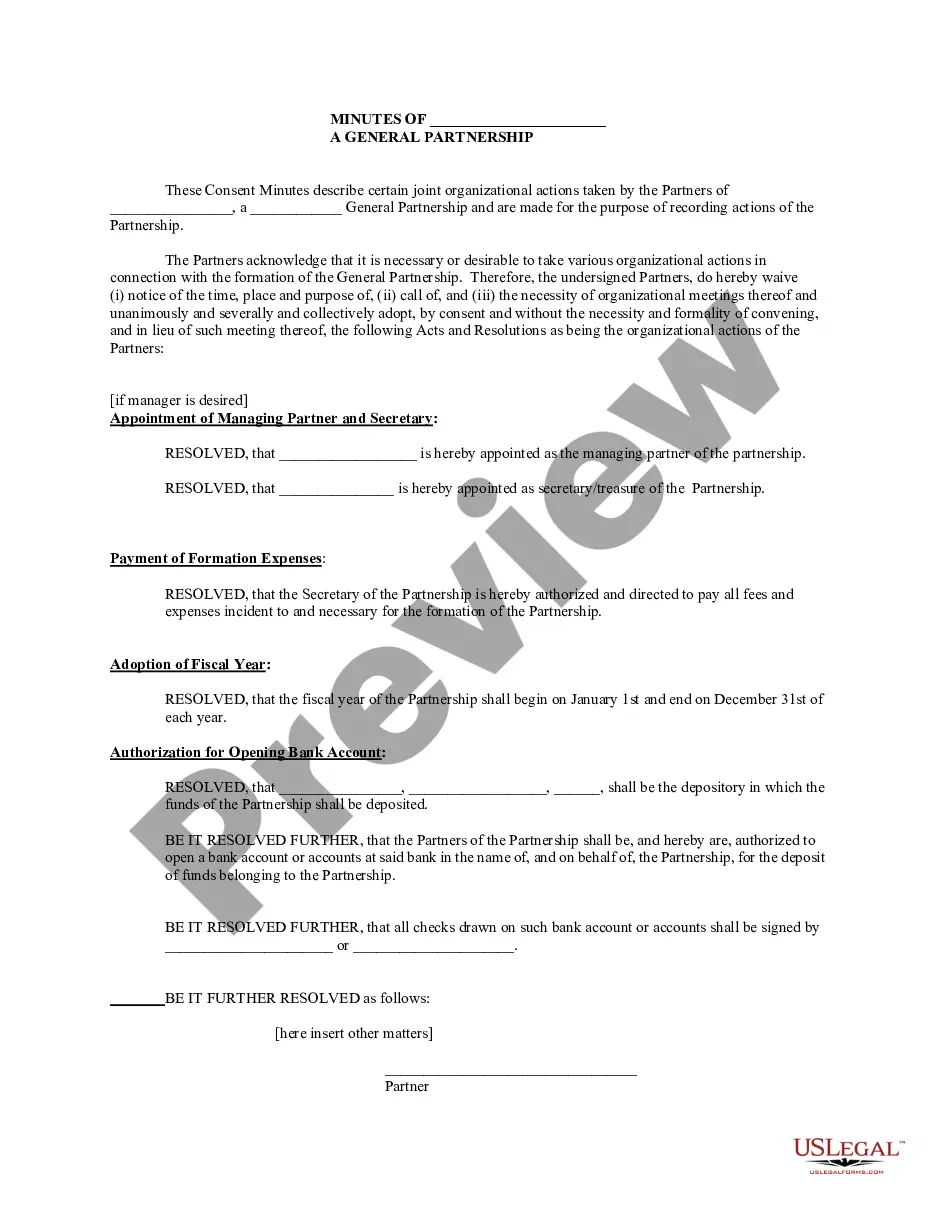

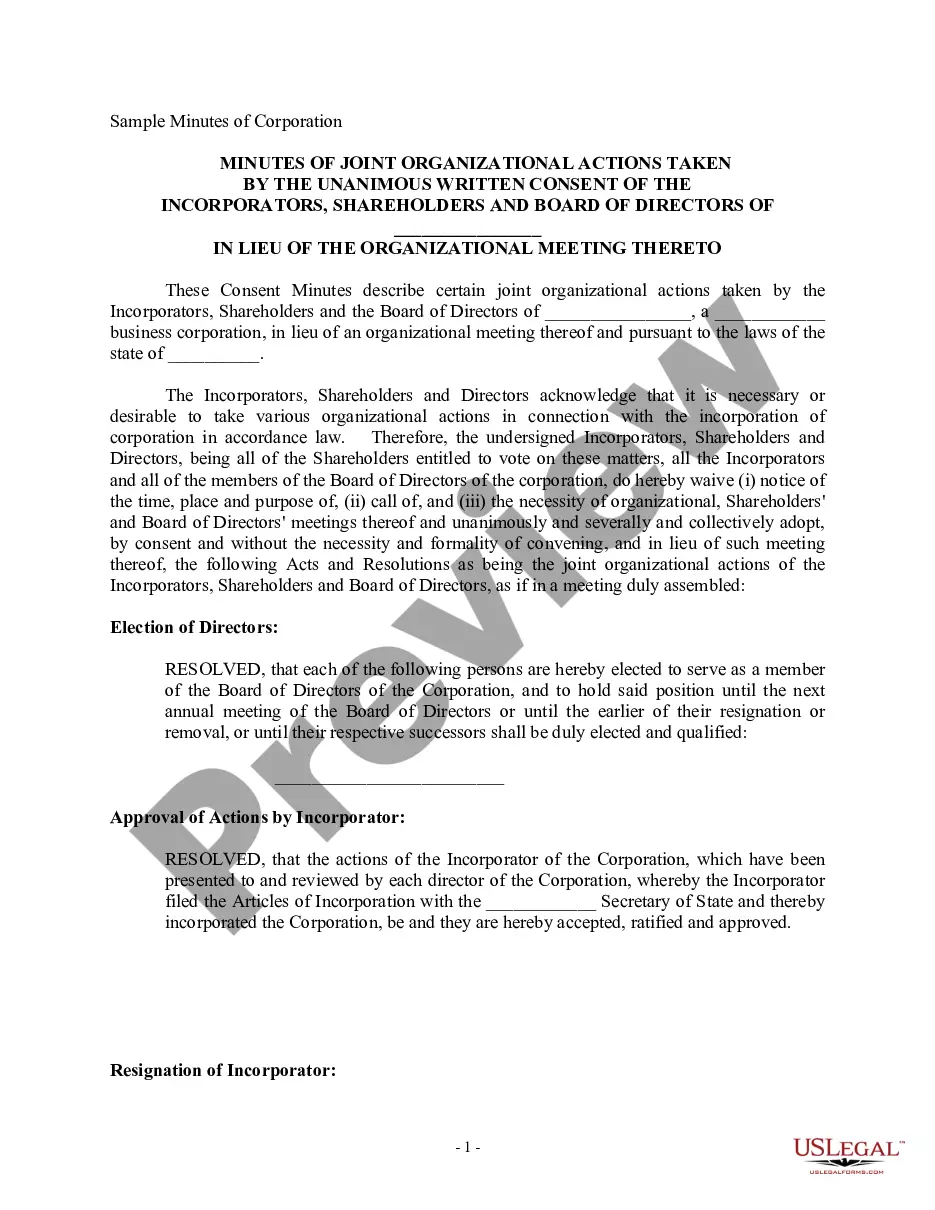
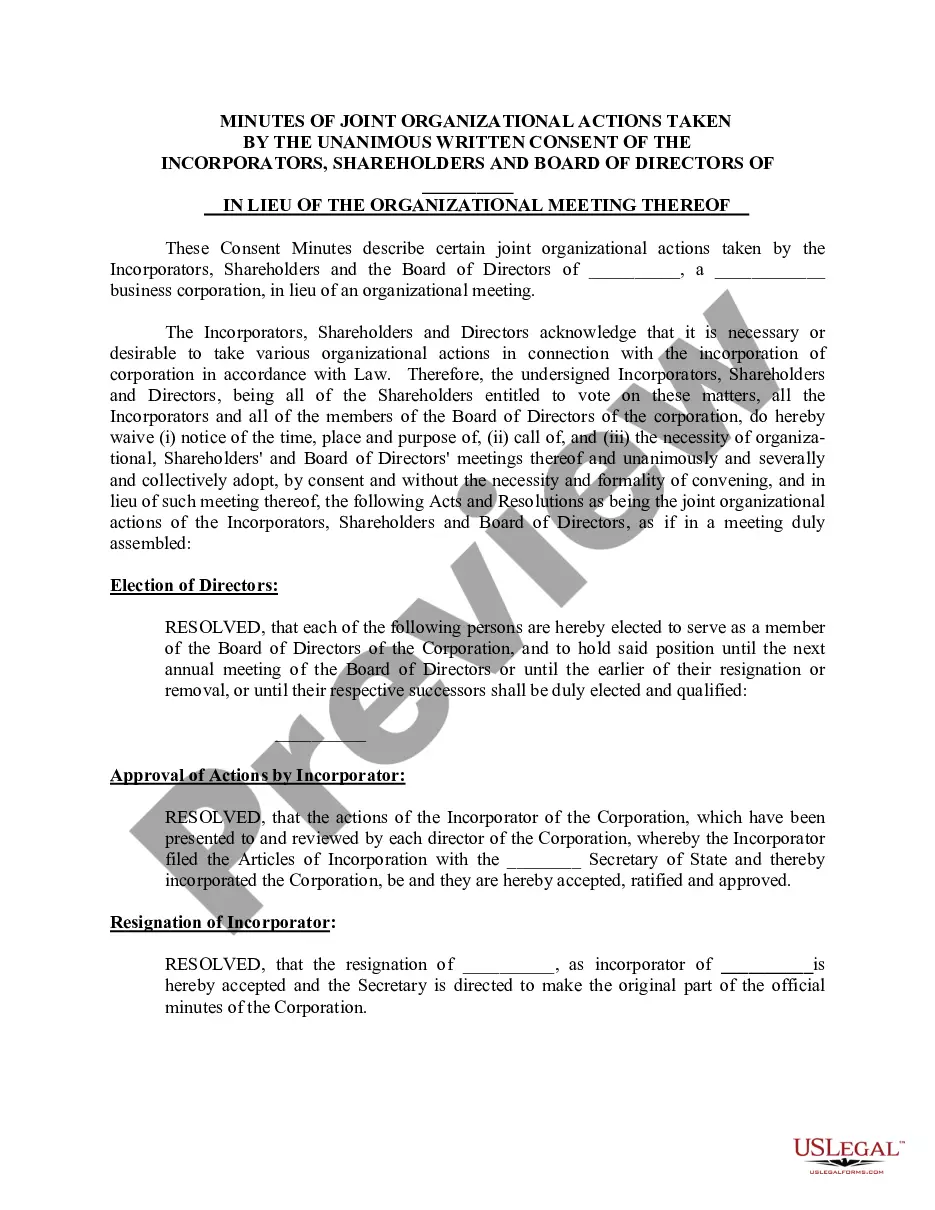
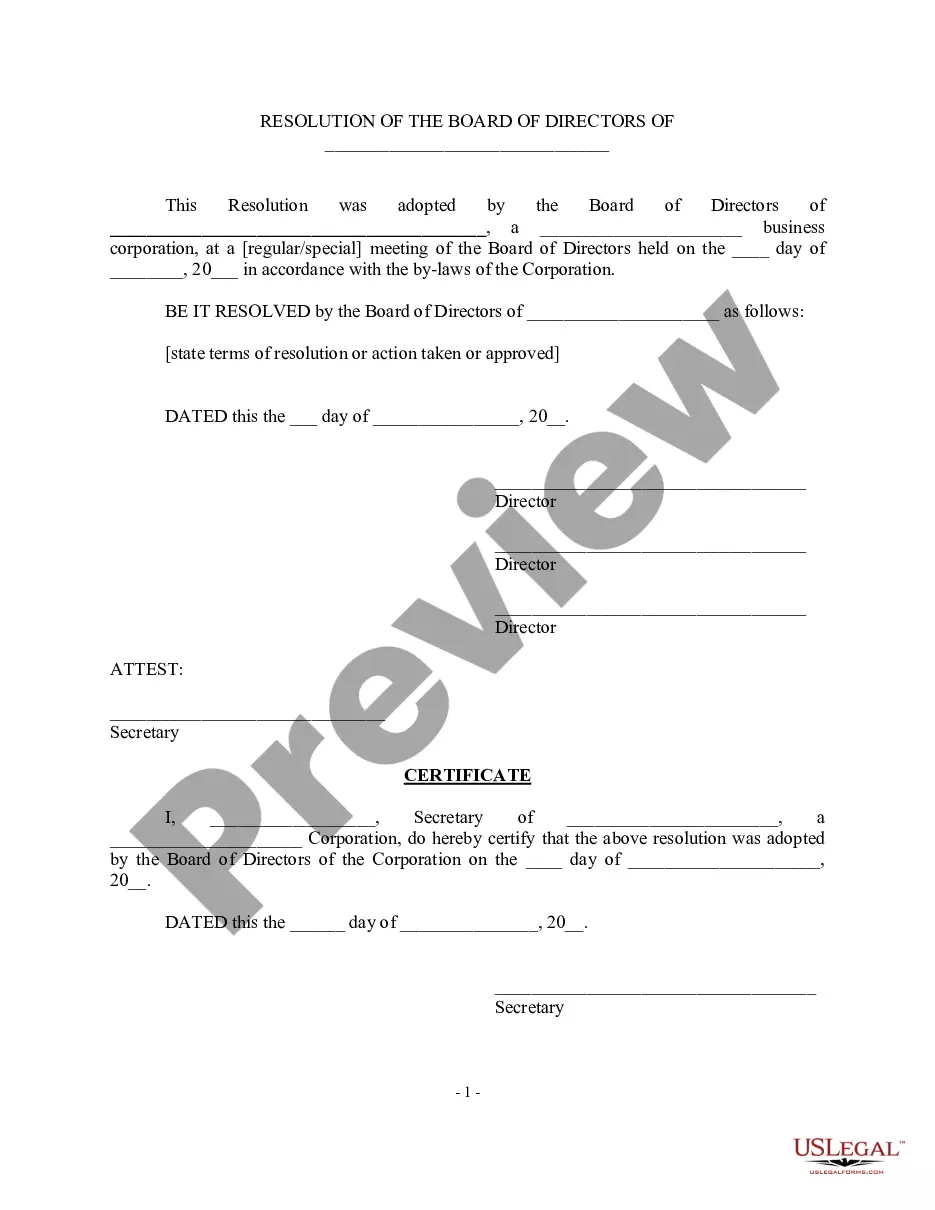
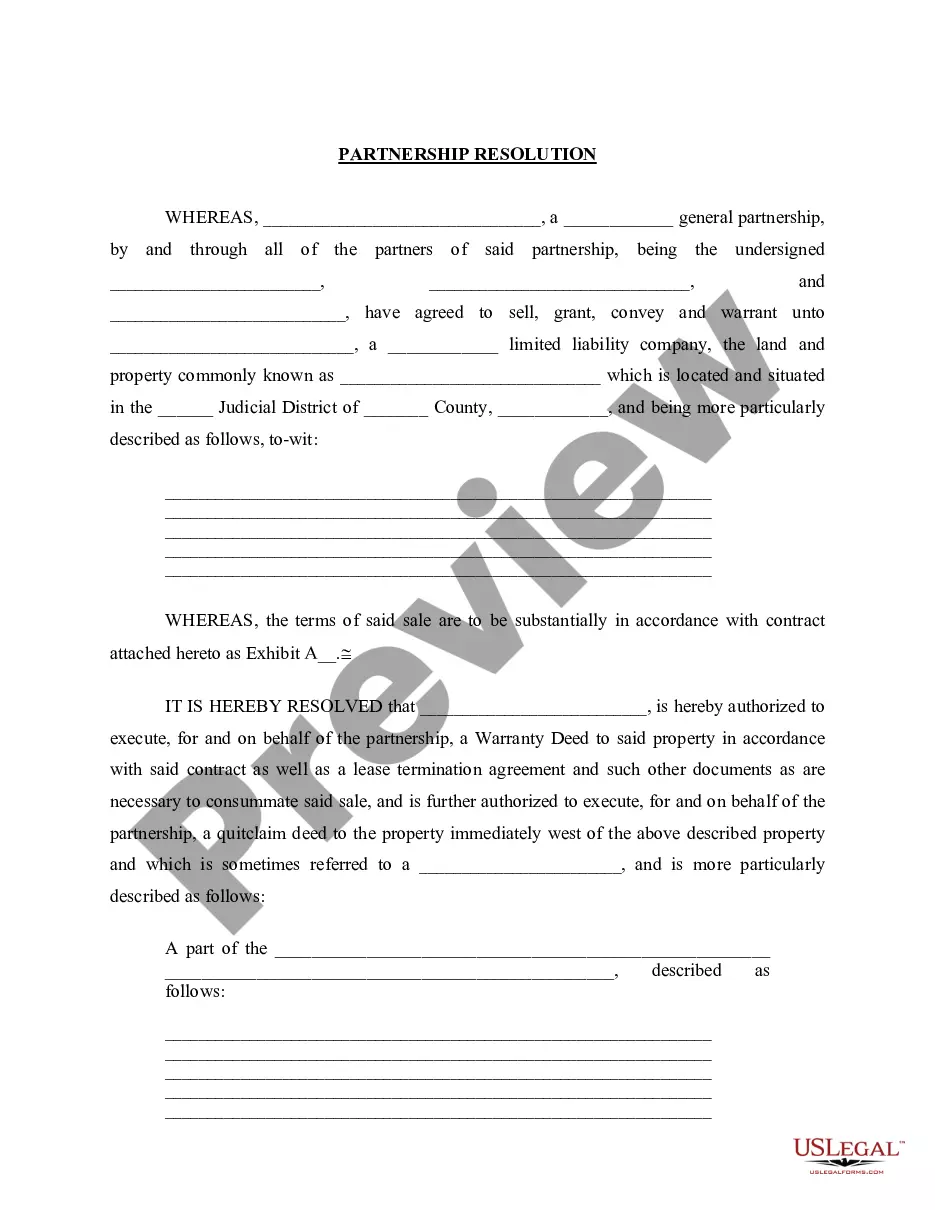
Get your form ready online
Our built-in tools help you complete, sign, share, and store your documents in one place.
Make edits, fill in missing information, and update formatting in US Legal Forms—just like you would in MS Word.
Download a copy, print it, send it by email, or mail it via USPS—whatever works best for your next step.
Sign and collect signatures with our SignNow integration. Send to multiple recipients, set reminders, and more. Go Premium to unlock E-Sign.
If this form requires notarization, complete it online through a secure video call—no need to meet a notary in person or wait for an appointment.
We protect your documents and personal data by following strict security and privacy standards.

Make edits, fill in missing information, and update formatting in US Legal Forms—just like you would in MS Word.

Download a copy, print it, send it by email, or mail it via USPS—whatever works best for your next step.

Sign and collect signatures with our SignNow integration. Send to multiple recipients, set reminders, and more. Go Premium to unlock E-Sign.

If this form requires notarization, complete it online through a secure video call—no need to meet a notary in person or wait for an appointment.

We protect your documents and personal data by following strict security and privacy standards.
Looking for another form?






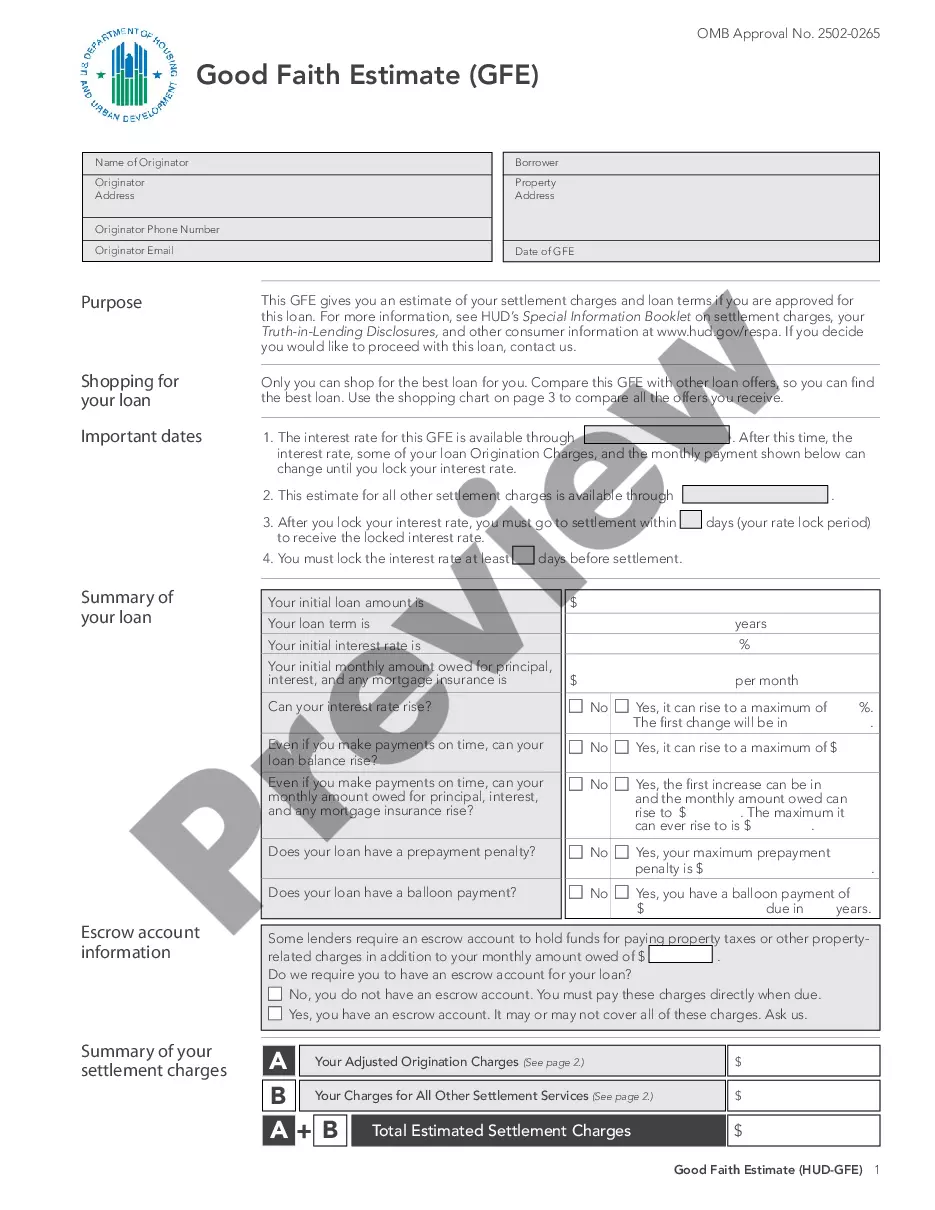



How to fill out Minutes For Partnership?
Securing a reliable location to obtain the most up-to-date and suitable legal templates constitutes half the challenge of navigating bureaucracy.
Identifying the correct legal documents necessitates precision and meticulousness, which is why it is vital to acquire samples of Partnership Meeting Minutes Template For Mac Pages solely from trustworthy sources, such as US Legal Forms. An incorrect template will squander your time and hinder your current situation.
Once you have the form on your device, you can modify it using the editor or print it out and fill it in manually. Eliminate the hassle associated with your legal paperwork. Explore the vast US Legal Forms library where you can discover legal templates, verify their applicability to your situation, and download them immediately.
- Utilize the library navigation or search bar to locate your template.
- Examine the form’s description to determine if it aligns with the needs of your state and region.
- Check the form preview, if available, to confirm the template is indeed the one you seek.
- Continue the search and look for the appropriate template if the Partnership Meeting Minutes Template For Mac Pages does not fulfill your requirements.
- If you are confident in the form’s applicability, download it.
- If you are a registered customer, click Log in to verify and access your chosen forms in My documents.
- If you have not yet created an account, click Buy now to acquire the template.
- Select the pricing option that meets your needs.
- Proceed to the registration to complete your transaction.
- Conclude your purchase by choosing a payment method (credit card or PayPal).
- Select the file format for downloading Partnership Meeting Minutes Template For Mac Pages.
Form popularity
FAQ
Creating a template in Pages on Mac is a straightforward process. Start by opening Pages and selecting a blank document or an existing one that you want to use as a base. You can then format your document to suit your needs, such as adding headings for agenda items and sections for attendees. Once you have your layout set, save it as a Partnership meeting minutes template for Mac Pages, making it easy to reuse for future meetings.
The best tool for documenting meeting minutes is a software that is user-friendly and adaptable to your needs. For Mac users, the Partnership meeting minutes template for Mac Pages is an excellent option. This template allows you to organize your notes efficiently, ensuring that key points and decisions are clearly recorded. Utilizing such a template can enhance your meeting productivity and streamline communication.
2. What Should Be Included in Meeting Minutes? Date and time of the meeting. Names of the meeting participants and those unable to attend (e.g., ?regrets?) Acceptance or corrections/amendments to previous meeting minutes. Decisions made about each agenda item, for example: Actions taken or agreed to be taken. Next steps.
Let's discuss these steps on how to take minutes for a meeting in more detail: Create an outline. ... Check off attendees as they enter. ... Previous meeting notes. ... Don't write everything down. ... Don't forget to record. ... Put down meeting minutes as they're discussed. ... Review with attendees at the end of the meeting.
Our meeting experts compiled 7 best practices that apply to all sorts of teams and scenarios. 1 Date and time of the meeting. ... 2 Names of the participants. ... 3 Purpose of the meeting. ... 4 Agenda items and topics discussed. ... 5 Key decisions and action items. ... 6 Next meeting date and place. ... 7 Documents to be included in the report.
There are three standard meeting minutes formats: action, discussion, and verbatim. Although the styles share certain elements, each style has a specific use: Action minutes - decisions reached and the actions to be taken, though not recording the discussion that went into making the decisions.
How to Keep LLC Minutes Write down your LLC's name, the date, and address where the meeting was held. Write down the names of the members and indicate who was present and who was absent at the meeting. ... If you sent a notice of the meeting prior to the meeting, attach it to the minutes.