Letter To Customers Announcing Paperless Billing For Customers
Description
Get your form ready online
Our built-in tools help you complete, sign, share, and store your documents in one place.
Make edits, fill in missing information, and update formatting in US Legal Forms—just like you would in MS Word.
Download a copy, print it, send it by email, or mail it via USPS—whatever works best for your next step.
Sign and collect signatures with our SignNow integration. Send to multiple recipients, set reminders, and more. Go Premium to unlock E-Sign.
If this form requires notarization, complete it online through a secure video call—no need to meet a notary in person or wait for an appointment.
We protect your documents and personal data by following strict security and privacy standards.

Make edits, fill in missing information, and update formatting in US Legal Forms—just like you would in MS Word.

Download a copy, print it, send it by email, or mail it via USPS—whatever works best for your next step.

Sign and collect signatures with our SignNow integration. Send to multiple recipients, set reminders, and more. Go Premium to unlock E-Sign.

If this form requires notarization, complete it online through a secure video call—no need to meet a notary in person or wait for an appointment.

We protect your documents and personal data by following strict security and privacy standards.
Looking for another form?

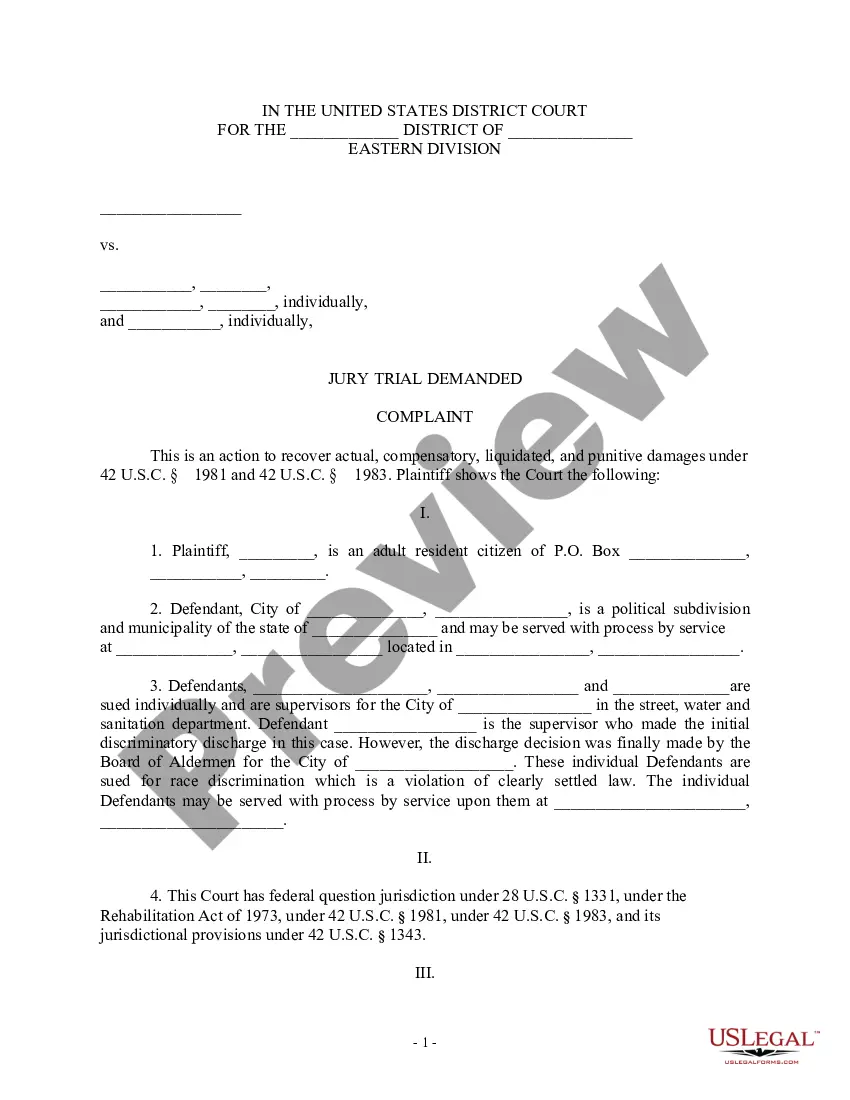
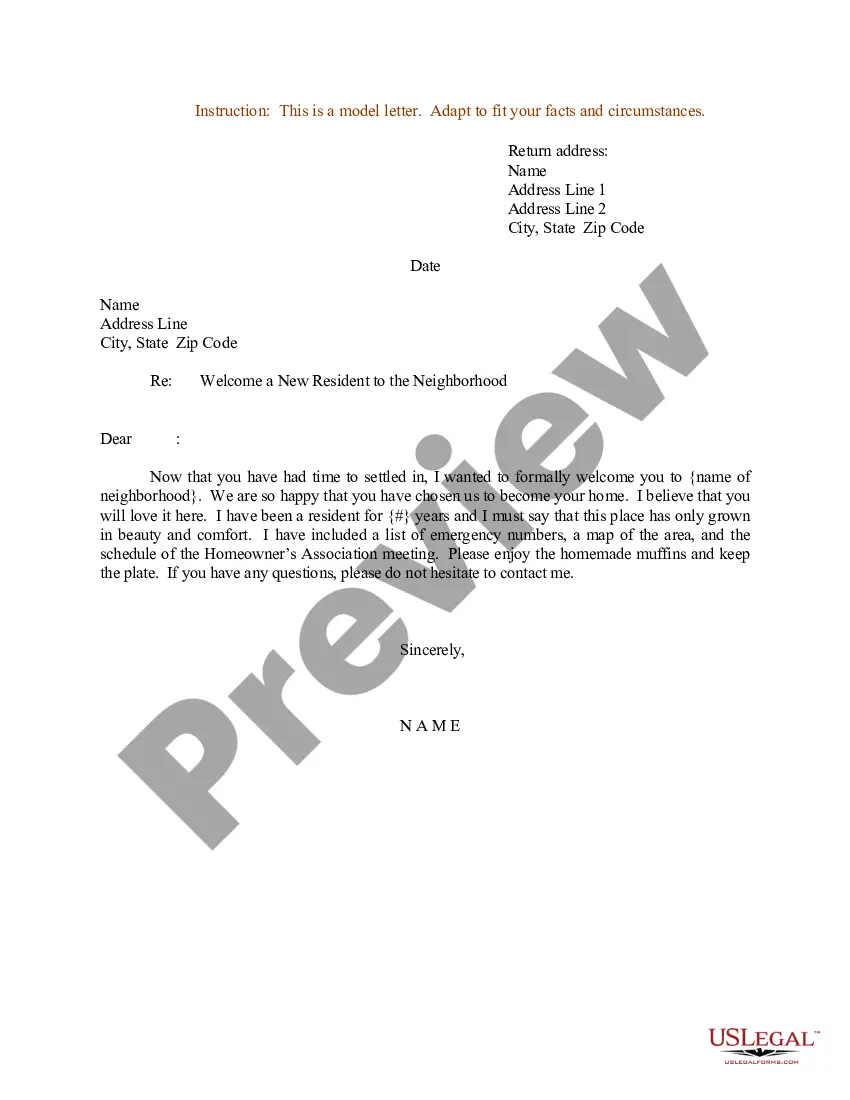
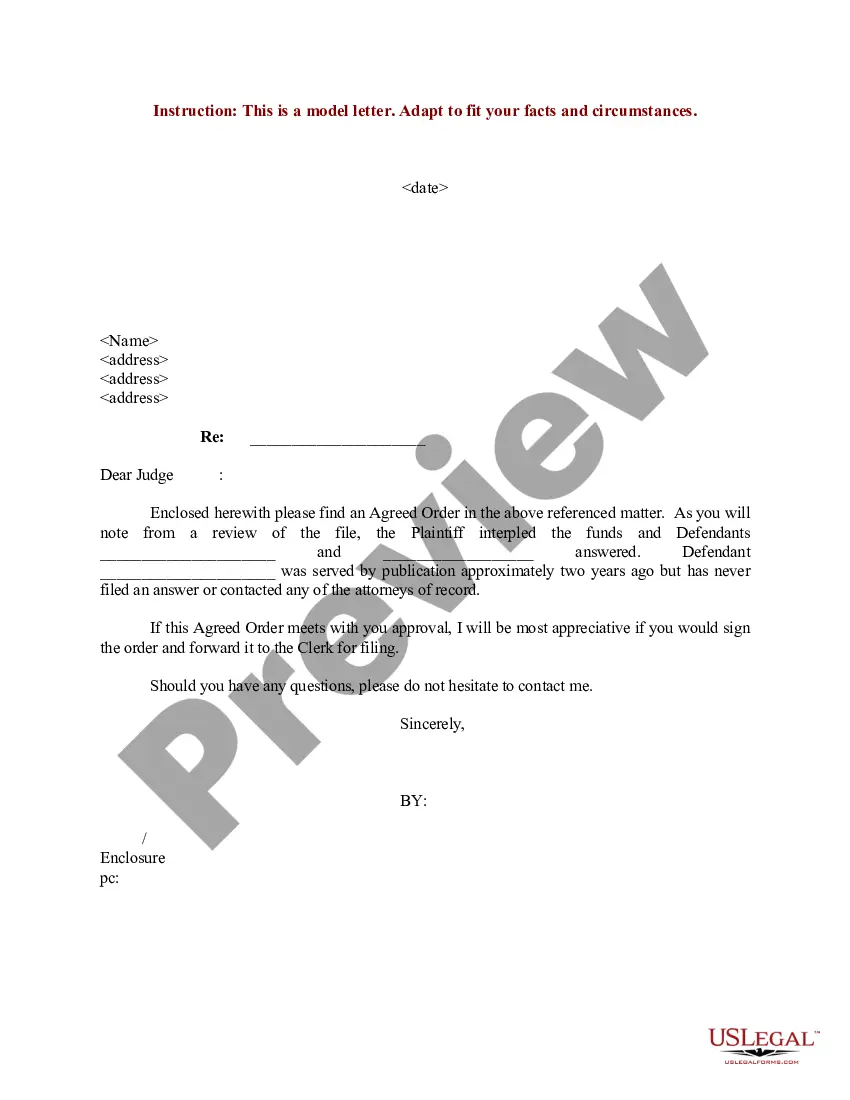
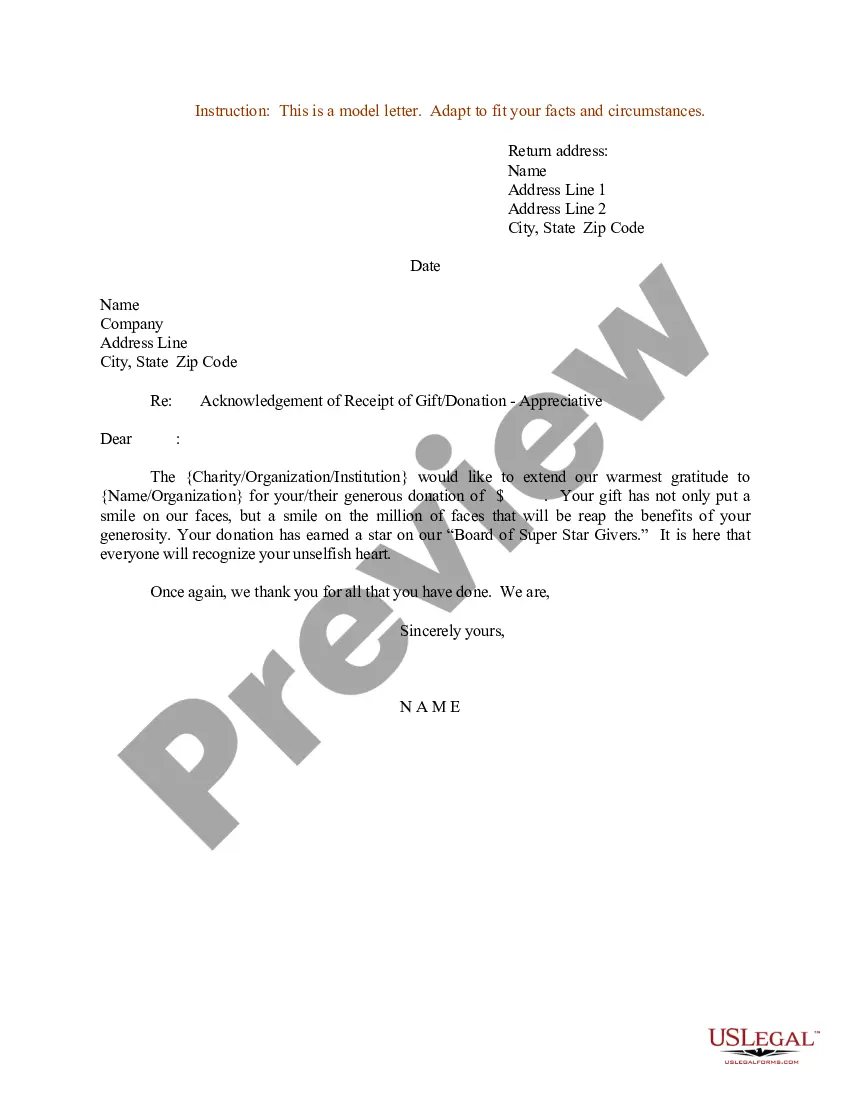
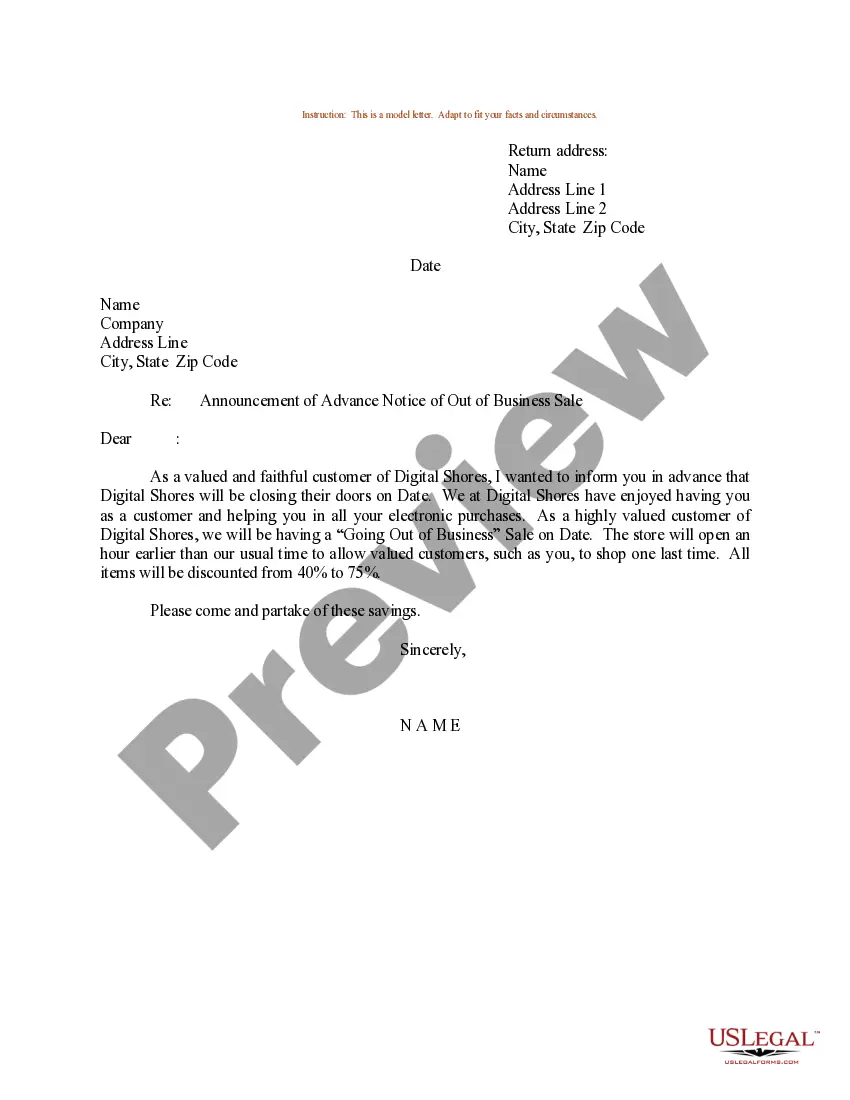
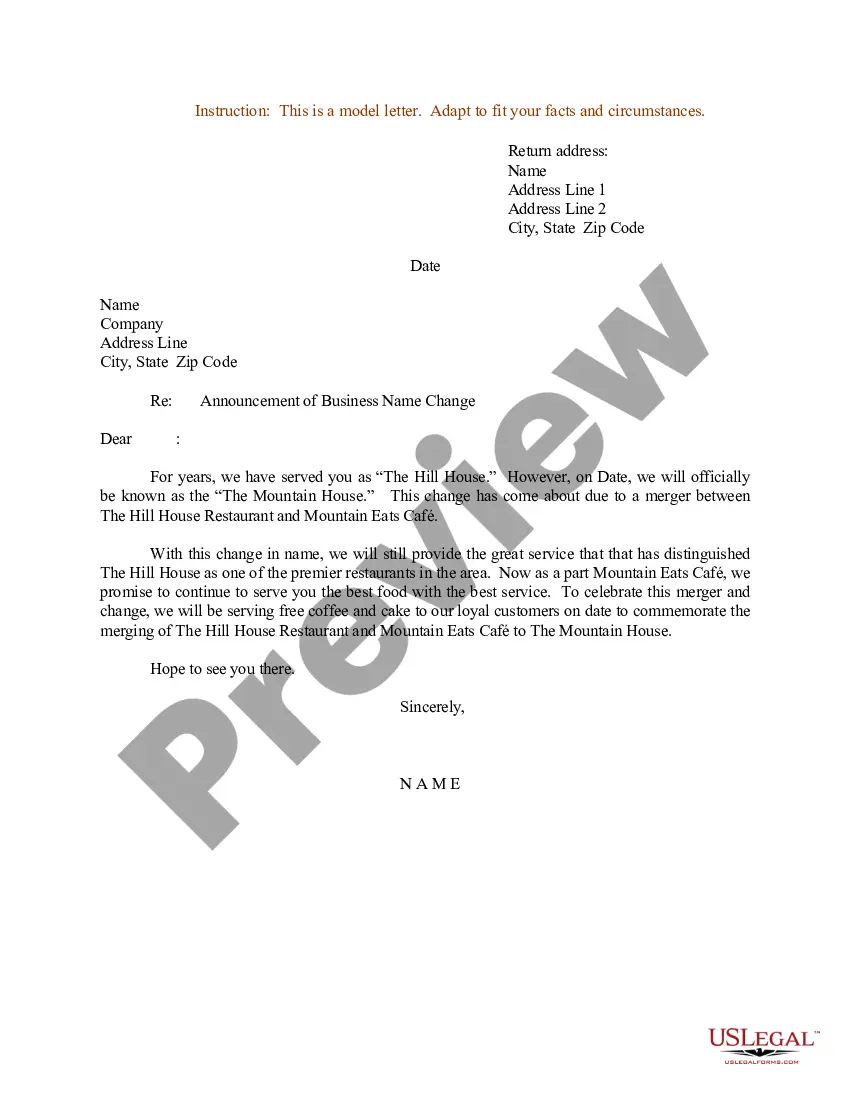
How to fill out Sample Letter For Announcement Of Advance Notice Of Out Of Business Sale?
It's clear that you cannot instantly become a legal authority, nor can you swiftly learn how to draft a Letter To Customers Announcing Paperless Billing For Customers without possessing a specialized skill set.
The creation of legal documents is a lengthy process that necessitates specific training and expertise. So why not entrust the drafting of the Letter To Customers Announcing Paperless Billing For Customers to the professionals.
With US Legal Forms, one of the largest legal document libraries, you can access everything from court documents to templates for internal communication. We understand how essential compliance with federal and state regulations is. That’s why all templates on our platform are location-specific and current.
You can revisit your forms from the My documents tab at any time. If you’re an existing client, you can simply Log In, and locate and download the template from the same tab.
Regardless of the intent of your documents—be it financial, legal, or personal—our website has you covered. Try US Legal Forms today!
- Locate the form you need by utilizing the search bar at the top of the page.
- Preview it (if this option is available) and review the supporting description to see if the Letter To Customers Announcing Paperless Billing For Customers meets your needs.
- If you require a different form, start your search again.
- Register for a complimentary account and select a subscription plan to purchase the form.
- Click Buy now. Once the purchase is finalized, you can download the Letter To Customers Announcing Paperless Billing For Customers, complete it, print it, and send or mail it to the appropriate individuals or organizations.
Form popularity
FAQ
Let's take a look at 10 ways you can build a paperless office and cut your carbon footprint. Create a paperless office policy. ... Encourage recycling and reuse. ... Replace paper copies with cloud-based storage. ... Use digital apps. ... Ditch the paper and pen logbook. ... Implement a visitor management system. ... Use e-signature software.
The easiest way to do this is to send a simple email out to your customers, or make this information available on your website. To make this easier for you, we've created a variety of email template samples to help you introduce electronic payments to your customers.
Here is an email template or a letter to customers example: Our company is very pleased to inform you that starting next month, we will no longer be sending out paper invoices, receipts, forms, reports, tax returns, paychecks or letters. All correspondence will now be distributed to you via email.
Here are 6 easy ways to encourage customers to go paperless: ONLINE EXPERIENCE. You have to make their online experience easy. ... GIVE HISTORY. Paper statements can only give so much before you're mailing a novel. ... EXPLAIN THE BENEFITS. ... USE SAVINGS AS AN INCENTIVE. ... REWARD THE SWITCH. ... CHARGE A FEE.
A. Paperless billing helps you eliminate extra paper mail while also helping the environment. By going paperless, you can receive bills through email or by utilizing your free online account. You can also pay bills online or set up automatic payments.