Employee Handbook Template For Medical Office
Description
Get your form ready online
Our built-in tools help you complete, sign, share, and store your documents in one place.
Make edits, fill in missing information, and update formatting in US Legal Forms—just like you would in MS Word.
Download a copy, print it, send it by email, or mail it via USPS—whatever works best for your next step.
Sign and collect signatures with our SignNow integration. Send to multiple recipients, set reminders, and more. Go Premium to unlock E-Sign.
If this form requires notarization, complete it online through a secure video call—no need to meet a notary in person or wait for an appointment.
We protect your documents and personal data by following strict security and privacy standards.

Make edits, fill in missing information, and update formatting in US Legal Forms—just like you would in MS Word.

Download a copy, print it, send it by email, or mail it via USPS—whatever works best for your next step.

Sign and collect signatures with our SignNow integration. Send to multiple recipients, set reminders, and more. Go Premium to unlock E-Sign.

If this form requires notarization, complete it online through a secure video call—no need to meet a notary in person or wait for an appointment.

We protect your documents and personal data by following strict security and privacy standards.
Looking for another form?
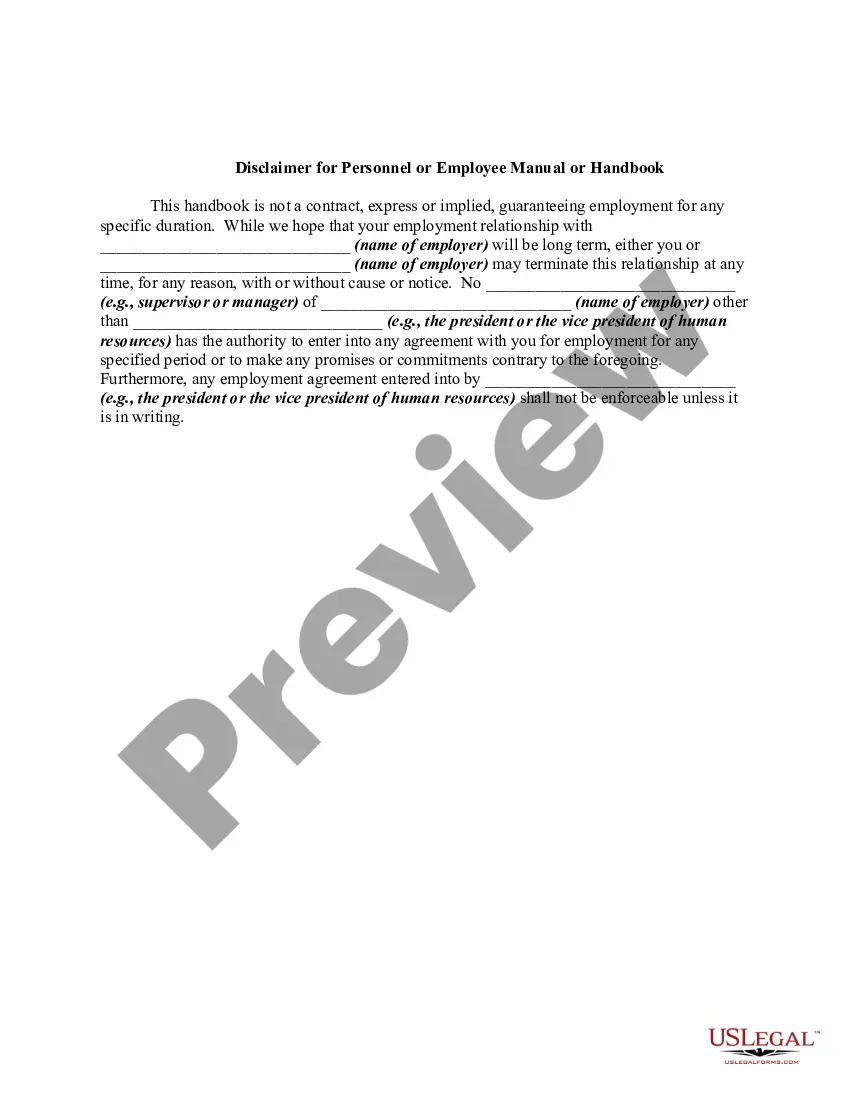
How to fill out Disclaimer For Personnel Or Employee Manual Or Handbook?
Creating legal documents from the ground up can frequently feel somewhat daunting. Specific situations may require extensive research and a significant financial investment. If you are looking for a simpler and more cost-effective method of preparing Employee Handbook Template For Medical Office or any other forms without the hassle, US Legal Forms is always accessible.
Our online repository of over 85,000 current legal documents covers nearly every facet of your financial, legal, and personal matters. With just a few clicks, you can swiftly access state- and county-specific templates carefully assembled for you by our legal experts.
Utilize our website whenever you require a dependable and trustworthy service through which you can quickly locate and download the Employee Handbook Template For Medical Office. If you are already familiar with our services and have established an account with us, simply Log In to your account, find the form and download it or re-download it anytime later in the My documents section.
Not registered yet? No problem. Setting it up and exploring the library requires minimal time. But before rushing to download the Employee Handbook Template For Medical Office, consider these suggestions.
US Legal Forms boasts an impeccable reputation and over 25 years of expertise. Join us today and simplify the process of form execution!
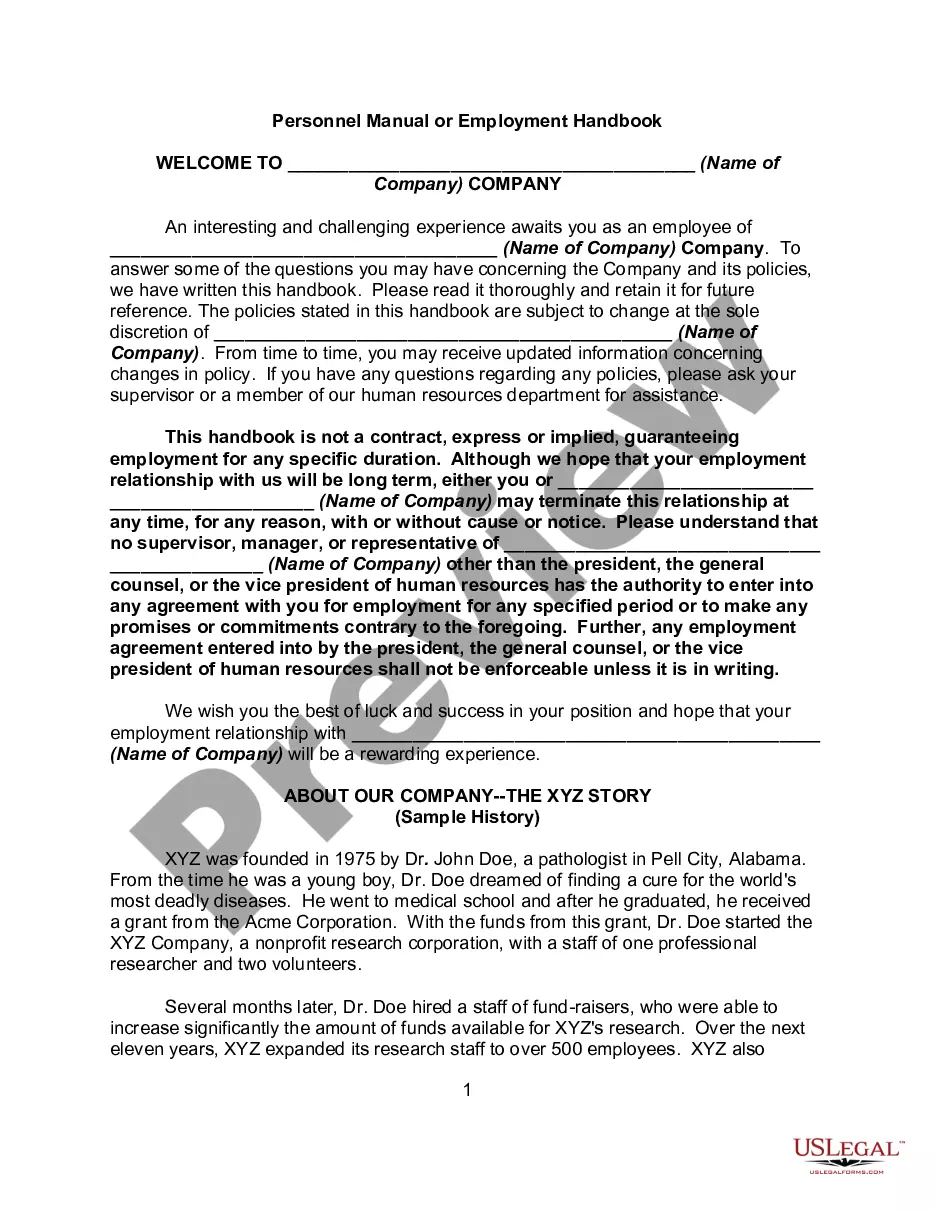
- Examine the document preview and descriptions to confirm that you have located the form you need.
- Ensure the template you select adheres to the regulations of your state and county.
- Select the appropriate subscription option to obtain the Employee Handbook Template For Medical Office.
- Download the form. Then complete, sign, and print it.
Form popularity
FAQ
Employment at-will disclaimer and statement on equal employment opportunity. Policy prohibiting unlawful discrimination and harassment. A section describing your policy for use of company property, privacy rules, and social media. A section on employment classification and overtime rules.
How to Create an Employee Handbook in 7 Steps Create an Outline or Draft. ... Summarize the Key Points of Each Policy. ... Decide on Your Tone of Voice. ... Use a Professional Document Creator. ... Use a Ready-Made Employee Handbook Template. ... Run Your Handbook by Your Legal Team. ... Publish Your Employee Handbook.
Workplace policies and procedures, including when it comes to hiring, attendance, payroll, breaks, paid time off, cybersecurity, privacy, and anti-discrimination. Employees' rights under relevant employment laws, including regarding wages/salaries, employee benefits, and workplace safety.
Nine Tips for Writing an Employee Handbook Keep It Simple & Engaging. Use Your Handbook As A Communication Tool. Pay Attention to Format and Visuals. Clearly Mention Work Hours, Compensations, and Benefits. Mention Your Company Culture & How Employees Can Maintain The Same. Mention Legal Issues. Mention Employee Appreciation.
Here are some tips on how to roll out a new employee handbook: Invite Your Team To Participate. Communicate Changes. Confirm Receipt. Correct, Update, and Adapt.