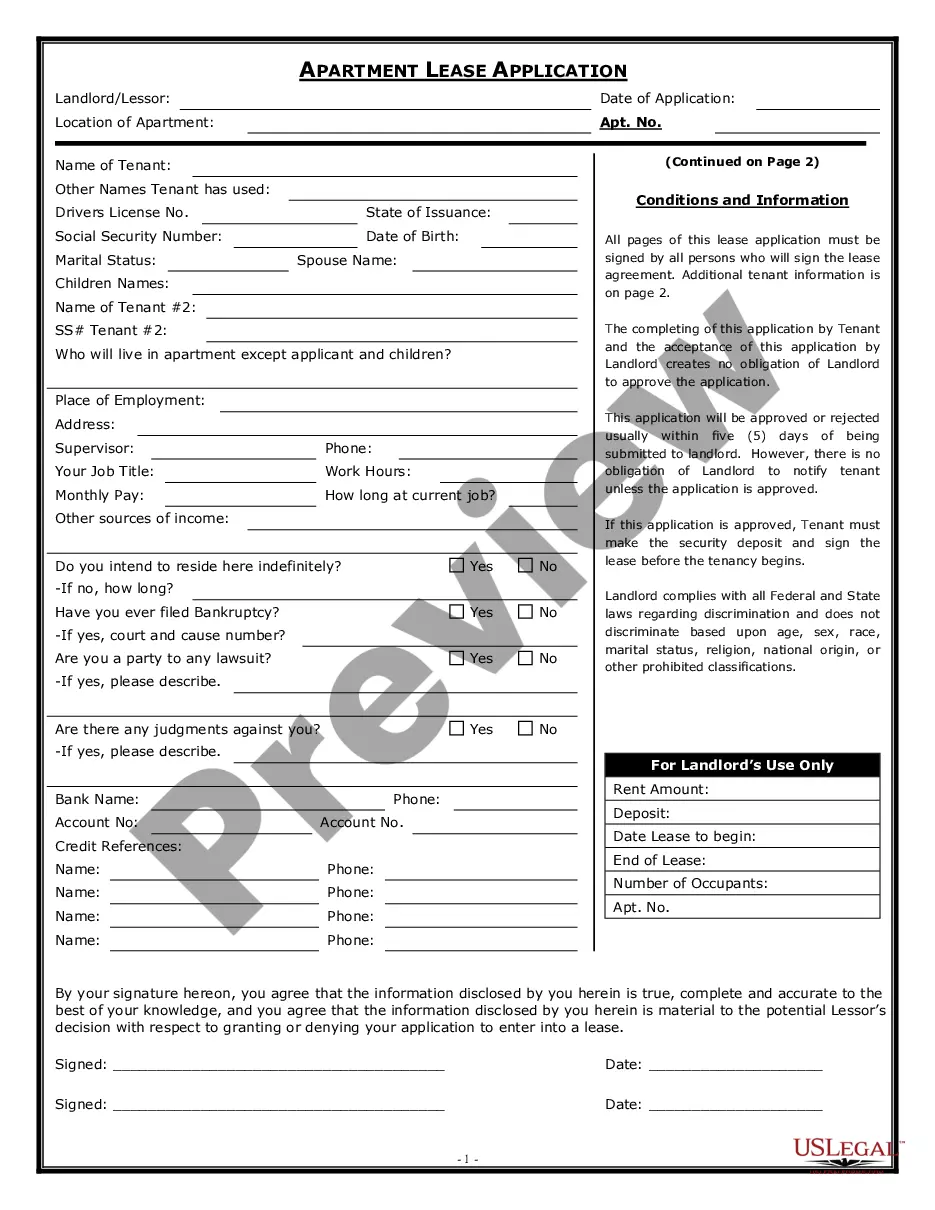
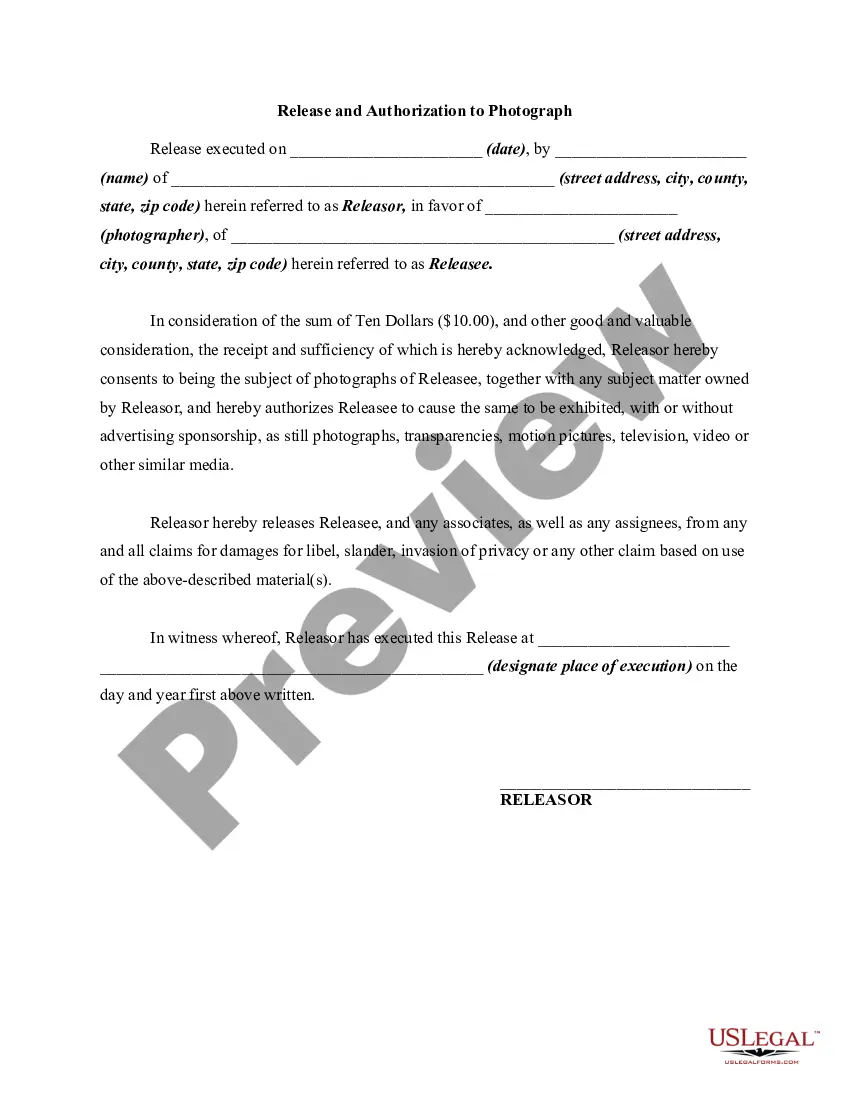
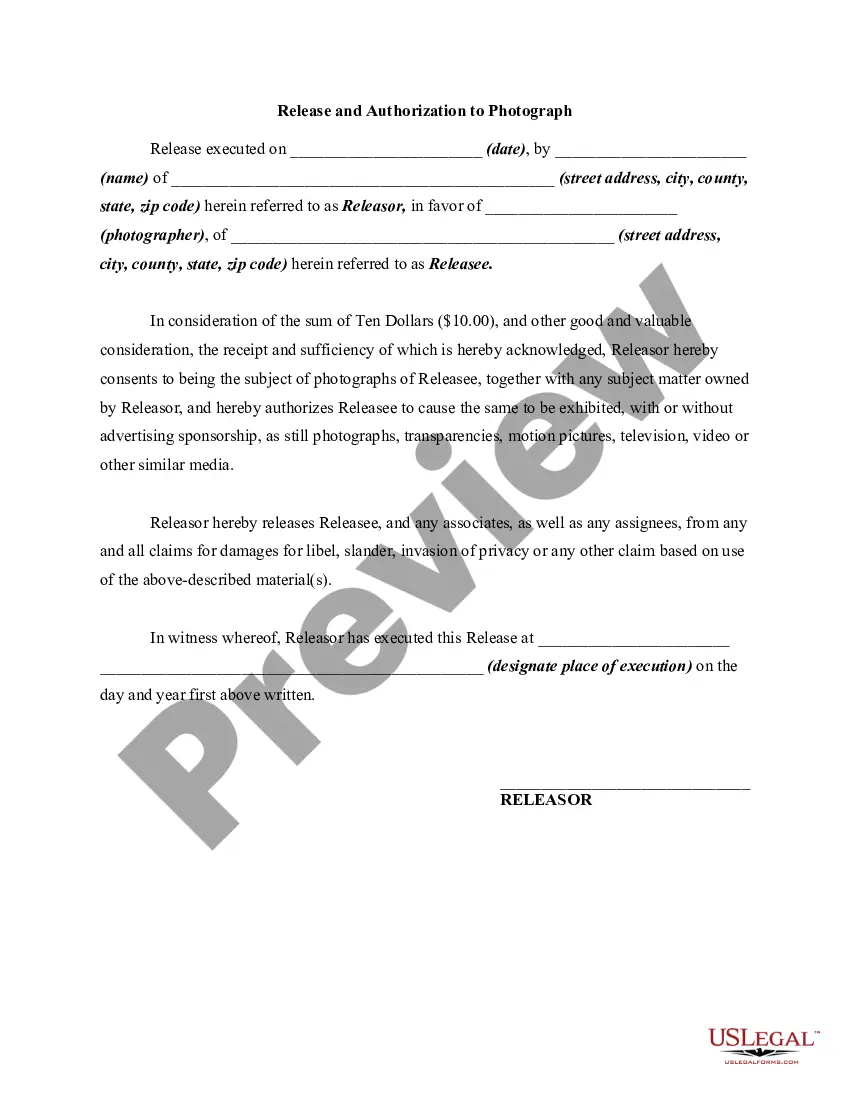
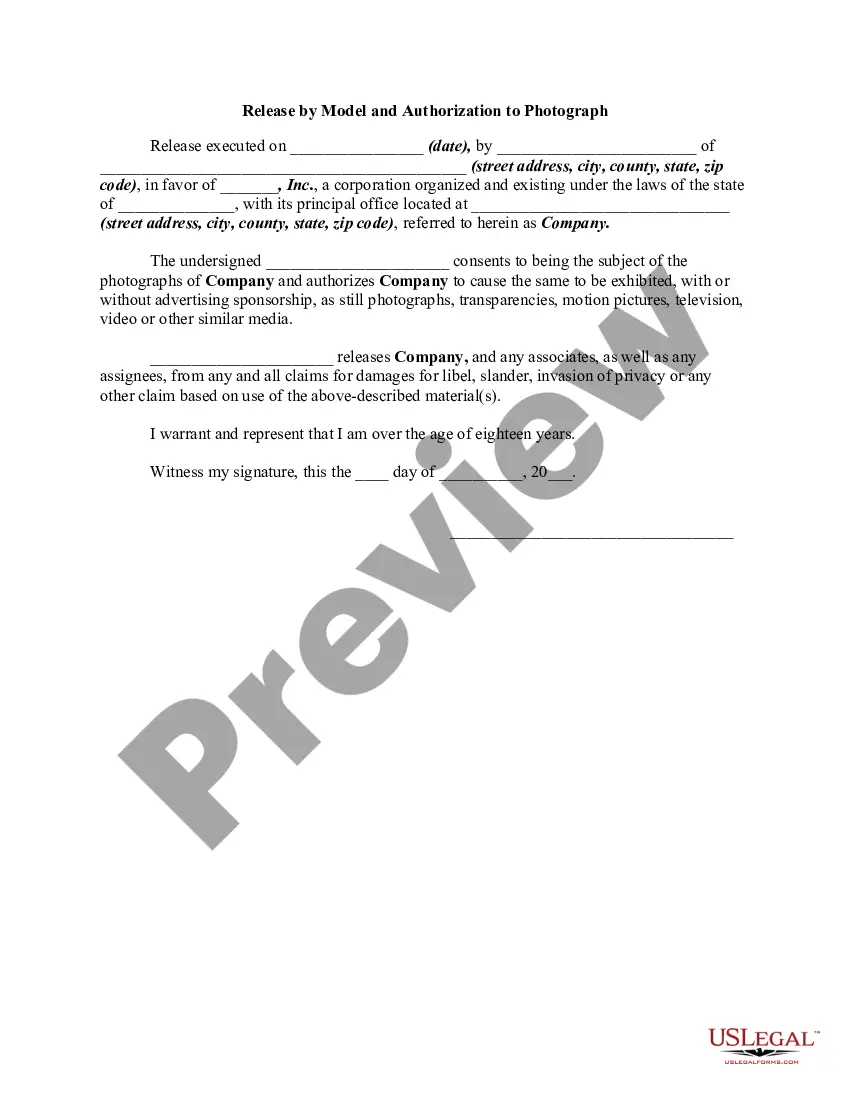
Photography Release Form For Models
Description
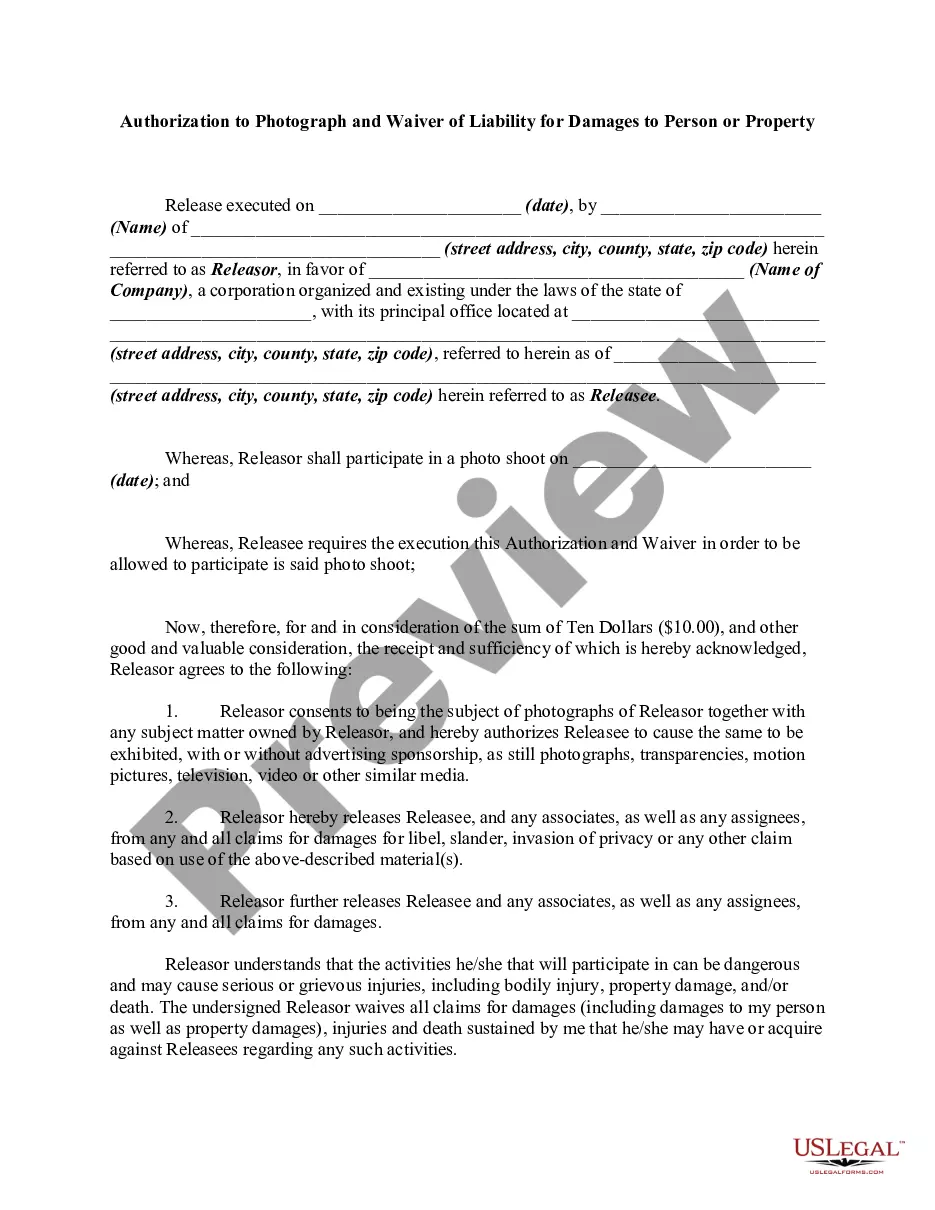
Get your form ready online
Our built-in tools help you complete, sign, share, and store your documents in one place.
Make edits, fill in missing information, and update formatting in US Legal Forms—just like you would in MS Word.
Download a copy, print it, send it by email, or mail it via USPS—whatever works best for your next step.
Sign and collect signatures with our SignNow integration. Send to multiple recipients, set reminders, and more. Go Premium to unlock E-Sign.
If this form requires notarization, complete it online through a secure video call—no need to meet a notary in person or wait for an appointment.
We protect your documents and personal data by following strict security and privacy standards.

Make edits, fill in missing information, and update formatting in US Legal Forms—just like you would in MS Word.

Download a copy, print it, send it by email, or mail it via USPS—whatever works best for your next step.

Sign and collect signatures with our SignNow integration. Send to multiple recipients, set reminders, and more. Go Premium to unlock E-Sign.

If this form requires notarization, complete it online through a secure video call—no need to meet a notary in person or wait for an appointment.

We protect your documents and personal data by following strict security and privacy standards.
Looking for another form?
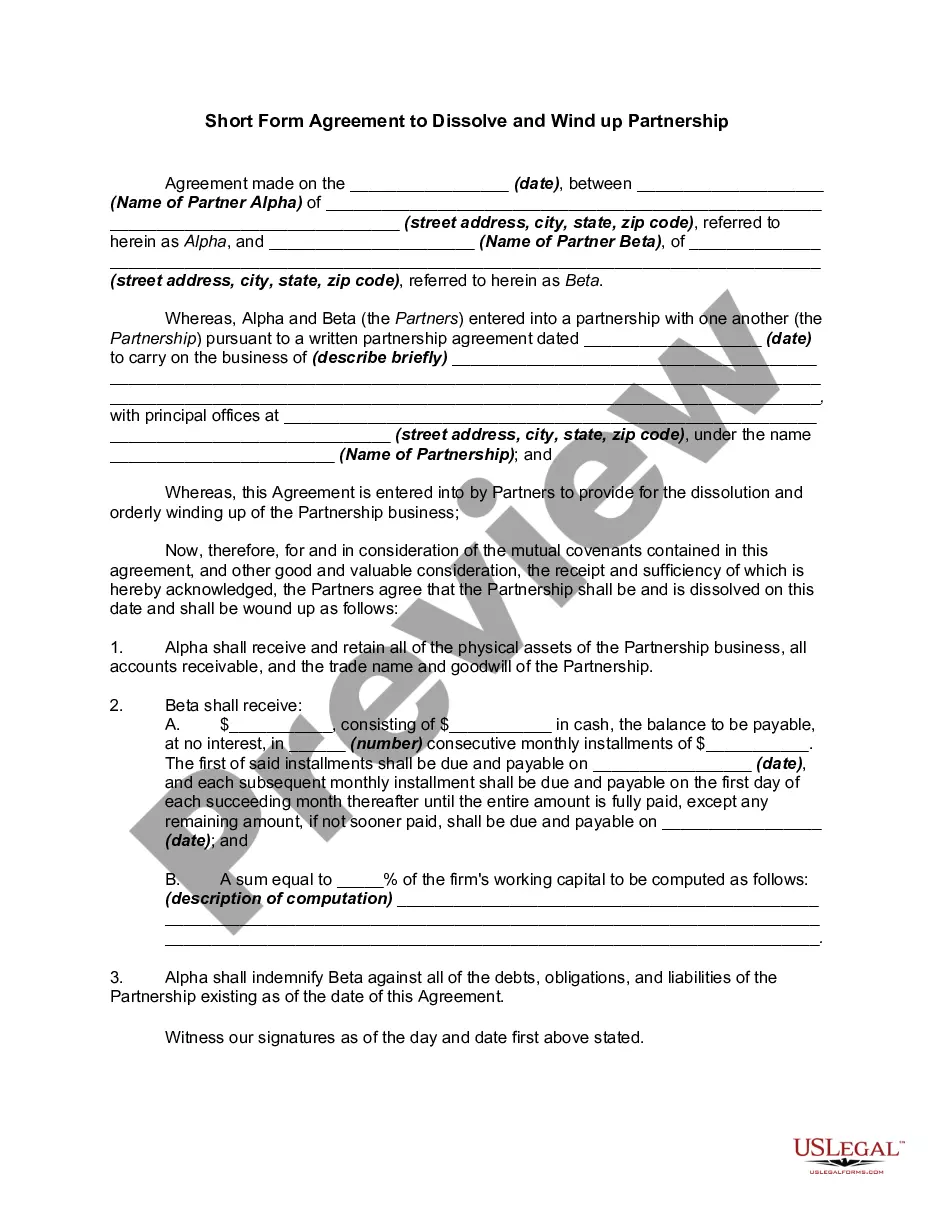






How to fill out Photography Release And Authorization To Photograph?
When you are required to complete a Photography Release Form For Models in accordance with your local state's laws, there may be several options to choose from.
There's no necessity to inspect every form to guarantee it meets all the legal requirements if you are a US Legal Forms subscriber.
It is a reliable resource that can assist you in acquiring a reusable and current template on any subject.
Navigate through the suggested page and evaluate it for alignment with your needs.
- US Legal Forms is the most extensive online collection with an archive of over 85,000 ready-to-use documents for business and individual legal situations.
- All templates are verified to adhere to each state's laws and regulations.
- Thus, when obtaining the Photography Release Form For Models from our site, you can trust that you possess a legitimate and up-to-date document.
- Acquiring the necessary sample from our platform is incredibly straightforward.
- If you already have an account, simply Log In to the system, verify your subscription status, and save the chosen file.
- Later, you can access the My documents tab in your profile and maintain access to the Photography Release Form For Models at any time.
- If this is your first encounter with our website, please follow the instructions below.
Form popularity
FAQ
The essential elements of a model release formYour name and business name.Your business address.A release of all claims against your company.Whether you want to release claims from other companies that buy, use, or obtain the licenses for your photos.More items...?
How do you attach a model release to content? To upload a model release with your content, attach a JPEG release no more than 20 MB in size using the + button next to Releases on the Submit Content page. Alternatively, you can take advantage of the Shutterstock digital release feature.
OnlyFans Requires a Model Release if you want to feature someone: If you're featuring someone else and posting their photos on OnlyFans, you'll need to get a model release before doing so. It's the law, and you should always get a signed release from the person whose photograph you're using.
We recommend working from a template and avoiding creating your own model release form template from scratch. The idea with the contract is that it protects the interests and the rights of both parties. It is a two-way street. It helps both parties and safeguards them against unwanted actions.
On OnlyFans, we require all creators and photographers who publish photographs and third-party content to collect and submit release forms and identification. This is to ensure full verification of, and consent from, all participants, and it is in place to support all our content creators and models on our platform.