Buying Equipment For Business
Description
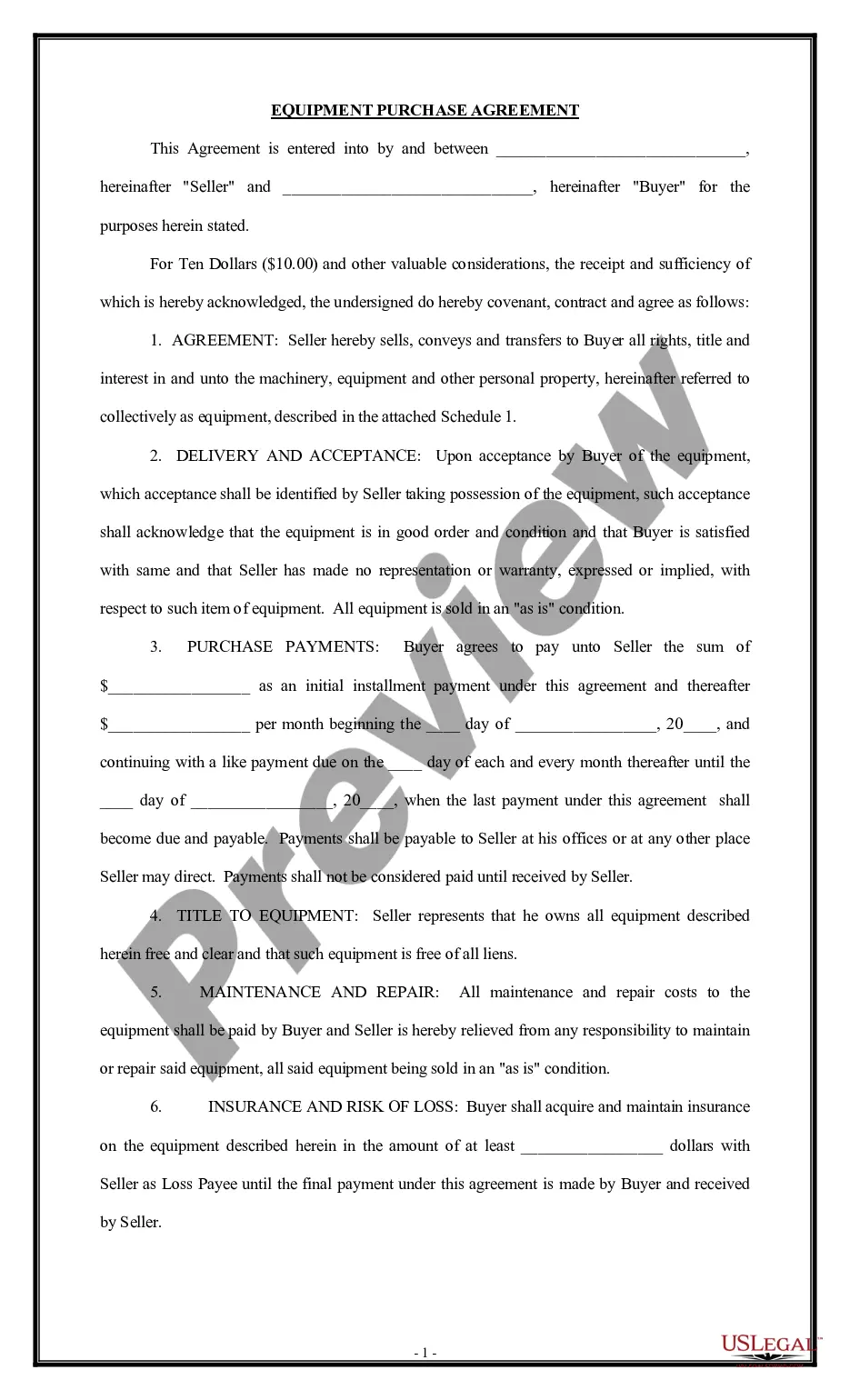
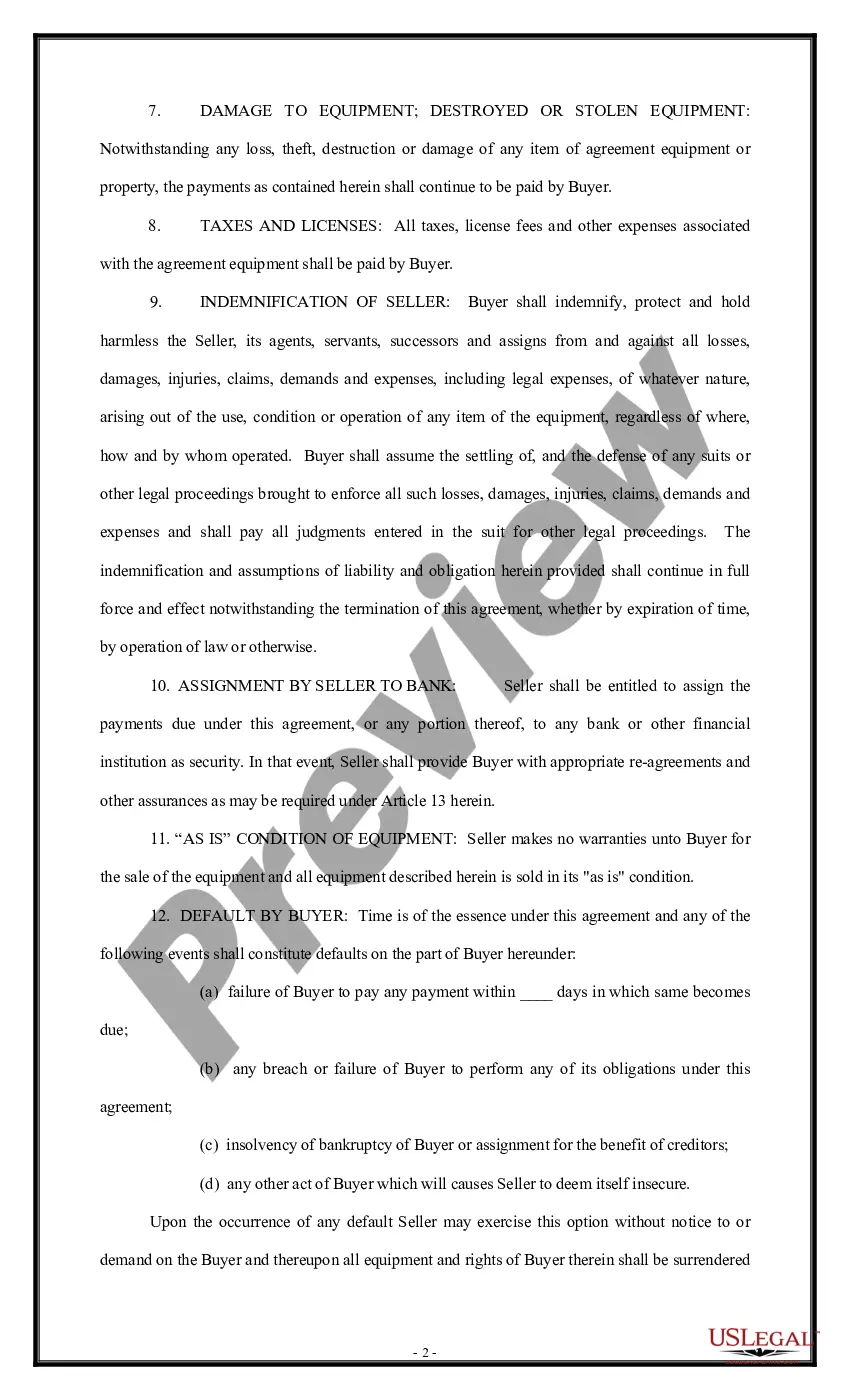
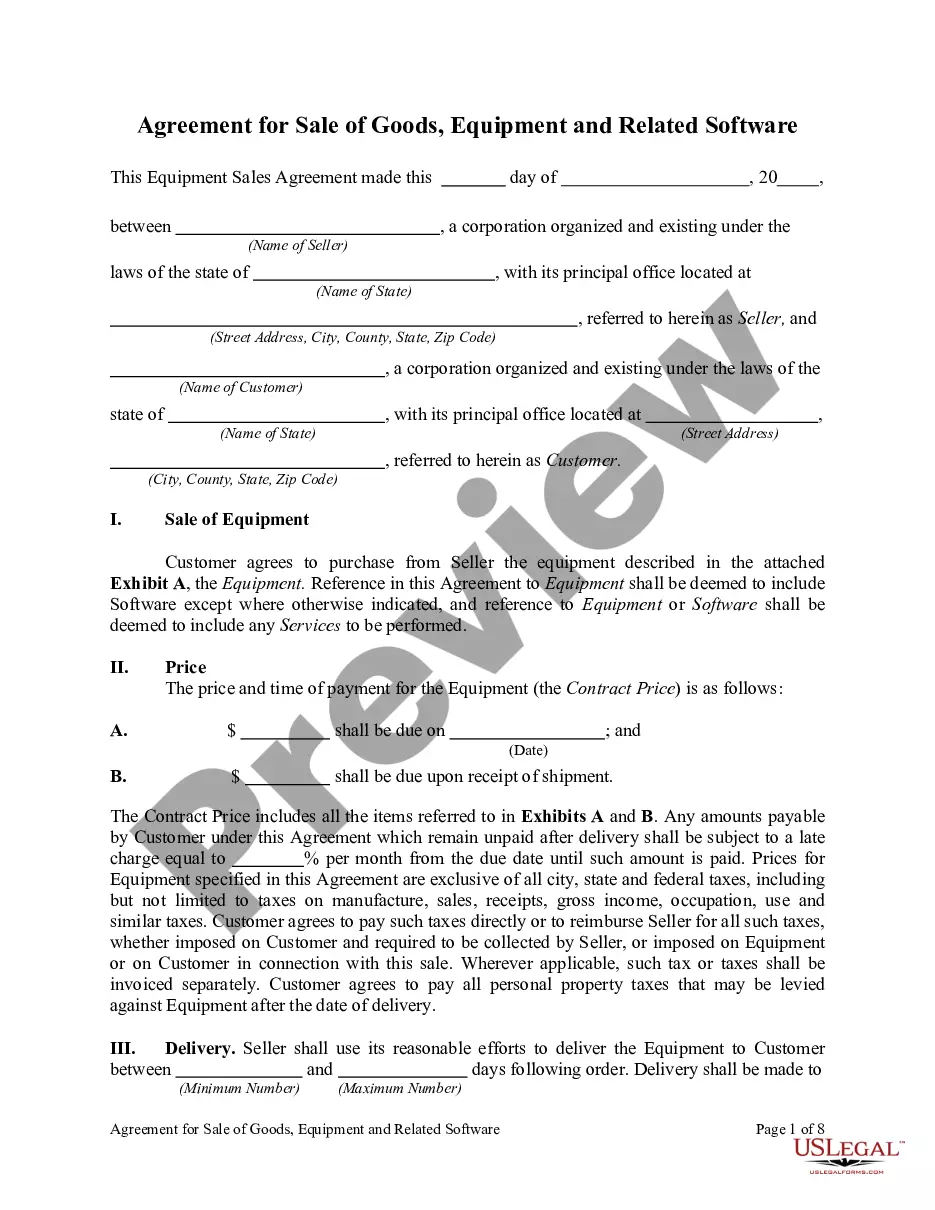
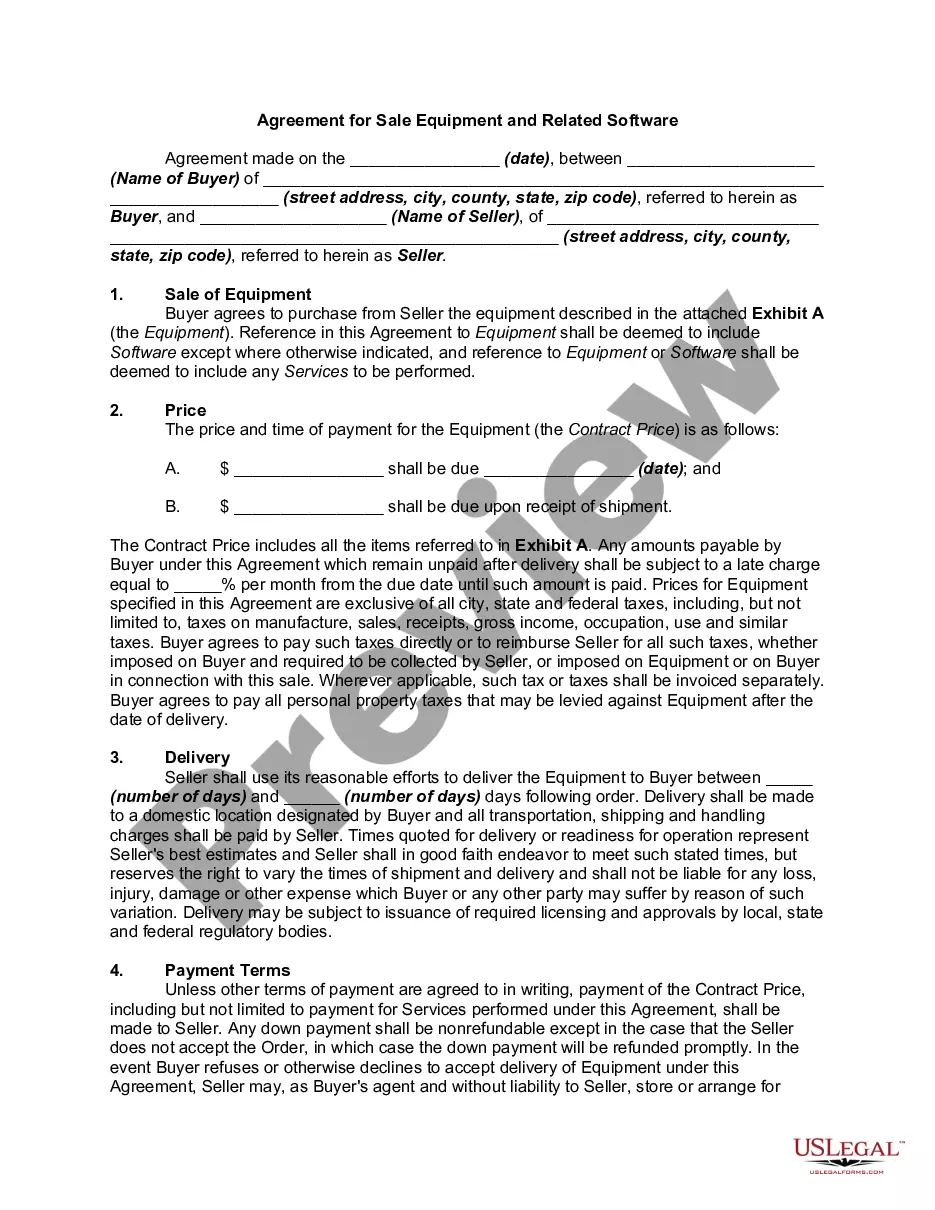
Get your form ready online
Our built-in tools help you complete, sign, share, and store your documents in one place.
Make edits, fill in missing information, and update formatting in US Legal Forms—just like you would in MS Word.
Download a copy, print it, send it by email, or mail it via USPS—whatever works best for your next step.
Sign and collect signatures with our SignNow integration. Send to multiple recipients, set reminders, and more. Go Premium to unlock E-Sign.
If this form requires notarization, complete it online through a secure video call—no need to meet a notary in person or wait for an appointment.
We protect your documents and personal data by following strict security and privacy standards.

Make edits, fill in missing information, and update formatting in US Legal Forms—just like you would in MS Word.

Download a copy, print it, send it by email, or mail it via USPS—whatever works best for your next step.

Sign and collect signatures with our SignNow integration. Send to multiple recipients, set reminders, and more. Go Premium to unlock E-Sign.

If this form requires notarization, complete it online through a secure video call—no need to meet a notary in person or wait for an appointment.

We protect your documents and personal data by following strict security and privacy standards.
Looking for another form?






How to fill out Equipment Purchase Agreement?
Dealing with legal documents and operations can be a time-consuming addition to your day. Buying Equipment For Business and forms like it often require you to look for them and navigate the way to complete them effectively. For that reason, if you are taking care of financial, legal, or personal matters, having a extensive and hassle-free web library of forms when you need it will greatly assist.
US Legal Forms is the number one web platform of legal templates, featuring more than 85,000 state-specific forms and a number of resources that will help you complete your documents effortlessly. Explore the library of appropriate papers open to you with just one click.
US Legal Forms gives you state- and county-specific forms offered by any time for downloading. Shield your document administration operations by using a high quality service that lets you put together any form within minutes with no additional or hidden charges. Just log in to the profile, locate Buying Equipment For Business and acquire it immediately within the My Forms tab. You can also gain access to formerly saved forms.
Would it be your first time utilizing US Legal Forms? Register and set up your account in a few minutes and you will have access to the form library and Buying Equipment For Business. Then, adhere to the steps listed below to complete your form:
- Ensure you have discovered the proper form by using the Preview option and looking at the form description.
- Pick Buy Now once ready, and choose the subscription plan that fits your needs.
- Choose Download then complete, sign, and print the form.
US Legal Forms has twenty five years of experience supporting consumers control their legal documents. Find the form you want today and improve any process without breaking a sweat.
Form popularity
FAQ
These may consist of reliability, capacity, efficiency, environmental impacts, and quality of performance. Maintenance is another factor to take into consideration.
Before buying a business, make sure to examine its past few years of financials, including: Tax returns. Balance sheets. Cash flow statements. Sales records and accounts receivable. Accounts payable. Debt disclosures. Advertising costs.
Before buying a business, make sure to examine its past few years of financials, including: Tax returns. Balance sheets. Cash flow statements. Sales records and accounts receivable. Accounts payable. Debt disclosures. Advertising costs.
These nine tips will help you make the right equipment purchase. Assess your business reality. ... Get an external point of view. ... Invest in digital technologies. ... Create a technology roadmap. ... Shop around for suppliers. ... Keep training in mind. ... Decide whether you want to buy or lease the equipment. ... Think safety first.
For small businesses, in particular, buying new equipment can yield significant benefits. Meet Changing Business Needs. ... Increase Efficiencies and Productivity. ... Improve Safety and Security. ... Take Ownership. ... Take Advantage of Tax Incentives. ... Remain Competitive. ... Gain Access to Vendor Support and Warranties. ... Weigh the Pros and Cons.