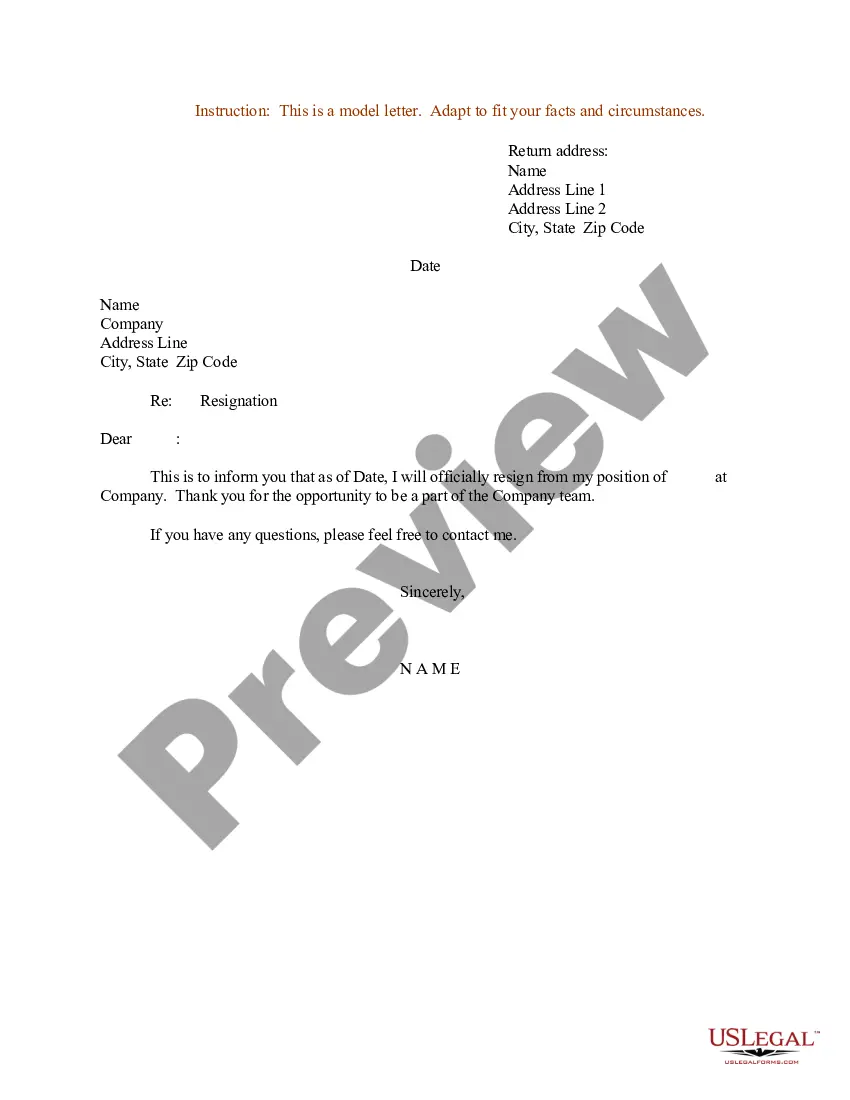
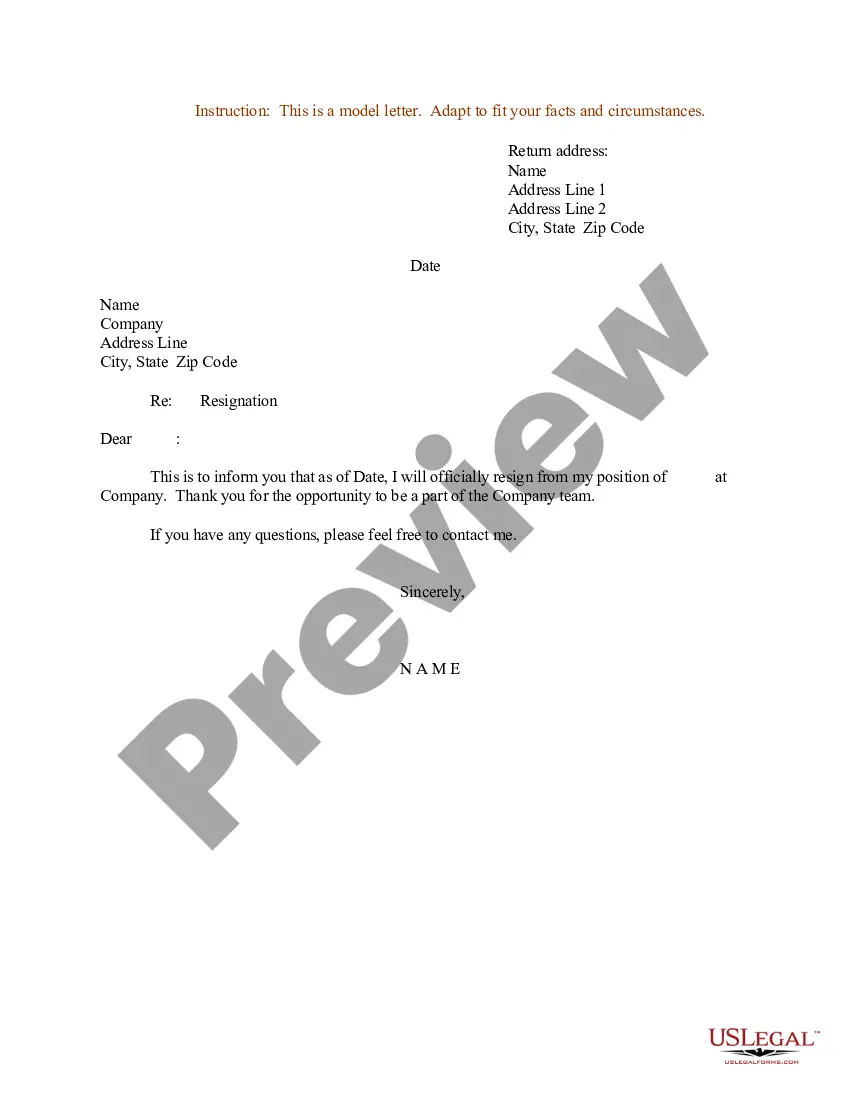
Nurse Resignation Letter To Prn
Description
Get your form ready online
Our built-in tools help you complete, sign, share, and store your documents in one place.
Make edits, fill in missing information, and update formatting in US Legal Forms—just like you would in MS Word.
Download a copy, print it, send it by email, or mail it via USPS—whatever works best for your next step.
Sign and collect signatures with our SignNow integration. Send to multiple recipients, set reminders, and more. Go Premium to unlock E-Sign.
If this form requires notarization, complete it online through a secure video call—no need to meet a notary in person or wait for an appointment.
We protect your documents and personal data by following strict security and privacy standards.

Make edits, fill in missing information, and update formatting in US Legal Forms—just like you would in MS Word.

Download a copy, print it, send it by email, or mail it via USPS—whatever works best for your next step.

Sign and collect signatures with our SignNow integration. Send to multiple recipients, set reminders, and more. Go Premium to unlock E-Sign.

If this form requires notarization, complete it online through a secure video call—no need to meet a notary in person or wait for an appointment.

We protect your documents and personal data by following strict security and privacy standards.
Looking for another form?
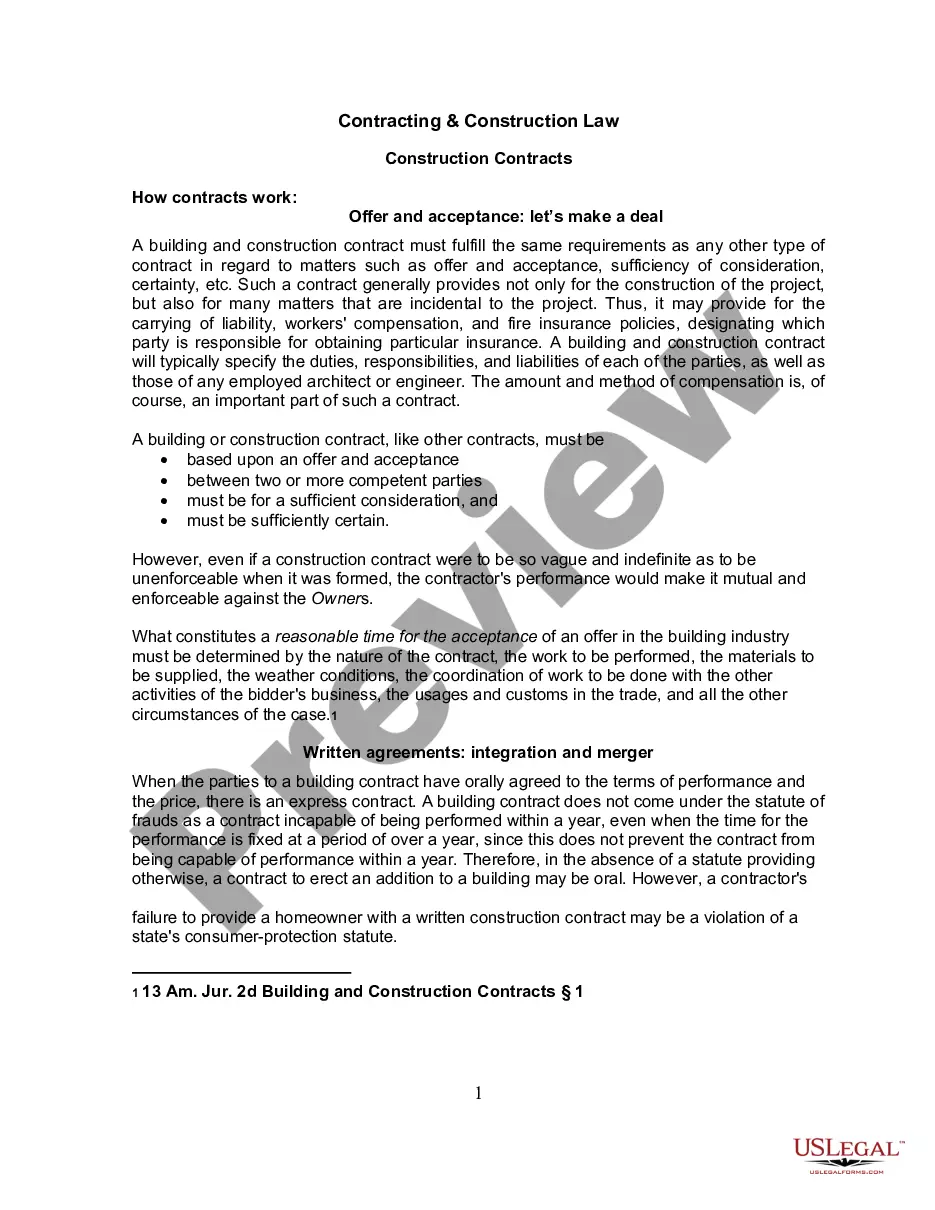
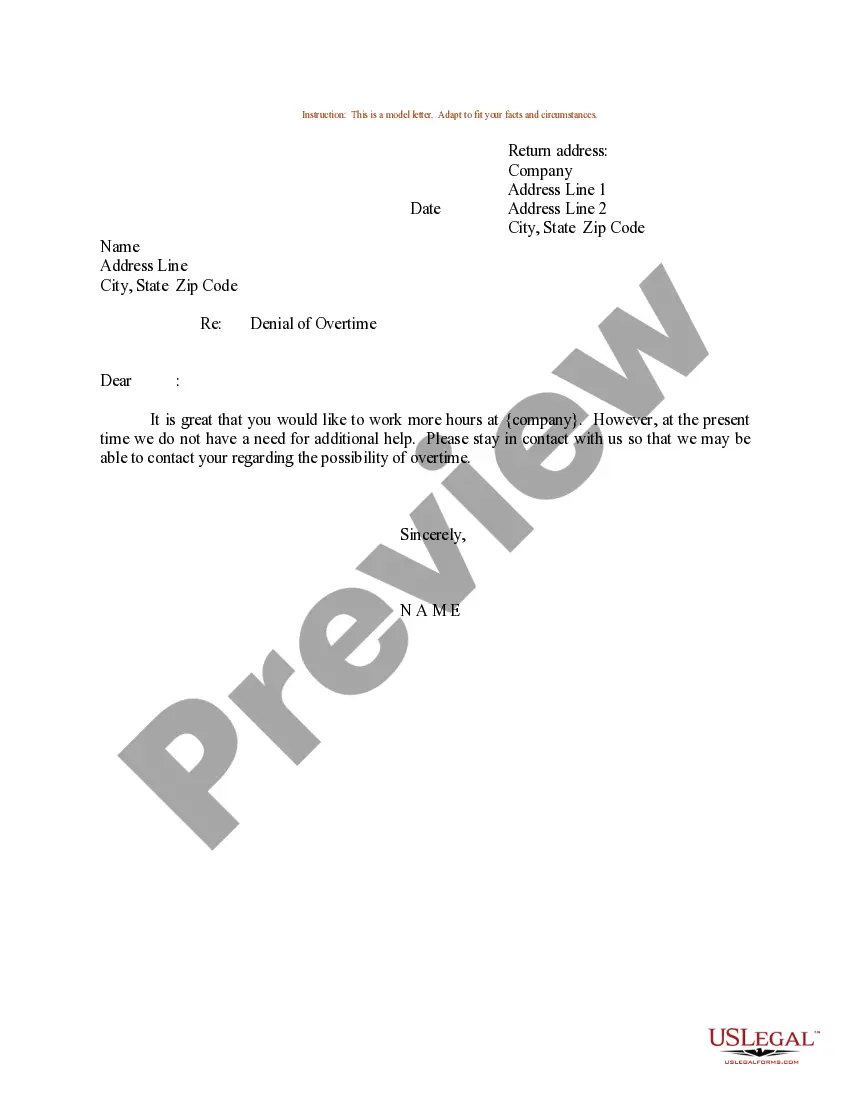
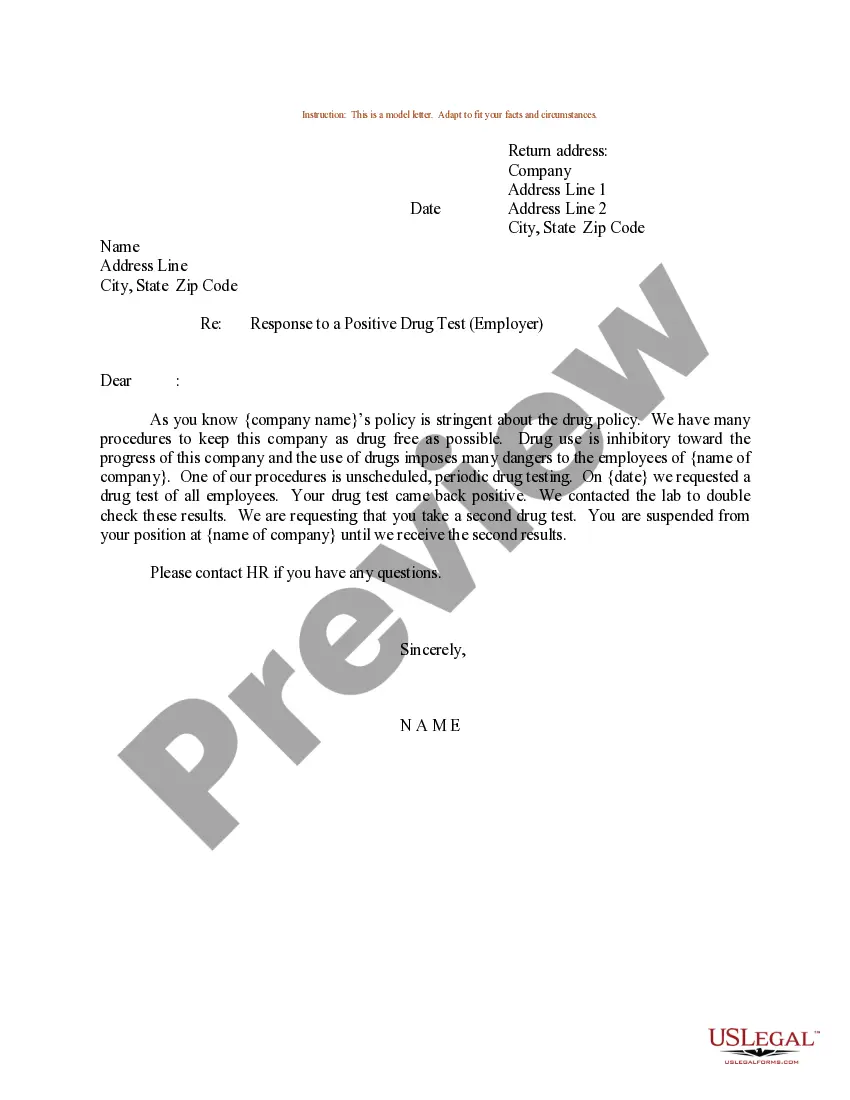
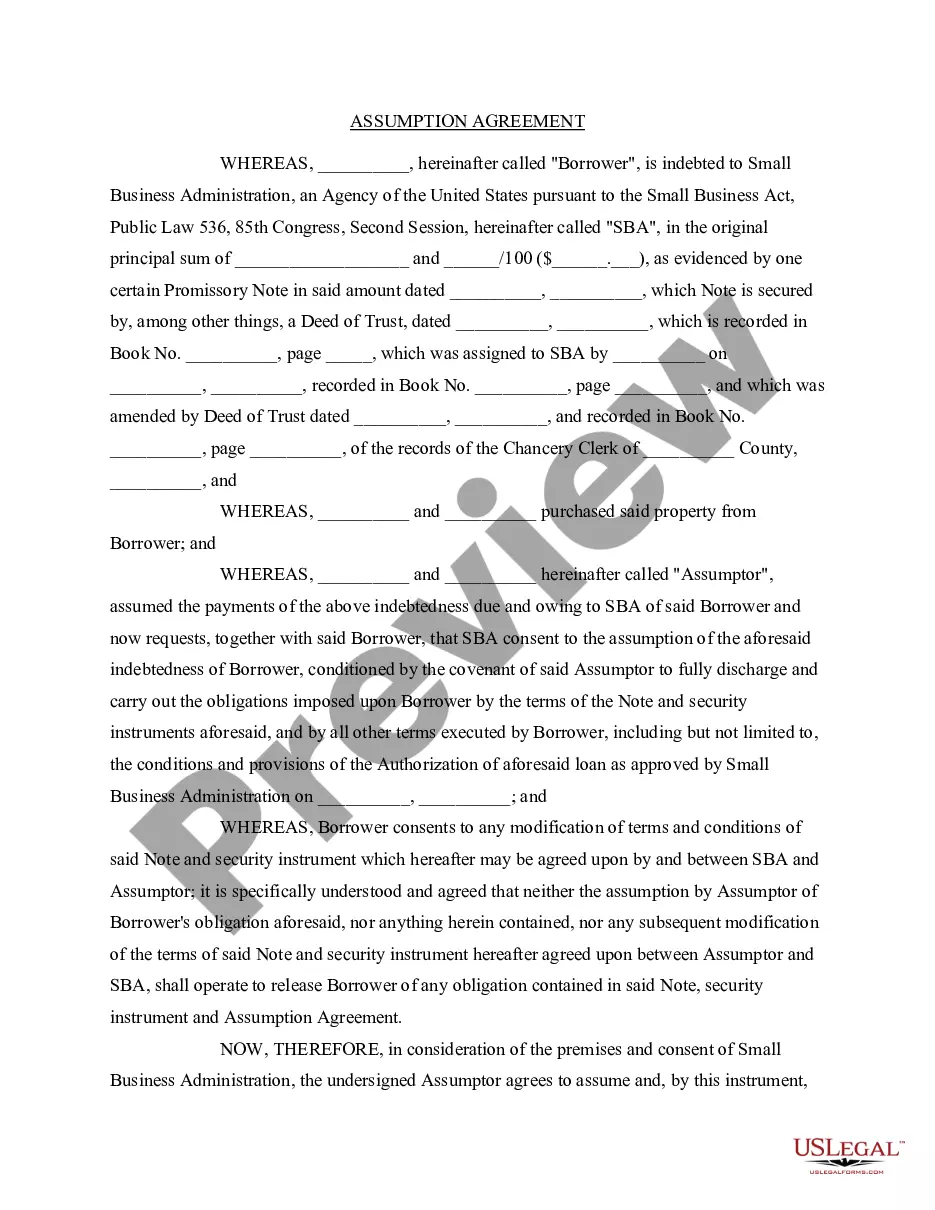
How to fill out Resignation Letter For Nurses?
Whether for corporate objectives or individual matters, everyone must confront legal issues at some stage in their lifetime.
Completing legal documents requires meticulous care, beginning with choosing the appropriate form template. For example, if you select an incorrect version of the Nurse Resignation Letter To Prn, it will be rejected upon submission.
With an extensive array of US Legal Forms available, you don’t have to waste time searching for the right sample online. Utilize the library’s straightforward navigation to find the appropriate template for any situation.
- Locate the template you require by using the search bar or browsing the catalog.
- Review the description of the form to confirm it is suitable for your situation, state, and locality.
- Click on the form’s preview to inspect it.
- If it is the wrong form, return to the search feature to find the Nurse Resignation Letter To Prn template you need.
- Download the template when it aligns with your requirements.
- If you already possess a US Legal Forms account, click Log in to retrieve previously saved templates from My documents.
- If you haven’t registered yet, you may download the document by clicking Buy now.
- Choose the correct pricing option.
- Complete the account registration form.
- Select your payment method: you can utilize a credit card or PayPal account.
- Choose the file format you desire and download the Nurse Resignation Letter To Prn.
- Once saved, you can fill out the document using editing software or print it and complete it manually.
Form popularity
FAQ
When writing a resignation letter as a nurse, use a clear and formal format. Start with a concise statement of your resignation and include your intended last working day. It's important to express your gratitude for the opportunities you've had during your time in the position.
Annulment basics One of the spouses is married to another person (bigamy) You got married when you were under 18 and it wasn't legal to do so. Your spouse tricked you to get you to agree to marry them.
Initial Filing Fees Filing FeeCostDissolution of Marriage/Annulment$408Domestic Relations Exception Cases (Pursuant to F.S. 28.241(1)(a)(1)(b))$300General Domestic Relations$400Name Change$4003 more rows
Florida does not have an annulment statue.
Failure to consummate the marriage: A marriage in which the parties fail to consummate their union can be grounds for annulment in certain circumstances. Typically, though, there must have been a failure to consummate the marriage for several years before a court will even entertain a petition for annulment.
(Annulment papers must be filed in Florida's circuit courts.) The petition needs to explain if the marriage is void or voidable and why. If the other party disagrees with the petition, they have the right to file and serve a counterclaim for dissolution of marriage.
The Florida court system allows annulment if you have yet to consummate the marriage or have not yet lived together. You can also get an annulment in a case where you find out your wife is pregnant from another man after you are married. If these do not apply, then the marriage needs to be considered ?void.?
The final step in an annulment case is having a judge sign a Decree of Annulment. This is the document that includes all of the terms of the annulment and legally ends the marriage. An annulment is not final until a judge has signed a Decree of Annulment and it is filed with the Clerk of Court.
The marriage is void because it's bigamous (means on spouse is legally married to more than one person), incestuous) the couple is closely related by blood or marriage), the union consists two under aged people, or because one spouse is permanently mentally, incapacitated and unable to consent to marriage.