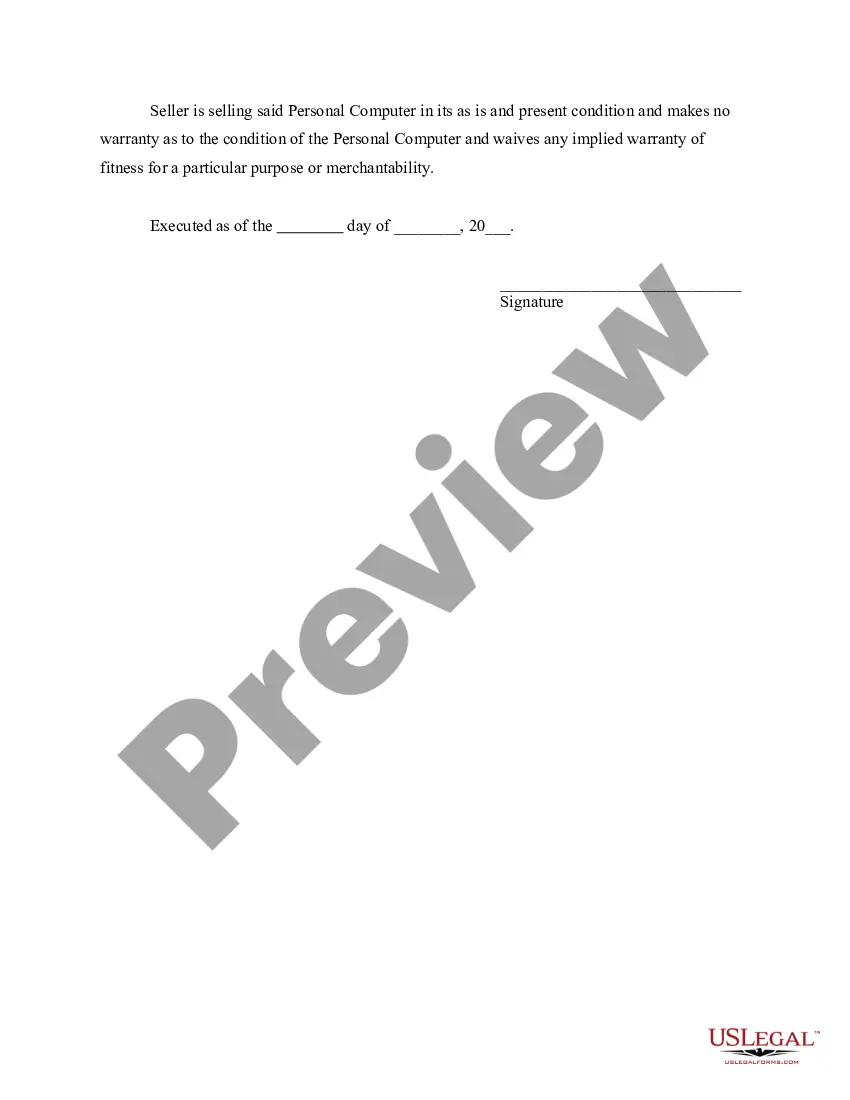
Bill Of Sale For Computer Form To Print
Description
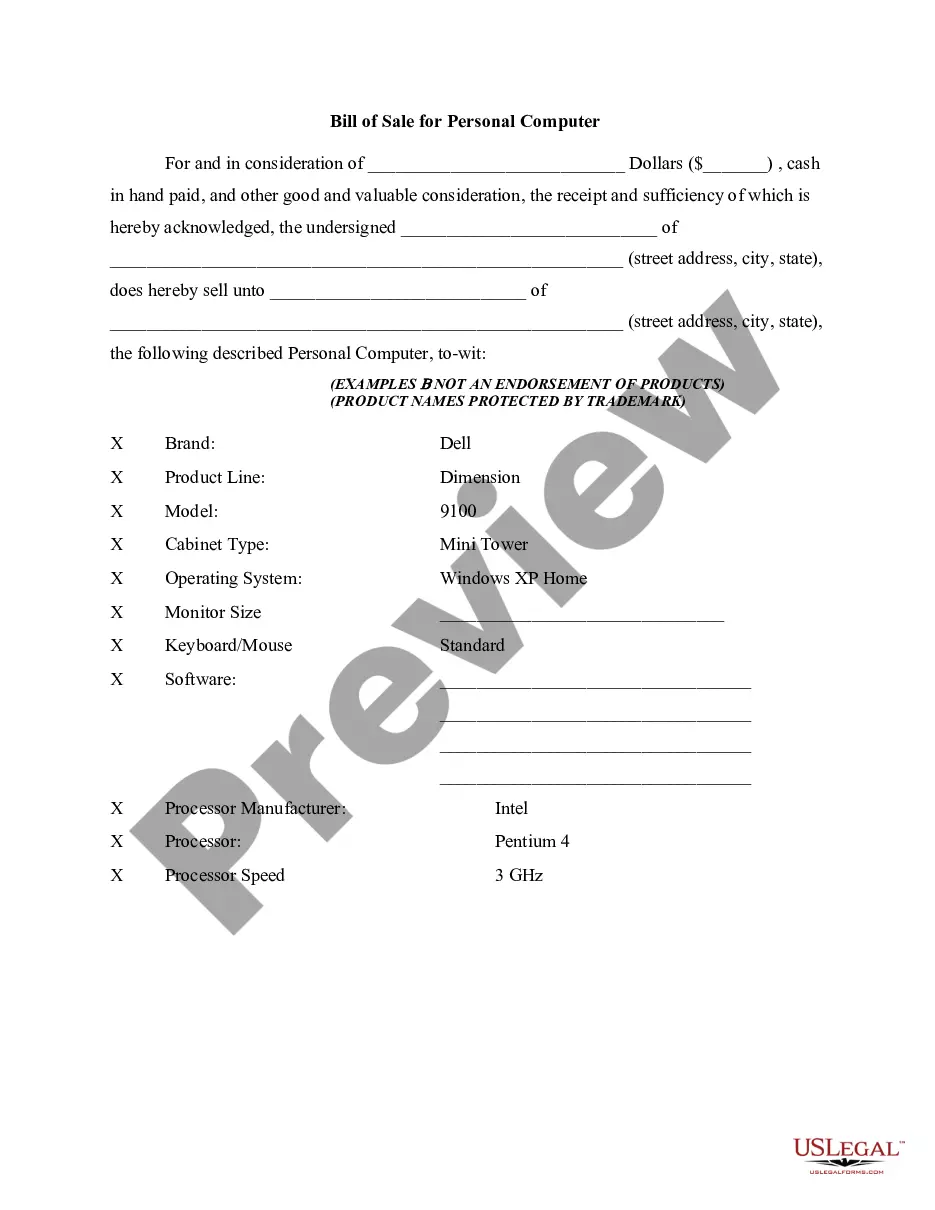
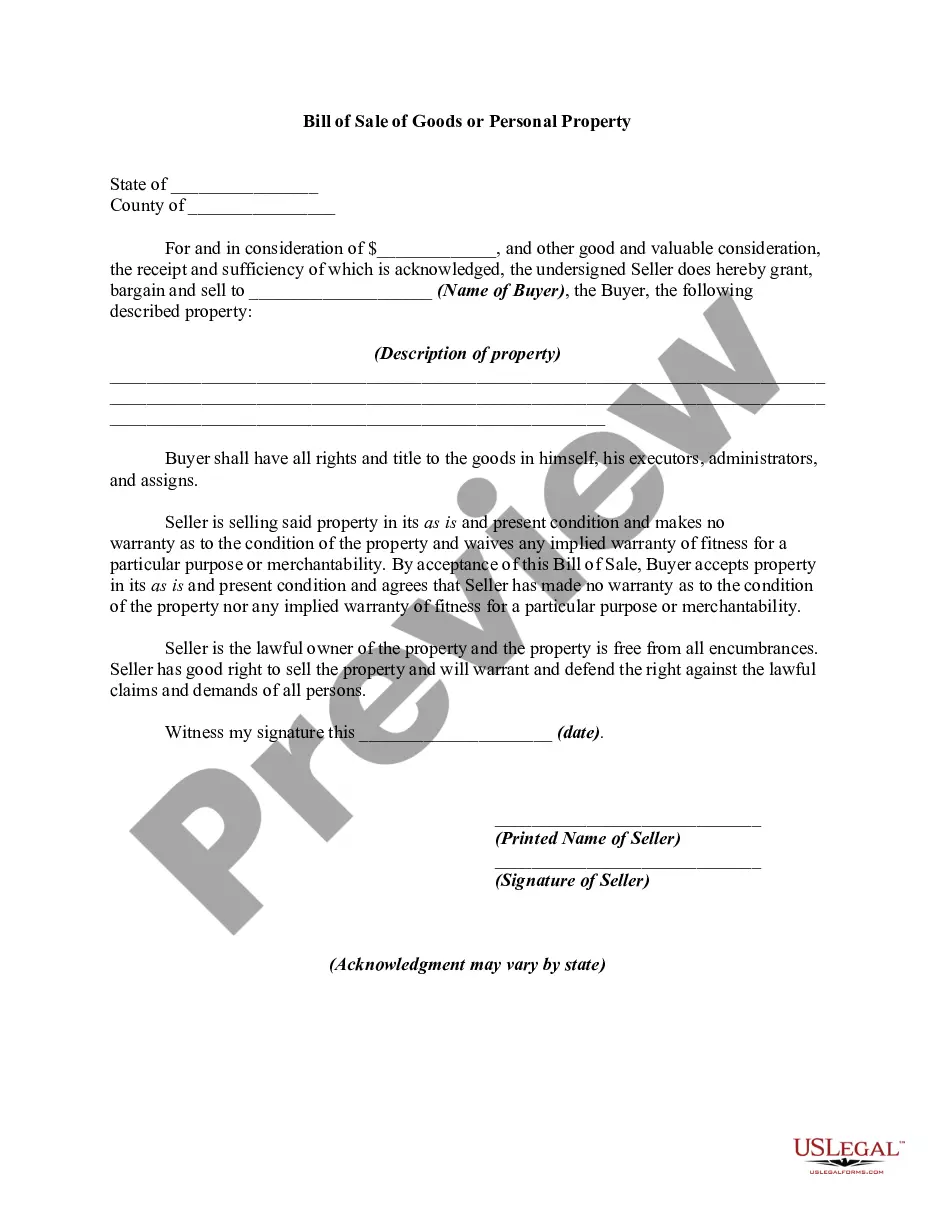
Get your form ready online
Our built-in tools help you complete, sign, share, and store your documents in one place.
Make edits, fill in missing information, and update formatting in US Legal Forms—just like you would in MS Word.
Download a copy, print it, send it by email, or mail it via USPS—whatever works best for your next step.
Sign and collect signatures with our SignNow integration. Send to multiple recipients, set reminders, and more. Go Premium to unlock E-Sign.
If this form requires notarization, complete it online through a secure video call—no need to meet a notary in person or wait for an appointment.
We protect your documents and personal data by following strict security and privacy standards.

Make edits, fill in missing information, and update formatting in US Legal Forms—just like you would in MS Word.

Download a copy, print it, send it by email, or mail it via USPS—whatever works best for your next step.

Sign and collect signatures with our SignNow integration. Send to multiple recipients, set reminders, and more. Go Premium to unlock E-Sign.

If this form requires notarization, complete it online through a secure video call—no need to meet a notary in person or wait for an appointment.

We protect your documents and personal data by following strict security and privacy standards.
Looking for another form?


How to fill out Bill Of Sale For Personal Computer?
It’s clear that you can’t instantly become a legal expert, nor can you quickly learn how to efficiently prepare the Bill Of Sale For Computer Form To Print without a specific educational background.
Crafting legal documents is an arduous task that necessitates particular training and expertise. So why not entrust the creation of the Bill Of Sale For Computer Form To Print to the experts.
With US Legal Forms, one of the most extensive collections of legal documents, you can find anything from court documents to templates for in-office correspondence. We understand how crucial it is to comply with federal and state regulations. That’s why, on our platform, all templates are location-specific and current.
You can access your documents from the My documents tab whenever necessary. If you’re a returning customer, you can simply Log In, and find and download the template from the same section.
Regardless of your forms' intent—whether they are financial, legal, or personal—our platform has everything you need. Give US Legal Forms a try now!
- Find the document you require using the search feature at the top of the page.
- Preview it (if this option is available) and review the accompanying description to determine if the Bill Of Sale For Computer Form To Print is what you need.
- Restart your search if you require any additional form.
- Create a free account and select a subscription plan to acquire the form.
- Select Buy now. Once your payment is confirmed, you can obtain the Bill Of Sale For Computer Form To Print, fill it out, print it, and send or mail it to the appropriate individuals or organizations.
Form popularity
FAQ
How to fill out Bill of Sale form for California! - YouTube YouTube Start of suggested clip End of suggested clip And then i we the seller. If it's just you then you put your name. Here. But if the card is calledMoreAnd then i we the seller. If it's just you then you put your name. Here. But if the card is called then you you'll slash and put a corner like this.
Download the free Printable Basic Bill of Sale Blank Form Template in Microsoft Word to be used as a sales contract between two parties.
You can write your own bill of sale in Alabama as long as you meet the minimum requirements set by the state for including information about the sales transaction.
Can a Bill of Sale be handwritten in Alabama? Technically, yes although most people don't do this. It should have the basic vehicle information like the year, make, and model plus the odometer reading, the purchase price, date of sale, VIN and signatures from both the buyer and the seller.
Is a handwritten bill of sale legal in California? Anyone can draft and sign a bill of sale. In California, only the buyer and seller, and any agents representing them, need to sign the document. The buyer and seller may choose to have a witness sign.