Construction Contract Form Download For Google Docs In Pennsylvania
Description

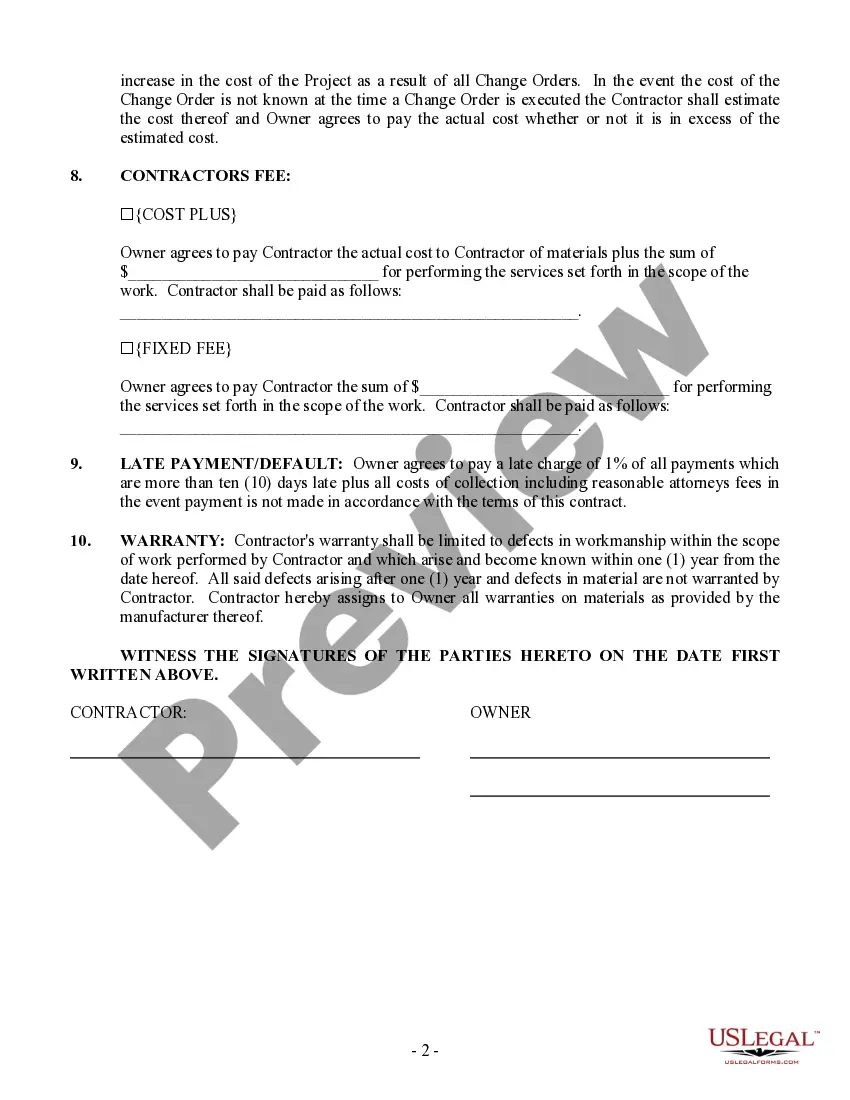
Get your form ready online
Our built-in tools help you complete, sign, share, and store your documents in one place.
Make edits, fill in missing information, and update formatting in US Legal Forms—just like you would in MS Word.
Download a copy, print it, send it by email, or mail it via USPS—whatever works best for your next step.
Sign and collect signatures with our SignNow integration. Send to multiple recipients, set reminders, and more. Go Premium to unlock E-Sign.
If this form requires notarization, complete it online through a secure video call—no need to meet a notary in person or wait for an appointment.
We protect your documents and personal data by following strict security and privacy standards.

Make edits, fill in missing information, and update formatting in US Legal Forms—just like you would in MS Word.

Download a copy, print it, send it by email, or mail it via USPS—whatever works best for your next step.

Sign and collect signatures with our SignNow integration. Send to multiple recipients, set reminders, and more. Go Premium to unlock E-Sign.

If this form requires notarization, complete it online through a secure video call—no need to meet a notary in person or wait for an appointment.

We protect your documents and personal data by following strict security and privacy standards.
Looking for another form?







Form popularity
FAQ
Open the Google Docs template Contract Template and enter your company details and an image with your signature in the provided space, as well as the actual contract. Familiarize yourself with working with variables if you want to add more placeholders, conditions, or loops to your contract.
How to draft a contract between two parties: A step-by-step checklist Know your parties. Agree on the terms. Set clear boundaries. Spell out the consequences. Specify how you will resolve disputes. Cover confidentiality. Check the legality of the contract. Open it up to negotiation.
Offer and Acceptance: One party must make an offer, and the other must accept it. Mutual Consent: Both parties agree to the terms without coercion. Contract law often refers to this condition as a "meeting of the minds." Competence: The parties must have the legal capacity to agree.
How To Write A Construction Contract With 7 Steps Step 1: Define the Parties Involved. Step 2: Outline the Scope of Work. Step 3: Establish the Timeline. Step 4: Determine the Payment Terms. Step 5: Include Necessary Legal Clauses. Step 6: Address Change Orders and Modifications. Step 7: Sign and Execute the Contract.
There are no statewide Pennsylvania general contractor license or certification requirements. However, any contractor who performs at least $5,000 worth of home improvements per year must register with the Attorney General's office.
You can set up a workflow whereby a new contract is created in Juro when a new form response is submitted in Google Forms. The pre-defined contract template is populated automatically with the data entered into the Google Form, generating a complete contract as and when you need it.
You can set up a workflow whereby a new contract is created in Juro when a new form response is submitted in Google Forms. The pre-defined contract template is populated automatically with the data entered into the Google Form, generating a complete contract as and when you need it.
Google Docs contract template. Easily automate your agreements using our contract template in just a few steps. Our contract template allows for effortless eSigning and automation.
Open the Google Docs template Contract Template and enter your company details and an image with your signature in the provided space, as well as the actual contract.
Google Forms™ allows you to easily create forms and collect responses from your users. But it doesn't offer a native electronic signature feature. With Formesign's eSignature addon, you can accept legally binding electronic signatures directly from Google Forms™.
