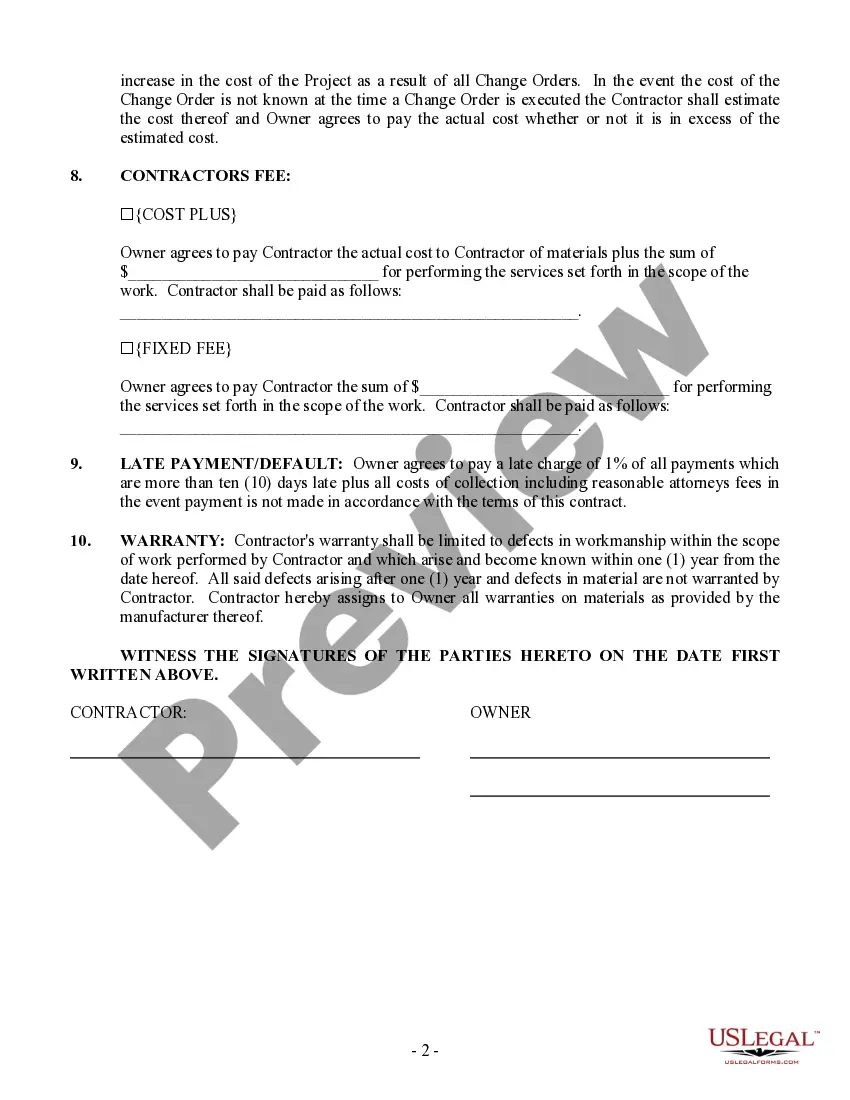
Construction Contract Form With 2 Points In Orange
Description

Get your form ready online
Our built-in tools help you complete, sign, share, and store your documents in one place.
Make edits, fill in missing information, and update formatting in US Legal Forms—just like you would in MS Word.
Download a copy, print it, send it by email, or mail it via USPS—whatever works best for your next step.
Sign and collect signatures with our SignNow integration. Send to multiple recipients, set reminders, and more. Go Premium to unlock E-Sign.
If this form requires notarization, complete it online through a secure video call—no need to meet a notary in person or wait for an appointment.
We protect your documents and personal data by following strict security and privacy standards.

Make edits, fill in missing information, and update formatting in US Legal Forms—just like you would in MS Word.

Download a copy, print it, send it by email, or mail it via USPS—whatever works best for your next step.

Sign and collect signatures with our SignNow integration. Send to multiple recipients, set reminders, and more. Go Premium to unlock E-Sign.

If this form requires notarization, complete it online through a secure video call—no need to meet a notary in person or wait for an appointment.

We protect your documents and personal data by following strict security and privacy standards.
Looking for another form?


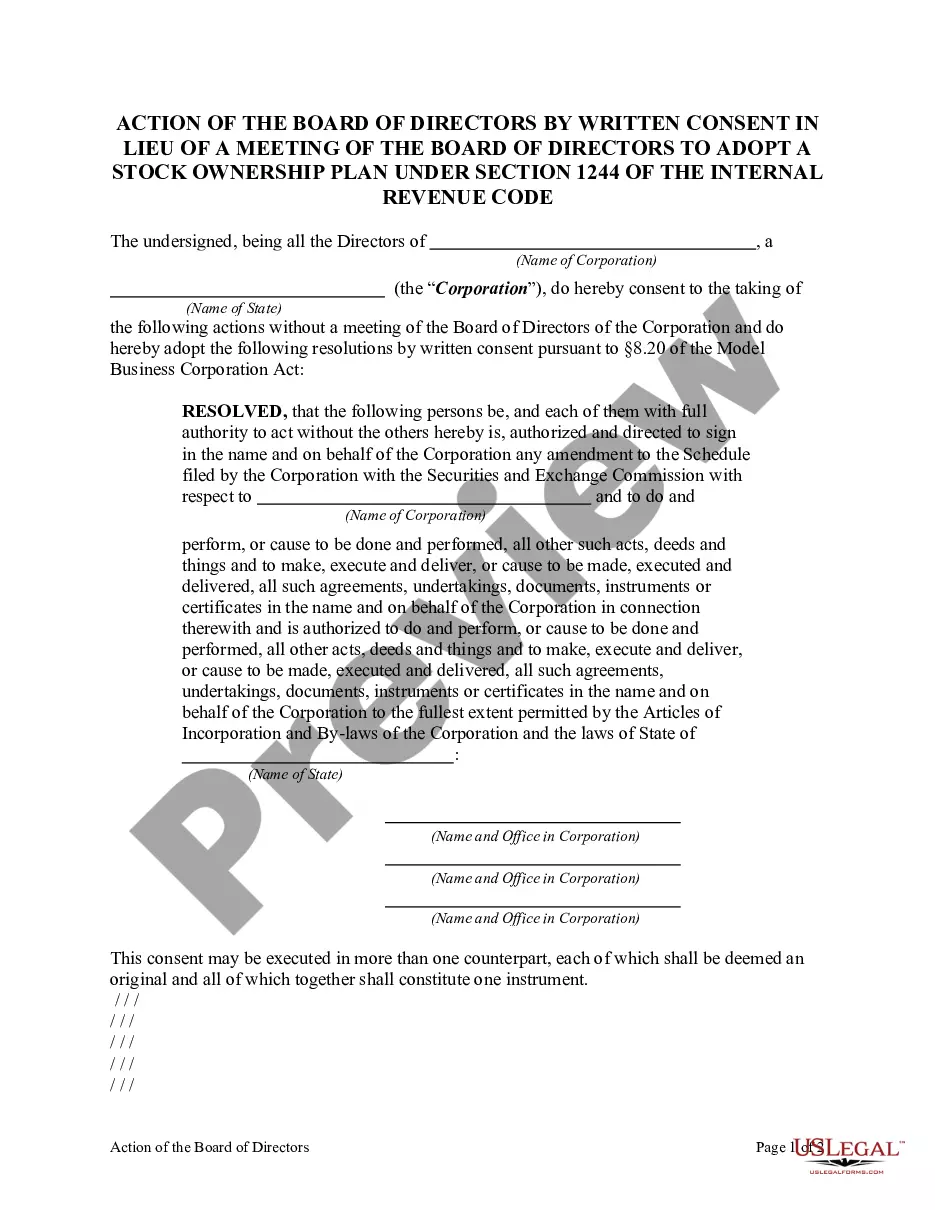
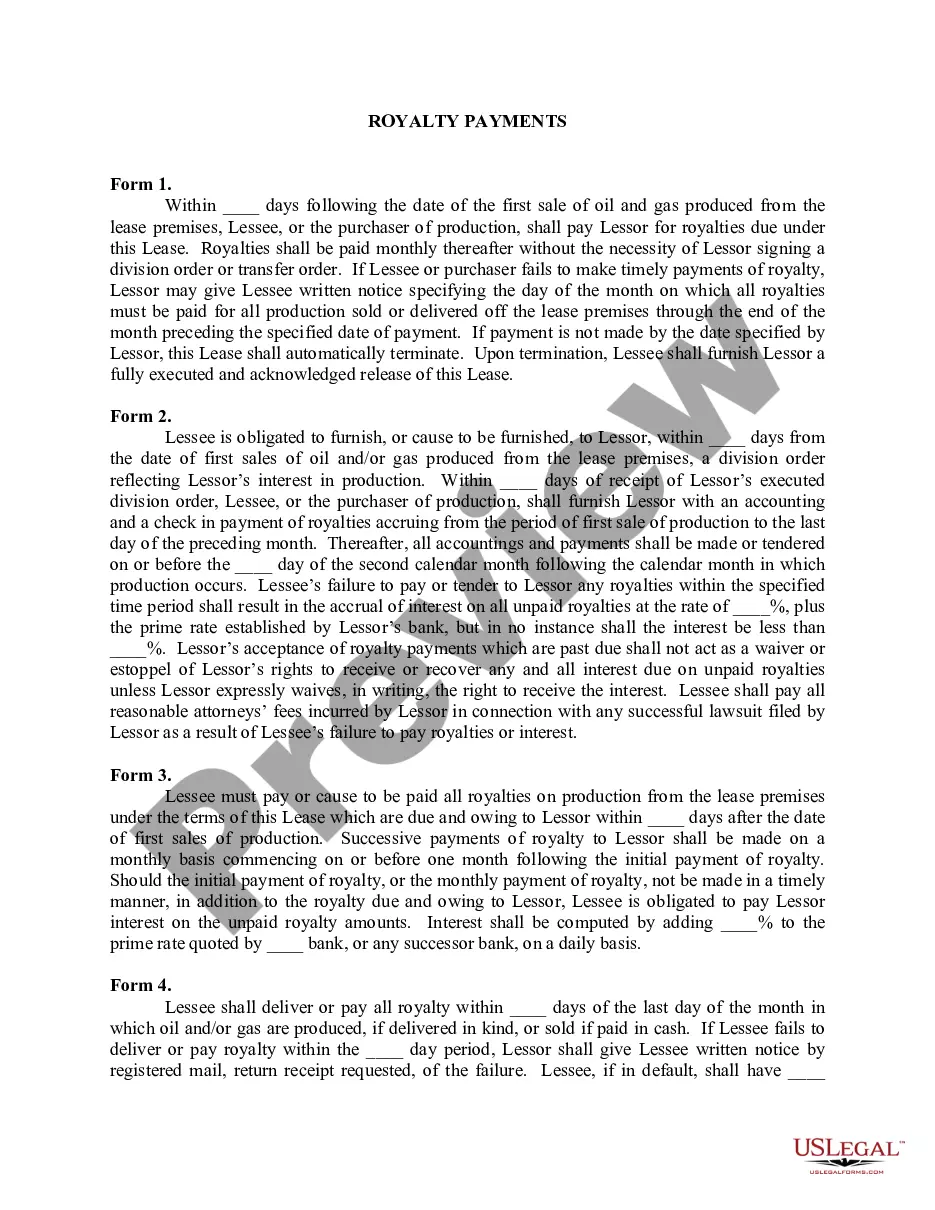

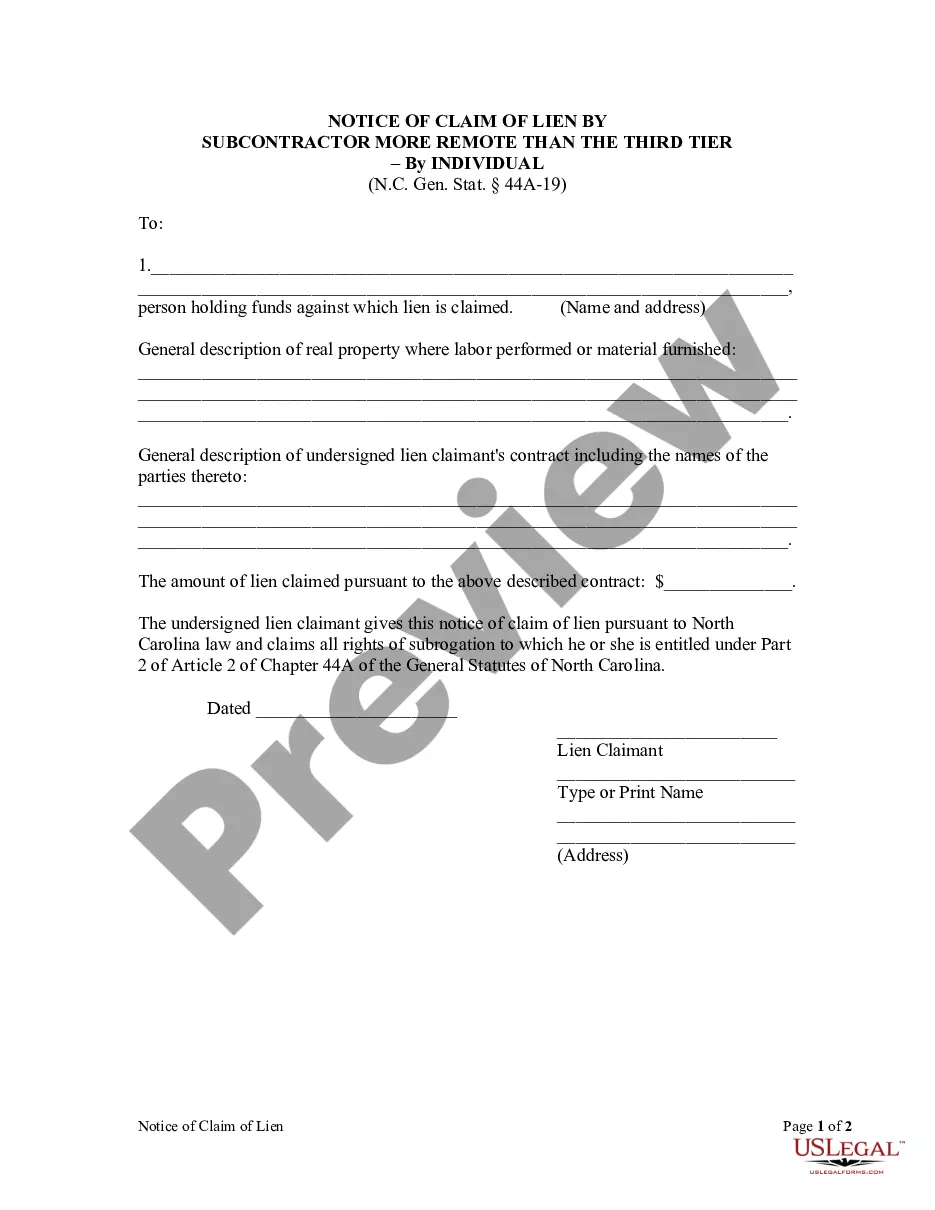

Form popularity
FAQ
The best known of the FIDIC contracts are the Red Book (building and engineering works designed by the Employer) and the Yellow Book (M&E, building and engineering works designed by the Contractor). The original edition of the Red Book dates back to 1957.
How to draft a contract in 13 simple steps Start with a contract template. Understand the purpose and requirements. Identify all parties involved. Outline key terms and conditions. Define deliverables and milestones. Establish payment terms. Add termination conditions. Incorporate dispute resolution.
There are five main types of FIDIC contracts: Red Book (construction), Yellow Book (plant and design-build), Silver Book (EPC/turnkey), Green Book (short form), and Pink Book (consulting services).
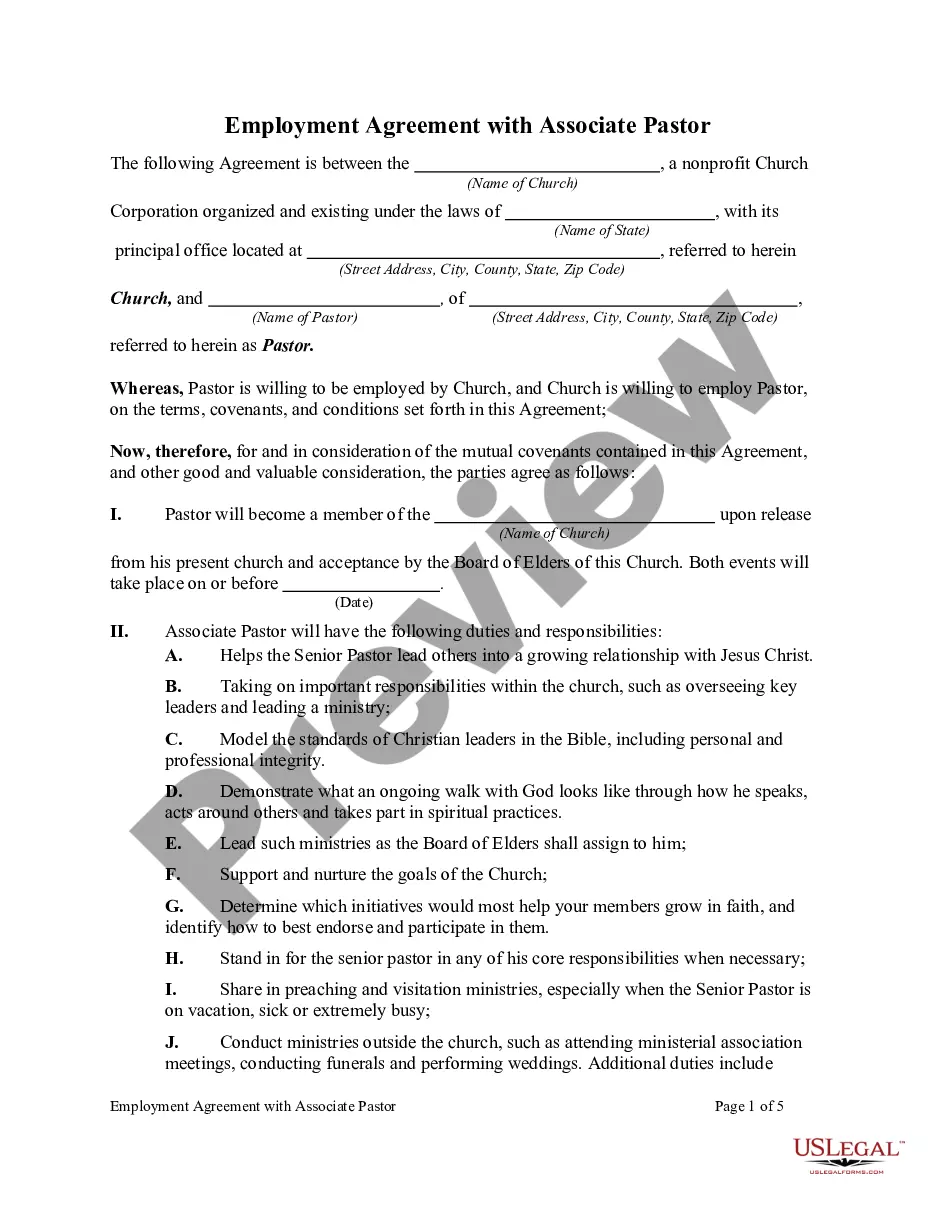
What should I include in a construction contract template? Name and contact information of the project owner. Name and contact information of the contractor. Legal description of the property being worked on. Detailed description of the work to be completed. Completion date and date of final payment.
How To Write A Construction Contract With 7 Steps Step 1: Define the Parties Involved. Step 2: Outline the Scope of Work. Step 3: Establish the Timeline. Step 4: Determine the Payment Terms. Step 5: Include Necessary Legal Clauses. Step 6: Address Change Orders and Modifications. Step 7: Sign and Execute the Contract.
The Standard JCT Contract is drafted to suit larger works, or works of a complex nature that involve a high degree of building services or specialist work and its drafting to include provisions allowing: for the contractor to design discrete parts of the works. works to be carried out in sections.
Broadly speaking, the JCT contract centres on liabilities and risk in the way a traditional contract would, whereas NEC commands and enables a proactive and collaborative approach to managing the contract. It is critical to understand the details of both contract types to assess their benefits and disadvantages.
How To Write A Construction Contract With 7 Steps Step 1: Define the Parties Involved. Step 2: Outline the Scope of Work. Step 3: Establish the Timeline. Step 4: Determine the Payment Terms. Step 5: Include Necessary Legal Clauses. Step 6: Address Change Orders and Modifications. Step 7: Sign and Execute the Contract.
So, if you ever come across someone referring to a 'JCT contract', it is typically about a standard building contract. These contracts are usually between an 'employer' and a 'contractor' to facilitate a building works project. They set out all of the relevant terms and conditions, including: Obligations of the parties.
