Contract Cost Plus Form For Renovation In Broward
Description

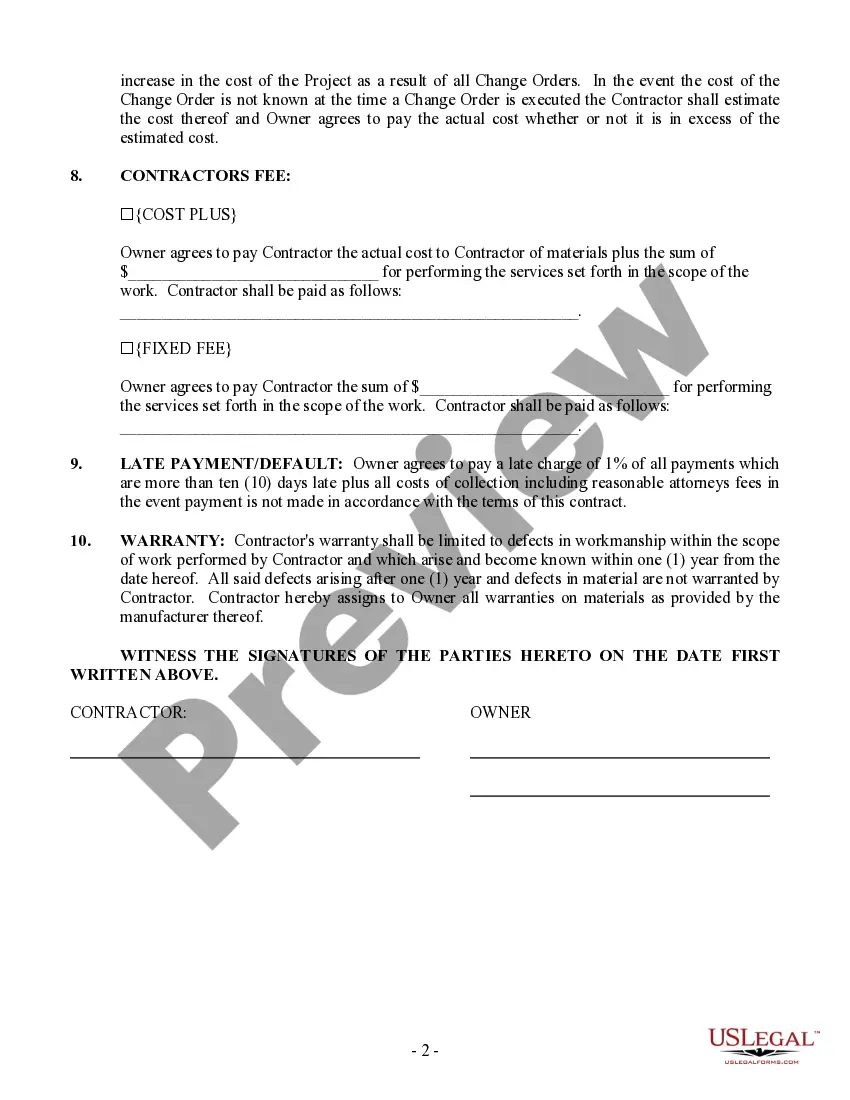
Get your form ready online
Our built-in tools help you complete, sign, share, and store your documents in one place.
Make edits, fill in missing information, and update formatting in US Legal Forms—just like you would in MS Word.
Download a copy, print it, send it by email, or mail it via USPS—whatever works best for your next step.
Sign and collect signatures with our SignNow integration. Send to multiple recipients, set reminders, and more. Go Premium to unlock E-Sign.
If this form requires notarization, complete it online through a secure video call—no need to meet a notary in person or wait for an appointment.
We protect your documents and personal data by following strict security and privacy standards.

Make edits, fill in missing information, and update formatting in US Legal Forms—just like you would in MS Word.

Download a copy, print it, send it by email, or mail it via USPS—whatever works best for your next step.

Sign and collect signatures with our SignNow integration. Send to multiple recipients, set reminders, and more. Go Premium to unlock E-Sign.

If this form requires notarization, complete it online through a secure video call—no need to meet a notary in person or wait for an appointment.

We protect your documents and personal data by following strict security and privacy standards.
Looking for another form?


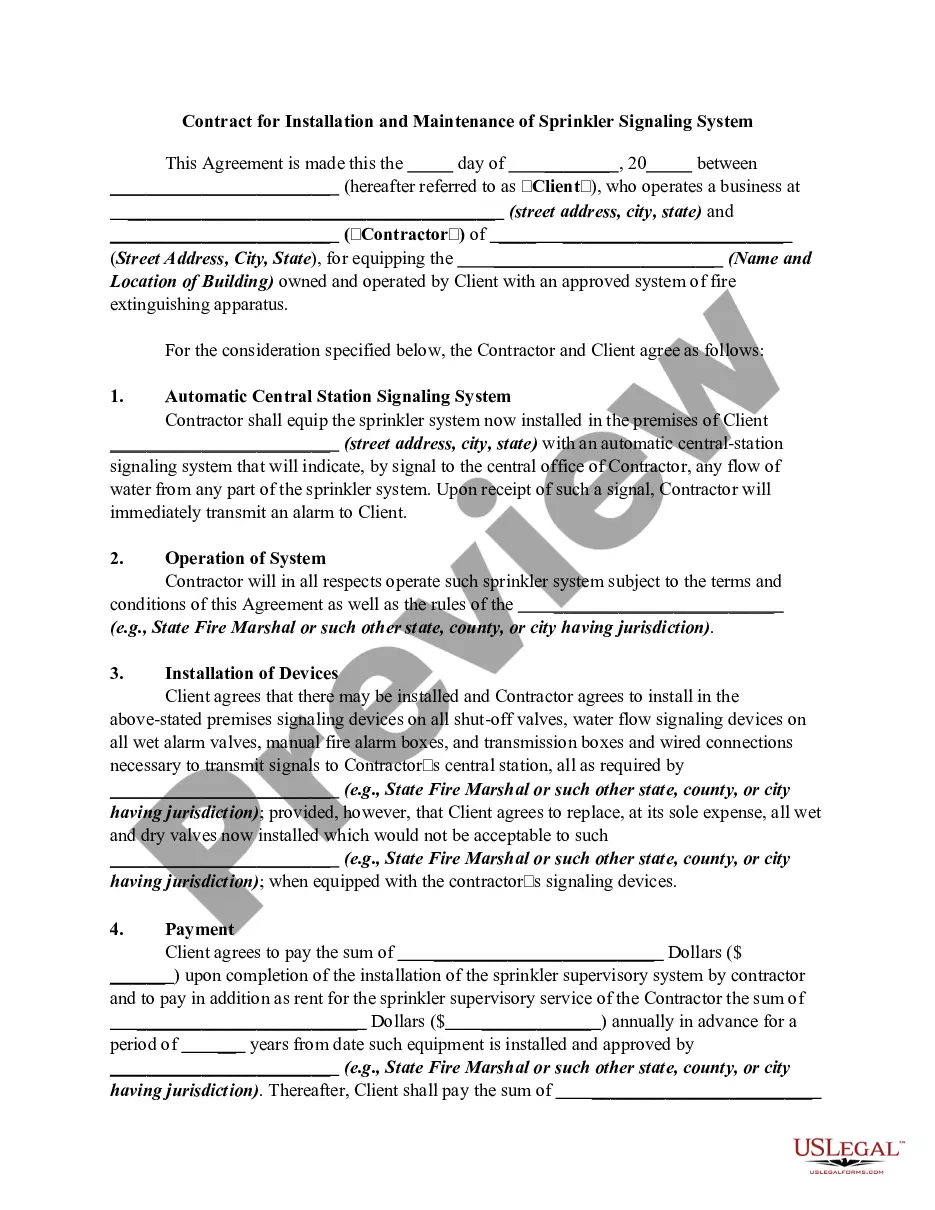
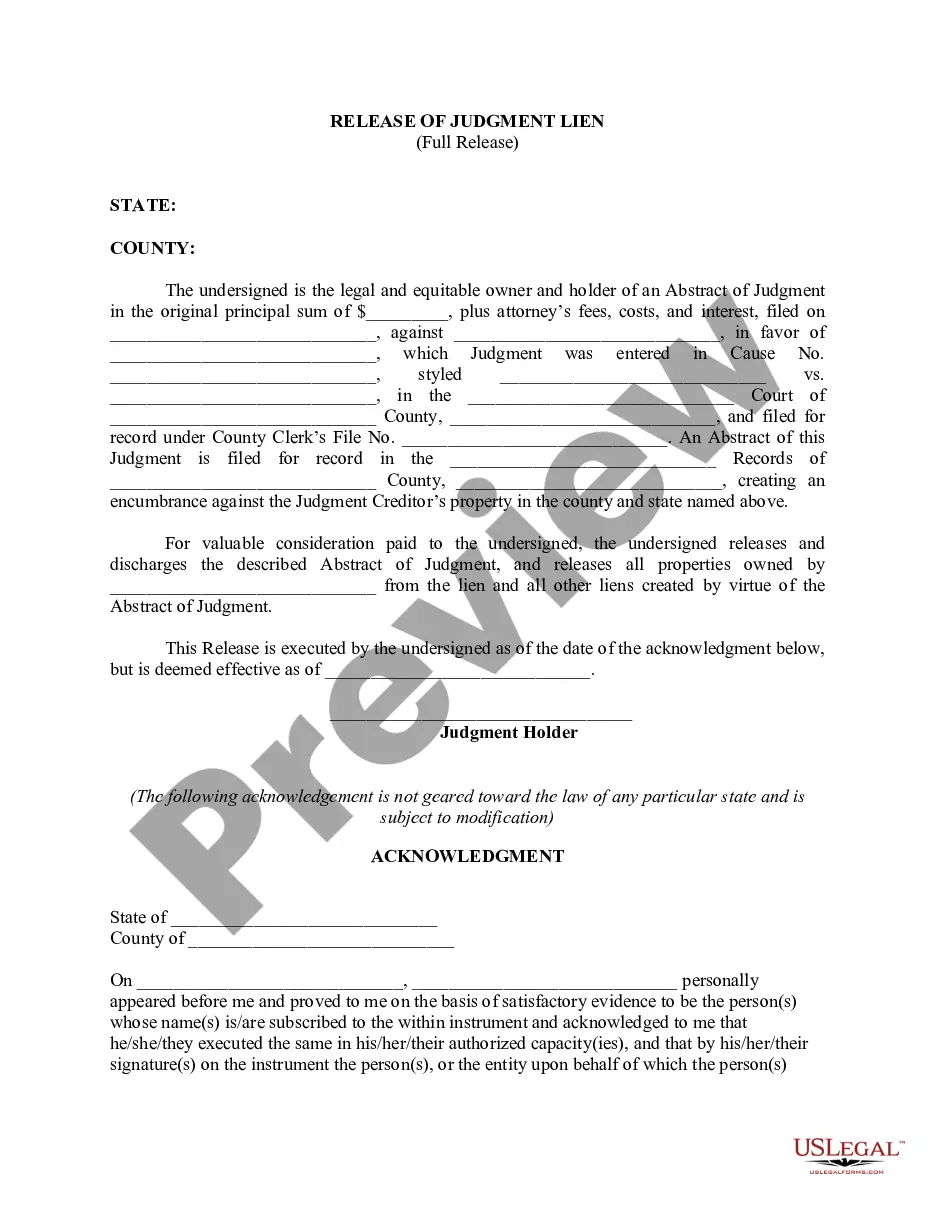





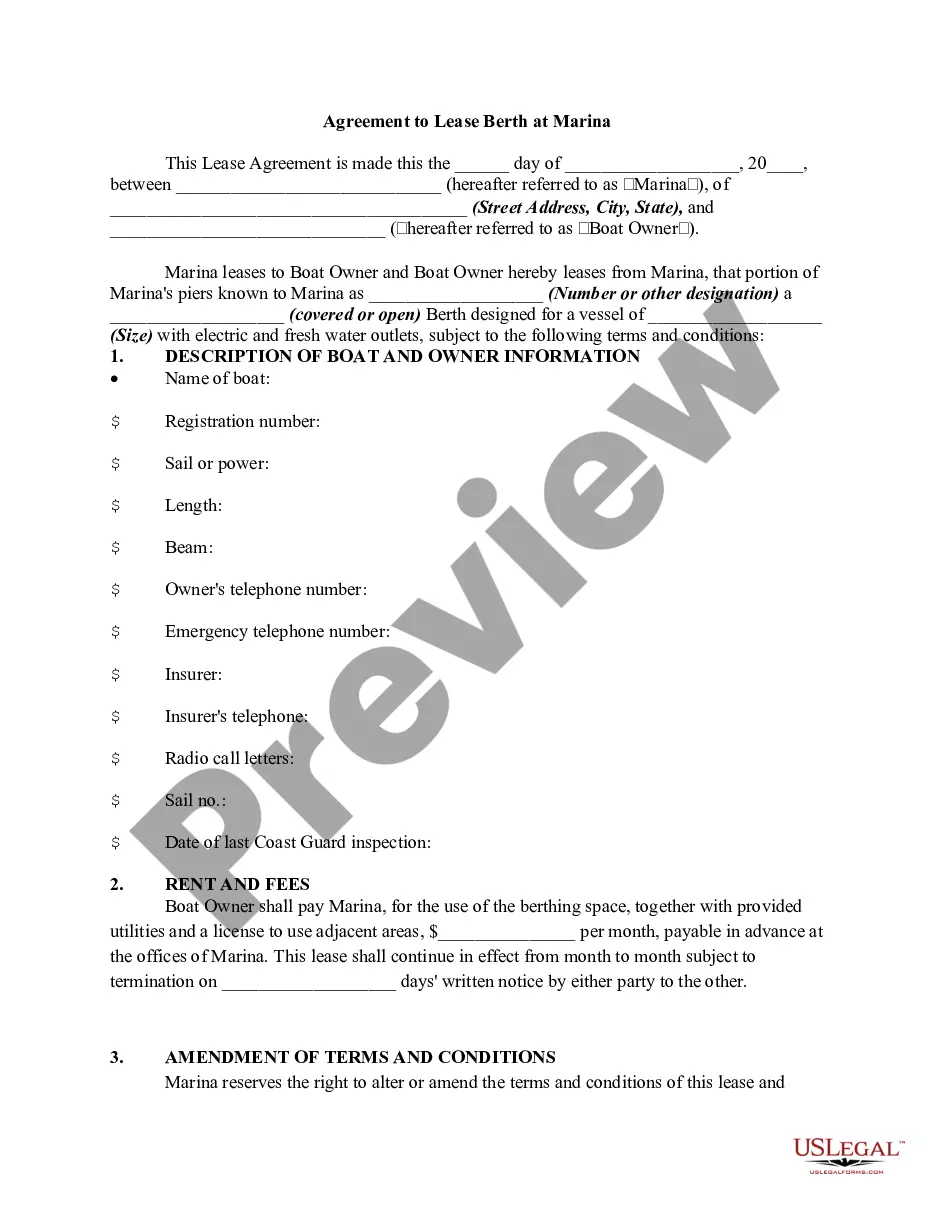
Form popularity
FAQ
Writing the Contract Type the contract using a computer. Write the introduction. Describe in general the work to be performed. Include the estimated project schedule. Describe the materials that will be used. Decide who procures licenses and permits. Come to an agreement about the use of the premises.
How To Write A Construction Contract With 7 Steps Step 1: Define the Parties Involved. Step 2: Outline the Scope of Work. Step 3: Establish the Timeline. Step 4: Determine the Payment Terms. Step 5: Include Necessary Legal Clauses. Step 6: Address Change Orders and Modifications. Step 7: Sign and Execute the Contract.
A home improvement contract can include: The name and address of the homeowner. The name, business address, and registration number of the contractor. A description of the work to be done. The scope of work, which includes the main work and what incidental work is and isn't covered by the agreement.
