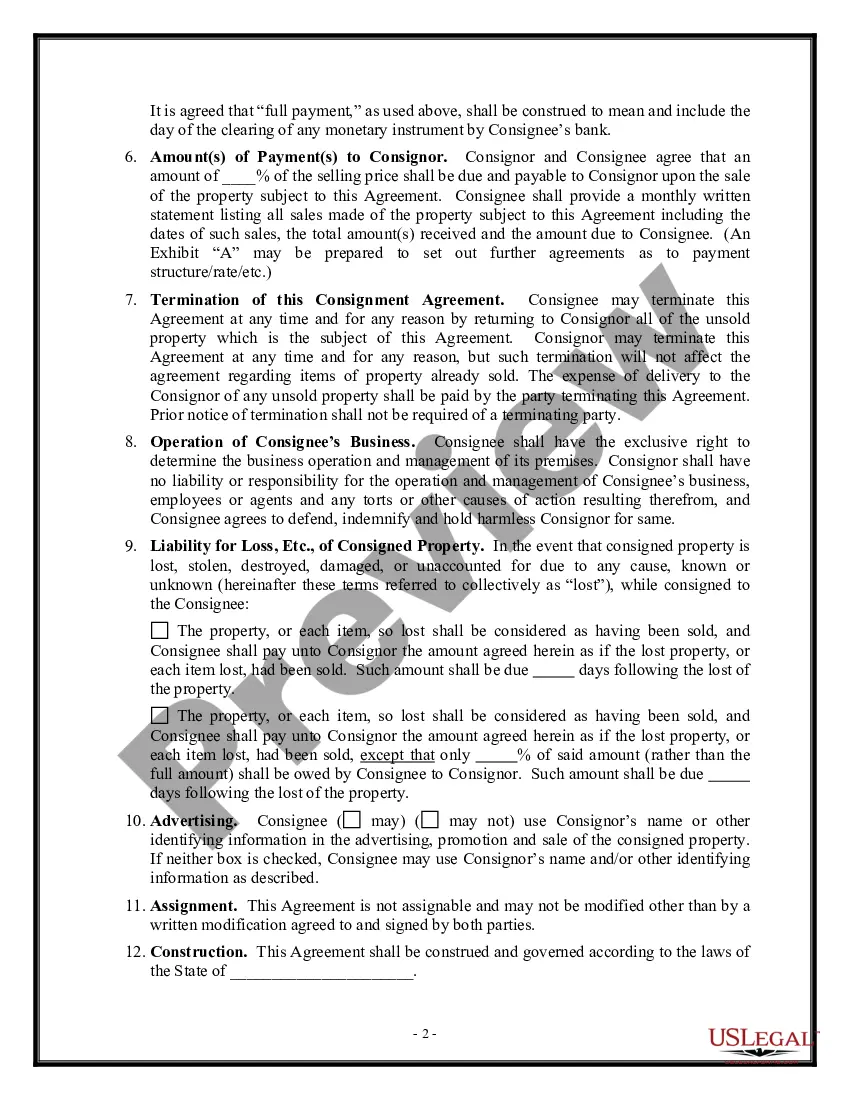
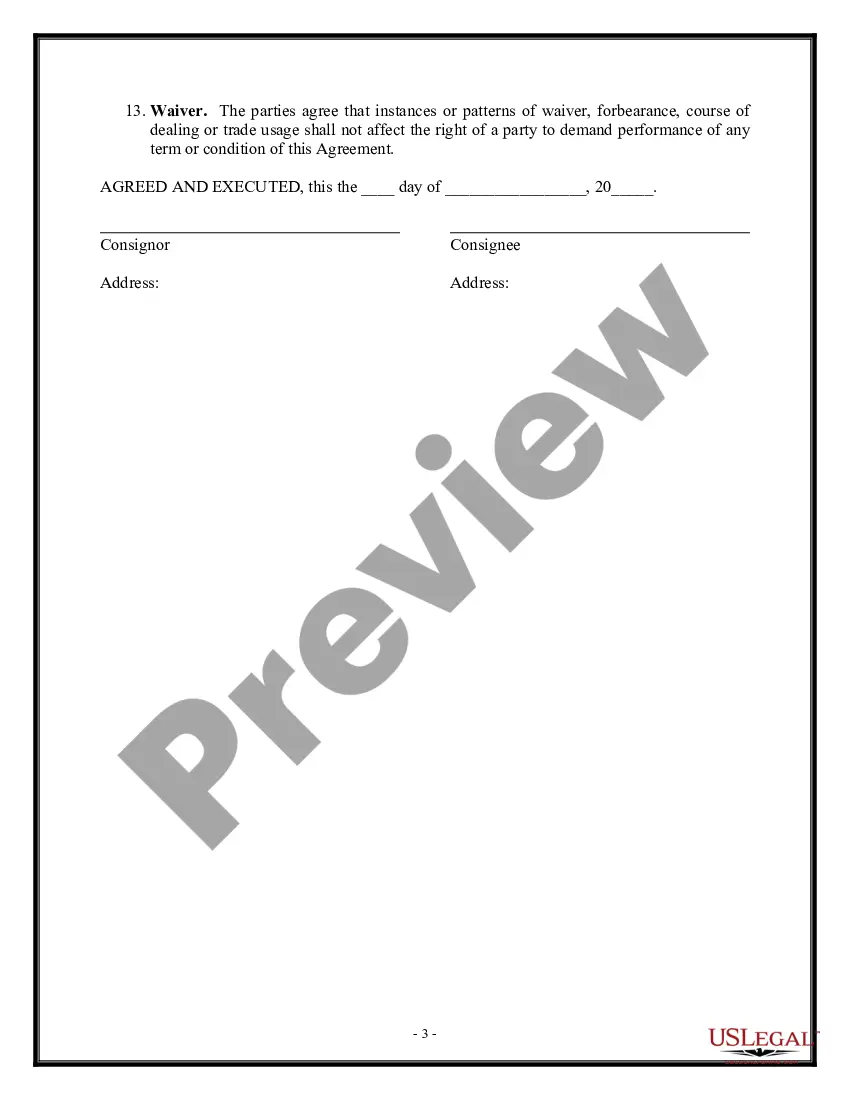
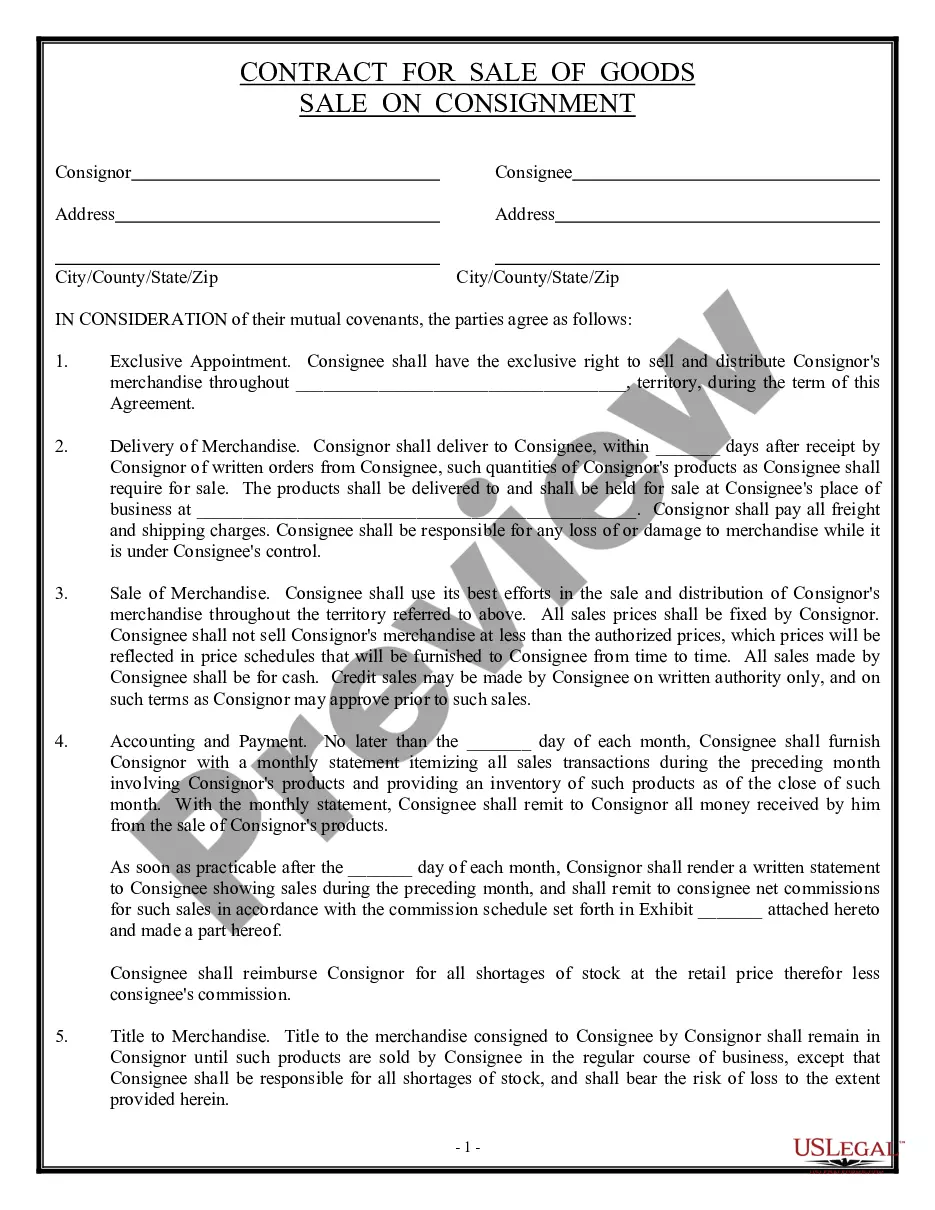
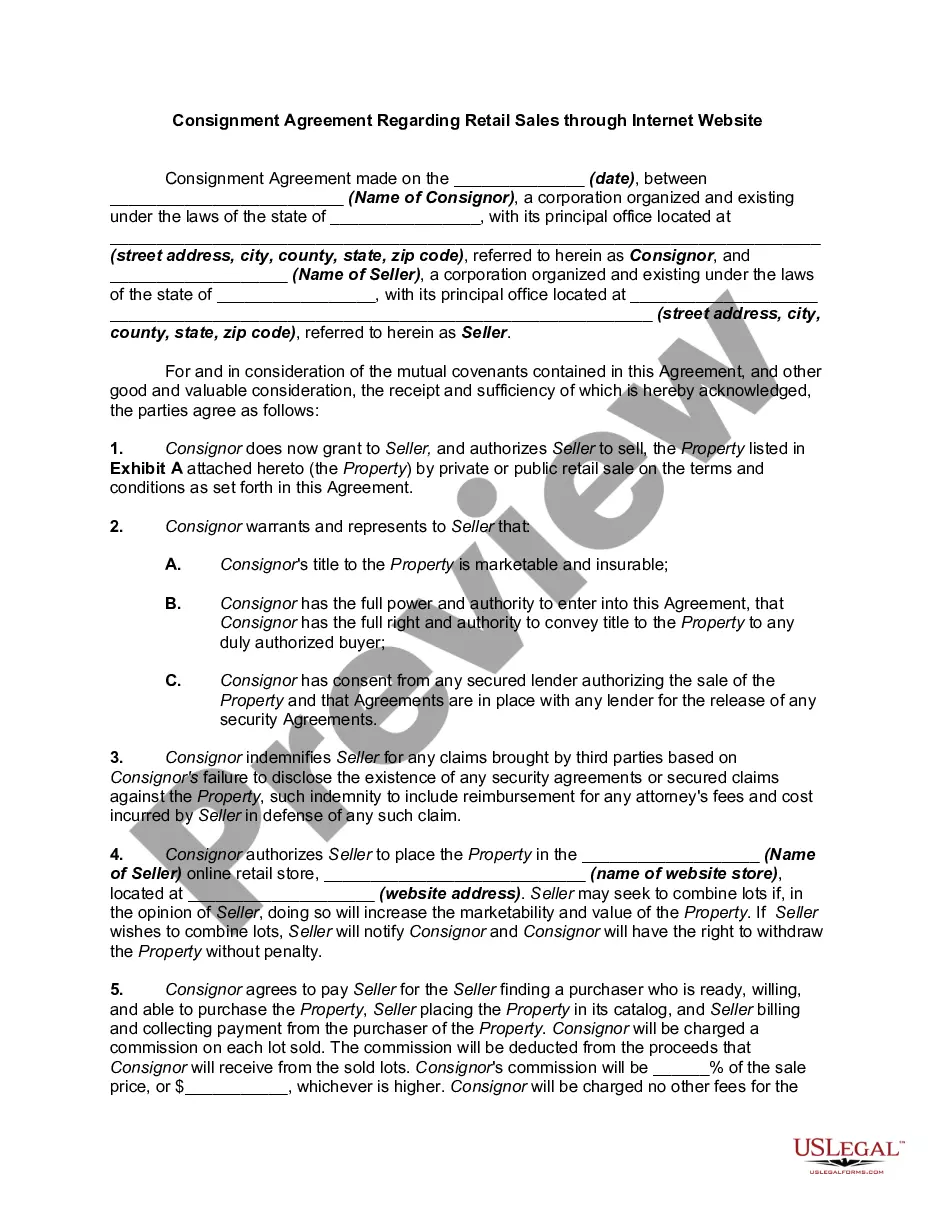
Consignment Note For In Florida
Description

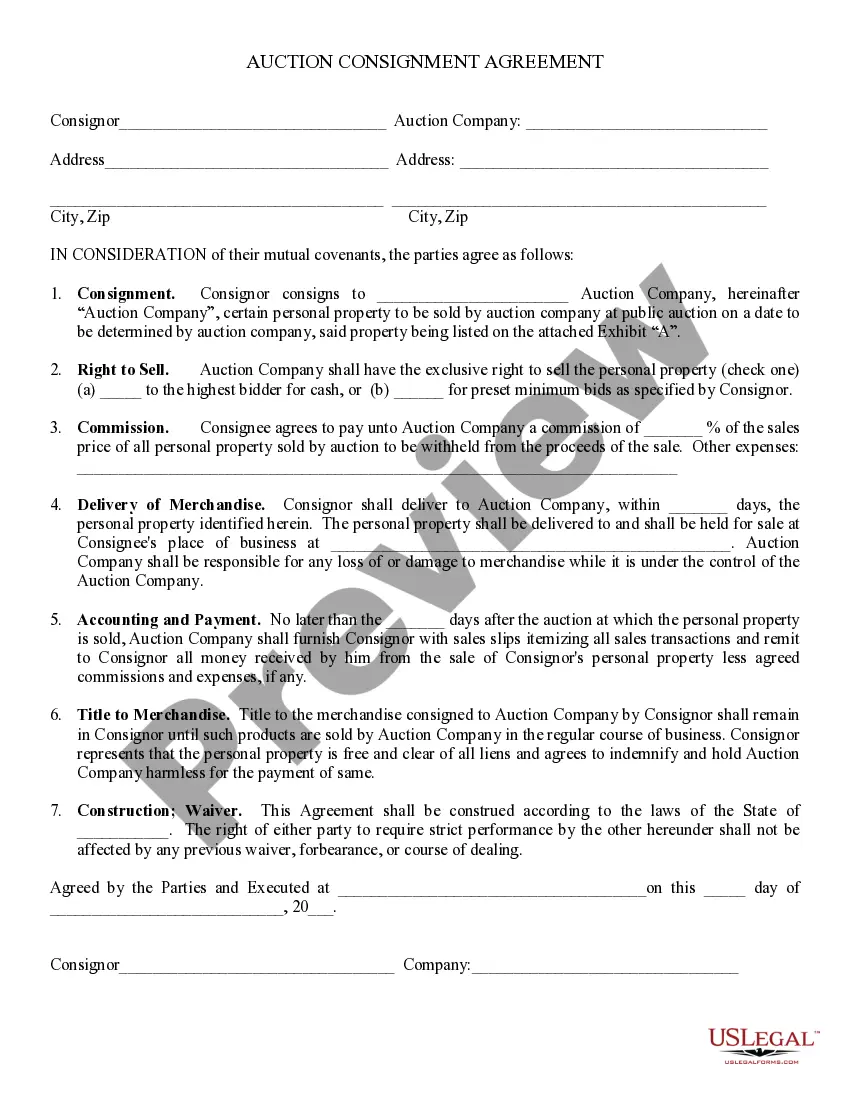
Get your form ready online
Our built-in tools help you complete, sign, share, and store your documents in one place.
Make edits, fill in missing information, and update formatting in US Legal Forms—just like you would in MS Word.
Download a copy, print it, send it by email, or mail it via USPS—whatever works best for your next step.
Sign and collect signatures with our SignNow integration. Send to multiple recipients, set reminders, and more. Go Premium to unlock E-Sign.
If this form requires notarization, complete it online through a secure video call—no need to meet a notary in person or wait for an appointment.
We protect your documents and personal data by following strict security and privacy standards.

Make edits, fill in missing information, and update formatting in US Legal Forms—just like you would in MS Word.

Download a copy, print it, send it by email, or mail it via USPS—whatever works best for your next step.

Sign and collect signatures with our SignNow integration. Send to multiple recipients, set reminders, and more. Go Premium to unlock E-Sign.

If this form requires notarization, complete it online through a secure video call—no need to meet a notary in person or wait for an appointment.

We protect your documents and personal data by following strict security and privacy standards.
Looking for another form?
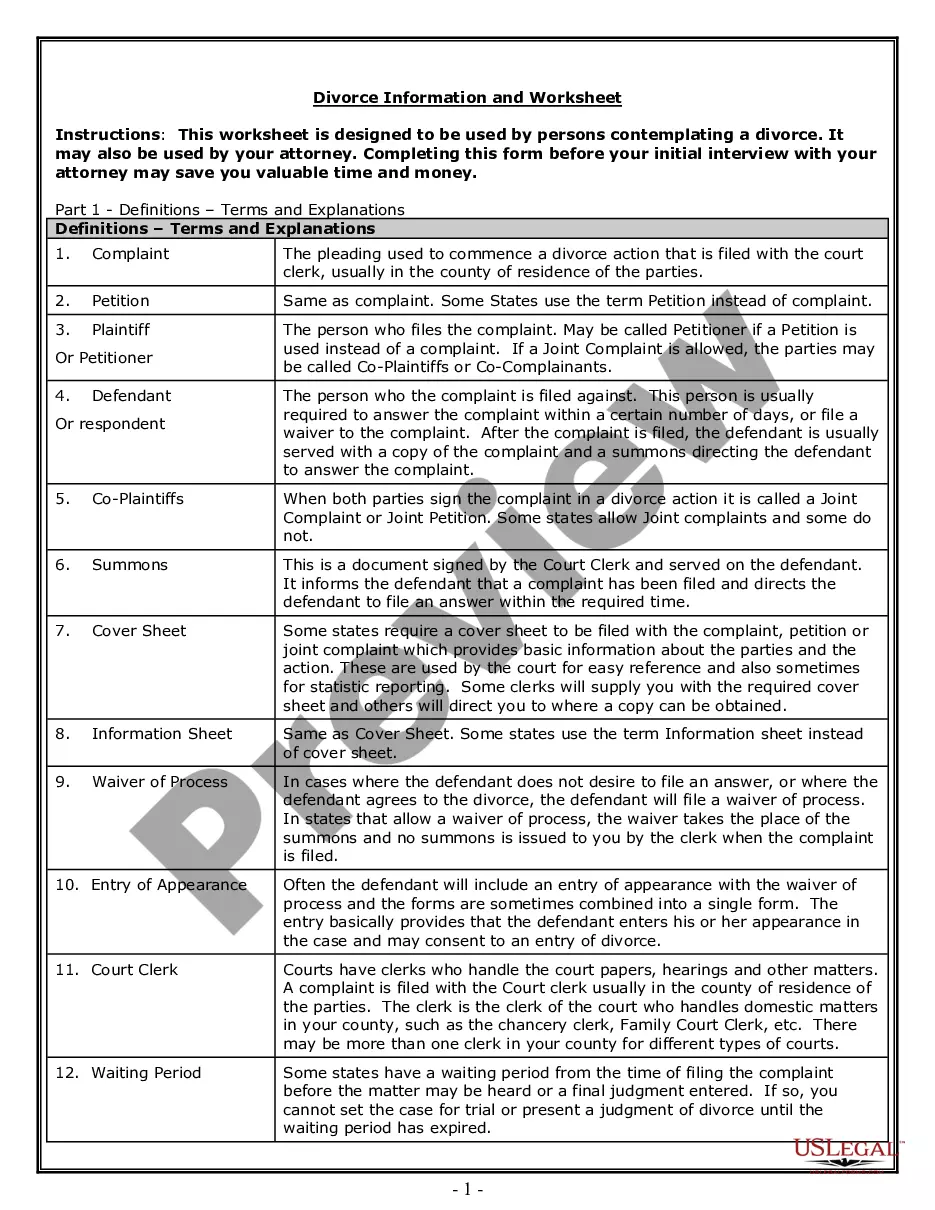
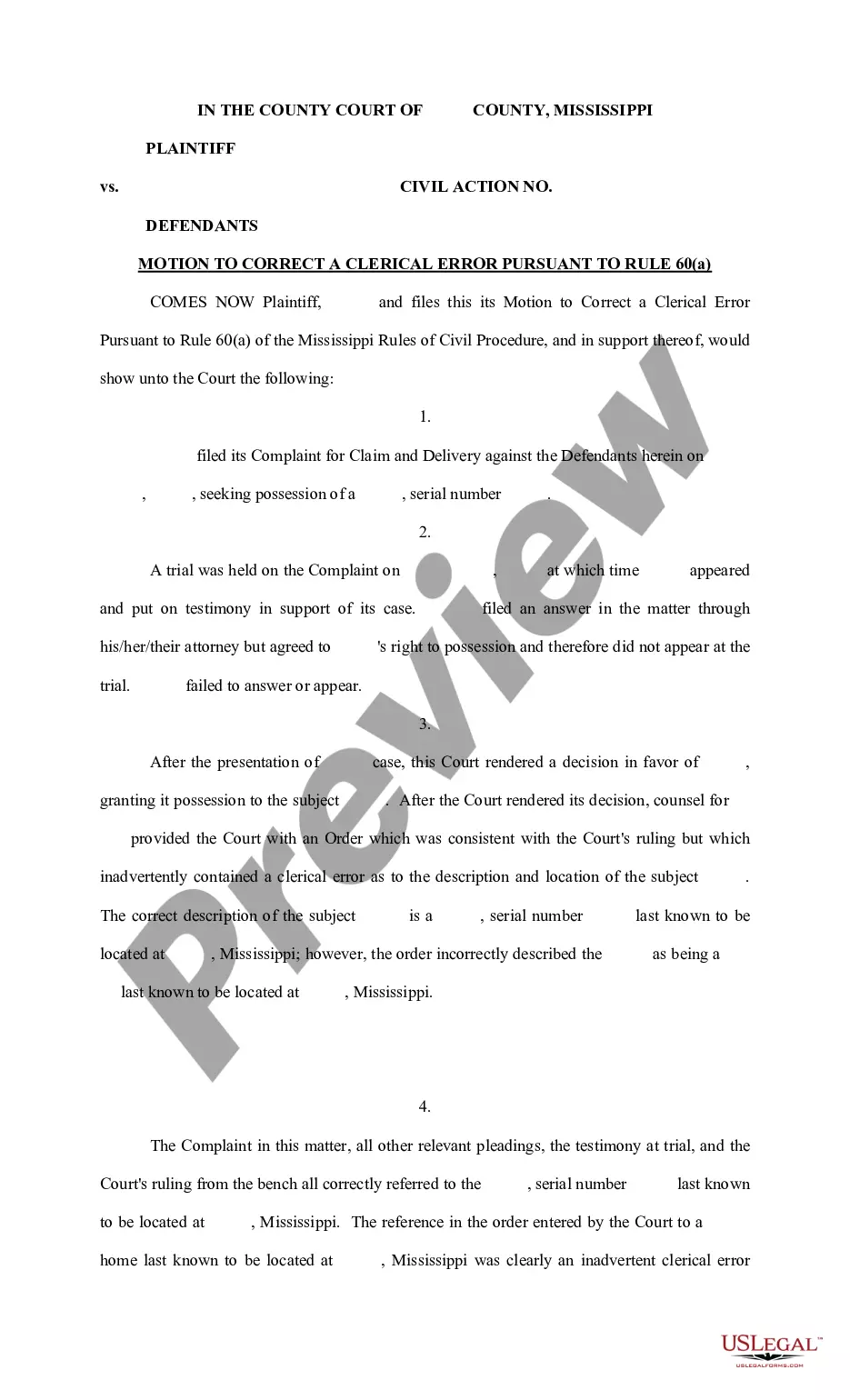
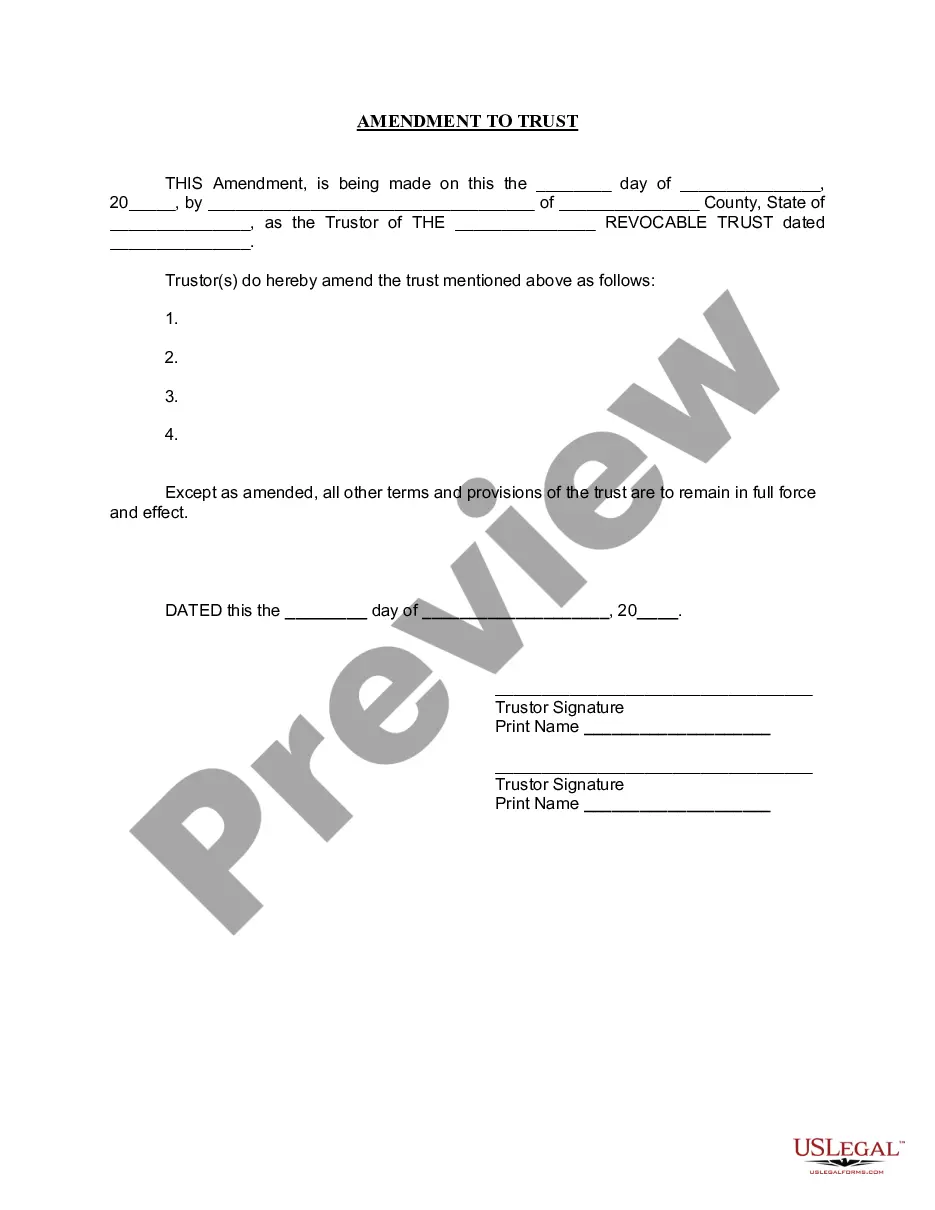



Form popularity
FAQ
The primary step in acquiring a sales tax license is filing a seller's permit application. Florida allows you to either file the Florida Business Tax Application (DR-1) online or download the form and submit it at a taxpayer service center or directly to the Department of Revenue.
If your business sells goods (products) – whether online or in person, you will need a seller's permit. This permit gives you authorization to collect sales tax from your customer's purchases and remit them to the appropriate tax authorities.
Examples of Documents Generally Not Subject to Tax Marriage deeds — No tax is due on a deed between spouses when: The real property being transferred is homestead property, and. The only consideration for the transfer is the amount of a mortgage or other lien encumbering the homestead property.
The Florida Department of Revenue administers over 30 taxes and fees. In most cases, you must register with the Department as a dealer before you begin conducting business activities subject to Florida's taxes and fees.
The primary step in acquiring a sales tax license is filing a seller's permit application. Florida allows you to either file the Florida Business Tax Application (DR-1) online or download the form and submit it at a taxpayer service center or directly to the Department of Revenue.
Please visit their website at .dos.myflorida or contact 850-245-6945 for information regarding their application, requirements, processing time, fees, etc. Walk in/Courier Delivery: Department of State, Division of Corporations, Apostille Certificate, 2415 N. Monroe Street, Suite 810, Tallahassee, FL 32303.
Annual Resale Certificates Available Online Each November, Annual Resale Certificates for the following calendar year will be available on the Department's website. If you file paper sales and use tax returns, your certificate will be mailed to you with your annual coupon book or your paper return.
If you file paper sales and use tax returns, your certificate will be mailed to you with your annual coupon book or your paper return. Using your tax account information, you may download and print your certificate. Go to the Print Annual Resale Certificates webpage and follow the instructions.
Please provide full description of goods, number of packages, gross weight and consignment dimensions. Customer reference. You can enter any internal reference code that you would like to be printed on the invoice, with a maximum of 24 characters. Delivery address. Dutiable shipment details.
