Photo Release Consent Form For Minors In Montgomery
Description


Get your form ready online
Our built-in tools help you complete, sign, share, and store your documents in one place.
Make edits, fill in missing information, and update formatting in US Legal Forms—just like you would in MS Word.
Download a copy, print it, send it by email, or mail it via USPS—whatever works best for your next step.
Sign and collect signatures with our SignNow integration. Send to multiple recipients, set reminders, and more. Go Premium to unlock E-Sign.
If this form requires notarization, complete it online through a secure video call—no need to meet a notary in person or wait for an appointment.
We protect your documents and personal data by following strict security and privacy standards.

Make edits, fill in missing information, and update formatting in US Legal Forms—just like you would in MS Word.

Download a copy, print it, send it by email, or mail it via USPS—whatever works best for your next step.

Sign and collect signatures with our SignNow integration. Send to multiple recipients, set reminders, and more. Go Premium to unlock E-Sign.

If this form requires notarization, complete it online through a secure video call—no need to meet a notary in person or wait for an appointment.

We protect your documents and personal data by following strict security and privacy standards.
Looking for another form?








Form popularity
FAQ
Although the photographer does own the copyright for the photographs, they cannot use the photographs publicly without your permission if the photographs have been commissioned for private or domestic purposes (such as a family photo shoot or a wedding.)
DO ask for permission if you're about to invade someone's privacy, intimate moment. DON'T need to ask for permission if you're taking photographs in a public place. DO carry your professional business cards, it's the easiest way to ask for permission.
There is no law preventing people from taking photographs in public. This includes taking photos of other people's children. If you are taking photographs from private land, you need to have the land owner's permission.
How to get consent Make them aware that a photo or video is being taken. Explain what the image is going to be used for, and how it could be used in the future. Ask for their consent to share the photo or video and record this on a written consent form.
In most cases, you will need to obtain permission from the person holding the rights to the image.
Whether you're creating film, audio, digital, or other media production, if you're using talent under 18, you must ensure you have their and their guardian's permission. A talent release for a minor clarifies creator and talent rights and details what uses of their voice and image the talent permits—and prohibits.
Applied to photography, it means that people have the right to decide whether or not they want to be photographed. A good way to ensure that we are respecting a person's right to autonomy is by asking for consent.
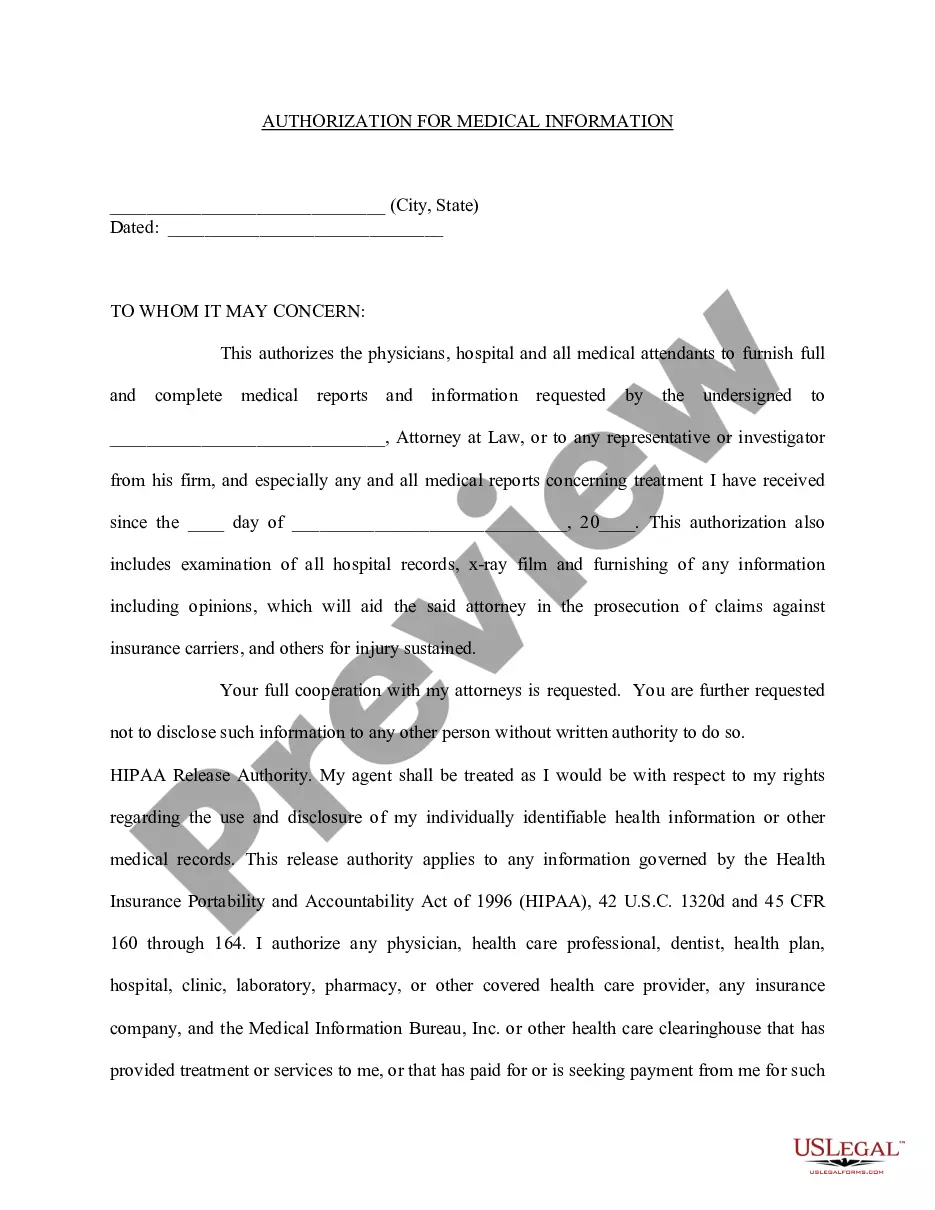
Where can you find a photo release consent form? Subject name. Include the complete name of the person in the photo and leave space for a guardian to sign if the model is a minor. Photographer name. Permission statement. Alteration statement. Release statement. Signature and date.
'I give permission for the insert name/organisation to use my photograph and other media such as film and quotations, on insert name/organisation promotional material and publications, for which it may be suitable. '
Gaining consent to take, use and share photos and videos of children. Children should always be consulted about the use of their photo or video and give consent to it being taken, used or shared. For young people under 16, you should also get parental consent before taking a photo or video.
